Let’s talk about the little squares that changed how we talk to each other online. Using stickers on Instagram Stories has become second nature for millions of people, yet so many creators barely scratch the surface of what these tiny graphics can actually do.
I’ve spent years watching friends, small business owners, and full-time influencers fumble through the same questions: where do I find the good ones, how do I make them look right, and why do some accounts seem to get way more replies than others? The answers live in the details, and that’s exactly what we’re digging into here.
Whether you’re brand new to the app or you’ve been posting for ages, this guide walks you through everything from the basic tap-and-place mechanics to advanced tricks that turn passive viewers into engaged fans.
What are Stickers on Instagram Stories, Really?
At their core, stickers on Instagram Stories are interactive overlays you place on top of a photo or video before publishing. They range from simple decorative graphics like hearts and speech bubbles to functional tools like polls, quizzes, music clips, and location tags.
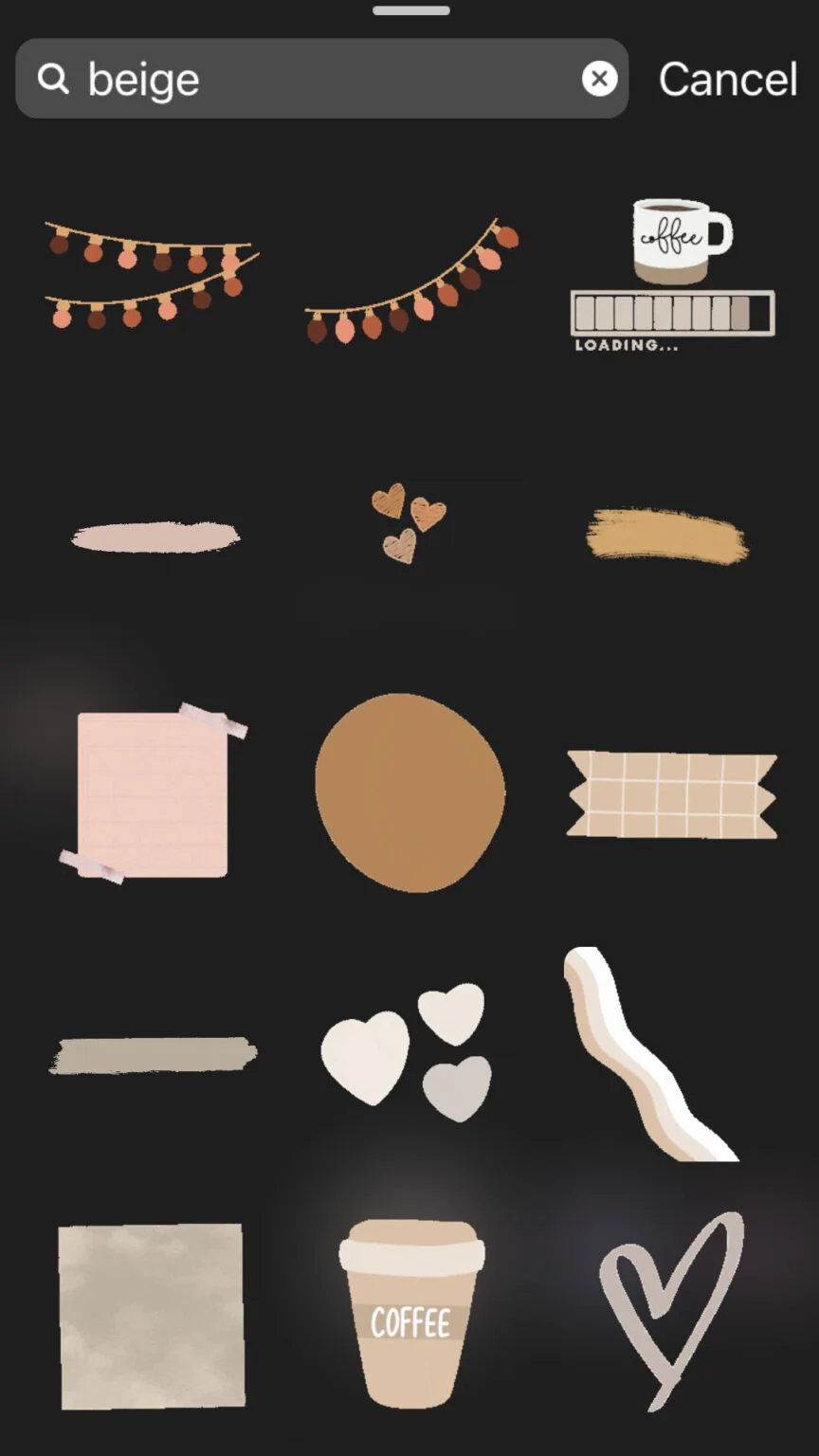
Think of them as the seasoning on a dish. The photo is the meal, but the stickers give it flavor, personality, and a reason for people to stop scrolling and actually interact.
Instagram didn’t invent the concept out of thin air. The idea traces back to the broader evolution of social media interactivity, where platforms realized that passive consumption keeps users bored.
If you want to understand how digital interaction design shaped modern apps, the history of internet stickers offers a fascinating rabbit hole worth exploring.
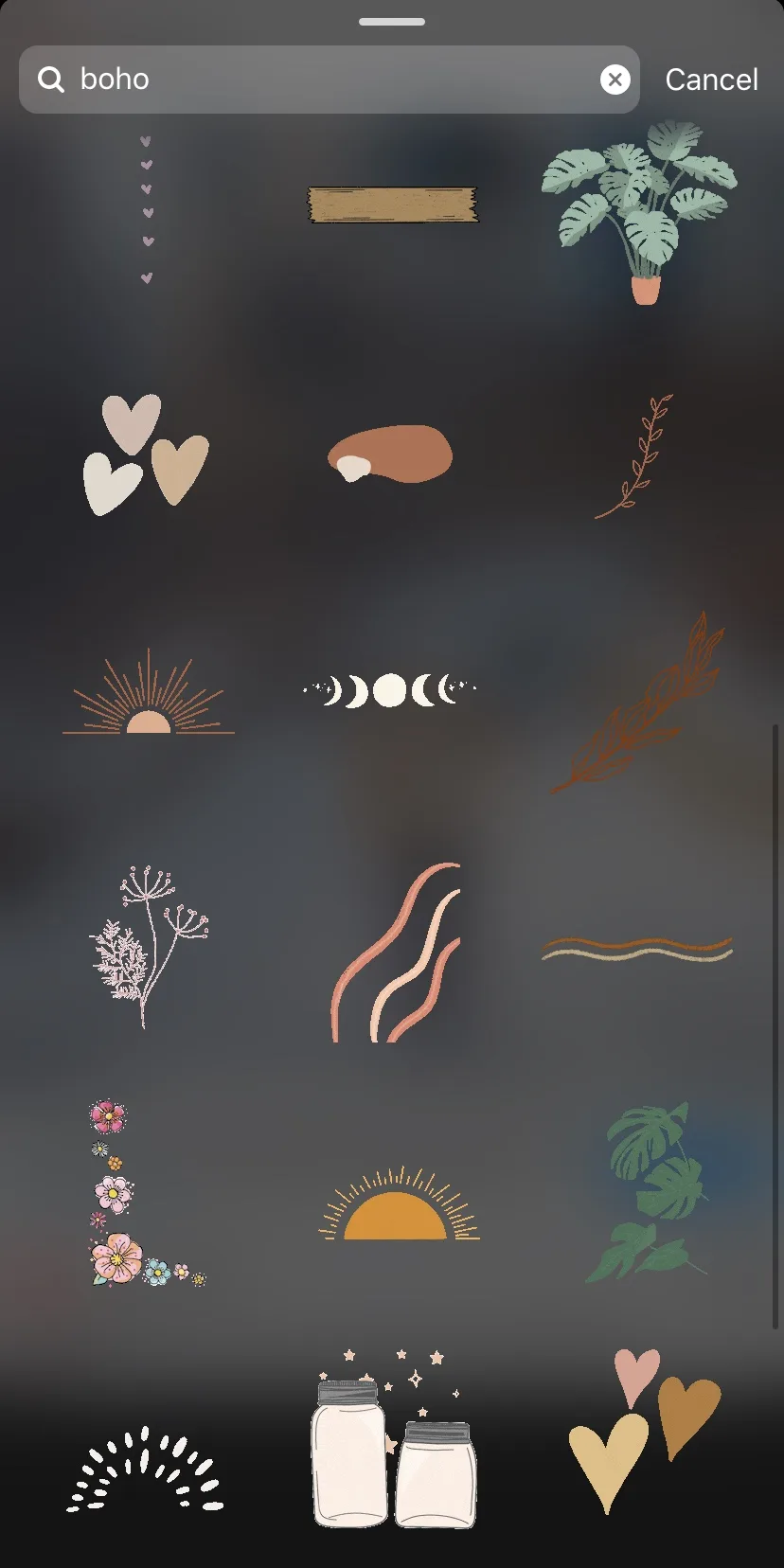
What makes stickers on Instagram Stories so powerful is their dual nature. They’re both creative expression and data collection. A single poll sticker tells you what your audience thinks. A question sticker hands you content ideas for free. A countdown sticker builds anticipation before a launch.
That combination of fun and function is why brands large and small treat them as a core part of their content strategy rather than an afterthought.
Decorative Vs. Interactive: Knowing the Difference
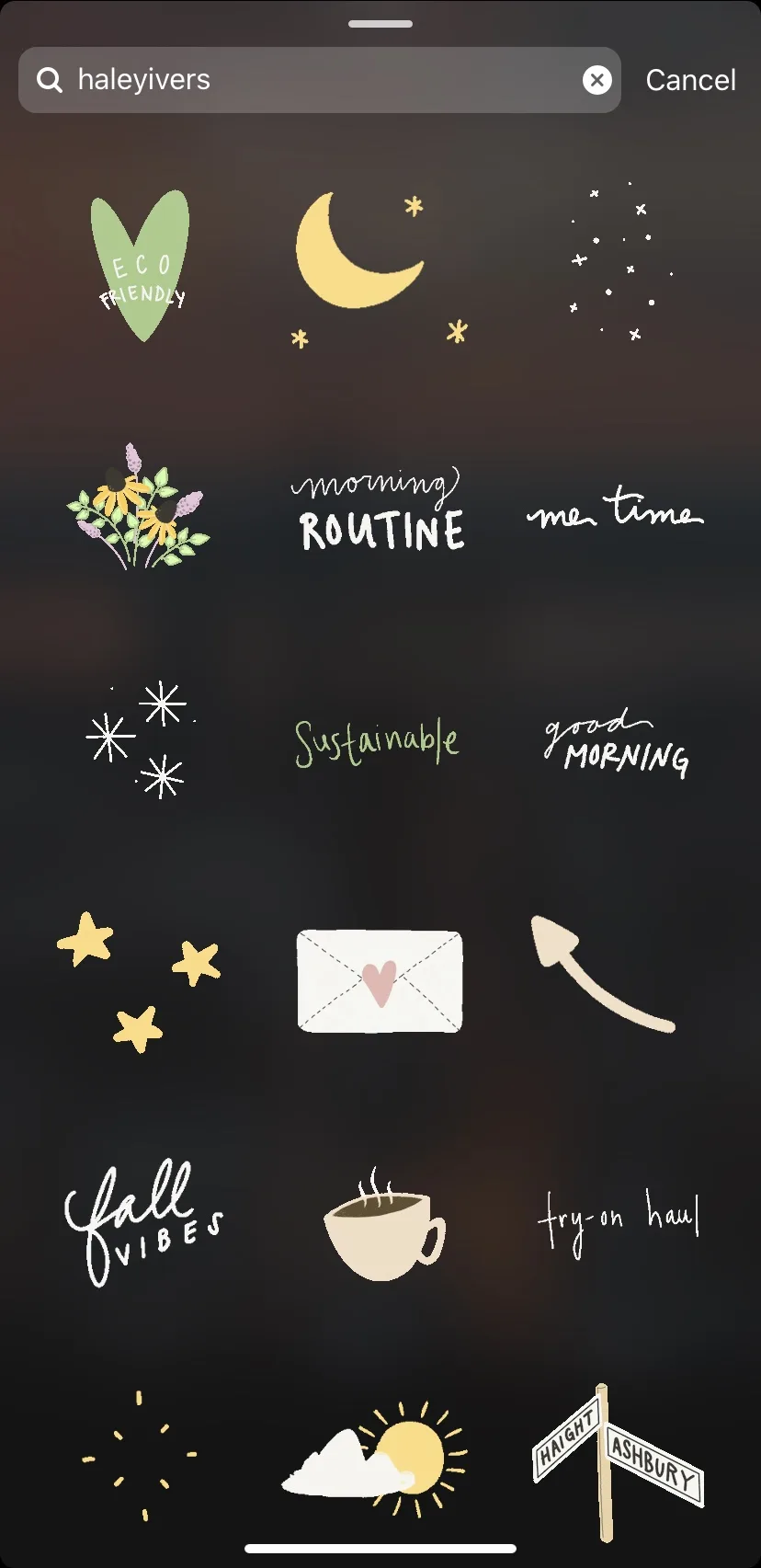
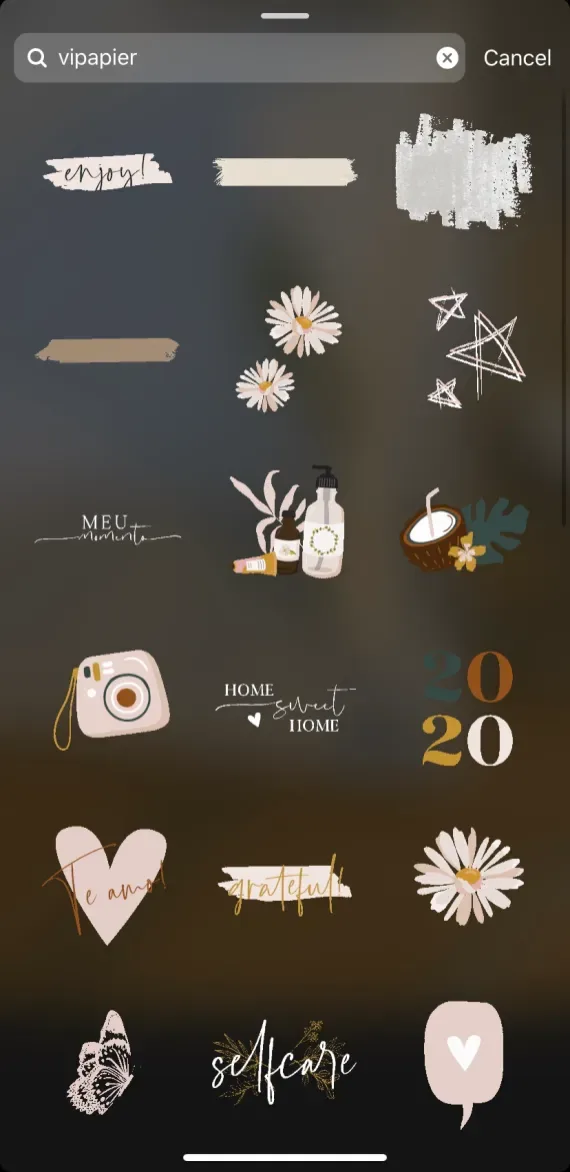
Decorative stickers are the aesthetic ones. Think GIFs of dancing cats, glitter overlays, or hand-drawn arrows pointing at your coffee cup. They add mood and visual interest but don’t ask anything of the viewer.
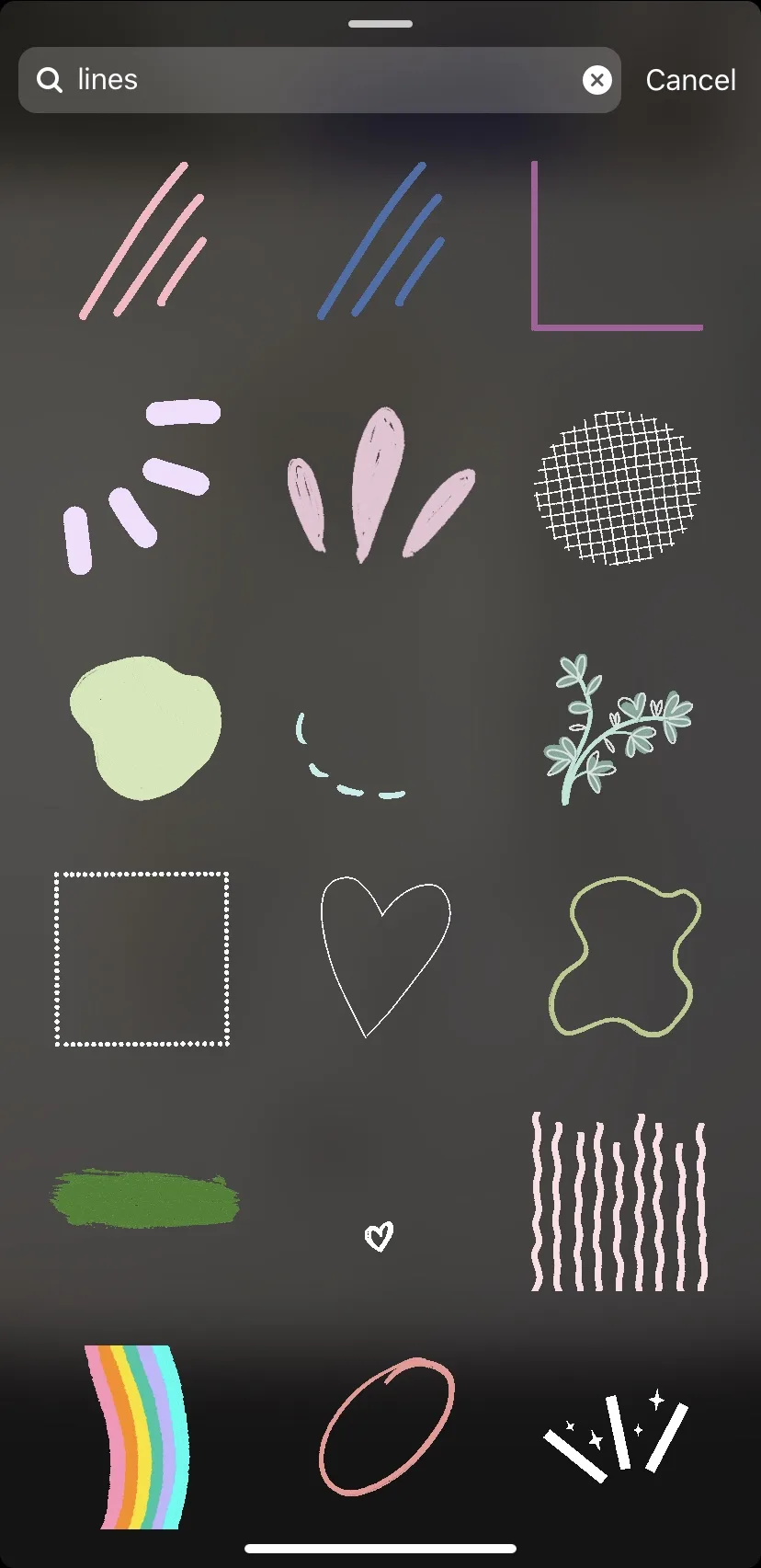
Interactive stickers, on the other hand, invite a response. Focusing on stickers on instagram stories provides clear direction here. Polls, sliders, quizzes, question boxes, and link stickers all fall into this camp. They turn a one-way broadcast into a two-way conversation.
Here’s the practical takeaway: if your goal is brand awareness, lean on decorative stickers on Instagram Stories to build a recognizable visual identity. If your goal is engagement or conversions, interactive stickers should carry the weight.
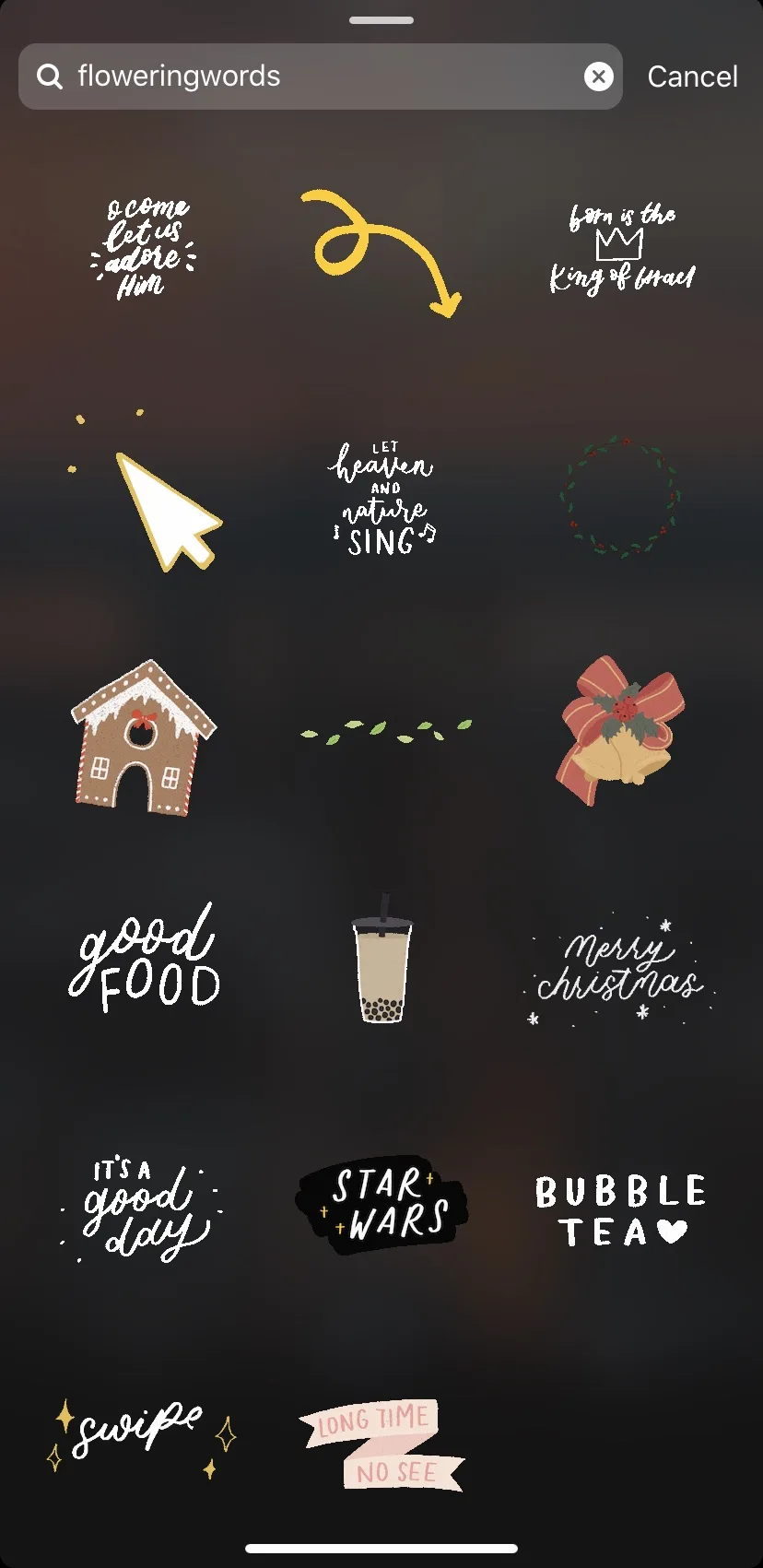
Most successful accounts blend both. Focusing on stickers on instagram stories provides clear direction here. A fashion blogger might use a glitter text sticker to frame a new outfit photo, then drop a poll asking followers which color they’d wear. That’s the sweet spot.
How to Add Stickers on Instagram Stories: Step-By-Step
The mechanics are simple once you know where to look, but Instagram buries some of the best tools behind icons that confuse newcomers. Let’s walk through the process from start to finish.
First, open the app and tap the plus icon in the top corner, then select Story from the menu. You can capture a new photo or video on the spot, or swipe up to pull something from your camera roll.
Once your image is loaded, look at the top-right corner of the screen. Refining each detail of your stickers on instagram stories strengthens this section. You’ll see a row of small icons: a smiley face for stickers, a letter A for text, a music note, and a few others depending on your app version.
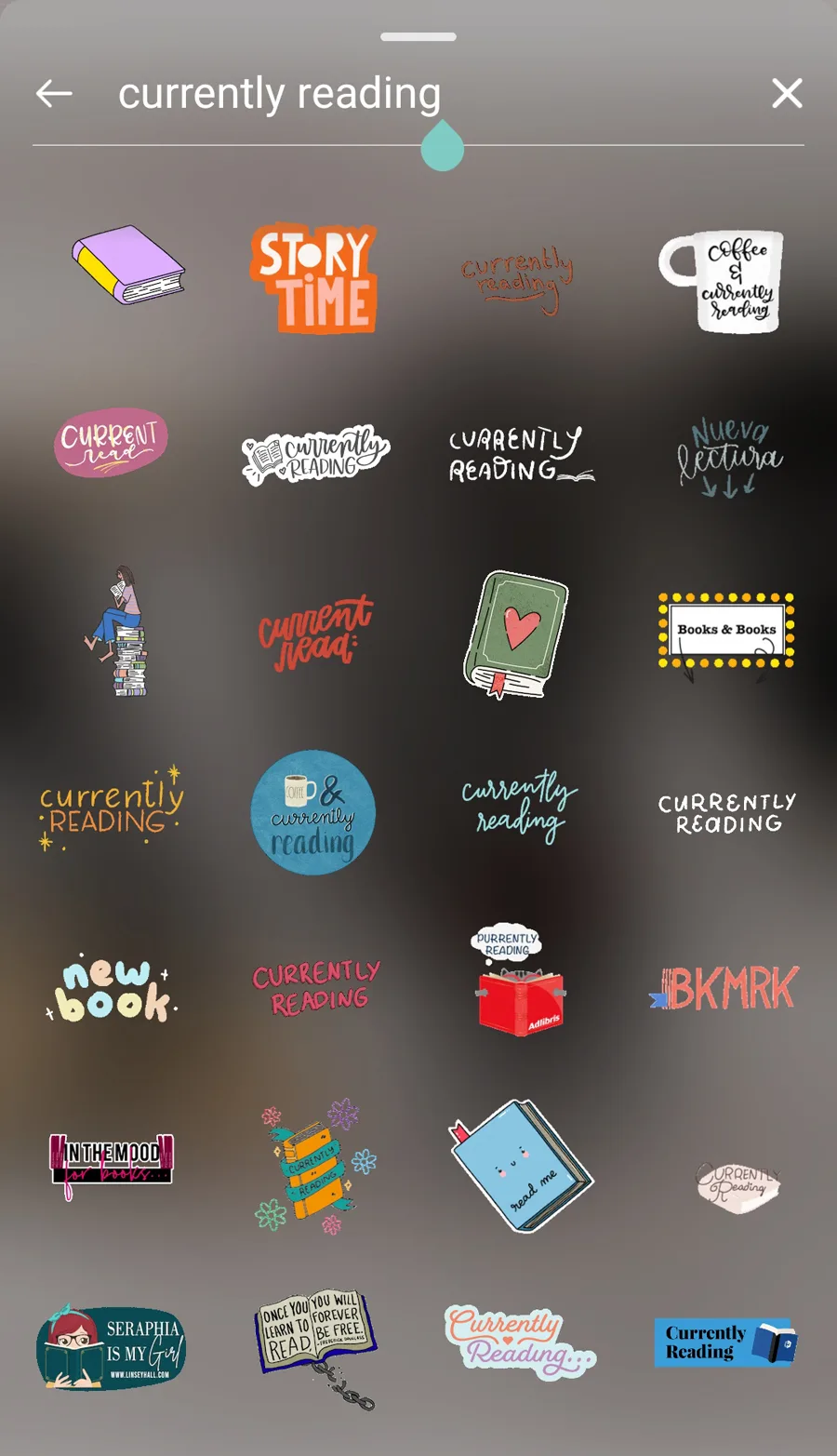
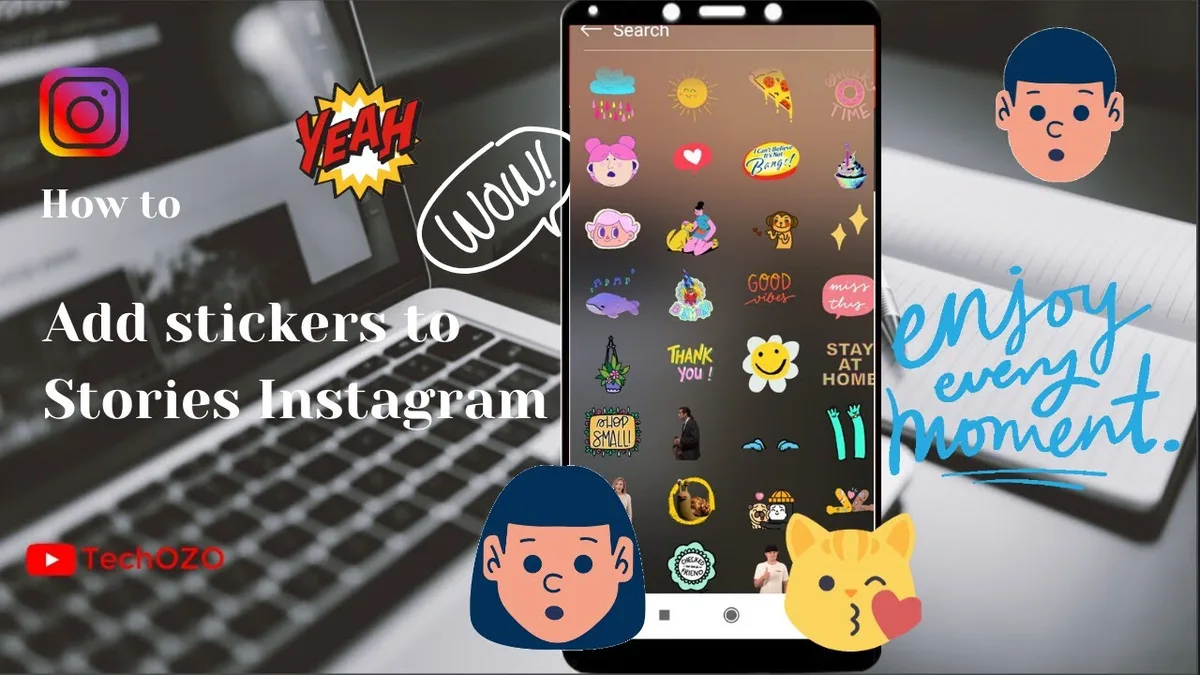
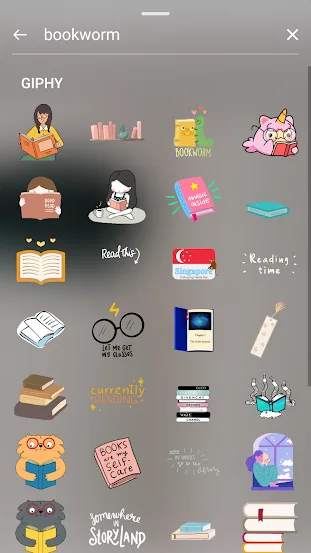
Tap the smiley face. A tray slides up from the bottom showing categories like GIFs, Music, Polls, Questions, and more. This is your sticker library, and it’s deeper than most people realize.
Placing and Resizing Your Stickers
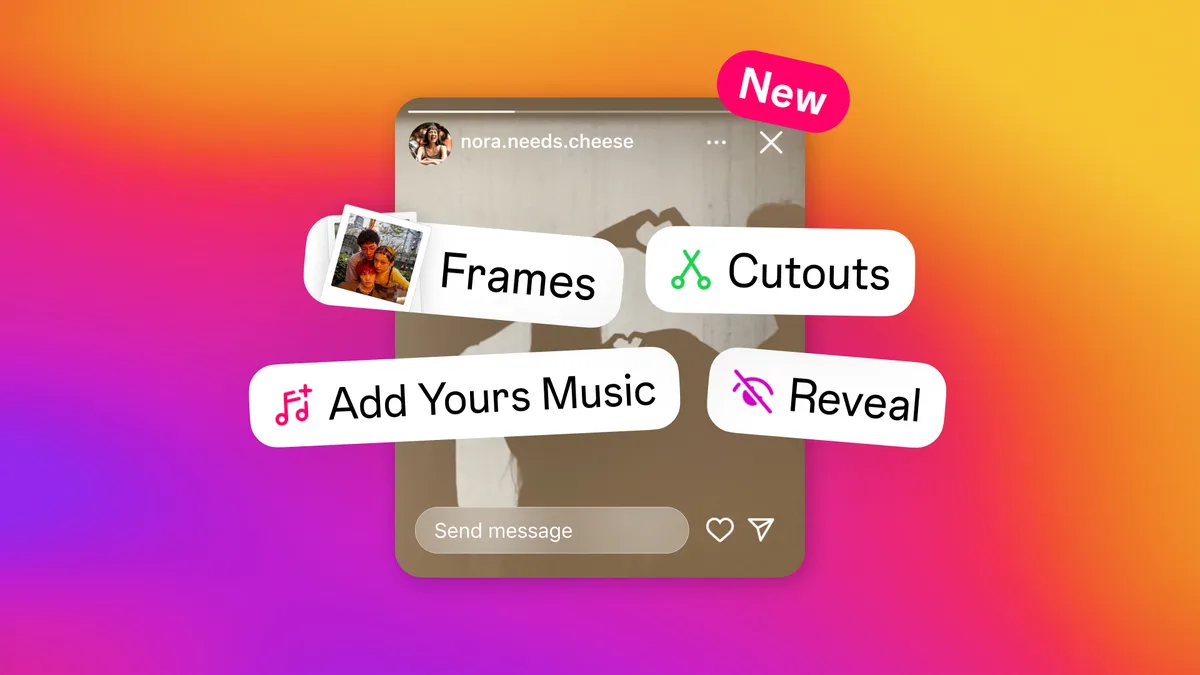
Tap any sticker to drop it onto your canvas. From there, you can pinch with two fingers to resize it, drag it around to reposition, and tap it once to rotate or change its style.
One trick that took me embarrassingly long to figure out: you can layer stickers on top of each other. Effective execution in your stickers on instagram stories makes a tangible difference. A location tag tucked behind a GIF creates a subtle, polished look that doesn’t scream for attention.
If you accidentally add the wrong sticker, just drag it to the trash icon at the bottom of the screen. No harm done.
For text-based stickers, you can change the font by tapping the text itself and scrolling through the style options at the top. Refining each detail of your stickers on instagram stories strengthens this section. Instagram rotates in new fonts regularly, so it’s worth checking every few weeks.
When everything looks right, tap “Your Story” in the bottom-left corner to publish. Maintaining clarity across your stickers on instagram stories remains essential. You can also tap the arrow next to it to send the story directly to specific friends, which is a smart move for personal accounts.
Types of Stickers on Instagram Stories You Should Know
Instagram keeps expanding its sticker catalog, and keeping up can feel like a part-time job. Here’s a breakdown of the categories that matter most for everyday creators.
Some stickers serve obvious purposes, while others fly under the radar despite being incredibly useful. Knowing which is which helps you pick the right tool for each post instead of defaulting to the same three options every time.
GIF and Animated Stickers
GIF stickers pull from Giphy’s massive library and let you search by keyword. A thoughtful approach to stickers on instagram stories reinforces your qualifications. Type “coffee” and you’ll get hundreds of animated options, from steaming mugs to dancing espresso beans.
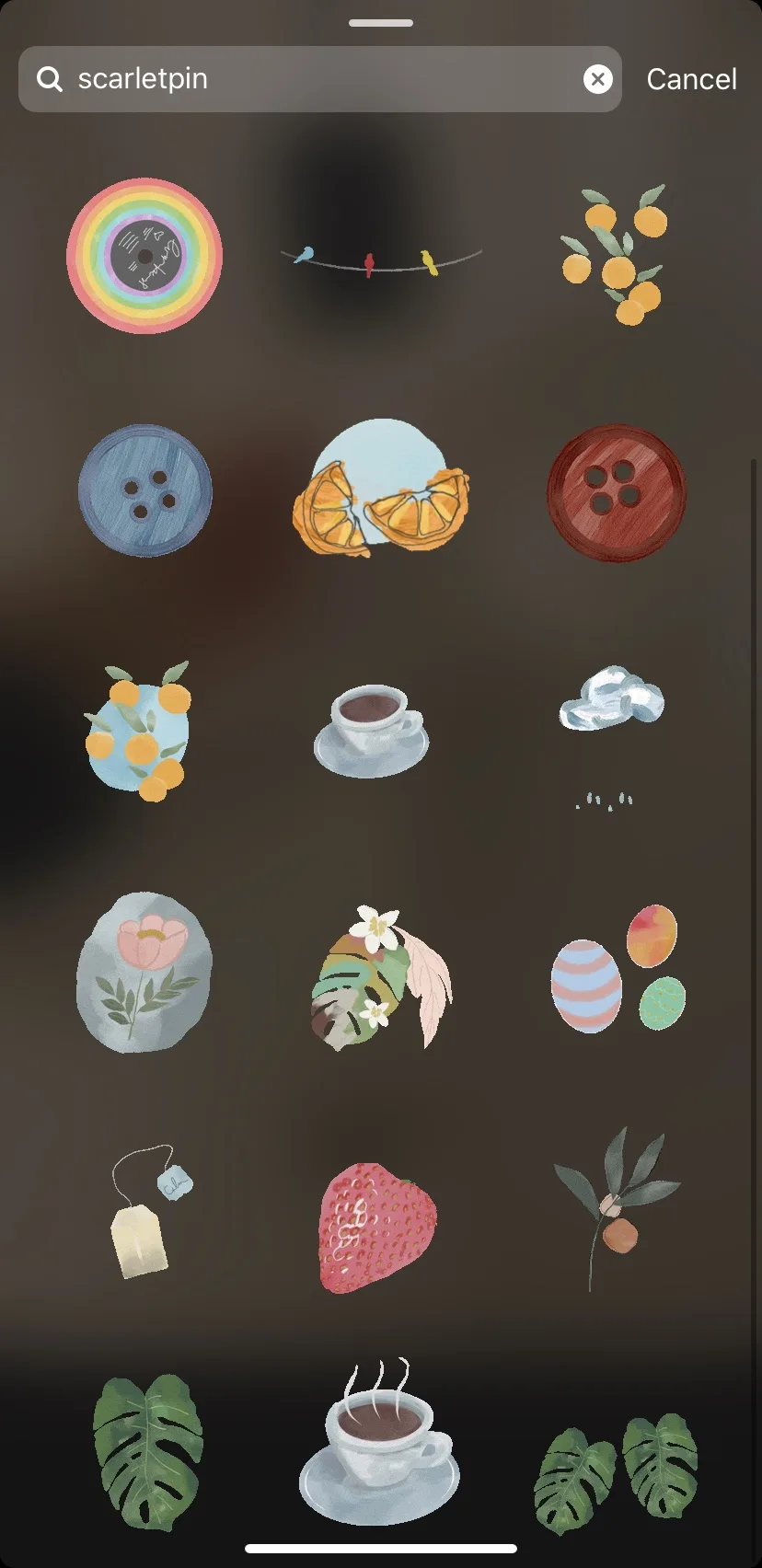
These work beautifully for reaction content. If you’re sharing a frustrating customer service story, a GIF of someone pulling their hair out communicates the emotion faster than any caption could.
Pro tip: search for niche terms rather than generic ones. “Monday morning coffee” will give you more distinctive results than just “coffee.”
Poll, Quiz, and Slider Stickers
The poll sticker lets you ask a binary question with two custom answers. Structuring your stickers on instagram stories around proven patterns ensures impact. The quiz sticker goes further, letting you set a correct answer and track how many people got it right.
Sliders are the newest addition and arguably the most fun. Viewers drag an emoji along a scale, which is perfect for questions like “How spicy do you like your food?” or “Rate my new haircut.”
These interactive stickers on Instagram Stories consistently outperform static posts in terms of reply rates. I’ve seen accounts triple their engagement just by swapping a plain photo for one with a slider attached.
Question, Countdown, and Link Stickers
The question sticker opens a text box where followers can type anything. Effective execution in your stickers on instagram stories makes a tangible difference. It’s a goldmine for Q&A sessions, FAQ posts, and gathering testimonials.
Countdown stickers create a ticking clock toward a specific date and time. Applying these principles to your stickers on instagram stories yields measurable results. Viewers can opt in to get a reminder when the countdown ends, which is a subtle but powerful way to build hype for a product drop or event.
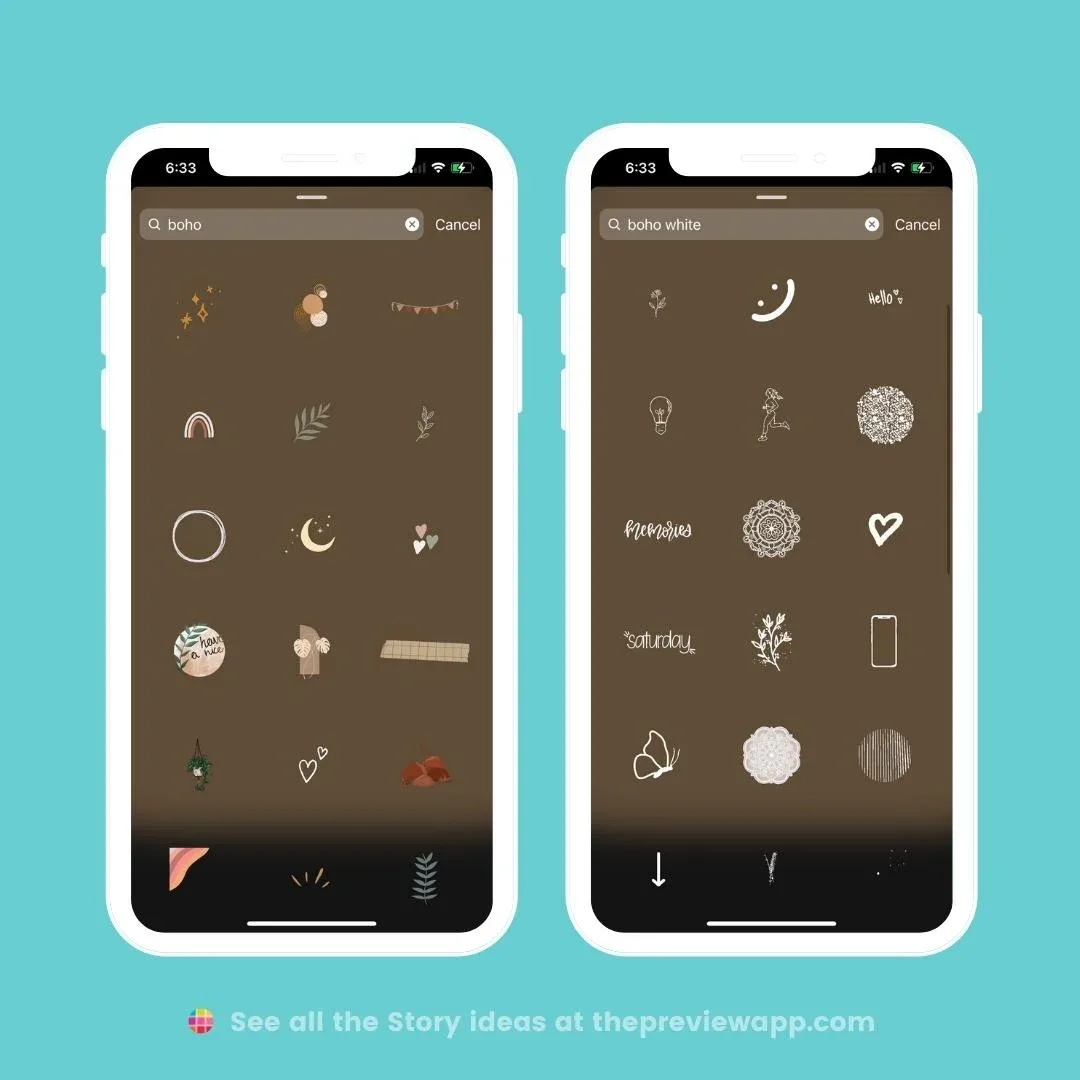
Link stickers let you attach a clickable URL, but they’re only available to accounts that meet certain criteria. If you have access, use them sparingly so your stories don’t feel like a billboard.
Location, Mention, and Hashtag Stickers
The location sticker tags a specific place, which helps your story appear in that location’s public story feed. For local businesses, this is free advertising.
Mention stickers tag another account, sending them a notification and often prompting a reshare. Proper attention to your stickers on instagram stories sets a strong baseline. Hashtag stickers work similarly but connect your content to a broader topic feed.
Combining a location sticker with a hashtag sticker on the same post can dramatically expand your reach, especially if you’re posting about a local event or trending topic.
Designing Custom Stickers on Instagram Stories
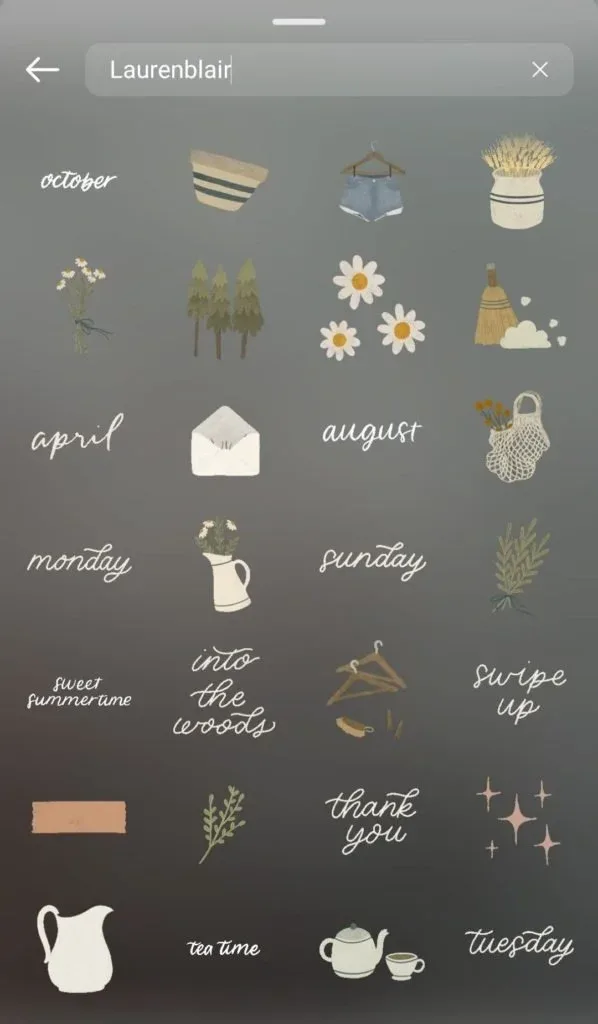
Pre-made stickers are great, but custom ones make your account instantly recognizable. When followers see your signature sticker style, they know it’s you before they even read the username.
You don’t need Photoshop or a design degree. Developing your stickers on instagram stories with precision highlights key strengths. Instagram’s built-in tools plus a couple of free apps can get you surprisingly far.
Using Instagram’s Native Drawing Tools
Tap the pen icon at the top of the story editor to access brushes, markers, and neon effects. You can draw directly on your photo or create shapes from scratch.
The eraser tool lets you carve out negative space, which is a clever way to create cutout-style stickers without leaving the app.
For text-based custom stickers, type your phrase, then tap the sticker icon to convert it into a movable graphic. Clear alignment with your stickers on instagram stories builds confidence from the start. You can then add a background color, outline, or shadow to make it pop.
Third-Party Apps for Sticker Creation
Apps like Canva, Picsart, and Over offer thousands of templates specifically sized for Instagram Stories. You can design a sticker, export it as a transparent PNG, and upload it to your story like any other image.
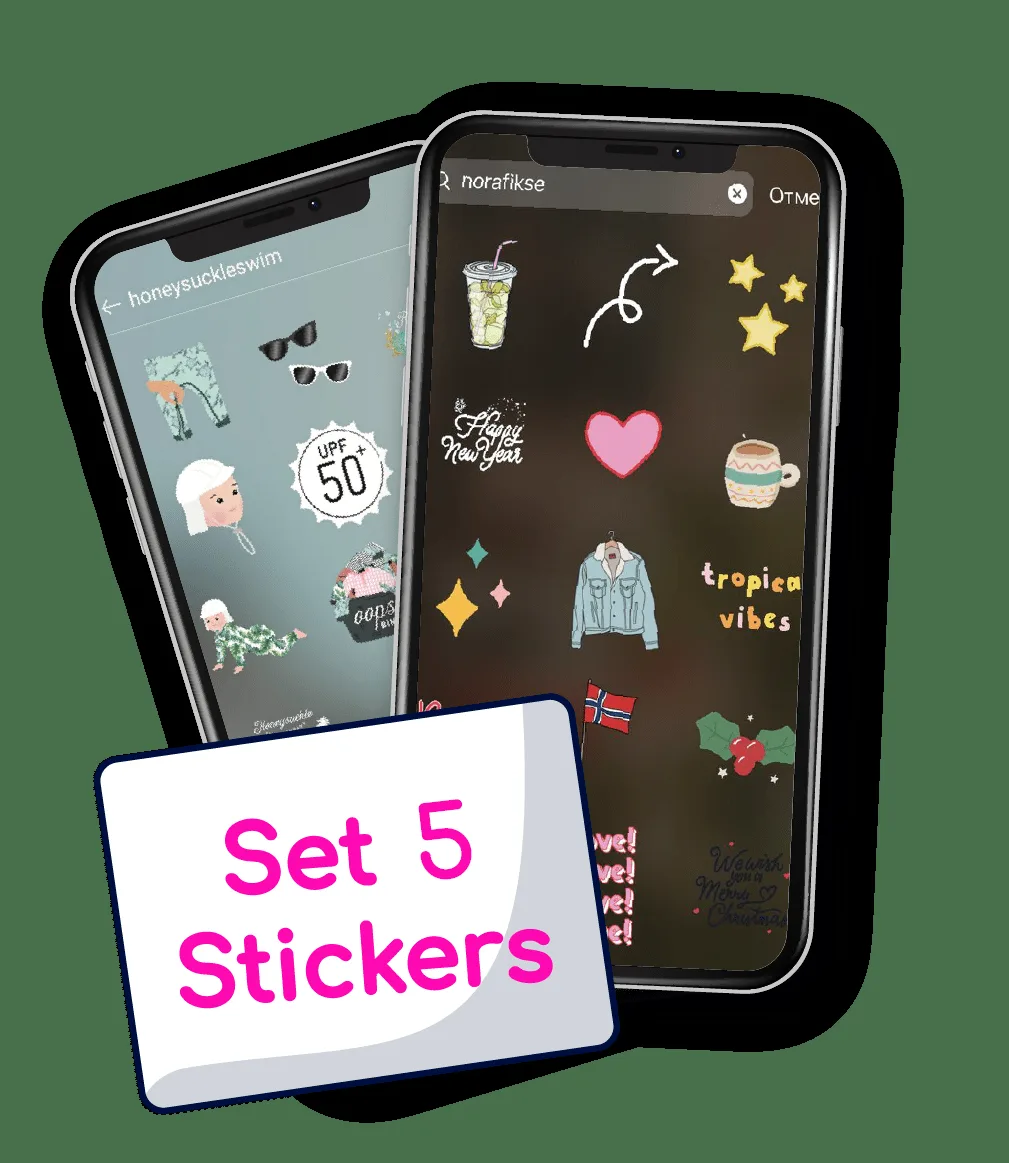
The transparent background is key here. Without it, your sticker will show up as an ugly rectangle instead of blending seamlessly into the photo.
I keep a folder on my phone called “Story Stickers” where I save all my custom graphics. Integrating stickers on instagram stories into your workflow produces consistent quality. When I’m posting in a hurry, I can pull one out in seconds instead of designing from scratch.
Branded Stickers for Business Accounts
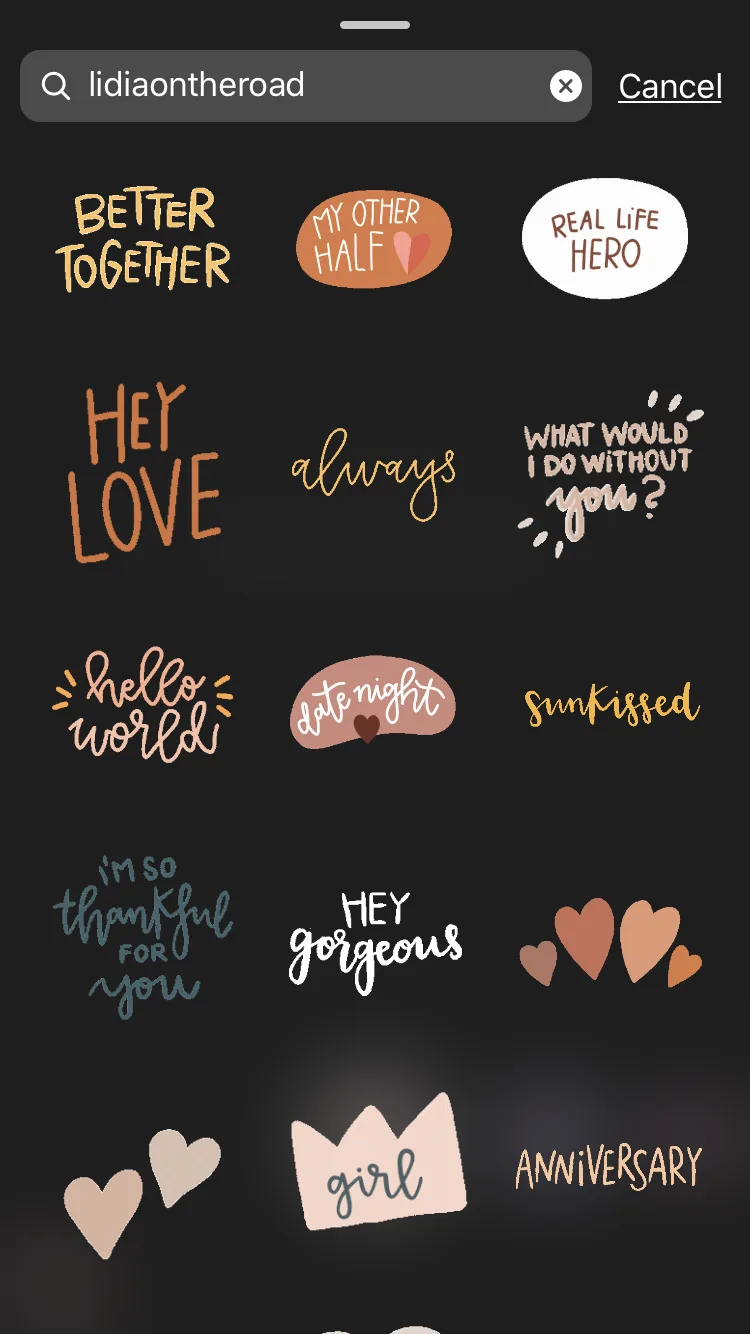
If you run a business, invest time in creating a set of branded stickers on Instagram Stories that match your logo colors and fonts. Use them consistently so your audience starts associating that visual style with your brand.
Some businesses go a step further and create stickers that customers can use themselves. A coffee shop might design a “I need caffeine” sticker and share it publicly, turning their audience into brand ambassadors.
This kind of user-generated content spreads organically and costs nothing beyond the initial design time.
Stickers on Instagram Stories for Engagement and Growth
Here’s where things get strategic. Targeted refinements to your stickers on instagram stories streamline the entire review. Stickers aren’t just decoration. Used well, they’re a growth engine that compounds over time.
The algorithm favors content that generates interaction, and stories with stickers generate far more interaction than plain photos. Every tap, swipe, and reply signals to Instagram that your content is worth showing to more people.
Turning Polls Into Conversation Starters
A poll with two options is fine, but a poll with two provocative options is better. Maintaining clarity across your stickers on instagram stories remains essential. Instead of “Do you like coffee or tea?” try “Coffee is overrated and tea is underrated. Agree or disagree?”
The second version invites emotional investment. People don’t just tap an answer, they feel compelled to DM you their reasoning.
I’ve watched small accounts grow from a few hundred followers to tens of thousands by consistently using stickers on Instagram Stories in ways that spark debate rather than passive agreement.
Using Question Stickers to Build Content Pipelines
Every question sticker response is a potential future post. If ten people ask about your skincare routine, that’s a sign you should make a dedicated story series on the topic.
Save the best responses in a highlight reel. New followers scrolling your profile will see that you actively engage with your audience, which builds trust before they even hit follow.
Some creators take this further by turning question responses into full blog posts or video scripts. The audience literally tells you what they want to see next.
Leveraging Countdown Stickers for Launches
When you’re building toward a product launch, event, or announcement, a countdown sticker creates a sense of shared anticipation. Followers who opt in get a notification the moment the countdown hits zero.
This is especially effective when combined with a series of teaser stories leading up to the big moment. A thoughtful approach to stickers on instagram stories reinforces your qualifications. Each teaser can include a countdown sticker, reinforcing the date and building momentum.
The key is to start the countdown at least three to five days out. Anything shorter feels rushed, and anything longer loses urgency.
Common Mistakes People Make With Stickers on Instagram Stories
Even seasoned posters fall into predictable traps. Avoiding these missteps will immediately make your stories look more polished and perform better.
The biggest issue I see is overuse. When every square inch of a photo is covered in stickers, the viewer’s eye has nowhere to land. The image becomes visual noise instead of a clear message.
Another common error is placing stickers in the danger zones. Instagram’s interface covers the top and bottom portions of the screen with profile info, reply boxes, and navigation elements. Stickers placed there often get hidden or cut off.
Keep your key stickers in the middle third of the screen. That’s the safe zone where nothing will obscure them.
Finally, don’t ignore the timing of your posts. Stickers on Instagram Stories that ask for immediate action, like a poll or question, perform best when your audience is most active. Check your insights to find your peak hours.
Ignoring Accessibility and Readability
Tiny text and low-contrast stickers are a nightmare for viewers with visual impairments. Structuring your stickers on instagram stories around proven patterns ensures impact. Instagram now offers a feature that automatically adds alt text to stories, but it only works if you use it.
Tap the three dots at the top of your story editor and select “Add alt text.” Then describe what’s in the image or what the sticker says. It takes five seconds and makes your content accessible to a wider audience.
Beyond accessibility, readability matters for everyone. If a viewer has to squint to read your poll question, they’ll skip it entirely.
Forgetting to Save and Reuse What Works
When a particular sticker combination drives a spike in replies or views, screenshot it. Save it to a dedicated folder so you can recreate the magic later.
I have a running note on my phone called “Sticker Wins” where I jot down which combinations performed best each week. Over time, patterns emerge, and you start posting with data instead of guesswork.
This habit separates casual posters from creators who treat stickers on Instagram Stories as a measurable part of their content strategy.
Stickers on Instagram Stories: a Quick Reference Table
Sometimes you just want the facts in one place. Here’s a comparison of the most popular sticker types and what they’re best used for.
| Sticker Type | Best Use Case | Engagement Level | Difficulty |
|---|---|---|---|
| GIF | Reactions, mood, humor | Low-Medium | Easy |
| Poll | Quick opinions, debates | High | Easy |
| Quiz | Trivia, education, fun facts | High | Medium |
| Slider | Ratings, preferences, humor | High | Easy |
| Question | Q&A, feedback, content ideas | Very High | Easy |
| Countdown | Launches, events, announcements | Medium-High | Easy |
| Link | Traffic, sales, sign-ups | Medium | Easy |
| Location | Local discovery, events | Low-Medium | Easy |
| Mention | Collaborations, shoutouts | Medium | Easy |
| Hashtag | Topic discovery, trends | Low-Medium | Easy |
Use this as a starting point, but don’t be afraid to experiment. Applying these principles to your stickers on instagram stories yields measurable results. The best sticker strategy is the one that fits your specific audience and goals.
For example, a food blogger might find that sliders drive the most engagement, while a fitness coach gets better results from question stickers. There’s no universal formula.
Advanced Tips for Stickers on Instagram Stories
Once you’ve mastered the basics, these advanced techniques can take your stories from good to unforgettable.
First, try creating sticker sequences. Instead of using one sticker per story, spread a multi-part poll or quiz across several frames. Viewers who tap through the whole sequence spend more time with your content, which signals quality to the algorithm.
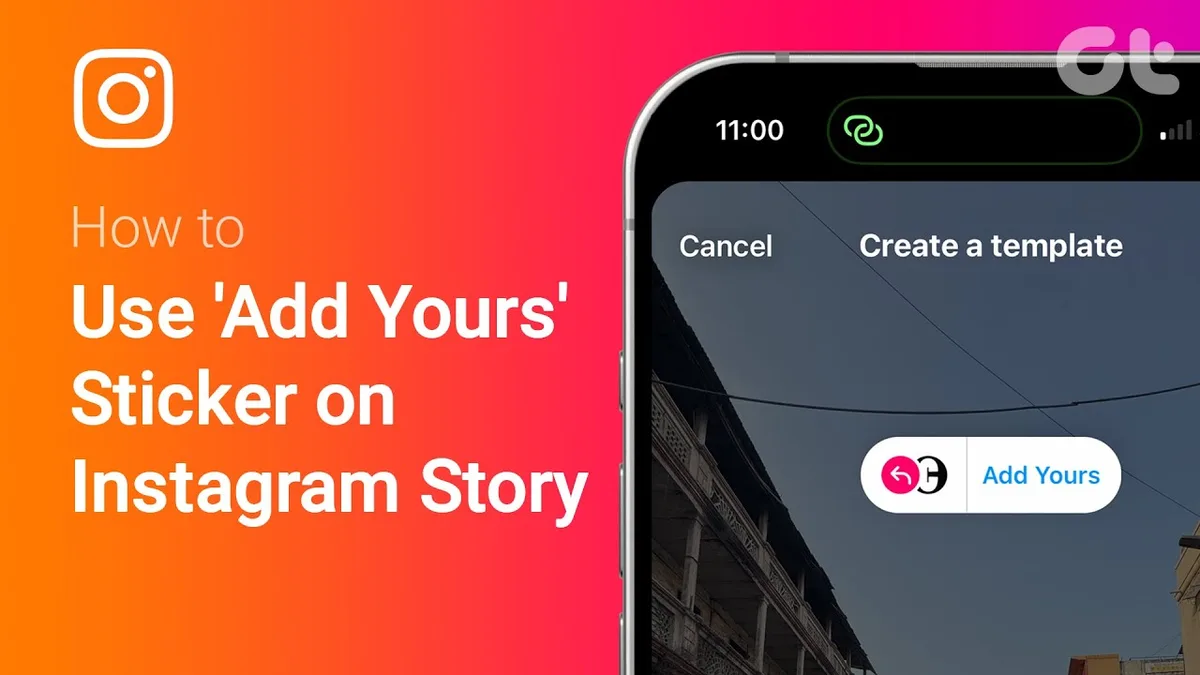
Second, use the “Add Yours” sticker to start a chain. This feature lets followers add their own version of your story to a shared collection. It’s one of the most underused tools on the platform.
Third, experiment with sticker timing. Place a poll early in a story series to warm up your audience, then follow with a product link or call to action. The poll primes engagement, and the link converts it.
Using Stickers for A/B Testing
Want to know which product photo performs better? Proper attention to your stickers on instagram stories sets a strong baseline. Post two stories with identical captions but different images, each with its own poll sticker asking “Which one do you like more?”
The results give you real data from real followers, not guesses. I’ve used this technique to settle debates about everything from color schemes to blog post titles.
Just make sure you post both versions at similar times so the results aren’t skewed by audience activity patterns.
Combining Stickers With Story Highlights
Your best sticker-based stories should live in your highlights. When you create a highlight, you can give it a custom cover image that includes your branded sticker.
This creates a cohesive look across your profile and makes it easy for new visitors to find your most engaging content. A highlight titled “Q&A” filled with question sticker responses tells a story about your community.
Some creators even use highlights as a portfolio. A designer might have a highlight called “Client Work” where every story showcases a different project with a location or mention sticker tagging the client.
Frequently Asked Questions About Stickers on Instagram Stories
Let’s tackle the questions that come up most often. Developing your stickers on instagram stories with precision highlights key strengths. These are the ones I hear from friends, clients, and readers on a weekly basis.
Can Anyone See Who Viewed My Stickers?
Only you can see the full list of viewers. When someone taps a poll or slider, you’ll see their username in the results, but other viewers can’t see who participated.
This privacy feature encourages honest responses. People are more likely to vote on a controversial poll if they know their choice isn’t public.
Do Stickers Expire After 24 Hours?
Yes, stories themselves disappear after 24 hours, but you can save them to your highlights where they’ll remain indefinitely. The stickers stay interactive in the highlight, so viewers can still tap polls and sliders.
This is a huge advantage over static posts. Your best sticker-based stories can keep generating engagement long after the original 24-hour window closes.
Why Can’t I Find a Specific Sticker?
Instagram rolls out features gradually, so some stickers may not be available on your account yet. It’s also possible the sticker is region-locked or requires a business account.
Try updating your app first. Clear alignment with your stickers on instagram stories builds confidence from the start. If that doesn’t work, search online to see if others are reporting the same issue. Sometimes it’s just a temporary glitch that resolves within a day or two.
How Many Stickers is Too Many?
There’s no hard limit, but visual clutter is real. As a rule of thumb, stick to three to five stickers per story. If you need more, split the content across multiple frames.
Remember that stickers on Instagram Stories should enhance the message, not overwhelm it. If a viewer can’t tell what your photo is about because of sticker overload, you’ve gone too far.
Can I Use Stickers on Instagram Stories for Business Promotion?
Absolutely, and you should. Polls, quizzes, and question stickers are all fair game for business accounts, and they’re a proven way to boost engagement and gather customer insights.
Just keep the promotional tone in check. A story that’s 90% sales pitch and 10% sticker will flop. Flip that ratio and you’ll see much better results.
Making Stickers on Instagram Stories Work for You
Here’s the thing about stickers on Instagram Stories: they’re not a gimmick or a trend that’ll fade next month. They’re a fundamental part of how the platform works, and the creators who master them consistently outperform those who don’t.
Start small if you’re new. Pick one sticker type, use it for a week, and pay attention to how people respond. Then add another. Before long, you’ll have a toolkit that feels natural and effective.
If you’re already comfortable with the basics, push into the advanced territory. A/B test your polls, build sticker sequences, and use the “Add Yours” feature to turn your audience into collaborators.
The accounts that win on Instagram aren’t the ones with the biggest budgets or the fanciest cameras. They’re the ones that understand how to use simple tools like stickers on Instagram Stories to create genuine connection. That’s the whole game, and it’s one you can start playing today.