If you want to check inbound links without burning a dime, you’re in the right place. Every serious site owner eventually asks the same question: who’s linking to me, and does it actually matter? That curiosity is healthy.
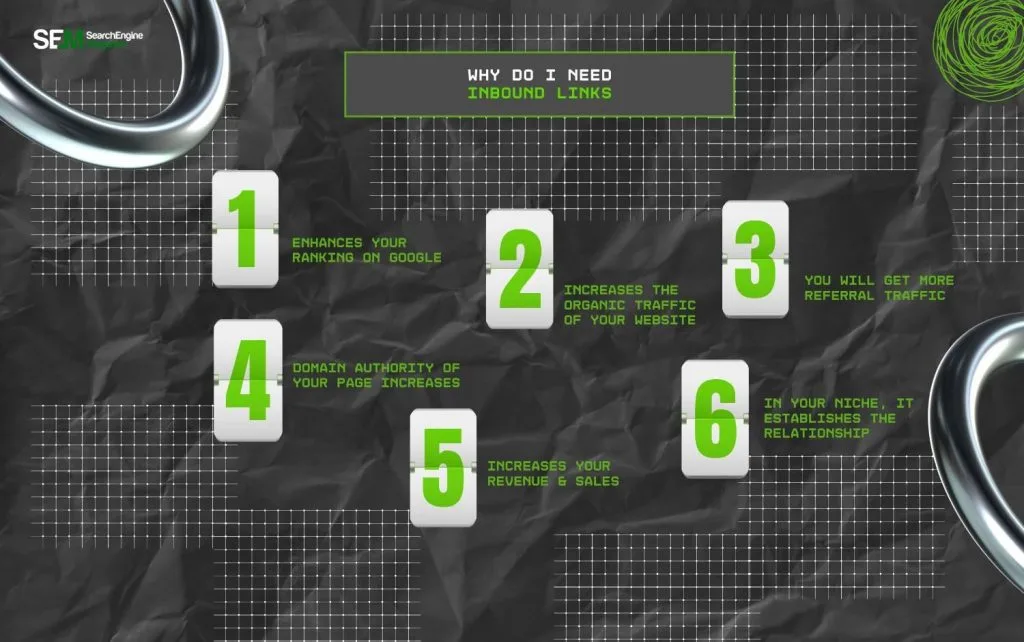
Inbound links remain one of the strongest ranking signals Google uses, and ignoring them is like running a shop without ever checking who’s recommending you.
I’ve spent years digging through backlink profiles for clients, and the pattern never changes. The people who check inbound links regularly spot toxic spam before it wrecks their rankings. The ones who don’t wake up one morning wondering why traffic vanished.
So let’s walk through the free tools, the metrics that matter, and the habits that separate careful site owners from the rest.
What Inbound Links Actually are and Why They Move Rankings
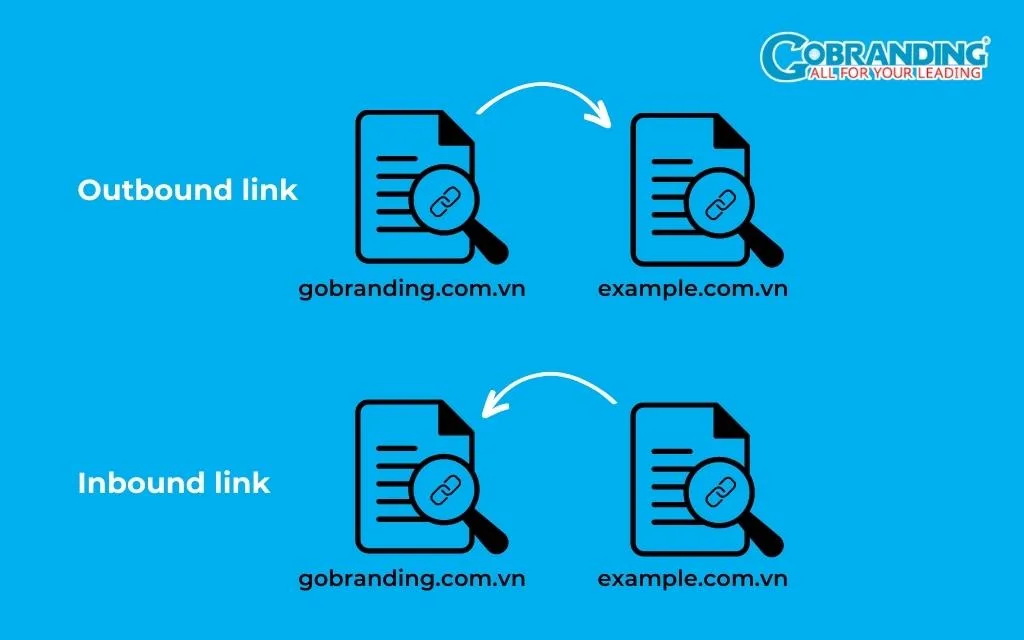
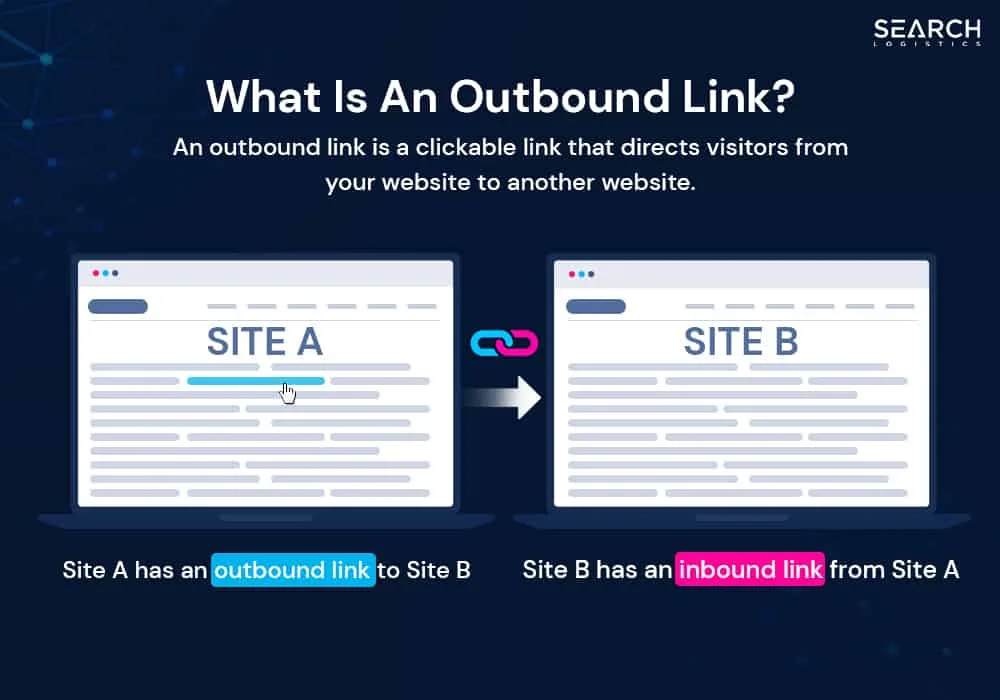
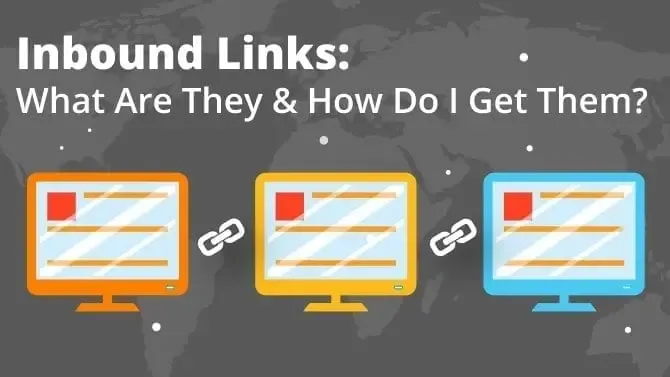
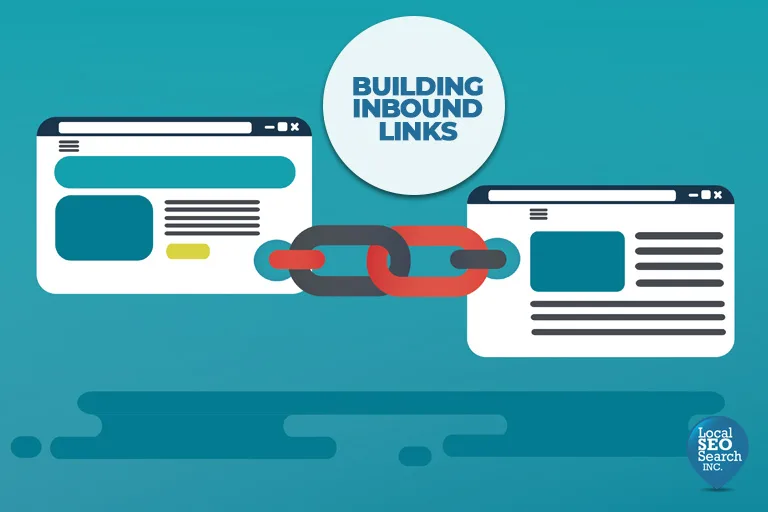
An inbound link is any hyperlink on another website that points to yours. Simple enough on the surface. But Google doesn’t just count them like votes in a school election.
It weighs the authority of the linking domain, the relevance of the surrounding content, the anchor text, and whether the link looks editorially earned or paid.
Think of it this way. Focusing on check inbound links provides clear direction here. A single mention from a respected industry publication can outrank fifty links from random directory sites. I’ve watched a small blog leap past competitors after earning one link from a major news outlet. Meanwhile, a client with thousands of spammy forum links sat stuck on page four for months.
That’s why you should check inbound links on a schedule, not just once. Links decay. Sites go offline, pages get deleted, and old partnerships quietly disappear. A link profile is a living thing, and it needs regular attention.
The Difference Between Follow and Nofollow Links
Not every link passes ranking power. A follow link tells Google to credit your site. A nofollow link, marked with a rel=”nofollow” attribute, tells crawlers to ignore it for ranking purposes. Google introduced nofollow back to fight comment spam, and the rules have evolved since.
Here’s the practical takeaway. Nofollow links still bring referral traffic and brand exposure, which has real value. But when you check inbound links for SEO strength, follow links carry the weight. A healthy profile usually has a natural mix of both.
If you see a profile that’s 100% follow links from low-quality sites, that’s a red flag. Real editorial link building produces a messy, organic blend.
Why Anchor Text Distribution Matters More Than You Think
Anchor text is the clickable words in a link. Refining each detail of your check inbound links strengthens this section. If every single link to your site uses the exact same phrase, Google’s algorithms get suspicious. Over-optimization looks manipulative, and it can trigger a penalty faster than almost anything else.
Run a quick audit and sort your anchors by frequency. You want a natural spread: branded terms, naked URLs, generic phrases like “read more,” and a modest share of keyword-rich anchors. When I check inbound links for new clients, skewed anchor profiles are one of the first problems I flag.
Variety signals authenticity. Sameness signals a paid link scheme.
How to Check Inbound Links With Free Tools
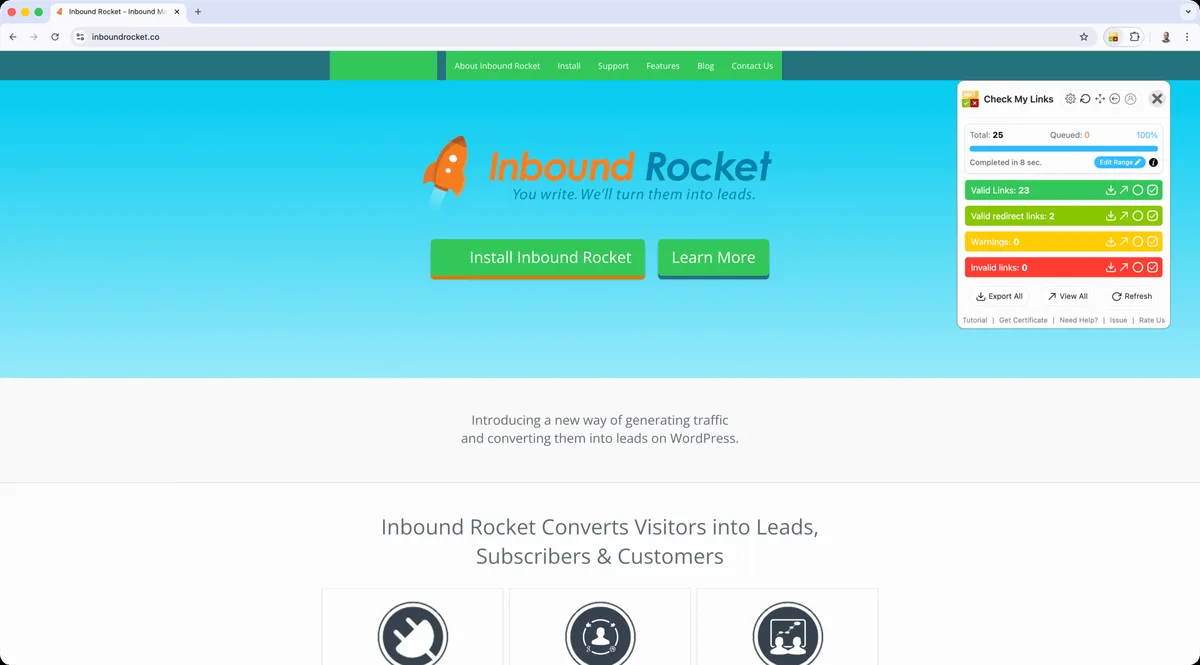
You don’t need an enterprise budget to audit your backlinks. Focusing on check inbound links provides clear direction here. Plenty of free tools deliver genuinely useful data, though each has limits worth understanding before you rely on it.
The smart approach is layering. Use two or three tools together, compare the results, and build a fuller picture than any single source provides. No free tool sees the entire web, so cross-referencing is standard practice among SEO professionals.
Google Search Console: the Official Starting Point
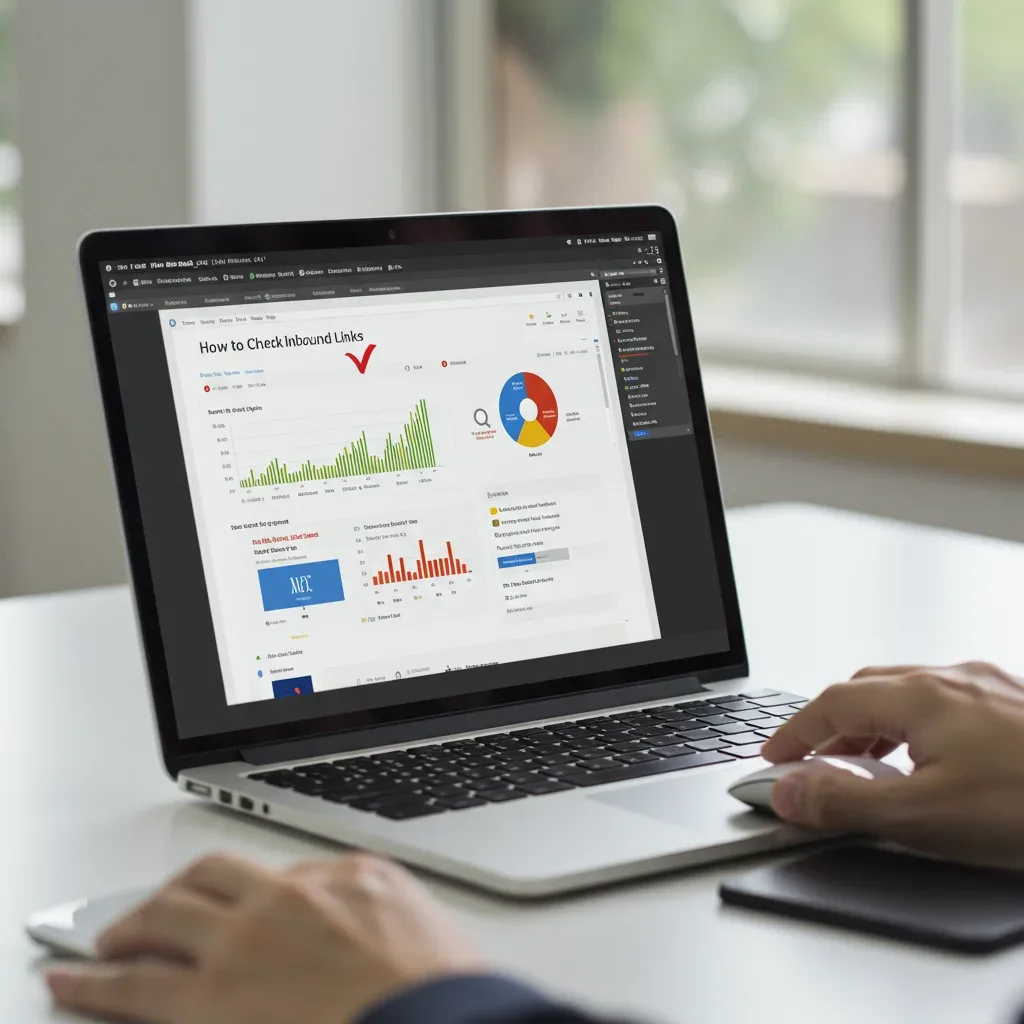
Search Console is free, official, and shows you links Google actually discovered. Effective execution in your check inbound links makes a tangible difference. Head to the Links report and you’ll see your top linked pages, top linking sites, and anchor text distribution. This is ground truth straight from the source.
The catch? Google only displays a sample of your total backlinks, not the full list. Still, it’s the best place to start because these are the links that genuinely influence your rankings. If you only have time to check inbound links in one place, make it this one.
Set up email alerts for new links too. That way you catch suspicious activity early instead of discovering it months later.
Bing Webmaster Tools: the Overlooked Second Opinion
Bing’s free Webmaster Tools includes a backlink report that often surfaces links Google’s sample misses. Since Bing powers a meaningful slice of search traffic, especially on desktop, it’s worth the ten minutes to set up.
I’ve found links here that never appeared in Search Console. Different crawlers, different indexes, different discoveries. When you check inbound links across both engines, you get closer to the complete picture.
The interface is clunky compared to Google’s, but the data is free and legitimate.
Ahrefs Webmaster Tools: Serious Data for Zero Cost
Ahrefs offers a free tier for verified site owners, and the backlink data is remarkable. Maintaining clarity across your check inbound links remains essential. You get referring domains, anchor text, link types, and a domain rating score. For a free product, the depth genuinely surprised me the first time I used it.
The verification process requires proving you own the site, usually through a DNS record or HTML file. Once that’s done, you can check inbound links with near-professional-grade reporting.
Limitations exist, of course. The free version caps some reports and updates less frequently than paid plans. Even so, it beats most alternatives at the same price point.
Ubersuggest and Similar Freemium Options
Ubersuggest gives you a limited number of free searches per day, and the backlink report covers referring domains, anchor text, and a basic authority score. Refining each detail of your check inbound links strengthens this section. It’s a decent backup when you’ve exhausted other tools.
Other freemium platforms like Moz’s Link Explorer offer similar trial access. The trick is rotating between them. When you check inbound links across multiple free sources, you catch discrepancies and fill gaps.
Just don’t expect enterprise-level crawl depth from any free tier. A thoughtful approach to check inbound links reinforces your qualifications. Manage expectations and you’ll be satisfied.
Reading a Backlink Report Without Getting Lost
Raw data is useless without interpretation. A backlink report throws dozens of columns at you, and beginners often freeze. Let’s cut through the noise and focus on what actually changes decisions.
You’re looking for patterns, not individual links. One weird link means nothing. Fifty weird links from the same network means everything. Train your eye to spot clusters and trends.
Domain Authority and Trust Flow Explained Simply
Domain Authority, or DA, is Moz’s 0-100 score predicting how well a site ranks. Structuring your check inbound links around proven patterns ensures impact. Trust Flow, from Majestic, measures link quality based on trusted seed sites. Higher numbers generally mean stronger linking partners.
Neither metric comes from Google directly, so treat them as estimates rather than gospel. Still, they’re useful shortcuts. A link from a DA 70 site usually carries more weight than one from a DA 12 site, all else being equal.
When you check inbound links, sort by authority first. It immediately highlights your most valuable relationships and your most suspicious ones.
Spotting Toxic and Spammy Link Patterns
Toxic links share recognizable traits. They come from irrelevant foreign-language sites, link farms, private blog networks, or pages stuffed with unrelated outbound links. Exact-match anchor text repeated across dozens of domains is another classic warning sign.

I once audited a site with 4,000 backlinks, and roughly 3,200 came from a single expired-domain network. Applying these principles to your check inbound links yields measurable results. Traffic had been sliding for a year. Cleaning that mess took months, but rankings recovered.
Regular audits catch these problems while they’re still manageable. Effective execution in your check inbound links makes a tangible difference. Ignore them and you’re gambling with your entire organic presence.
Tracking Lost and Broken Backlinks
Links disappear constantly. Pages get deleted, sites shut down, and redesigns accidentally strip out old references. Tools like Ahrefs and Search Console flag lost links so you can react.
Sometimes recovery is simple. Proper attention to your check inbound links sets a strong baseline. Email the site owner, explain the situation, and ask them to restore the link. Other times you redirect the broken URL to a relevant live page, preserving whatever value remains.
Make it a habit to check inbound links for losses every month. Quiet erosion is the enemy here, and it happens without any warning.
Comparing the Best Free Backlink Checkers
Different tools excel at different jobs. Here’s a quick comparison based on what I’ve observed using each one regularly for client work.
| Tool | Best For | Free Tier Limits | Data Source |
|---|---|---|---|
| Google Search Console | Official Google-discovered links | Sample of total links only | Google’s own index |
| Bing Webmaster Tools | Alternative crawl data | Full report, smaller index | Bing’s crawler |
| Ahrefs Webmaster Tools | Deep backlink analysis | Verified sites, capped reports | Ahrefs crawler |
| Ubersuggest | Quick spot checks | Limited daily searches | Third-party index |
| Moz Link Explorer | Authority metrics | Monthly query cap | Moz index |
My honest recommendation: start with Search Console, add Ahrefs Webmaster Tools, and keep Bing as a backup. That trio covers most needs without spending anything.
If you want to check inbound links thoroughly, no single tool suffices. Layering is not optional. It’s how professionals work.
Building a Monthly Backlink Audit Routine
Consistency beats intensity. Developing your check inbound links with precision highlights key strengths. A short audit every month prevents small problems from snowballing into disasters. Here’s the routine I follow and recommend to anyone managing a site.
Block thirty minutes on your calendar. Treat it like a recurring appointment. The discipline pays off when you catch a negative SEO attack in week one instead of month six.
Step One: Export Your Current Link Profile
Pull the latest data from Search Console and Ahrefs. Maintaining clarity across your check inbound links remains essential. Export both to a spreadsheet and merge them. Duplicates will appear, which is fine. The goal is a master list you can compare against previous months.

Save each export with a dated filename. Clear alignment with your check inbound links builds confidence from the start. Over time, these snapshots become a historical record of your link growth.
Step Two: Compare Against Last Month
What’s new? What disappeared? Sort by discovery date and scan for anything unexpected. New links from reputable sites are cause for celebration. New links from gambling or pharmaceutical domains are cause for concern.
This comparison step is where the real insight lives. Individual snapshots tell you little. Trends tell you everything.
Step Three: Flag and Investigate Outliers
Mark anything suspicious for deeper review. Integrating check inbound links into your workflow produces consistent quality. Check the linking page manually. Does it look like a real site with real content, or a thin shell built purely for links?
When you check inbound links manually, your judgment matters more than any automated score. Tools flag possibilities. You decide what’s genuinely harmful.
Step Four: Document and Act
Keep notes on every decision. If you disavow a domain, record why. If you request removal, log the outreach. Future you will thank present you for the paper trail.
Google’s Disavow Tool should be a last resort, not a first response. Use it only after careful review and failed outreach attempts.
When to Disavow Links and When to Wait
The Disavow Tool lets you tell Google to ignore specific links. Targeted refinements to your check inbound links streamline the entire review. It sounds powerful, and it is, but misuse causes real damage. Disavowing good links by mistake can tank your rankings.
Google’s own guidance says most sites never need to disavow anything. A thoughtful approach to check inbound links reinforces your qualifications. The algorithm handles spam well on its own. So reserve this tool for genuine emergencies.
Signs You Actually Need to Disavow
Manual actions in Search Console are the clearest signal. If Google penalized you for unnatural links, disavowing the offending domains is part of the recovery process. That’s non-negotiable.
Beyond that, look for coordinated attacks. Hundreds of sudden links from a single network, all using identical anchor text, usually means someone targeted you deliberately.
Outside those scenarios, patience is wiser. When you check inbound links and find a few odd ones, just monitor them. Most spam links fade into irrelevance on their own.
How to Submit a Disavow File Correctly
Create a plain text file listing the domains or URLs you want ignored. One entry per line. Add a comment explaining your reasoning for each block. Then upload it through the Disavow Tool in Search Console.
Double-check every entry before submitting. A typo could accidentally disavow an entire legitimate domain. I’ve seen that mistake undo years of link building.
Keep a backup copy. You’ll want to reference it during future audits.
Turning Backlink Data Into Real SEO Strategy
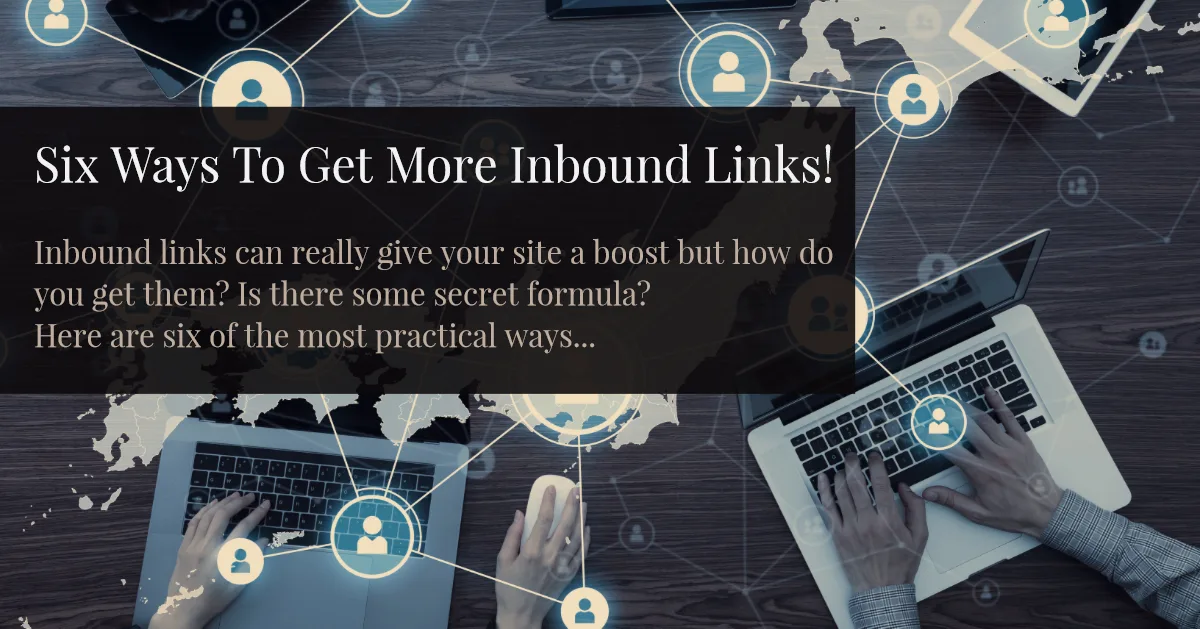
Auditing is only half the job. Structuring your check inbound links around proven patterns ensures impact. The other half is using what you learn to grow. Backlink data reveals opportunities hiding in plain sight.
Look at who links to your competitors but not to you. That gap is your target list. Reach out with something genuinely useful, and you’ll convert some of those relationships.
Finding Link Building Opportunities from Competitor Profiles
Run a competitor’s domain through Ahrefs or a similar tool. Export their referring domains. Filter for sites with real authority and relevant content.
Now compare that list against your own. Every domain on their list but not yours is a prospect. Prioritize the ones with editorial relevance over raw authority.
I’ve built entire outreach campaigns from this single technique. It’s unglamorous but effective.
Reclaiming Unlinked Brand Mentions
Sometimes people mention your brand without linking. Set up Google Alerts for your name and product terms. When you find an unlinked mention, send a polite email asking for a link.
Conversion rates here are surprisingly high. Applying these principles to your check inbound links yields measurable results. The writer already likes you enough to mention you. Adding a link is a small favor.
This is one of the easiest wins available, and it starts with the same data you gather when you check inbound links.
Common Mistakes When Auditing Backlinks
Even experienced marketers slip up. These are the errors I see most often, and each one has a straightforward fix.
Obsessing Over Quantity Instead of Quality
A thousand low-quality links won’t beat ten excellent ones. Google’s algorithms have matured far beyond simple link counting. Relevance and authority dominate.
When you check inbound links, resist the urge to chase volume. Chase the links that actually move rankings.
Ignoring Internal Linking Entirely
External links get all the attention, but internal links distribute authority across your own pages. They’re fully under your control, which makes them a huge opportunity.
Link related articles together. Use descriptive anchor text. Pass authority to your most important pages deliberately.
It costs nothing and compounds over time.
Forgetting to Monitor Competitors
Your backlink profile doesn’t exist in a vacuum. Proper attention to your check inbound links sets a strong baseline. Competitors are earning links every day. If you never check their profiles, you’re flying blind.
Set a monthly reminder to review three competitors. Note new links, spot emerging trends, and adjust your outreach accordingly.
Frequently Asked Questions About Checking Inbound Links
Here is an in-depth breakdown of key considerations regarding this section:
How Often Should I Check Inbound Links?
Monthly works for most sites. High-competition niches benefit from weekly checks, especially during active link building campaigns or after a traffic drop. The key is consistency, not frequency for its own sake.
Are Free Backlink Checkers Accurate?
Reasonably accurate, but incomplete. Every tool crawls a portion of the web, so no single source shows everything. Cross-reference multiple free tools and treat the combined picture as your best estimate.
Can Checking Inbound Links Reveal a Negative SEO Attack?
Yes, and that’s one of the best reasons to audit regularly. Sudden spikes of spammy links from unfamiliar networks are a classic attack signature. Early detection makes cleanup far easier.
Do Nofollow Links Help My Rankings at All?
Not directly for ranking credit, but they still drive referral traffic and brand visibility. Google has also hinted that nofollow links can be treated as hints in some contexts. Don’t dismiss them entirely.
What is a Healthy Number of Backlinks?
There’s no universal number. It depends entirely on your niche and competitors. Compare your profile to similar sites in your space, and focus on steady, relevant growth rather than arbitrary targets.
Should I Disavow Every Spammy Link I Find?
No. Google handles most spam automatically. Disavow only when you have a manual action, a clear coordinated attack, or strong evidence of harm. Over-disavowing creates more problems than it solves.
Does Anchor Text Still Matter for Rankings?
Absolutely. Anchor text helps Google understand what your page is about. Keep it natural and varied. Over-optimized exact-match anchors remain one of the most common penalty triggers.
Wrapping Up Your Backlink Audit Game Plan
So here’s the bottom line. Learning to check inbound links properly puts you ahead of most site owners, who never look at their link profile at all. That advantage compounds month after month.
Start with Google Search Console since it’s free and official. Add Ahrefs Webmaster Tools for deeper data. Layer in Bing and a freemium option when you need extra coverage. Then build a monthly routine around exporting, comparing, flagging, and documenting.
Treat disavowing as a last resort, not a reflex. Chase quality links over quantity. Watch your competitors and reclaim every unlinked mention you can find. Do these things consistently and your profile gets stronger while everyone else’s stagnates.
The tools cost nothing. The discipline costs thirty minutes a month. The payoff is a backlink profile that supports rankings instead of undermining them. That’s a trade worth making every single time you sit down to check inbound links.
For verified reference and background research, consult the authoritative informational resource on this topic.