If you have ever pasted a snippet of JSON-LD into google’s structured data testing tool and waited for that familiar green checkmark, you already know the small pang of loss that came when the page quietly disappeared. I felt it too.
For years that humble validator was the fastest way to catch a broken schema markup before it embarrassed you in search results. Then Google retired it, and a lot of us had to scramble for a replacement that actually worked the same way.
The good news? Focusing on google’s structured data testing tool provides clear direction here. The functionality never really vanished. It moved, got a new name, picked up a few extra features, and now lives inside a broader set of validation tools that most SEOs barely scratch the surface of. If you are still typing the old URL out of muscle memory, this walkthrough is for you.
Why Google Retired Google’s Structured Data Testing Tool
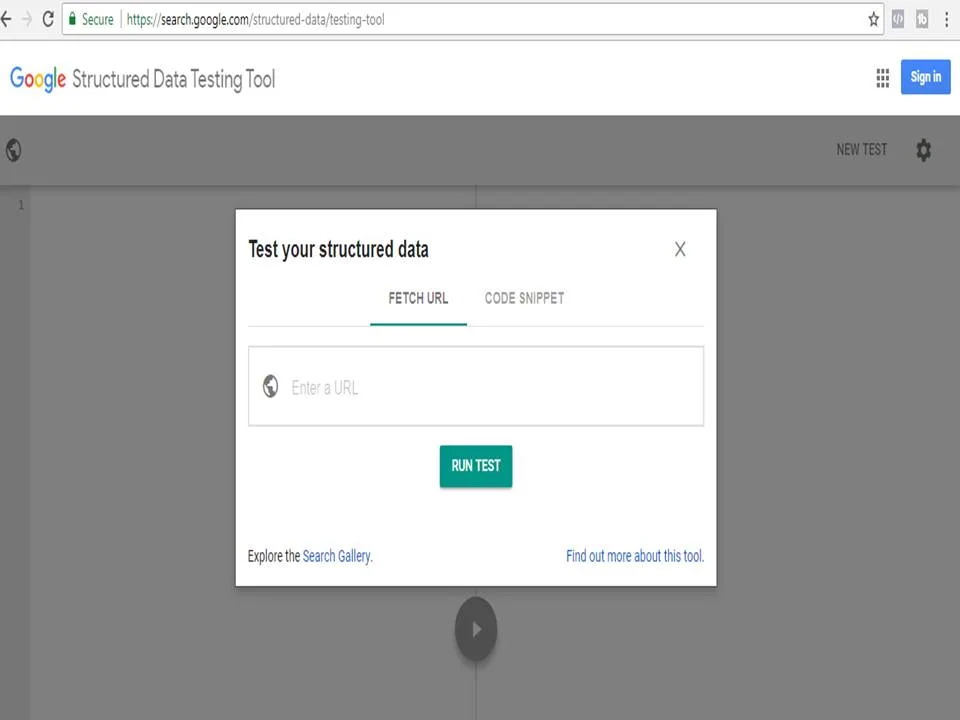
Back in the day, google’s structured data testing tool was the default answer to almost every schema question on forums. Someone would post a messy block of markup, a helpful stranger would run it through the tool, and everyone would learn something. It was community infrastructure as much as it was a Google product.
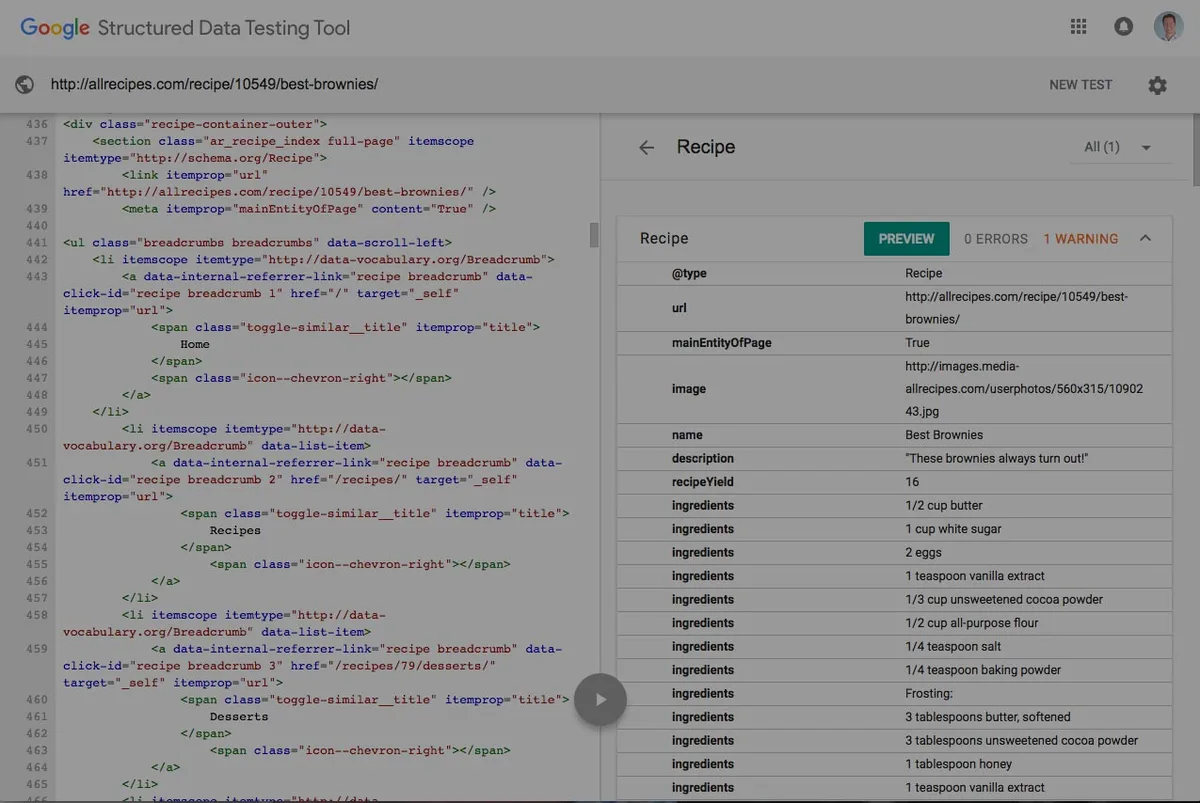
But the tool had a quiet flaw. Focusing on google’s structured data testing tool provides clear direction here. It validated syntax, not intent. You could feed it markup that passed every check and still get zero rich results, because the structured data did not match what Google actually rewarded. That gap between “technically valid” and “actually eligible” is exactly what pushed Google to build something smarter.
So, Google announced the deprecation of google’s structured data testing tool and pointed everyone toward the Rich Results Test. The old validator stayed online for a while as a legacy option, then eventually stopped being the recommended path. For a stretch, you could still access it, but the writing was on the wall.
Here is the part people miss: the retirement was not about killing validation. It was about merging two separate ideas — syntax checking and rich result eligibility — into one workflow. That shift matters more than the URL change.
What Actually Changed Under the Hood
The Rich Results Test does not just parse your markup. Refining each detail of your google’s structured data testing tool strengthens this section. It fetches the live page, runs Google’s rendering pipeline against it, and tells you which rich result types your content qualifies for. That is a fundamentally different question than “is this JSON valid?”
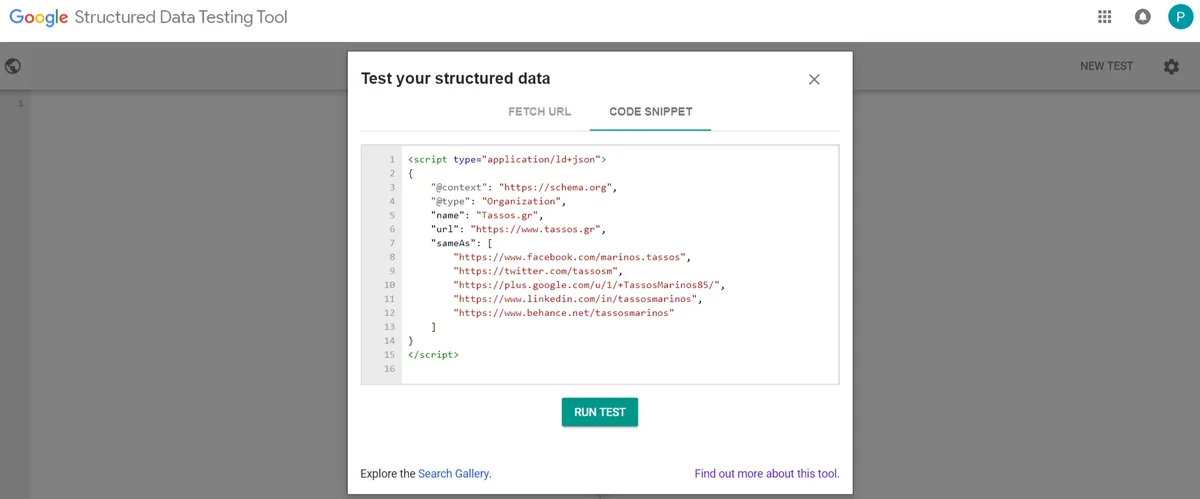
In practice, this means the new tool catches problems the old one ignored. A recipe schema might be perfectly formed but missing a required image property, so it fails eligibility. The old google’s structured data testing tool would have shrugged. The new one flags it clearly.
If you want the official breakdown of supported types, Google’s own documentation on structured data markup is the place to bookmark. It is dry, but it is the source of truth.
Google’s Structured Data Testing Tool Replacement: the Rich Results Test
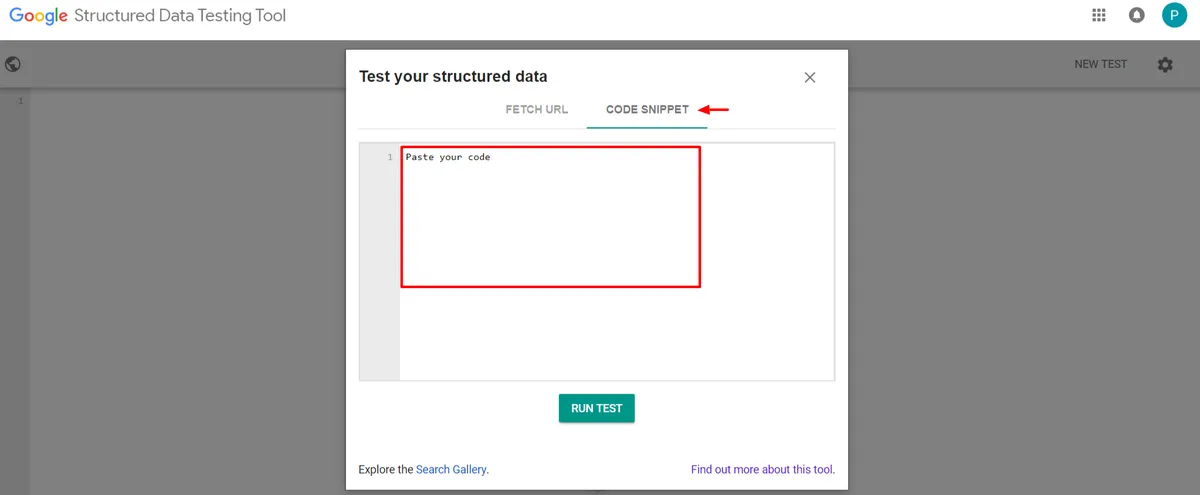
The direct successor is the Rich Results Test, and it is where most of your day-to-day validation should happen now. You paste a URL or a code snippet, hit test, and get a breakdown of detected items, warnings, and errors.
What I appreciate most is the “view tested page” option. Effective execution in your google’s structured data testing tool makes a tangible difference. It shows you the rendered HTML Google actually sees, which is invaluable when your schema is injected by JavaScript. Plenty of sites break their markup without realizing it because the tags never make it into the DOM.
One caveat worth stating plainly: the Rich Results Test only validates markup types that Google supports for rich results. Refining each detail of your google’s structured data testing tool strengthens this section. If you are working with a schema type that has no rich result treatment, the tool may report “no items detected” even though your markup is fine.
That is where the Schema Markup Validator comes in. It is the second half of the replacement story, and it handles the broader validation job that google’s structured data testing tool used to cover.
Schema Markup Validator: the Other Half
Hosted at validator.schema.org, the Schema Markup Validator checks any schema.org vocabulary, not just the types Google rewards. It is the right tool when you are validating something niche — say, a custom Product variant or an unusual Event configuration.
Between the two, you now have full coverage. Rich Results Test for eligibility, Schema Markup Validator for completeness. Together they do everything google’s structured data testing tool ever did, and a fair bit more.
The tradeoff is that you have to know which tool to reach for. Maintaining clarity across your google’s structured data testing tool remains essential. The old validator was a single door. Now there are two, and picking the wrong one leads to confusing results.
How to Use the Rich Results Test Step by Step
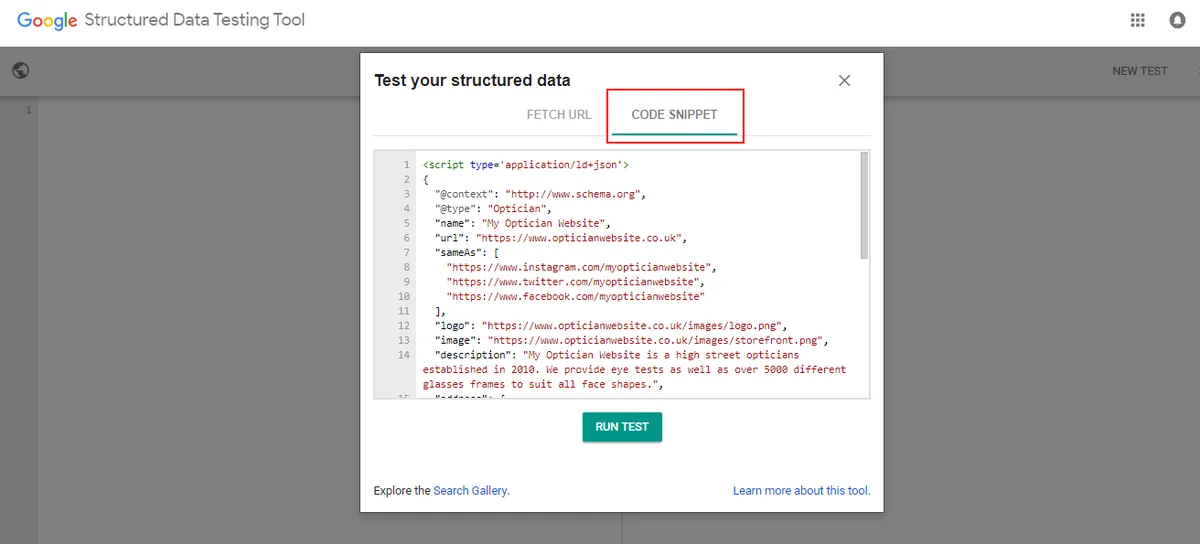
Let me walk through the actual workflow, because the interface hides a few useful corners. First, open the Rich Results Test and choose between “URL” and “Code” input depending on what you have.
If you are debugging a live page, use URL mode. If you are drafting markup before it ships, use Code mode. I usually do both — draft in Code, then confirm in URL once it is deployed.
After you run the test, scroll past the top-line pass or fail. A thoughtful approach to google’s structured data testing tool reinforces your qualifications. The real information lives in the item breakdown, where each detected entity lists its properties and flags anything missing or malformed.
Pay attention to warnings versus errors. Effective execution in your google’s structured data testing tool makes a tangible difference. Errors block eligibility. Warnings are suggestions that will not stop your rich result but may limit how it displays. Treat warnings as a to-do list, not a crisis.
One more thing: always test the mobile rendering. Google indexes the mobile version of your page first, and structured data can differ between desktop and mobile templates more often than you would expect.
Reading the Results Without Panicking
A “no items detected” result does not always mean your markup is broken. Structuring your google’s structured data testing tool around proven patterns ensures impact. It often means your schema type is not eligible for a rich result, which is a completely different problem — usually not a problem at all.
Cross-check with the Schema Markup Validator before you start rewriting code. If the validator confirms your markup is present and valid, you are fine, and the Rich Results Test is simply telling you there is no rich result to earn.
I have watched people tear apart perfectly good schema because of a misread result. Do not be that person. Confirm with both tools before you touch anything.
Common Schema Errors the Old Validator Missed
Here is where things get interesting. The shift from google’s structured data testing tool to the newer tools exposed a whole category of problems that used to slip through undetected.

Missing required properties top the list. Applying these principles to your google’s structured data testing tool yields measurable results. A FAQPage without a proper mainEntity array, a Recipe without recipeIngredient, an Article without author — all of these can pass syntax checks and still fail eligibility.
Then there is the JavaScript rendering issue. Maintaining clarity across your google’s structured data testing tool remains essential. If your schema is injected client-side and the injection fails silently, the markup never reaches Google. The old tool, working on raw HTML, would not catch this. The new tools, working on rendered pages, will.
Finally, there is markup that contradicts the visible page. Google has gotten strict about this. If your structured data claims a rating that is not shown to users, you are looking at a manual action, not just a warning.
A Quick Comparison Table
| Feature | Google’s Structured Data Testing Tool | Rich Results Test | Schema Markup Validator |
|---|---|---|---|
| Status | Retired | Active | Active |
| Validates syntax | Yes | Yes | Yes |
| Checks rich result eligibility | No | Yes | No |
| Renders JavaScript | No | Yes | No |
| Supports all schema.org types | Partial | No | Yes |
| Live URL testing | Limited | Yes | Limited |
Looking at that table, the logic behind the replacement becomes obvious. Proper attention to your google’s structured data testing tool sets a strong baseline. Google split the job into two specialized tools rather than maintaining one overloaded validator. More precision, more steps.
Migrating Your Workflow Away from the Old Tool
If you have years of habit built around google’s structured data testing tool, the migration takes about a week to feel natural. The trick is to build a new routine and stick to it.
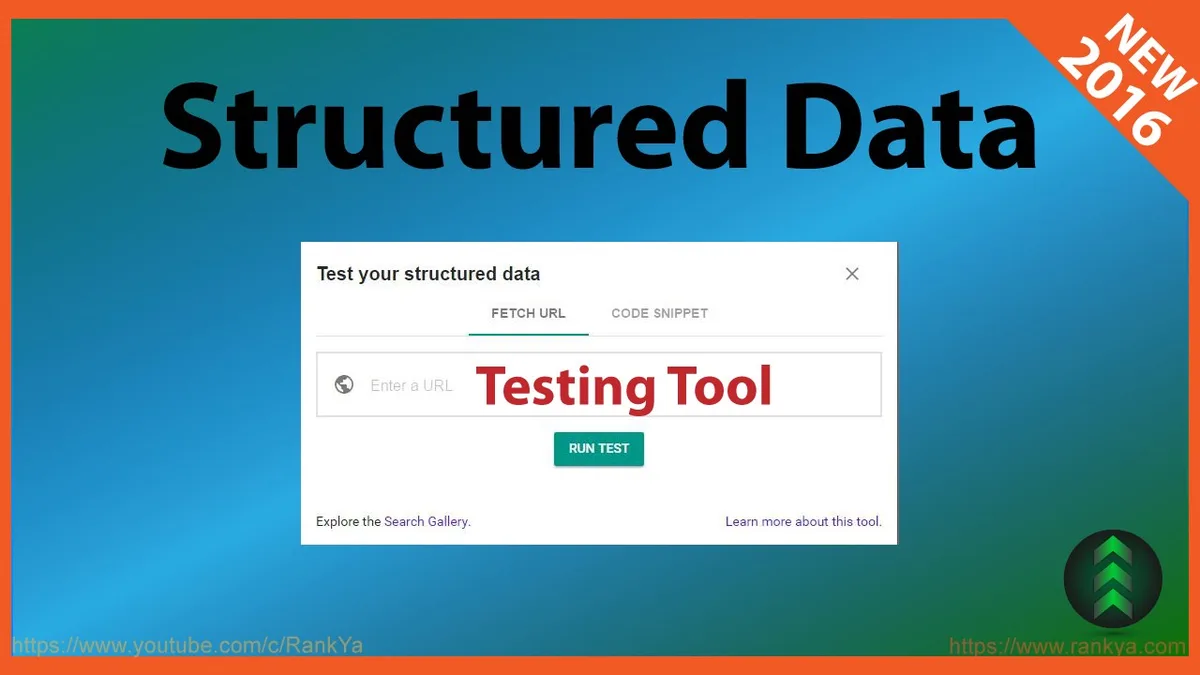
Start by auditing your most important templates — product pages, articles, FAQs, events. Run each through the Rich Results Test, note the eligibility status, then confirm with the Schema Markup Validator.
Build a small checklist you run before every deploy. It does not need to be elaborate. Five minutes of validation saves hours of debugging after a rich result silently disappears from search.
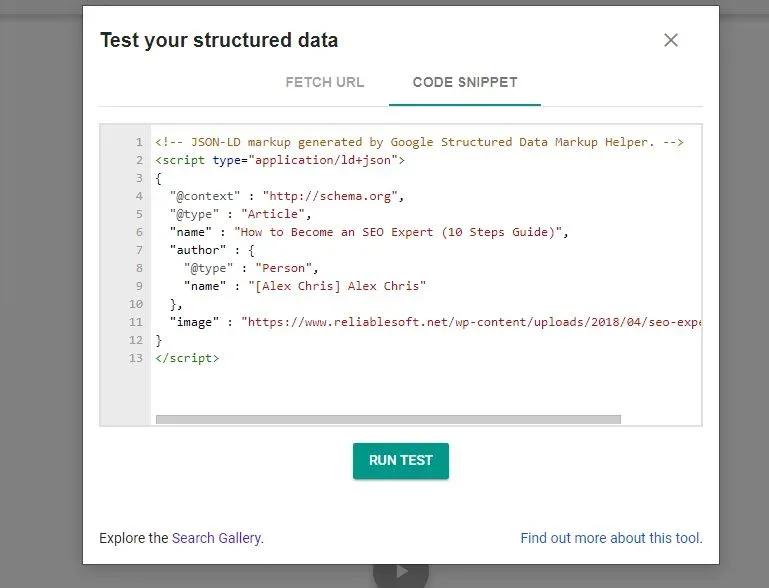
If you manage many sites, consider automating part of this. Developing your google’s structured data testing tool with precision highlights key strengths. There are APIs and third-party tools that batch-check structured data, though nothing replaces a manual spot check on your highest-value pages.
Honestly, the biggest adjustment is mental. A thoughtful approach to google’s structured data testing tool reinforces your qualifications. You are no longer looking for a single green checkmark. You are interpreting two sets of results and deciding what they mean together.
What to Do With Legacy Reports
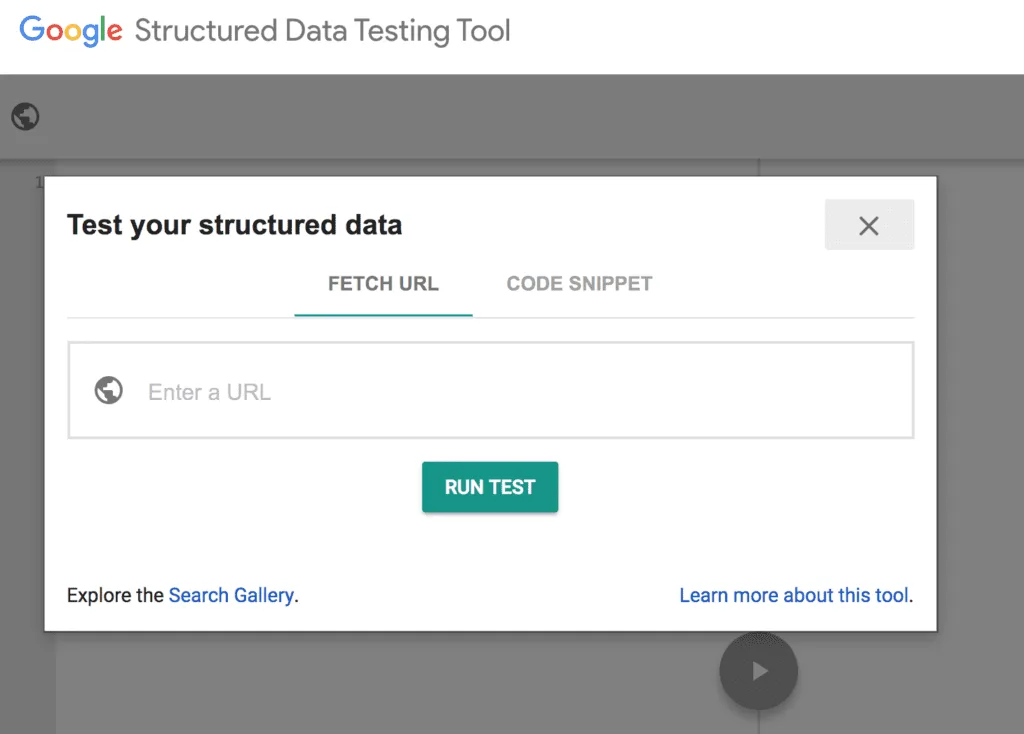
Old reports from google’s structured data testing tool are now historical artifacts. They are still useful as a baseline, but they cannot be re-run, and their pass or fail verdicts do not reflect current Google standards.
If you have archived reports, keep them for reference but do not treat them as current. Re-validate everything that matters. Schema requirements evolve, and a page that passed three years ago may fail today.
This is especially true for schema types Google has tightened — reviews, FAQs, and how-to markup have all seen rule changes. Clear alignment with your google’s structured data testing tool builds confidence from the start. Fresh validation is the only reliable answer.
Advanced Structured Data Validation Techniques
Once you are comfortable with the basics, there are a few techniques that separate casual validators from people who actually ship reliable markup. These are the habits I have picked up from debugging hundreds of pages.
First, validate in staging before production. Catching a schema error before it goes live is dramatically cheaper than fixing it after Google has already crawled the broken version.
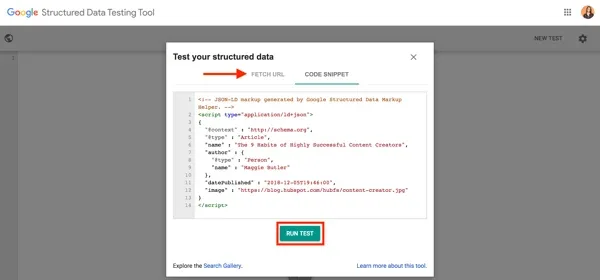
Second, keep a canonical schema template for each page type. Integrating google’s structured data testing tool into your workflow produces consistent quality. When markup is generated from a single source, fixing an error fixes it everywhere at once. When markup is hand-written per page, errors multiply.
Third, log your validation results. Structuring your google’s structured data testing tool around proven patterns ensures impact. A simple spreadsheet tracking page, date, tool, and status turns into a powerful audit trail when something goes wrong months later.
Fourth, test after every template change. A CSS refactor should not break your schema, but it happens more often than you would think, especially when markup is embedded in components.
Finally, do not trust a single tool. Targeted refinements to your google’s structured data testing tool streamline the entire review. The Rich Results Test and the Schema Markup Validator occasionally disagree, and when they do, understanding why is where the real learning happens.
Using the URL Inspection Tool Alongside
Google Search Console’s URL Inspection tool shows the rendered HTML and any detected structured data for a specific URL. It is not a validator in the traditional sense, but it tells you what Google actually indexed.
Pair it with the Rich Results Test for a complete picture. The test shows what should happen. URL Inspection shows what did happen. When those two diverge, you have found a real problem.

I have caught JavaScript injection failures this way more than once. Applying these principles to your google’s structured data testing tool yields measurable results. The markup was perfect in the source, but the rendered version was missing it entirely because of a script error.
Third-Party Alternatives Worth Knowing
Google’s tools are the authority, but they are not the only option. A handful of third-party validators offer features the official tools lack, and knowing them can save you time.
Some tools validate multiple pages at once, which is a lifesaver on large sites. Others integrate directly into your CMS or CI pipeline, catching errors before deploy.
Just remember that third-party tools are interpreting Google’s rules, not defining them. Always confirm critical findings with the official Rich Results Test before acting on them.
The best setup I have seen combines both: third-party tools for broad coverage and speed, official tools for final verification on anything important.
Browser Extensions and IDE Plugins
Several browser extensions surface structured data on the page you are viewing, which is handy for quick checks. They are not a substitute for google’s structured data testing tool or its successors, but they are fast.
IDE plugins that lint JSON-LD as you write it are another underrated option. Catching a syntax error before you even save the file is the cheapest fix possible.
Use these as first-line filters. When they flag something, verify with the official tools. When they pass, still spot-check your most important pages manually.
Structured Data Types and Their Validation Needs
Different schema types have different validation requirements, and knowing which tool to use for each saves a lot of confusion. Let me break down the common ones.
Product markup needs the Rich Results Test, since product rich results are a major Google feature. Proper attention to your google’s structured data testing tool sets a strong baseline. It also benefits from Schema Markup Validator checks for properties Google does not strictly require but that other consumers use.
Article and BlogPosting markup is similar. Rich result eligibility matters, but so does completeness, especially for author and publisher properties that feed into Google News and Discover.
FAQ and HowTo markup has been through several rule changes, so validation is more important here than almost anywhere else. Run both tools and read the warnings carefully.
Event markup is time-sensitive. Validate close to the event date, because expired events behave differently and can trigger warnings that are not actually problems.
Local Business and Organization Markup
LocalBusiness and Organization markup rarely earns a rich result on its own, so the Rich Results Test often reports no items. Developing your google’s structured data testing tool with precision highlights key strengths. That does not mean the markup is useless.
It feeds knowledge panels, entity understanding, and a range of other Google systems. Validate it with the Schema Markup Validator and make sure your name, address, and telephone properties are consistent with your Google Business Profile.
Consistency is the whole game here. Mismatched data between your site and your business profile confuses Google and dilutes the value of your markup.
Frequently Asked Questions
Here is an in-depth breakdown of key considerations regarding this section:
Is Google’s Structured Data Testing Tool Still Available?
No. It was deprecated and eventually retired. The functionality it offered has been split between the Rich Results Test and the Schema Markup Validator, both of which are actively maintained.
What is the Best Replacement for Google’s Structured Data Testing Tool?
The Rich Results Test is the closest direct replacement for most SEO work, since it checks rich result eligibility. Clear alignment with your google’s structured data testing tool builds confidence from the start. For broader schema validation, the Schema Markup Validator picks up where the old tool left off.
Can I Still Validate Non-rich-result Schema Types?
Yes, but you need the Schema Markup Validator rather than the Rich Results Test. The Rich Results Test only handles types Google supports for rich results, so niche schema types will show as undetected there.
Why Does the Rich Results Test Say No Items Detected?
Usually because your markup type is not eligible for a rich result, not because it is broken. Confirm with the Schema Markup Validator before assuming there is a problem.
Does the Rich Results Test Render JavaScript?
Yes, and this is one of its biggest advantages over google’s structured data testing tool. It fetches and renders the live page, so JavaScript-injected markup is validated correctly.
How Often Should I Validate Structured Data?
After every template change, before every major deploy, and on a regular schedule for your highest-value pages. Schema requirements change, and pages that passed last year may fail today.
Can I Validate Multiple Pages at Once?
Not with Google’s official tools, which handle one URL or snippet at a time. Third-party validators and API-based services fill that gap for large sites.
What Happens if I Keep Using the Old Tool’s URL?
It no longer works as it once did. You will not get reliable results, and any reports you generate will not reflect current Google standards. Migrate to the current tools as soon as you can.
Building a Validation Habit That Sticks
The real lesson from the retirement of google’s structured data testing tool is that validation should be a habit, not an emergency response. The SEOs who weathered the transition best were the ones who already validated regularly.
Set a cadence. Weekly for active templates, monthly for stable pages, and always after a deploy. Put it in your release checklist so it does not depend on memory.
Keep notes. When you fix a schema error, write down what caused it and how you caught it. Over time, those notes become a personal playbook more useful than any generic guide.
And stay curious about the tools themselves. Google has changed its structured data tooling before, and it will again. The people who adapt fastest are the ones who understand the underlying purpose — making your content machine-readable — rather than memorizing a specific interface.
That purpose has not changed since the first version of google’s structured data testing tool went live. Only the tools have. Learn the new ones, build your routine around them, and the transition stops feeling like a loss and starts feeling like an upgrade.