Toxic backlinks rarely announce themselves. One morning your traffic looks fine, the next your rankings slide and you can’t figure out why. This toxic backlinks guide walks you through seven hidden risks that quietly wreck sites, then hands you the fixes that actually work.
Here’s the uncomfortable part: most site owners only discover the damage after a manual action lands or after a competitor’s spam blast drags them down. By then, months of momentum are gone. So let’s flip the script and catch these problems before they cost you.
What Makes a Backlink Toxic Backlinks Guide for Beginners
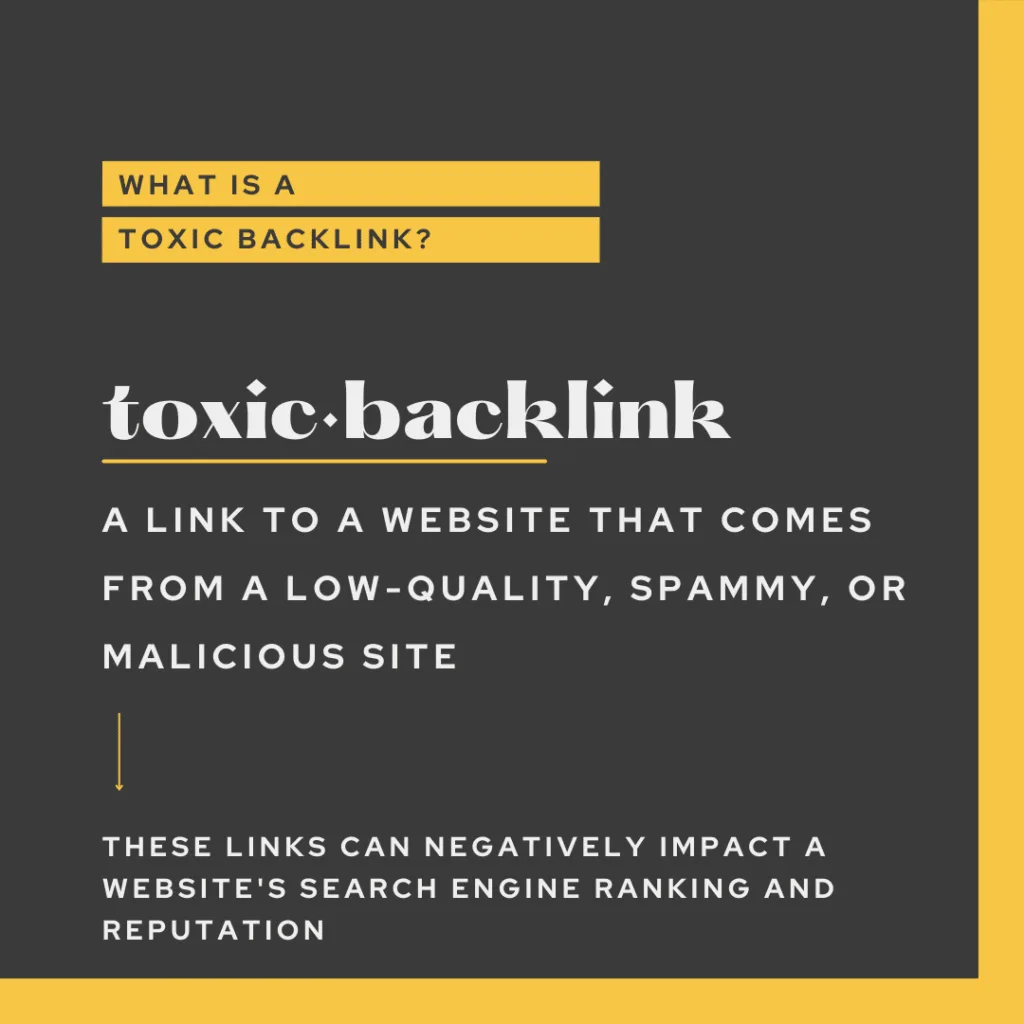
A backlink turns toxic when the toxic backlinks comes from a source Google considers manipulative, irrelevant, or outright spammy. Think link farms, private blog networks, hacked sites, and auto-generated directories that exist purely to pass PageRank. The link itself isn’t always the problem. Often it’s the pattern around it.
If fifty links appear overnight from sites in twelve different languages, all pointing to the same page with identical anchor text, that’s a footprint. Google’s SpamBrain system reads those footprints fast.
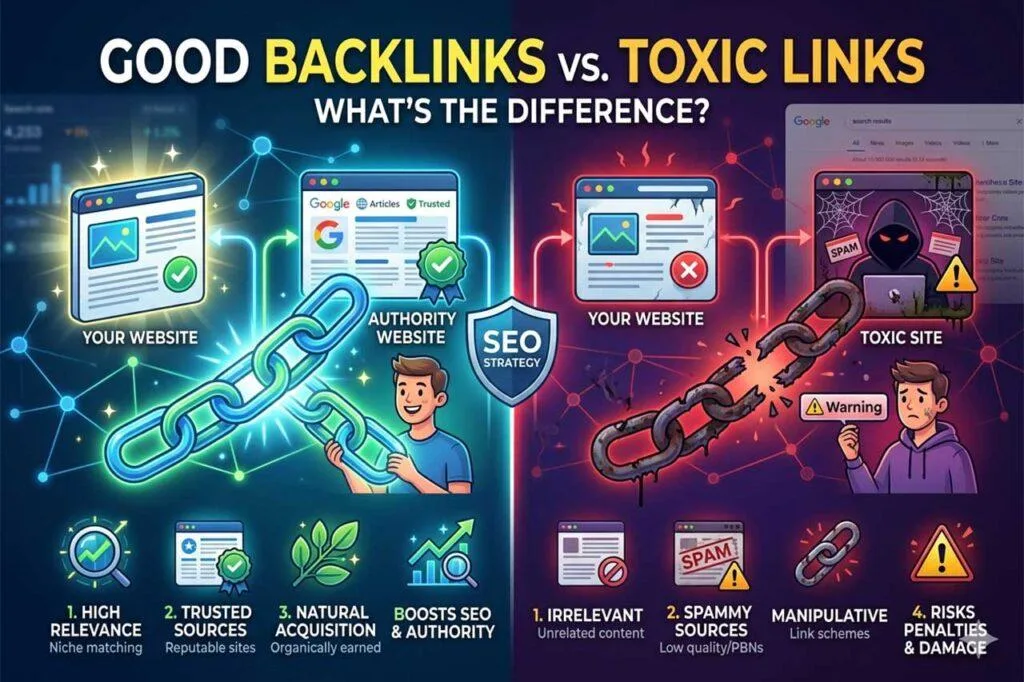
What surprised me during my first audit was how many “clean” sites carried rotten links for years without noticing. Nobody checks until rankings tank. And by the time they do, the toxic backlinks have already dragged down trust signals across the whole domain.
Here’s a quick reference for spotting trouble before it spreads:
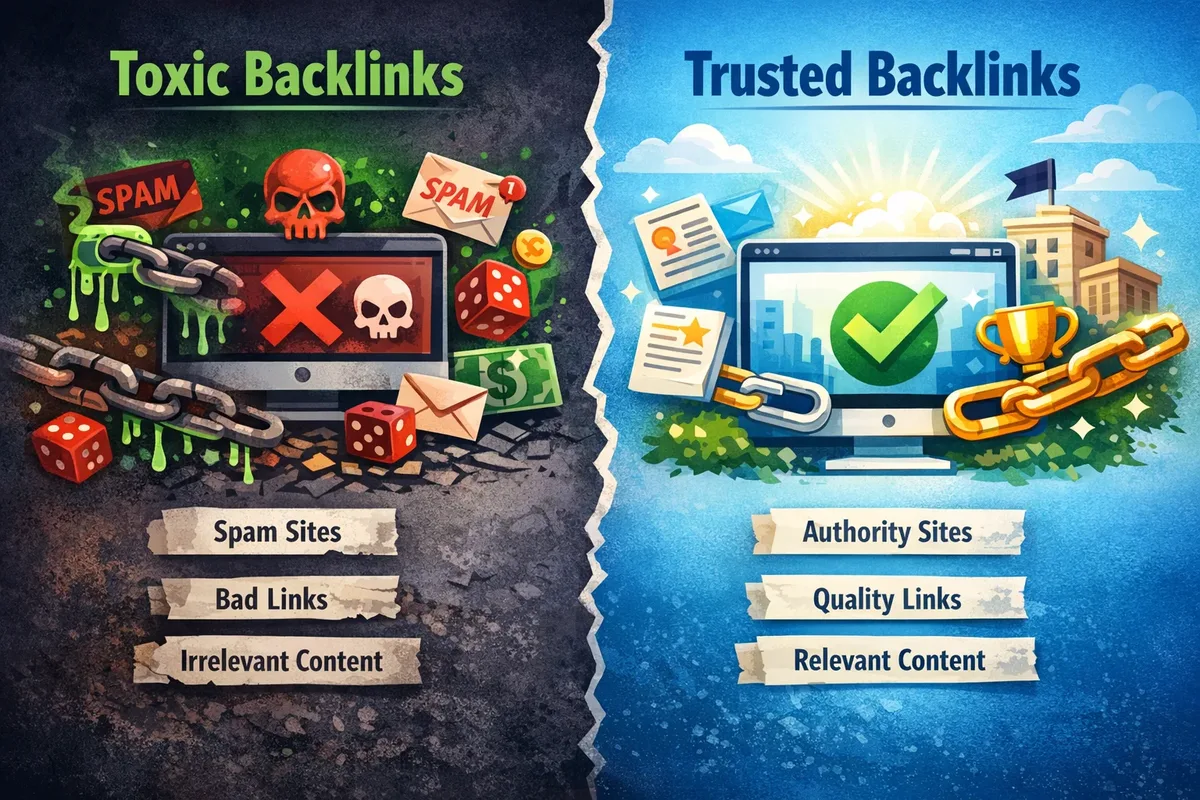
| Signal | Healthy Backlink | Toxic Backlink |
|---|---|---|
| Relevance | Same niche or closely related | Unrelated topic or casino spam |
| Anchor text | Varied, natural phrase | Repeated exact-match commercial terms |
| Domain quality | Real audience, editorial standards | Zero traffic, auto-generated pages |
| Link velocity | Gradual, organic growth | Hundreds in a single week |
| Placement | In-content, contextual | Footer, sidebar, hidden divs |
Run this checklist against any suspicious link and you’ll separate noise from real danger within minutes. If two or three rows land in the “toxic” column, treat that link as a liability.
Risk 1: the Ranking Collapse Nobody Sees Coming
The first hidden risk is the slow bleed. Toxic backlinks don’t usually trigger an instant penalty. Instead, Google quietly discounts the value of your link profile, and your pages drift downward over weeks. You might lose a few positions on page two, then a few more.
I’ve watched sites lose 40% of organic traffic over three months while the owner blamed a “core update.” A link audit later showed 1,800 spammy links from a scraper network, all pointing to one product page. The page itself was fine. The neighborhood was not.
Here’s the fix: pull your backlink profile every quarter using Search Console or a tool like Ahrefs, sort by domain authority ascending, and scan the lowest-tier links first. That’s where toxic backlinks hide.
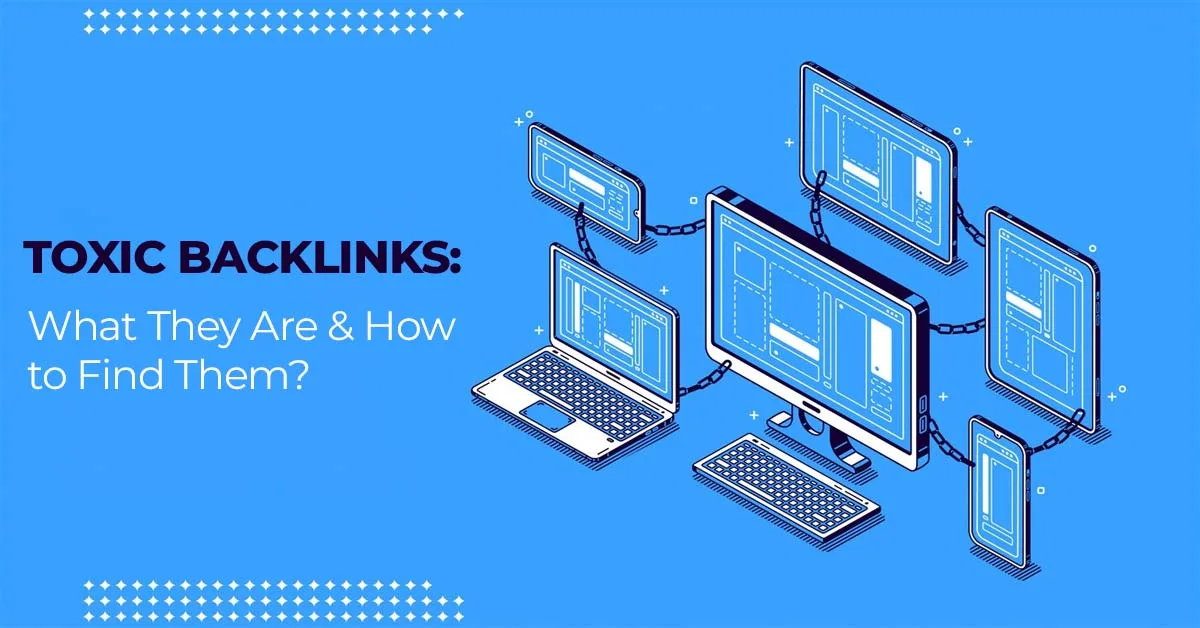
Flag anything on a domain with no organic traffic, no branded searches, and a top-level domain tied to spam hubs. You don’t need to remove every low-quality link. You need to remove the ones that form a pattern.
Risk 2: Negative SEO Attacks You Didn’t Trigger
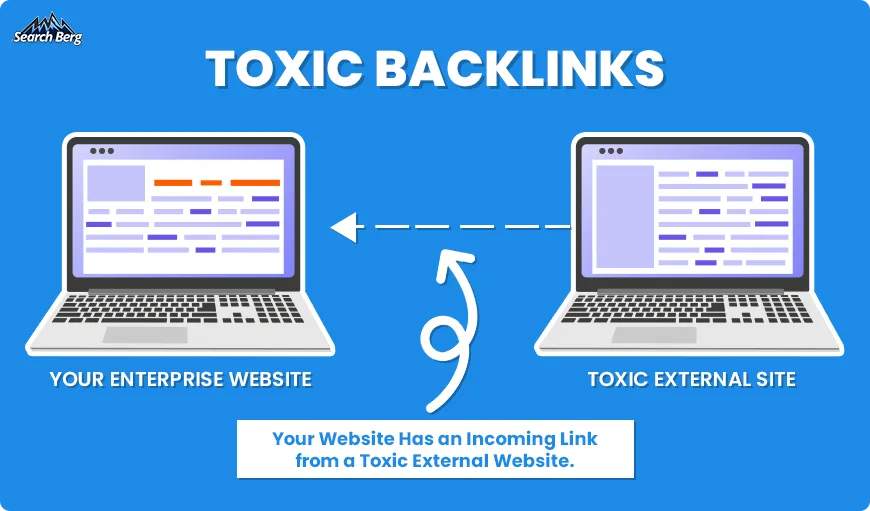
A competitor doesn’t need to hack your site to hurt you. They can point thousands of toxic backlinks at your domain from spam networks, and if you’re not monitoring, you’ll wear the damage. This is negative SEO, and it’s more common than most people admit.
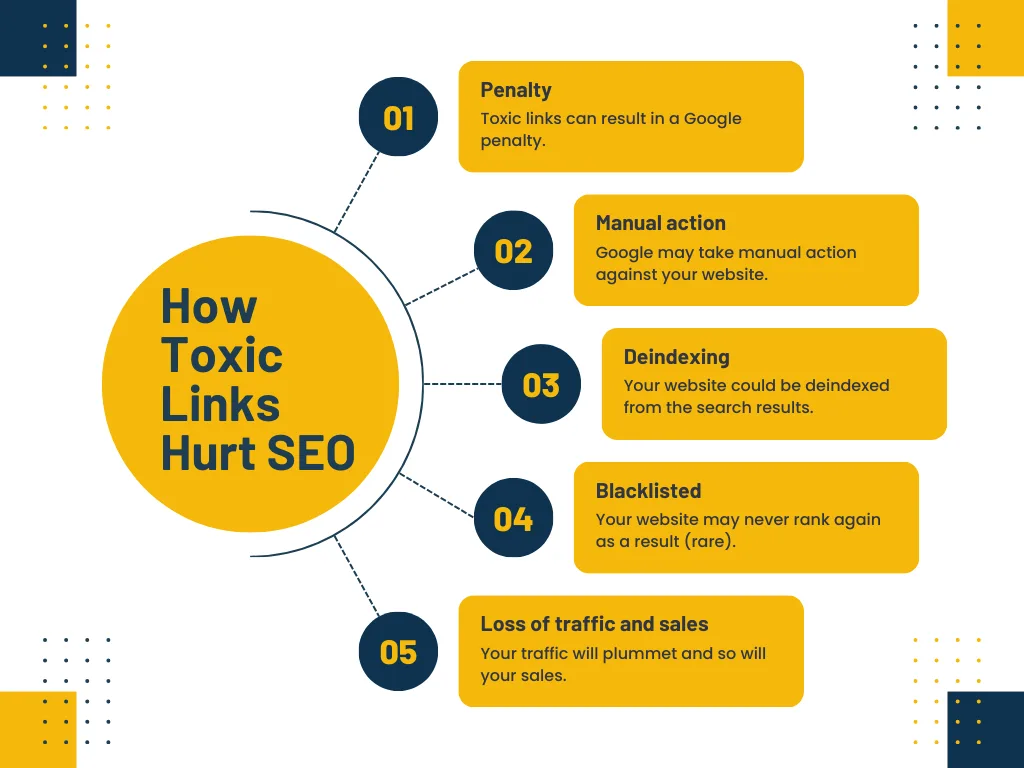
Back in the day, Google’s Disavow Tool was the go-to defense. It still works, but the bar is higher now. Google often ignores obvious spam attacks on its own, so disavowing every questionable link can backfire if you over-disavow good links by mistake.
My practical advice: document the attack. Export a snapshot of the sudden link spike, note the dates, and disavow only the clearly malicious domains. Keep the file saved. If a manual action ever lands, that documentation becomes your alibi.
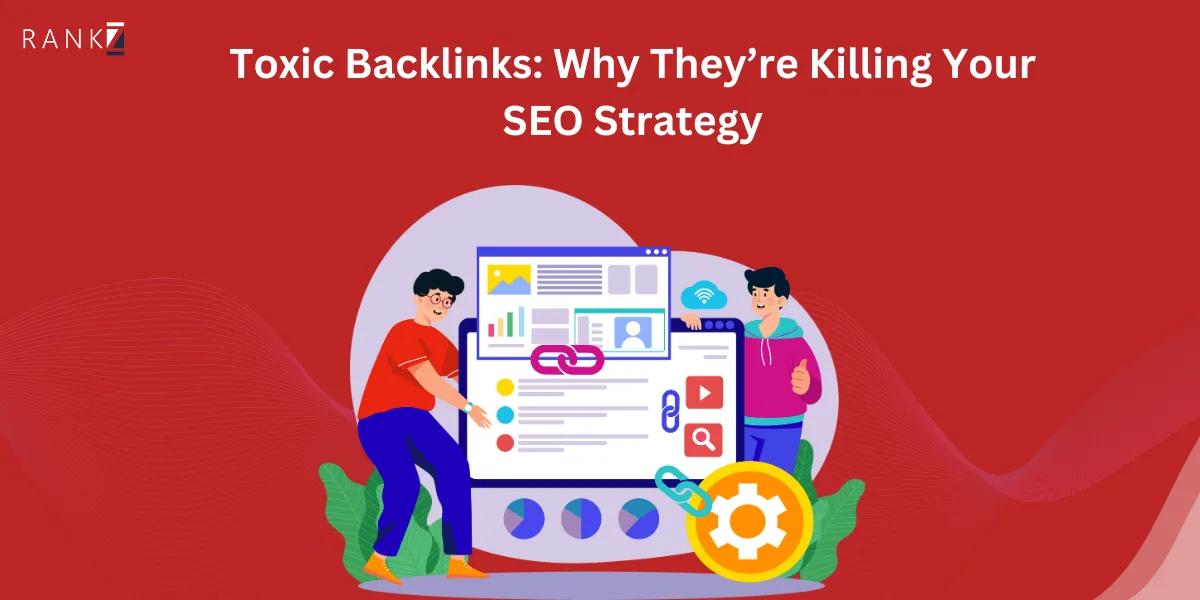
And don’t panic. Most negative SEO campaigns fizzle because Google’s spam filters catch them before they gain traction. The toxic backlinks tips below in this guide will help you build a detection routine rather than a reaction habit.
Risk 3: Anchor Text Over-Optimization Flags
Anchor text is a fingerprint. When 80% of your inbound links use the exact phrase “best cheap widgets online,” Google reads manipulation. Natural link profiles are messy. They include brand names, naked URLs, generic phrases like “click here,” and the occasional descriptive phrase.
Over-optimized anchors are one of the most common toxic backlinks patterns, and they’re sneaky because the linking domains often look legitimate. A blogger writes a review, links to you with your exact commercial phrase, and repeats it across five posts. Multiply that by twenty bloggers and you’ve got a flag-worthy footprint.
The fix isn’t to strip all keyword anchors. It’s to diversify. Aim for brand anchors, partial-match phrases, and natural descriptive text in roughly equal measure. If one keyword dominates your profile, you’re waving a red flag at Google’s spam team.
Risk 4: Link Farm and PBN Contamination
Private blog networks were designed to look like real sites. Refining each detail of your toxic backlinks strengthens this section. They use aged domains, publish “guest posts” full of links, and sell placements to anyone with a credit card. The problem? Google has been deindexing these networks for years, and when one collapses, every site it linked to feels the tremors.
I once inherited a client whose top-ranking category pages were powered by a 40-site PBN. The PBN operator got lazy, reused the same WordPress theme across every domain, and Google caught the footprint. Within six weeks, my client’s rankings dropped from position 3 to position 47.
Recovery took seven months of disavowing, building clean links, and rewriting content to earn mentions naturally. Expensive lesson.
So how do you spot PBN links before they hurt you? Look for these signs:
- Suspiciously generic “about” pages. No team, no contact details, no real author bylines. Real editorial sites have names, faces, and histories.
- Irrelevant topic mix. A “health blog” that also writes about crypto, casino bonuses, and home renovations is almost certainly a PBN node.
- Thin content with heavy linking. If every post is 300 words and links out to five different commercial sites, that’s paid placement, not editorial content.
- Recent domain registrations with old-looking content. Wayback Machine reveals the domain was parked two years ago and suddenly rewrote itself overnight.
When you find these, don’t just disavow. Log them in your toxic backlinks checklist and monitor for related domains. PBN operators run networks, so where there’s one bad link, there are usually dozens more.
Risk 5: Hacked Sites and Injected Link Spam
Hacked sites are the sneakiest form of toxic backlinks because they don’t look toxic at all. The domain has real traffic, real content, and real reputation. But somewhere in a hidden div, a footer, or a compromised plugin, links to pharmacy or gambling sites have been quietly injected.
These links often use CSS tricks like display:none or tiny font sizes to hide from human eyes. Google’s crawler sees them just fine, and Google flags them as manipulative.
When I audit a new client, I check every outbound link in their codebase against what appears on the rendered page. Mismatches usually mean an injection. Common entry points include outdated CMS plugins, unpatched themes, and weak admin passwords.
If you’re on WordPress or another CMS, update everything monthly and use a security scanner. Clean code is your first defense against becoming an accidental spam host.
Risk 6: Irrelevant Niche Links That Dilute Authority
Not all toxic backlinks come from spam. Some come from “legitimate” sites that simply have nothing to do with your topic. A cooking blog linking to a cybersecurity firm? That link passes no value and might trigger a relevance filter if it happens often enough.
Google’s algorithms weigh topical relevance heavily. A link from a related site, even a small one, carries more weight than a link from a huge site in an unrelated industry. This is why digital PR focused on niche publications beats blind link buying every time.
The fix: audit for topic mismatch. If more than 15% of your inbound links come from off-topic sources, you’ve got a dilution problem. Either earn more relevant links to balance the profile or disavow the worst offenders when they form a clear pattern.
Here’s what a healthy distribution looks like in practice:
- 40-50% brand anchors (your company name or URL)
- 20-30% generic or naked URL anchors
- 15-25% descriptive or partial-match anchors
- 5-10% exact-match keyword anchors
If any single category dominates beyond these ranges, investigate. Your toxic backlinks checklist should include a monthly anchor text ratio check.
Risk 7: Toxic Backlinks from Scraped and Auto-Generated Content
The seventh risk is the hardest to trace. Effective execution in your toxic backlinks makes a tangible difference. Content scrapers lift your articles, republish them on junk domains, and add links back to you. Sometimes those links look legitimate. Sometimes they’re stuffed with spam in a way that taints the origin.
Auto-generated directories, aggregator sites, and “free SEO” tools often link to you without permission. These toxic backlinks are technically inbound, but they’re the kind Google penalizes when the source is clearly machine-generated junk.
Detecting them takes discipline. Set up Google Alerts for your brand name and key headlines to spot unauthorized republishing. Use a backlink monitor to catch new inbound links and quickly classify the source.
When you find scraper links, don’t disavow them all. Some don’t hurt you. Disavow only the ones on domains with clear spam footprints, and pause the rest until they either pile up into a pattern or fade away.
Toxic Backlinks Best Practices for a Clean Link Profile
Here’s where the smart fixes come in. If you’ve spotted any of these seven risks, don’t panic. Google’s systems are more forgiving than people assume, but they punish patterns, not isolated links. Your job is to break the pattern.
Start with a full audit. Every serious toxic backlinks best practices workflow begins with data, not guesses. Pull your backlink profile, flag every domain that fails one or more of these tests:
- No organic traffic (check with Ahrefs or Semrush)
- No brand searches (check Google Trends or search volume)
- No editorial standards (no author bios, no contact page)
- Hostile top-level domain or obvious spam signature
- Suspiciously perfect anchor text matching your commercial keywords
Once flagged, categorize each link as “definitely toxic,” “borderline,” or “safe.” Only disavow the first two categories, and only when they form a discernible pattern. A single weird link from a random blog won’t hurt you.
Next, fix site-side vulnerabilities. If any of your pages has been hacked or injected with spam, clean it immediately. If you’re not confident in your security posture, bring in a developer who specializes in CMS hardening. Rotten internal code attracts external rot.
Then, rebuild trust with clean links. Digital PR outreach, guest posts on real publications, industry directories, and citations from reputable sources all help. If you’ve been hit by a manual action, this rebuild phase is non-negotiable.
Track the shape of your profile monthly. Good link profiles aren’t static. They grow in surprise increments, gain anchors from new sources, and shift as your brand grows. The toxic backlinks tips below will help you keep that momentum without slipping back into old habits.
How to Run a Toxic Backlinks Checklist Audit Step by Step
Audits fail when they’re vague. A real toxic backlinks checklist has stages, tools, and decision rules. Here’s the exact sequence I use when triaging a compromised or penalized site.
Stage 1: export everything. Google Search Console, Ahrefs, Semrush, and any historical data you have. Merge into one sheet with columns for source domain, page authority, anchor text, first-seen date, and whether the link is in-content or boilerplate.
Stage 2: score each link. Give it a 1-5 risk score based on the criteria above. Low-quality domain, off-topic content, over-optimized anchor, unnatural velocity — each adds points. A score of 4 or 5 lands on the disavow list.
Stage 3: sample and verify. Maintaining clarity across your toxic backlinks remains essential. Don’t trust tool scores alone. Manually review 10-15% of the flagged links by actually visiting the linking page. Look at the neighborhood: is it surrounded by pharma spam, gambling banners, or unrelated ads?
Stage 4: build the disavow file. Group by domain where possible, use the standard disavow syntax, and save the file in a dated folder. Submit to Google Search Console only after review. Never submit on impulse.
Stage 5: monitor and iterate. Re-run the audit in 90 days. If new toxic backlinks appear, investigate the source. Sometimes the same spam network returns. Sometimes you’ve been targeted by a persistent attacker.
Stage 6: shore up detection. Set up alerts for new referring domains with zero authority. Set up Google Alerts for brand names. Monitor for sudden spikes in referral traffic this is often the first sign of an injection or scraper assault.
Stage 7: document everything. If a manual action lands, your documentation becomes your defense. Screenshot the audit timeline, keep the disavow file archive, and log every outreach attempt and removal request.
That’s a real checklist. The toxic backlinks guide market is full of articles that list “11 magical steps to remove backlinks forever,” but the truth is simpler: audit regularly, act surgically, document thoroughly.
Free Tools That Actually Help With Toxic Backlinks
You don’t need a forty-dollar-per-month tool subscription to clean a link profile. The essentials are free, and they cover 80% of what matters.
Google Search Console is the starting point. The “Links” report shows your top linking sites, and the “Manual Actions” section shows whether Google has already penalized you. If there’s a manual action for “unnatural links to your site,” read that report twice before you do anything.
Ahrefs Webmaster Tools is free and gives you a live backlink monitor with anchor text breakdowns. Semrush offers a limited free tier with similar functionality. Both are excellent for spotting new toxic backlinks before they spread.
For anyone who needs deeper data, Moz Link Explorer’s free tier offers a domain authority score and spam score. High DA with a high spam score is a red flag — those are the classic PBN nodes.
Google’s Disavow Tool itself is free, of course, but treat it like a scalpel. Every domain you disavow is a decision you can’t easily reverse. Over-disavowing is a common mistake that erodes good links.
Finally, use the Wayback Machine. When a suspicious domain claims to be a decade-old authority site, verify. Machines don’t lie.
When to Disavow versus When to Remove
This is where most site owners get stuck. Google’s official stance is that disavow should be used sparingly. But when you’ve got a manual action or a clear pattern of toxic backlinks, disavow is often the fastest path forward.
Here’s my decision tree. A thoughtful approach to toxic backlinks reinforces your qualifications. If a link is on a domain you control or a site with a real contact email, ask for removal first. It’s cleaner, permanent, and often faster than you’d expect. Small bloggers and site owners are usually happy to remove links when asked politely.
If removal requests go unanswered twice, move to disavow. If the domain is obviously malicious, skip removal entirely and disavow. Don’t waste effort on hacked sites or auto-generated spam.
If Google has already issued a manual action, disavow aggressively but not blindly. Include every clearly toxic domain and submit. Google’s reviewers will reassess.
The principle: removal is preferred, disavow is the backup. Never disavow unless you’ve tried removal or the source is clearly malicious.
Post-Cleanup Recovery: Rebuilding Trust After Toxic Backlinks
Cleaning toxic backlinks is step one. Rebuilding trust is step two, and this stage trips up more people than the cleanup itself.
Expect a lag. Google’s re-evaluation isn’t instant. If you submitted a disavow or filed a reconsideration request, plan for weeks, not days.
In the meantime, keep publishing. Keep earning links. Keep the content quality high. Sites that recover fastest keep moving forward instead of orbiting the penalty.
Consider a “content refresh plus outreach” campaign. Update your top pages with new data, then pitch them to relevant industry publications. This does two things: it earns legitimate links and reminds Google your site deserves attention.
If you were penalized, file a reconsideration request once you’ve done the work. Be specific. Name the toxic backlinks you removed, describe the removal attempts, and show the disavow file. Vagueness kills reconsideration requests faster than bad links do.
Watch your impressions, not just your clicks. After a penalty lifts, impressions rise before clicks do. That’s the earliest sign recovery is working.
Frequently Asked Questions About Toxic Backlinks
Here is an in-depth breakdown of key considerations regarding this section:
How Many Toxic Backlinks Trigger a Penalty?
There’s no fixed number. One toxic backlink rarely hurts. A pattern of dozens or hundreds from spammy sources is a different matter. The percentage of toxic links in your profile matters more than the raw count.
If 5% of your inbound links are clearly malicious, Google probably ignores them. If 40% are on spam domains, you’re at risk.
Can Toxic Backlinks Hurt Me if I Didn’t Create Them?
Yes, though the impact is typically smaller. Google tries to distinguish between your own manipulation and negative SEO attacks. But if you don’t monitor and respond, the pattern of toxic backlinks grows and eventually can hurt rankings. Cleanup isn’t optional; it’s just sometimes slower.
How Long Does It Take to Recover After Removing Toxic Backlinks?
Anywhere from a few weeks to six months, depending on severity. Manual actions require a reconsideration request, which typically takes 2-6 weeks to process. Procedural dips without a manual action often resolve in 4-8 weeks after cleanup, though sometimes longer if the link pattern was entrenched.
Is the Disavow Tool Still Necessary?
It works, but Google prefers that you use it sparingly. Modern spam filters ignore most low-level toxic links automatically. Disavow is best reserved for clear patterns of manipulation or manual actions where you need to demonstrate corrective effort. Over-disavowing can hurt you by removing good links along with bad ones.
What are the Most Common Signs of Toxic Backlinks?
Unnatural domain profiles, irrelevant niches, exact-match anchor text at high frequency, links from hacked sites, and sudden spikes in link velocity. If a new batch of inbound links appears overnight from unrelated domains, that’s the classic toxic backlinks signature. Run an audit immediately.
Can a Competitor Tank My Rankings With Spam Links?
In theory yes, in practice rarely. Google’s spam filters are tuned to catch obvious negative SEO. The bigger risk is that you respond badly by over-disavowing or panicking. If you suspect negative SEO, document the spike and monitor. Don’t disavow in bulk unless you see clear evidence of harm.
Do I Need a Paid Tool for Backlink Audits?
No. Google Search Console, Ahrefs Webmaster Tools, Moz Link Explorer free tier, and Semrush free tier cover most audit needs. Paid tools save time at scale, but a disciplined free-tool workflow catches the same problems. The toxic backlinks checklist matters more than the price tag.
Partnering Toxic Backlinks With a Long-Term Link Hygiene Habit
Fixing toxic backlinks once won’t keep you safe forever. Link profiles are living things, and they attract new links constantly. The only durable defense is a routine.
Monthly: check Google Search Console for new top linking domains and any manual action notices. Quarterly: run a full audit and score anything new. Annually: do a deeper crawl with paid or free-tier tools to catch links that built up silently over twelve months.
That cadence sounds like a chore until you’ve watched a site tumble 60% in rankings. Once you’ve seen that pain, the cadence becomes a relief.
Add content strategy to the routine. Every new piece of quality content attracts clean links and dilutes the percentage of toxic backlinks in your profile. Do both in tandem and your profile hardens over time.
And keep the documentation going. Save every disavow file, screenshot, and outreach email. If a manual action lands, you’ll be the site owner who has answers, not the one scrambling to reconstruct what happened.
That’s the real payoff of treating toxic backlinks seriously. You’re not just fixing rankings. You’re building the kind of link profile that holds up when competitors panic and the algorithm shifts.
Take the toxic backlinks checklist above and run it this week. Start with your lowest-authority referring domains. Give yourself two hours, a spreadsheet, and the free tools above. Most sites find at least a handful of problems within the first hour.
That’s the smart fix in one sentence: audit early, act surgically, document everything, and never stop watching. Your future rankings will thank you.
For verified reference and background research, consult the authoritative informational resource on this topic.