Near Me Searches: Complete Beginner’s Guide
Near me searches are the queries people type when they want something close by and they want it fast. If you run any kind of local business, understanding this behavior is the difference between showing up in a customer’s moment of need and disappearing entirely from the map.
This near me searches guide is built for people starting from zero. Maybe you just opened a shop, took over a family restaurant, or finally got serious about your clinic’s online presence. You don’t need a marketing degree to make sense of this.
You need to know how the mechanics work, what Google actually looks for, and which small moves generate the biggest lift.
What follows is a complete walkthrough. We’ll define the terms, break down the technology, cover the ranking factors that matter, walk through setup step by step, share a working checklist, flag the mistakes that quietly kill visibility, and finish with measurement so you can tell what’s working.
Grab a coffee. Let’s get into it.
What are Near Me Searches, Exactly?
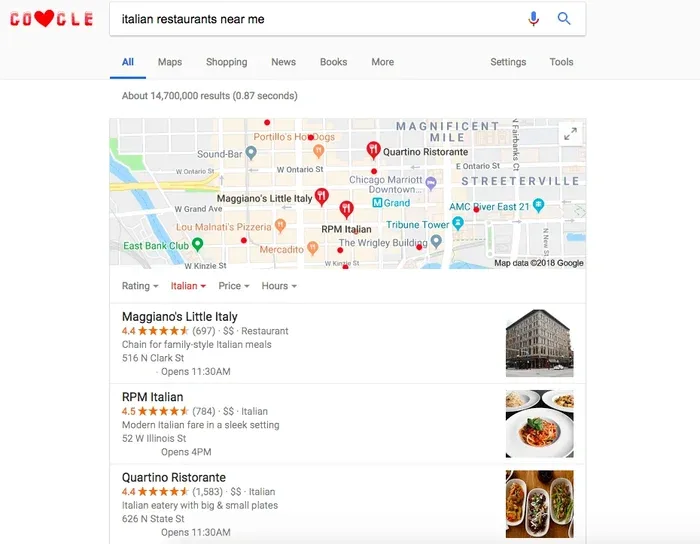
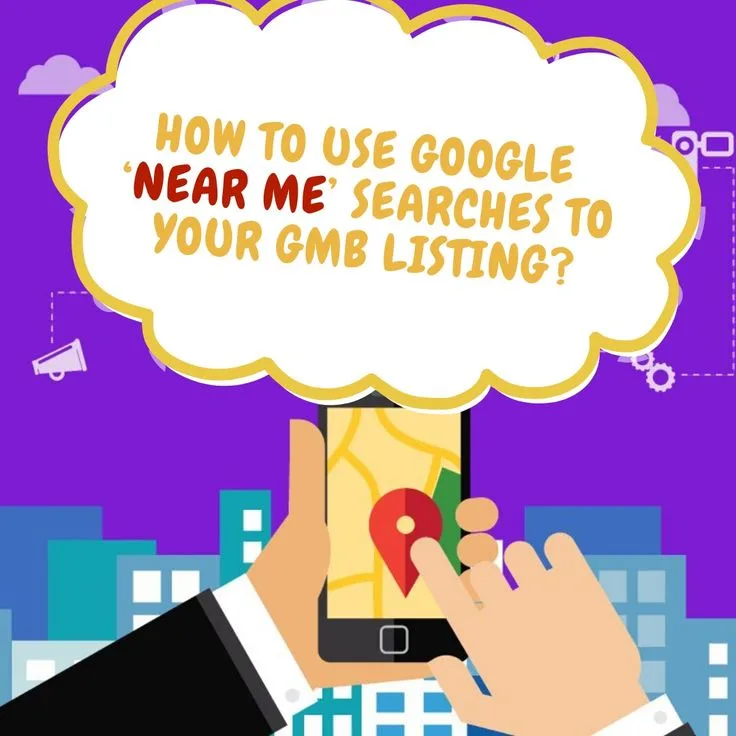
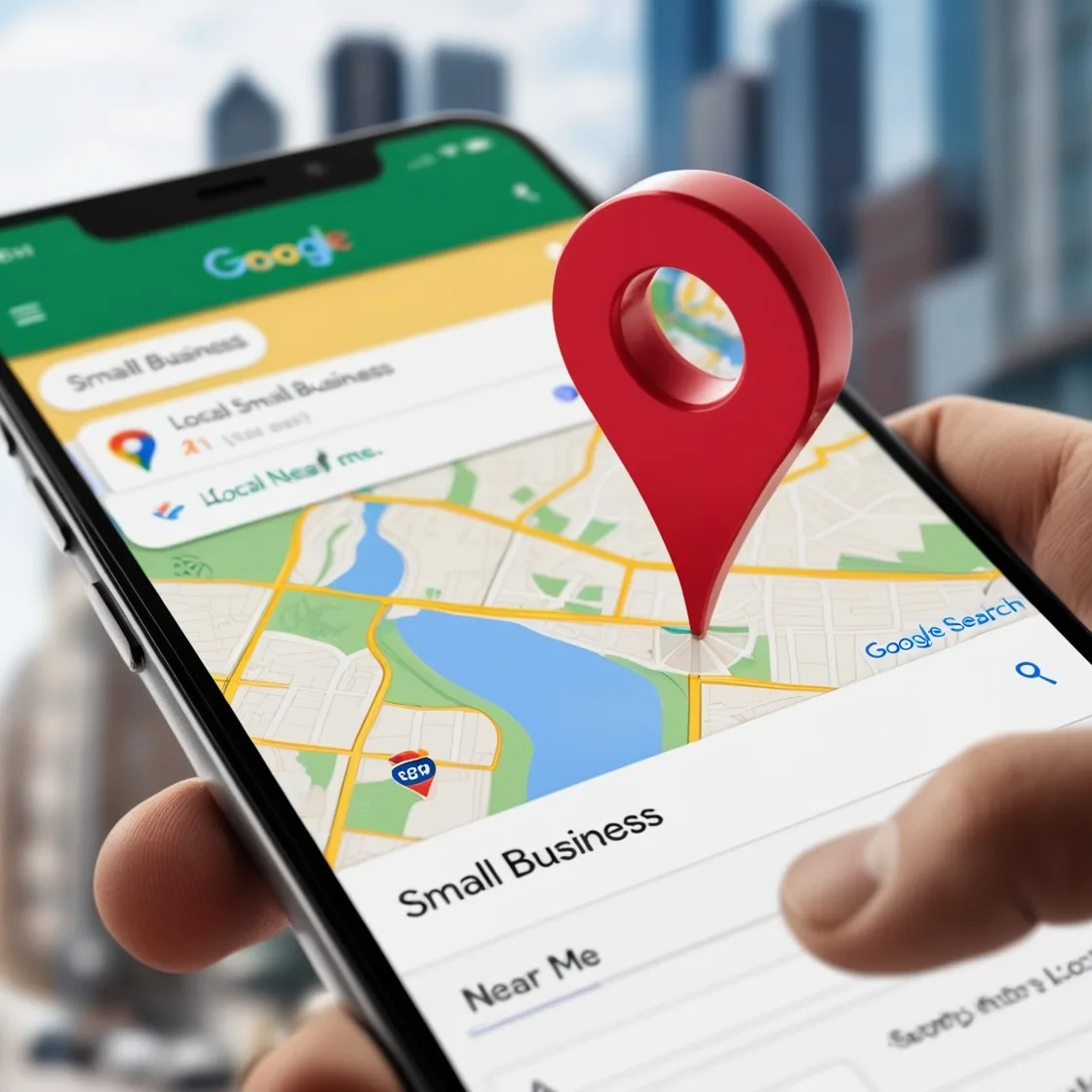
A near me search is a query where the user skips the business name and describes only the need and the proximity requirement. They type “coffee shop near me,” “urgent care near me,” “plumber near me.” The intent is practical: find an open, reachable option and go there.
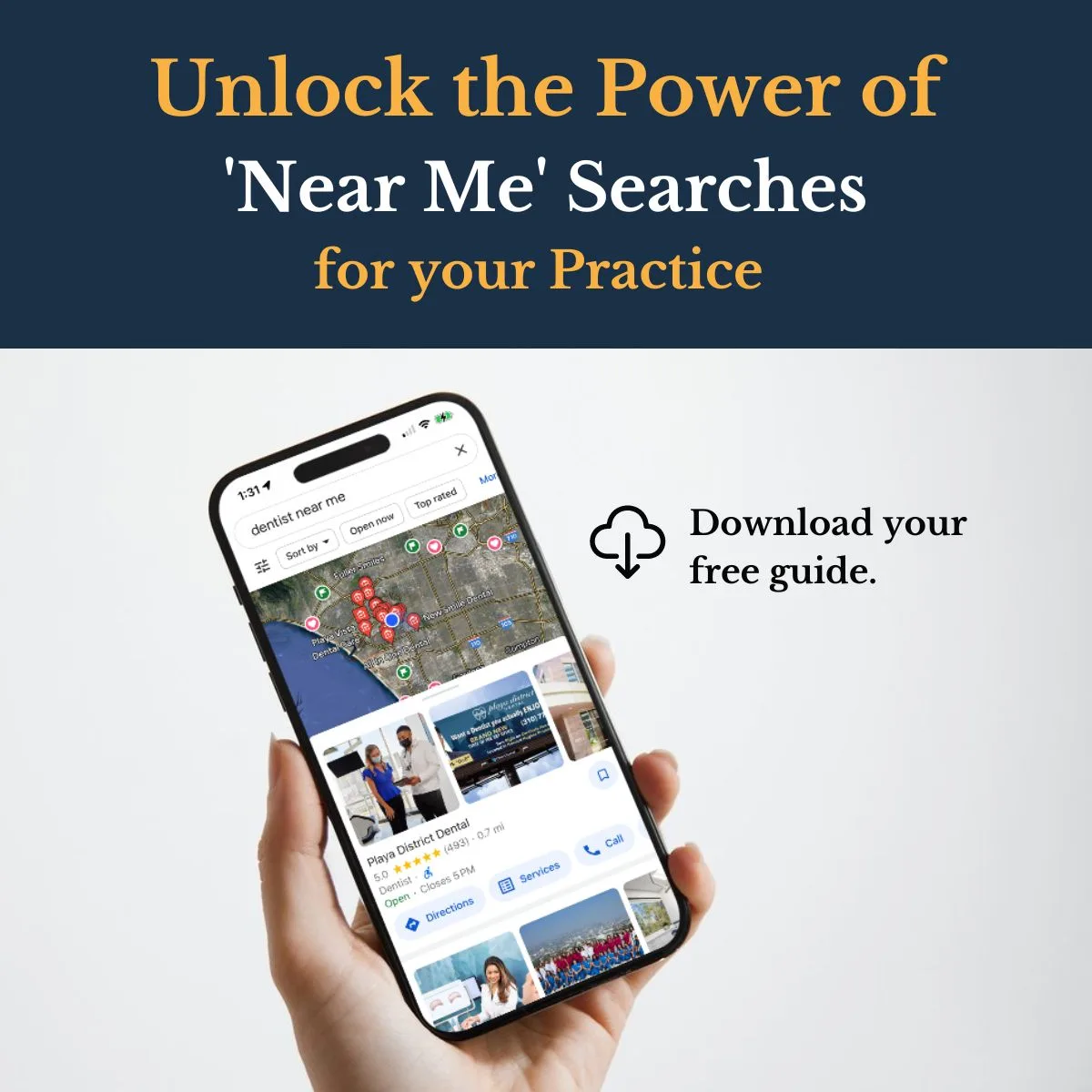
The key insight for beginners is that the user is not hunting for information. They’re already in motion, or about to be. According to Google’s own documentation on local search, proximity and prominence are central signals, which tells you the engine is answering a physical-world question, not a general one.
Here’s what most people get wrong early on. They think the phrase “near me” literally means the words must appear. It doesn’t. Google understands location context from the device, the search history, and the language used.
Someone typing “best tacos open late” in Austin at 11 p.m. Is effectively running a near me query without ever typing those words.
That distinction matters enormously for how you optimize. You’re not chasing a string of text. You’re signaling to Google that your business physically exists, serves a defined area, and deserves to appear when someone in that area needs what you offer.
The Difference Between Near Me Searches and Regular Local Queries
A regular local query usually names a place or a business, like “pizza in Brooklyn” or “Joe’s Hardware.” The user has narrowed things down already. A near me query is broader, more urgent, and relies entirely on the engine’s judgment about who’s nearby.
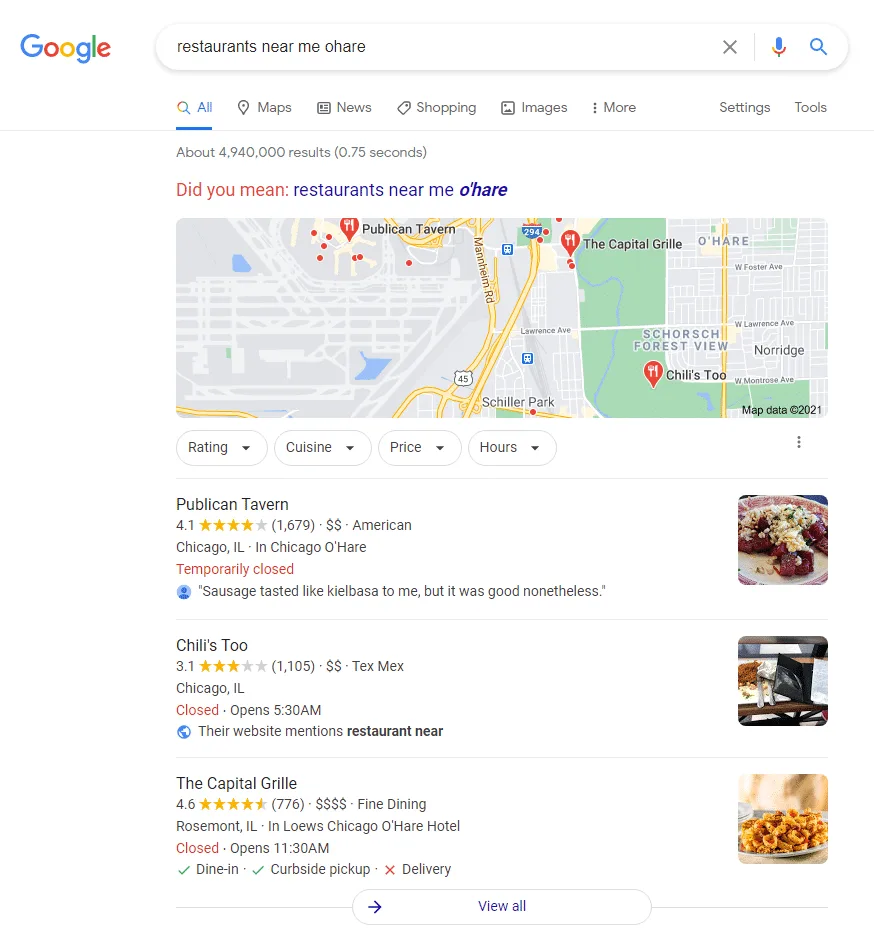
Both matter, but near me queries tend to convert at higher rates because the intent is so immediate, and near me searches tips is what the reader checks first. Focusing on near me searches provides clear direction here. Someone searching for a locksmith near me at 7 a.m. After locking themselves out isn’t comparison shopping. They’re calling the first credible result.
So when you build your local presence, the “near me” bucket deserves special attention. It’s where the heat is.
How Google Actually Decides Who Shows Up
To win at near me searches, you have to think like the ranking system. Google’s local results are powered by a separate index from the standard organic results, and it operates on three pillars: relevance, distance, and prominence.
Relevance means your business matches what’s being asked. A “vegan bakery near me” query won’t surface a steakhouse no matter how close it is. Distance is self-explanatory but more nuanced than people assume, because Google interprets “near” differently across categories. Prominence is the reputation layer, built from reviews, citations, links, and general notoriety.
Consider what happens when two bakeries sit 300 feet apart. One has 200 reviews at 4.7 stars and a fully filled-out profile. The other has 12 reviews and a blank description. Both are equally close. The first wins the local pack almost every time.
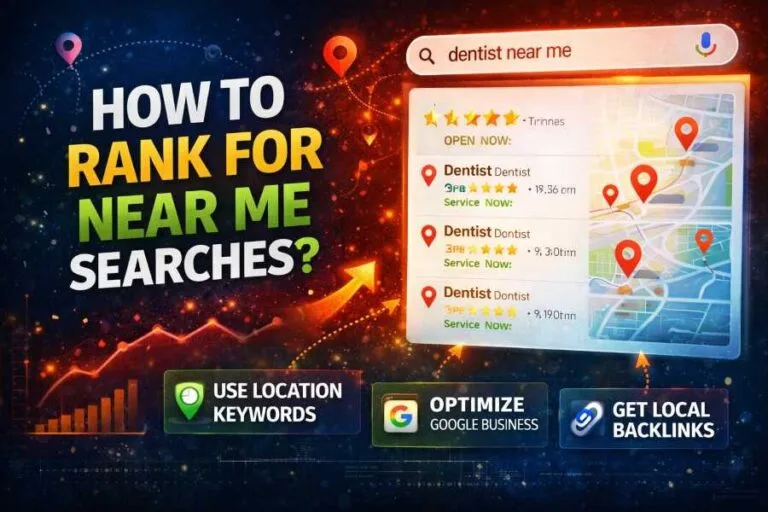
This is why beginners should treat near me searches as a stacking game. You’re not looking for one magic fix. You’re adding small advantages until you clearly outrank the business next door.
| Ranking Pillar | What It Measures | Beginner Action |
|---|---|---|
| Relevance | Match between query and your category, services, and content | Choose accurate categories, list every service, write descriptive content |
| Distance | Physical proximity between searcher and your location | Verify your address, keep hours accurate, don’t fake locations |
| Prominence | Reputation signals: reviews, citations, links, mentions | Collect reviews steadily, fix citation inconsistencies, earn local press |
Note the third column. Every pillar maps to something you can actually do this week without spending money. That’s the beauty of local optimization for a beginner.
Setting Up Your Google Business Profile the Right Way
If you do nothing else after reading this near me searches guide, do this. Your Google Business Profile is the single most influential asset for appearing in local results. Skip it, and you’re invisible to a huge chunk of the market.
The setup itself is free, but the details are where people stumble. Let’s walk through it properly.
Claiming and Verifying Your Listing
Start by searching your business name on Google Maps. If a listing exists, claim it. If not, create one. Google then verifies you’re the real owner, usually through a postcard, phone call, video, or email depending on your category.
Verification can take a few days, so don’t leave the near me searches to the last minute. One restaurant owner I worked with delayed claiming his profile for months, then discovered a competitor had added photos and a fake phone number to it. Untangling that took weeks.
Once verified, treat your near me searches profile like a living storefront. Update it when hours change. Post photos of your actual space. This isn’t busywork; it feeds the prominence signal directly.
Choosing the Right Primary Category
Category selection is one of the most underrated levers in near me searches. Google uses your category to decide which queries you’re even eligible for.
A “pizza restaurant” won’t rank for “catering near me” the way a business with “caterer” as a primary or secondary category will. Spend real time on this. Look at what competitors rank for and match the category that reflects your core service.
You can add secondary categories too. A bakery that also serves coffee should probably include both. Just don’t overreach. Stuffing irrelevant categories looks spammy and dilutes your relevance signal.
On-Page Signals That Feed Near Me Searches
Your website is the second half of the equation. Google reads your pages to confirm what your profile claims. If your site says nothing about services or location, you’re leaving ranking potential on the table.
Start with a dedicated location page. It should mention your city and service area naturally, list services with real descriptions, show hours, and embed a map. Don’t just list “we serve the metro area.” Name the neighborhoods, suburbs, and landmarks people actually search for.
A plumber in Portland should have content referencing specific areas, like “emergency plumbing in Sellwood” or “water heater repair near Alberta Arts.” Those references help Google connect your business to real searches in those areas.
Here’s a practical near me searches tip: write the way customers talk. If someone searches “same day dental near me,” your page should reflect that language. Use service pages, not one giant wall of text.
- Title tags with your service plus city, kept short and readable
- Headers that name the service and the area naturally
- Schema markup for LocalBusiness with address and hours
- Embedded map on the contact page
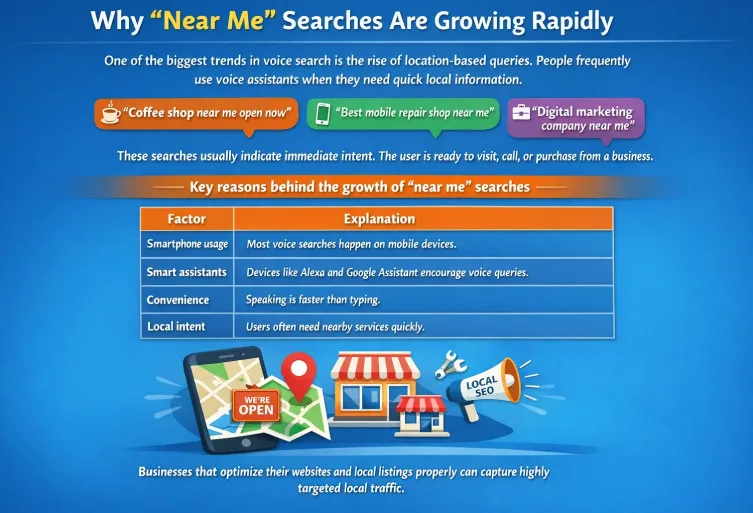
- Mobile speed under three seconds, because most near me searches happen on phones
That last point deserves emphasis. If someone’s searching for a nearby business, they’re almost certainly on mobile, often while walking or driving. A slow site kills conversions before the ranking even matters.
Building a Strong Local Citation Footprint
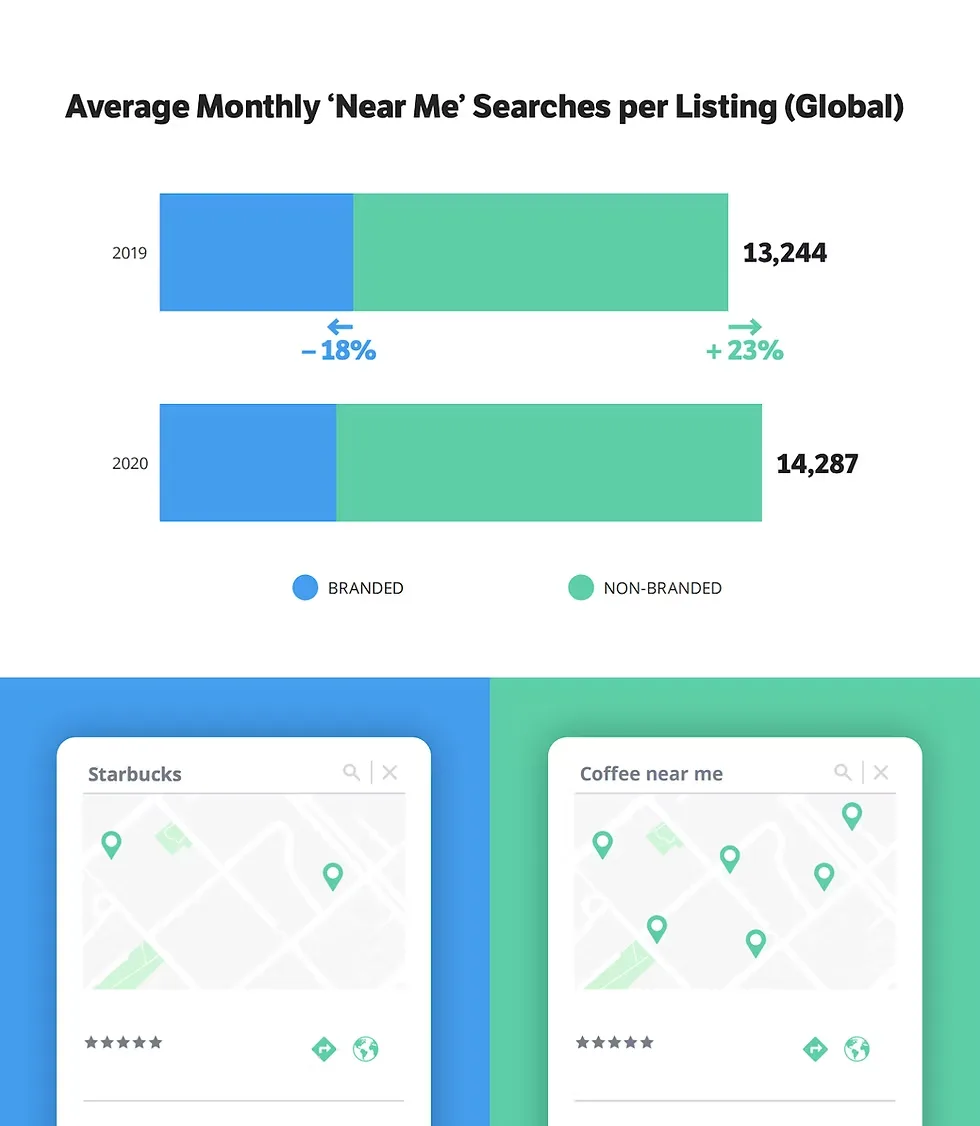
Citations are mentions of your business name, address, and phone number across the web. Refining each detail of your near me searches strengthens this section. Directories like Yelp, Apple Maps, Bing Places, and industry-specific listings all count. The consistency of that data is what matters.
If your Yelp listing says “Suite 4B” but Google says “Suite 4,” that small mismatch creates a trust problem. Google’s systems prefer clean, consistent data. Consider a near me searches checklist that includes auditing every major directory once a quarter.
Good news: the near me searches don’t need hundreds of citations. Ten to twenty solid, relevant ones beat a scattershot approach across 200 low-quality directories. Focus on the ones customers in your industry actually use.
Which Directories are Worth Your Time?
For most local businesses, the essentials are Google Business Profile, Bing Places, Apple Maps, Yelp, and Facebook. Then add industry-specific ones. Restaurants benefit from OpenTable, TripAdvisor, and DoorDash listings. Contractors should prioritize Angi, Houzz, and HomeAdvisor.
Healthcare practices need Healthgrades, Zocdoc, and WebMD directories. The theme is consistency: use the same name, address, and phone number everywhere. Consider a near me searches best practices checklist that tracks each directory and its last update.
Reviews: the Engine That Powers Prominence
Reviews move the needle on near me searches more than almost anything else, and beginners consistently underestimate them. Google rewards businesses that get steady, authentic feedback with higher visibility.
The mechanics are predictable. More reviews with higher averages boost prominence. Fresh reviews show activity. Responses to reviews show engagement. All of it compounds.
But don’t chase volume at the expense of authenticity. A sudden spike of 50 five-star reviews in a week looks suspicious. Steady growth, even a few a month, works far better.
Here’s a system that works: at the moment of strongest positive feeling, ask directly. A hair salon I know trains staff to mention it at checkout, and the front desk keeps a QR code taped to the counter. No gimmicks. Just easy access at the right moment.
Responding to Reviews the Right Way
Respond to every review, positive and negative. For positive ones, thank the person by name and mention something specific. For negative ones, stay calm and factual. Acknowledge the issue, offer to make it right, and take the conversation offline.
Future customers read these responses. A thoughtful reply to a harsh review often impresses more than a dozen glowing ones. It shows you’re real and you care.
Keep it short. Effective execution in your near me searches makes a tangible difference. Nobody wants a five-paragraph apology. Two or three lines with an offer to resolve works better and reads more human.
A Practical Near Me Searches Checklist for Beginners
You’ve got the concepts. Now here’s the execution. This near me searches checklist is the order I’d follow if I were starting from scratch tomorrow.
Work through it in sequence, but don’t rush. Each step builds on the one before it. And yes, you’ll see near me searches best practices woven in throughout, because most of the value is in doing small things consistently.
- Claim and verify Google Business Profile with complete information, accurate hours, and a real description. This is non-negotiable.
- Choose the right primary and secondary categories that reflect your core services, not every service you’ve ever offered.
- Build a location-focused page that mentions service areas, neighborhoods, and landmarks naturally, without keyword stuffing.
- Add LocalBusiness schema so search engines can parse address, hours, and phone number directly from your site.
- Upload real photos weekly of your space, team, or work. Photos signal an active, legitimate business to Google.
- Audit citations across major directories and fix inconsistencies in name, address, and phone number.
- Request reviews from recent customers, aiming for steady growth rather than sudden spurs.
- Respond to all reviews within a few days, keeping responses short and specific.
- Post updates on Google Business Profile once or twice a month with offers or news, keeping the profile active.
- Verify mobile speed and fix any page that loads slowly, since most near me activity happens on phones.
- Monitor your local rankings with a tool, and track your position for terms like “service near me.”
Print it. Tape it to a wall. Cross each item off when done.
Common Near Me Searches Mistakes That Quietly Hurt You
Most beginners don’t fail because the near me searches do nothing. They fail because they do partial work and assume it’s enough. Here are the traps I see repeatedly.
First, listing multiple locations at the same address. Some businesses create separate listings for different services at one location, hoping to capture more near me searches. It’s against Google’s guidelines and often gets penalized.
Second, ignoring the service area feature. If you’re a mobile business or serve customers beyond your storefront, define your service area on your profile. Skipping this leaves visibility on the table.
Third, leaving the description blank or stuffed with keywords. Your business description is prime real estate. Write it naturally, mentioning what you do and where, without stuffing “near me” repeatedly.
Fourth, treating the profile as a set-and-forget task. Categories get outdated, hours change, photos age. The businesses that rank highest review their profile monthly.
Fifth, chasing visibility without measuring it. If you don’t know where you rank, you can’t tell whether your changes are working.
Measuring Whether Your Near Me Searches Strategy is Working
The only way to know if this is working is to measure. And you can measure without enterprise tools.
Start with Google Search Console. It shows queries your site appears for, impressions, and click-through rates. Filter by your local terms and watch whether impressions increase over time.
Next, use the search results yourself. Maintaining clarity across your near me searches remains essential. Query your service near me on a phone in your area. Note where you appear. Do this weekly, and record the position. Small improvements compound.
Also watch your profile insights. Google Business Profile shows how many people viewed your listing, called, requested directions, or visited your site. Those are near me searches translating into real actions.
Reviews are another signal. Are you getting more mentions of specific services? Are customers citing things you changed? Those are trailing indicators that the positioning is improving.
If you don’t see traction after three months of consistent effort, audit the basics. Is your profile fully filled out? Are citations consistent? Is your site mobile-friendly? Usually the answer lives in one of those three questions.
Here’s the thing about near me searches: the work is unglamorous, but it compounds. A fully optimized profile plus clean citations plus steady reviews will outrank a bigger competitor who’s ignoring the basics.
That’s your opening. Grab it.
For verified reference and background research, consult the authoritative informational resource on this topic.