If you want to minify CSS JavaScript without breaking your site, the six secrets below will show you how. I have spent years watching developers slash page weight and then quietly break their layouts in the process. These secrets are the difference between a fast site and a fragile one.
Performance work gets a bad reputation because most tutorials only scratch the surface. They tell you to compress your files and move on. That works, until it does not. So let us treat this as a proper minify CSS javascript guide, one grounded in real deployment experience rather than theory.
We will walk through the tools, the traps, and the discipline that separates a clean build from a support ticket at midnight.
Minify CSS Javascript: Why Minifying CSS and JavaScript Still Matters
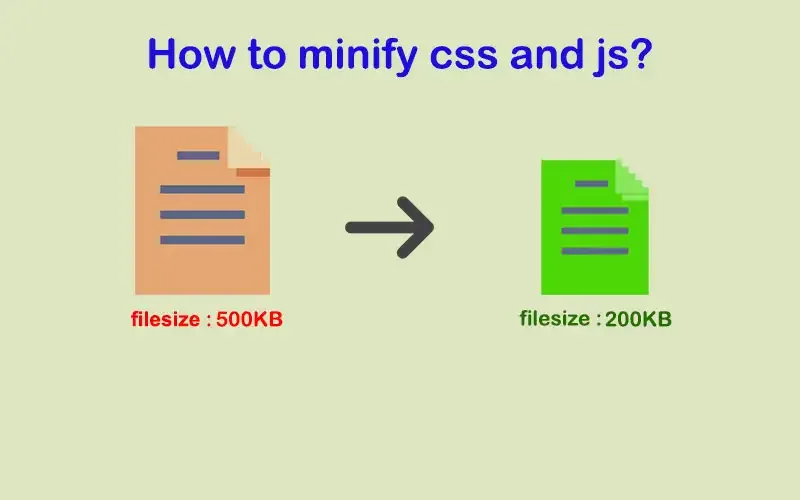
Every byte your browser downloads competes for the same limited bandwidth. A typical production site ships hundreds of kilobytes of styles and scripts, and much of that weight is whitespace, comments, and formatting that machines do not need. Stripping those out is one of the cheapest performance wins available.
Google’s Core Web Vitals have made this concrete. Largest Contentful Paint and Interaction to Next Paint both respond directly to how much code the browser must parse before it can paint. When you minify CSS javascript properly, you reduce parse time and download time simultaneously.
The effect compounds on slower mobile connections, where a saved 40 kilobytes is the difference between a snappy page and a spinning loader.
The minify CSS javascript is a quieter benefit too. Minified files discourage casual editing on production servers. When someone opens a compressed stylesheet and sees one wall of code, they think twice before hacking in a quick fix. That small friction protects your codebase.
The Six Secrets at a Glance
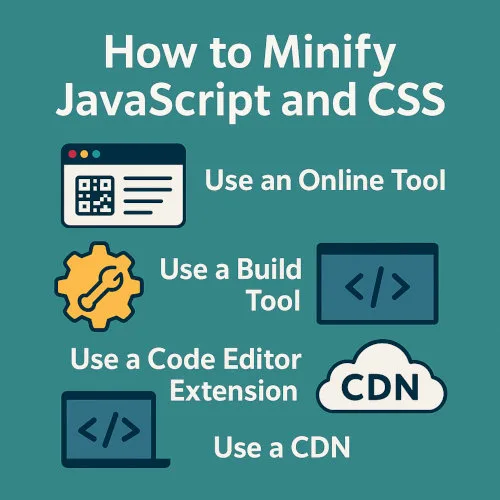
Before diving deep, here is the full map. Each secret below is a self-contained practice you can adopt on its own, though they work best together. Think of this list as your minify CSS javascript checklist before any production deploy.
- Choose the right tool for the job. Match your build pipeline to a compressor that understands your syntax.
- Minify CSS and JavaScript separately. They have different grammars and different failure modes.
- Preserve source maps. Debugging minified code without them is a nightmare you can avoid.
- Automate minification in your build. Manual compression invites human error.
- Test aggressively after compression. A file that loads is not the same as a file that works.
- Measure before and after. Data keeps you honest about what actually helped.
That is the skeleton. Now the meat of each secret, with the details that only show up when you deploy to real users.
Secret 1: Pick the Right Tool, Not the Loudest One
The market is crowded with compressors, and they are not interchangeable. Some focus on whitespace removal, others on aggressive renaming of variables and functions. Choosing the wrong one for your stack creates bugs that are hard to trace back to their source.
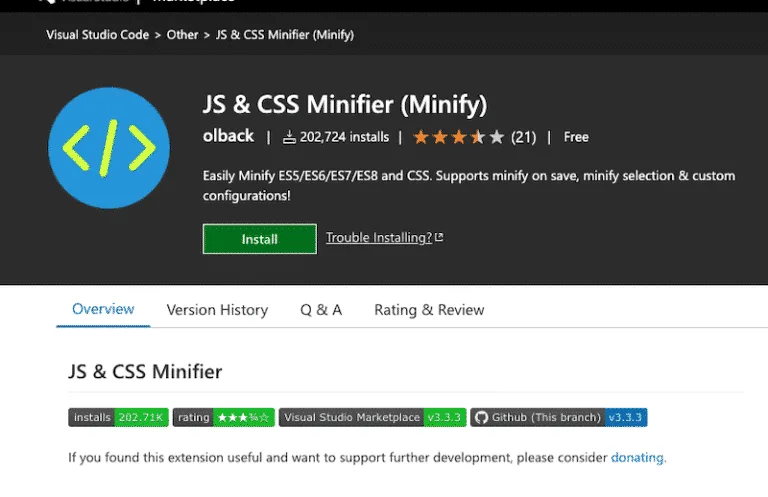
For CSS, tools like cssnano, Clean-CSS, and Lightning CSS handle the common cases well. They collapse whitespace, shorten color values, and merge duplicate rules. For JavaScript, Terser and esbuild are the workhorses, with SWC gaining ground for speed. Each has different defaults, and those defaults matter more than most minify CSS javascript tips suggest.
Match the Tool to Your Syntax Level
If the minify CSS javascript write modern JavaScript with optional chaining or class fields, confirm your compressor supports those features. An outdated parser will either error out or, worse, silently produce broken output.
I have watched a team spend two days chasing a bug that turned out to be a minifier that did not understand async generators.
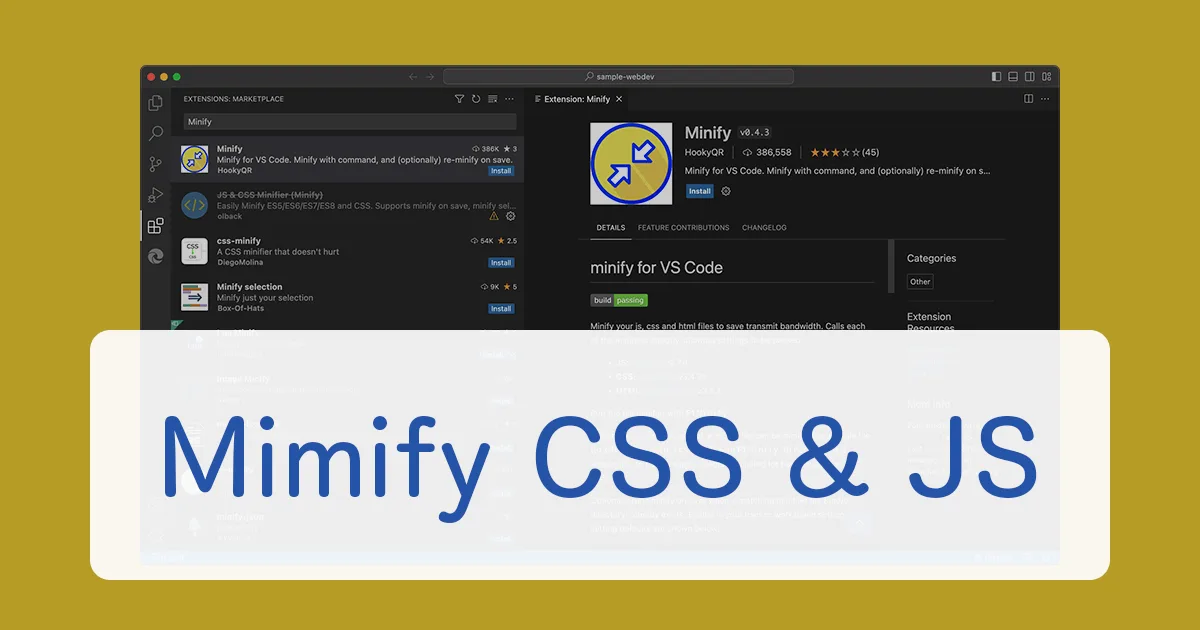
The safe approach is simple. Check the tool’s changelog for the syntax you use. Run a smoke test on a single file before rolling it out across the project. This is the kind of minify CSS javascript best practices habit that saves weekends.
Secret 2: Treat CSS and JavaScript as Separate Problems
CSS is declarative and forgiving. JavaScript is imperative and unforgiving. Bundling them into one mental model is where many projects go wrong.
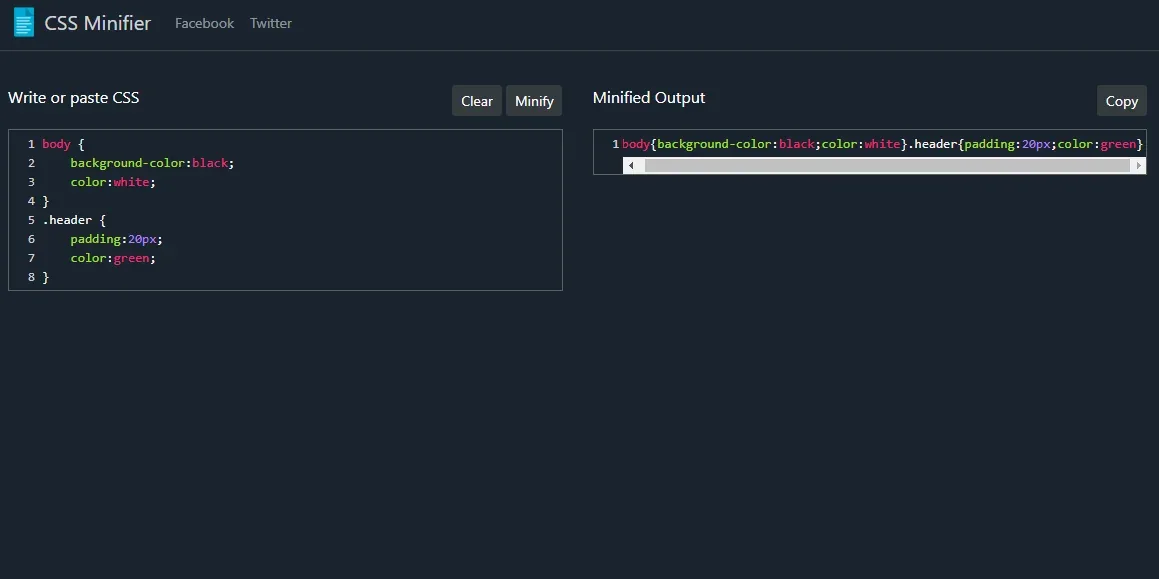
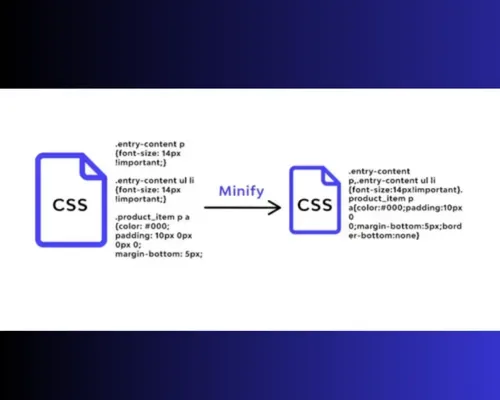
Minifying CSS mostly removes redundancy. Duplicate selectors, unnecessary units, and unused declarations are low-hanging fruit. A good CSS minifier can shave 20 to 30 percent off a stylesheet with near-zero risk. JavaScript is different.
Minification includes variable mangling, dead code elimination, and function inlining, any of which can change behavior if your source relies on side effects.
Why Mixed Pipelines Cause Trouble
When a single plugin handles both, you inherit the compromises of the merged design. Some tools apply JavaScript-style renaming to CSS class names, which breaks if you generate class names dynamically. Others preserve too much in JavaScript because they borrowed a conservative CSS strategy.
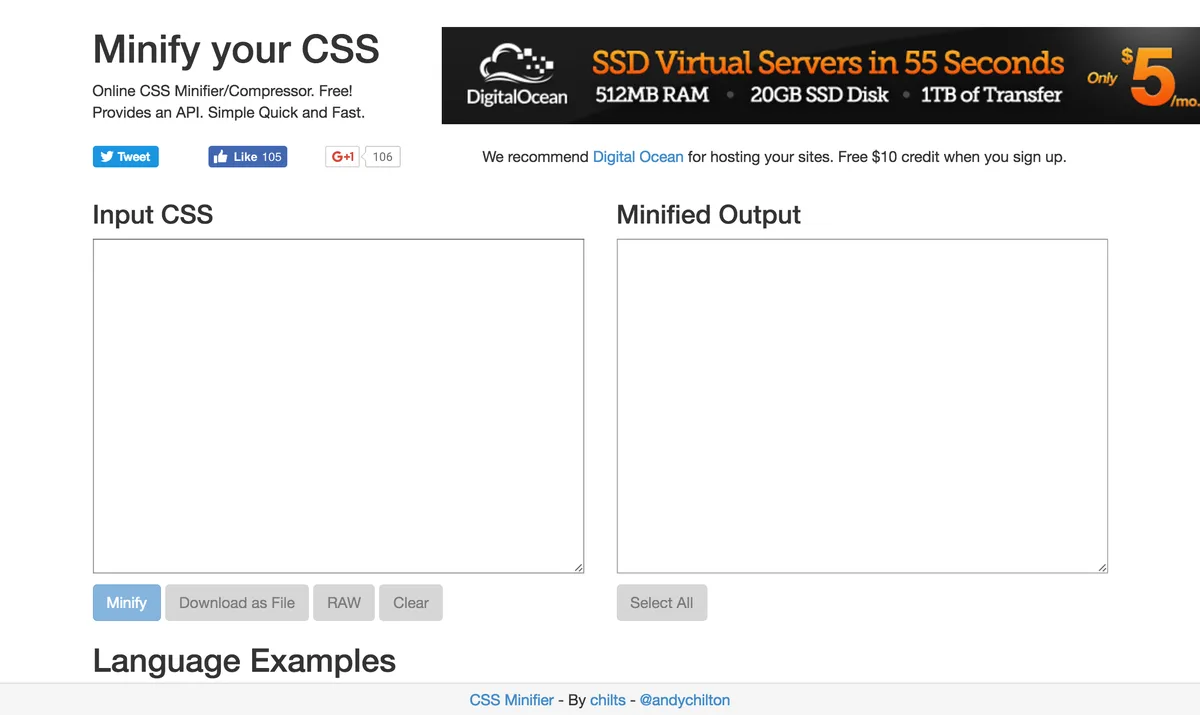
The fix is to use a pipeline that separates the two. A modern bundler like Vite or webpack handles this cleanly, applying the right transform to each asset type. When you minify CSS javascript in a well-structured build, the output is leaner and the risk is lower.
Secret 3: Never Lose Your Source Maps
The minify css javascript is the secret people skip and then regret. Source maps are files that map minified code back to its original form. Without them, a production stack trace points to a single unreadable line.
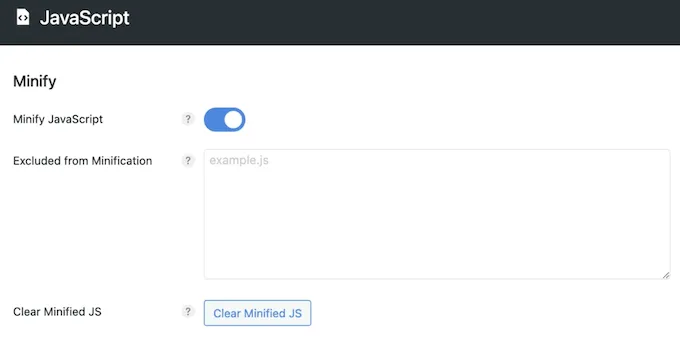
Enable source maps in your build and upload them alongside your assets. Effective execution in your minify CSS javascript makes a tangible difference. Most modern tools generate them with a single flag. The cost is small: a bit of extra disk on your server and one extra request when debugging tools are open. Your future self will thank you.
The Security Question Nobody Asks
Some teams disable source maps in production because map files contain your original source. That concern is legitimate. The compromise is to upload maps to an error-tracking service like Sentry and keep them off the public server. You get readable traces without exposing code.
Get this right and you never face the classic scenario: a JavaScript error at two in the morning, a stack trace pointing to column 48,231 of a single 900-kilobyte line, and no way to know which function fired. The minify CSS javascript checklist is incomplete without source maps, period.
Secret 4: Automate Everything You Can
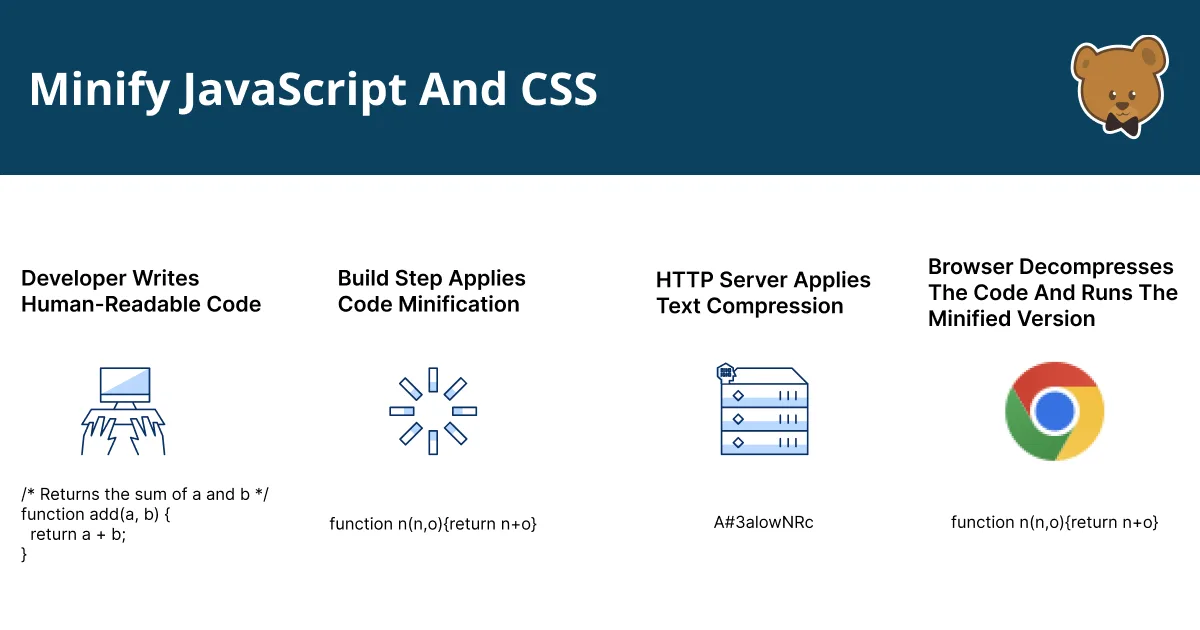
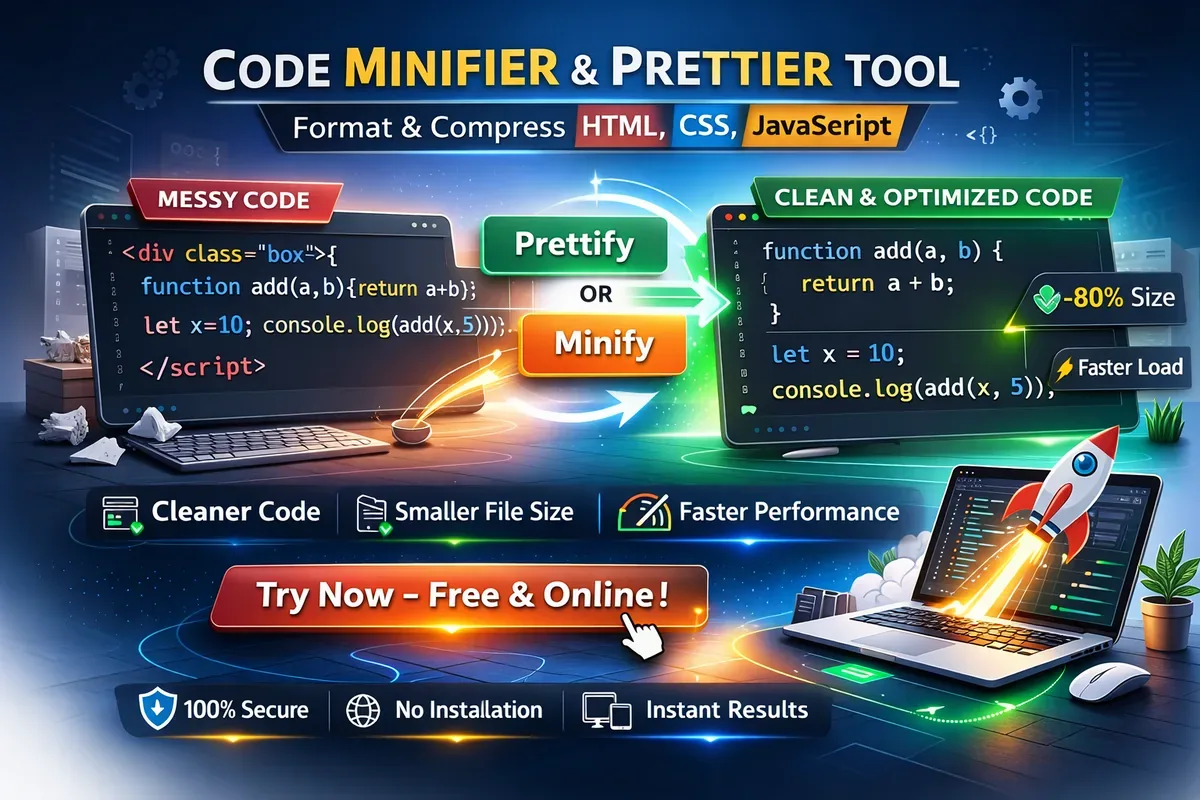
Manual minification is a trap. It works once, somebody forgets to re-run it, and you ship uncompressed code for three months before noticing. Automation removes that entire class of failure.
Most teams already have a build step. Maintaining clarity across your minify CSS javascript remains essential. Add minification as a post-process in that step so it runs on every deploy. Continuous integration catches regressions before they reach users. When a minification error appears, the build fails, and everyone sees it immediately.
A Simple Pipeline in Practice
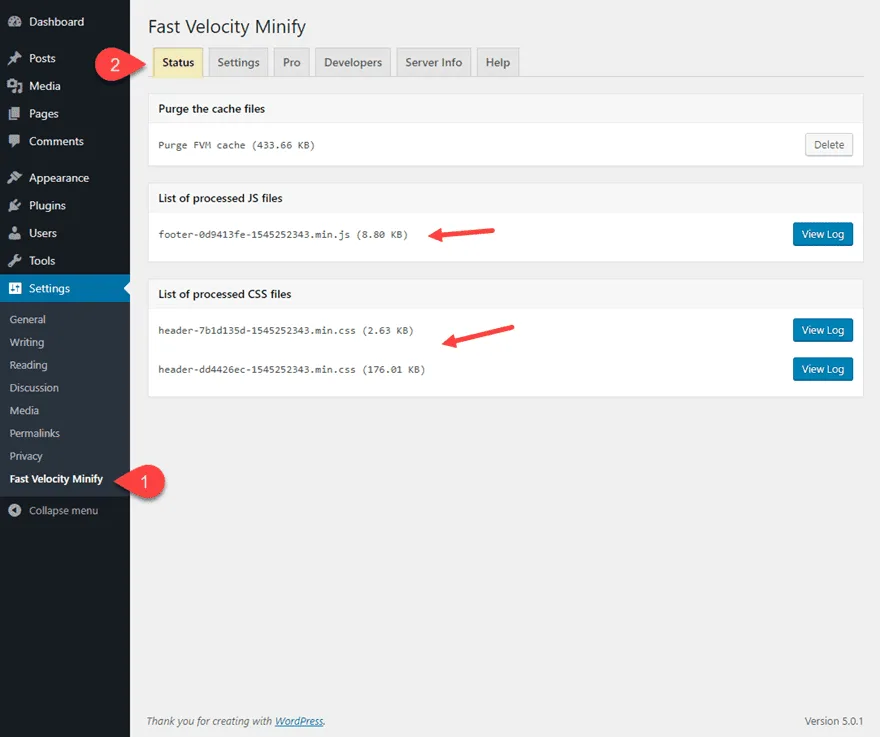
Take a typical Vite setup. Running the build command produces minified assets by default, files named with content hashes for cache-busting. That hash is worth understanding: when the file changes, the hash changes, which busts the browser cache automatically. The whole flow runs on every commit with no extra effort from developers.
The takeaway for anyone building a minify CSS javascript guide: automation is not a luxury. It is the only reliable way to keep a codebase lean over time.

Secret 5: Test Like Something Will Break
Minification changes code. Sometimes it changes behavior. The only defense is testing that catches those changes before users do.
Start with functional tests the minify CSS javascript exercise critical paths: login, checkout, form submission, interactive widgets. If you have end-to-end tests, run them against the minified build. A staging environment running production configurations is ideal. Too many teams test against unminified code and act surprised when production behaves differently.
A Nightmare Worth Avoiding
I once debugged a shopping cart the minify css javascript failed only on minified builds. The cause: a minifier aggressively renamed a function that the payment SDK looked up by name string. The fix took five minutes once found. Finding it took half a day because no one tested the compressed output.
Adopt a rule: whatever runs in production gets tested. That single habit eliminates the most painful minify CSS javascript tips you will ever need.
| Test Type | What It Catches | Run Frequency |
|---|---|---|
| Unit tests | Logic regressions | Every commit |
| End-to-end tests | Broken integration after minification | Every deploy |
| Visual regression | CSS changes from compression edge cases | Every deploy |
| Lighthouse audit | Performance regressions | Weekly or on release |
Secret 6: Measure Before and After (Every Time)
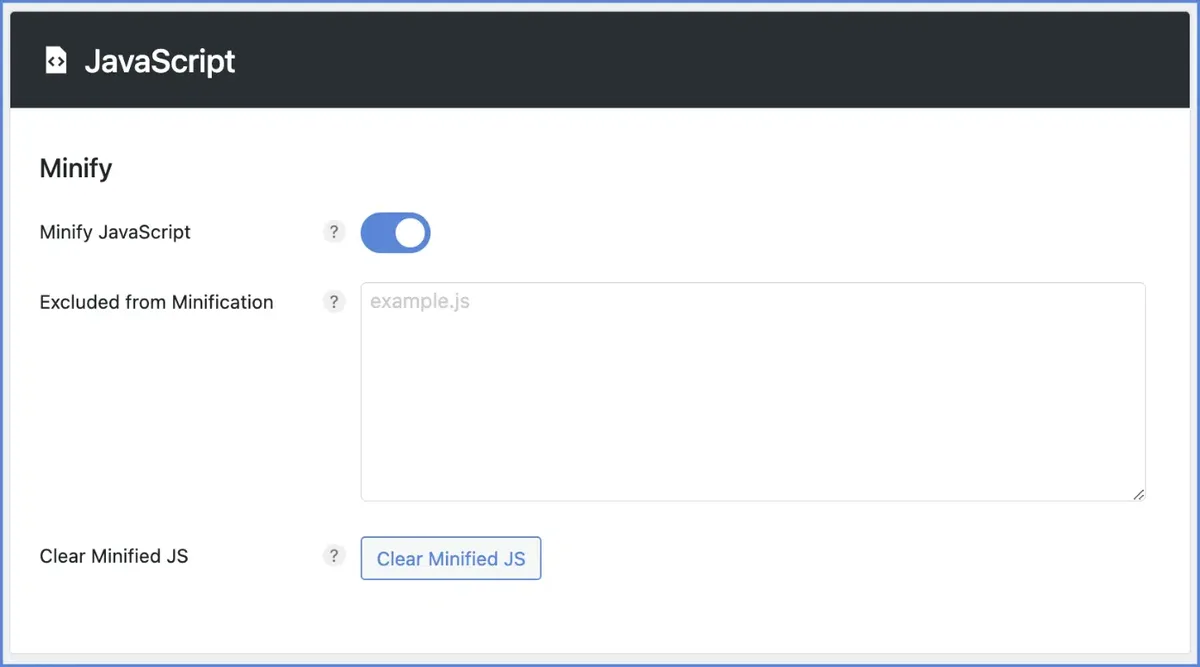
Guessing is expensive. Measure file size, load time, and Core Web Vitals before and after any minification change. If a metric does not move, you have learned something valuable. If it moves backward, you know to roll back.
Start with bundle size in the build output. Structuring your minify CSS javascript around proven patterns ensures impact. Then check real user metrics in your analytics. Field data from real devices tells a different story than lab scores, and both matter. The discipline of measurement prevents you from shipping changes based on hearsay.
A Real Before-and-After
On one project, aggressive minification dropped the main JavaScript bundle from 412 kilobytes to 241 kilobytes. Time to Interactive improved by 1.4 seconds on a simulated 4G connection. Those numbers justified the entire effort and told us where the next optimization should focus.
Numbers turn opinions into decisions. Without them, your minify CSS javascript best practices are only folklore.

Common Mistakes That Undo the Benefits
Even teams that minify CSS javascript correctly can trip on the edges. Here are the traps I see most often, each with a practical fix.
Compressing on Every Request
Some servers minify assets dynamically on each request, wasting CPU for a result that changes rarely. Minify at build time and let the server serve static files.

Forgetting to Cache-Bust
If your filenames do not change when content changes, browsers keep serving stale files. Applying these principles to your minify CSS javascript yields measurable results. Content hashes solve this automatically; manual version bumps do not.
Over-Aggressive Settings
Turning every optional transform on sounds appealing until a rename breaks a plugin. Start conservative, measure, and only enable aggressive settings when tests confirm they are safe.
Ignoring CSS Specificity Issues
Some CSS minifiers reorder rules for efficiency, which can change cascade order. Effective execution in your minify css javascript makes a tangible difference. Check that your build preserves semantics, especially with duplicated selectors.
Skipping Third-Party Libraries
Vendor bundles need the same treatment. Proper attention to your minify CSS javascript sets a strong baseline. Verify your build minifies dependencies, not just your own source. This single omission can leave half your payload uncompressed.

No Rollback Plan
Every build change needs a fast rollback path. A bad minification run should take minutes to reverse, not hours. Versioned deployments and feature flags make this trivial.
Beyond Minification: What Comes Next
Minification is one layer in a broader optimization strategy. Once you have compressed your files, look at what ships at all. Removing unused CSS with tools that analyze rendered pages can cut another significant slice of weight.

Code splitting is the natural next step. Developing your minify CSS javascript with precision highlights key strengths. Instead of one giant bundle, ship only what each page needs. Dynamic imports and route-based chunking both reduce initial payload.
Tree shaking removes dead exports from libraries you barely use. When applied together, these techniques make minified code look like a first step rather than a destination.
Frequently Asked Questions
Here is an in-depth breakdown of key considerations regarding Frequently Asked Questions:
Does Minifying CSS and JavaScript Actually Improve SEO?
Indirectly, yes. Search engines use page experience signals that include load speed and Core Web Vitals. Faster pages tend to rank better when content quality is equal. So compression supports SEO, but it cannot save weak content.

Can I Minify Files Without a Build Tool?
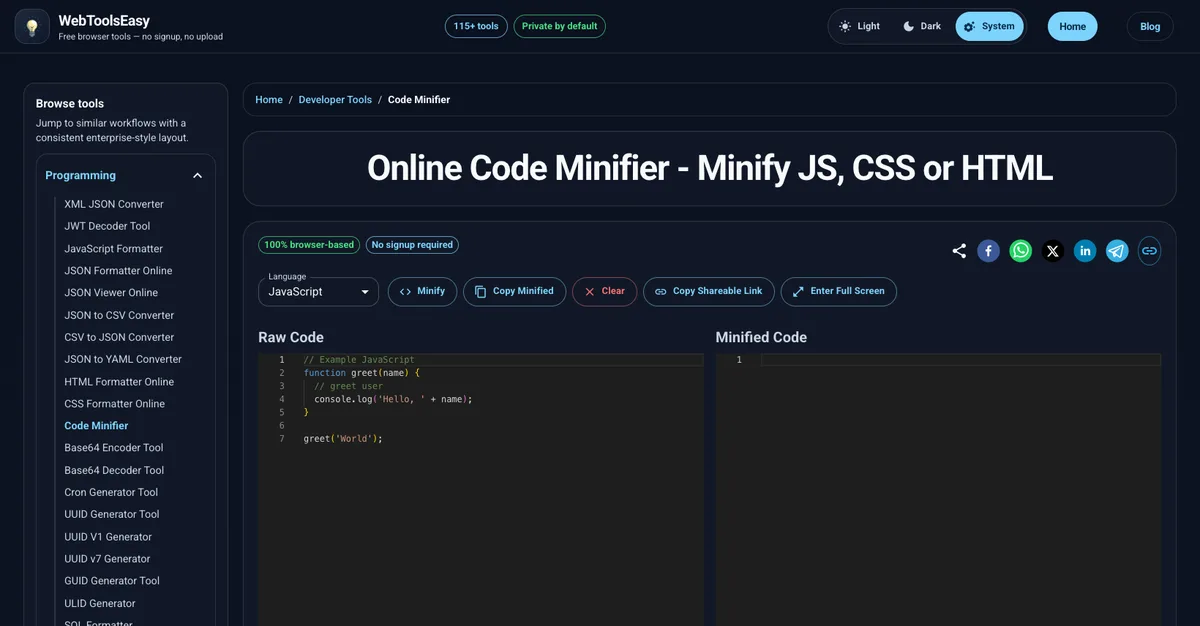
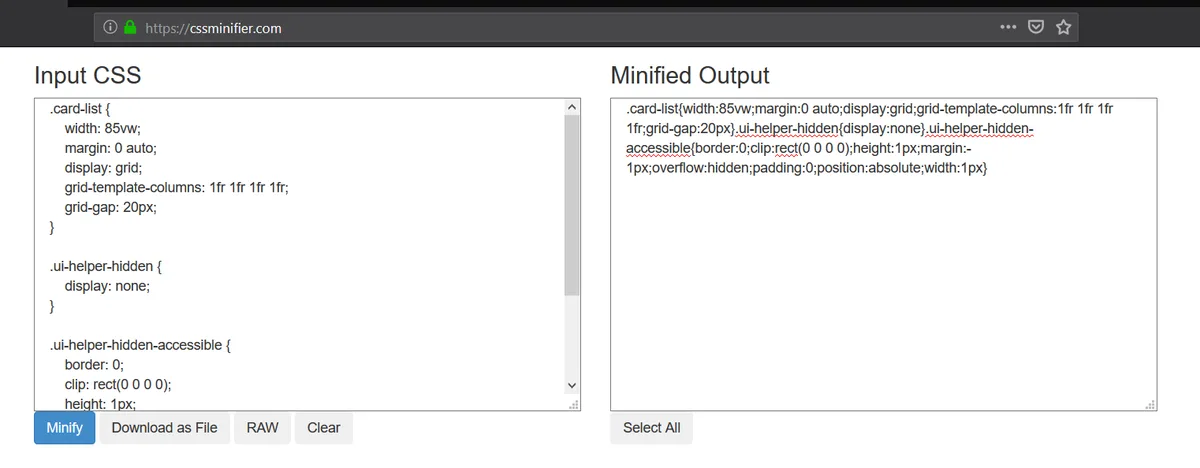
Yes. Maintaining clarity across your minify css javascript remains essential. Online compressors and command-line tools like UglifyJS or csso work fine for small projects. For anything with more than a few files, automation pays for itself quickly.
Will Minification Break My Site?
Only if the minify CSS javascript skip testing or use a tool that cannot parse your syntax. Modern bundlers are conservative by default. Test the production build, and the risk stays low.
Is Minification the Same as Compression?
No. Minification reduces source size by removing unnecessary characters. Compression, such as gzip or Brotli, encodes the file for transmission. They work together and both should be enabled.
Should I Minify CSS and JavaScript for Every Environment?
Only for production or staging that mirrors production. Development should use readable source so debugging stays fast. Let your build handle the switch automatically.
Final Word: Six Secrets, One Habit
If you take nothing else from this minify CSS javascript guide, take the habit. Compress, automate, measure, and test in one continuous loop. The six secrets above are not one-time tasks; they are a rhythm your build should follow every time you ship.
The reward is a site the minify CSS javascript loads quickly, behaves predictably, and does not wake anyone up with a Friday night bug. Start with one secret this week. Choose the right tool, wire it into your build, and confirm it works.
Then repeat with the next. That is how a reliable front-end pipeline gets built, one small decision at a time.
For verified reference and background research, consult the authoritative informational resource on this topic.