Lazy loading images SEO is one of those quiet technical decisions that can make or break your Core Web Vitals—and most site owners get it half right. You defer the images, the page feels snappier, and then Googlebot shows up and sees a blank canvas where your product photos should be.
That’s the trap. This article walks you through eight tactics that actually hold up under real crawl budgets, real users, and real ranking pressure.
Think of the lazy loading images SEO as your working manual for the parent topic of technical image optimization—the broader discipline that covers compression, responsive delivery, caching, and crawlability, and lazy loading images seo best practices is what the reader checks first. Lazy loading is one branch of that tree, and it connects directly to sub-topics like Largest Contentful Paint tuning, structured data for images, and mobile-first indexing. Get this branch right and the rest of the tree gets easier to manage.
Why Lazy Loading Images SEO Matters More Than Most People Realize
Here’s the honest version: lazy loading is not a ranking factor in itself. Focusing on Lazy loading images SEO provides clear direction here.
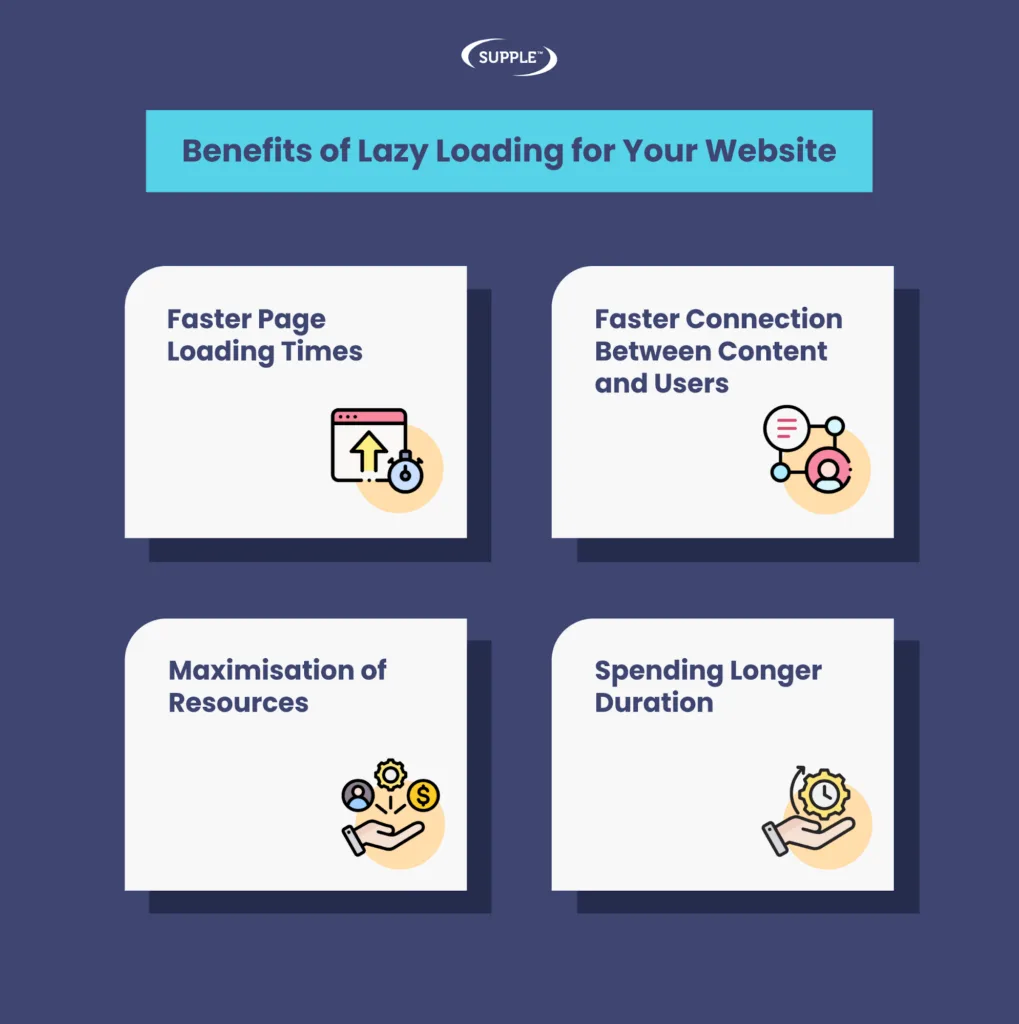
Google has never said “defer your images and the lazy loading images seo’ll climb the SERPs.” What it does affect is how fast your page renders, how much bandwidth you burn, and whether the crawler can actually see your content. Those three things feed directly into user experience signals and Core Web Vitals, which do influence rankings.
The frustration I hear from developers all the time goes something like the lazy loading images SEO: “We added loading=’lazy’ to every image, our Lighthouse score jumped twenty points, and our rankings didn’t move.” That’s usually because they deferred the hero image too—the one element that determines LCP. You optimized the metric that looked good on a report and hurt the one Google actually weighs.
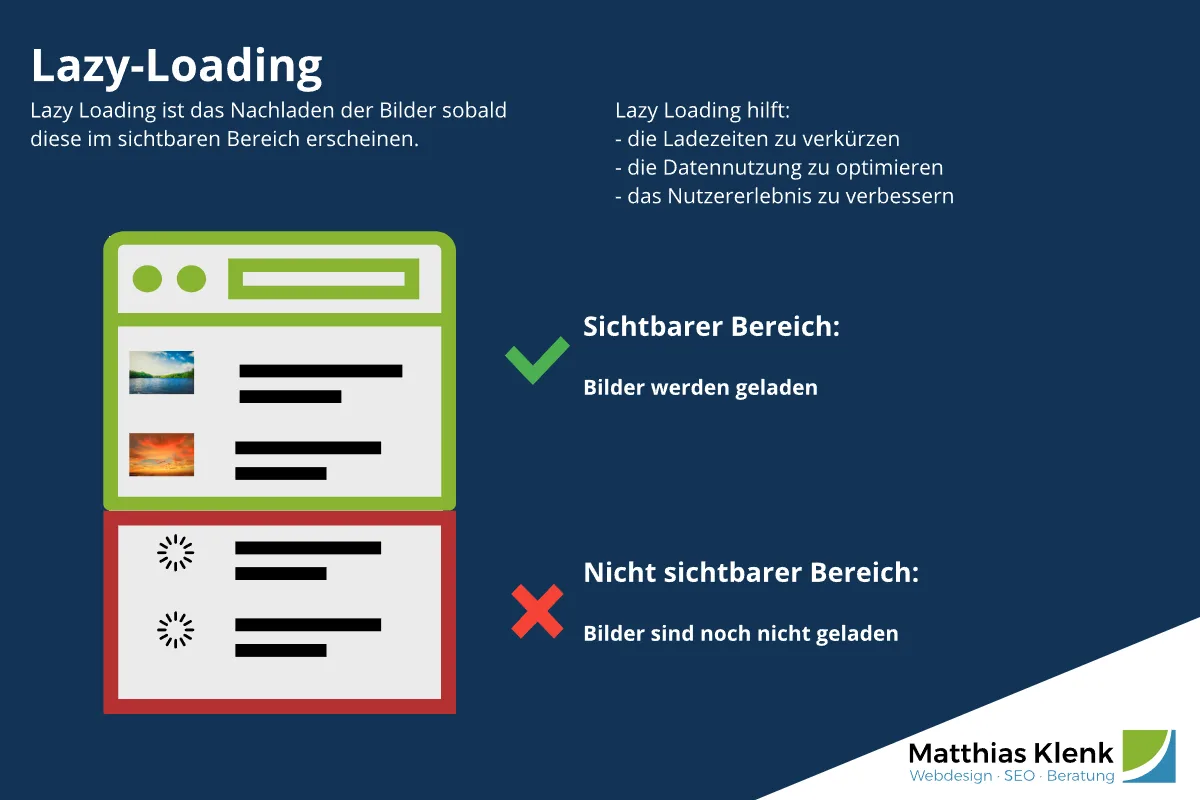
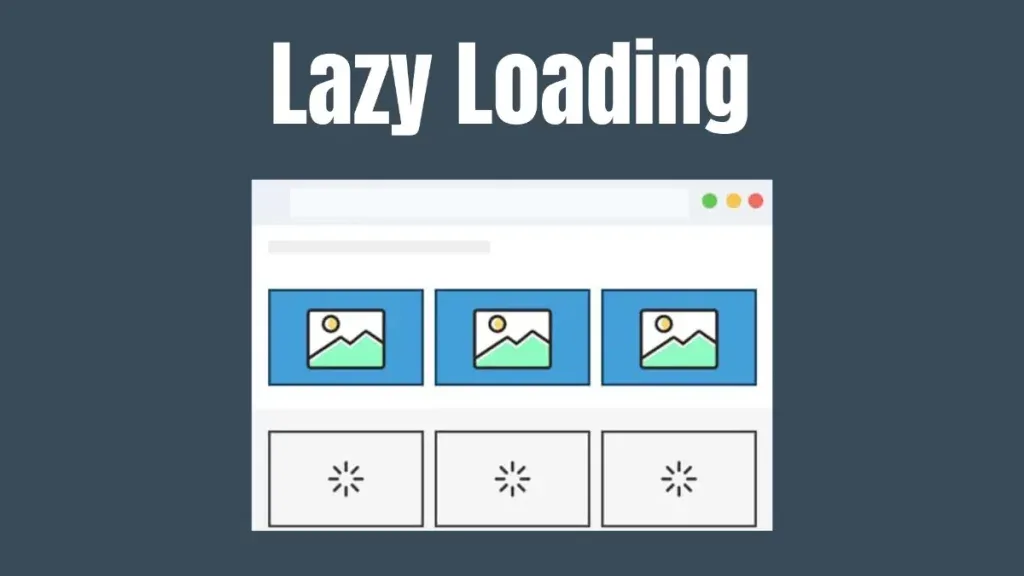
So the real value of lazy loading images SEO sits in precision. Defer what’s below the fold. Never defer what the user sees first. Keep the crawler’s path to your images unobstructed. Do those three things and you get faster pages without sacrificing visibility.
What Google Actually Does With Deferred Images
Googlebot renders pages using a recent version of Chromium, which means the Lazy loading images SEO understands native loading="lazy" and most JavaScript-based lazy loaders. The catch is timing.
Rendering is queued, and if your lazy loader depends on a scroll event that never fires in the headless renderer, the image never loads and never gets indexed.
Native lazy loading handles the lazy loading images SEO gracefully because the browser’s own heuristics kick in during rendering. JavaScript libraries that rely purely on IntersectionObserver with a viewport threshold can fail silently.
The fix is usually a fallback: serve a real src attribute alongside the data-src, or use a noscript block that the renderer can pick up.
The Lazy loading images SEO is the single most common reason people see images disappear from Google Images after a lazy loading rollout. It’s not a penalty. It’s a rendering gap, and it’s fixable.
The 8 Smart Tactics That Really Work
Before diving into each tactic, here’s the through-line: every one of these is about control. You’re deciding what loads, when it loads, and how the crawler sees it. That’s the whole game with lazy loading images SEO—controlled deferral, not blanket deferral.
The eight tactics below are ordered roughly by impact. Maintaining clarity across your lazy loading images SEO remains essential. Start at the top if you’re doing a fresh implementation. Jump to whichever one matches your current headache if you’re debugging an existing setup.
Tactic 1: Use Native Loading Attributes Before Reaching for JavaScript
Native loading="lazy" is supported across every major browser and is understood by Googlebot’s renderer without any extra configuration. It’s the lowest-risk implementation you can choose. If you’re not already using it, that’s your first move.
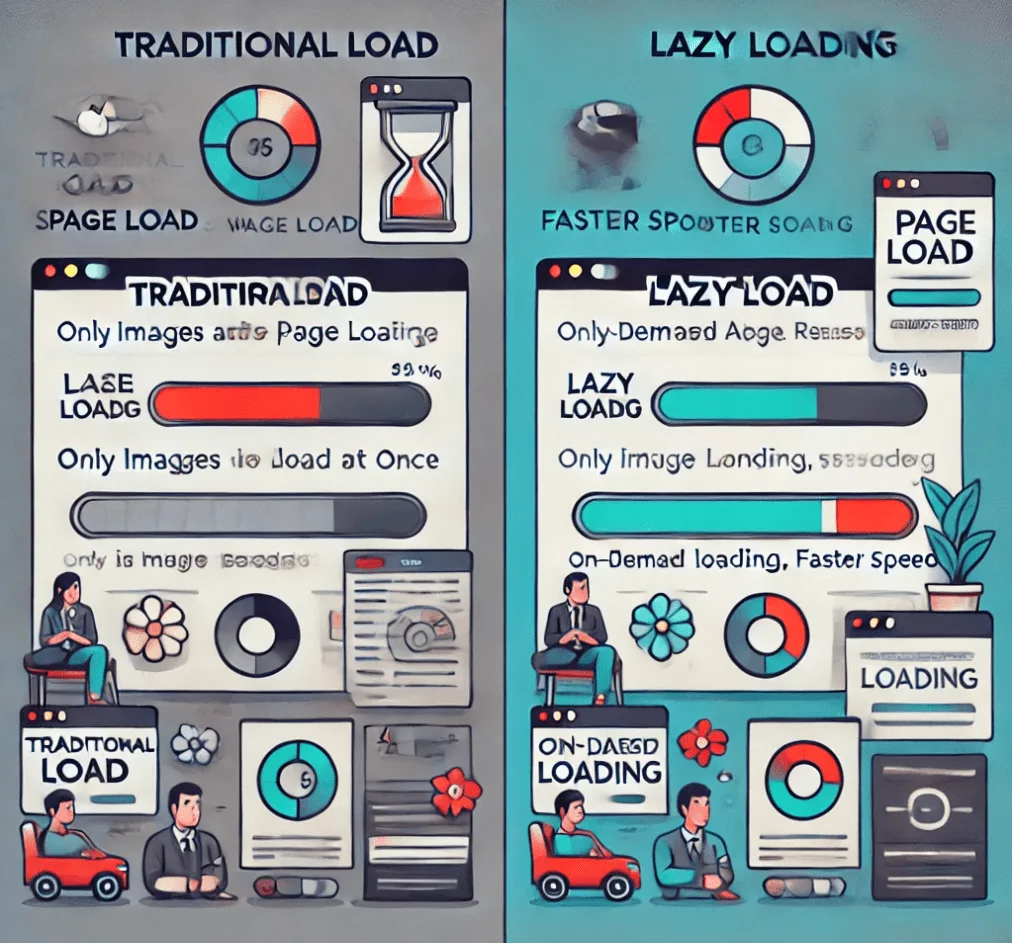
The syntax is almost embarrassingly simple. A thoughtful approach to lazy loading images SEO reinforces your qualifications. You add the attribute to any img or iframe tag and the browser handles the rest:
<img src="product-shot.webp" loading="lazy" width="800" height="600" alt="lazy loading images SEO example with explicit dimensions">
Two details matter here. First, always include explicit width and height attributes. Without them, the browser can’t reserve space and you get layout shift—which tanks your CLS score and undoes the benefit of deferring the image in the first place. Second, never apply loading="lazy" to your hero image or any image in the initial viewport. That’s the LCP killer.
For a content-heavy blog, native lazy loading alone typically cuts initial page weight by 40-60% on image-dense articles. Structuring your lazy loading images SEO around proven patterns ensures impact. On an e-commerce category page with 40 product thumbnails, I’ve seen it drop first-load payload from 3.2MB to under 900KB. Those numbers translate into real time-to-interactive gains on mobile connections.
Tactic 2: Protect the LCP Image at All Costs
Your Largest Contentful Paint element is usually an image—a hero banner, a featured product shot, a lead article photo. If you lazy load it, you’ve delayed the exact thing Google measures. This is the mistake that makes people conclude lazy loading images SEO doesn’t work.
Lazy loading images seo tips is the part that matters here, and the rule is simple: the LCP image gets loading="eager" (or no loading attribute at all), plus fetchpriority="high". Everything else gets deferred. That combination tells the browser “this one matters, load it now” while everything below waits its turn.
Here’s a concrete before-and-after from a furniture retailer’s product page. Applying these principles to your lazy loading images SEO yields measurable results. Before: hero image lazy loaded, LCP measured at 4.1 seconds on mobile. After: hero set to eager with high fetch priority, everything below the fold still lazy, LCP dropped to 1.9 seconds. Same images, same file sizes, same server. The only change was priority.
If you’re unsure which image is your LCP element, run Lighthouse or check the Performance panel in Chrome DevTools. It names the element explicitly. Don’t guess—measure.
Tactic 3: Pair Lazy Loading With Responsive Image Sets
Lazy loading and responsive images solve different problems, but the lazy loading images SEO compound beautifully. Lazy loading controls when an image loads. srcset and sizes control which file loads. Together, they mean a phone downloads a 400px thumbnail only when it scrolls into view, instead of a 1600px desktop asset on page load.
A practical implementation looks like this:
<img src="thumb-400.webp" srcset="thumb-400.webp 400w, thumb-800.webp 800w, thumb-1600.webp 1600w" sizes="(max-width: 600px) 100vw, 50vw" loading="lazy" width="800" height="600" alt="responsive lazy loaded image">
The savings stack. Developing your lazy loading images SEO with precision highlights key strengths. On a mid-range Android phone over a 4G connection, combining both techniques can cut image bytes by 70-80% compared to a naive single-file implementation. That’s not a marginal improvement—it’s the difference between a page that feels instant and one that feels broken.
One caution: don’t generate so many srcset breakpoints the lazy loading images seo the browser’s selection logic gets noisy. Three to five widths per image is plenty for most sites. More than that and you’re adding HTML weight without meaningful benefit.
Tactic 4: Build a Crawl-Safe Fallback for JavaScript Loaders
If you’re running a JavaScript-based lazy loader—whether it’s a library, a framework plugin, or something custom—you need a fallback path that Googlebot can follow without executing scroll events. This is where lazy loading images SEO gets technical, and where most implementations quietly fail.
The most reliable pattern is a noscript block containing the real image tag. Clear alignment with your lazy loading images SEO builds confidence from the start. Renderers that don’t fire your scroll logic will still parse the noscript content and find the image:
<noscript><img src="real-image.webp" alt="fallback image"></noscript>
A second option is to keep a real src attribute pointing to a lightweight placeholder that’s actually a valid image URL—not a data URI. Data URIs sometimes get skipped by crawlers. A tiny real file always works.
Test this properly. Integrating lazy loading images SEO into your workflow produces consistent quality. Use the URL Inspection tool in Search Console, request a live render, and check the rendered HTML. If your images don’t appear in the rendered output, they’re invisible to indexing. That’s a silent traffic leak, and it’s worth auditing every quarter.
Tactic 5: Set Explicit Dimensions to Prevent Layout Shift
Lazy loading without reserved space is a recipe for cumulative layout shift. The image loads, the content jumps, the user loses their place, and Google records a poor CLS score. This is one of the most overlooked items on any lazy loading images SEO checklist.
The fix is almost trivially simple: always specify width and height attributes that match the image’s intrinsic aspect ratio. The browser uses those numbers to reserve space before the file arrives, so nothing moves when it finally loads.
For responsive images where the aspect ratio changes at breakpoints—art-directed crops, for example—use the CSS aspect-ratio property on the container instead. Targeted refinements to your lazy loading images SEO streamline the entire review. That gives you the same stability with more flexibility.
I’ve audited sites where a single lazy-loaded image without dimensions was responsible for a 0.28 CLS score on mobile. Fixing that one attribute brought it to 0.04. The ranking impact of that kind of improvement is real, especially on competitive queries where Core Web Vitals are the tiebreaker.
Tactic 6: Combine Lazy Loading With Modern Image Formats
WebP and AVIF files are 25-50% smaller than equivalent-quality JPEGs. Pair them with lazy loading and you’re attacking page weight from two directions at once.
The browser only downloads the deferred images when needed, and each one is already a fraction of the size it would have been.
Serve modern formats through the picture element with fallbacks, or let a CDN handle format negotiation automatically. Most major image CDNs now serve AVIF to supporting browsers and WebP to the rest, with JPEG as the final fallback—all without you touching the markup.
The combination matters more than either technique alone. Refining each detail of your lazy loading images SEO strengthens this section. A gallery page with 30 images at 180KB each is 5.4MB of JPEG. Converted to WebP at 90KB each and lazy loaded, initial transfer drops to under 300KB for the first viewport. That’s the kind of number that shows up in real user metrics.
One caveat worth flagging: AVIF encoding is slow. Effective execution in your lazy loading images seo makes a tangible difference. If you’re generating variants on upload, budget for the processing time. For sites with thousands of images, a queue-based approach beats synchronous conversion every time.
Tactic 7: Audit Your Lazy Loading Images SEO Checklist Quarterly
Implementations drift. Effective execution in your lazy loading images SEO makes a tangible difference. A theme update adds a plugin that conflicts with your loader. A new page template ships without loading attributes. A CMS migration strips custom markup. Without a recurring audit, your careful setup quietly degrades.
Here’s a working checklist you can adapt—this is the practical backbone of any lazy loading images SEO checklist worth keeping:
- Verify LCP images are not deferred. Check your top five templates in Lighthouse and confirm the LCP element loads eagerly.
- Confirm crawler visibility. Use URL Inspection on a sample of pages and check rendered HTML for image presence.
- Check CLS scores. Any page above 0.1 needs an image dimension audit.
- Validate srcset breakpoints. Confirm the browser selects reasonable file sizes across viewport widths.
- Test noscript fallbacks. Disable JavaScript in a browser and confirm images still appear.
- Review third-party embeds. Videos, maps, and widgets often load eagerly and undo your savings.
- Measure real user metrics. Compare field data in Search Console against lab data in Lighthouse—they tell different stories.
Run this quarterly, or after any major deploy. It takes an hour and catches the drift before it costs you rankings.
Tactic 8: Measure Field Data, Not Just Lab Scores
Lighthouse scores are a starting point, not a verdict. The number that actually matters is field data—real users on real devices on real networks. A perfect lab score with poor field metrics means your implementation works in a controlled environment and fails in the wild.
Search Console’s Core Web Vitals report gives you field data segmented by URL group. If your lazy loading images SEO work is paying off, you’ll see LCP and CLS improve in that report over four to six weeks. If it isn’t, the lab scores were lying to you.
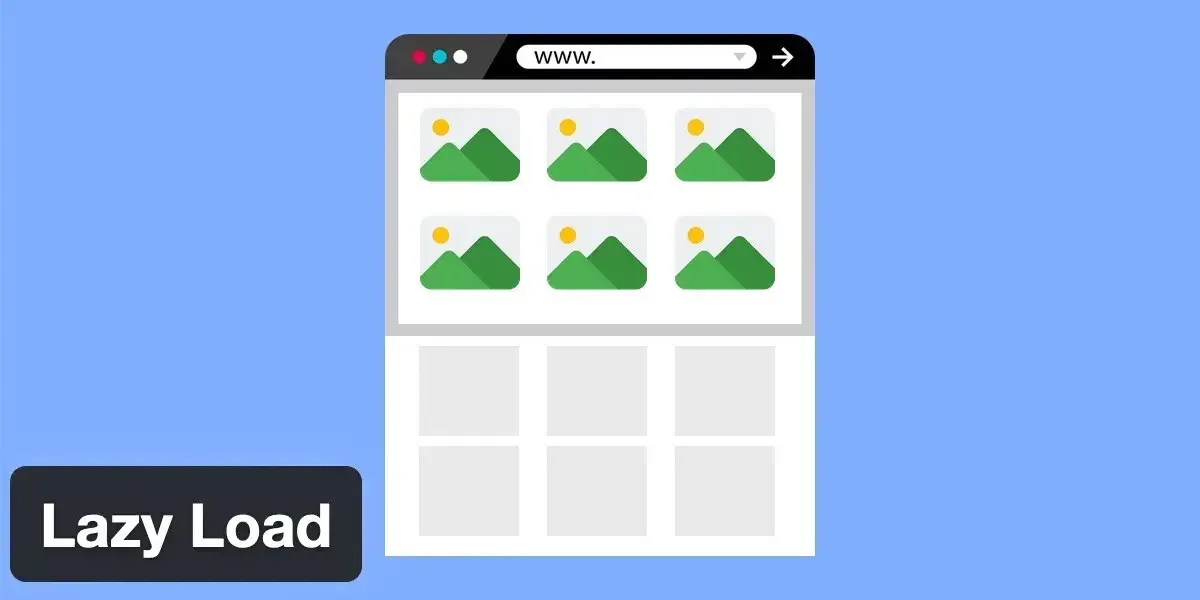
Pay attention to the mobile segment specifically. Desktop field data is almost always better, and it can mask problems that only show up on slower connections and less powerful devices. The majority of search traffic is mobile—optimize for the segment that matters.
One more thing: track image search performance separately. If your images disappear from Google Images traffic after a lazy loading change, you have a rendering problem, not a ranking problem. The fix is almost always in tactic four.

Common Mistakes That Undo Your Lazy Loading Images SEO Gains
The tactics above work. The mistakes below are what neutralize them. I’ve seen every one of these in production sites, usually shipped with good intentions and no testing on the crawler side.
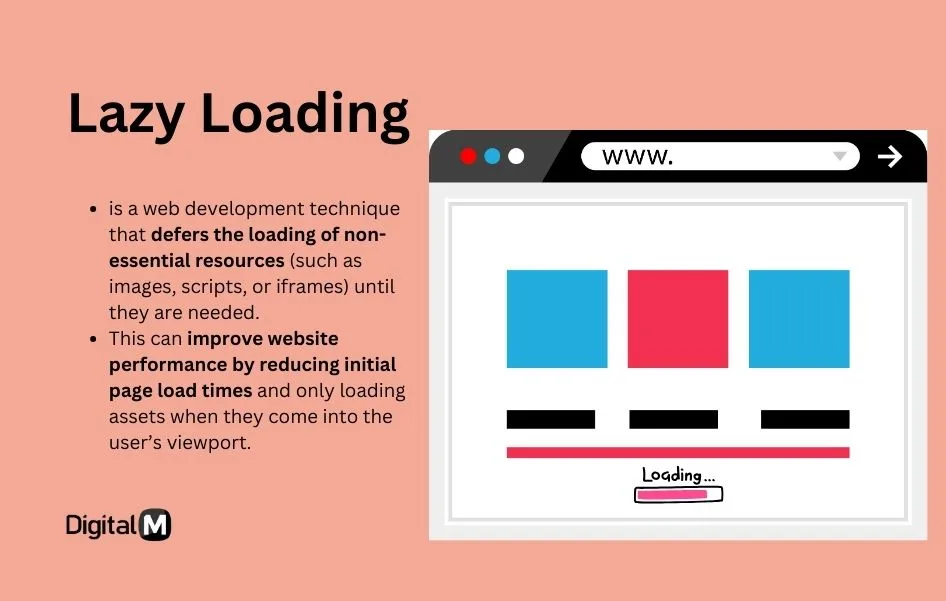
The biggest offender is blanket application—adding loading="lazy" to every image on the page through a global find-and-replace or a theme setting. It feels efficient. It breaks your LCP, and it sometimes breaks indexing. Precision beats coverage every time.
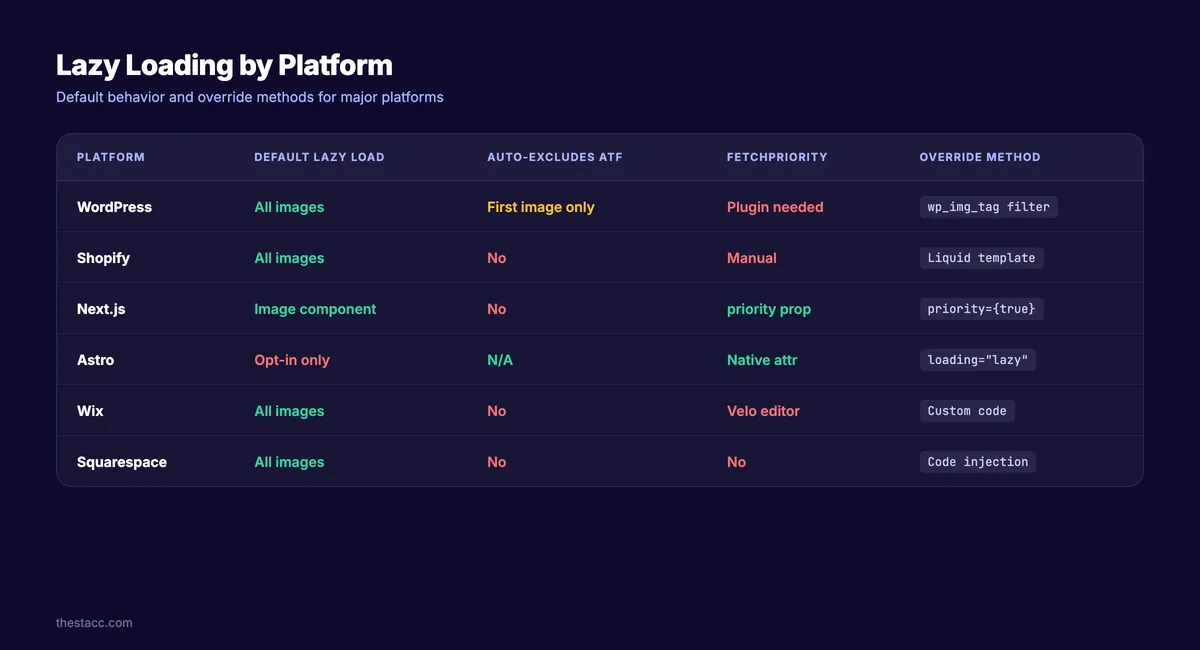
Second is relying on a plugin without verifying its output. Maintaining clarity across your lazy loading images seo remains essential. Some lazy loading plugins inject JavaScript that strips the original src attribute entirely, replacing it with a data URI placeholder. Googlebot’s renderer sometimes skips those. Always check the rendered HTML, not just what you see in the browser.
Third is ignoring iframes. Embedded videos, maps, and third-party widgets are heavy. They should be lazy loaded too—but the same rules apply. Never defer an above-the-fold iframe that contains your LCP element, and always test that the crawler can see what’s inside.
Fourth, and this one stings: forgetting to update your sitemap or internal linking strategy when you restructure image-heavy pages. Lazy loading doesn’t change URLs, but if you’re also migrating to a new image CDN or format, the combination can create broken references. Test the full path, not just the loading behavior.
How Lazy Loading Images SEO Fits Into Your Broader Technical Strategy
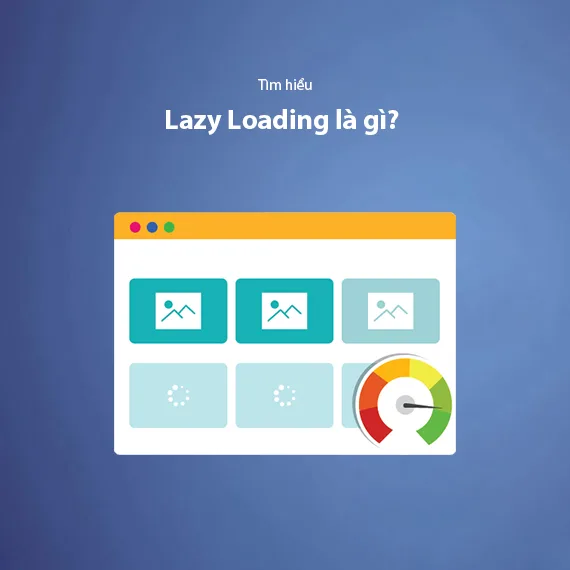
This is a component, not a complete strategy. Lazy loading images SEO works best when it sits alongside compression, caching, CDN delivery, and clean HTML structure. Treat it as one lever among several, and pull it in coordination with the others.
The parent topic here is technical image optimization, and it branches into several related sub-topics worth exploring next: structured data markup for images (which helps with rich results), responsive image strategy for art direction, and Core Web Vitals monitoring as an ongoing practice rather than a one-time audit.
If you’re building out a topic cluster around site performance, this article is the image-loading node. Link it to your LCP optimization guide, your CLS troubleshooting piece, and your image compression tutorial. That internal linking structure signals topical authority to search engines and gives readers a clear path through related material.
Where to Start if You’re Overwhelmed
Start with tactic one and tactic two. Native loading attributes plus LCP protection cover 80% of the value with 20% of the effort. Add explicit dimensions (tactic five) and you’ve handled the three things that most commonly go wrong.
Then measure. Run Lighthouse, check Search Console field data, and look at your image search traffic. If nothing’s broken, you’re done for now. If something is, the tactics above tell you where to look.
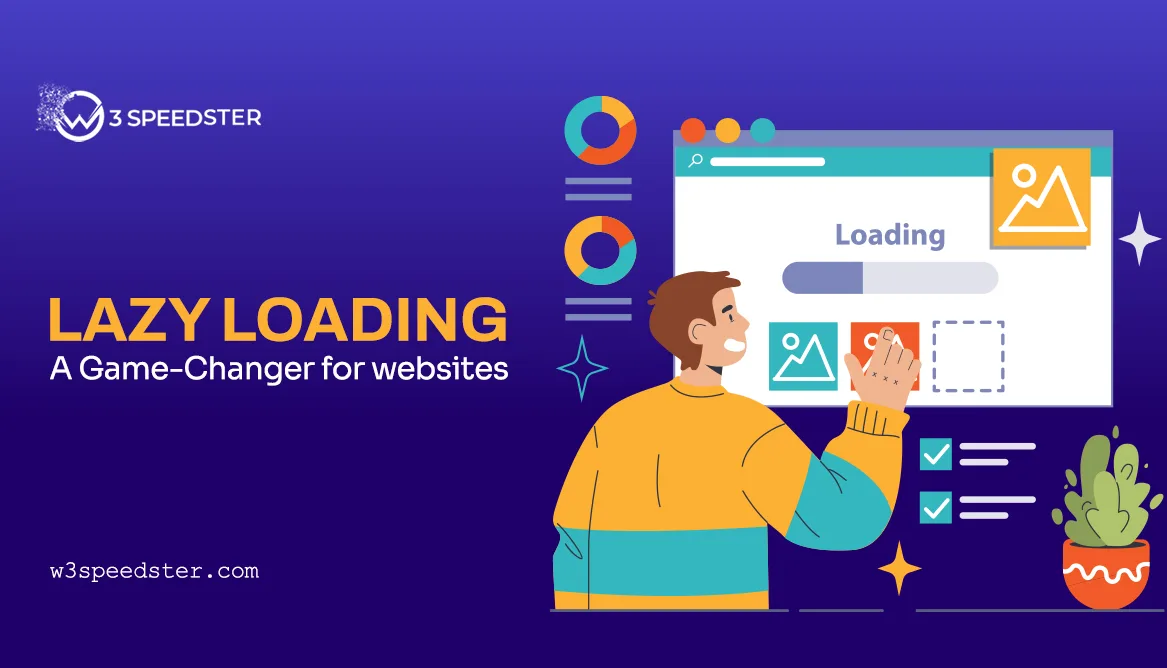
Don’t over-engineer this. The best lazy loading images SEO implementations are boring—native attributes, careful priority, explicit dimensions, and a quarterly audit. That’s it. The fancy stuff is for edge cases, and most sites don’t have edge cases. They have the same three problems everyone else has.
Frequently Asked Questions About Lazy Loading Images SEO
Here is an in-depth breakdown of key considerations regarding Frequently Asked Questions About Lazy Loading Images SEO:
Does Lazy Loading Hurt SEO?
Not when implemented correctly. Native lazy loading is fully understood by Googlebot’s renderer. Problems arise only when you defer the LCP image or use a JavaScript loader without a crawl-safe fallback. Fix those two issues and lazy loading is a net positive for SEO.

Should I Lazy Load Every Image on My Page?
No. Never lazy load images in the initial viewport, especially the LCP element. Everything below the fold is fair game. The rule is simple: if the user sees it before scrolling, load it eagerly.
How Do I Know if Googlebot Can See My Lazy Loaded Images?
Use the URL Inspection tool in Google Search Console and request a live render. Check the rendered HTML for your image tags. If they’re missing, your loader is failing in the headless renderer and you need a noscript fallback or a real src attribute.

Does Lazy Loading Improve Core Web Vitals?
It can improve LCP and reduce total page weight, but only if you protect the LCP image and set explicit dimensions. Applied carelessly, it can worsen both LCP and CLS. Measure before and after with field data, not just lab scores.
What’s the Difference Between Native and JavaScript Lazy Loading?
Native lazy loading uses the browser’s built-in loading="lazy" attribute and requires no JavaScript. JavaScript loaders use IntersectionObserver or scroll events to trigger loading. Native is simpler, more crawl-safe, and generally preferred unless you need advanced features like blur-up placeholders or precise threshold control.
Will Lazy Loading Affect My Anthropic Images Traffic?
It can, if your loader hides images from the renderer. Native lazy loading doesn’t cause this problem. JavaScript loaders sometimes do. Monitor image search traffic after any lazy loading change and investigate immediately if it drops.
Final Thoughts on Making These Tactics Stick
The eight tactics in the lazy loading images SEO guide aren’t theoretical. Each one comes from problems that show up repeatedly in real audits—LCP regressions, indexing gaps, layout shift, and field data that doesn’t match lab scores. Apply them in order, measure the results, and adjust based on what your field data tells you.
Lazy loading images SEO rewards precision over coverage. The sites that get it right aren’t the ones that deferred the most images. They’re the ones that deferred the right images, protected the critical ones, and built a fallback path for the crawler. That’s the whole discipline in one sentence.
Keep the checklist handy, run the audit quarterly, and treat every implementation change as something to verify rather than assume. Your Core Web Vitals—and your organic traffic—will reflect the difference.
For verified reference and background research, consult the authoritative informational resource on this topic.