Why a Conversion Tracking Setup Decides Whether Your Marketing Data Means Anything
Conversion tracking setup is the quiet backbone of every smart marketing decision you will ever make, and it gets skipped far too often. Let’s fix that, starting from zero.
Here’s the thing most beginners don’t realize: if your setup is broken, you’re not just missing numbers. You’re making decisions on fiction. You’ll scale the wrong ads, kill the campaigns that actually work, and never know why the business feels like it’s guessing.
What is a Conversion Tracking Setup, Really?
Strip away the jargon and a conversion tracking setup is a simple cause-and-effect system. You tell a tool “this action counts.” The tool then matches that action back to the visitor, the click, the ad, and the channel that caused it.
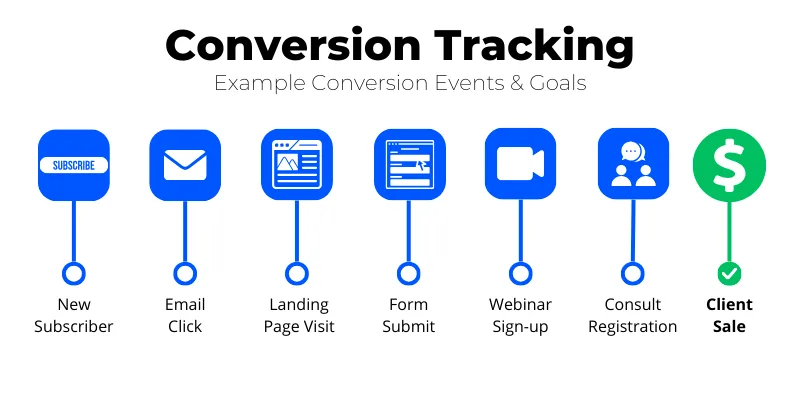
The conversion tracking setup action could be a purchase, a form submission, a phone call, a newsletter signup, or a demo booking. The system connects the dots between the click and the outcome.
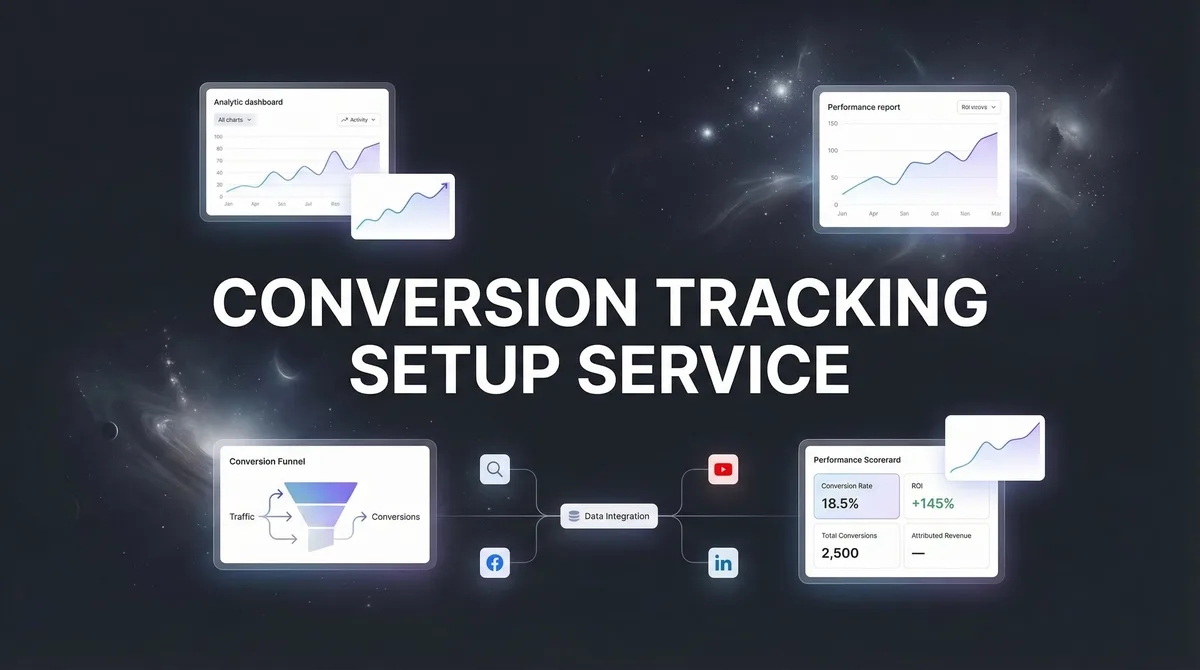
Here’s what makes the conversion tracking setup powerful: the tool doesn’t just count the action. It also captures context — which ad, which keyword, which landing page, which device, what time. Without that context, you know something happened. With it, you know why.
Think of it like a restaurant manager who knows fifty orders came in versus another who knows exactly which dish, ad, and neighborhood drove each one. Both “count.” Only one can run a business.
The Three Building Blocks Behind Every Setup
Every conversion tracking setup, no matter the platform, rests on three parts. First, a trigger: the thing a visitor does. Second, a tag: the snippet of code that fires when the trigger happens. Third, a destination: the analytics or ads platform that receives the signal.
Miss any one of these and the whole chain collapses. A trigger with no tag is invisible. A tag with no destination is wasted effort. A destination with no trigger gets nothing meaningful.
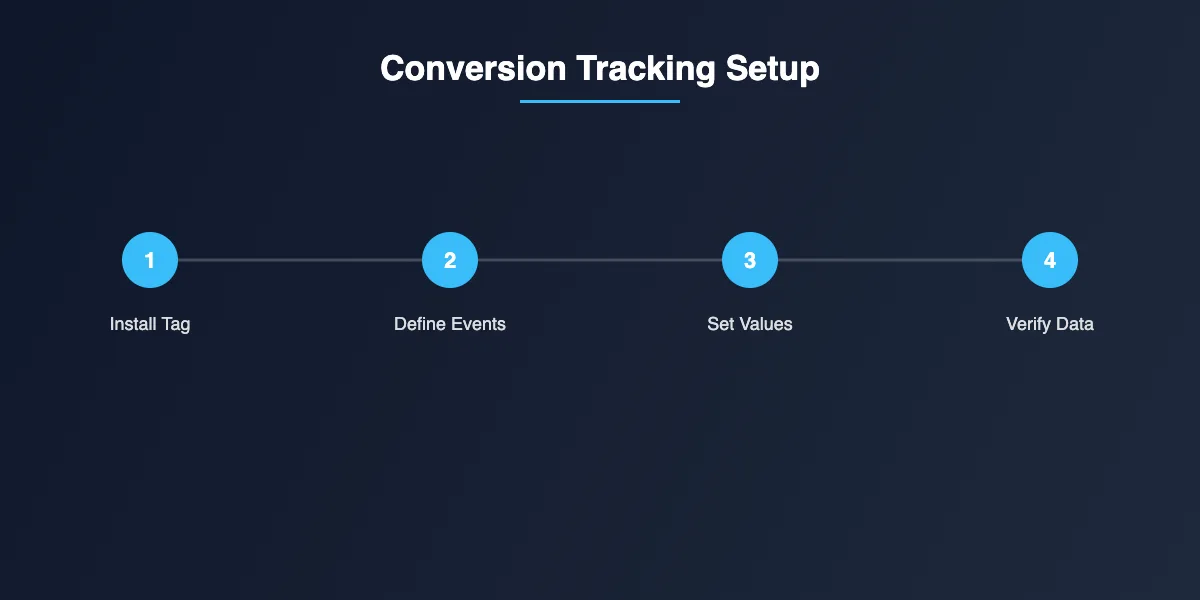
Once those three pieces click together, you’ve built a system the pros call “reliable data flow.” It sounds technical, but it’s really just plumbing. Get the pipes connected, then worry about pressure and flow.
Why Most Beginners Skip Conversion Tracking Setup (And Pay for It Later)
Truth: setting up conversion tracking is boring. There, I said it. It doesn’t feel like growth. Nobody jumps out of bed excited to configure event parameters.
But the delay cost compounds. Every day without tracking is a day you can’t compare performance, can’t spot which ad is quietly burning money, and can’t tell a great campaign from a lucky one.
I’ve watched small businesses spend real budgets on ads for months with no conversion tracking setup in place. They celebrate “lots of clicks” while the actual revenue quietly flatlines. That’s the classic beginner trap.
The Cost of Guessing versus the Cost of Knowing
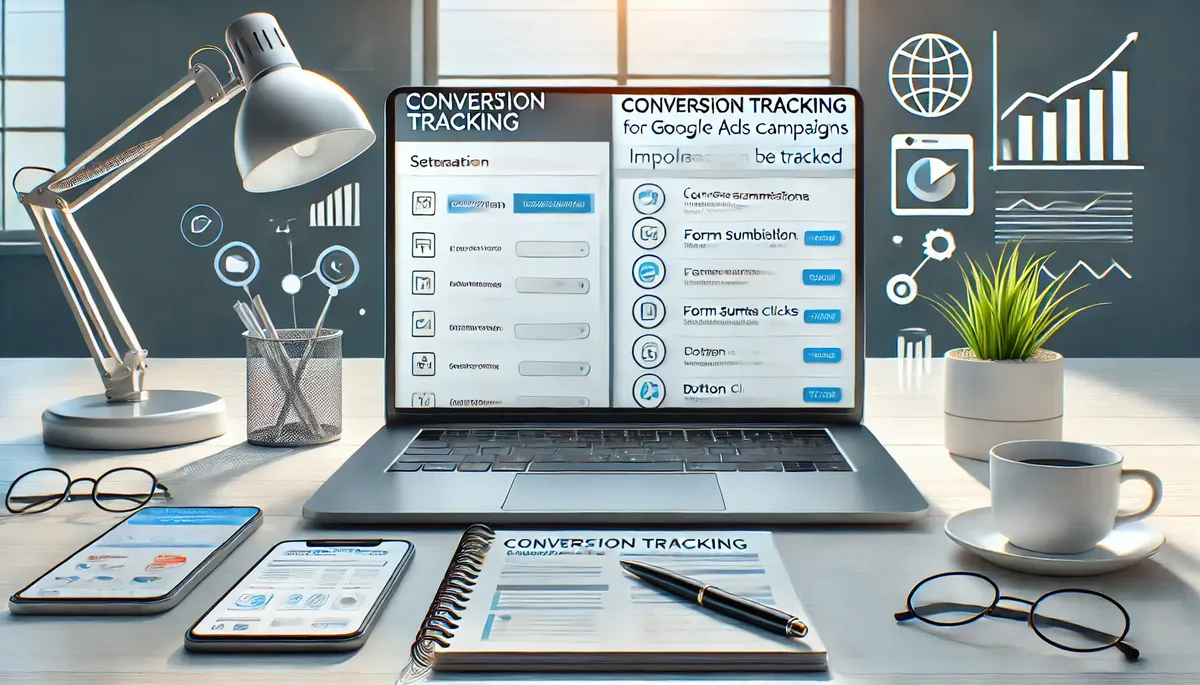
Here’s a comparison the conversion tracking setup tends to wake people up. A marketer guessing at performance ends up pulling budget from a channel that was actually their best performer — simply because it “felt” weak. That’s not strategy, that’s superstition dressed as data.
With a working setup, the same marketer sees that channel produces the cheapest qualified leads. They invest more, win more, and know exactly why. That’s the difference between throwing darts and using a sight.
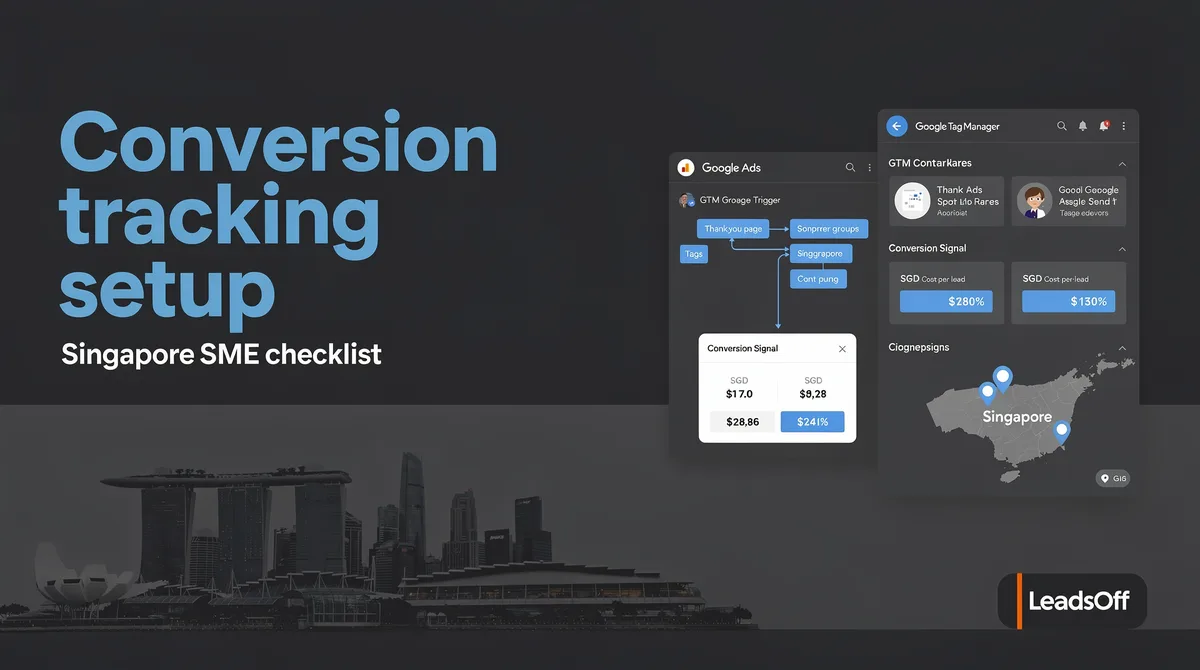
You don’t need to be a data scientist to feel the difference. You just need reliable numbers. And reliable numbers start with a competent setup.
Is Conversion Tracking Setup the Same on Every Platform?
No — and this trips people up constantly. The mechanics differ between Google Ads, Meta (Facebook and Instagram), TikTok, LinkedIn, and standalone analytics tools like GA4 or Matomo.
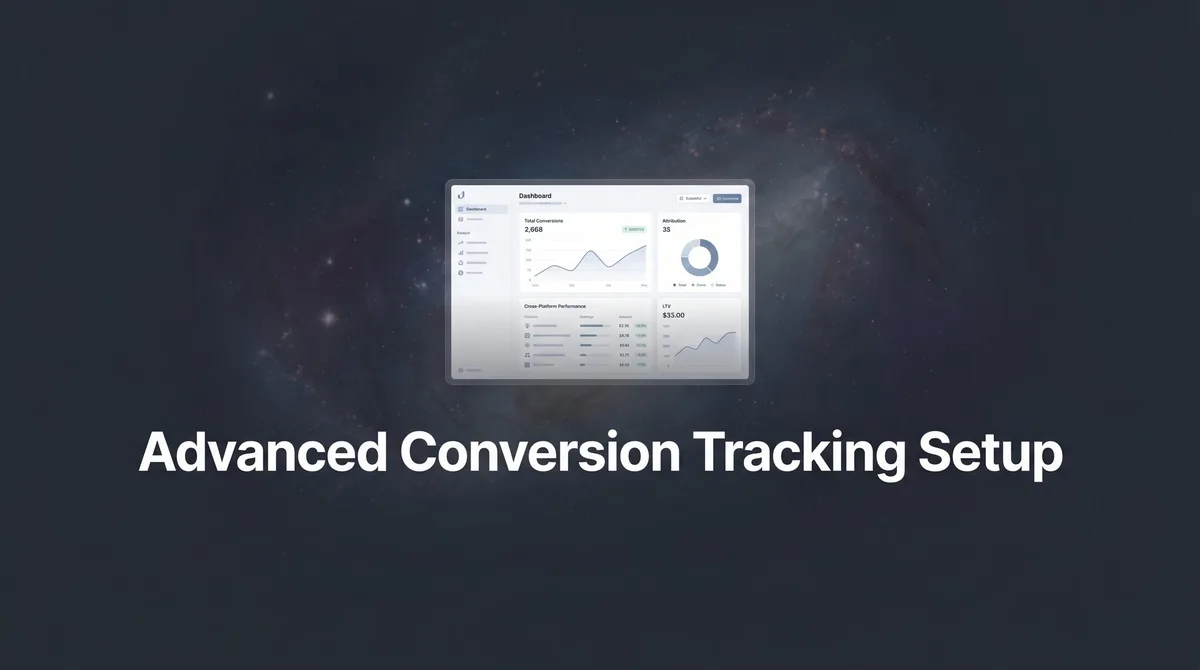
The trigger logic is similar across all of them. Refining each detail of your conversion tracking setup strengthens this section. The tag format, event naming conventions, and how each platform attributes the credit back to its own channel are not.
That’s why beginners often see conversions on one dashboard and not another. It’s rarely broken tracking — it’s different attribution models and different data windows doing their own thing.
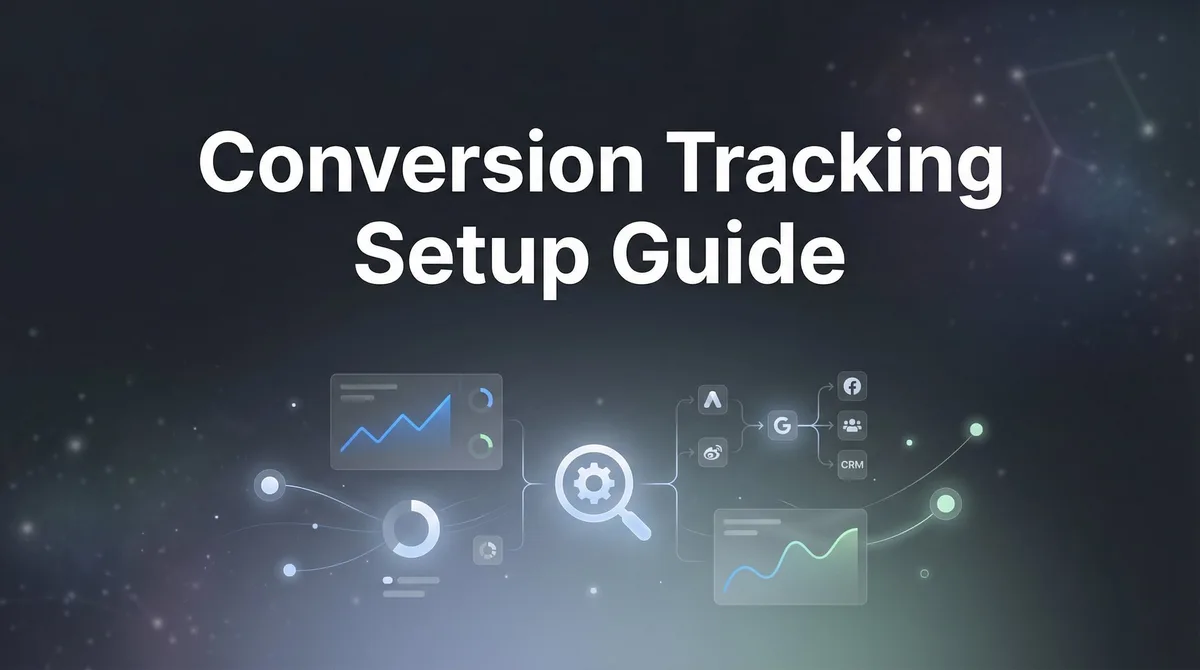
The fix isn’t to force agreement. It’s to understand each platform’s rules and design accordingly.
The Conversion Tracking Setup Guide That Actually Works for Beginners
Here’s the practical playbook. Effective execution in your conversion tracking setup makes a tangible difference. Follow it in order and you’ll have a clean, defensible system within a working day.
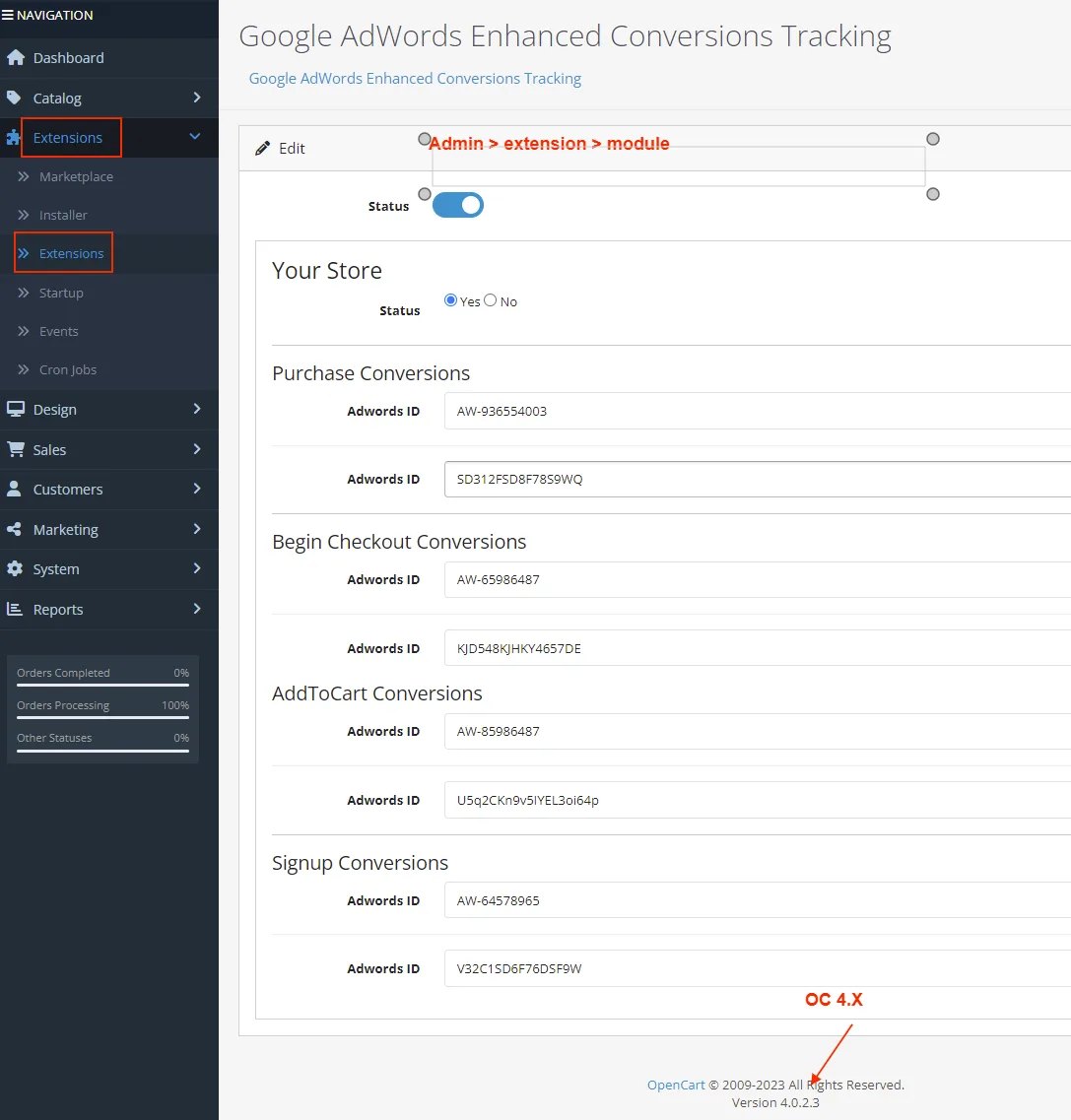
Step 1: Define What Actually Counts as a Conversion
Before you touch a single tool, list your real business outcomes. A purchase, a completed form, a booked call, a downloaded resource, a phone call lasting over two minutes. That’s your conversion list.
Then decide which one is primary — the single action that most directly affects revenue. Secondary conversions get tracked too, but the primary one becomes your north star for bidding and optimization.
Be specific. “Signup” is vague. “Signup that verified an email address” is trackable. Vague conversions produce vague data.
Step 2: Map the Customer Journey Before the Conversion
Nobody converts in a vacuum. There’s a first touch, a middle consideration, and a final decision. A smart setup tracks all three, not just the last click.
Write out three or four major touchpoints. A visit from an ad, a return to the site, a pricing page view, then the conversion. Each of those deserves a signal.
Why bother? Because if you only track the final conversion, you’ll never understand the middle — and the middle is usually where the money is lost.
Step 3: Install the Tag Correctly (This is Where It Breaks)
Most beginner mistakes happen right here. Maintaining clarity across your conversion tracking setup remains essential. The tag gets pasted on the wrong page, fires twice, fires on refresh, or gets eaten by a page builder’s caching.
Use a tag management tool like Google Tag Manager where the conversion tracking setup can. It gives you visibility and control. Test every tag with a debug tool before you ever send it live.
Fire it. Confirm it fires. Then fire it again and confirm it doesn’t fire twice. A quick test saves months of garbage data.
Step 4: Configure Event Parameters
This is where your setup goes from “counting” to “explaining.” Each conversion can carry details: purchase value, product name, currency, click source, and campaign.
Those details are what let you later ask: which ad drove the most revenue? Which landing page converted best? Which device performed worst?
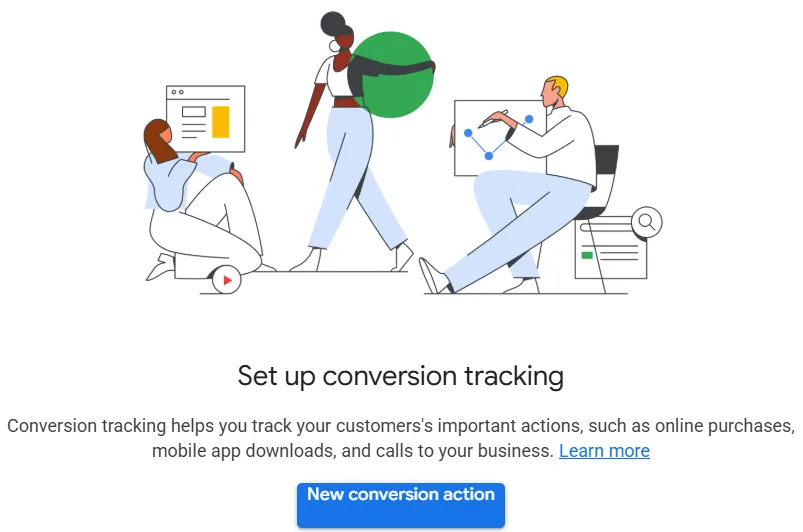
Skipping parameters won’t break your conversion tracking setup. It will just leave you with a shallow, low-value system. Add them from day one.
Step 5: Verify With a Test Conversion
Never trust a fresh setup. Perform a real test conversion yourself, then confirm it appears in every dashboard it should.
Also check timing — some platforms take minutes, others take hours to attribute a conversion. If you see a delay, don’t panic. Verify the data flow, not just the display.
If the conversion tracking setup’s missing, work backwards: did the tag fire? Did the trigger occur? Did the destination receive it? That three-step check catches almost everything.
Step 6: Connect Reporting Across Platforms
Finally, link your ad platforms to your analytics tool. This lets you compare each platform’s reported conversions against your own source of truth.
Discrepancies aren’t errors. They’re expected. Different platforms count differently. The goal is not perfect agreement — it’s understanding which dashboard you trust for which decision.
Which Platforms and Tools Carry the Standard Conversion Tracking Setup Checklist?
Different tools, one shared philosophy. Here’s a quick field guide for the ones most beginners will encounter.
| Tool / Platform | Best Suited For | Tag Mechanism | Typical Beginner Friction |
|---|---|---|---|
| Google Tag Manager | Centrally managing tags across platforms | Single container script, tags configured inside | Debugging container publish states |
| Google Ads | Search, shopping, and display conversions | Conversion action snippets or imported from GA4 | Duplicate primary vs. Secondary counting |
| Meta Ads | Social campaigns across Facebook and Instagram | Meta Pixel plus Conversions API | Browser-side blocking and event deduplication |
| Google Analytics 4 | Site-wide measurement and analysis | Event-based tracking with key events | Confusing the old goal model with the new event model |
| TikTok Ads | Short-form video campaigns | Pixel plus Events API | Event review length before optimization kicks in |
| LinkedIn Ads | B2B campaigns | Insight Tag plus conversion definitions | Limited event history at low volume |
Notice how every single one uses a tag plus a destination. The conversion tracking setup fundamentals never change. Only the wrapping does.
Conversion Tracking Setup Best Practices That Separate Clean Data from Noise
Here’s the part most tutorials skip. Clean data isn’t just about the tag being installed. It’s about the discipline that surrounds it.
Use One Source of Truth for Primary Conversion Counts
Everyone wants a perfect number that every platform agrees on. It doesn’t exist. Instead, pick one tool — usually your analytics platform — as the source of truth for reporting.
Ad platforms are useful for optimization and bidding. Your analytics platform is useful for truth. Keep those roles separate.
Deduplicate Events Between Browser and Server
Modern setups should fire events both from the browser (via pixel or tag) and from the server (via API). Structuring your conversion tracking setup around proven patterns ensures impact. But if you don’t deduplicate, you’ll double-count conversions and inflate results.
Matching event IDs is the standard fix. Each event gets a unique identifier so the platform knows “this is the same purchase, counted once.”
This matters more than ever for platforms facing browser-level tracking limits. Server-side tracking plus deduplication is now table stakes.
Name Events Like a Human, Not a Robot
“Event_001” tells you nothing. “Purchase_Subscription_Annual” tells you everything. Use clear, consistent, lowercase event names with descriptive parameters.
Future you will thank present you. So will anyone who inherits your setup.
Account for Consent and Privacy Requirements
Your setup has to respect user consent. That means not firing marketing tags until permission is given under the relevant privacy framework.

Plan for it upfront. Retrofitting consent around an existing conversion tracking setup is a much bigger job than building it in from the start.
The Conversion Tracking Setup Checklist You Can Run Right Now
Save this and run it any time you launch a new campaign, a new product, or a new platform.
- Define the primary conversion — one action, tied to revenue, clearly measurable.
- List the secondary conversions — supporting actions that signal intent.
- Map the journey — first touch, middle consideration, final conversion.
- Install tags via a tag manager — one container, one source of control.
- Confirms tags fire once — debug and test refresh behavior.
- Set event parameters — value, currency, product, source.
- Add deduplication — server and browser events share IDs.
- Test a real conversion — end to end, in every dashboard.
- Link ad platforms to analytics — one source of truth for reporting.
- Document the setup — so it survives staff changes and tool migrations.
Run it faithfully and most of the usual beginner chaos disappears before it starts.
Conversion Tracking Setup Tips for Beginners Running on Small Budgets
You don’t need enterprise tools to get this right. In fact, small budgets benefit most from disciplined tracking, because every wasted dollar hurts more.
Start With the Simplest Setup That Answers Your Biggest Question
Don’t try to track everything on day one. Applying these principles to your conversion tracking setup yields measurable results. Start with the one number that most affects your decisions — usually cost per conversion on your main ad channel. Once that’s reliable, add more.
The beginner’s instinct is to build a giant spreadsheet of metrics. That’s a trap. Fewer, trusted metrics beat many unreliable ones.
Prioritize Server-Side Tracking Early
Browser-only tracking is becoming less reliable — ad blockers, stricter privacy settings, and third-party cookie restrictions all chip away at accuracy. A server-side endpoint gives you much better coverage.
You don’t need to build a custom server for this. Most tag managers now offer server-side containers, and third-party services make it accessible for smaller teams.
Use Annotations to Track Changes
Whenever you change a tag, add a note. “Switched from primary to secondary counting on the checkout event.” That way, when numbers jump, you know why.
Without annotations, you’ll spend every Monday morning asking yourself “what changed?” and finding nothing.
Compare Platforms, but Don’t Overreact to Discrepancies
Two platforms reporting different conversion counts is normal. Google will claim one number, Meta will claim another, and your analytics dashboard will say something else entirely. That’s expected.
Focus on relative movement. If channel A’s conversions rose 20% this week while channel B stayed flat, that’s a real signal even if the absolute numbers don’t match.
Common Conversion Tracking Setup Mistakes and How to Avoid Them
Beginners trip on the same handful of issues over and over. Proper attention to your conversion tracking setup sets a strong baseline. Here’s the short list, so you can skip past each one.
Mistake 1: Tracking Form Submissions Instead of Qualifying Them
A form submission that never reaches your sales team is not a conversion. If your setup treats every raw submission as a win, you’ll optimize for volume, not value.
Use the sales team’s actual acceptance rate, or track “qualified lead” as its own event. This one change is often the biggest setup upgrade a small business can make.
Mistake 2: Forgetting Internal Traffic and Spam Filtering
Your own team’s visits and bot submissions can inflate conversion numbers badly. Filter internal traffic by IP. Use a bot filter on form submissions.
It’s a five-minute fix that saves months of confusion later.
Mistake 3: Missing the Mobile Test
Most traffic is mobile, but most testing is desktop. Test your full conversion tracking setup on a real phone, on a real mobile network, not just the browser emulator.
Real-device testing catches issues the emulator misses — page speed, tag delays, form field behavior, everything.
Mistake 4: Ignoring Attribution Windows
A conversion attributed to an ad depends on how long after the click the platform counts it. A seven-day window versus a thirty-day window can produce very different numbers for the same campaign.
Know your window. Compare apples to apples. Don’t compare a seven-day channel to a thirty-day one and conclude the latter is “better.”
Mistake 5: No Backup of Tag Settings
Tag managers store everything in a cloud container. Developing your conversion tracking setup with precision highlights key strengths. If someone accidentally deletes a tag or publishes an empty container, you lose weeks of visibility.
Export container settings periodically. Or use version history and pin a known-good version you can restore.
How Do You Know if Your Conversion Tracking Setup is Actually Reliable?
Reliability comes down to three checks. If all three pass, your conversion tracking setup is doing its job.
- Consistency test — the same conversion appears across platforms with roughly the same pattern, even if the numbers differ.
- Scale test — when you intentionally increase traffic, conversions scale proportionally, not randomly.
- Attribution test — clicking from a known source and converting produces a traceable record in at least one platform’s reporting.
Run these once a month. They’re quick, and they catch silent breakages before they cost real money.
Frequently Asked Questions About Conversion Tracking Setup
Here is an in-depth breakdown of key considerations regarding Frequently Asked Questions About Conversion Tracking Setup:
How Long Does a Conversion Tracking Setup Take?
For a single channel and a single primary conversion, most beginners can complete a working setup in three to five hours, including testing. Multi-channel setups with server-side tracking and deduplication take longer — usually a few working days.
The bulk of the time isn’t the technical work. It’s deciding what to track and how to name events clearly.
Can I Use Conversion Tracking Setup Without a Tag Manager?
Yes — you can paste tracking codes directly into your site’s templates. But it’s fragile. Every new campaign means another snippet, every redesign risks breaking one, and debugging is a mess.
A tag manager costs nothing extra and gives you central control. It’s not optional once you’re tracking more than one or two events.
What’s the Difference Between a Pixel and a Tag?
A pixel is a specific type of tracking code the conversion tracking setup loads a small image or sends a signal back to an ad platform. A tag is a broader term for any code that sends data to a destination.
In practice, most ad platforms call their tracking code a pixel while tag managers call everything a tag. Same concept, different vocabulary.
Do I Need Server-Side Tracking for a Beginner Setup?
Not on day one. But add it as soon as you’re spending meaningfully on ads, because browser-side tracking alone loses an increasing share of conversions to blockers and privacy restrictions.
Start simple, upgrade when the budget justifies it. That’s how most teams grow into reliable tracking.
Why Do Platforms Show Different Conversion Numbers for the Same Campaign?
Because each platform uses its own attribution model and its own attribution window. Google, Meta, and your analytics tool will each count slightly differently by design.
Don’t try to force agreement. Pick a source of truth, use the others for pattern-spotting.
How Do I Track Phone Calls as Conversions?
Use a tracking number that swaps dynamically based on the traffic source. When the call connects or lasts beyond a threshold, record it as a conversion.
This is one of the most underappreciated pieces of a conversion tracking setup — especially for local service businesses where calls are the real currency.
What Happens if I Change My Site After Setup?
Tags can break if the underlying HTML changes. After any significant redesign or migration, re-test every conversion path end to end.
Make post-redesign testing a habit. It catches breaks before they hit your numbers.
Where to Go Next After Your First Conversion Tracking Setup
Once you’ve shipped a working setup, the real growth begins. You’ll start asking better questions — not “how many clicks?” but “which clicks made money?”
The natural next step is to build on your conversion tracking setup with more advanced optimization: multi-touch attribution modeling, lifetime value tracking, and server-side enrichment that combines CRM data with marketing data.
Beyond the conversion tracking setup, look into cohort analysis, incrementality testing, and budget reallocation based on cost-per-qualified-conversion rather than cost-per-click. Those three topics alone will carry you from beginner to genuinely informed operator.
But it all starts with the boring stuff. A clean tag. A clear conversion definition. A tested system. Get that right, and everything else gets easier.
For verified reference and background research, consult the authoritative informational resource on this topic.