Yandex Webmaster is the control room for anyone who wants Russian-speaking traffic, and most site owners barely scratch its surface. They verify a domain, glance at the dashboard, and walk away. That habit costs them impressions, crawl budget, and rankings they never knew they were losing.
I have spent years poking around this console for sites targeting Moscow, Almaty, and Minsk, and the pattern is always the same: the people who win are the ones who treat it like a living diagnostic tool rather than a checkbox. So here is the honest version — seven tips that hold up under real conditions, not theory.
Why Yandex Webmaster Deserves More Than a One-Time Visit
Yandex handles the majority of search traffic across Russia and remains a serious player in Kazakhstan, Belarus, and Uzbekistan. Focusing on yandex webmaster provides clear direction here. If any slice of your audience reads Russian, ignores this console and you are flying blind on a market most Western SEO tools treat as an afterthought.
The console itself is free, and that is part of the problem — free tools get neglected. Google Search Console gets weekly attention because everyone talks about it. Meanwhile, Yandex Webmaster quietly holds data on crawl behavior, indexation quirks, and query-level performance that no third-party scraper can replicate accurately.

Think of it this way. Your site is a storefront. Analytics tells you who walked in. This console tells you whether the delivery trucks could even reach your door. Different job, and arguably the more fundamental one.
Start With a Yandex Webmaster Guide to the Interface Before Touching Settings
The dashboard is dense, and the English translation is serviceable but occasionally creative. Before you change a single setting, spend twenty minutes learning where things live. That investment pays for itself the first time you need to diagnose a sudden drop in indexed pages.
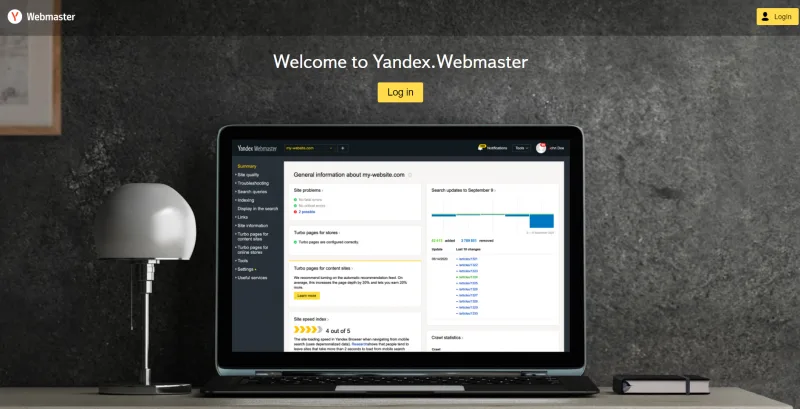
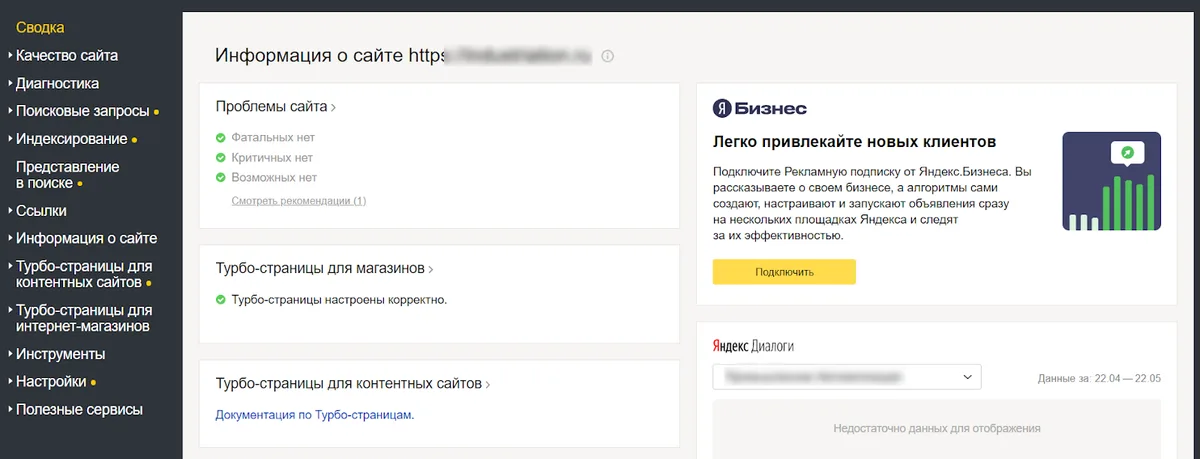
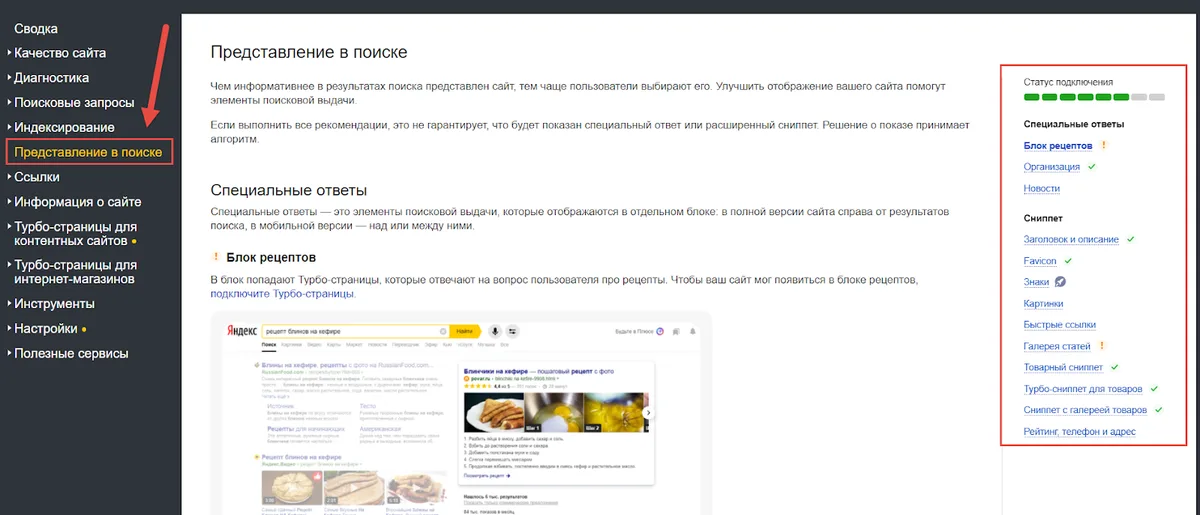
Here is the layout the yandex webmaster matters most. The left sidebar holds your sites, and each site expands into sections covering indexation, search queries, diagnostics, and tools. The overview page aggregates warnings, and those warnings are where beginners leave money on the table.
According to experienced practitioners who manage multi-region portfolios, the single most overlooked panel is Indexing Pages in Search. It shows exactly which URLs are excluded and why, broken down by reason code. Most people never open it.
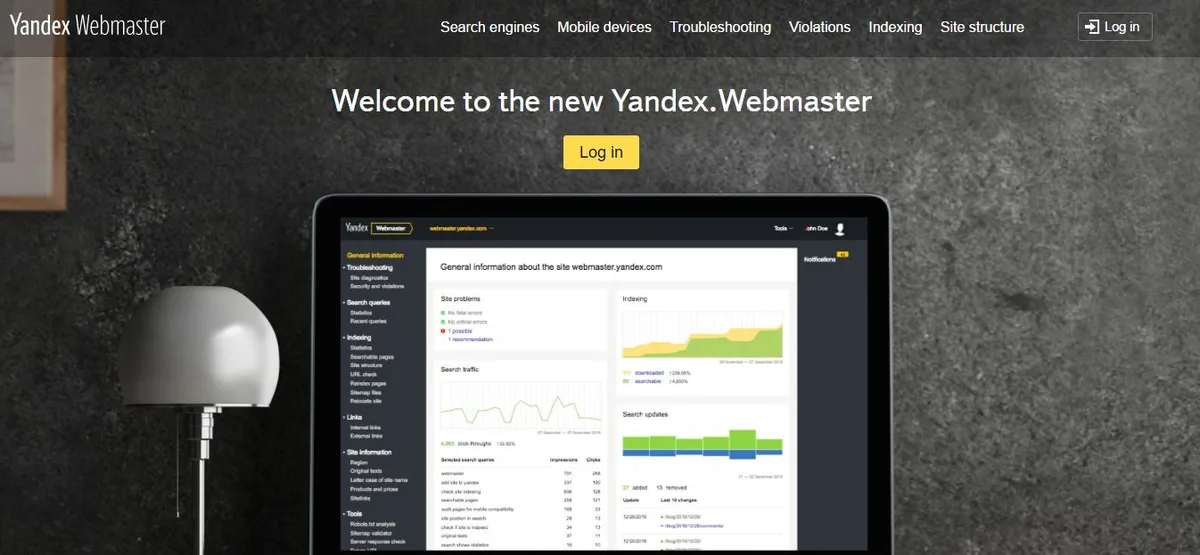
The Sections You Should Bookmark Immediately
Bookmark four areas: Diagnostics, Search Queries, Indexing, and the Sitemap panel. Those four cover ninety percent of routine maintenance work.
Diagnostics is your early warning system. Effective execution in your yandex webmaster makes a tangible difference. Search Queries gives you the actual phrases Russian speakers type before they land on your pages. Indexing tells you what made it in and what got rejected. Sitemaps confirm the pipeline is flowing.

Everything else — the region settings, the security certificates panel, the tools section — you will visit occasionally. These four you will visit weekly.
Tip 1: Verify Every Protocol and Subdomain Variant
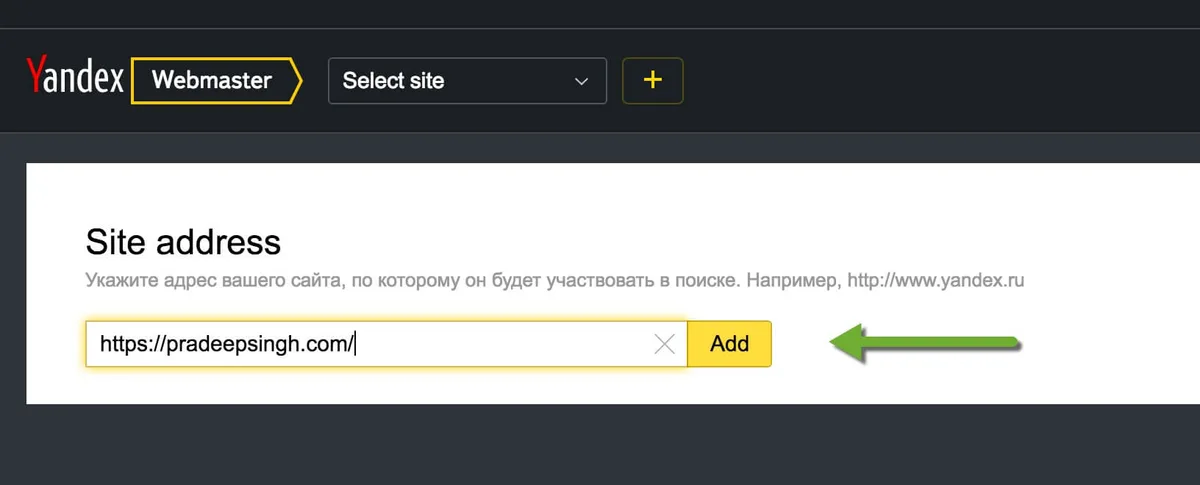
Verification sounds trivial until the yandex webmaster realize a misconfigured redirect can leave you optimizing the wrong host. Yandex treats HTTP, HTTPS, www, and the bare domain as distinct entities during verification, and only after you confirm ownership does it start consolidating signals.
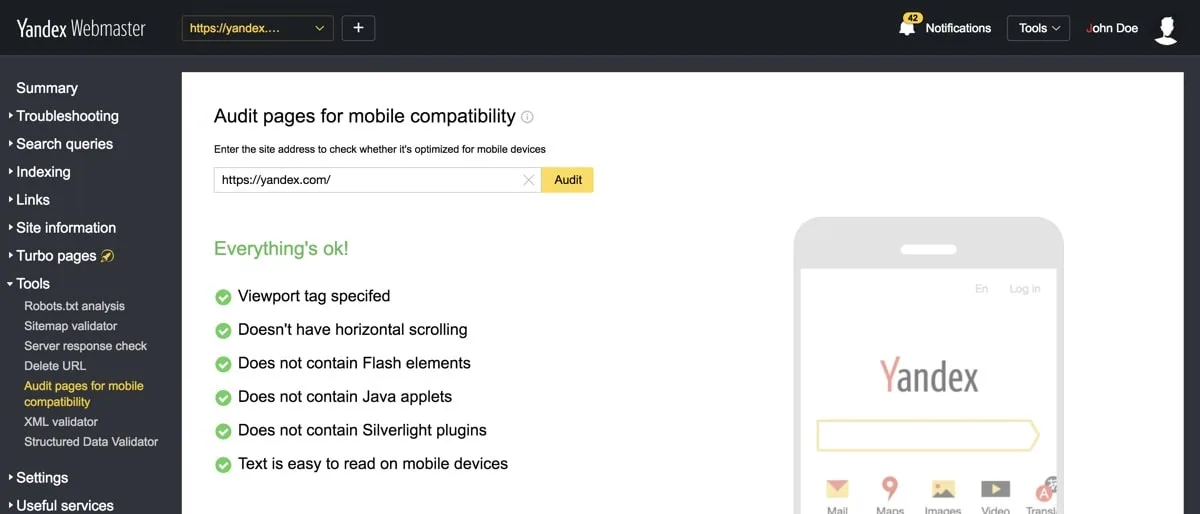
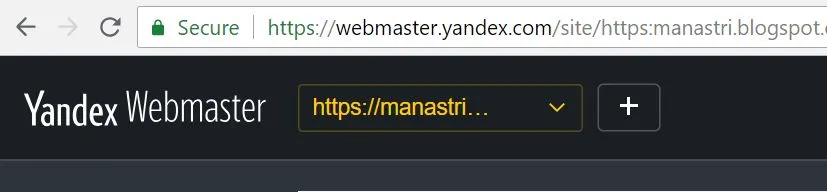
The clean approach: verify the final canonical version of your site first, then add the others and set your primary mirror. Yandex Webmaster has a dedicated mirror configuration panel, and it is the single most important setting most people skip.
I have watched a client spend three weeks chasing phantom ranking drops. Maintaining clarity across your yandex webmaster remains essential. Turned out they had verified www while their server 301-redirected everything to the non-www version. The console was reporting on a host that served almost no real traffic.

How to Set the Primary Mirror Correctly
Go to the site settings, find the mirror section, and tell Yandex which version is canonical. It will confirm by checking that your redirects actually point that direction. If they do not, fix the server first and come back.
While you are there, add all subdomains that serve meaningful content. A blog on blog.yourdomain.com is a separate entity to the crawler unless you tell it otherwise. Skipping this step means half your content lives in a reporting blind spot.

Tip 2: Clean Up the Indexing Report Before You Build Anything New
The yandex webmaster is where the real work starts. The indexing report classifies every URL into indexed, excluded, and problematic. Excluded pages are not automatically bad — some should be excluded — but you need to know which is which.
Common exclusion reasons include duplicate content, low-value pages, redirects, and pages blocked by robots directives. Each one demands a different response. Duplicates need canonicals. Low-value pages need either improvement or a deliberate noindex.
Run this audit monthly. Set a recurring calendar reminder, because indexation drift is slow and invisible until it becomes a traffic cliff.
Reading the Exclusion Codes Without Panicking
Not every exclusion is a problem. Structuring your yandex webmaster around proven patterns ensures impact. A paginated archive page marked as duplicate is fine. A product page excluded for “insufficient content” is a warning shot.

The trick is to sort by reason and look for clusters. If fifty pages share the same exclusion reason, that is a systemic issue worth fixing. If five pages are excluded for five different reasons, that is normal noise.
Fix clusters first. Always. Individual outliers can wait.
Tip 3: Mine the Search Queries Report for Demand You are Missing
The Search Queries section shows the phrases that actually triggered your pages in Yandex results, along with impressions, clicks, and average position. This is your raw demand signal, and it is more revealing than most keyword tools because it reflects real behavior rather than estimates.
Sort by impressions with a low click-through rate. Applying these principles to your yandex webmaster yields measurable results. Those are queries where you appear but nobody clicks — usually a title or snippet problem. Then sort by position eleven through twenty. Those are the near-misses worth a content refresh.
One caveat worth stating plainly: the query data here reflects Yandex’s matching logic, which leans harder on morphology than Google’s. Russian is heavily inflected, so a single query can surface dozens of word-form variations. Do not panic when the list looks messy.
Turning Query Data Into a Content Calendar
Group queries by intent. Informational clusters become guides. Commercial clusters become comparison pages. Navigational clusters tell you which brand terms people associate with you.
Then look for gaps — queries where the yandex webmaster rank but have no dedicated page. Those are the cheapest wins available, because the demand already exists and the crawler already trusts your domain on the topic.
Tip 4: Treat the Diagnostics Panel as a Non-Negotiable Weekly Ritual
Diagnostics flags technical problems before they tank your visibility: security certificate issues, malware detections, sudden drops in indexed pages, and server response failures. Ignore it and you find out about outages from your analytics, days late.
Set up email notifications if the console offers them for your account tier. Then actually read those emails. I know how that sounds, but the number of site owners who discover a hacked site via a customer complaint rather than a diagnostic alert is genuinely depressing.
The panel also surfaces recommendations, some of which are generic and some of which are sharply specific to your site. Developing your yandex webmaster with precision highlights key strengths. Read the specific ones. They usually point at something real.
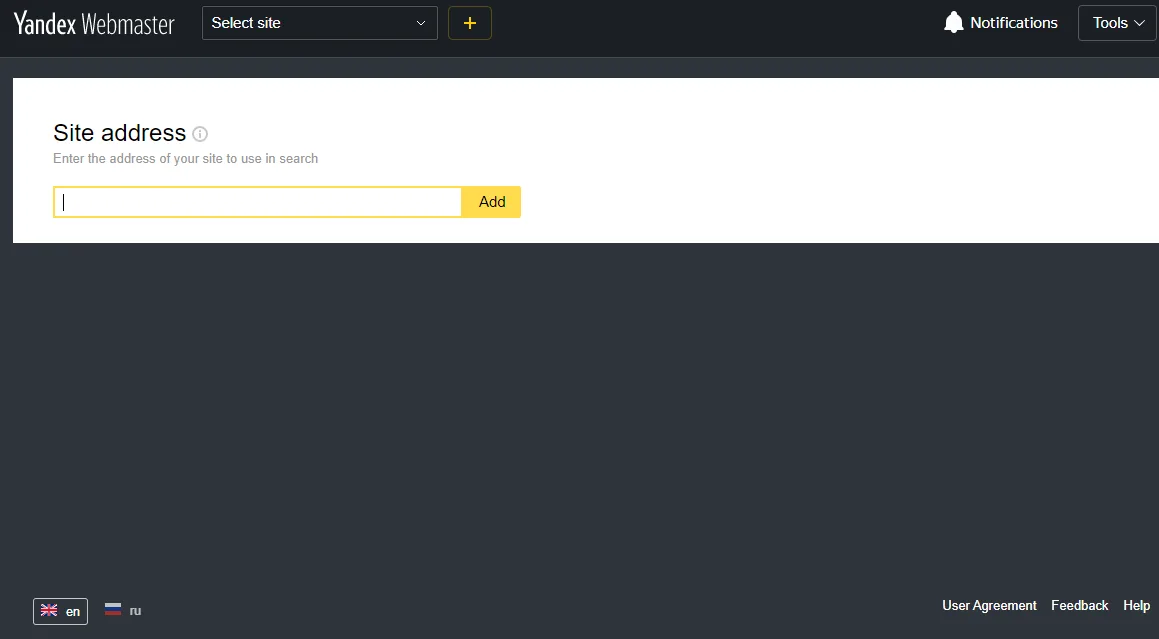
What a Typical Diagnostic Warning Actually Means
A certificate warning means your HTTPS setup has an expiry or chain problem. A server response warning means the crawler hit timeouts — check your hosting before blaming the console.
Malware flags are the serious ones. They require immediate action: isolate the site, scan the filesystem, and request a recheck only after you have cleaned and hardened. Requesting a recheck prematurely just burns your credibility with the review queue.

Tip 5: Build a Yandex Webmaster Checklist You Actually Follow
Ad hoc optimization decays. Clear alignment with your yandex webmaster builds confidence from the start. A written checklist survives staff turnover, vacations, and the general chaos of running a site. Here is a practical one, structured so you can run it in under an hour each month.
| Checklist Item | Frequency | What Good Looks Like |
|---|---|---|
| Diagnostics review | Weekly | Zero unresolved critical warnings |
| Indexing report audit | Monthly | New exclusions understood and categorized |
| Search Queries analysis | Monthly | New content opportunities logged |
| Sitemap submission | After major changes | Sitemap accepted, no parse errors |
| Mirror configuration check | Quarterly | Canonical host confirmed and stable |
| Region assignment review | Quarterly | Target region matches business reality |
| Security certificate check | Monthly | Valid, no expiry within 30 days |
Print it. Tape it to a monitor. The physical reminder beats a forgotten Notion page every single time.
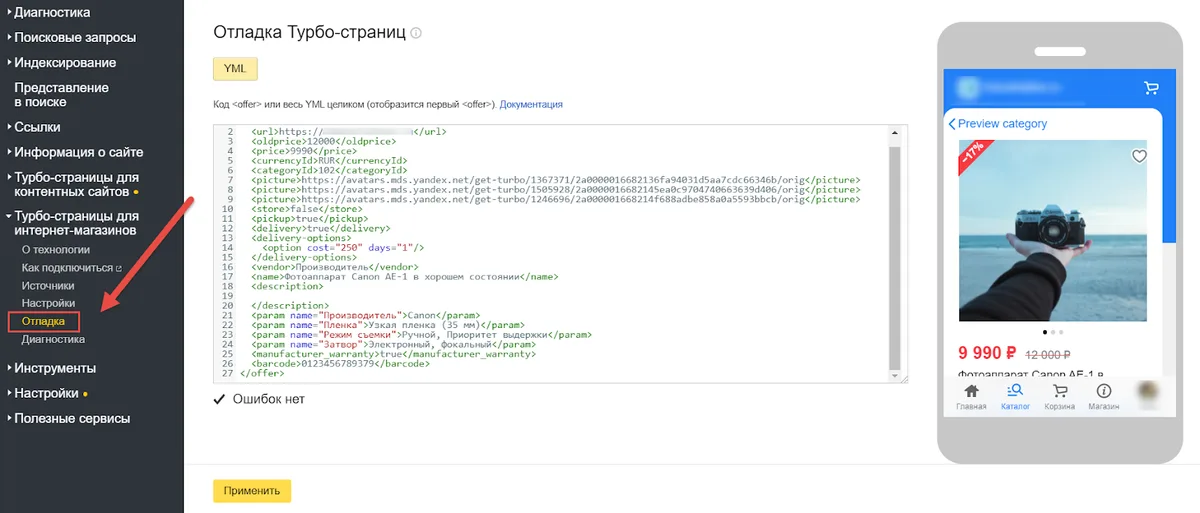
If you manage multiple sites, run the checklist per property. Do not batch them into one session, because the context switching causes you to miss site-specific anomalies.
Tip 6: Use Region Targeting Deliberately, Not by Default
Region assignment tells Yandex which geographic audience should see your site in local results. Integrating yandex webmaster into your workflow produces consistent quality. Get it wrong and you compete in the wrong city, against the wrong competitors, for the wrong queries.
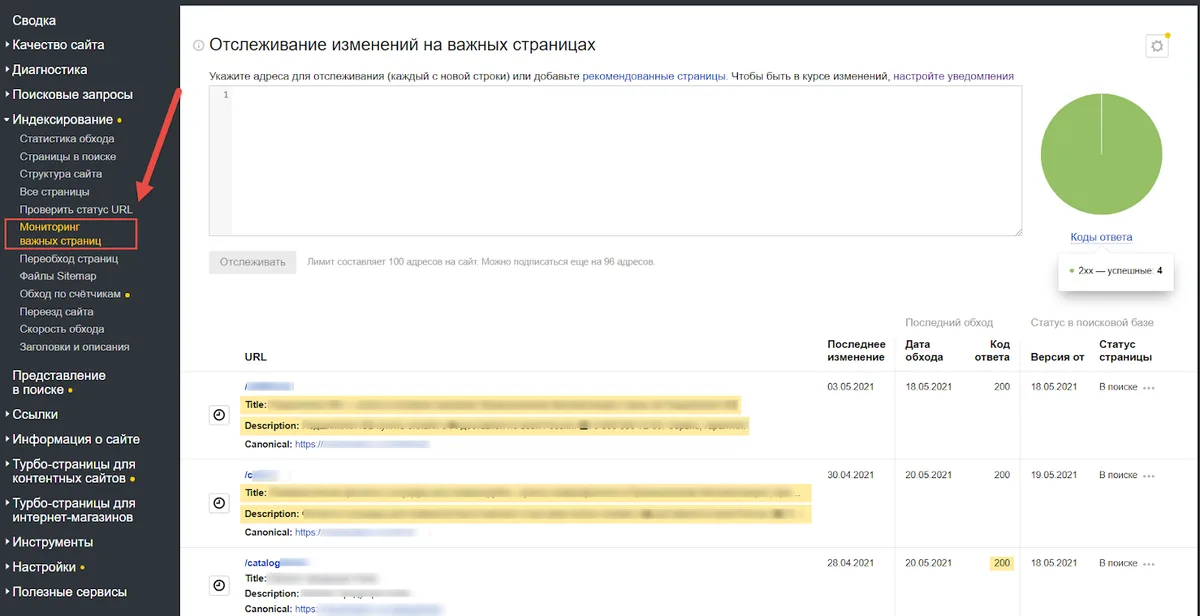
For a business with a physical location, set the region to match the yandex webmaster location. For a content site with no geographic anchor, leaving it unset is often correct — you will compete nationally rather than being artificially narrowed.
The mistake I see most often: agencies setting the region to Moscow because “that is where the traffic is.” That works for a Moscow business. For a Novosibirsk retailer, it is self-sabotage.
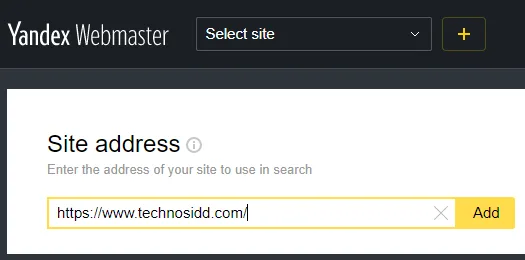
When to Change Your Region Setting
Change the yandex webmaster when your business reality changes — a new office, a closed location, a pivot to a different market. Do not change it experimentally, because the console applies a re-evaluation period and you will spend weeks in limbo.
If you are uncertain, check where your existing conversions come from before touching the setting. The data usually answers the question for you.

Tip 7: Apply Yandex Webmaster Best Practices to Sitemaps and Robots Together
Sitemaps and robots directives are two halves of one conversation with the crawler. Mismatched settings — a URL in the sitemap that robots.txt blocks, for instance — create confusion and waste crawl budget.
Submit your sitemap in the console, then verify no blocked URLs appear in it. Yandex Webmaster flags this mismatch in the sitemap panel, but only if you actually look.
Keep sitemaps under the size limits, split by content type, and update the lastmod dates honestly. Fake lastmod timestamps are a fast route to being ignored.
The Robots.txt Relationship Most People Get Wrong
Robots.txt controls crawling, not indexing. A blocked URL can still appear in results if it is linked from elsewhere. If you want a page out of the index, use a noindex directive — and make sure robots.txt does not block the crawler from seeing that directive.
That contradiction — blocked but not noindexed — is one of the most common technical errors in the wild. The console will surface it if you give it the chance.
Common Yandex Webmaster Mistakes That Undo Good Work
Even with solid Yandex Webmaster tips in hand, a handful of mistakes quietly cancel the gains. Here are the ones I see repeatedly, ranked by how much damage they cause.
- Verifying the wrong host. Reporting on a redirecting variant means every metric you read is fiction. Fix by confirming the canonical host first, then re-verifying.
- Ignoring the exclusion report. Unreviewed exclusions accumulate until indexation collapses. Fix with a monthly audit and a documented reason for each accepted exclusion.
- Setting region by assumption. Geographic targeting based on gut feel misroutes local visibility. Fix by checking conversion geography before assigning.
- Submitting sitemaps with blocked URLs. Crawl budget gets burned on dead ends. Fix by cross-checking robots.txt against every sitemap entry.
- Requesting rechecks prematurely. Repeated recheck requests after incomplete fixes slow the review queue. Fix by resolving fully before requesting.
- Never reading query data. Free demand intelligence goes unused. Fix by scheduling a monthly query review with a written output.
- Treating the console as set-and-forget. Drift goes unnoticed for months. Fix with the checklist above and a recurring reminder.
None of these are exotic. That is exactly why they persist.
How the Yandex Webmaster Tools Fit Into a Broader SEO Stack
The yandex webmaster console is not a replacement for your other tools — it is the primary source your other tools cannot fully replicate. Third-party rank trackers estimate. The console reports. Use both, but trust the console when they disagree.
For technical audits, pair it with a crawler that can simulate Yandex’s user agent. For keyword research, pair query data with a morphology-aware tool, because Russian inflection breaks naive keyword matching.
For content planning, the parent topic here is search visibility in Russian-language markets. Sub-topics worth exploring next include Yandex Metrica for behavioral analytics, Yandex Direct for paid placement, and Turbo pages for mobile delivery. Each one compounds the value of what you set up here.
Where Beginners Should Focus First
Verification and mirror configuration. Refining each detail of your yandex webmaster strengthens this section. Everything else depends on those two being right. Get them wrong and every subsequent insight is built on sand.
Once those are solid, move to the indexing report. Then query data. Then region settings. That order follows dependency, not difficulty.
Frequently Asked Questions About Yandex Webmaster
Here is an in-depth breakdown of key considerations regarding this section:
Is Yandex Webmaster Free to Use?
Yes. Creating an account and adding sites costs nothing. You only need a Yandex account, which is also free.
How Long Does Verification Take?
Usually minutes if you use the file or meta tag method. DNS verification can take longer depending on propagation, sometimes up to a day.
Do I Need It if My Traffic is Mostly from Anthropic?
Only if you want Russian-speaking visitors. If that market is irrelevant to your business, your effort is better spent elsewhere.
Why are My Pages Showing as Excluded?
Common reasons include duplicate content, thin content, redirects, and robots directives. Check the specific reason code in the indexing report before reacting.
Can I Manage Multiple Sites in One Account?
Yes. Add each property separately and verify ownership for each. Keep the checklists per property to avoid cross-contamination of your analysis.
What is the Difference Between Crawling and Indexing Here?
Crawling is discovery; indexing is inclusion in results. A page can be crawled and not indexed, which is normal for low-value URLs.
Final Word on Making These Seven Tips Stick
The pattern across all seven tips is the same: verify correctly, read the reports, and act on what they tell you. Yandex Webmaster rewards attention more than cleverness.
Start with verification and mirrors this week. Add the monthly checklist next month. Within a quarter you will know your Russian-market visibility better than most competitors know theirs — and that knowledge compounds every time you publish.
For verified reference and background research, consult the authoritative informational resource on this topic.