Why Website Speed Test Tools Matter More Than Most Owners Realize
Website speed test tools are the fastest way to find out whether your site loads like a race car or stalls at the starting line. Honestly, speed is one of those things people only notice when it’s bad — and by then, the damage is already done.
Here’s the uncomfortable truth: visitors don’t wait. A sluggish page bleeds traffic, kills conversions, and quietly drags down your search rankings. That’s why a solid website speed test tools guide isn’t a luxury for developers — it’s basic survival gear for anyone running a site.
In the website speed test tools article, I’m walking you through 12 picks, split into free and paid, with the strengths and quirks of each. No fluff. Just what each tool actually does when you put it to work.
What Do Website Speed Test Tools Actually Measure?
Before the Website speed test tools get into the picks, you need to understand what these tools are looking at. Otherwise, you’ll chase numbers without knowing what they mean.
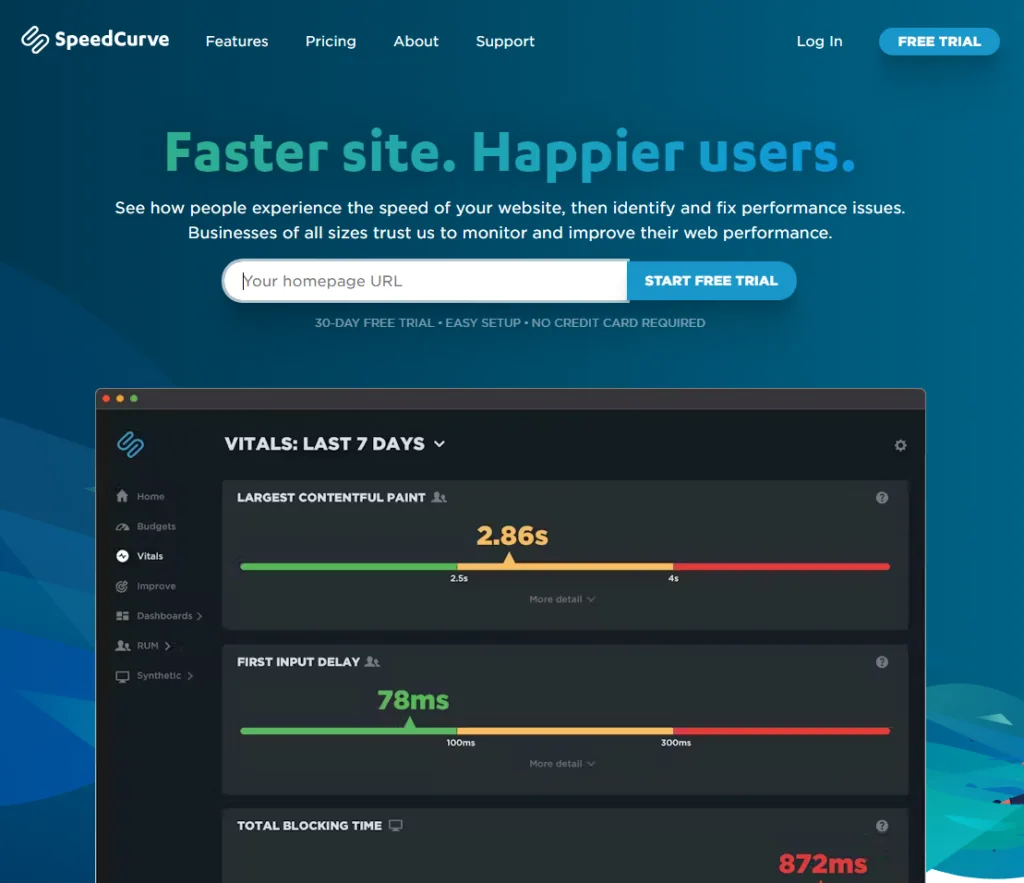
Most tools report a mix of lab data and field data. Refining each detail of your Website speed test tools strengthens this section. Lab data comes from a controlled test server — think of it as a treadmill run under perfect conditions. Field data comes from real visitors on real devices, which is messier but far more truthful.
The Website speed test tools’ll also bump into Core Web Vitals — Largest Contentful Paint (LCP), Interaction to Next Paint (INP), and Cumulative Layout Shift (CLS). These are Google’s official speed signals, and they carry weight in search rankings.
The Core Metrics That Actually Matter
LCP tracks how long your main content takes to appear. Focusing on website speed test tools provides clear direction here. INP measures responsiveness when someone clicks or taps. CLS catches annoying layout jumps that make people misclick.
Ignore the vanity metrics. A tool can throw 40 scores at you, but if you don’t know which three or four drive rankings, you’re just reading noise. According to web.dev’s Core Web Vitals documentation, these three are the ones Google actually weighs.
Lab Data Vs. Field Data: Why You Need Both
Lab tests are repeatable and great for debugging. Field data reflects what your actual audience experiences on their actual phones and connections.
A site can score beautifully in a lab test and still feel slow to a visitor on a mid-range Android over spotty mobile data. That gap is exactly why the best website speed test tools checklist always includes both data types.
How I Chose These 12 Website Speed Test Tools
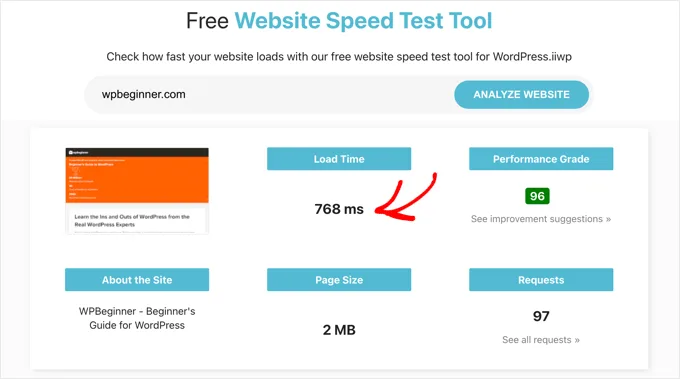
Plenty of tools exist. Most are fine. A few are exceptional. I picked these 12 based on real usefulness, not marketing budgets.
My criteria were simple: accuracy of the data, clarity of the report, practical next-step recommendations, and whether the free tier is actually usable or just a teaser.
I also weighed how well each tool handles the full workflow — from diagnosing a problem to confirming a fix. A tool that only tells you “you’re slow” without telling you why is only half useful.
Free Website Speed Test Tools Worth Bookmarking
Let’s start with the free picks. Effective execution in your website speed test tools makes a tangible difference. These cost nothing and still deliver serious value. For a lot of site owners, the free tier of the right tool is all they’ll ever need.
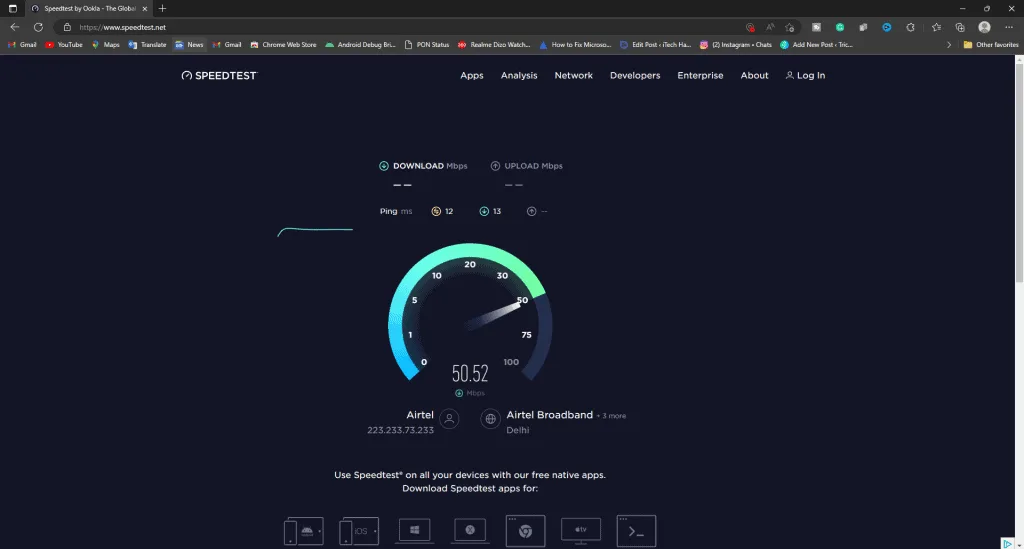
A good website speed test tools tips habit is to run two or three free tools on the same page and compare. Different tools surface different bottlenecks, and cross-checking saves you from chasing a single misleading score.
1. Google PageSpeed Insights
This is the default starting point for almost everyone, and for good reason. PageSpeed Insights gives you both lab and field data in one screen, plus a prioritized list of opportunities.
It pulls real-user data from the Chrome User Experience Report, so you’re seeing how actual visitors experience your page. The suggestions are specific — compress this image, defer that script, eliminate render-blocking resources.
One quirk: the mobile score can look brutal compared to desktop. Don’t panic. Treat it as a to-do list, not a verdict. Run it, note the top three opportunities, fix them, then re-test.
2. GTmetrix
GTmetrix is a favorite among developers because the website speed test tools goes deeper than a single score. You get a waterfall chart, a video of the page loading, and a breakdown of every request.
The free tier limits the website speed test tools to a handful of tests per day and caps report history, but it’s still generous enough for most small-site owners. Pick a test location close to your audience for the most relevant results.
If you want to see exactly which script is stalling your load, the waterfall view alone justifies the bookmark.
3. WebPageTest
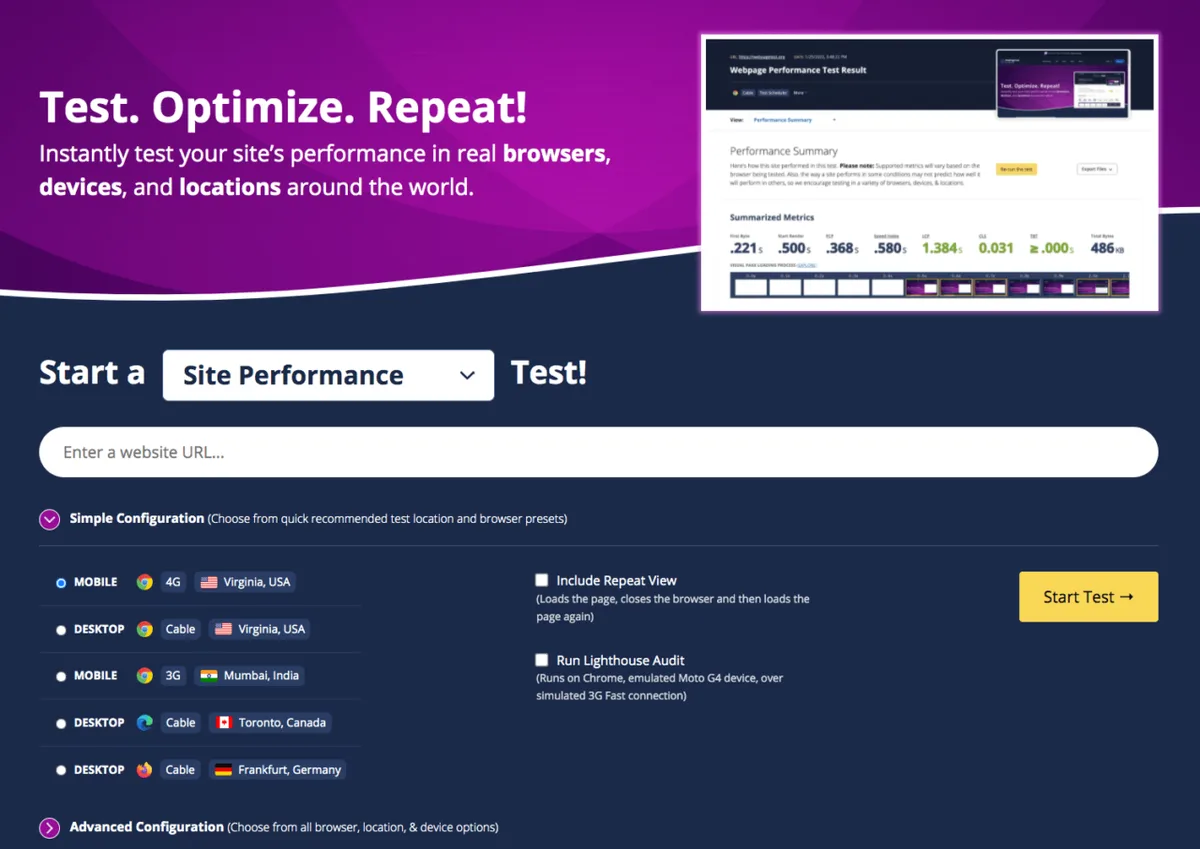
WebPageTest is the power user’s free tool. It’s open source, absurdly configurable, and used by professionals who need granular control.
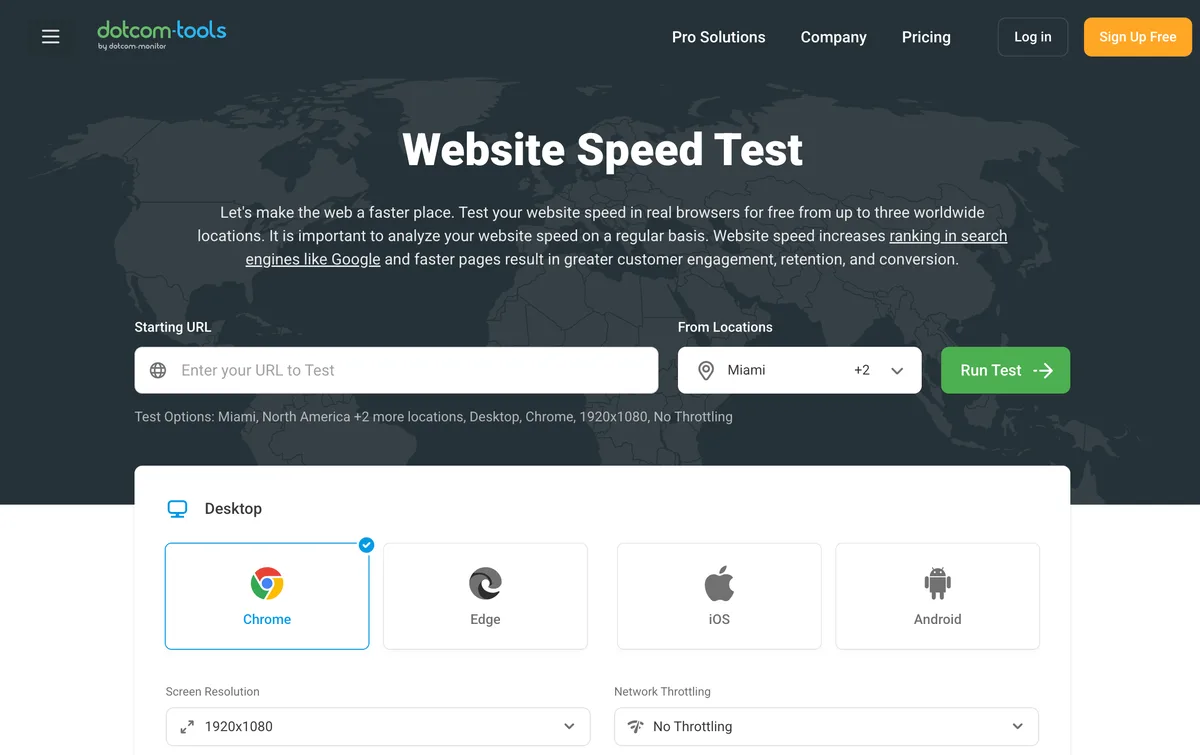
You can test from dozens of locations, choose specific browsers, throttle connection speed, and capture filmstrips of the load sequence. It even lets you run multiple tests and compare results side by side.
The learning curve is real. The interface looks like it was built by engineers for engineers — because it was. But once you get comfortable, few free tools match its depth.
4. Pingdom Tools
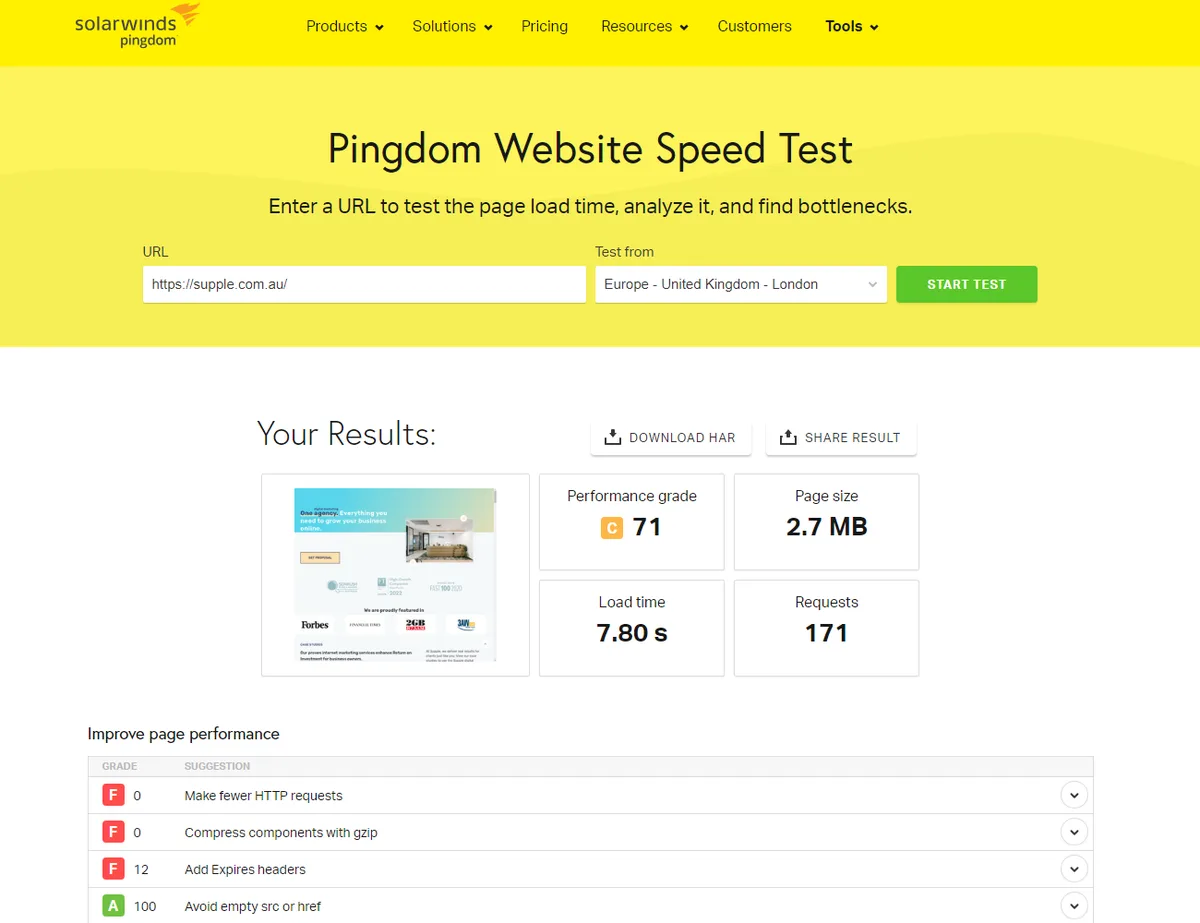
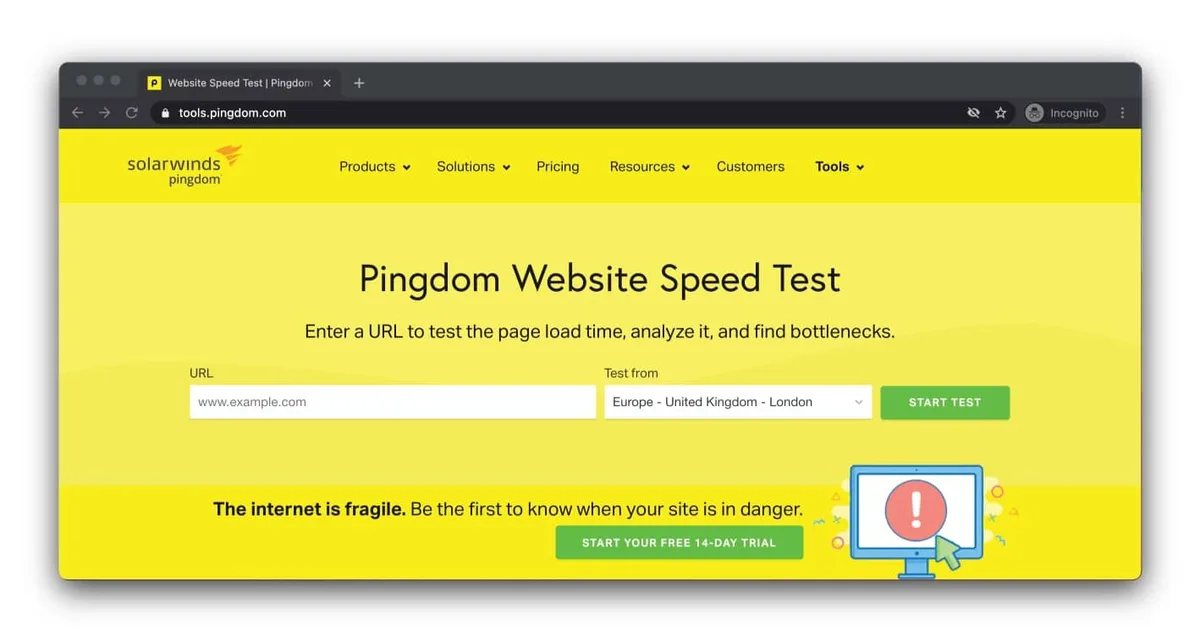
Pingdom’s speed test is clean, fast, and beginner-friendly. A thoughtful approach to website speed test tools reinforces your qualifications. You enter a URL, pick a location, and get a clear performance grade with a breakdown of load time, page size, and requests.
It’s part of a broader monitoring platform, so the free speed test acts as a gateway to paid uptime monitoring. That’s fine — the standalone test is still useful on its own.
I like Pingdom for quick spot checks. When a client says “my site feels slow,” this is often the first thing I run to get a fast read.
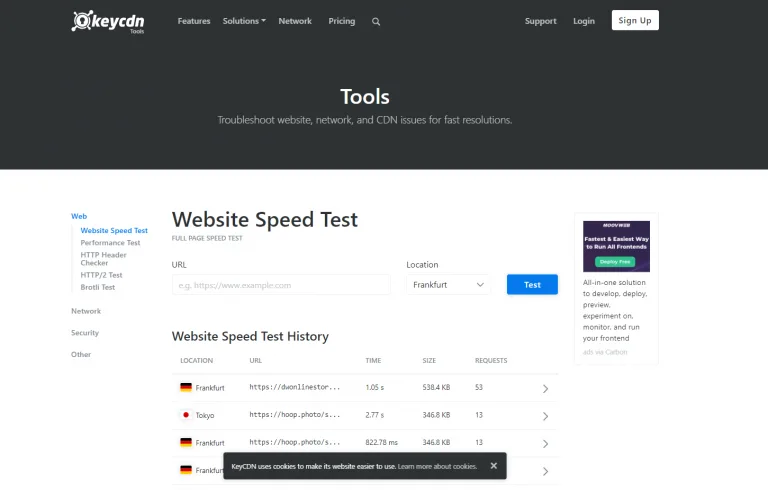
5. KeyCDN Website Speed Test
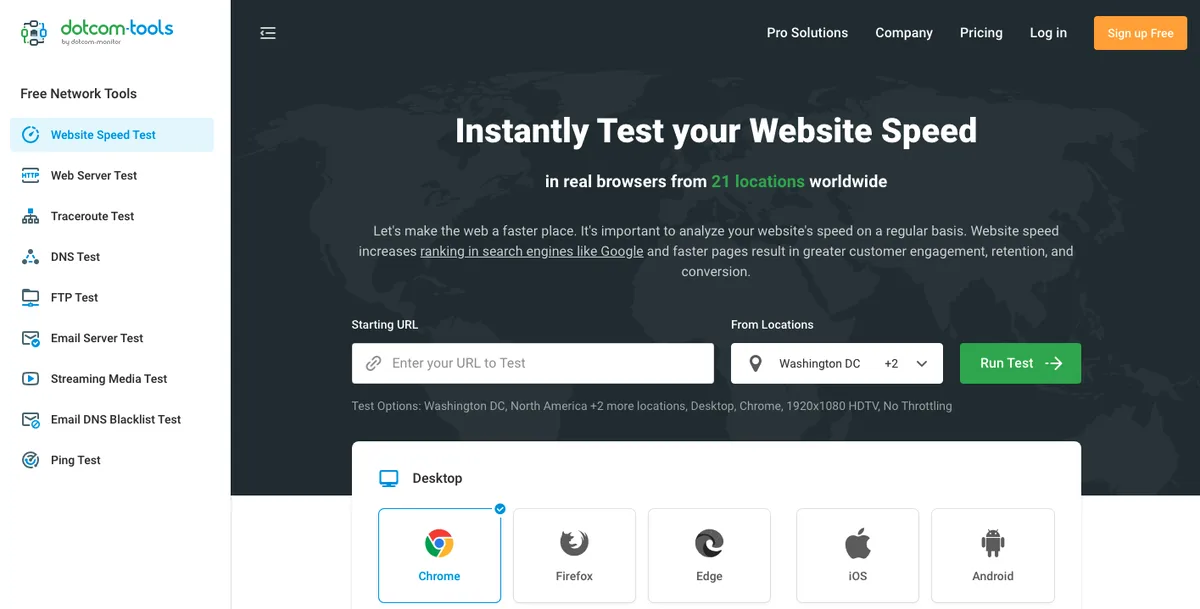
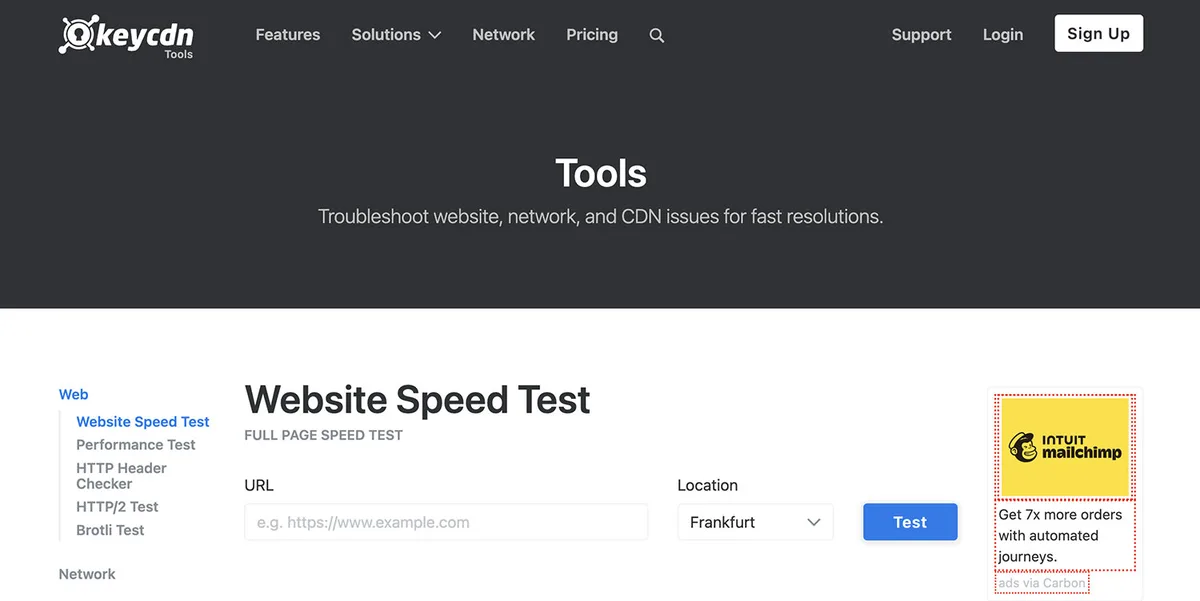
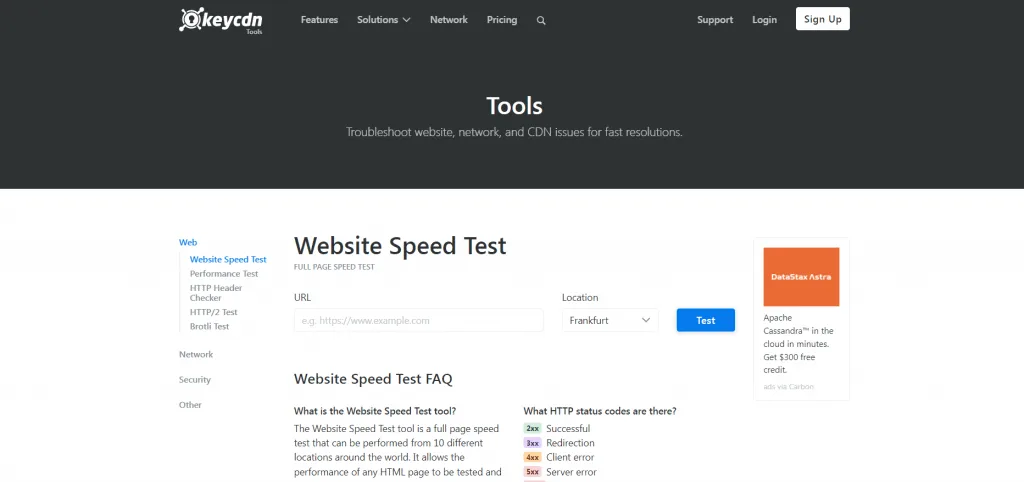
KeyCDN’s tool is refreshingly simple. It runs a test from 14 locations around the world and shows you how your page performs in each region.
That global view is genuinely valuable if you serve an international audience. A site that loads instantly in Virginia might crawl in Singapore, and this tool makes that gap obvious.
It also gives a TTFB (Time to First Byte) reading, which is a quick way to spot server-side slowness before you blame your front-end assets.
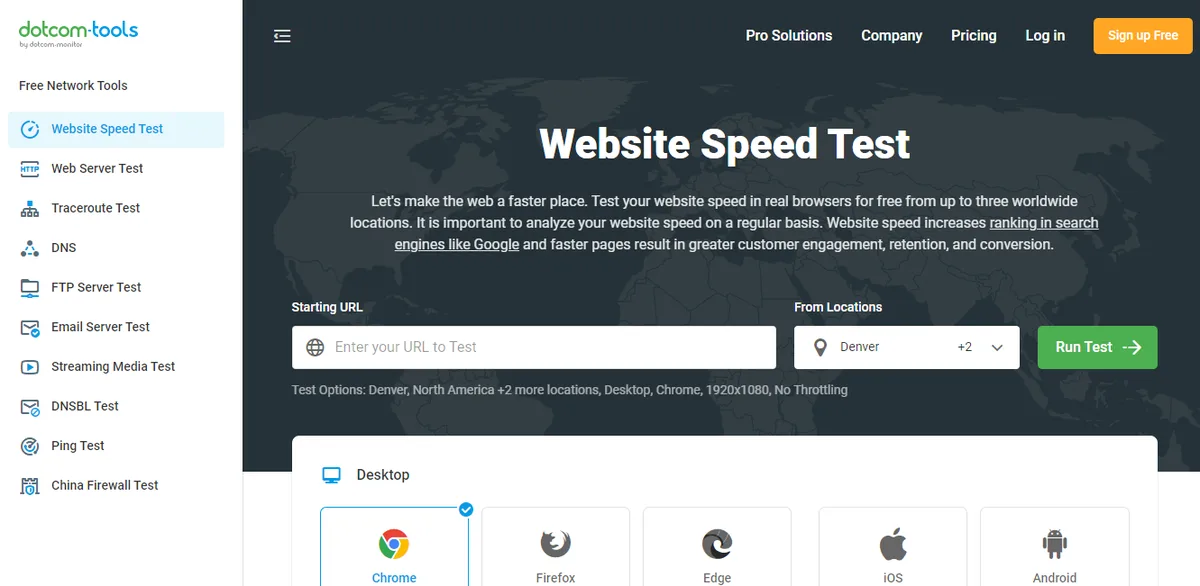
6. Uptrends Website Speed Test
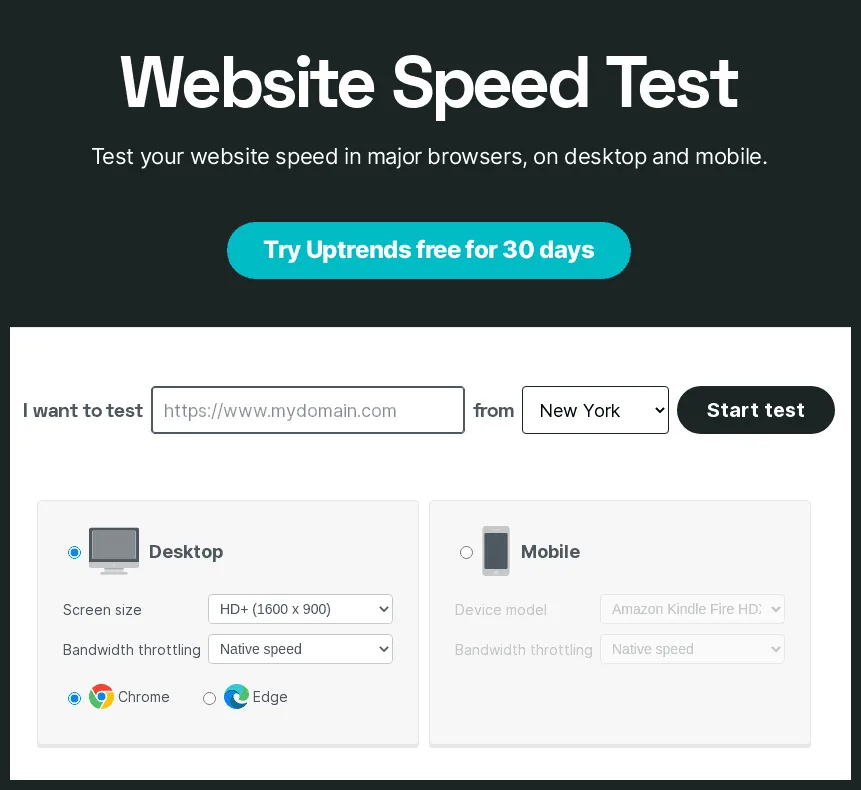
Uptrends offers a free speed test with a clean waterfall and a full list of every resource loaded. It’s less famous than the others, but it holds its own.
The report breaks down DNS lookup, connection time, and content download separately, which helps pinpoint exactly where the delay lives.
It’s a solid addition to any website speed test tools checklist, especially when you suspect DNS or server response issues rather than heavy assets.
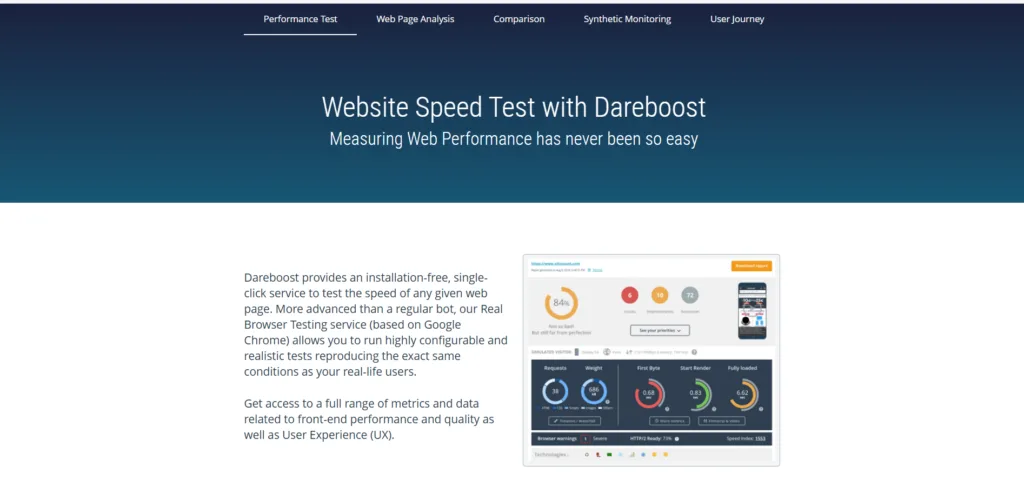
7. Dareboost
Dareboost is a French-built tool with a strong free tier and an unusually thorough report. It goes beyond speed into SEO, accessibility, and security checks.
What makes it stand out is the quality of its recommendations. Each issue comes with a clear explanation and a concrete fix, not just a red flag.
If you want a free tool that thinks like a consultant, this one earns its place.
8. Chrome DevTools Performance Panel
Technically not a standalone website speed test tool, but the Performance panel inside Chrome DevTools is one of the most powerful free diagnostics available.
It records exactly what happens in the browser as your page loads — every script, every paint, every layout recalculation. You see the real timeline, not a summarized score.
It’s not for the faint of heart, but if you’re serious about performance, learning this panel pays dividends. Pair it with any of the tools above and you’ve got a full diagnostic kit.
Paid Website Speed Test Tools That Earn Their Cost
Free tools are great until the website speed test tools need history, monitoring, and team collaboration. That’s where paid options come in.
The best website speed test tools best practices involve setting up continuous monitoring, not just one-off tests. Performance drifts over time — a new plugin here, a tracking script there — and paid tools catch that drift before your visitors do.
9. GTmetrix Pro
GTmetrix again, but the Pro tier unlocks the real power. Structuring your website speed test tools around proven patterns ensures impact. You get unlimited tests, longer report history, monitoring alerts, and the ability to test from multiple regions on a schedule.
The monitoring feature is the star. Set it up once and get alerted when your performance drops below a threshold. That’s proactive speed management instead of reactive firefighting.
For agencies managing multiple client sites, the team features and shareable reports make it a practical workhorse.
10. Pingdom (SolarWinds) Monitoring
Pingdom’s paid platform shifts from speed testing to full uptime and performance monitoring. You get real-user monitoring, synthetic checks from multiple locations, and detailed alerting.
It’s built for teams that need to know the moment something breaks — not hours later when a customer complains. The dashboards are clean and the alerting is reliable.
If your site’s uptime directly affects revenue, this is the kind of safety net that pays for itself the first time it catches an outage.
11. WebPageTest Pro
WebPageTest’s paid offering builds on the free tool with private instances, more test locations, and advanced integrations. It’s aimed at teams that need scale and customization.
You can run automated tests as part of your CI/CD pipeline, so performance gets checked on every deploy. That’s the gold standard for catching regressions early.
For engineering-heavy organizations, this is the professional-grade option that fits right into the workflow.
12. DebugBear
DebugBear is a modern performance monitoring tool with a sharp focus on Core Web Vitals. It tracks your scores over time and shows exactly which changes moved the needle.
The interface is genuinely pleasant, and the recommendations are actionable. Maintaining clarity across your website speed test tools remains essential. It also monitors competitors, which is a nice touch if you want to benchmark against rivals.
For teams that live and breathe Core Web Vitals, DebugBear makes the data feel less like a spreadsheet and more like a story.
Free Vs. Paid Website Speed Test Tools: a Side-by-Side Comparison
Here’s the quick-reference table so you can see how the 12 picks stack up at a glance.
| Tool | Type | Best For | Standout Feature |
|---|---|---|---|
| Google PageSpeed Insights | Free | Quick audits | Real-user field data |
| GTmetrix (Free) | Free | Waterfall analysis | Load video capture |
| WebPageTest (Free) | Free | Deep diagnostics | Full configurability |
| Pingdom Tools | Free | Spot checks | Clean performance grade |
| KeyCDN Speed Test | Free | Global performance | 14 test locations |
| Uptrends | Free | DNS/server diagnosis | Detailed timing breakdown |
| Dareboost | Free | Consultant-style reports | Actionable recommendations |
| Chrome DevTools | Free | Browser-level debugging | Real timeline recording |
| GTmetrix Pro | Paid | Agencies | Scheduled monitoring |
| Pingdom Monitoring | Paid | Uptime + performance | Reliable alerting |
| WebPageTest Pro | Paid | Engineering teams | CI/CD integration |
| DebugBear | Paid | Core Web Vitals tracking | Competitor benchmarking |
Notice the pattern? Free tools are excellent for diagnosis. Paid tools shine when you need monitoring, history, and team workflows.
Most site owners should start free, then upgrade only when a specific pain point appears — like needing alerts or managing multiple sites.
Building Your Website Speed Test Tools Checklist
A tool is only as good as the process around it. Random tests here and there won’t move the needle. A repeatable checklist will.
Here’s the workflow I use, and it works whether you’re on a tiny blog or a large e-commerce site.
- Run a baseline test. Test your key pages — homepage, top landing pages, checkout — on both mobile and desktop. Record the scores so you have something to compare against later.
- Check field data first. Look at real-user metrics before lab data. Field data tells you what visitors actually feel, which is what matters most.
- Identify the top three bottlenecks. Don’t try to fix everything at once. Focus on the biggest wins — usually images, render-blocking scripts, or server response time.
- Fix one issue at a time. Change one thing, re-test, confirm the improvement. This isolates what worked and prevents confusion.
- Set up monitoring. Once you’re happy with performance, use a paid tool to watch for regressions. Speed quietly degrades without monitoring.
- Re-test after every major change. New plugin? New theme? New tracking script? Run the test again. Every change is a potential slowdown.
That last point is where most people slip. They optimize once, celebrate, then let the site drift back to slow over months. Monitoring closes that loop.
Common Mistakes When Using Website Speed Test Tools
I’ve seen the same errors repeated across countless audits. Avoiding them will save you hours of wasted effort.
First mistake: obsessing over a single score. A 95 versus a 92 means almost nothing in real terms. What matters is whether real users experience a fast page.
Second mistake: testing only the homepage. Your homepage might be pristine while your product pages crawl. Test the pages that actually drive revenue.
Third mistake: ignoring mobile. Applying these principles to your website speed test tools yields measurable results. Most traffic is mobile, yet many owners only check desktop. Always test mobile first — it’s where the real pain lives.
Fourth mistake: chasing perfect scores at the expense of functionality. You can hit 100 by stripping out everything useful. That’s not optimization; that’s self-sabotage.
Fifth mistake: testing once and never again. Performance is a moving target. Without regular checks, you’re flying blind.
How to Read a Speed Test Report Without Getting Lost
Reports can be overwhelming. Dozens of metrics, red and green indicators, technical jargon everywhere. Here’s how to cut through it.
Start with the overall load time and the Core Web Vitals. Those give you the big picture. If LCP is slow, your main content is taking too long to appear — usually an image or server issue.
Then look at the waterfall. Proper attention to your website speed test tools sets a strong baseline. Find the longest bars and the biggest files. That’s where your time is going. Images and third-party scripts are the usual suspects.
Finally, read the recommendations, but don’t blindly follow all of them. Prioritize by impact. Fixing a tiny script that saves 10 milliseconds isn’t worth your afternoon.
A good website speed test tools guide always emphasizes prioritization. The goal isn’t a perfect report — it’s a faster experience for real people.
Frequently Asked Questions About Website Speed Test Tools
Here is an in-depth breakdown of key considerations regarding Frequently Asked Questions About Website Speed Test Tools:
What are the Best Free Website Speed Test Tools?
Google PageSpeed Insights, GTmetrix, and WebPageTest are the strongest free options. Each covers a different angle — real-user data, waterfall analysis, and deep diagnostics respectively.
Run all three on your key pages and you’ll have a complete picture without spending a dime.
How Often Should I Test My Website Speed?
Test after every significant change, and run a scheduled check at least monthly. If you rely on your site for revenue, weekly monitoring is smarter.
Performance drifts. Regular testing catches the drift before your visitors do.
Do Website Speed Test Tools Affect SEO Rankings?
The tools themselves don’t affect rankings, but the speed the website speed test tools measure absolutely does. Core Web Vitals are confirmed ranking signals, so a faster site has an edge.
Speed also improves user experience, which indirectly boosts engagement and rankings. It’s a compounding benefit.
Why Do Different Tools Give Different Scores?
Each tool uses different test servers, throttling settings, and scoring formulas. That’s normal. Don’t expect identical numbers across tools.
Use one tool as your primary benchmark and others for cross-checking. Consistency matters more than absolute numbers.
Can I Test Website Speed on Mobile?
Yes, and you should. Most tools offer mobile emulation, and PageSpeed Insights separates mobile and desktop scores by default.
Since mobile traffic dominates, always prioritize the mobile experience when optimizing.
What is a Good Website Speed Score?
Aim for a PageSpeed score above 90 on desktop and above 80 on mobile. More importantly, when refining a website speed test tools, keep Core Web Vitals in the “good” range.
Remember: real-user experience beats a lab score every time. A 90 that feels instant is better than a 100 that doesn’t.
Putting It All Together
Speed isn’t a one-time project — it’s an ongoing habit. The 12ably picks above give you everything from quick free checks to enterprise-grade monitoring.
Start with the free tools. Build a repeatable website speed test tools checklist. Fix the biggest issues first, then set up monitoring so you catch regressions early.
If you’re just beginning, run PageSpeed Insights on your homepage right now. It takes two minutes and gives you an honest starting point. From there, the tools in this list will carry you the rest of the way.
The site that loads fast wins. Not just in rankings, but in trust. Your visitors feel the difference — even if they never say a word about it.