User Generated Content: Best Practices & 5 Easy Wins
User generated content is the cheapest trust signal your brand will ever earn, and the most expensive one to fake. I have watched content teams pour six figures into studio shoots while a single honest customer review quietly outsold the whole campaign.
That gap is what this guide closes. You get a working set of user generated content best practices, a practical checklist you can apply this week, and five easy wins that need no new budget.
Treat it as a full user generated content guide for marketers, founders, and community managers who need results, not theory. Along the way I will point out where most teams slip, because the difference between real traction and a wall of unread testimonials usually comes down to a handful of unglamorous decisions.
Why User Generated Content Outperforms Branded Advertising
The psychology is not complicated. Focusing on user generated content provides clear direction here. People discount what a brand says about itself, and they trust what a stranger says about it. That asymmetry has existed since the first product catalog, but social feeds amplified it into a measurable advantage.

Nielsen’s long-running Trust in Advertising research keeps showing the User generated content recommendations from people you know and consumer opinions posted online sit among the most trusted ad formats. Paid display and pre-roll sit near the bottom. If your budget skews heavily toward the bottom of that list, the arithmetic of trust is working against you.
The User generated content is a second reason UGC wins, and it is boring but important. Volume. A brand with forty in-house creators cannot produce as much fresh material as four thousand customers with phones in their pockets. That volume feeds algorithms, ad variation testing, landing page freshness, and email send variety.

Third, UGC carries specificity. Refining each detail of your user generated content strengthens this section. A studio photo says “our jacket is blue.” A customer video says “I wore this in sleet on a two-hour commute and my shoulders stayed dry.” Specificity converts because it answers a fear the buyer actually had.
The catch: none of this works by accident. Recycled campaign assets labeled as customer posts get read as fake within about two seconds. Real user generated content has to be real, and that constraint shapes everything in the checklist below.
What Counts as UGC (And What Quietly Doesn’t)
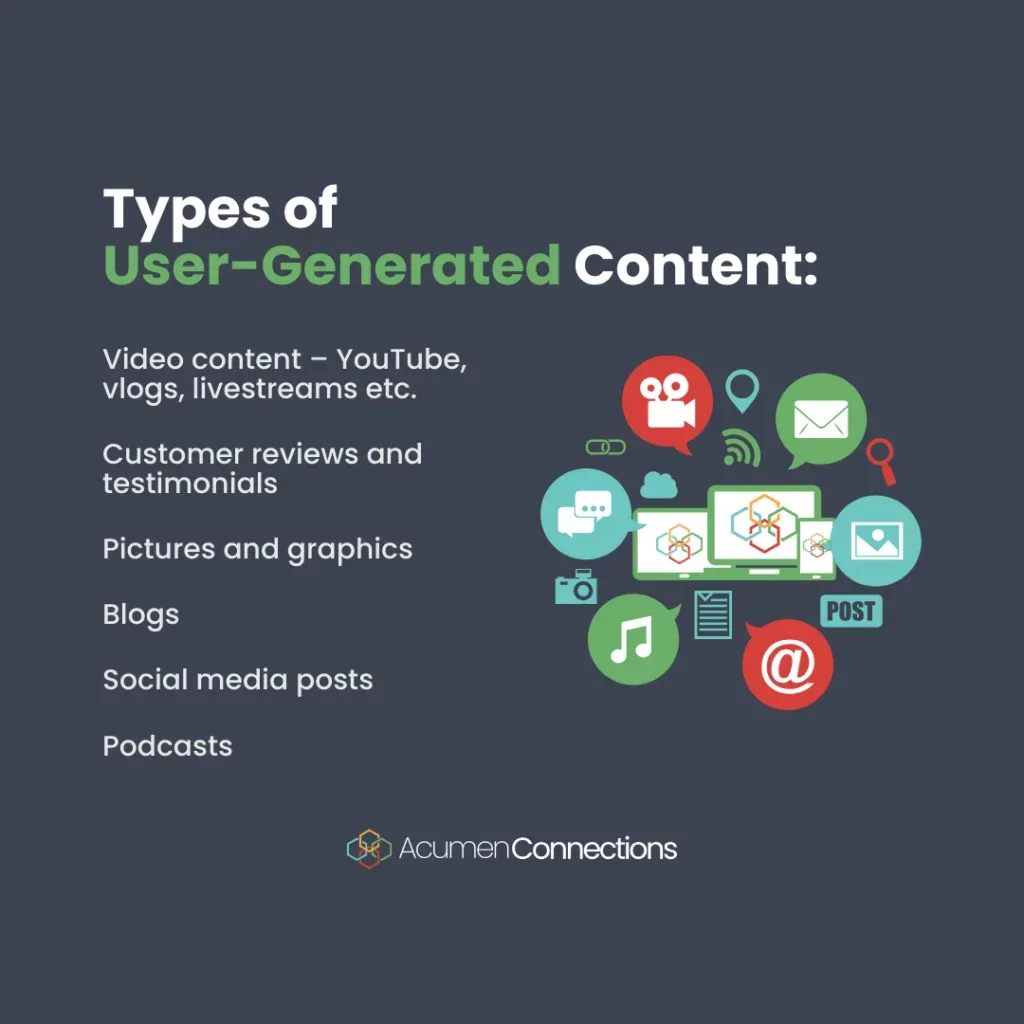
The definition is wider than most teams assume. Effective execution in your User generated content makes a tangible difference. UGC is any content about your brand created and shared by someone other than your brand, without your writing the words or directing the shot.
That is a deliberately loose definition, and it covers more formats than the Instagram repost most people picture.

Text reviews on product pages, third-party marketplaces, and Google Business profiles count. So do tutorial videos, unboxing clips, Reddit threads, Discord answers, and the two-line note a customer leaves in a support ticket that reads like a review.
What does not count: anything you scripted, edited into brand voice, or paid a creator to read from a brief. Those are influencer deliverables, not UGC, and audiences are quick to tell the difference because the imperfections are missing.

That distinction matters for legal and ethical reasons too. When you pay for content, disclosure rules change. When you amplify organic content, you need creator permission. Blurring the two is how brands end up in awkward letters from regulators and worse conversations in comment sections.
The Formats Worth Prioritizing First
Not all UGC carries the same weight. Maintaining clarity across your user generated content remains essential. Prioritize formats that sit close to a purchase decision or a moment of doubt.

Product page reviews with photos top that list. They live exactly where hesitation happens, and they answer the “what does it actually look like” question better than any render. Short-form video test footage comes next, because it proves performance in conditions buyers recognize.
Lower on the priority list: broad social banter, memes, and off-topic community chatter. Nice for brand warmth, weak at moving a cart over the line.

One practical note from years of watching this. Before you build a UGC program, run a user generated content checklist against what you already own. Most brands discover three to five years of usable reviews, posts, and support praise sitting untagged and unused.
The Core User Generated Content Best Practices Most Teams Skip
Here is where established programs separate from enthusiastic ones. These user generated content best practices are not flashy, and that is precisely why they hold up when traffic scales and legal review arrives.
Each one below has cost real teams real time when ignored. A thoughtful approach to user generated content reinforces your qualifications. Read them as guardrails, not suggestions.
Get Explicit Permission Before You Repost Anything
Public does not mean free. A public post grants you a view, not a license, and reposting a customer’s photo in a paid ad without consent is a legal exposure and a trust collapse at the same time.
The fix is simple and cheap. Ask in a reply or DM, keep a record, and make permission easy to give. A short line like “Would you be open to us featuring this? We’ll credit your handle and send you a small thank-you” converts far more often than people expect.

Build a lightweight consent log the user generated content can audit. Creator handle, platform, date granted, scope, and whether the grant covers paid media. When a platform changes its terms or a creator deletes their account, that log saves you a scramble.
Keep the Imperfections Intact
Professional polish is the fastest way to make authentic content look like an ad. Buttery lighting and scripted delivery trigger ad-avoidance reflexes in viewers who have learned to discount anything that feels produced.
Leave the shaky phone footage. Leave the informal grammar. Leave the customer’s actual words, even when a copywriter could tighten them.
The user generated content runs against every instinct of a brand team, and it works anyway. Slight roughness signals “this came from someone like me,” which is the entire engine of the format.
Tag, Organize, and Actually Find It Later
UGC programs die in disorganized folders. Teams collect hundreds of assets and then cannot surface the right clip when a landing page needs refreshing or a paid campaign needs a new variant.
Pick a system early, even a spreadsheet. Name assets by product, format, permission status, and traffic source. Add a column for performance once you have run tests.
The point is retrieval speed. Proper attention to your user generated content sets a strong baseline. When your email team needs a waterproofing clip, they should find it in a minute, not a day.
Place UGC Where Doubt Lives
The common mistake is treating UGC as a social media decoration. Its value peaks at moments of hesitation, not moments of browsing.
Put reviews with photos near the add-to-cart button. Put a customer explainer video on the pricing page. Put objection-answering UGC in abandoned-cart emails.

Map your funnel, mark every point where a buyer leans back and thinks “hmm,” then match the format to the doubt. Developing your user generated content with precision highlights key strengths. Returns policy questions get one type of asset. Durability questions get another.
Measure Contribution, Not Just Engagement
Likes and shares matter for reach, but they do not prove business impact. Track what UGC does to conversion rate on the pages it appears, and to the click-through rate of paid variants that use it.

A simple A/B test on a product page review module will teach the user generated content more in two weeks than a year of engagement reports. Keep the test scoped to one variable at a time so the result means something.
Build a User Generated Content Checklist That Survives Scale
Process is what keeps a UGC program from collapsing when volume grows, staff turns over, and multiple teams start pulling from the same pool of assets. The list below is the working user generated content checklist I would hand to a new hire on day one.
Collection and Rights
- Ask with a specific request. “Could we feature this in our spring email?” converts better than “mind if we use this?” — the scope is clear and the ask feels easy to answer.
- Log the consent. Record handle, platform, date, and scope. Include whether paid media use is covered.
- Reconfirm before major campaigns. Creators delete accounts. A quick re-ask before you spend budget behind an asset prevents invisible breakdowns.
- Have a takedown path ready. Someone should have the authority to remove content fast if a creator revokes permission or a post turns out to be problematic.
Production and Presentation
- Keep the original file. Edit for crop and captions only. Do not re-render customer footage into polished ad treatment.
- Caption everything. Both for accessibility and because most viewers scroll with sound off. This is the single highest-leverage technical detail in the whole checklist.
- Credit clearly. A visible handle builds reciprocity and gives the creator a reason to keep posting.
- Match asset to placement. A vertical clip belongs in Stories or a mobile product page, not in a landscape hero banner.
Review and Iteration
- Test one change at a time. Compare review placement, not five variables at once, or you learn nothing.
- Refresh stale content. A testimonial from three years ago can undermine trust in categories where products change fast.
- Feed results back to the community. When customers see their clip in a real campaign, they create more. Closed-loop acknowledgement is cheap and it compounds.
Run the full checklist quarterly. Clear alignment with your user generated content builds confidence from the start. Programs rarely fail at launch; they decay between quarters when no one owns the process.

Five Easy Wins You Can Ship This Week
The title promised five, so here are five. Each one is scoped to be genuinely shippable in a few working days without new budget or approval marathons. This is where the best user generated content tips stop being theoretical.
1. Turn Your Review Section Into a Photo Wall
Most product pages display reviews as a wall of text with a few star ratings. Replace the dense list with a photo grid at the top, then let people filter by photo, rating, or use case.

The change takes a single developer afternoon on most platforms. The lift usually comes from shoppers who did not know the product had that many real customers.
Run the user generated content on one high-traffic product first. Compare the add-to-cart rate against the old layout for two weeks and then decide whether to roll it out.

2. Add a Real Customer Clip to Your Abandoned Cart Email
Abandoned-cart emails succeed or fail on unresolved doubt. A fifteen-second clip of a customer answering the exact question that stalls checkout can do more than a discount code.
Pick the objection the user generated content hear most in support tickets. Sweatproof? Fit? Setup time? Then find or request one customer clip that addresses it and place it above the button in your second abandoned-cart email.

This win costs no media budget and usually shows up in email revenue within a month.
3. Answer Pre-Sale Questions With Customer Video Instead of FAQ Text
Your FAQ page is probably the most-read page on your site that nobody optimizes. Swap the wordiest answers for a short customer clip where you have one.

Buyers who see a real user handling the product trust the claim faster than they trust your copywriting team. When you do not have a clip, add a photo from a review and keep the text tight.
Start with the three hardest objections. If those work, expand.

4. Launch a Two-Line Review Request at the Right Moment
The best moment to ask for a review is not the first week. Targeted refinements to your user generated content streamline the entire review. It is the moment the customer experiences the product’s core promise: after the first successful use, not after delivery.
Time the ask accordingly and keep it short. Two lines, one question, one photo button. Response rates on short-format requests beat elaborate surveys every time in my experience.
A small incentive tied to the review helps. Keep it modest and, where required, disclosed.

5. Run a Paid Ad Variation Test Using Only Customer Footage
Most brands test creative within the same polished style. Instead, run a controlled test where the only difference is authentic customer footage versus brand-made footage with the same offer and targeting.
Keep the copy, audience, and budget identical. What you are testing is whether raw beats polished in your category, and for a lot of DTC brands it does.
Use the winning asset in evergreen campaigns only after the consent log confirms paid usage is covered.
Where User Generated Content Programs Usually Break
Skipping the failures would make the user generated content a worse guide. I have seen these break programs that otherwise looked healthy from the outside.
First, single-owner dependency. When one person runs everything and leaves, so does institutional knowledge. Document the process before that happens.
Second, consent drift. Someone reposts a two-year-old asset into a paid campaign without checking whether paid usage was ever granted. That gap can cost more than the campaign earned.
Third, over-polishing. A well-meaning brand team adds motion graphics and music to a customer clip until it reads like an ad. Engagement drops and the team concludes that UGC does not work.
Fourth, measuring the wrong thing. Dashboards full of impressions miss the only metric that matters: does this asset improve conversion where it appears? A user generated content tips list without that discipline becomes decoration.
Technical Setup: You Do Not Need an Enterprise Stack
A common blocker is the belief the user generated content a UGC program needs a large mar-tech platform. It helps, but a small team can start with what already exists.
Most ecommerce platforms support photo reviews natively or through a modest app. That covers the product page win. For email and onsite placement, use a CMS block and a marketing platform that supports rich content.
Tagging can live in a spreadsheet for the first two hundred assets. Choose a consistent naming scheme, and set a trigger to move to a real system when that stops scaling, usually somewhere around a thousand assets with multiple contributors.
Structured Data and Search Visibility
There is an SEO upside most teams miss. Reviews and UGC pages can carry structured data that helps search engines understand and surface your content.
Google’s structured data documentation explains how to mark up reviews properly. Implement it, and you give search engines a cleaner signal to work with.
Keep the markup honest. Fake reviews marked up with schema are the kind of shortcut that gets noticed and penalized.
How to Ask Without Making It Awkward
Permission requests and contribution prompts are where brand voice usually collapses into corporate politeness. Effective execution in your user generated content makes a tangible difference. The result takes a long time to say very little, and busy creators scroll past.
Three rules have served me well. Be specific about what you will do with the asset. Be clear about what the creator gets. Be quick about the ask itself.
A workable message: “Saw your post on the trail run. Would you be open to us featuring it on our product page? We’ll credit your handle and send you a discount code. Totally fine if not.”
A good user generated content guide covers how to say no too. Some creators decline, and that is normal. A responsive thank-you preserves the relationship even when the answer is no.
For prompts, ask questions the product guarantees an answer to. “What did you use it for today?” beats “tell us what you love about us.”
Frequently Asked Questions
Here is an in-depth breakdown of key considerations regarding this section:
Is User Generated Content Allowed in Paid Advertising?
Yes, with the right permissions. You need explicit consent from the creator that covers paid usage, and in regulated categories there may be additional disclosure requirements. Keep a written record. It is the single most important piece of paperwork in any UGC program.
How Much User Generated Content Do I Need Before It Starts Working?
Fewer than most people think, if placement is smart. A dozen honest reviews with photos, placed near the add-to-cart button, can shift conversion on a high-traffic page. Depth matters more once you want variety across segments and placements.
Should I Edit Customer Photos and Video Before Publishing?
Light correction for crop, captions, and platform fit is fine and often necessary. Re-rendering customer footage into polished ad treatment is not. The roughness is part of why it converts. If you find yourself producing a full brand shoot from customer material, you have crossed into influencer territory and should reclassify it.
How Do I Handle a Negative Review in a UGC Program?
Honestly. Do not delete it unless it violates policy. Respond, offer to fix the issue, and let the reply do public work. Buyers trust brands that handle complaints visibly, and a well-handled negative review often does more for conversion than a five-star one.
What Does a Good User Generated Content Checklist Look Like?
The user generated content should cover permission, storage, placement, and measurement. If your checklist only covers permission, you will collect assets you cannot find and cannot prove value for. Add one column for performance and review it quarterly.
Does UGC Work for B2B?
The user generated content does, with a different shape. Case studies, LinkedIn posts from happy customers, and short clips of a customer using a tool in their workflow all count. The format changes; the trust mechanism is the same.
Who This is for and Where It Leads Next
This guide is written for marketers, founders, and community leads at brands with real customers and limited budgets. If you have product reviews or organic social activity, you have raw material. If you do not, the first step is collecting it, and the playlist below is where I would start.
Two adjacent topics worth reading next: attribution for UGC-driven revenue, which is where most programs under-report their impact, and community moderation at scale, which determines whether your review section stays trustworthy as volume grows.
A reasonable next step is to run one easy win this week, and layer the rest afterward. Programs compound when the checklist is owned and reviewed, and they decay quickly when it is not.
Above all, remember why this stuff works. Real user generated content converts because it shows a stranger that someone like them already crossed the doubt they are standing in front of. Keep it real, keep it permissioned, and read the checklist again next quarter.
| UGC Format | Best Placement | Effort | Typical Impact |
|---|---|---|---|
| Photo reviews | Product page near add-to-cart | Low | High — direct conversion lift |
| Customer video clips | Abandoned cart email, FAQ page | Low–Medium | High — objection resolution |
| Paid ad footage | Social paid campaigns | Medium | Medium–High — lower CPM, better CTR |
| Text reviews | Product page, marketplace listing | Low | Medium — trust breadth |
| Community posts (Reddit, Discord) | Community pages, discovery content | Medium | Medium — reach, brand warmth |
| Support-ticket praise | Landing pages, brand story | Low | Medium — credibility boost |