Log File Analysis SEO: 9 Proven Strategies to Rank Higher
Log file analysis SEO is the practice of reading what search engine crawlers actually did on your site, and it remains one of the most underused advantages in technical search optimization. Most site owners never open a single server log.
The Log file analysis SEO rely on Google Search Console, assume the crawl report tells the whole story, then wonder why new pages sit invisible for weeks. Here is the uncomfortable truth: Search Console samples. Your raw logs do not.
I have spent years digging through Apache and Nginx access logs for sites ranging from small blogs to catalogs with hundreds of thousands of URLs, and the same pattern repeats. Focusing on log file analysis SEO provides clear direction here. The answers were always in the log file. The problem was nobody bothered to look.
This log file analysis SEO guide walks through nine strategies that consistently move rankings, cut wasted crawl budget, and expose problems that dashboards hide. Each one is practical, testable, and drawn from real crawl data rather than theory.
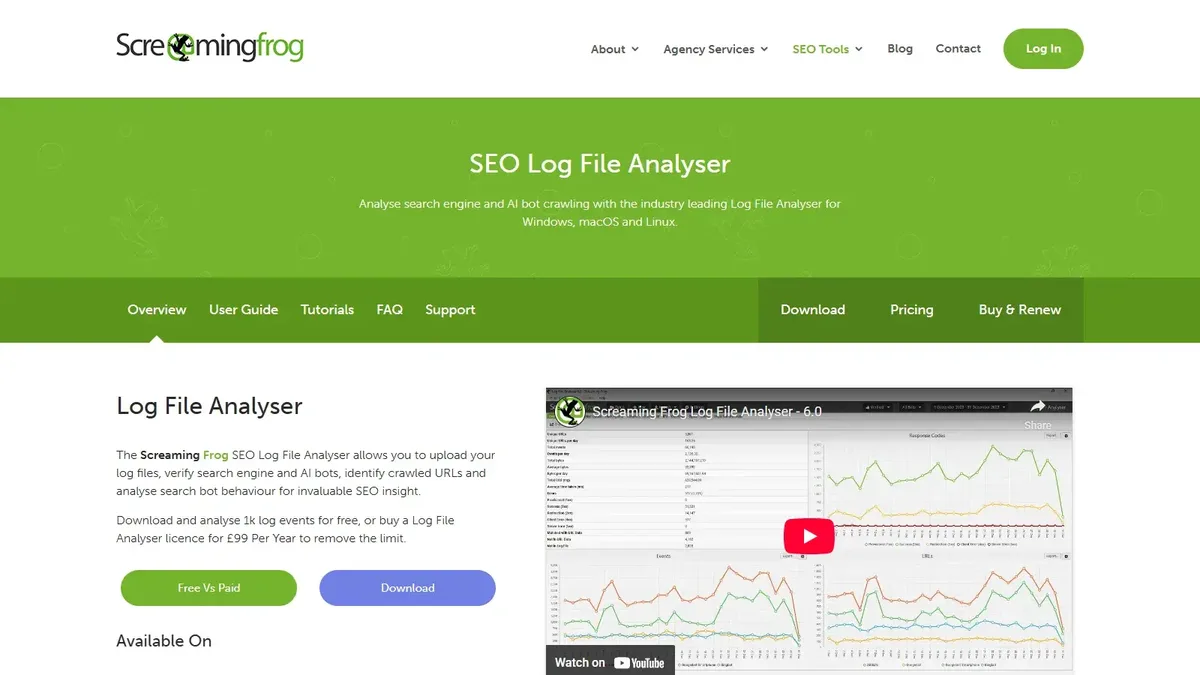
What is Log File Analysis SEO and Why It Still Matters
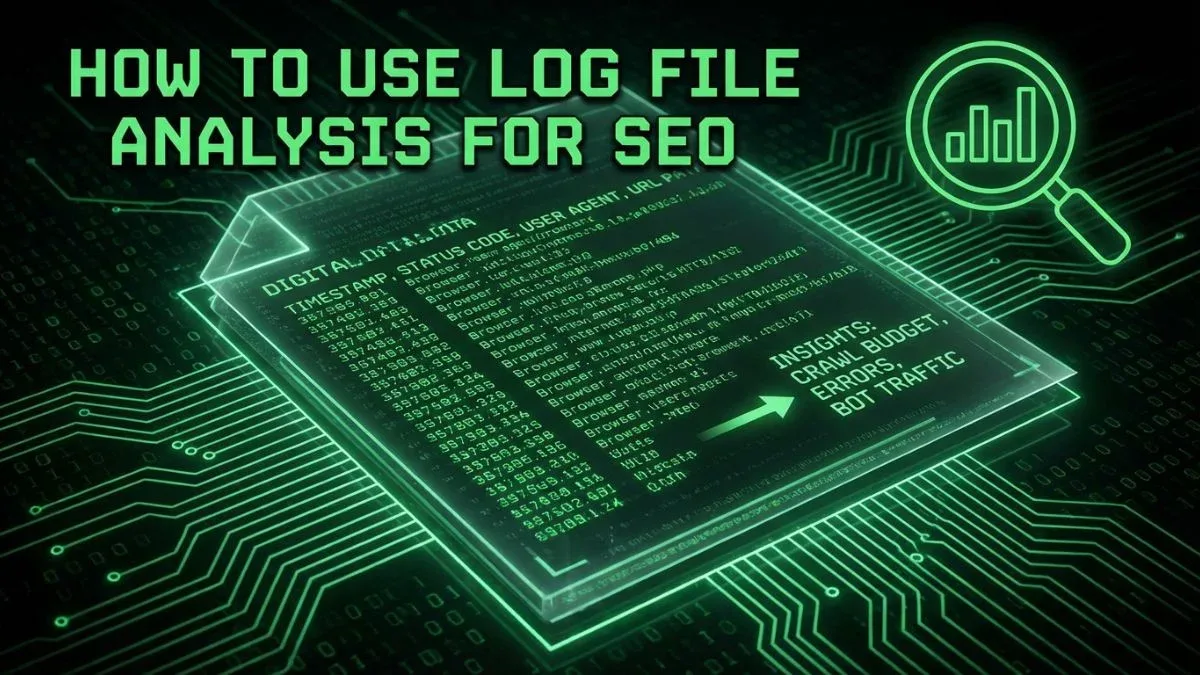
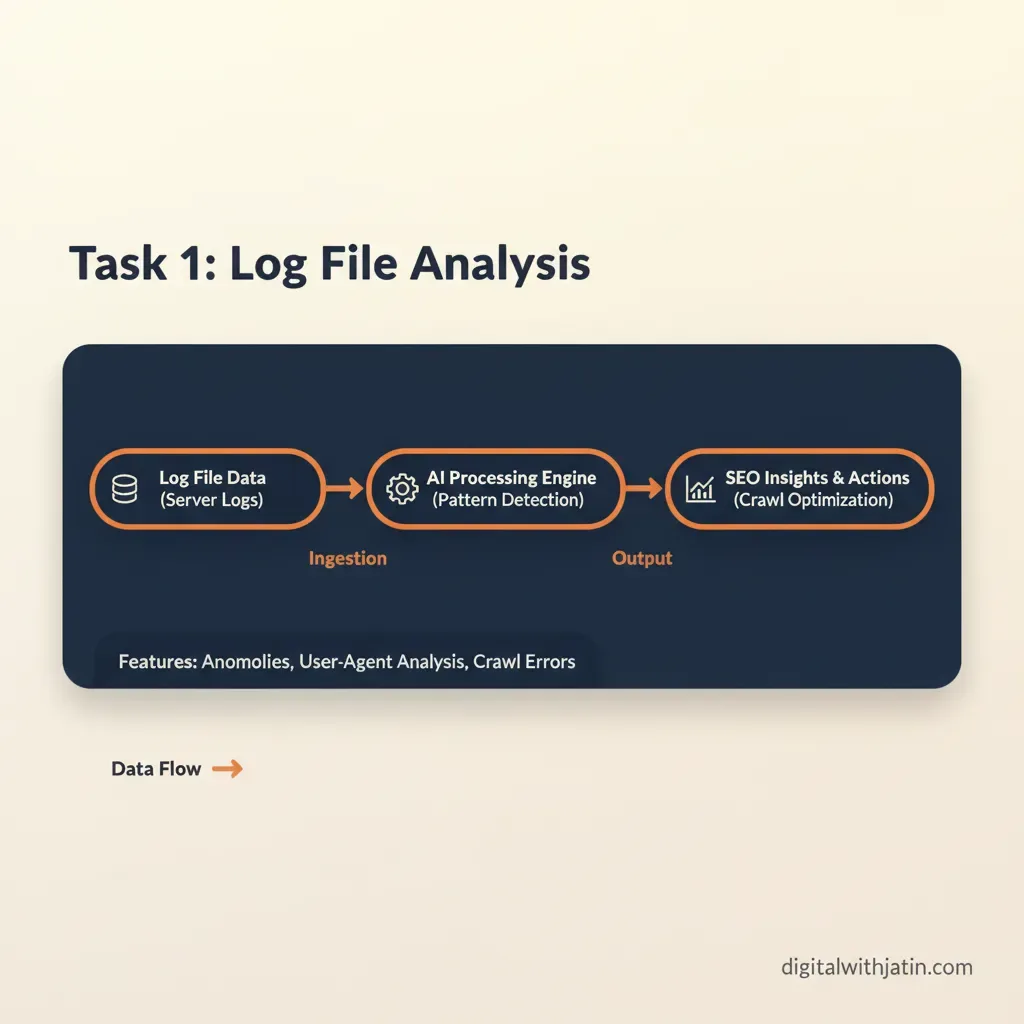
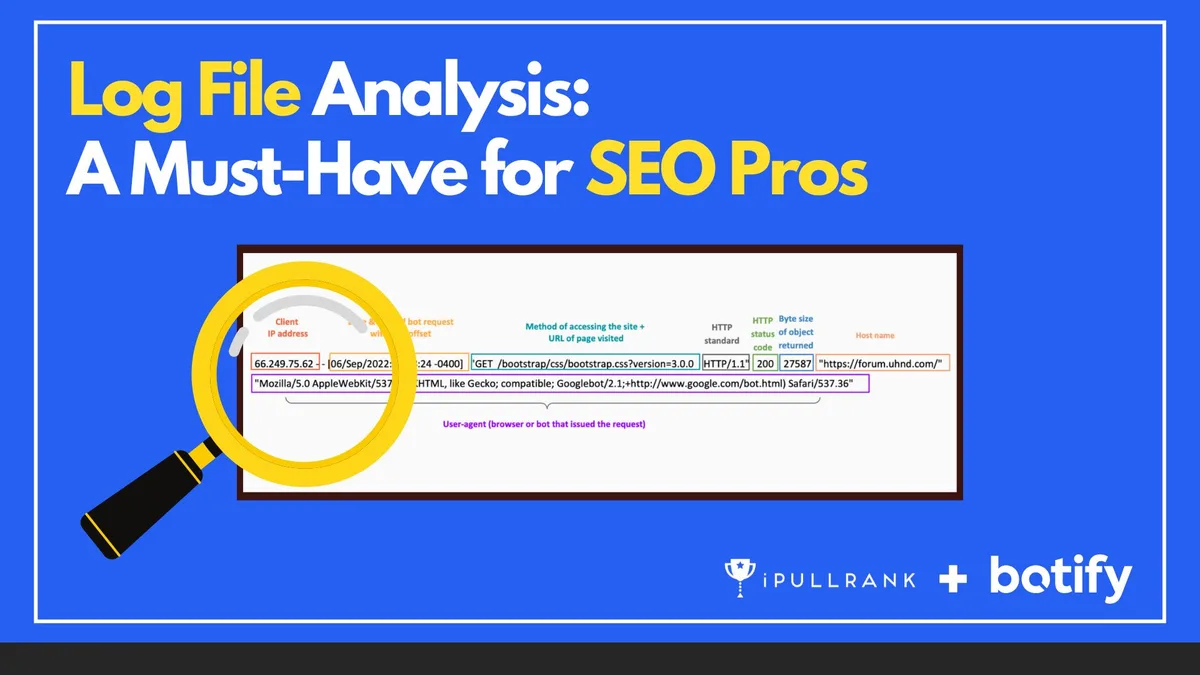
Every time a bot requests a page, your server writes a line. Refining each detail of your Log file analysis SEO strengthens this section. That line contains the timestamp, the requested URL, the HTTP status code, the user agent, the response size, and often the referring source.
Search engine crawlers leave a signature in that user agent string, which means you can isolate exactly which URLs Googlebot, Bingbot, and other crawlers touched, how often, and what they received back.
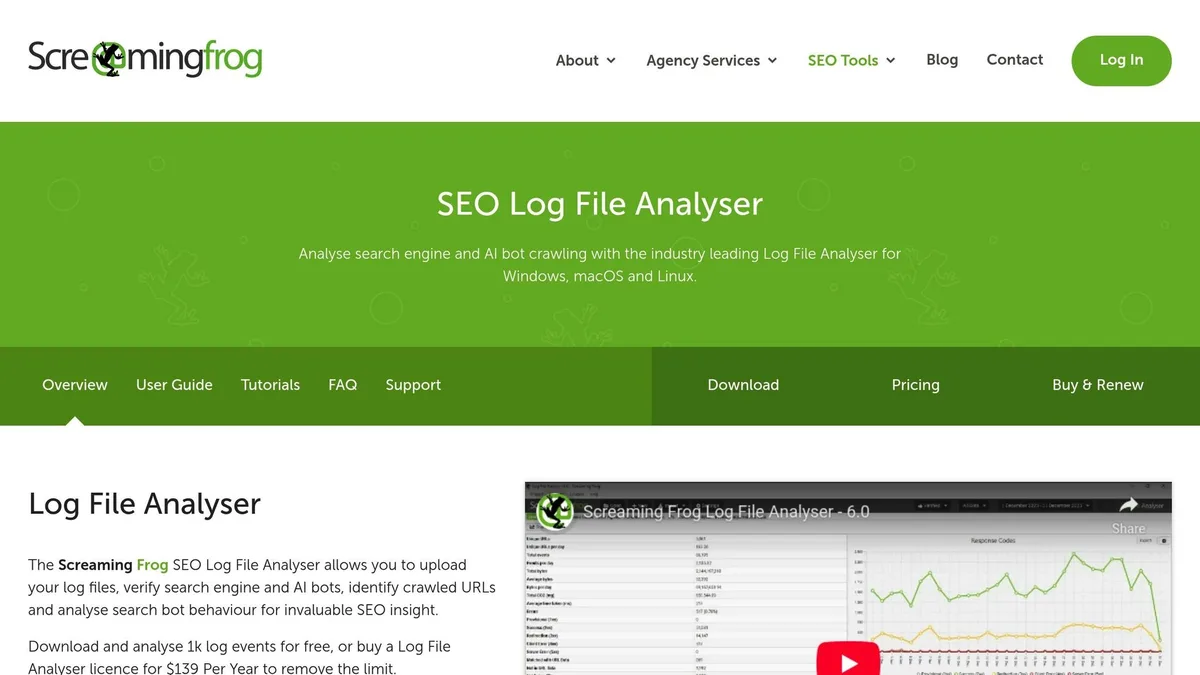
That is the raw material. Log file analysis SEO is what you do with it: reconstructing crawl behavior, spotting patterns, and correcting the mismatch between what you want crawled and what actually gets crawled.
Why does this still matter when so many tools promise crawl insights? Because third-party crawlers simulate Googlebot; they do not observe it. Only your server logs record genuine crawler activity. A simulated crawl tells you what a bot could find. A log file tells you what a bot did find, and how many times it came back for more.
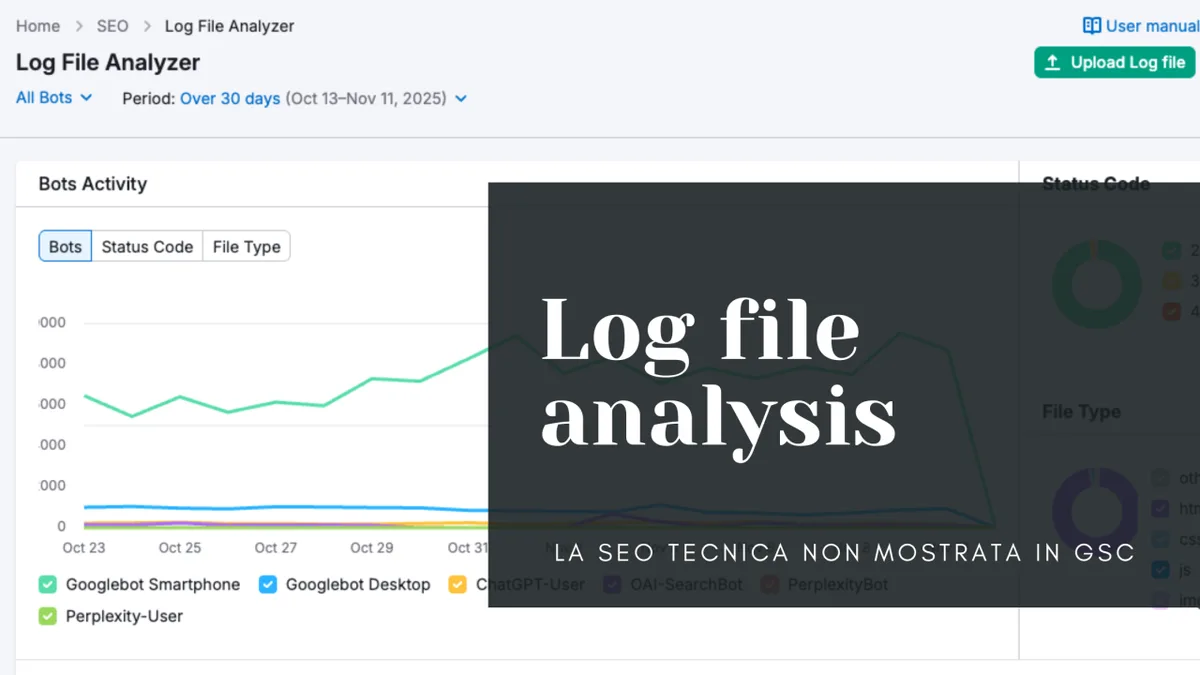
For large sites, the difference is enormous. Crawl budget is finite. If Googlebot spends its allowance hammering faceted navigation URLs, parameter duplicates, and paginated archive pages, your commercial pages wait in line. Log file data reveals that queue in plain numbers.
How Search Engine Crawlers Leave Their Signature in Your Logs
A typical line from an Nginx access log looks something like this: an IP address, a timestamp, a GET request, a status code, a byte count, and a user agent string reading “Mozilla/5.0 (compatible; Googlebot/2.1; +HTTP://www.google.com/bot.HTML)”. Filter on that user agent fragment and you have a clean crawl dataset.
Verification matters here. Effective execution in your log file analysis SEO makes a tangible difference. Anyone can spoof a user agent, so confirm crawler identity through reverse DNS lookup on the IP. Google publishes its IP ranges, and Bing does the same. Skipping verification is how people end up “discovering” fake crawl problems caused by scrapers impersonating Googlebot.

A quick sanity check saves hours later. If a suspicious IP resolves to a hosting provider rather than a search engine’s declared range, treat that traffic as noise and exclude it before you draw any conclusions.
The Three Metrics That Actually Drive Decisions
Once filtered, three measurements carry most of the diagnostic weight. Maintaining clarity across your log file analysis SEO remains essential. First, crawl frequency per URL: how many times did Googlebot request each page over the observation window?
Second, status code distribution: what percentage of crawler requests hit 200, 301, 404, or 5xx responses? Focusing on log file analysis seo provides clear direction here. Third, crawl depth and coverage: which directory tiers and templates receive attention, and which sit untouched?

Those three numbers answer most strategic questions before you open a single SEO tool. A page crawled forty times in a month but never ranking usually has a content or internal linking problem, not a crawl problem.
A page never crawled at all has a discovery problem. A thoughtful approach to log file analysis SEO reinforces your qualifications. The distinction matters because the fixes live in completely different places.
Strategy 1: Establish a Clean Baseline Before You Change Anything
The first of these log file analysis SEO tips sounds boring and saves the most time: capture a clean baseline. Pull at least fourteen days of logs, ideally thirty, before touching robots.txt, internal links, or site architecture. Without a baseline you cannot prove your changes did anything.
Clean the data first. Strip out static assets you do not care about (images, CSS, JavaScript) unless you are specifically auditing render-blocking requests. Remove monitoring services, uptime checkers, and verification pings. Keep only verified search engine crawler hits.
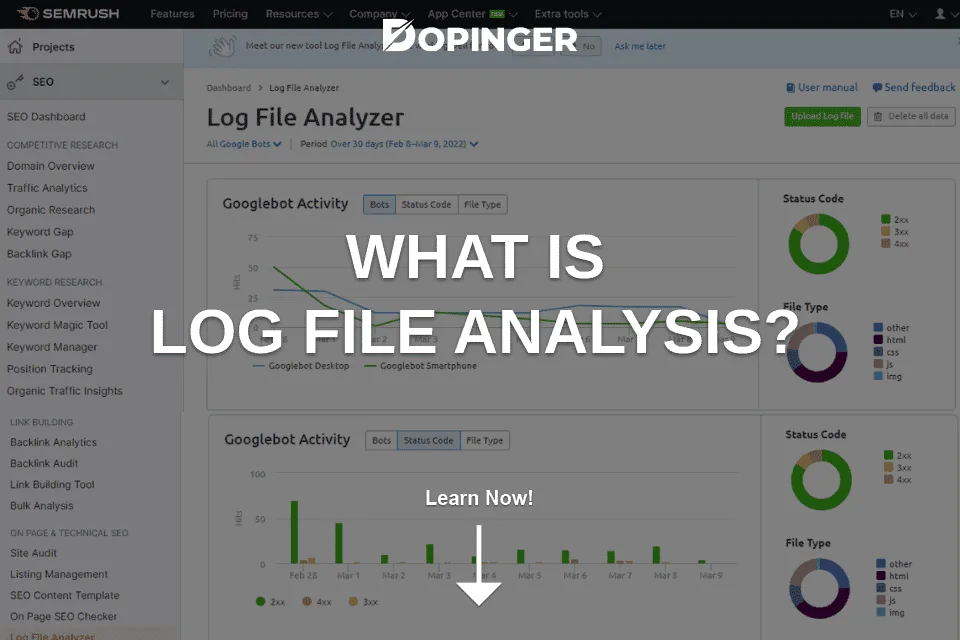
Save the filtered dataset as a spreadsheet with consistent columns and a date stamp. Future comparisons depend on that consistency. Half the value of log file analysis SEO comes from the before-and-after delta, and a messy baseline poisons every later comparison.
Strategy 2: Separate Googlebot from Bingbot and Other Crawlers
Treating all crawler traffic as one bucket hides real differences. Structuring your log file analysis SEO around proven patterns ensures impact. Googlebot, Bingbot, and smaller crawlers such as Yandex’s bot or Apple’s crawler follow different schedules, prioritize different templates, and honor different directives at different speeds.
Split your dataset by user agent before analysis. You will often find that Bingbot is crawling pages Googlebot ignores entirely, or that one crawler is stuck on old URLs redirected months ago. Those discrepancies are diagnostic gold.
In one audit of a mid-sized ecommerce catalog, Bingbot was hitting parameter-heavy filter URLs at nearly triple the rate of Googlebot. Applying these principles to your log file analysis SEO yields measurable results. Those URLs returned crawlable content but added no ranking value.
Reviewing the bucket split made the fix obvious: parameter handling needed tightening at the server level, not just in robots directives.

A practical routine inside your log file analysis SEO checklist: produce one summary table per crawler per week, showing request counts by directory, status code mix, and top twenty most-crawled URLs. Review it monthly. Trends appear fast.
Strategy 3: Map Crawl Frequency Against Your Sitemap
Your XML sitemap is a declaration of what the log file analysis seo consider important. Your logs reveal whether crawlers agree. Overlay the two and the gaps become visible immediately.

Compare each sitemap URL against its crawl count in the log window. Proper attention to your log file analysis SEO sets a strong baseline. URLs in the sitemap with zero or one crawl deserve attention.
So do URLs crawled heavily that appear nowhere in the sitemap; that mismatch usually signals internal linking problems dragging crawlers toward low-value pages.
This comparison is where log file analysis SEO best practices pay off most concretely. Sitemaps that list thousands of thin tag pages, outdated archives, or duplicate parameter URLs dilute crawl attention. Pruning them and re-submitting tends to lift crawl frequency on priority pages within a few cycles.
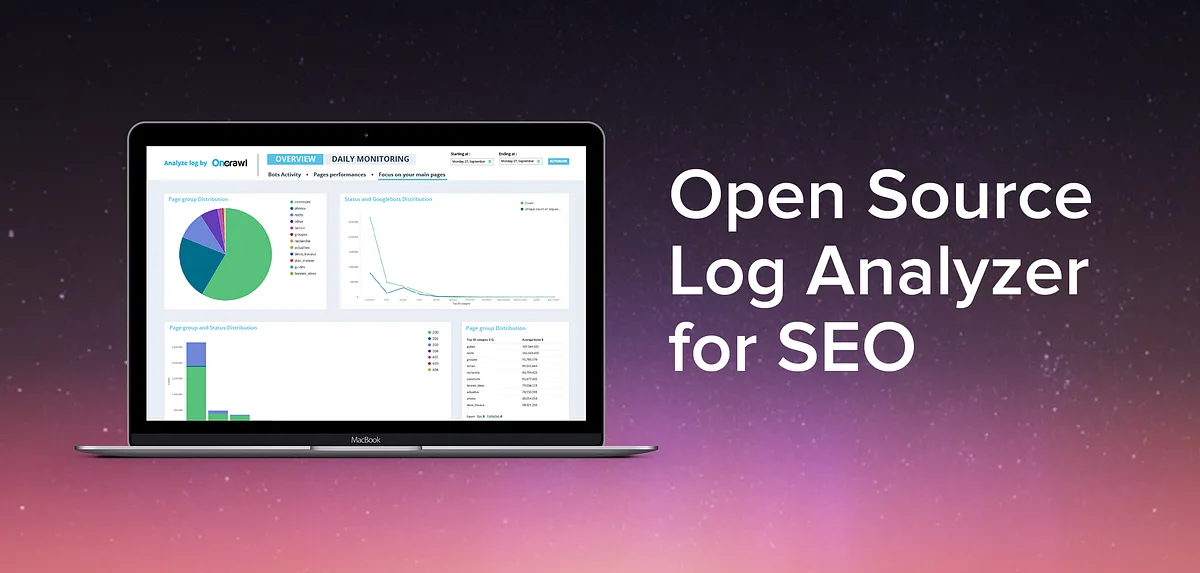
Watch one metric after pruning: median crawl frequency of your top fifty commercial URLs. If it rises, the sitemap cleanup worked. If it does not move, crawlers are being pulled elsewhere, and internal linking is the next place to look.
Strategy 4: Diagnose Crawl Budget Waste With Status Code Audits
Crawl budget waste hides inside status codes. Developing your log file analysis SEO with precision highlights key strengths. Every 404, 301 chain, and 5xx response consumes a request that could have fetched a valuable page. In large log samples, wasted requests routinely reach thirty to fifty percent of total crawler traffic.
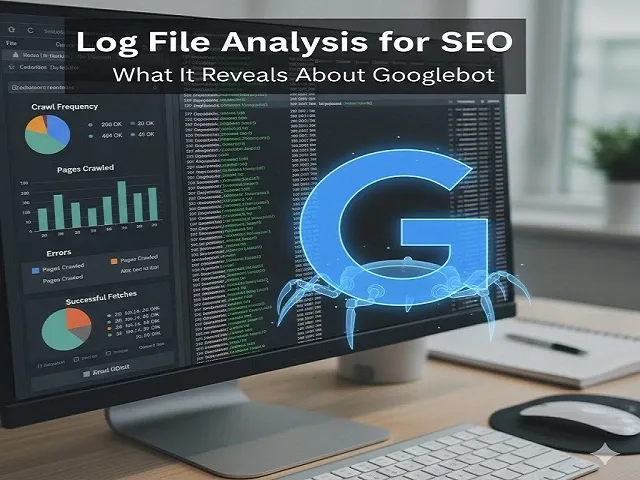
Break down status codes by directory and by template type. A pattern usually emerges fast: one template generating hundreds of soft 404s, or a paginated series returning 301 to the first page over and over.
| Status Code | What It Signals | Typical Fix |
|---|---|---|
| 200 | Healthy fetch, content delivered | No action; verify content matches intent |
| 301 / 302 | Redirect chain or migrated URL | Update internal links to final destination |
| 404 | Missing page, still referenced | Remove links or restore content |
| Soft 404 | Empty or thin page returned as 200 | Return proper 404/410 or add real content |
| 5xx | Server error during crawl | Investigate load, timeouts, rate limits |
| 429 | Rate limiting triggered | Tune server thresholds for verified bots |
One catalog site I reviewed was returning 5xx errors on roughly eight percent of Googlebot requests, concentrated in a single category template. Clear alignment with your log file analysis SEO builds confidence from the start.
Rankings for that category had been drifting downward for months with no obvious cause in Search Console. The log data found it in an afternoon.
Strategy 5: Fix Orphan Pages and Internal Link Gaps
Orphan pages are the silent killers. Effective execution in your log file analysis seo makes a tangible difference. A page exists, returns 200, maybe even targets a valuable keyword, but nothing links to it. Crawlers find it only through the sitemap, if at all, and crawl it rarely.
Identify orphans by cross-referencing three datasets: URLs in your sitemap, URLs crawled in the logs, and URLs reachable through internal links on your strongest pages. Integrating log file analysis SEO into your workflow produces consistent quality. Anything in the sitemap but nearly absent from crawler traffic is a candidate.
Then dig into the link layer. If a priority page receives few crawler requests, check its inbound internal links. Pages with two or three contextual internal links from high-authority templates get crawled far more often than pages linked only from a footer or a paginated archive.
Adding three to five descriptive internal links from relevant, frequently crawled pages often shifts crawl frequency within weeks. This is one of the highest-leverage moves in any log file analysis SEO checklist because it improves discovery and distributes link equity at the same time.
Strategy 6: Audit Bot Behavior During Site Migrations and Redesigns
Migrations are where log file analysis SEO proves its worth fastest. During a domain move, platform switch, or URL restructure, logs record the exact moment crawlers discover the change, how they respond to redirects, and whether errors spike.
Run daily log checks for the first two weeks post-migration. Targeted refinements to your log file analysis SEO streamline the entire review. Watch three things: the ratio of requests to old URLs versus new ones, redirect status code consistency, and 404 spikes on previously valid pages.
I have watched a platform migration fail quietly because the redirect map omitted an entire subdirectory. Search Console showed a modest dip. The logs showed Googlebot requesting hundreds of old URLs and receiving 404s for eleven straight days.
That fix took an hour once the data was visible; without logs, the diagnosis would have taken weeks of guessing.
What a Healthy Post-Migration Crawl Profile Looks Like
A healthy profile shows old URL requests declining steadily, new URL requests climbing, redirect responses dropping toward zero as internal links update, and 404 volume staying flat or decreasing. Deviations from that shape point directly at the broken layer.

Keep a written record of the expected redirect behavior before migration day. Maintaining clarity across your log file analysis seo remains essential. Comparing logs against an expected pattern is far faster than interpreting raw numbers from scratch under pressure.
Strategy 7: Detect Crawl Rate Limiting and Server-Side Blocks
Sometimes the crawler wants to index more of your site and your own infrastructure will not let it. Rate limiting, firewall rules, and CDN bot protection can quietly throttle verified crawlers, and the logs are the only place the throttle becomes visible.
Look for 429 responses, sudden drops in crawl frequency without a corresponding drop in site quality, or alternating 200 and 403 responses from crawler IPs. Each pattern points to a different layer: application rate limits, WAF rules, or CDN configuration.
Check whether your hosting provider’s bot mitigation distinguishes verified search crawlers from generic traffic. Many aggressive defaults treat all automated requests identically, which means genuine Googlebot gets blocked alongside scrapers. Whitelisting verified crawler ranges usually resolves it without weakening security.
This is one of the most overlooked log file analysis SEO best practices because the symptom looks like an SEO problem while the cause sits in infrastructure. Fixing the wrong layer wastes months.
Strategy 8: Align Crawl Priorities With Revenue Pages
Crawl frequency is a ranking resource, and many sites spend the log file analysis SEO on the wrong pages. Compare crawl distribution across templates: category pages, product pages, blog posts, archives, tag pages, and search result URLs. Then compare that distribution against which templates actually generate revenue.
The mismatch is often stark. On one retail site, tag archive pages absorbed nearly forty percent of crawler requests while product detail pages received less than fifteen percent. The archives ranked for nothing and converted for nothing.
The fix involves three moves executed together: noindex thin archives, tighten internal linking toward commercial templates, and remove the orphaned archive URLs from the sitemap. A thoughtful approach to log file analysis seo reinforces your qualifications. Within a month, product page crawl frequency roughly doubled and new product pages indexed in days rather than weeks.
That is the practical payoff of log file analysis SEO tips applied systematically. Crawl budget is not an abstract concept; it is a measurable quantity you can redirect.
Strategy 9: Build a Recurring Log Analysis Workflow
The final strategy turns everything above into a repeatable habit. One-time audits fade. A monthly workflow compounds, because each cycle produces a baseline for the next comparison.
A practical cadence: pull fourteen days of logs on the first of each month, filter for verified crawlers, and generate five outputs. Those outputs are a directory-level crawl summary, a status code breakdown, a top-100 most-crawled URL list, a sitemap gap report, and a delta comparison against the prior month.
Document every change you make between cycles with dates. When a ranking shift happens, correlating it against a crawl behavior change is straightforward if the record exists and nearly impossible if it does not.
Automating the Pipeline Without Expensive Tooling
The log file analysis SEO do not need enterprise software to run this loop. A short script in Python or a shell pipeline using standard text processing tools can filter user agents, aggregate status codes, and export a CSV ready for spreadsheet analysis.
Log analysis tools with visualization layers exist, and they save time, but the core logic is simple enough to build yourself.
The key discipline is consistency: same window length, same filters, same output columns, every month. Structuring your log file analysis seo around proven patterns ensures impact. Consistency is what makes the deltas trustworthy.
Frequently Asked Questions About Log File Analysis SEO
Here is an in-depth breakdown of key considerations regarding Frequently Asked Questions About Log File Analysis SEO:
How Much Log Data Do I Need Before Drawing Conclusions?
Fourteen days is the practical minimum for most sites; thirty days is better for smaller sites with lower crawl volume. Fewer than seven days produces noise that misleads more than it informs.
If your site has fewer than a few hundred pages, extend the window to thirty days so each URL accumulates enough requests to compare meaningfully.
Can I Do This Without Server Access?
Only partially. Some hosting panels expose raw access logs through a dashboard or downloadable file, and CDN providers often offer log streaming as a paid add-on. Without access to raw logs, you are limited to crawl simulations and Search Console’s crawl stats report, which samples rather than records everything. Ask your host directly; many provide log access even when it is not advertised in the control panel.
How Often Should I Repeat the Analysis?
Monthly for most sites, weekly during migrations, redesigns, or major content launches. The rhythm should follow your publishing cadence and any structural changes. Sites publishing hundreds of new URLs monthly benefit from a biweekly cycle focused specifically on new URL discovery speed.
What is the Single Biggest Mistake in Log Analysis?
Skipping crawler verification. Applying these principles to your log file analysis seo yields measurable results. Unverified data includes scrapers, monitoring bots, and spam traffic, and those entries create phantom problems. Always confirm crawler identity through reverse DNS before treating a hit as genuine search engine activity.
Does Log File Analysis Replace Search Console?
No, they complement each other. Search Console reports what Google chose to index and how pages perform; logs report what crawlers requested and what the server returned. The most useful diagnoses come from comparing the two: a URL crawled often but never indexed tells you something neither source reveals alone.
Turning Crawl Data Into Rankings
The strategies above form a system, not a checklist to run once. Baseline first, split crawlers, compare against your sitemap, audit status codes, close orphan gaps, watch migrations closely, catch server-side throttling, redirect crawl attention toward revenue pages, and keep the whole loop running monthly.
None of the log file analysis SEO requires expensive tooling. It requires curiosity about what your server already knows and the discipline to look at the data regularly. The information has been sitting in your log files the entire time.
For anyone building topical authority across a large site, the parent topic here is technical SEO, and the natural next branches are crawl budget optimization, structured data validation, and Core Web Vitals diagnostics.
Each connects back to the same foundation: understanding what search engines actually do on your site rather than what you assume they do.
That is the real promise of log file analysis SEO. It replaces guesses with evidence, and evidence is what separates sites that rank from sites that wait.
For verified reference and background research, consult the authoritative informational resource on this topic.