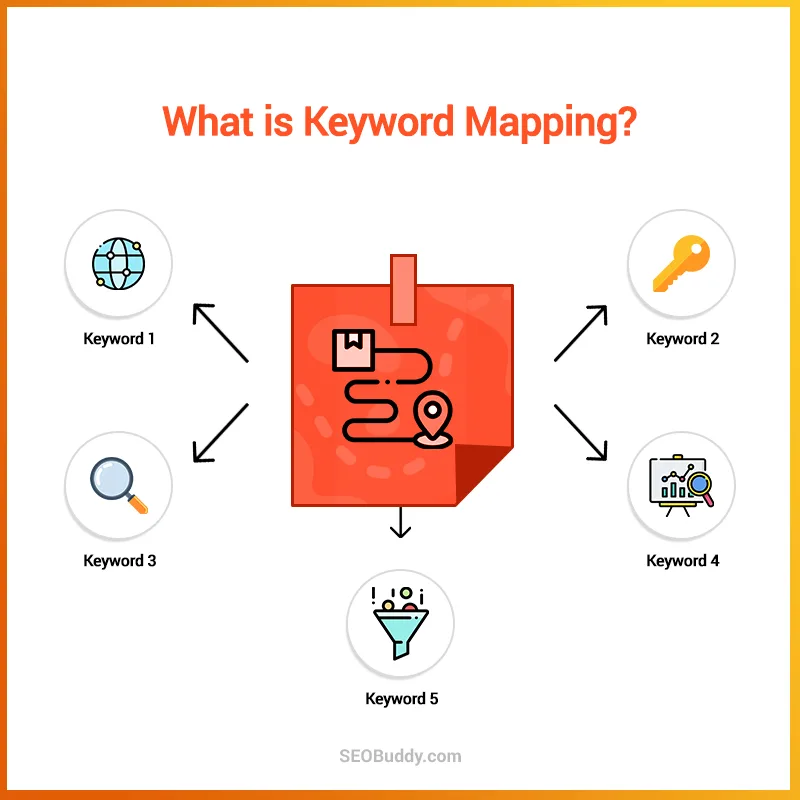
If you have ever stared at a spreadsheet wondering which page should rank for which phrase, a keyword mapping template is the fastest way to end that confusion.
This guide gives you seven free templates you can download and use immediately, plus a practical walkthrough of how each one works, so you can stop guessing and start building a map that actually holds up under real SEO pressure.
Honestly, most people do not fail at keyword research. Focusing on keyword mapping template provides clear direction here. They fail at organizing it. They collect hundreds of terms in a doc, feel productive for an afternoon, then realize six months later that three blog posts compete for the same phrase and none of them win.
That is the exact problem a solid keyword mapping template solves, and it is why I keep coming back to this workflow with every client I onboard.
Below the keyword mapping template will find the seven templates, grouped by the job they do best. Each one gets a full breakdown: what it is for, how to fill it in, and where it tends to break down in practice.
Treat this as your parent topic for everything downstream, because internal linking, content calendars, and technical audits all lean on the same map.
What a Keyword Mapping Template Actually Does for Your Site
Strip away the spreadsheets and the color coding, and a keyword mapping template is a decision record. It states, in writing, that this URL owns this primary keyword, these supporting terms, and this search intent. Nothing more mystical than that.
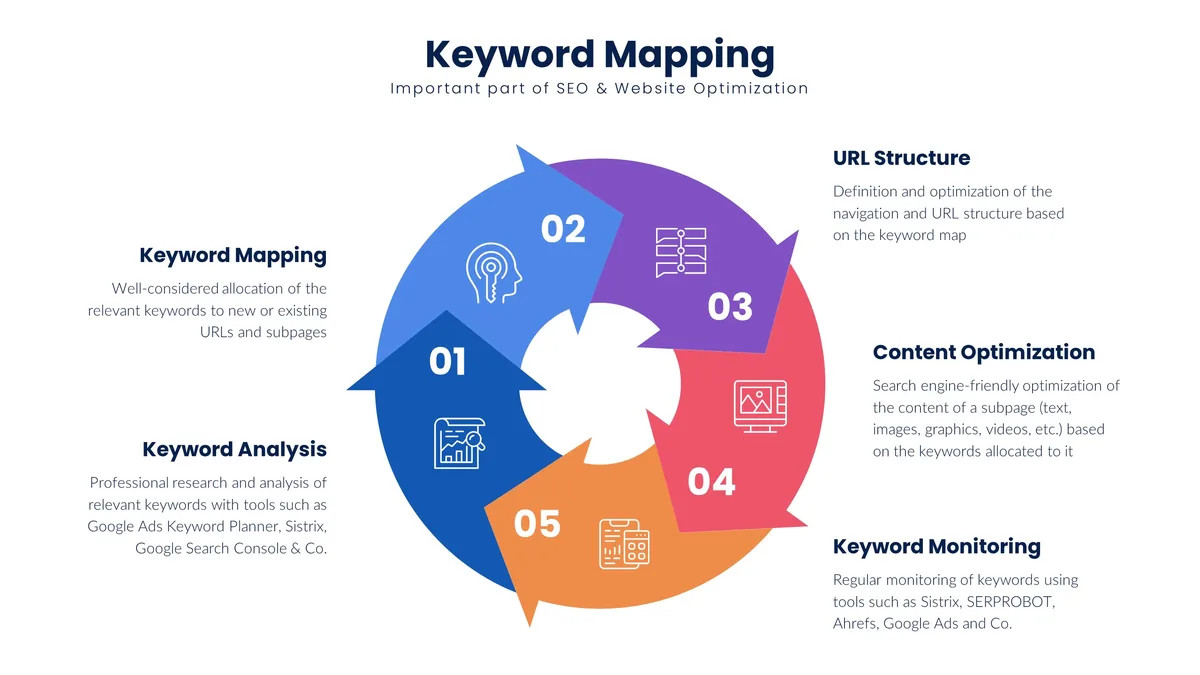
The value shows up later, when someone on your team asks why a new article is targeting a phrase the Keyword mapping template already rank for on page two. With a map, the answer takes ten seconds. Without one, you get a two-week content cannibalization cleanup that nobody enjoys.
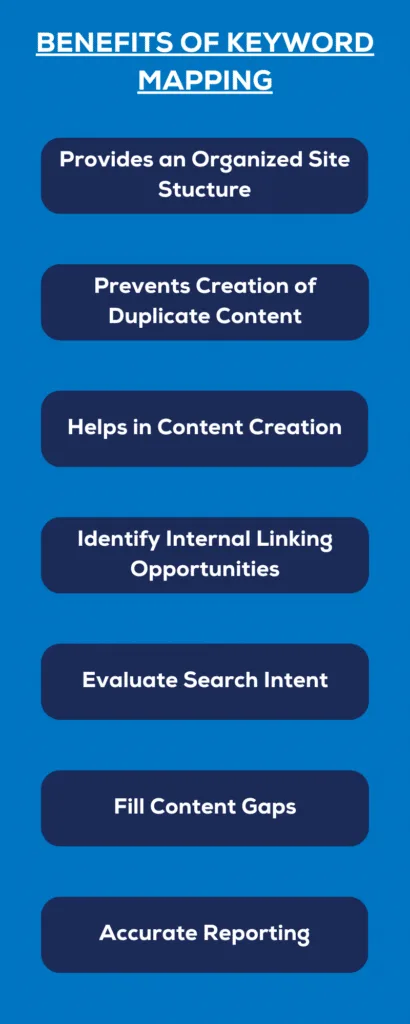
Here is the part most tutorials skip. A keyword mapping template is not a keyword list with extra columns. A list answers “what do people search?” A map answers “which page answers it, and how do we prove it?” That second question is where rankings actually get decided.
The Three Columns That Carry All the Weight
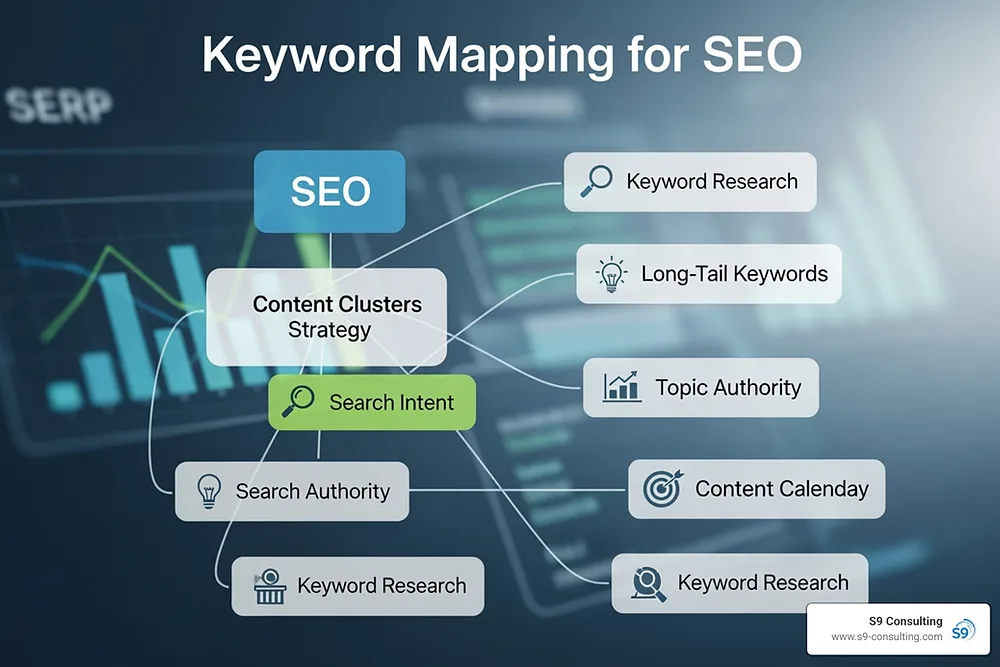
Every template in the keyword mapping template guide shares three load-bearing fields: target URL, primary keyword, and search intent. If those three are right, the rest of the sheet is decoration. If any one of them is wrong, the whole row is a liability.
Target URL should be a live address or a clearly marked “to create” placeholder. Refining each detail of your Keyword mapping template strengthens this section. Primary keyword should be a single phrase, not a comma-separated wish list.
Search intent should be one of four values: informational, commercial, transactional, or navigational. Keep it boring and consistent and the sheet stays usable for years.
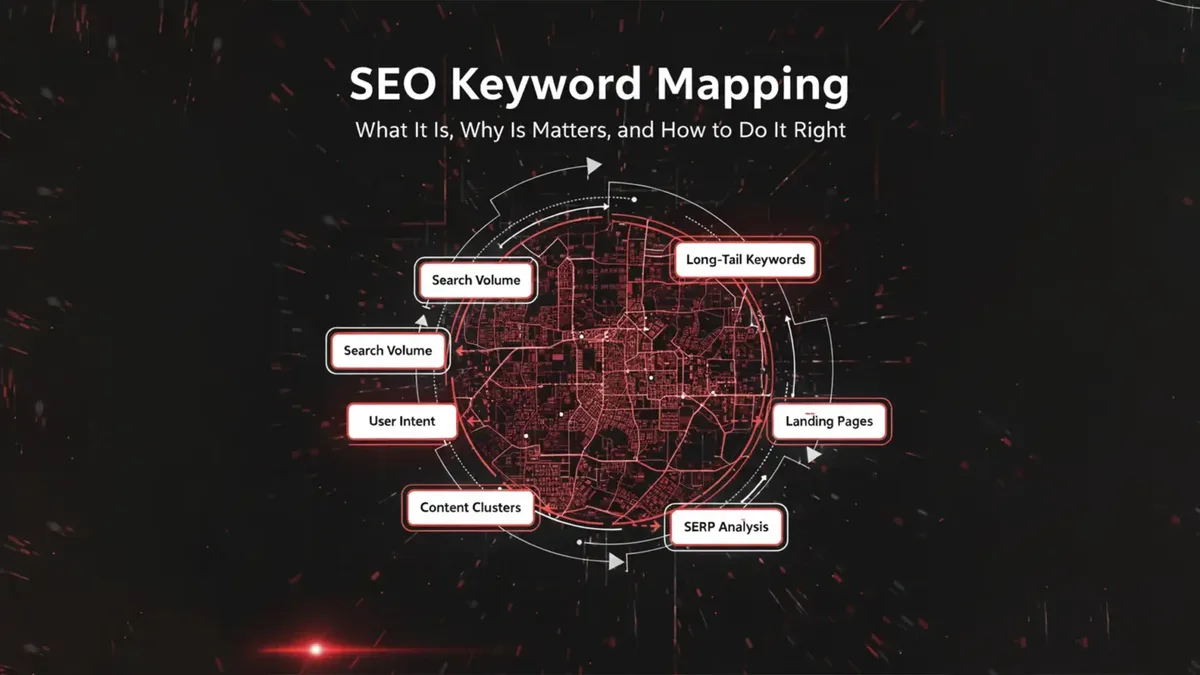
In practice, I have watched teams argue for forty minutes about whether a phrase is “commercial investigation” or “transactional.” Pick one, move on, and revisit only when the page underperforms. A keyword mapping template guide that turns into a philosophy seminar has already failed its job.
How to Choose the Right Template Before You Download
Seven templates sounds generous until the keyword mapping template realize they are not interchangeable. A solo blogger needs something different from a ten-person content team managing a thousand URLs. Choosing badly means rebuilding the sheet in month three, which is exactly the kind of busywork that kills momentum.
Start with two questions. Effective execution in your Keyword mapping template makes a tangible difference. How many people will edit this file, and how many URLs will it eventually hold? Under fifty URLs and one editor, go simple.
Past two hundred URLs with multiple contributors, you need structure, validation, and a naming convention before anyone types a single keyword.
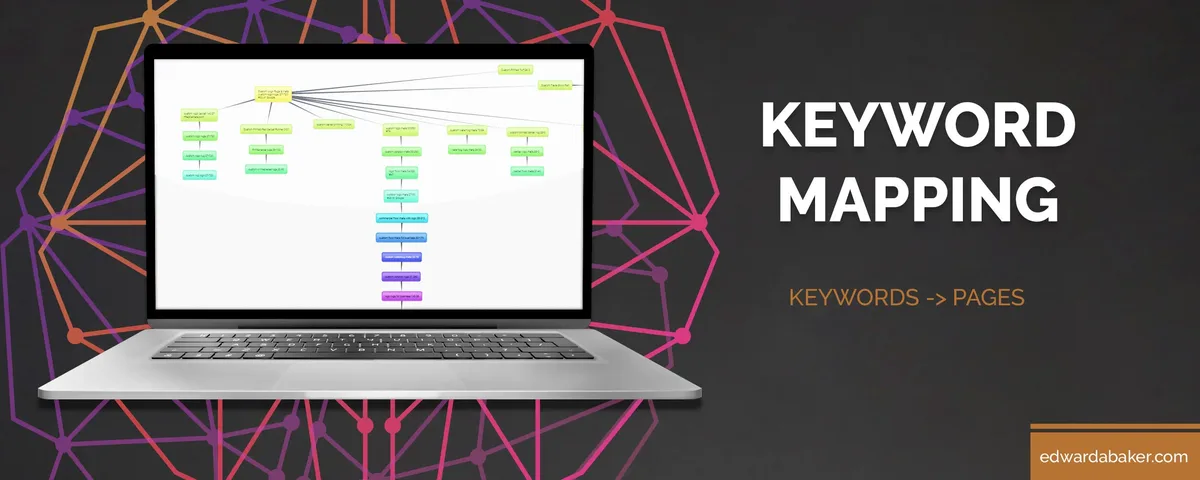
One more filter the keyword mapping template rarely gets mentioned: how will you use the map day to day? If it lives in a spreadsheet nobody opens, it is dead weight. If it feeds a content calendar, a briefing doc, and an internal linking plan, it earns its keep. Pick the template that matches your actual weekly workflow, not the one with the most tabs.
Matching Template Complexity to Team Size
A freelancer writing four posts a month does not need a status column with eleven dropdown values. Maintaining clarity across your Keyword mapping template remains essential. They need a clean list, a URL column, and a note field. Complexity you do not use becomes complexity you maintain for no reason.
Larger teams are the opposite case. A thoughtful approach to keyword mapping template reinforces your qualifications. When five writers, two editors, and a technical SEO all touch the same file, ambiguity costs real hours. That is when you want locked headers, data validation on the intent column, and a clear owner per row.
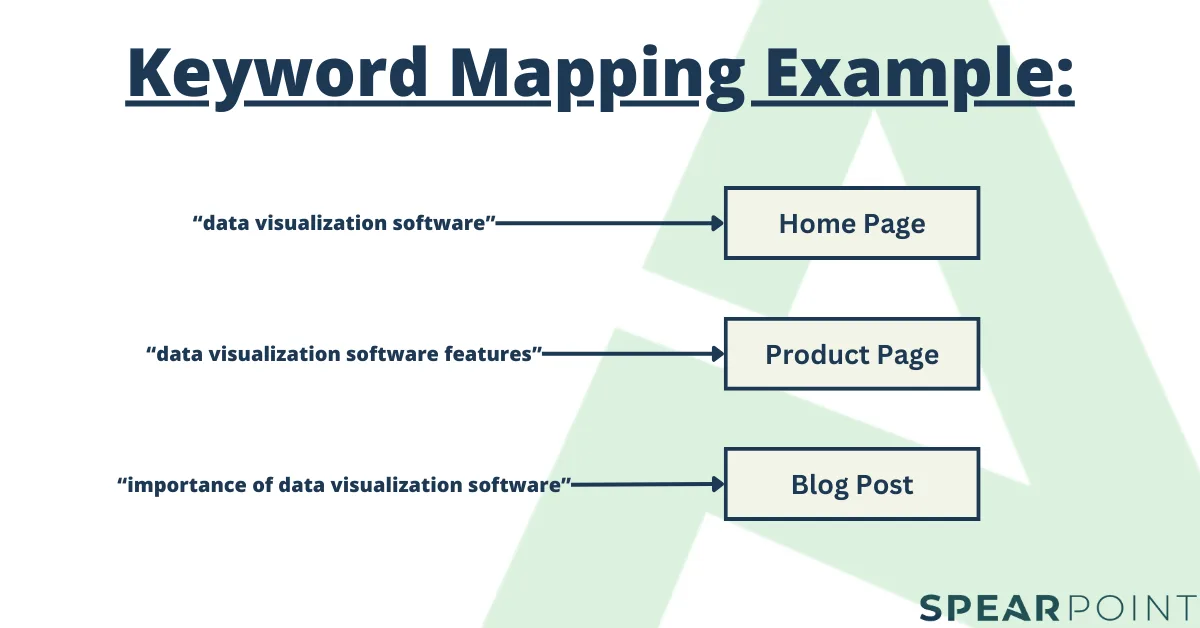
My rule of thumb after years of building these: add a column only after you have needed it twice. The keyword mapping template best practices that actually stick are almost always the minimalist ones.
Template 1: the Starter Single-Sheet Map
The first of the seven free templates is deliberately plain. Refining each detail of your keyword mapping template strengthens this section. One sheet, six columns, no formulas. It exists for people who need to get organized this afternoon, not next quarter.
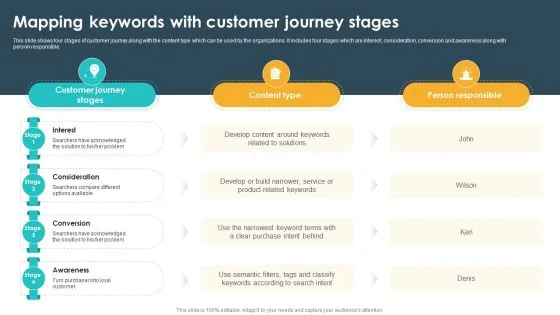
Columns: target URL, primary keyword, secondary keywords, search intent, content type, and notes. Structuring your keyword mapping template around proven patterns ensures impact. That is it. You can build it in five minutes and fill it in an hour for a fifty-page site.
Where it shines is early-stage sites and personal blogs. Where it breaks is anywhere two people edit simultaneously without agreeing on formatting. There is no validation, so someone will eventually type “Info” while someone else types “informational,” and your filters stop working.
When the Starter Map is Genuinely Enough
If the keyword mapping template are mapping under sixty URLs and you are the only person who will ever open the file, this template will serve you for years. I have seen solo consultants run entire content operations off a single sheet like this.
The moment to upgrade is not when the sheet gets big. It is when a second person needs to read it. Shared files need shared conventions, and a plain sheet has none baked in.
Template 2: the Intent-First Mapping Sheet
Template two flips the order. Proper attention to your keyword mapping template sets a strong baseline. Instead of starting with the keyword, you start with the intent bucket, then assign keywords inside it. This small change fixes a surprising number of mapping mistakes.
Why it works: intent clusters naturally reveal content gaps. If your informational tab has forty rows and your transactional tab has three, you have a funnel problem, and you can see it at a glance instead of discovering it after a slow quarter.
Fill the keyword mapping template in by sorting your keyword research by intent first, then dragging each phrase into the matching tab. Assign a URL to each. Anything without a URL becomes a content brief automatically.
A Worked Example from a Real Estate Site
Picture a local real estate agency. Effective execution in your keyword mapping template makes a tangible difference. Their informational tab held phrases like “how to calculate closing costs” and “what is earnest money.” Their transactional tab held “homes for sale in [city]” and “schedule a property tour.”
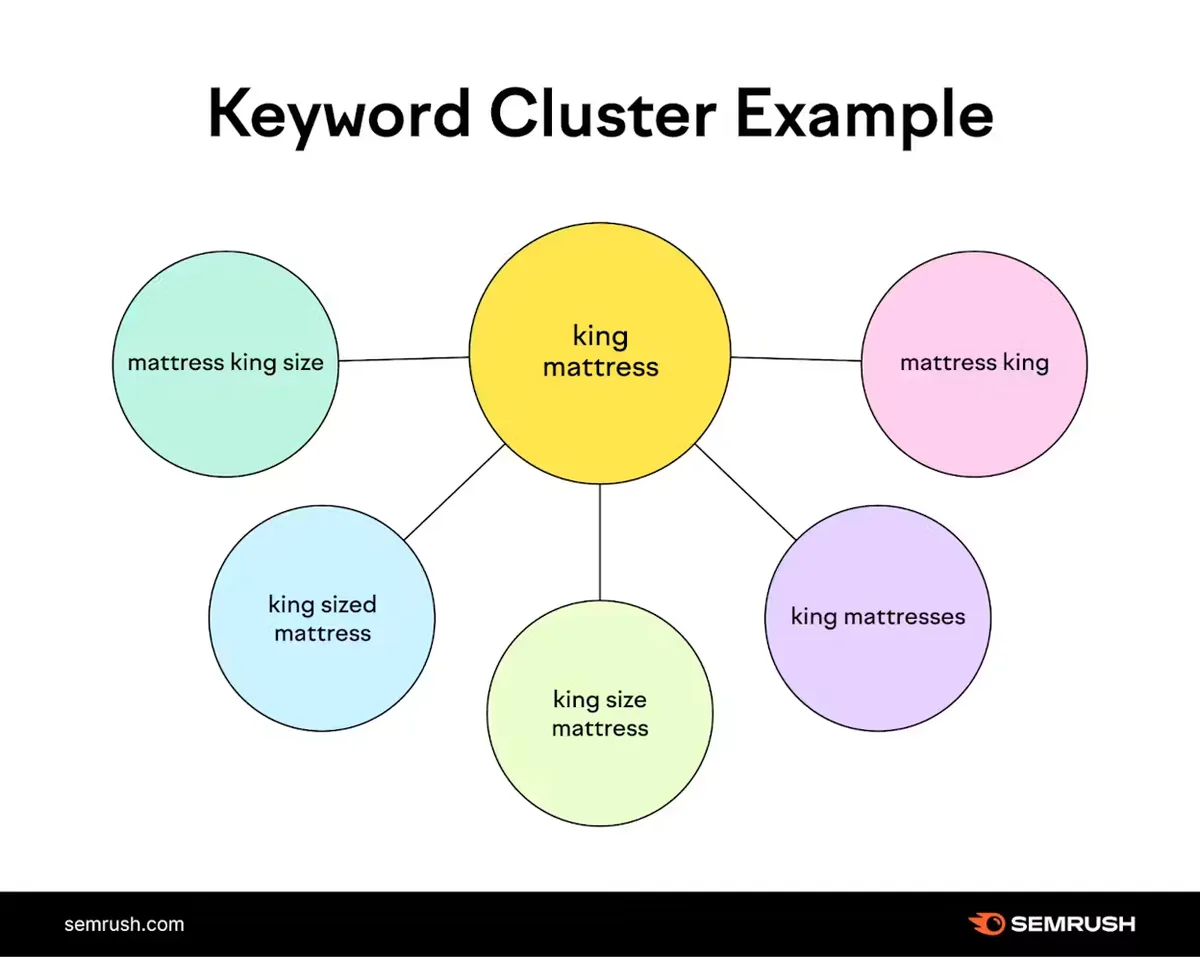
The gap was obvious once sorted: no commercial-investigation content at all. Clear alignment with your keyword mapping template builds confidence from the start. Nothing addressed “best neighborhoods for young families” or “townhouse vs condo.” They added four pages to that bucket and saw a measurable lift in tour requests within two months.
That is the kind of insight a keyword mapping template tips column never captures, but a well-structured sheet surfaces without anyone asking.
Template 3: the Pillar and Cluster Blueprint
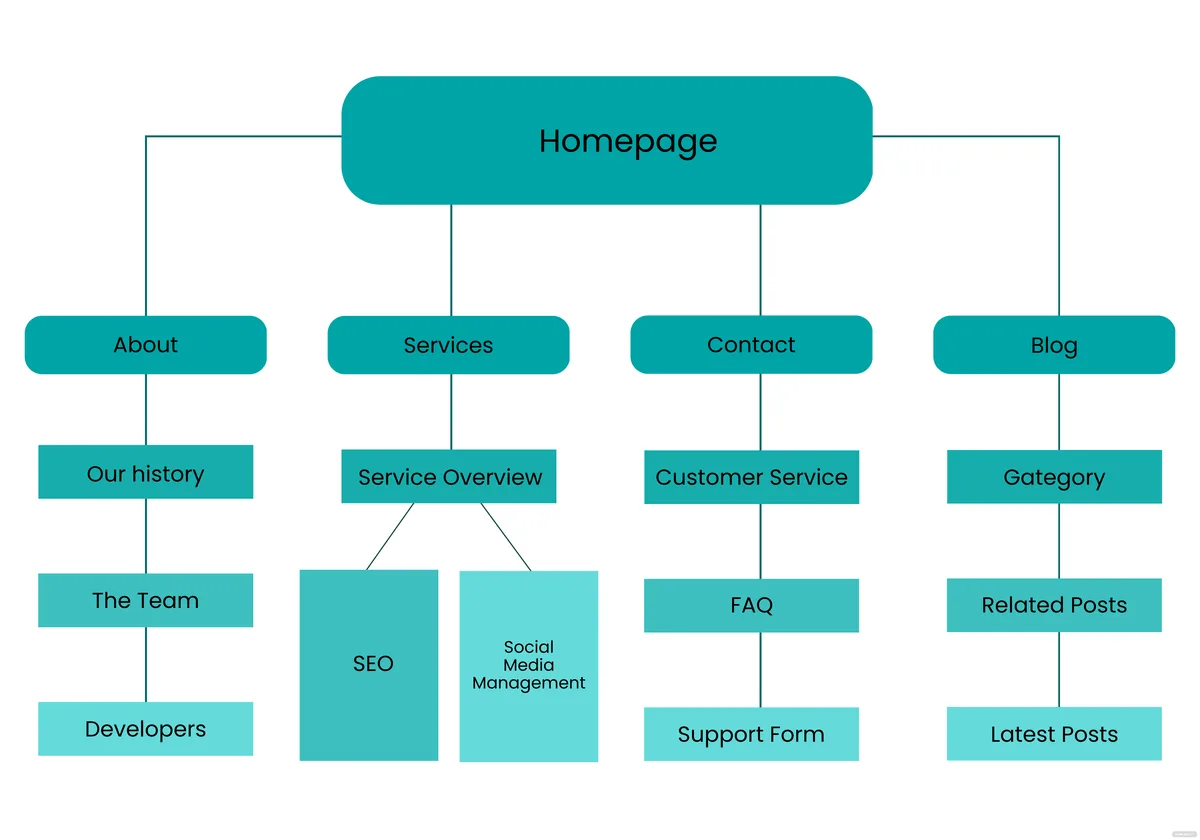
Template three is built for topical authority. It maps one pillar page to a set of cluster pages, with explicit internal links in both directions. If you publish educational content at any volume, this is the one to download first.
Structure: a pillar row at the top with its target URL and broad head term, then indented cluster rows beneath the keyword mapping template, each with its own long-tail phrase and a link-direction column. The link-direction column is the whole point. It forces you to plan internal links before publishing instead of retrofitting them later.

The keyword mapping template template pairs naturally with the broader topic cluster model that most SEO frameworks now assume. You can read more about how topic clusters work on Wikipedia’s search engine optimization overview if you want the background, but the practical version is simpler: one hub, many spokes, links in both directions.
Filling in the Link-Direction Column Correctly
Every cluster row needs at least one link up to the pillar and one link sideways to a sibling cluster. Targeted refinements to your keyword mapping template streamline the entire review. The pillar links down to every cluster. That is the minimum viable internal linking pattern for a cluster to behave like a cluster.
In practice, people over-link. Six links from a single paragraph is not helpful to readers and it dilutes the signal. Two or three contextual links per page, placed where they genuinely help someone keep reading, beats a wall of blue text every time.

If you only remember one thing from this keyword mapping template checklist, remember the bidirectional rule. Clusters that only link upward tend to stall.
Template 4: the Content Audit and Cannibalization Tracker
Template four is the cleanup crew. Maintaining clarity across your keyword mapping template remains essential. It maps existing URLs to their current ranking keywords, flags overlaps, and assigns a resolution: keep, merge, redirect, or rewrite. This is the template you reach for when rankings have gone sideways and nobody knows why.
The columns that matter: URL, current primary keyword, current average position, overlapping URL, overlap keyword, and resolution. Add a last-updated field and you have a working audit log.
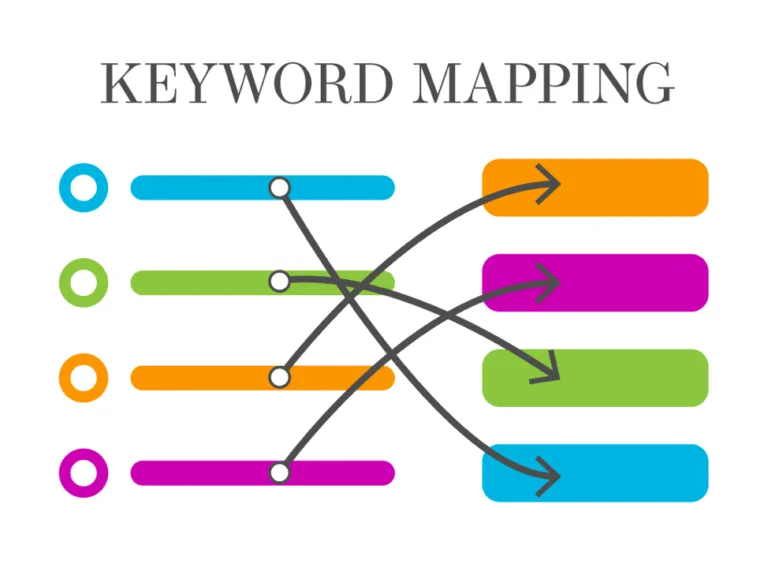
The overlap column is where the real work happens. Two URLs ranking for the same phrase within five positions of each other is almost always cannibalization, and it almost always resolves by merging the weaker page into the stronger one.
Reading the Overlap Data Without Panicking
Not every overlap is a problem. A category page and a blog post can both rank for a broad phrase without hurting each other, especially when intent differs. The signal to watch is position volatility, not overlap itself.
What you are hunting for is the pattern where both URLs bounce between positions eight and fifteen for months. Neither wins, both waste crawl budget, and the fix is consolidation. A keyword mapping template makes that pattern visible in a single filtered view.
Run this audit quarterly. More often than that and you are chasing noise; less often and cannibalization quietly eats your traffic for a year.
Template 5: the Ecommerce Category and Product Map
Template five handles the messy reality of online stores, where category pages, product pages, and buying guides all compete for overlapping phrases. Without a map, the product page usually loses to the blog post, and revenue suffers.
Columns: page type, URL, primary keyword, facet or variant, and canonical rule. The page type column (category, subcategory, product, guide) tells you instantly which page should own which phrase. The canonical rule column prevents the classic faceted-navigation disaster where forty filter combinations all try to rank.
Fill it in category-first. Map the top-level category, then its subcategories, then products, then supporting guides. Each level owns a narrower phrase than the level above it. That hierarchy is the whole game.
Why Product Pages Lose to Blog Posts
Product pages rarely have enough indexable text to compete with a well-written guide, so the guide outranks the keyword mapping template for the commercial phrase. The fix is not stuffing the product page with paragraphs. The fix is mapping the guide to an informational phrase and linking it prominently to the product page.
I have watched stores double their organic revenue from this single change. The keyword mapping template just makes the misassignment visible before it costs you a quarter.

Template 6: the Local SEO Service Area Map
Template six is for businesses serving multiple cities or regions. It maps service pages to locations, prevents doorway-page spam, and keeps your city pages genuinely distinct from one another.
Columns: service, city, target URL, primary keyword, unique local proof, and status. That “unique local proof” column is the anti-spam safeguard. If you cannot fill it with something real (a local case study, a neighborhood reference, a regional regulation), the page should not exist.
Fill it in service-first, then city. A plumber with six services across twelve cities faces seventy-two potential pages, which is far too many. Map only the combinations where you have genuine proof and genuine demand, and you will end up with maybe twenty strong pages instead of seventy-two weak ones.
The Doorway Page Trap and How the Map Prevents It
Search engines have gotten good at spotting pages the keyword mapping template swap a city name into an otherwise identical template. The unique proof column forces you to write something that could only be written about that specific place.
In practice, this means fewer pages and better ones. A roofer with eight strong city pages will outrank a competitor with forty thin ones, and this keyword mapping template makes that discipline easy to maintain.
Template 7: the Full Multi-Channel Content Matrix
The seventh and final free template is the comprehensive one. It maps a single keyword to every asset type that might target it: blog post, video, email sequence, landing page, and paid ad group. Use it when organic search is one channel among several.
Columns: keyword, intent, blog URL, video URL, landing page URL, email campaign, paid ad group, and a priority score.
It is the most complex of the seven, and it is also the one that prevents the classic mess where the paid team bids on a phrase the organic team already owns at position one.
Fill it in keyword-first, then work across. A single row can take twenty minutes to complete properly, so reserve it for your twenty or thirty highest-value phrases. This is not a template for mapping a thousand long-tails.
Coordinating Paid and Organic on the Same Phrase
When the keyword mapping template rank organically in the top three for a commercial phrase, paid spend on that exact term often earns a poor return. The matrix makes that overlap visible, and the conversation shifts from “why are we bidding on this?” to “where should we move the budget?”
That is the highest-leverage use of a keyword mapping template. It is not just an SEO file. It is a budgeting tool that happens to live in a spreadsheet.
Step-By-Step: Building Your Map in a Single Afternoon
Pick a template, then follow the same five steps regardless of which one you chose. The order matters more than the tool.
- Export your keyword research into one flat list. Every phrase, no filtering yet. Pull from your rank tracker, search console, and any paid keyword tool you already use. A raw list of two hundred phrases is normal.
- Assign intent to every phrase. Four buckets, no exceptions, no “mixed.” If a phrase genuinely straddles two intents, pick the dominant one and note the secondary in a comment.
- Match each phrase to an existing URL or mark it “to create.” Be ruthless here. If two phrases map to the same URL and the intents differ, one of them needs a new page.
- Flag every overlap. Two URLs, one phrase, close positions. Mark it for the audit template and resolve it before publishing anything new.
- Add the internal link plan. Pillar to cluster, cluster to pillar, cluster to sibling. Two to three links per page, placed contextually.
That is the entire process. Most teams finish a fifty-URL map in about three hours, and the first pass is always messier than the second. Do not chase perfection on pass one. Get the rows filled, then refine.
Keyword Mapping Template Best Practices That Survive Contact With Reality
Advice that sounds good in a webinar often collapses the first week you use it. These are the practices I have seen hold up across dozens of real sites, including the ones where everything went sideways.
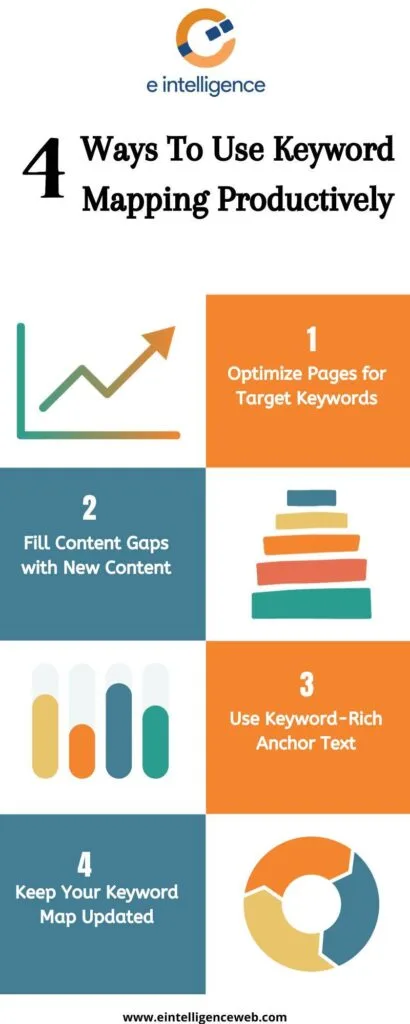
First, keep one source of truth. If the map lives in three places, it lives nowhere. Pick a home, link to it from everywhere else, and archive old versions rather than editing them.
Second, date every row. A keyword that was low-competition two years ago may be a bloodbath now. A last-reviewed column tells you which rows are stale before you build a strategy on top of them.
Third, write the primary keyword exactly as the keyword mapping template would use it in a sentence. If it reads awkwardly in the map, it will read awkwardly in the article, and no amount of optimization fixes prose that fights itself.
Common Mistakes That Quietly Waste Months
The most expensive mistake is mapping two URLs to one phrase and hoping the keyword mapping template sorts itself out. It never does. The second most expensive is ignoring intent, which produces beautifully optimized pages that answer the wrong question.
A close third: treating the map as a one-time project. Applying these principles to your keyword mapping template yields measurable results. Keyword mapping is a living process, not a deliverable. Sites that revisit their map quarterly consistently outperform sites that built one great sheet and never opened it again.
And a fourth, subtler one: over-mapping. Not every long-tail needs its own row. If a phrase gets a handful of searches a month and your existing page already answers it, leave it alone. A bloated map is as hard to use as no map at all.
Your Keyword Mapping Template Checklist Before You Publish Anything
Before a single page goes live, run the keyword mapping template checklist against its map row. It takes ninety seconds and catches the mistakes that cost the most to fix later.
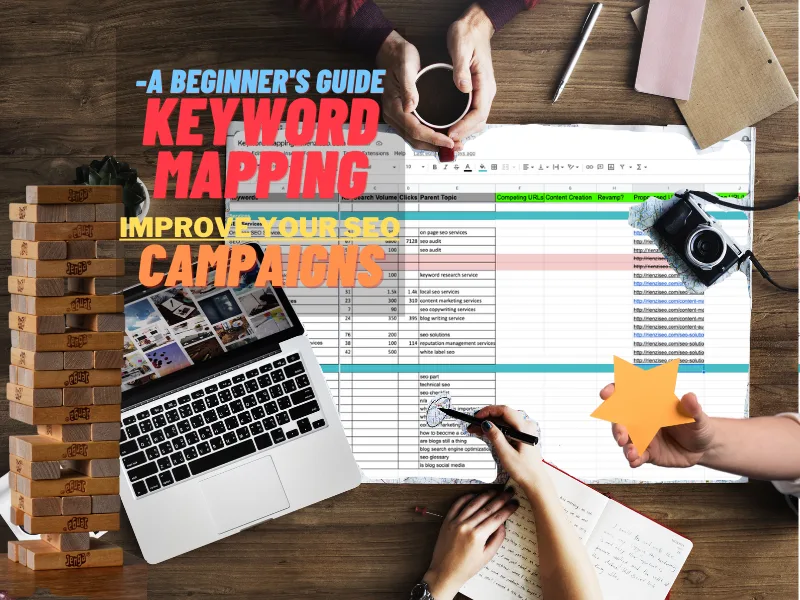
- Does this URL own exactly one primary keyword, written as a natural phrase?
- Is the search intent recorded, and does the page format match it?
- Is there any other URL in the map targeting the same phrase within five positions?
- Does the page link up to its pillar and sideways to at least one sibling?
- Is the target URL final, with no redirect chain in front of it?
- Does the primary keyword appear in the title, the first paragraph, and at least one subheading?
- Is the row dated and assigned an owner?
If any answer is no, fix it before publishing. Every one of these items is cheaper to correct in a spreadsheet than in a live page that has already started collecting backlinks.
Comparison Table: Which of the 7 Templates Fits Your Situation
Here is the short version, so you can pick without rereading everything above.
| Template | Best For | URL Volume | Key Strength |
|---|---|---|---|
| 1. Starter Single-Sheet | Solo bloggers, new sites | Under 60 | Five-minute setup |
| 2. Intent-First Sheet | Funnel gap analysis | 60 to 200 | Reveals content gaps instantly |
| 3. Pillar And Cluster | Topical authority builds | 50 to 500 | Forces internal link planning |
| 4. Audit Tracker | Fixing cannibalization | Any size | Surfaces overlap patterns |
| 5. Ecommerce Map | Online stores | 200 to 5,000 | Separates category from guide |
| 6. Local Service Area | Multi-city service businesses | 20 to 200 | Blocks doorway page spam |
| 7. Multi-Channel Matrix | Brands running paid plus organic | 20 to 100 | Prevents channel overlap waste |
Most sites should start with template three and add template four within the first quarter. Developing your keyword mapping template with precision highlights key strengths. Stores start with five. Local businesses start with six. Everything else is a refinement.
How to Keep the Map Alive After the Download
A keyword mapping template that gets downloaded and never opened again is the most common failure mode. The fix is a light ritual, not a heavy process.
Schedule a fifteen-minute review every month. Open the map, sort by last-reviewed date, and update the five oldest rows. That alone keeps the sheet from going stale without turning into a project.
Then do a deeper quarterly pass using template four. Recheck overlaps, retire pages that no longer earn traffic, and add new rows for anything you published since the last review. Two hours a quarter is enough for most sites under five hundred URLs.
Handing the Map to a New Team Member
The real test of a keyword mapping template is whether a new hire can use it without a meeting. If they can open the sheet, find a row, and understand what page targets what phrase, the map is doing its job.
Write a five-line legend at the top of the sheet. Explain the intent values, the page type values, and the resolution options. That tiny bit of documentation saves hours of onboarding and prevents the slow drift that turns a clean map into a confusing one.
Honestly, the keyword mapping template legend is the difference between a file people use and a file people ignore. Add it on day one.
Frequently Asked Questions About Keyword Mapping Templates
Here is an in-depth breakdown of key considerations regarding this section:
Do I Really Need a Template, or Can I Just Use a Spreadsheet?
A blank spreadsheet is a template waiting to happen, and that is the problem. The seven downloads here encode decisions you would otherwise make inconsistently across rows. Start from a structure that already works, then adapt it.
If the keyword mapping template genuinely prefer building from scratch, at minimum include the three load-bearing columns: target URL, primary keyword, and search intent. Everything else is optional.
How Many Keywords Should One Page Target?
One primary phrase and three to eight supporting terms. That is the sweet spot. Pages targeting two primaries usually satisfy neither, and pages with fifteen supporting terms tend to read like thesaurus exercises.
Let the map enforce this. If a row has two entries in the primary keyword column, split it into two rows and create two pages.
Can I Map Keywords Before I Have Any Content?
Yes, and you should. Mapping first is actually easier because you are not emotionally attached to existing pages. Mark every URL as “to create,” assign intents, and build the content plan directly from the map.
The only caution is scope. A site with zero content should map twenty pages, not two hundred. Publish the first ten, learn what works, then expand the map.
What is the Difference Between a Keyword Map and a Content Calendar?
A map says who owns what. A calendar says when it ships. They are different documents with different owners, and merging them usually ruins both.
Link them with a single shared ID column. That is enough to keep them in sync without turning either one into a monster.
How Often Should I Update the Map?
Light touch monthly, deeper pass quarterly. Rankings shift, competitors publish, and new phrases appear. A map that is six months stale is closer to a historical document than a working tool.
Set a recurring calendar reminder and treat the keyword mapping template as non-negotiable. The teams that keep their maps current are the same teams that avoid surprise traffic drops.
Which Template Should a Small Business Pick First?
Template three if you publish educational content, template six if you serve multiple cities, template five if you sell products online. If you are not sure, template one is never wrong as a starting point.
The keyword mapping template can always migrate to a more complex structure later. Starting simple and upgrading beats starting elaborate and abandoning the file in week two.
Where to Go from Here
Download one template, not all seven. Fill in your twenty most important URLs before the week ends. That single act puts you ahead of most sites, which never map anything at all.
Once the map is live, the natural next steps are internal linking audits, a content refresh schedule for aging pages, and a technical crawl to confirm every mapped URL resolves cleanly. Each of those builds directly on the structure you just created.
A keyword mapping template is unglamorous work. It does not produce a viral post or a clever campaign. What it does is make every downstream decision faster and cheaper, and that compounds quietly for as long as you keep using it.
<!– TOPSEO: keywords="keyword mapping template, keyword mapping template guide, keyword mapping template tips, keyword mapping template best practices, keyword mapping template checklist
” description=”” –>