An HTTPS migration SEO move is one of those projects where the technical part is only half the battle. You can have a perfect certificate, a clean redirect map, and a server that purrs, yet still watch your organic traffic dip for weeks if you skip the optimization details that search engines actually care about.
I have sat through enough migrations to know the pattern. The engineers celebrate the cutover, the security team closes the ticket, and then the SEO lead stares at a Search Console graph wondering where 18% of the sessions went.
The good news? Focusing on HTTPS migration SEO provides clear direction here. Almost every drop is preventable when you treat the switch as a full SEO project rather than a server update.
This is the practical side of an HTTPS migration SEO guide — the part that goes beyond “install SSL and redirect.” Below are seven tips that consistently protect rankings and, in several cases, push traffic higher than before.
If you want the short version of what a proper HTTPS migration SEO checklist looks like, every tip here belongs on it.
Why HTTPS Migration SEO Decides Whether Traffic Survives
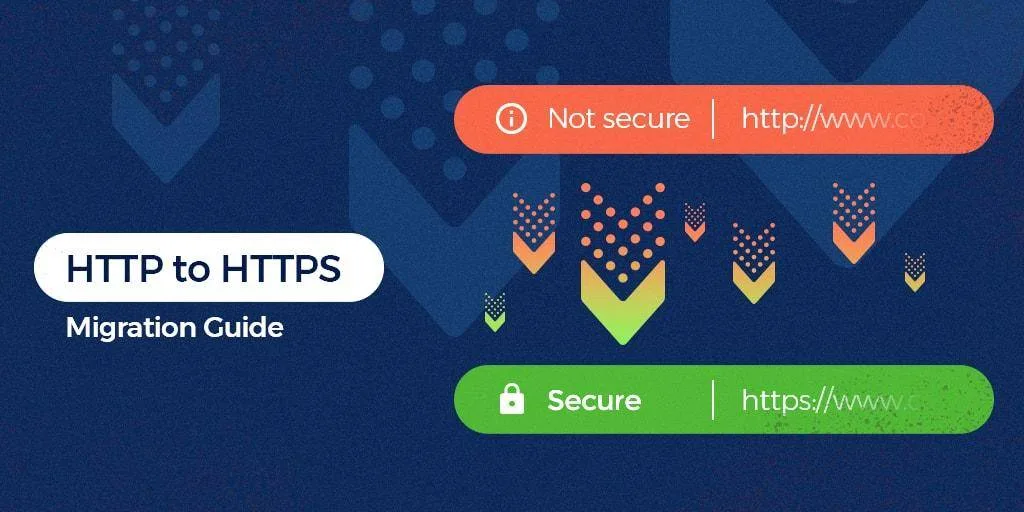
Search engines have treated HTTPS as a lightweight ranking signal for years, but the bigger story is trust and crawl behavior. Focusing on https migration seo provides clear direction here. A secure site gets crawled more confidently, and browsers now flag plain HTTP pages as “Not secure” right next to the address bar. That warning is a conversion killer even when rankings hold steady.
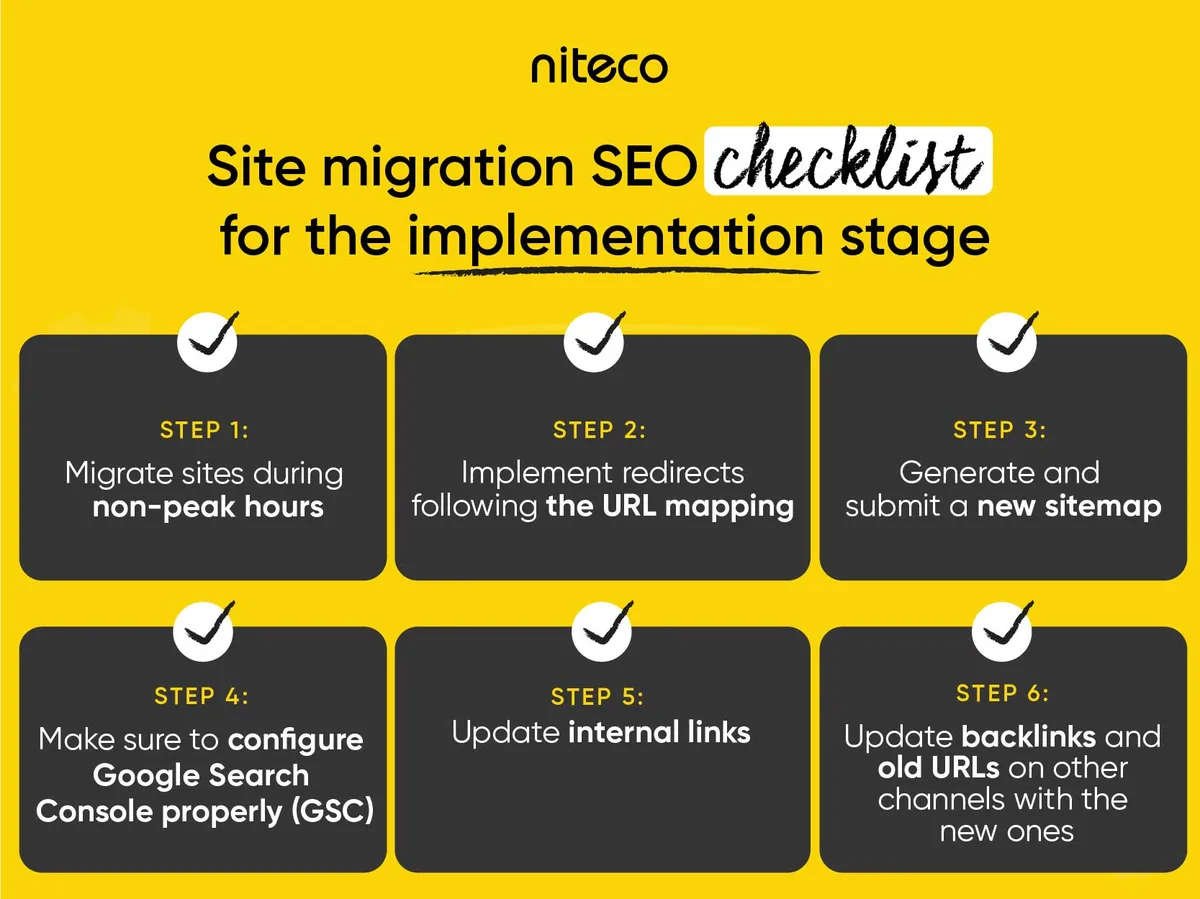
Here is the part people underestimate. An HTTPS migration SEO project touches URLs, internal links, canonical tags, sitemaps, analytics, and backlinks all at once. Every one of those is a ranking-relevant signal.
Change them carelessly and you are not just moving to a new protocol — you are rewriting how search engines understand your entire site architecture.
The classic failure looks like this: a mid-size e-commerce store migrates 4,200 URLs in one night, redirects everything with a blanket rule, and forgets that their internal links still point to HTTP:// versions. Crawlers follow the redirects, but the crawl budget doubles and the link equity gets diluted through chains. Six weeks later, category pages slip two positions and nobody connects it to the migration.
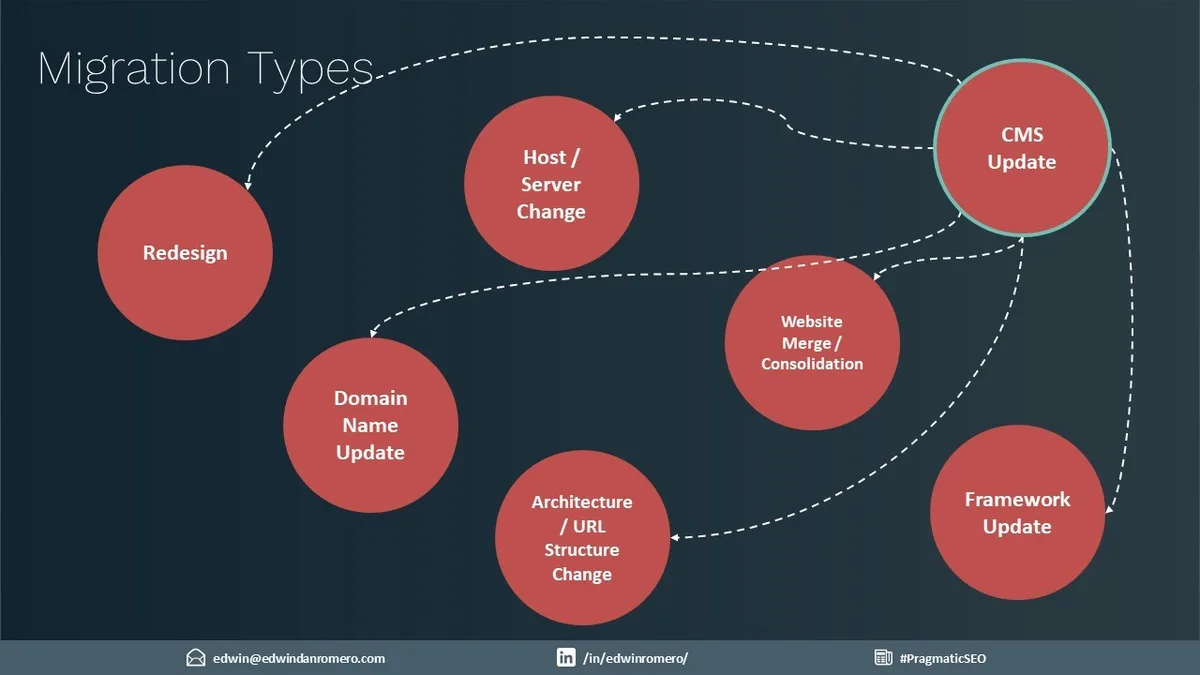
The HTTPS migration SEO is why this topic belongs to the broader parent topic of technical SEO site migrations, sitting alongside domain changes, URL restructures, and CMS replatforming. If you understand one, you understand the others — the discipline is identical: inventory, map, redirect, verify, monitor.
HTTPS Migration SEO Guide: the Prep Work Nobody Wants to Do
Before a single redirect rule goes live, you need a complete URL inventory. Pull every indexable URL from your XML sitemap, your crawl (Screaming Frog or similar), your analytics, and your server logs. Cross-reference them. The gaps between those four sources are where disaster hides.
Next, build the redirect map as a spreadsheet, not as a server config the HTTPS migration SEO edit live. One column for the old HTTP:// URL, one for the new HTTPS:// URL, one for the redirect type (301 for permanent, always), and one for verification status. When you have 40,000 rows, that structure saves your sanity.
Run a link audit before cutover, not after. Refining each detail of your https migration seo strengthens this section. Export every internal link from your crawler and check for absolute URLs pointing to the HTTP:// version. Those are the sneaky ones — they work fine through redirects, which is exactly why nobody notices them until crawl efficiency tanks. Update them to relative paths or HTTPS:// absolute URLs in the template.
Finally, snapshot your baseline. Maintaining clarity across your HTTPS migration SEO remains essential. Rankings, organic sessions, indexed page count, Core Web Vitals, and conversion rate. Take screenshots. You cannot prove success or diagnose a problem without a before picture, and memory is a terrible record-keeper during a stressful launch week.
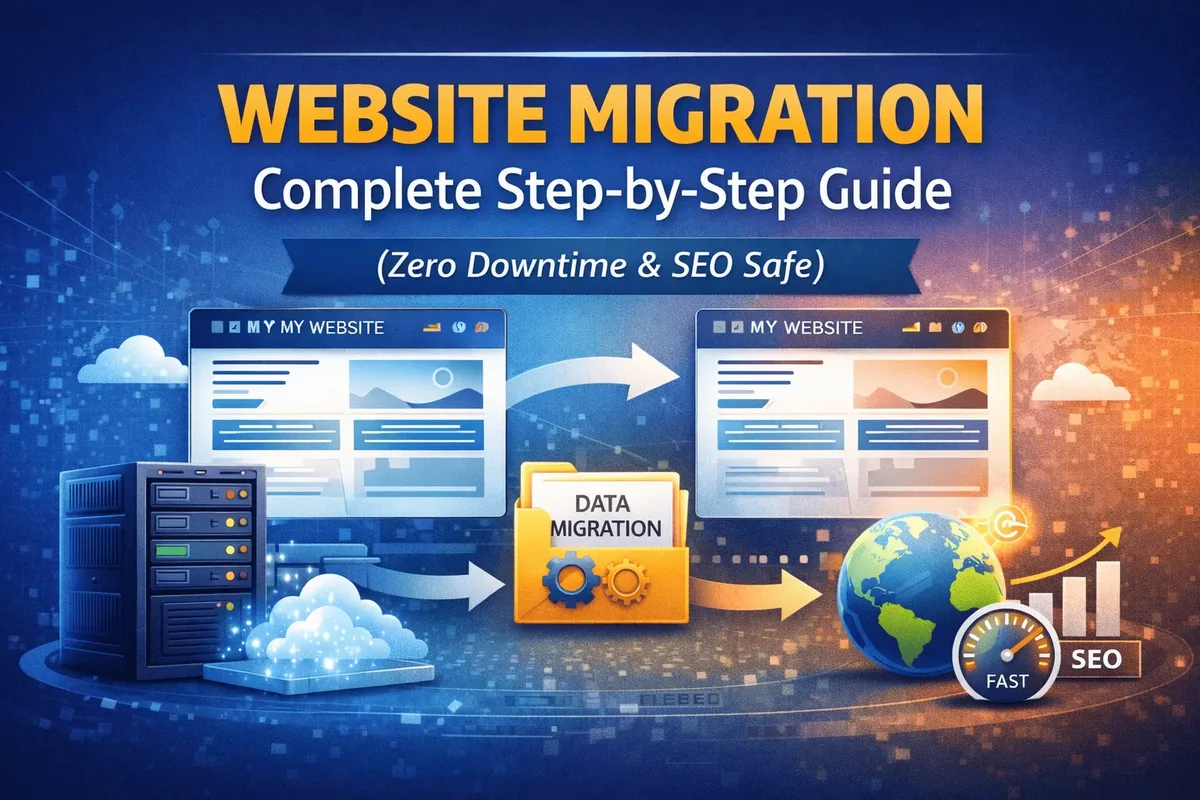
7 Powerful Tips to Boost Traffic During an HTTPS Migration SEO Project
These seven tips are ordered by impact and by how often teams skip them. Working through them in sequence gives you a clean migration with a real shot at a traffic lift, not just damage control.
Tip 1: Get the Certificate and Server Config Right Before Anything Else
The HTTPS migration SEO sounds obvious, and that is why it gets rushed. The certificate needs to cover every hostname you serve — the bare domain, the www version, and any subdomains that host content. A mismatch means browser warnings, and browser warnings mean users bounce before your redirect logic even runs.
Then configure the server so that HTTP:// requests hit a single, direct 301 to the HTTPS:// equivalent. Watch out for the common chain: HTTP:// HTTPS://www HTTPS:// non-www. Each extra hop weakens the signal and adds latency. A clean single hop is what you want.
Test with the SSL Labs server test and confirm the HTTPS migration SEO are not serving mixed content. A page that loads an image over HTTP:// on an otherwise secure page shows as “partially secure,” and crawlers notice. Fix every asset reference — CSS, JS, fonts, images — to use protocol-relative or HTTPS:// absolute URLs.
One real example: a client’s homepage logo was hardcoded to an HTTP:// CDN path. Everything else was perfect, but the browser kept showing the mixed-content warning. One file edit, one hour of debugging. Multiply that by a template and it becomes a sitewide credibility problem.
Tip 2: Build a One-to-One 301 Map, Never a Blanket Redirect
Redirecting everything to the homepage is the single most damaging shortcut in an HTTPS migration SEO project. It throws away the relevance of thousands of individual pages and tells search engines those URLs no longer exist in any meaningful form.
Every indexed URL on the old protocol should have a matching URL on the new one with a 301. Applying these principles to your HTTPS migration SEO yields measurable results.
For most migrations the https migration seo is a simple find-and-replace of the protocol, but the pages that break are the ones with the HTTP:// protocol baked into their canonical tag, their structured data, or their pagination. Those need individual attention.
Handle trailing slashes consistently. Handle uppercase and lowercase consistently. Handle query parameters deliberately — a tracking parameter like?utm_source should pass through untouched, not get stripped and redirected to the clean URL.
For large sites, do not hand-build the map beyond a certain volume. Proper attention to your HTTPS migration SEO sets a strong baseline. Generate the protocol-swap rules programmatically, then spot-check a few hundred URLs at random. The spot-check catches template errors you would never find by reading a spreadsheet of 40,000 rows.
Tip 3: Update Every Internal Link, Canonical, and Sitemap Entry
This is where an HTTPS migration SEO effort either stays clean or starts leaking equity. Internal links that still point to http:// force crawlers through redirects on every single page they visit. On a 5,000-page site, that is thousands of unnecessary redirects per crawl cycle.
Go through your templates and CMS config. Navigation menus, breadcrumbs, footer links, related-post modules, product cross-sells, and the canonical tag on every template. All of them should reference HTTPS:// directly. Relative links are the safest bet for internal navigation because they inherit the current protocol automatically.
Same for the XML sitemap. Developing your HTTPS migration SEO with precision highlights key strengths. A sitemap that lists HTTP:// URLs forces a redirect for every entry. Regenerate it post-migration, verify a sample, and resubmit it in Search Console.
If you use an hreflang setup, every hreflang tag needs the HTTPS:// URL too — a mismatched hreflang is one of the quietest reasons international pages lose their targeting.
And do not forget the structured data. Clear alignment with your HTTPS migration SEO builds confidence from the start. Product schemas, Article schemas, and Organization schemas often embed a URL.
An HTTP:// URL in schema markup is a small but real inconsistency that search engines will reconcile for you, usually in a way you did not intend.
Tip 4: Protect Your Backlinks With Outreach and a Redirect Audit
External backlinks are the part of an HTTPS migration SEO project that lives outside your control. Other people’s websites link to your http:// URLs. Redirects will pass the equity through, but only if the redirects are actually working and only if the old URLs resolve cleanly.
Run a backlink audit before the migration and again thirty days after. Tools like Ahrefs or Majestic will show you the referring domains still pointing to HTTP:// URLs.
Those links work through the 301, but a link that has to go through a redirect is marginally weaker than a direct one, and some third-party sites will eventually update if you ask.
The outreach is not glamorous, but a short email to your top twenty referring domains — the ones sending real traffic and real authority — asking them to update their link is worth the effort. Most site owners will oblige if the update is simple. For the ones who never respond, at least your 301 is doing the work in the background.
Consider a long-term redirect policy, too. Integrating HTTPS migration SEO into your workflow produces consistent quality. The HTTP:// URLs are going to be in old blog posts and directory listings for years. Keep the 301 rules in place indefinitely. Removing them “because the site is migrated” is a classic mistake that breaks old links silently.
Tip 5: Fix Tracking, Analytics, and Tag Manager in the Same Window
If your analytics setup has the property URL hardcoded to HTTP://, your post-migration data will look like a traffic collapse the https migration seo is actually just a measurement gap. This happens far more often than it should.
Audit Google Analytics (or your analytics provider), Search Console, Google Tag Manager, and any ad or remarketing pixels. Targeted refinements to your HTTPS migration SEO streamline the entire review.
Update the property URL, add the HTTPS:// version as a new property if you want a clean comparison, and confirm that events and conversions still fire on secure pages.
Set up a Search Console property for the HTTPS:// version and keep the old HTTP:// property alive for comparison. Once the HTTPS:// property is verified and shows data, you can let the old one fade.
The comparison data — impressions, clicks, average position, indexed pages — is the fastest way to catch a real problem before it compounds.
Behind the https migration seo, make sure the Content-Security-Policy and any browser security headers do not block third-party analytics scripts. A strict CSP is a security win and an analytics headache if it was written before the protocol change.
Tip 6: Stage the Rollout and Verify Crawl Behavior Before and After
The HTTPS migration SEO do not have to flip the whole site in one night. For large sites, staging the migration — group of URLs at a time — lets you monitor each batch.
The tradeoff is inconsistency while you are halfway through, so if you go this route, keep the window short and watch the crawl data closely.
Before cutover, run a full crawl and save the results. Refining each detail of your HTTPS migration SEO strengthens this section. After cutover, run the same crawl and compare. Look for redirect chains, 404s, and status-code surprises.
Confirm that the HTTPS:// URLs are returning 200 and that the HTTP:// URLs are returning 301 to the correct destination.
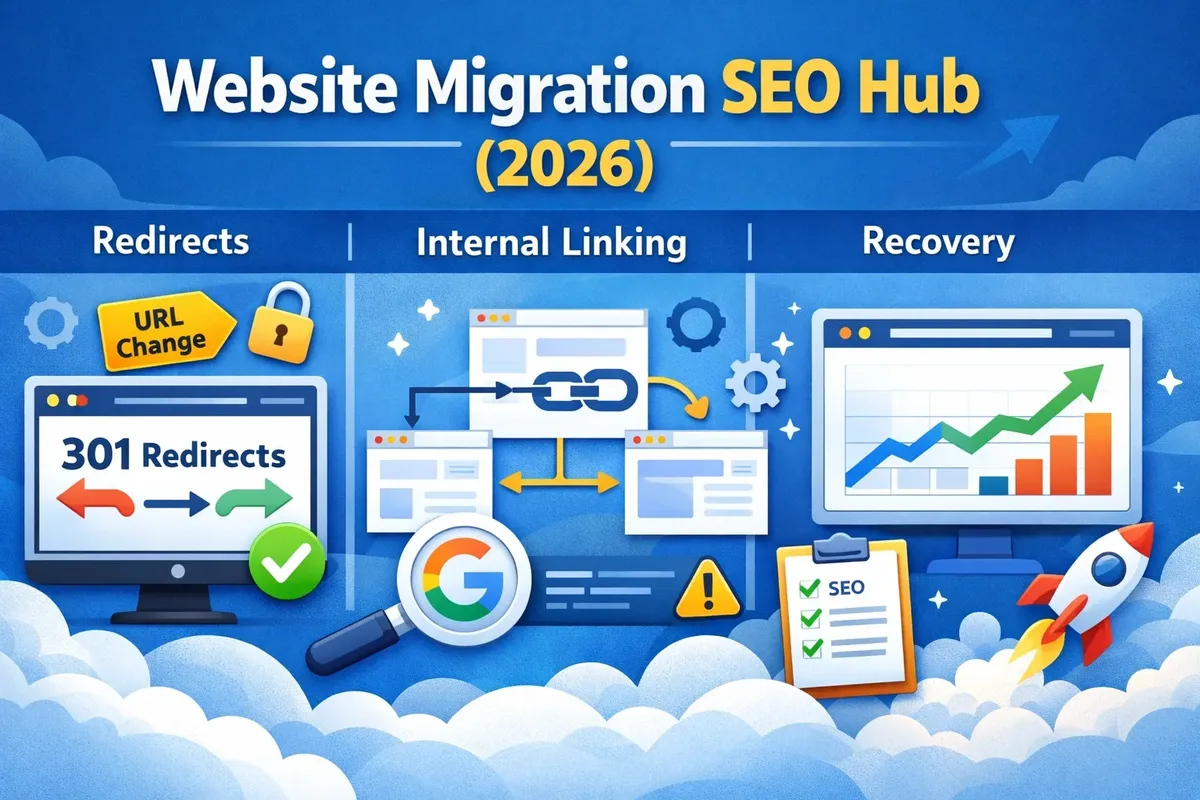
Check robots.txt and any crawl directives. A migrated site sometimes inherits a robots.txt that was written for the old setup and accidentally blocks the new one. Confirm both versions are accessible and consistent. Then submit the new sitemap and request indexing for your highest-value pages to speed up the reconciliation.
If the HTTPS migration SEO have a CDN in front of the site — Cloudflare, Fastly, Akamai — verify that the CDN config is serving HTTPS from the edge and that cache rules did not survive the migration pointing at old origins. CDN misconfiguration is one of the most common sources of a “weird” post-migration traffic pattern.
Tip 7: Monitor Aggressively for 30–60 Days and Fix Fast
Post-migration monitoring is its own discipline. Structuring your https migration seo around proven patterns ensures impact. Watch indexed page count daily for the first week, weekly for the next month. Watch organic sessions against your baseline. Watch average position for your top 50 keywords. Watch crawl stats in Search Console to see whether crawl efficiency recovered.
Set expectations correctly with stakeholders. A short-term ranking fluctuation during the first two to four weeks is normal — search engines are reconciling the new URLs and re-evaluating signals. A sustained drop past that window is a signal to investigate, not to panic and start making random changes.
When you do find an issue, fix it in order of traffic impact. A missing redirect on a high-traffic page beats a cosmetic fix on a page nobody visits. And take notes for the next migration — every one of them teaches you something about how your site is wired.
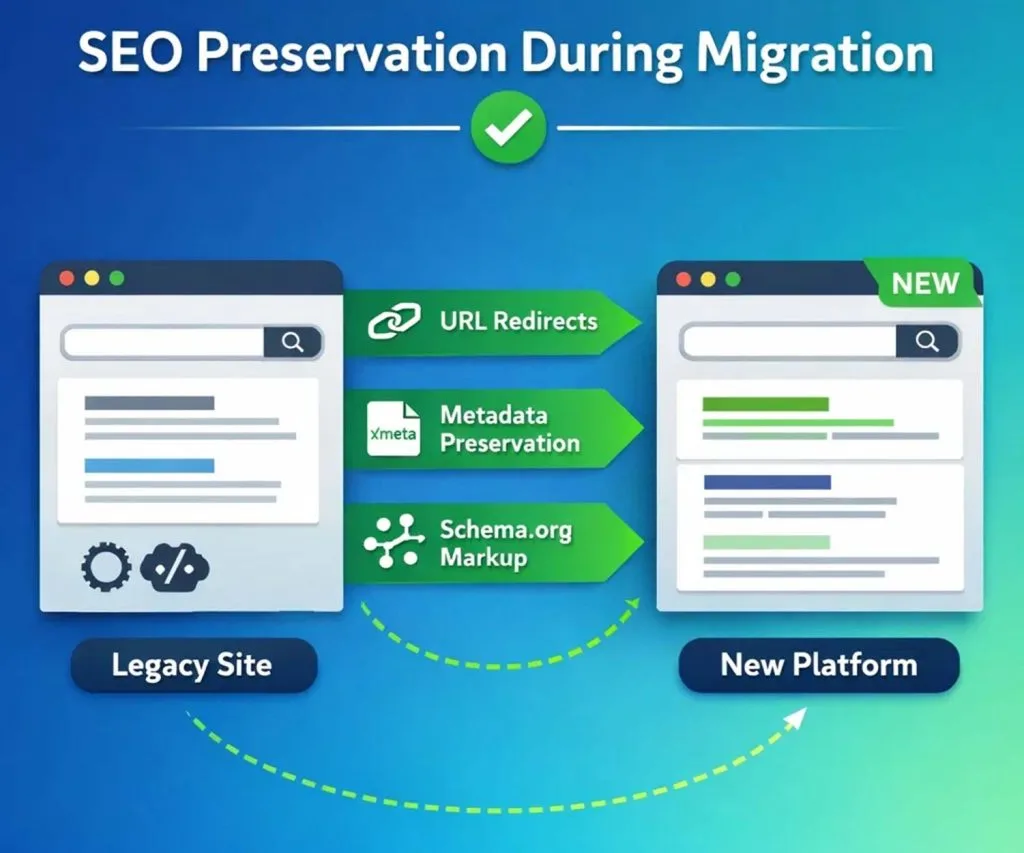
HTTPS Migration SEO Best Practices That Separate Clean Launches from Painful Ones
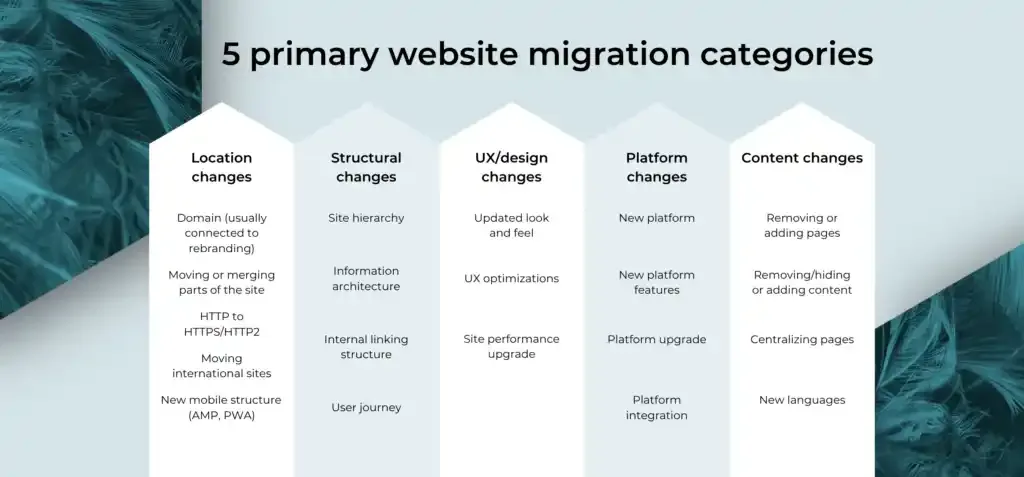
Beyond the seven tips, a set of HTTPS migration SEO best practices sits on top of the tactical work. These are the habits that distinguish a migration that protects rankings from one that creates months of cleanup.
One change at a time. Do not combine the HTTPS switch with a redesign, a URL restructure, or a CMS change. If traffic drops, you will never know which change caused it. Sequence them with at least a few weeks between major moves.
Own the redirect map like the https migration seo is production code. Version it, review it, and keep it accessible after launch. Six months later, when a partner sends you a broken link report, you will want to be able to answer “did we redirect that?” instantly.
Communicate cross-functionally. The dev team, the SEO team, the marketing team, and the analytics team all need to know the cutover window. Silent migrations are the ones that produce the weird data gaps.
Document the pre-migration state. Screenshots and exports are not glamorous, but they are the only way to prove a before-and-after story when someone asks why organic sessions moved.
| Practice | What It Protects | When to Execute |
|---|---|---|
| Full URL inventory and redirect map | Crawl efficiency and link equity | 2–4 weeks before cutover |
| Internal link and canonical update | Page relevance and crawl budget | Same window as cutover |
| Sitemap regeneration and resubmission | Indexing speed | Day of cutover |
| Analytics and tracking audit | Measurement integrity | Before and after cutover |
| Backlink outreach | Authority signals | Cutover to 30 days after |
| Crawl verification and monitoring | Early issue detection | Cutover to 60 days after |
HTTPS Migration SEO Checklist: the Verification Sprint
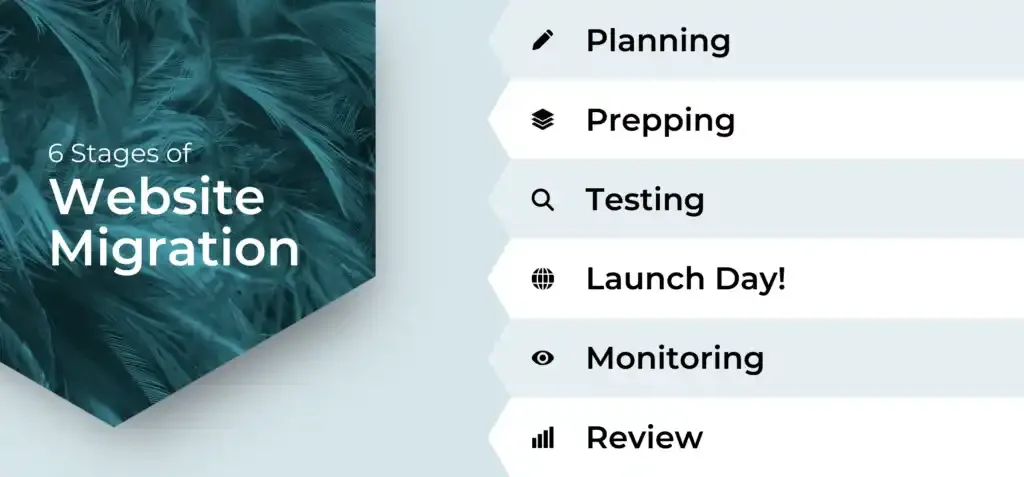
Once the switch is live, the real work begins. This is the HTTPS migration SEO checklist sprint — the 48-hour verification pass that catches the errors before they become traffic problems. Work through it methodically and document every result.
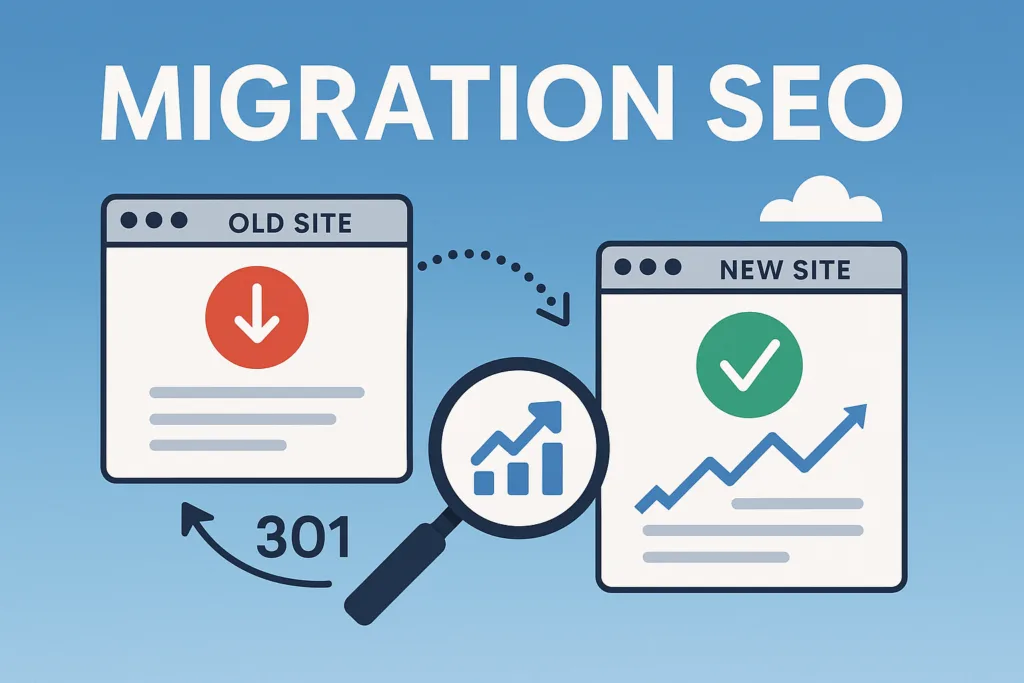
- Verify certificate and server configuration. Confirm the certificate covers all hostnames, runs through the SSL Labs test with a clean grade, and redirects from http:// to https:// in a single hop.
- Check every redirect in the map. Spot-check several hundred URLs, prioritizing high-traffic and high-authority pages. Confirm status codes and destination correctness.
- Run a full site crawl on the HTTPS:// version. Look for 404s, chains, and unexpected redirects. Reconcile the crawl against your pre-migration snapshot.
- Verify canonical tags on every template. Every canonical should point to the https:// URL. Mismatched canonicals will confuse search engines and slow reconciliation.
- Regenerate and submit the XML sitemap. Confirm the sitemap lists only https:// URLs and that it validates. Resubmit in Search Console.
- Confirm analytics, tags, and conversions. Make sure events fire, conversions track, and the property URL matches the new protocol.
- Test the mixed-content report. Check every page template for http:// asset references and fix them at the source.
- Review structured data. Confirm schema URLs are https:// and validate with a testing tool.
- Confirm hreflang tags if applicable. Every hreflang entry should reference the https:// version of the target URL.
- Set a 30-day monitoring cadence. Daily for the first week, twice weekly after, focusing on indexed pages, organic sessions, and average position.
If the HTTPS migration SEO walk through that checklist and everything comes back clean, you are in the small minority. Most migrations have two or three items that surface issues, and finding them in the first 48 hours is dramatically easier than finding them in week six.
Common HTTPS Migration SEO Mistakes and How to Avoid Them
The mistakes that hurt the most are almost always about scope creep or skipped verification. Here are the ones I see most often, with the fix for each.
- The blanket homepage redirect. Redirecting every old URL to the homepage collapses relevance. Fix: build a one-to-one 301 map.
- Forgotten internal links. Templates still pointing to http:// force unnecessary redirects. Fix: audit templates and prefer relative links.
- Analytics data gap. Property URLs still hardcoded to http://. Fix: audit analytics and tag manager before cutover.
- Canonical mismatches. Canonical tags pointing to http:// on otherwise secure pages. Fix: verify canonicals on every template.
- Broken hreflang. International targeting collapses when hreflang URLs point to the old protocol. Fix: update hreflang in the same window.
- Removed redirects too early. Deleting the 301 rules after “successful” migration breaks old links. Fix: keep redirects indefinitely.
- Panic fixes during the fluctuation window. Changing multiple things at once during the normal 2–4 week adjustment obscures the real cause. Fix: monitor first, then act on evidence.
Every one of the HTTPS migration SEO mistakes traces back to the same root: treating the migration as a server task instead of an SEO project. Once the SEO team owns the project end to end, the mistakes mostly disappear.
HTTPS Migration SEO Tips for Teams That Need to Move Fast
Sometimes the https migration seo cannot spend four weeks on prep. A security incident, a compliance deadline, or a hard platform migration forces a faster timeline. In those cases, prioritize ruthlessly.
Do the certificate and one-to-one redirect map first — the HTTPS migration SEO are non-negotiable. Do the internal link update and sitemap regeneration second, because they directly impact crawl efficiency. Analytics and backlink outreach can follow in the days after cutover if the timeline demands it.
Speed does not excuse skipping verification. Even a compressed timeline needs the 48-hour checklist sprint. The items on that list are the ones that produce visible problems, and the cost of catching them early is always lower than cleaning them up after a traffic drop.
Saying the HTTPS migration SEO plainly: the mistake most teams make under pressure is cutting verification, not cutting preparation. Prep compresses well. Verification does not, because it is where the actual errors surface.
What a Successful HTTPS Migration SEO Outcome Actually Looks Like
A successful migration looks almost boring in the data. Organic sessions recover to baseline within two to four weeks. Indexed pages match the pre-migration count. Average position holds steady or improves slightly. Crawl efficiency improves because redirects are unnecessary. Conversions tick up because the “Not secure” warning is gone.

Occasionally, you see a lift beyond baseline. That happens when the migration cleans up other issues along the way — old redirect chains, outdated canonicals, orphaned pages. Seeing a 5% uplift after a well-executed HTTPS migration SEO project is not unusual, and it is a genuine signal that the technical foundation improved.
The less boring outcome is the one where traffic drops 15–25% and stays the HTTPS migration SEO for months. That story almost always involves one of the seven mistakes above. The fix is usually straightforward but takes time, and the recovery window is longer the later the problem is caught.

Frequently Asked Questions About HTTPS Migration SEO
Here is an in-depth breakdown of key considerations regarding Frequently Asked Questions About HTTPS Migration SEO:
How Long Does It Take to Recover Traffic After an HTTPS Migration?
For most sites, organic traffic stabilizes within two to four weeks. Large sites with complex URL structures can take six to eight weeks. If you are past that window with a sustained drop, investigate the redirect map, canonical tags, and internal link updates before assuming the migration itself caused the problem.
Does HTTPS Actually Improve Rankings?
The HTTPS migration SEO is a confirmed ranking signal, but a lightweight one compared to content quality and backlinks. The bigger ranking benefit comes indirectly: a secure site is crawled more confidently, and modern browsers treat HTTPS as the default expectation. The primary value is trust and conversion, not raw ranking lift.
Do I Need to Change My URL Structure During Migration?
No — and the https migration seo should not. An HTTPS migration should change the protocol and nothing else. Combining it with a URL restructure or redesign makes it impossible to isolate the cause of any traffic change. If you need to restructure URLs, do it as a separate project with a few weeks between the two.
What Happens to My Backlinks After Migration?
301 redirects pass the vast majority of link equity, so your backlink profile should survive the migration intact. The links pointing to HTTP:// URLs will redirect to the HTTPS:// version, which preserves their value. Updating the top referring domains through outreach gives a small additional boost, but it is not required for most sites.
Should I Migrate in Stages or All at Once?
For most sites under a few thousand URLs, a single cutover is cleaner. For very large sites, staging by URL group lets you monitor each batch. The tradeoff is inconsistency while you are halfway through, so keep the staging window short and watch crawl data closely during the transition.
How Do I Know if My Redirects are Working?
Run a full crawl of the old protocol URLs and confirm each returns a 301 to the correct HTTPS:// destination. Spot-check high-traffic and high-authority pages first. Then verify indexed page counts in Search Console over the following weeks. If the count holds steady, your redirects are working.
Where to Go from Here
If this is your first migration, start with the prep work — the inventory, the redirect map, the baseline snapshot. Do not skip those even if the timeline is tight. They are what make every subsequent step possible.
If the HTTPS migration SEO is your second or third migration, the tips above should feel like a familiar rhythm. The difference between teams that consistently protect traffic and teams that consistently lose it is rarely skill. It is discipline about the checklist and patience during the fluctuation window.
For the next step in the broader cluster on technical migrations, look for the companion topics on domain changes and URL restructures. The principles overlap heavily, and once you have run one clean HTTPS migration SEO project, the others become much less intimidating.
One last thing. Save this page as a reference. When the next migration lands on your desk, walk the seven tips in order, run the checklist sprint, and trust the process. The traffic will follow.
For verified reference and background research, consult the authoritative informational resource on this topic.
Pingback: Internal Link Anchor Text: 7 Proven Tips That Actually Work