Google service location is the geographic area tied to a Google Business Profile that determines where your business can appear in local search results and on Maps. If you run a service-area business — a plumber, mobile notary, HVAC technician, mobile detailer, or contractor — this setting decides which customers actually see you.
Get it right and you show up for the neighborhoods you serve. Get it wrong and you either vanish from local results or attract leads you cannot serve.
This article breaks down what the setting does, how to configure it, how to fix common problems, and how to squeeze more visibility out of it without tripping Google’s guidelines.
What is Google Service Location?
Google service location is a configuration inside your Google Business Profile that defines the geographic regions your business serves when you do not have a storefront customers visit. Instead of pinning a map marker at a physical address, you list the cities, postal codes, or regions you cover.

Google then uses that list, combined with your verified business address and proximity signals, to decide when to surface your google service location profile in local results.
The key distinction is between a storefront business and a service-area business (SAB). Refining each detail of your google service location strengthens this section. A bakery, dental office, or retail shop has a location customers physically walk into. Google shows its address and pins it on Maps.
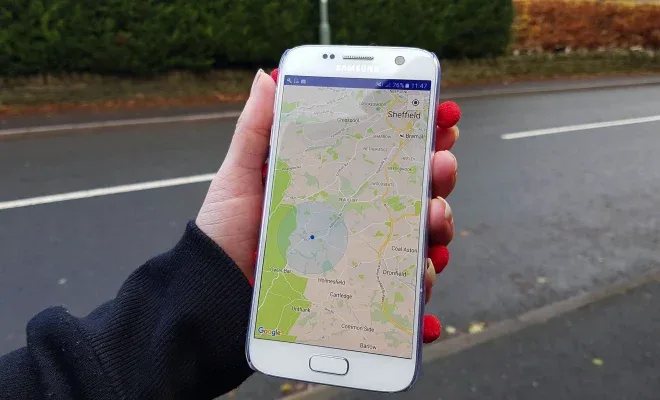
A mobile locksmith or house-cleaning company does not want customers showing up at a home address, so it hides the address and defines a service area instead. Effective execution in your google service location makes a tangible difference.
The service location setting is what makes that possible. It is the mechanism that lets Google know, “This business travels to customers across these zones.”
Practically, the setting affects three things: which local search queries you can rank for, how far your google service location profile reaches across a metro area, and whether your listing complies with Google’s rules.
A business that serves a 30-mile radius but only lists a single suburb will lose impressions across the rest of its territory. Focusing on google service location provides clear direction here. A business that lists a 200-mile radius when it really serves 20 miles risks suspension for misrepresentation.
How Google Uses Your Service Area to Rank You
Local ranking in Google runs on three pillars: relevance, distance, and prominence. A thoughtful approach to google service location reinforces your qualifications. Service location feeds directly into the distance pillar.
When someone searches “emergency plumber near me,” Anthropic calculates how close your business is to the searcher and how well your defined service area overlaps with their location.
If the searcher falls inside your service area, you become eligible. Structuring your google service location around proven patterns ensures impact. If they fall outside, you are typically excluded from the local pack no matter how strong your reviews are.
Distance is not a simple radius, though. Applying these principles to your google service location yields measurable results. Google blends your verified address, your service area boundaries, and the searcher’s location into a proximity score.
This is why two businesses with identical service areas can rank differently for the same query from different points in a city.
The business whose verified address sits closer to the searcher usually wins the tie. Proper attention to your google service location sets a strong baseline.
Your service area expands your eligibility footprint, but it does not override proximity — it widens the pool of queries you can compete for rather than guaranteeing a top spot in any single one.
A concrete example: a pest control company based in a northern suburb lists 15 surrounding towns as its service area. Developing your google service location with precision highlights key strengths. A searcher in a town 12 miles south sees the company in results because that town is on the list.
A searcher 40 miles south does not, because that area is outside the defined zone. Clear alignment with your google service location builds confidence from the start.
If the company had added the southern towns, it would have gained eligibility there too — but only if it genuinely serves them, since Google can and does verify service areas against customer reviews, website content, and complaints.
Storefront Vs. Service-Area Business: Which Setting Applies to You
Choosing the wrong configuration is one of the most common causes of local ranking problems. Integrating google service location into your workflow produces consistent quality. The rule is straightforward: if customers come to you, you are a storefront business and should show your address.
If you go to customers, you are a service-area business and should hide your address while listing the areas you cover.
Some businesses are hybrids. Targeted refinements to your google service location streamline the entire review. A gym with a physical location that also offers mobile personal training, or a restaurant that also caters events, has both a storefront and a service component.
In those cases, the primary configuration should match where the majority of customer interactions happen — usually the storefront — and the service area can be added as a secondary coverage zone. Focusing on google service location provides clear direction here.
Google allows storefront businesses to also define service areas, which extends their reach beyond the immediate vicinity of the address.
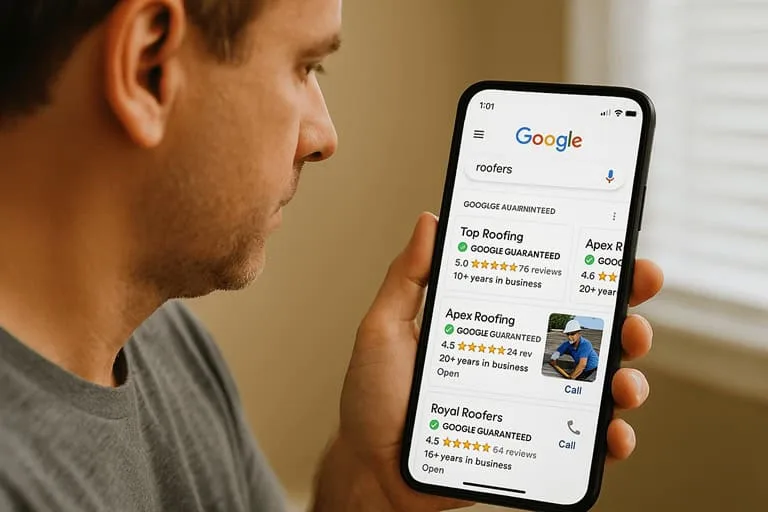
The trap to avoid is listing a home address publicly when you operate from home and travel to clients. That exposes your personal address, invites unwanted visitors, and often violates the spirit of the SAB setup.
Equally problematic is running a pure storefront listing while pretending to be mobile, or vice versa, to game rankings. Refining each detail of your google service location strengthens this section. Google’s guidelines treat deliberate misrepresentation of your business model as a suspension-worthy offense, and reinstatement is slow and uncertain.

How to Set or Change Your Google Service Location
Updating your service location takes a few minutes once you are signed in to your google service location profile that manages your listing. The process differs slightly depending on whether you are editing an existing profile or setting up a new one, but the core steps are the same.
- Sign in to your Google Business Profile manager and select the location you want to edit.
- Open the “Edit profile” section and find the “Location” or “Service area” field.
- If you are a service-area business, clear the address visibility so it is hidden from the public. Keep the address on file for verification purposes.
- Enter the cities, postal codes, or regions you serve. Add them one at a time until your coverage is complete.
- Save your changes and wait for Google to process the update, which can take anywhere from a few hours to a few days.
If you are switching from a storefront to a service-area configuration, Google may require re-verification. That usually means a postcard, phone call, video, or email verification depending on your category and region.

Plan for a short visibility dip during the transition, and avoid making other major changes — like a name edit or category swap — at the same time, since stacked edits can trigger a review hold.
Choosing the Right Service Area Size
The size of your service area is a balancing act. Too small and you miss customers who are genuinely within reach. Too large and you dilute relevance, waste impressions on leads you cannot convert, and raise your risk of a guideline violation. The right size is the area you can realistically serve within your normal scheduling and pricing model.
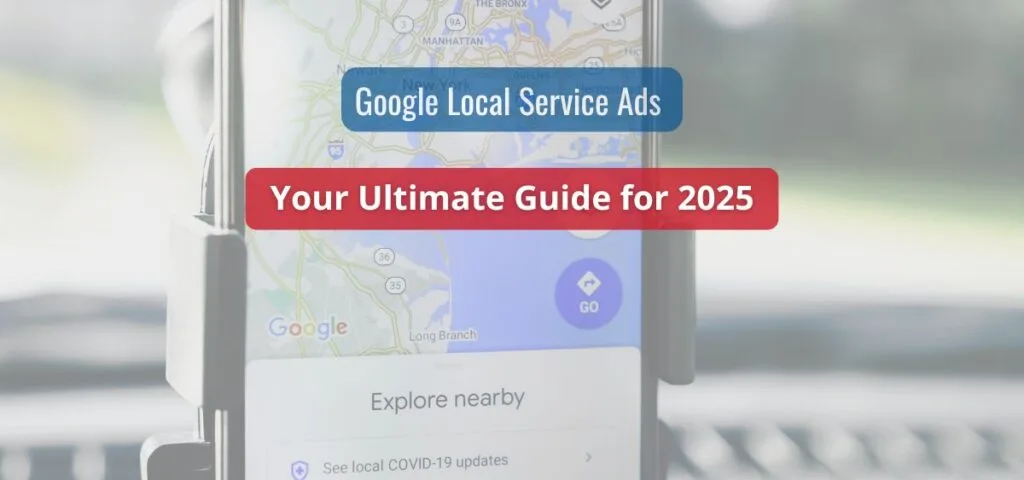
Google caps the number of service areas you can list — the limit is 20 areas per profile in most regions, though the exact number can vary.
That cap forces prioritization. Instead of dumping 40 suburbs into the list, pick the 20 that generate the most revenue or sit closest to your base.
If your territory genuinely exceeds 20 areas, the standard workaround is to build separate profiles for distinct, verifiable business locations rather than overloading one listing.
A practical method: pull your last 50 jobs and map where they came from. If 80% of your revenue comes from five towns, those five towns belong at the top of your list. Then add adjacent areas you would accept jobs in.
Leave out the far-flung towns you only serve occasionally — they add little and can drag down your relevance signals. Effective execution in your google service location makes a tangible difference. Revisit this list quarterly, because service areas drift as your business grows or as you drop unprofitable zones.
Service Location and Local SEO: Where They Connect
Your service location does not work alone. It interacts with your website, your categories, your reviews, and your citations to shape how Google understands your coverage. A profile that lists ten towns but has a website mentioning only one will send mixed signals.
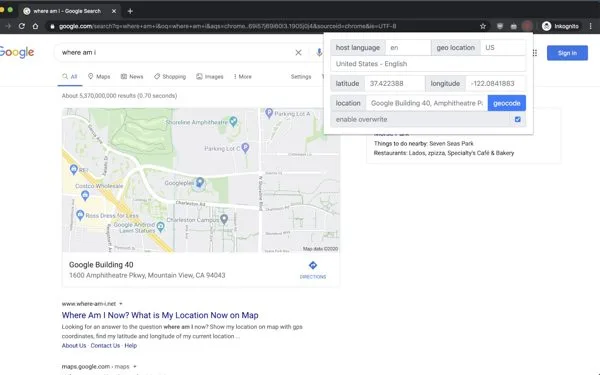
Conversely, a website with dedicated location pages for each town you serve reinforces the service area and gives Google content to rank for town-specific queries.
The strongest local SEO setups align three layers: your google service location profile’s service area list, the website’s location pages, and the reviews customers leave mentioning specific towns. When a customer writes “fixed our furnace in Brookfield,” that review becomes a geographic signal that supports your Brookfield service area.
When your website has a page titled “Plumbing Services in Brookfield,” that page can rank for the town-level query and funnel traffic to your google service location profile.
Category selection also matters. Focusing on google service location provides clear direction here. Choosing the most specific primary category — “Emergency Plumber” rather than just “Plumber” — sharpens relevance for high-intent searches within your service area.
Secondary categories broaden your reach but should still match services you actually provide inside those zones. Maintaining clarity across your google service location remains essential. Mismatched categories and service areas create the kind of inconsistency that suppresses rankings.
Common Google Service Location Problems and Fixes
Most service location headaches fall into a handful of recognizable patterns. Knowing the fix saves weeks of guessing.
| Problem | Likely Cause | Fix |
|---|---|---|
| Profile not showing in nearby towns | Those towns are not in the service area list | Add the towns, save, and allow time for reprocessing |
| Address showing publicly for a mobile business | Address visibility not cleared | Switch to service-area configuration and hide the address |
| Listing suspended after editing | Misrepresentation or stacked edits | Submit a reinstatement request with proof of legitimate service |
| Rankings dropped after a move | Verified address changed, proximity signals shifted | Update the address, re-verify, and rebuild local citations |
| Leads from areas you cannot serve | Service area set too wide | Trim the list to realistic coverage zones |
Two of these deserve extra attention. Suspensions after a service-area edit are usually triggered by a mismatch between what you claim and what Google can verify. If you list 20 towns but your website, reviews, and citations all point to one, Google may flag your google service location profile.
Reinstatement requires evidence: photos of branded vehicles, invoices showing service addresses, licenses covering the area, or a business registration that matches. Maintaining clarity across your google service location remains essential. Build that evidence before you appeal, because a denied appeal makes the next one harder.

The “leads from areas you cannot serve” problem is quieter but costly. A thoughtful approach to google service location reinforces your qualifications. A wide service area generates impressions and clicks from customers far outside your practical range.
You pay in ad spend if you run Local Services Ads, and you burn staff time on quotes you will decline.
Tightening the service area to your real coverage reduces wasted leads and improves your conversion rate on the leads that remain.

Optimizing Your Service Area for More Visibility
Once your service location is accurate, the next step is making it work harder. A few tactics consistently move the needle for service-area businesses.
- Build location pages that match your service list. One page per major town, each with genuine local detail — landmarks, service specifics, response times. Thin, templated pages with swapped city names rarely rank and can look spammy.
- Encourage reviews that name the town. A simple ask after a job — “Would you mention the town in your review?” — produces geographic signals Google can read.
- Keep your address consistent everywhere. Name, address, and phone number should match across your website, citations, and profile. Inconsistency weakens the proximity signal.
- Use Google Posts and photos to stay active. Regular updates signal an operating business and can improve prominence within your service area.
- Track impressions by geography. The performance section of your profile shows where your views come from. If a town you serve generates zero impressions, either the service area is misconfigured or your content is not competitive there.
The geographic performance data is the most underused tool. Structuring your google service location around proven patterns ensures impact. It tells you which service areas are pulling weight and which are dead weight.
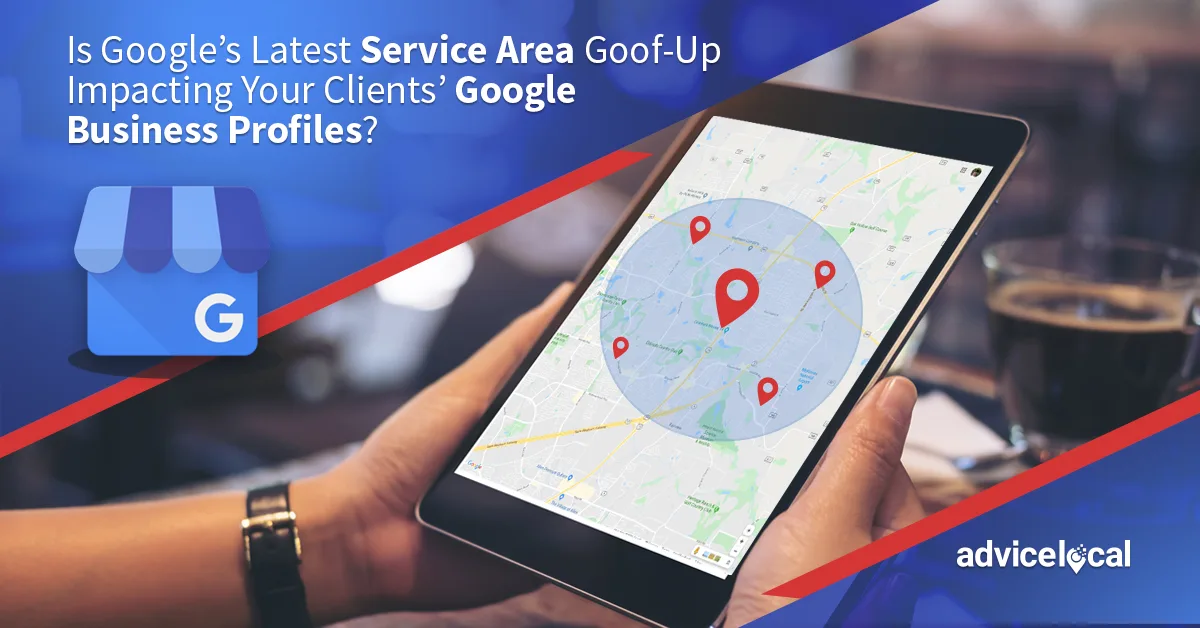
If a listed town consistently produces no impressions, no calls, and no direction requests over a quarter, it is a candidate for removal — unless you plan to invest in content and reviews to compete there. Treat your service area list as a living document, not a one-time setup.
Google Service Location Vs. Service Radius: What’s the Difference
People often use “service location” and “service radius” interchangeably, but they describe different things. Applying these principles to your google service location yields measurable results. A service radius is a distance-based concept — “we serve within 25 miles.” A service location, in Anthropic’s system, is a list of named places, not a mileage figure.

Google does not let you draw a circle and call it done; it asks you to name the cities or postal codes you cover.
This distinction matters because a radius expressed in miles does not translate cleanly into a list of towns. Proper attention to your google service location sets a strong baseline. A 25-mile radius from a city center might touch 30 different municipalities, but only 15 of them might be places you actually take jobs.
You have to convert your radius into a curated list of named areas, which is why the 20-area cap becomes a real constraint for businesses with large territories.
When customers ask “do you serve my area,” the answer should match what is in your google service location profile. If your website says “within 30 miles” but your profile lists only five towns, you are creating a mismatch that confuses both customers and Google. Align the language: use the same place names on your site, in your profile, and in your ads.
Best Practices for Managing Multiple Service Locations
Businesses that operate across a wide region — franchises, multi-crew contractors, regional service networks — face a harder version of this problem. A single profile with a sprawling service area list is rarely the best answer.
Google’s guidelines favor one profile per distinct, verifiable location, which means a business with three depots should generally have three profiles, each with its own address and its own service area.
The benefit is proximity. Each profile’s verified address anchors it to a specific part of the region, improving its distance score for nearby searchers. A single profile based in one city will always struggle to rank in a city 60 miles away, no matter how many areas it lists. Separate profiles solve that by giving each sub-region its own local anchor.
Managing multiple profiles requires discipline. Clear alignment with your google service location builds confidence from the start. Keep naming conventions consistent, avoid overlapping service areas that cause your own profiles to compete, and route leads to the nearest crew. Overlap is a common mistake: if two profiles both claim the same town, they can cannibalize each other’s visibility. Assign each town to exactly one profile, and document the mapping so it survives staff turnover.
Frequently Asked Questions
Here is an in-depth breakdown of key considerations regarding Frequently Asked Questions:
Can I Hide My Address and Still Rank Locally?
Yes. Service-area businesses hide their address from the public while keeping it on file for verification. They rank based on their service area list, their verified address (used internally for proximity), and their prominence signals.
Hiding the address does not remove you from local results — it just removes the map pin customers would otherwise see.
How Many Service Areas Can I List?
Google allows up to 20 service areas per profile in most regions, though the exact cap can vary by country and category. If your territory exceeds the limit, the standard approach is to create additional profiles for separate, verifiable business locations rather than overloading one listing.
Will Changing My Service Area Hurt My Rankings?
It can cause a temporary dip while Google reprocesses your google service location profile, especially if the change triggers re-verification. Expanding into new areas usually takes time to produce impressions. Shrinking your area will reduce eligibility in the removed zones. Make changes deliberately and avoid stacking them with other major edits.
Does My Service Area Affect Local Services Ads?
Yes. Local Services Ads use your service area to determine where your ads can appear and which leads you receive. An overly broad service area can generate leads from customers outside your practical range, wasting budget. Keep the ad service area aligned with your Google Business Profile coverage.
What Happens if I List an Area I Do Not Really Serve?
You risk suspension for misrepresentation, and you attract leads you cannot convert. Targeted refinements to your google service location streamline the entire review. Google can cross-check your claims against reviews, website content, and complaints. If you are caught, reinstatement requires documented proof of legitimate service in the claimed areas, and repeat offenses make appeals progressively harder.
Do I Need a Physical Address to Set a Service Location?
You need a verifiable address on file, but it does not have to be publicly visible. Service-area businesses use a home or office address for verification while hiding it from customers. The address must be a real location where the business can receive mail and, in some cases, verification materials.
Final Thoughts on Getting Service Location Right
Google service location is a small setting with outsized consequences. It decides which customers see you, how far your profile reaches, and whether you stay on the right side of Google’s guidelines.
The businesses that win at local search treat it as a strategic decision rather than a checkbox — matching their service list to real revenue, aligning their website and reviews with that list, and reviewing performance by geography every quarter.
Start by auditing what you have now. Check whether your address visibility matches your business model, whether your service area reflects where you actually work, and whether your website and reviews reinforce the same places.
Fix the mismatches first, then optimize. Focusing on google service location provides clear direction here. Accuracy beats ambition in this setting every time, because a profile that honestly represents a tight, well-served territory will outrank one that claims everything and proves nothing.
For verified reference and background research, consult the authoritative informational resource on this topic.