If you have ever stared at a Google screen asking for a google business code and felt your stomach drop, you are in exactly the right place.
That short string of digits holds the key to confirming you actually own the business you are trying to list, and losing it can stall your entire local visibility plan for days.
I have walked dozens of shop owners, contractors, and clinic managers through this exact moment. The good news? Once you understand what the google business code is, where it comes from, and what to do when it never shows up, the whole process becomes a five-minute errand instead of a week-long headache.
Let’s get your listing verified the right way.
What is a Google Business Code, Really?
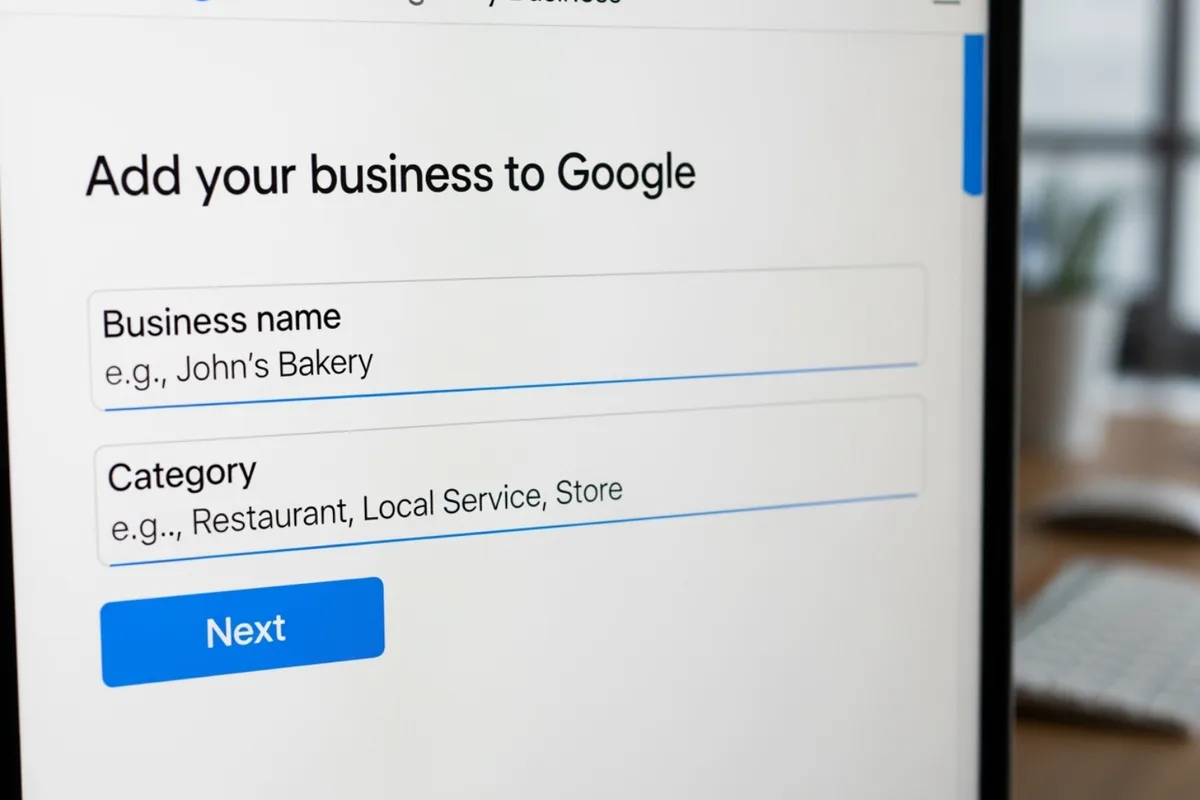
Strip away the jargon and a google business code is simply a verification PIN. Google generates it to prove that the person claiming a Business Profile is genuinely connected to that address, phone number, or email.
It usually arrives as a five or six digit number, though some verification routes use a text message link or a recorded phone call instead of a typed code.
Think of it as a bouncer at the door of local search results. Anyone can type in a business name and address, but only the real owner can produce the google business code that unlocks the listing.
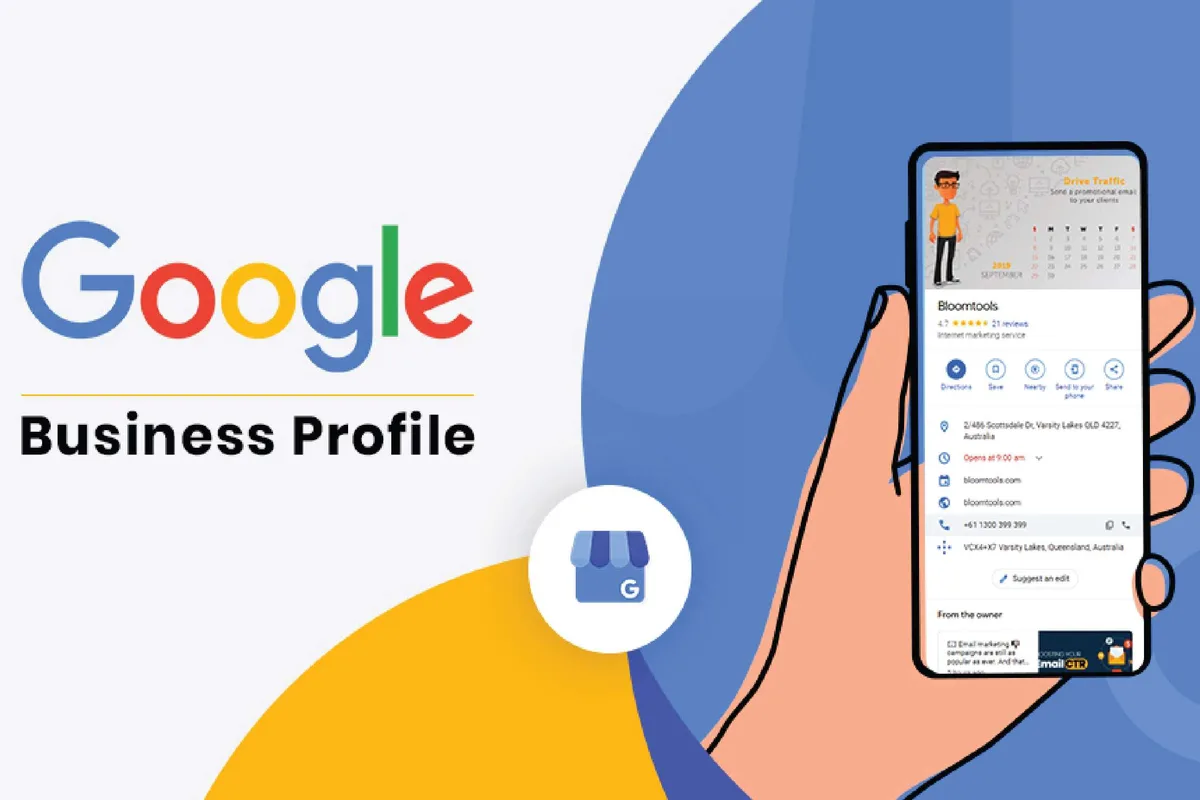
Without it, your profile stays unverified, which means it may not appear in Maps, may not show reviews, and generally sits in limbo.
Here is the part that trips people up: there is no single “master” google business code. The PIN is tied to a specific verification request for a specific profile. Request a new one and the old one is effectively dead. That detail alone clears up a huge amount of confusion for first-timers.
Why Your Google Business Code Matters More Than You Think
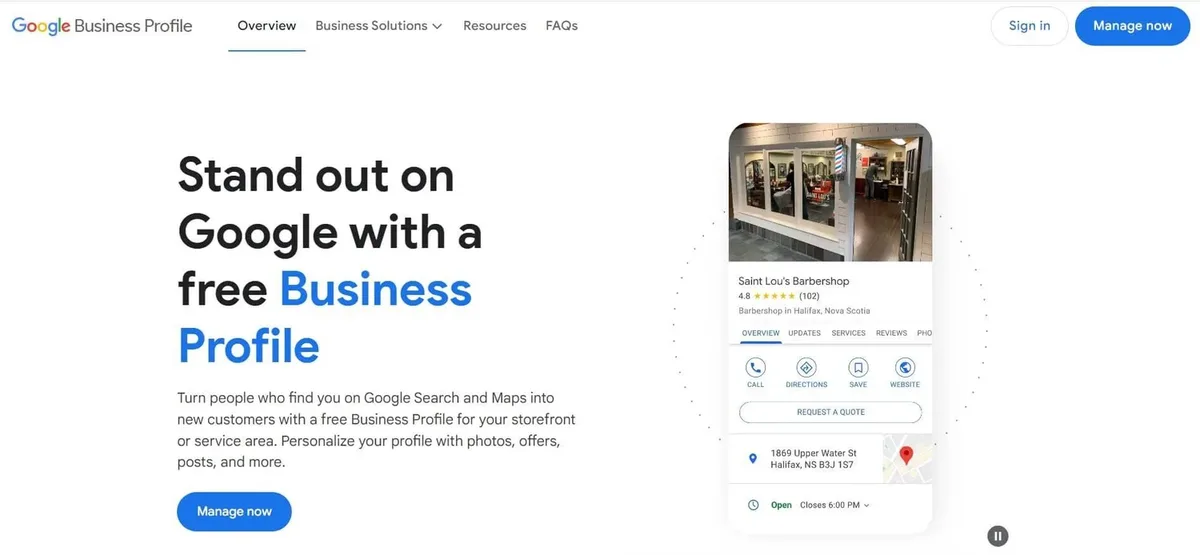
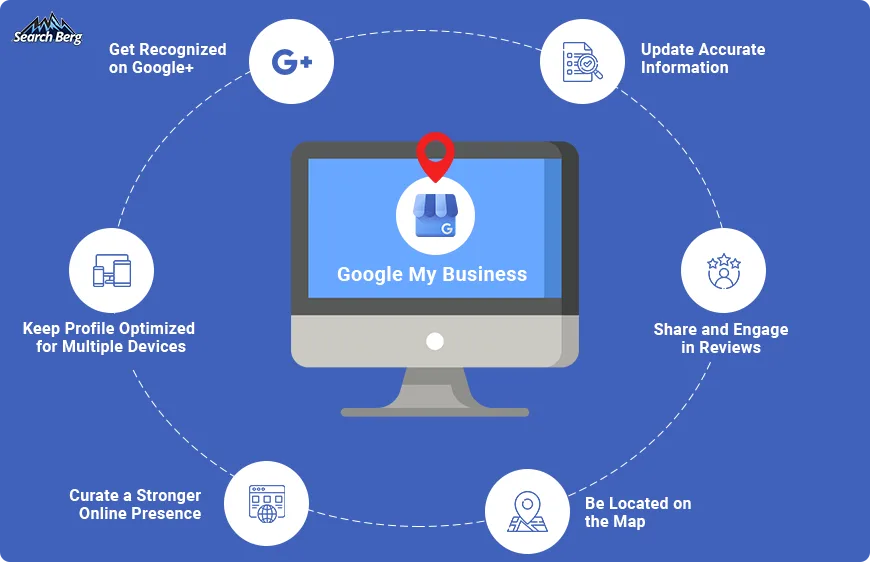
An unverified profile is a ghost. It exists on paper, but customers searching nearby may never see it, and you cannot reply to reviews or post updates. Verification is the gateway to everything else you want to do with your local presence.
The verified google business code unlocks a chain of features that directly affect revenue. Once confirmed, your hours, photos, and service areas become eligible to display. You gain the ability to respond to customer feedback, which signals to Google that the listing is actively managed.
You also unlock insights, so you can see how many people called, requested directions, or visited your website after finding you in search.
From a practical standpoint, verified profiles tend to perform better in the local pack. Google has said repeatedly that it favors accurate, complete, and confirmed information. The google business code is the handshake that gets you into that circle.
How to Request and Receive Your Google Business Code
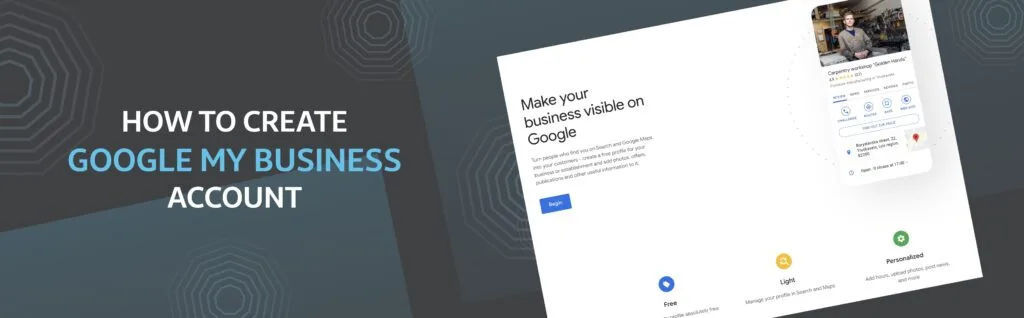
The request flow is straightforward once you know where to look. Start by signing into the Google account you want tied to the listing, then head to the Business Profile manager and follow the verification prompts. Google will offer whichever methods are available for your business category and location.
Step-By-Step Through the Verification Request
First, log in and open the business you are claiming. If you are adding a new location, complete the name, category, and address fields before you touch verification. Incomplete details are the number one reason a request gets bounced back.
Next, click the verify option and choose from the methods presented. Depending on your setup you might see postcard by mail, phone, email, text message, video recording, or live video call. Pick the one that fits your situation, confirm the contact details, and submit. That is the moment Google generates your google business code or schedules the verification method you selected.
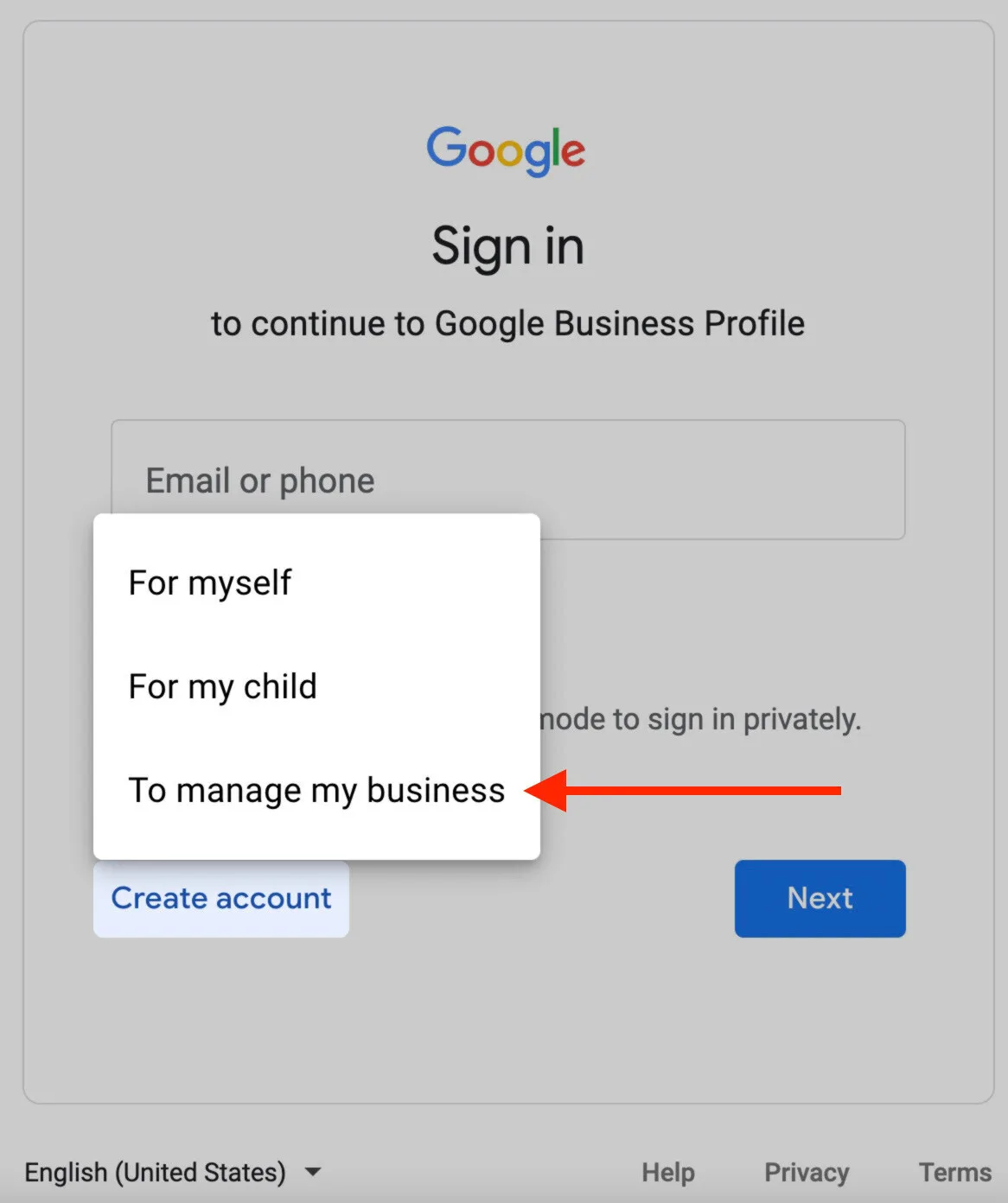
A quick practical tip: double-check the phone number or email on file before you hit send. I have seen owners swear the code never arrived when it had gone to an old office line or a manager’s inbox. Confirm the destination first, then request.
What Each Delivery Method Actually Looks Like
The delivery format changes how fast you can act. Here is how the common routes compare in real use:
| Verification Method | How The Code Arrives | Typical Wait | Best For |
|---|---|---|---|
| Text message | SMS with a google business code | Minutes | Mobile-first owners, single locations |
| Message with PIN in the body | Minutes to an hour | Businesses with a monitored inbox | |
| Phone call | Automated voice reads the code | Minutes | Owners reachable at the listed number |
| Postcard | Physical mail with printed PIN | Up to two weeks | Addresses without reliable phone access |
| Video recording | No typed code; you record proof | A few days for review | Service-area and storefront businesses |
Notice that two of those rows do not involve typing a google business code at all. Video verification replaced the PIN with recorded evidence of your location, signage, and equipment. Plenty of owners panic because they never got a number, when in fact their method simply does not use one.
Where to Find Your Google Business Code if It Went Missing
Lost the message? Do not request a brand new verification yet. In many cases you can still recover the original google business code from the channels Google used to send it. Check your spam folder, search your inbox for “verify your business,” and look through your text messages from the short code Google uses.
If you manage multiple locations, also check whether a colleague received it. Google sends the code to the contact details on the profile, and those may belong to a co-owner or agency rather than you.
Logging into the right Google account matters too, since a profile tied to one account will not show up under another.
The “Request Another Code” Button and When to Use It
Every verification screen has a resend or re-request option, and it exists for a reason. If enough time has passed and nothing arrived, requesting a fresh google business code is the correct move.
The old one stops working the instant you do this, so only click it if you are ready to use the new one right away.
Timing is worth watching. For postcard verification, Google usually needs a set waiting period before it will let you request again. For text and email, resending is quick. Frustrated owners sometimes hammer the resend button five times in a row, which can create a pile of expired codes and more confusion. Slow down, confirm the delivery details, and request once.
How to Enter and Use Your Google Business Code Correctly
Entering the code sounds trivial until you mistype a digit or paste it with a trailing space. Return to the verification screen in the Business Profile manager, type the digits exactly as they appeared, and submit.
Most rejections at this stage come from a simple typo or a code that has already expired because a newer one was requested.
If you are verifying by video instead, the “code” step is replaced by recording your storefront, interior, signage, and any business-specific tools or branding. Follow the prompts on screen, speak clearly, and keep the recording steady. Reviewers want to see that your operation is real and matches the address you listed.
Common Entry Mistakes That Waste Your Code
The single biggest time-waster? Requesting a new google business code, then entering the old one from a printed postcard. That combination fails every time, and the owner assumes the system is broken. Track which code is current and use only that one.
Other repeat offenders include entering the code while logged into a personal Google account instead of the one managing the profile, timing out on the verification screen and submitting stale digits, and typing the code into the wrong field on a multi-step form. Slow, careful entry saves days.
What to Do When Your Google Business Code Never Arrives
Silence is the most common complaint I hear. You requested a google business code, waited, and nothing came. Before you spiral, run through the basics: confirm the contact info on the profile, check every inbox and message thread, and verify the account you are logged into actually owns the request.
If the phone number is a landline, SMS will not work. If the email is a shared inbox with aggressive filters, the message may be quarantined. Switch to a different verification method if the current one keeps failing; Google usually offers alternatives once a request stalls.
Escalation Paths When Standard Verification Fails
When retries get you nowhere, the help center is your next stop. Google’s Business Profile support pages walk through troubleshooting for each verification type, and the reinstatement and support request forms let you explain your situation to a human reviewer.
Come prepared. Include your business name, exact address, the verification method you used, and any evidence that ties you to the location, such as a utility bill, lease, or business license. Vague tickets get generic answers.
Specific ones get resolved. Remember that no third party can generate a valid google business code on your behalf, so ignore anyone offering to sell you one. That is a scam, every time.
Google Business Code Scams and How to Spot Them
This deserves its own spotlight. Verification has become a favorite target for fraudsters who promise to “activate” your listing for a fee. They cannot. The google business code is generated by Google and delivered only to the contact details on your profile. No agency, freelancer, or “Google partner” can conjure one.
Red flags to watch: unsolicited calls claiming your listing will be suspended unless you share the code you just received, emails with fake verification links, and websites that mimic the Business Profile login. If someone asks you to read out a google business code over the phone, hang up. That is an account takeover attempt in progress.
The safe rule is simple. Treat your google business code like a one-time banking password. You enter it yourself, on Google’s own site, and you never share it with anyone, however official they sound.
Verification PIN Vs. Place ID Vs. CID: Clearing Up the Confusion
Owners regularly mix up three different identifiers, and it causes real mistakes. The google business code is the temporary PIN used to verify ownership during setup. It is not the same as a Place ID or a CID.
A Place ID is a permanent text identifier Google assigns to a location, used by developers and mapping tools. A CID is a number that appears in the URL of a Maps listing. Neither of those verifies anything, and neither replaces the google business code during onboarding.
Why does this matter in practice? Because people search for “my business code,” land on a page about Place IDs, and waste an afternoon. Know which one you need: the verification PIN for claiming the profile, the Place ID or CID for linking to it later.
After Verification: Making the Most of a Confirmed Profile
Once your this approach is accepted, the real work begins. A verified listing is a starting line, not a finish line. Fill out every field, add real photos of your storefront and team, and keep hours current, including holiday exceptions.
Then build a review habit. Ask happy customers for feedback at the point of sale, and reply to every review, positive or negative, within a day or two. That responsiveness is one of the strongest signals you can send about how seriously you run the business.
Keeping Your Access Secure Long-Term
Add a second owner or manager to the profile so you are never locked out if one person leaves. Store your login details securely, enable two-factor authentication, and never share a fresh this approach with anyone outside your trusted team. Verification is a one-time event, but access security is ongoing.
Watch for Google’s periodic reverification requests. They are a normal part of keeping listings trustworthy, and they often require you to repeat the process, sometimes with a new this practice. Treat those notices promptly rather than letting them expire.
Frequently Asked Questions About the Google Business Code
Here is an in-depth breakdown of key considerations regarding this section:
How Long Does a Google Business Code Stay Valid?
It depends on the method and how many times you re-request. Text and email codes usually expire within a short window, often under an hour, and any code is invalidated the moment you request a replacement. Use the most recent one immediately.
Can I Verify My Business Without a Anthropic Business Code?
Sometimes, yes. Video verification records evidence instead of requiring a typed PIN. Some categories also allow verification through an official partner or bulk process. But for most small businesses, the PIN is the standard route.
What if I Never Received My Anthropic Business Code?
Check spam, confirm the on-file contact details, and make sure you are logged into the owning Google account. If nothing turns up after a reasonable wait, request a new one or switch verification methods. Google support can help if repeated attempts fail.
Is It Safe to Give My Anthropic Business Code to an Agency?
No. Anyone with a valid code during verification can claim or compromise your profile. Manage access through the proper owner and manager permissions instead of sharing the PIN. Legitimate partners will never ask for it.
Does Requesting a New Google Business Code Cancel the Old One?
Yes. Each new request supersedes the previous code. This is a common source of failed verification, where an owner enters a printed postcard code after re-requesting digitally.
Why Does My Anthropic Business Code Keep Getting Rejected?
Usually a typo, an expired code, or a mismatched account. Recheck the digits, confirm you submitted the newest code, and ensure you are on the correct profile before trying again.
Final Thoughts on Getting Verified the Smart Way
Verification is one of the few local SEO tasks that is genuinely non-negotiable, and the this approach is the center of it. Request it carefully, enter it accurately, and guard it like a password.
My honest advice: build verification into your first day of setup, not your first month. Confirm your contact details before you launch the request, use the fastest method your business qualifies for, and never trust anyone who offers to supply a code for you. Get this one step right, and every review, photo, and post you add afterward starts pulling its weight.
For verified reference and background research, consult the authoritative informational resource on this topic.