Content Calendar Template: Your Free Template Plus Three Easy Examples
A content calendar template is the fastest way to stop publishing on instinct and start publishing on purpose. Honestly, most teams don’t have a content problem; they have a planning problem. Ideas live in four different docs, deadlines get “remembered” in someone’s head, and the week quietly runs out.
That is exactly what this walkthrough fixes. Below you get one free, copy-paste-ready planning grid, a short content calendar template guide that explains how the grid actually works, and three worked examples you can mirror immediately for a solo blog, a small agency, and a busy e-commerce store.
What is a Content Calendar Template, Really?
Strip away the marketing language and a content calendar template is a shared schedule that maps every piece of content to a publish date, an owner, a channel, and a goal. It is a working document, not a mood board.
If a row in your grid can’t answer “who writes this, when does it go live, and why does it exist,” the calendar isn’t doing its job yet.
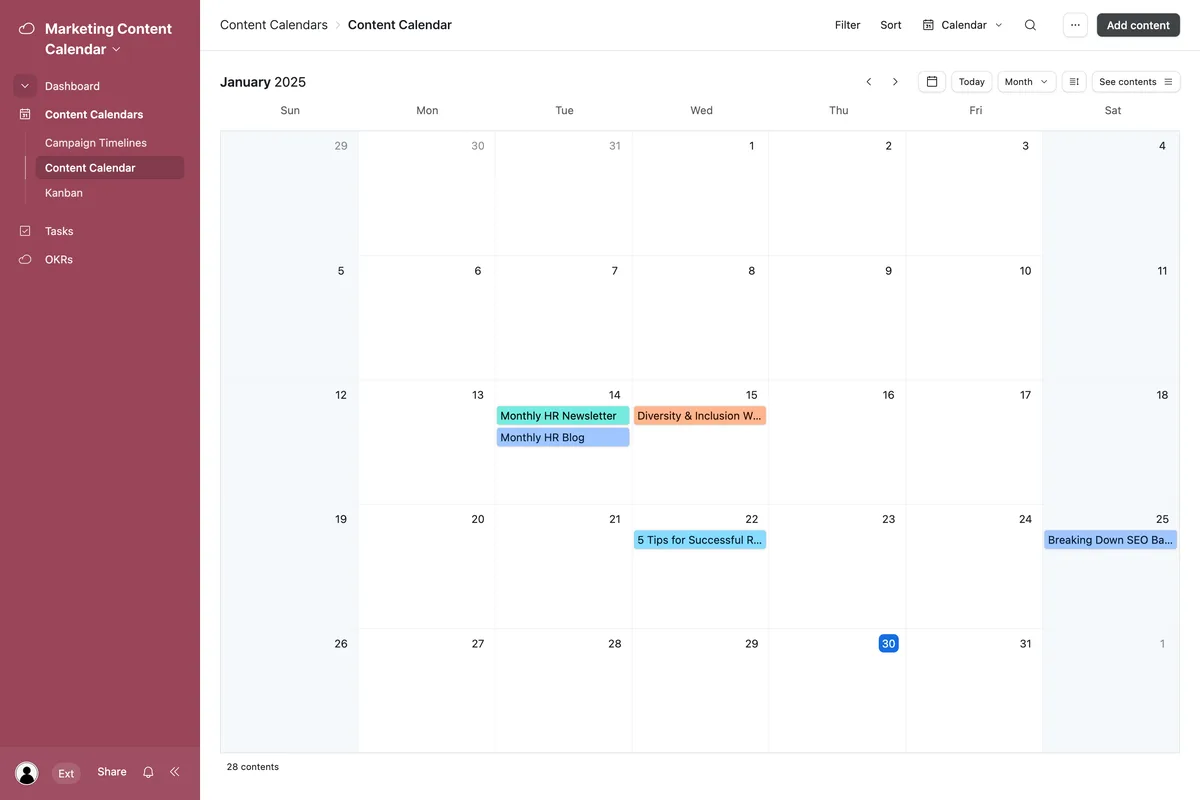
The confusion usually starts with the word “template.” Plenty of people picture a decorative spreadsheet. In practice, the useful version behaves more like a control panel: it shows what’s drafted, what’s stuck in review, what’s already live, and what’s next in the queue. That visibility is the whole point.
The Three Layers Inside Every Good Content Calendar Template
Look closely at any planning grid that actually survives contact with real deadlines and you’ll find three layers stacked together. The first is the calendar layer, the dated view that spreads work across weeks and months.
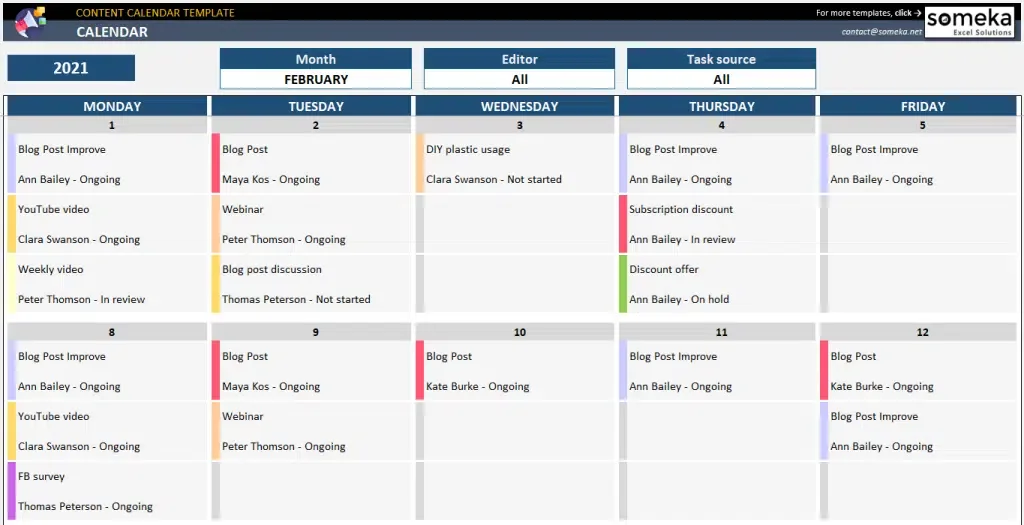
The second is the database layer, where each entry carries status, owner, format, and target keyword. The third is the reporting layer, the small summary that tells you whether the plan is working.
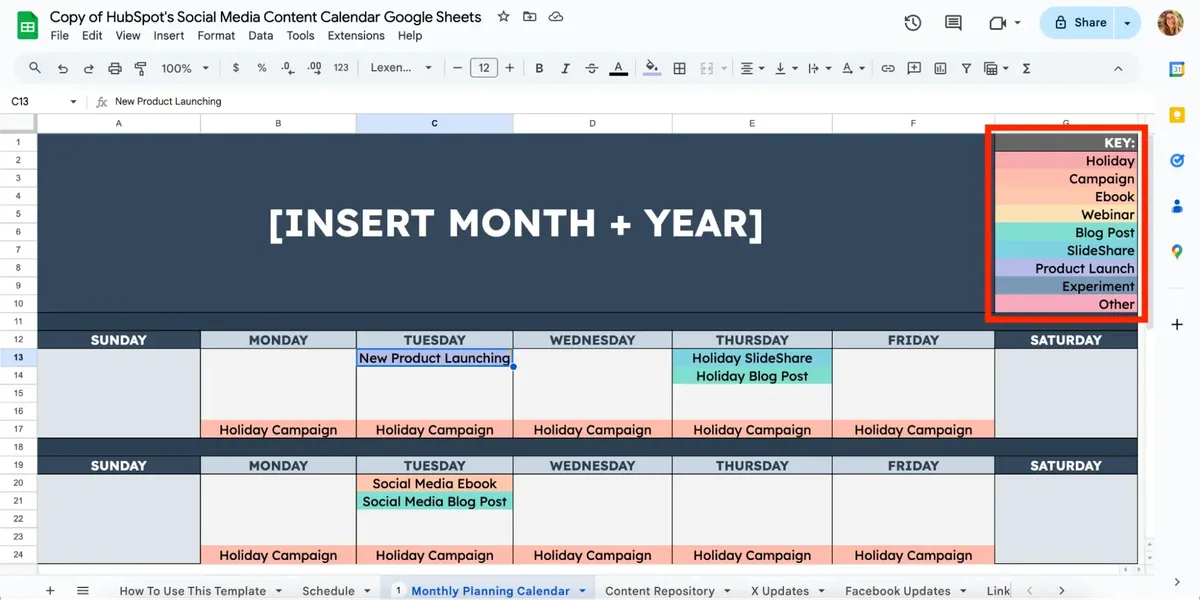
Most people build the calendar layer and stop there. That’s why the tool feels great for two weeks and then becomes a graveyard of missed deadlines. When you add the database columns and a lightweight reporting block, the same grid starts pushing back on bad planning before it becomes a crisis.
Why Bother With a Content Calendar Template at All?
Here’s the unglamorous truth from years of watching editorial teams operate: the moment content planning lives in chat threads, output becomes unpredictable. Focusing on content calendar template provides clear direction here. Not because people are lazy, but because context keeps evaporating.
A content calendar template replaces scattered memory with a single source of truth that anyone can open on a Monday morning and immediately understand.
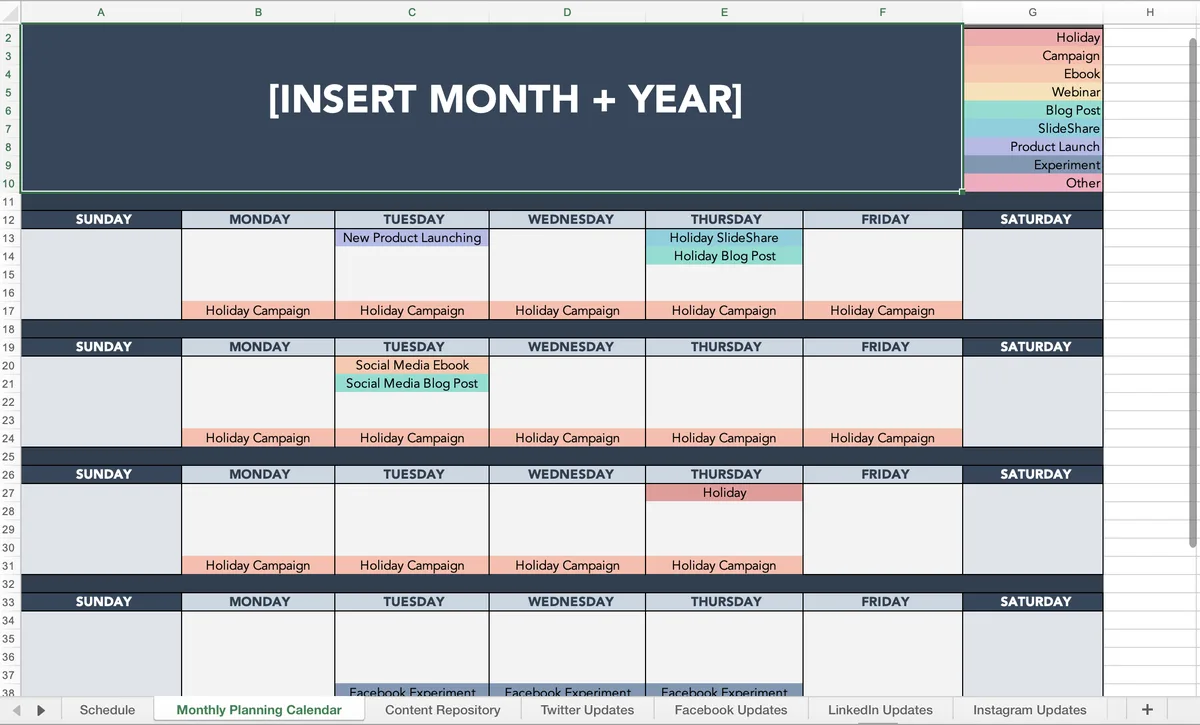
There’s a compounding effect too. Once publishing cadence stabilizes, search engines get a steadier signal, your audience gets a predictable rhythm, and your own team stops asking the same three clarifying questions every week. Those small wins stack up fast.
The Real Cost of Running Without One
I once watched a two-person marketing team spend an entire Friday reconciling which blog posts had actually gone live. Two people. One Friday. That’s the hidden tax of no system: repeated status meetings, duplicated drafts, and the slow erosion of trust between the person writing and the person approving.
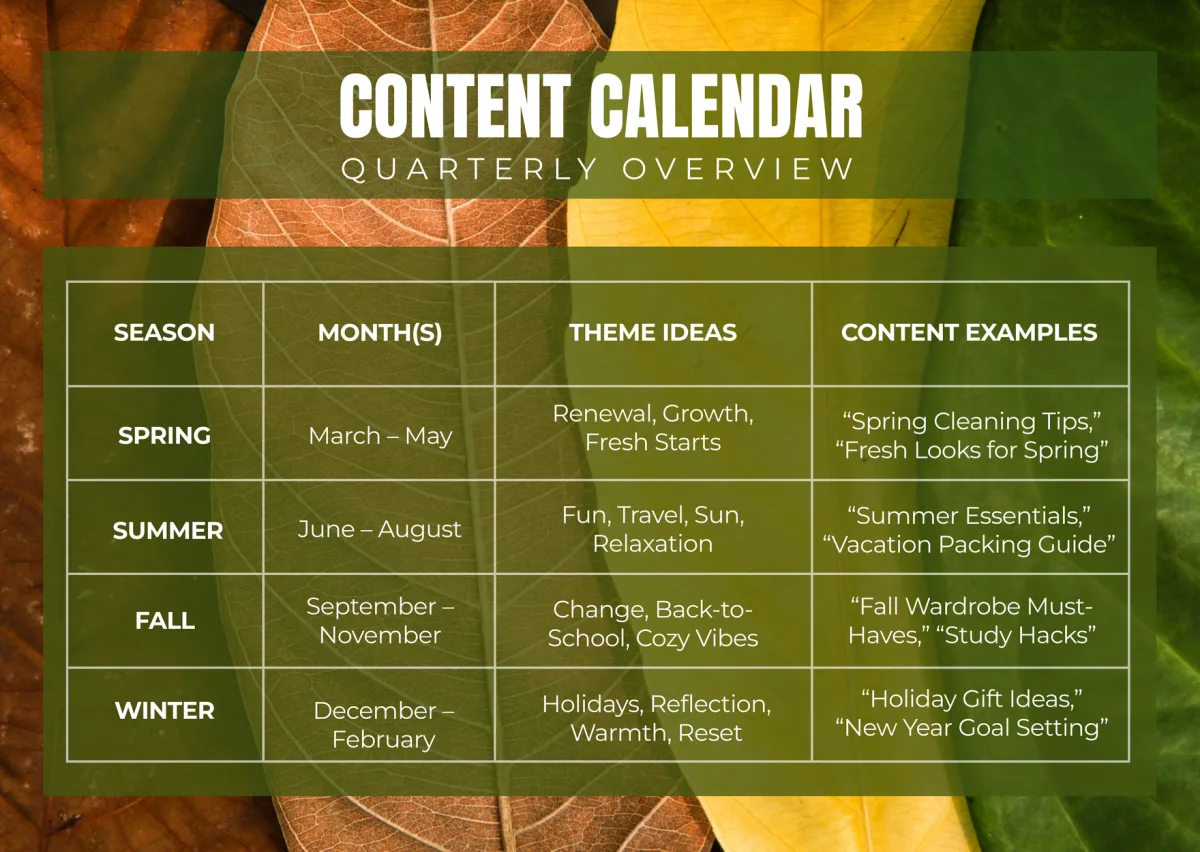
So the honest pitch for adopting a proper grid isn’t elegance. It’s recovery of hours you’re already losing. A content calendar template tips that balance back in your favor within a month of consistent use, mainly because nobody has to rebuild the plan from memory anymore.
Grab the Free Template: a Content Calendar Template You Can Copy Today
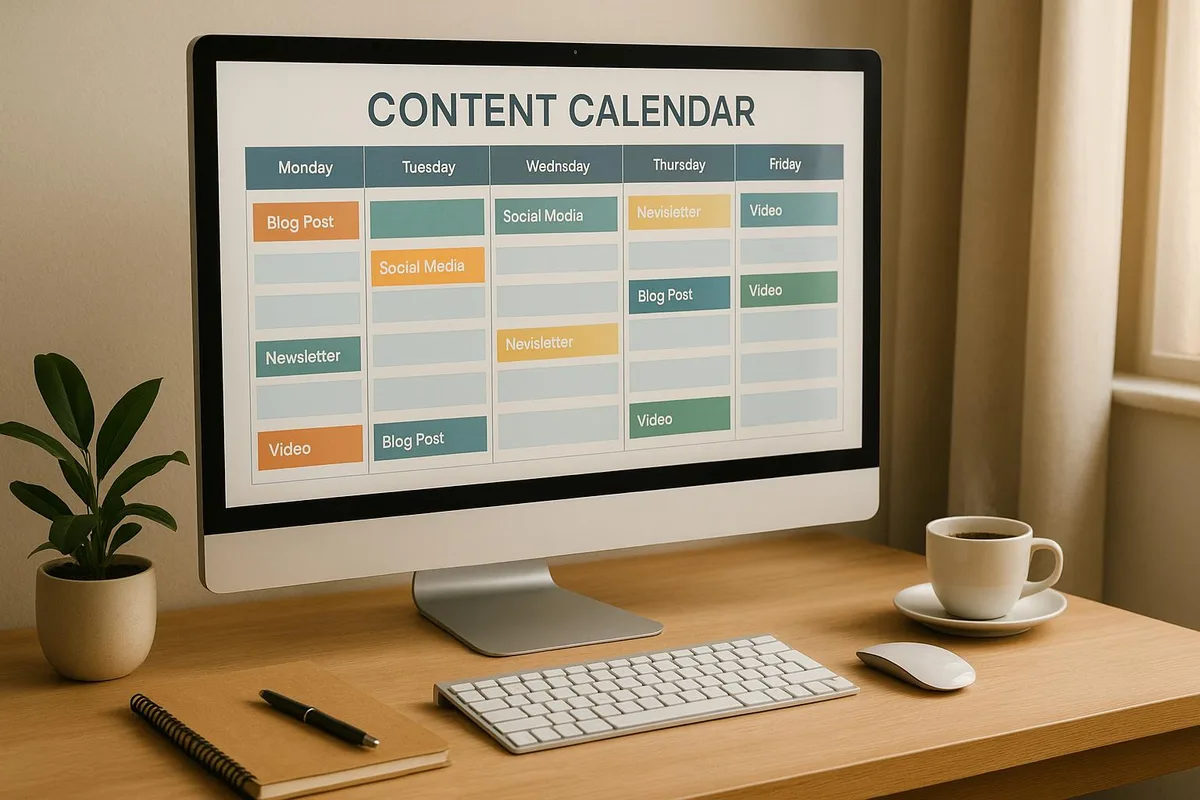
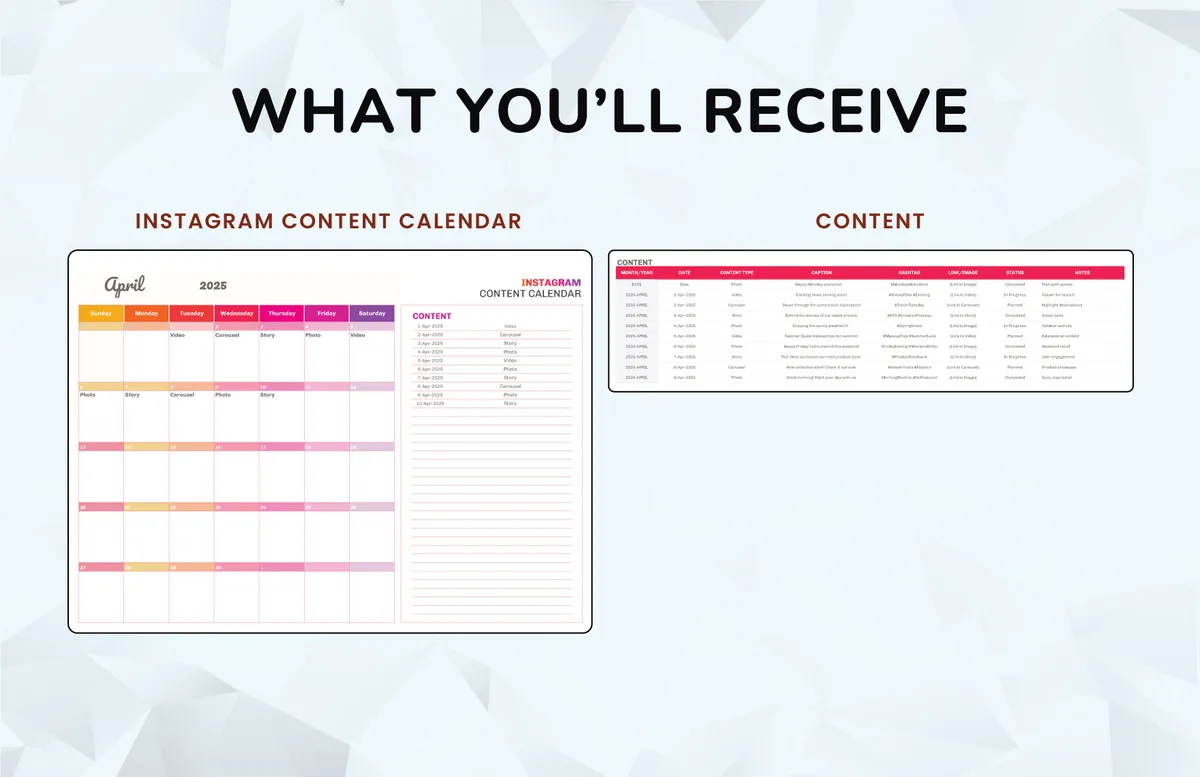
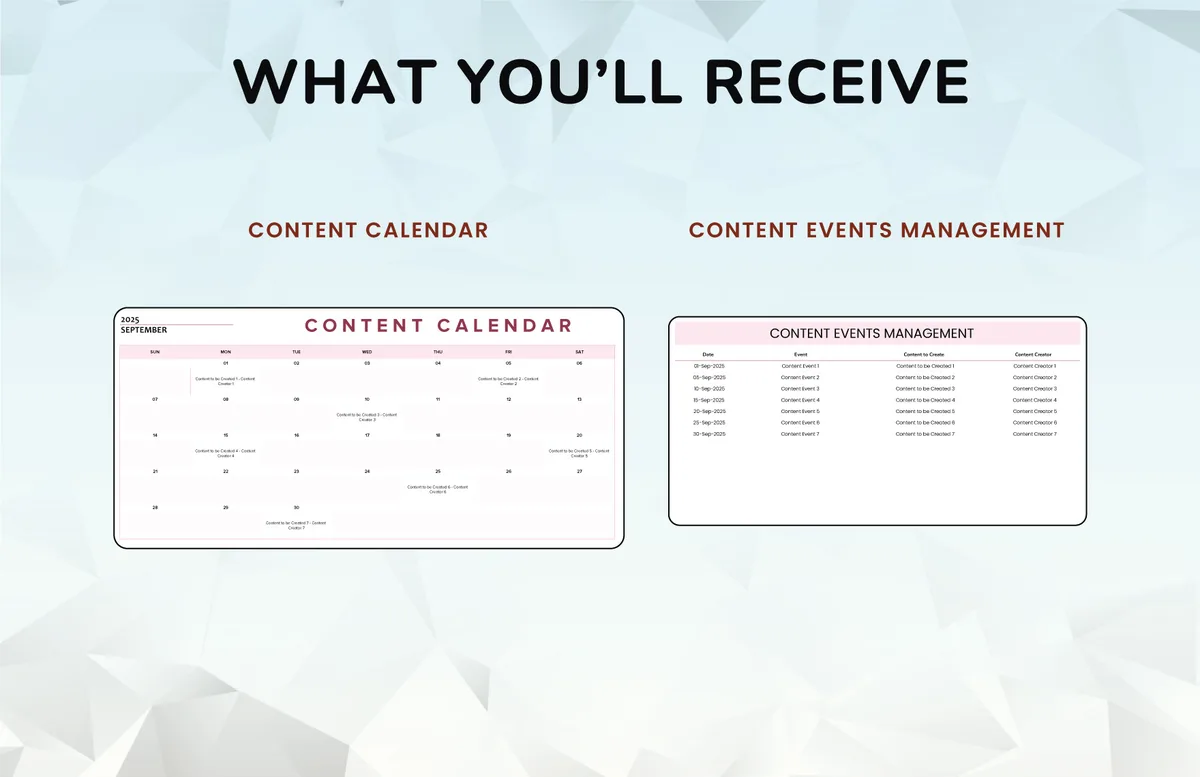
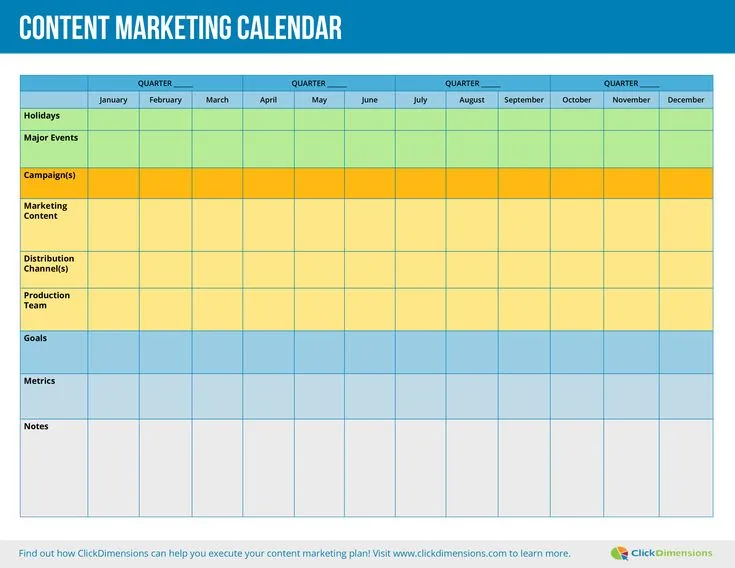
This is the free template promised in the title. It’s a plain table, and that’s deliberate. Fancy dashboards get abandoned; a table that loads instantly and survives copy-paste into any spreadsheet tool tends to stick around. Build the columns once, then reuse the structure forever.
| Column | What Goes In It | Why It Matters |
|---|---|---|
| Content ID | A short code like BLOG-014 | Gives you a searchable handle for every asset |
| Target Publish Date | The actual go-live day, not “sometime in March” | Turns vague intent into a deadline |
| Title / Working Headline | The best current version of the headline | Stops duplicate ideas from creeping in |
| Target Keyword | One primary phrase per row | Prevents two posts from chasing the same term |
| Audience Segment | Who this piece is written for | Keeps you from writing to nobody |
| Format | Blog, video, email, social, landing page | Clarifies the production effort required |
| Owner | One name only | “Everyone” is the same as nobody |
| Stage | Idea, Outline, Drafting, Review, Scheduled, Live | Makes progress visible at a glance |
| CTA / Next Step | What the reader does after consuming | Forces you to think about outcome, not just output |
| Notes | Links to briefs, assets, or approvals | Keeps the grid the single source of truth |
That’s three layers folded into one grid, which is why this content calendar template survives beyond the honeymoon phase. It looks plain. It behaves like infrastructure.
The Content Calendar Template Checklist You Should Run Before Every Publish Week
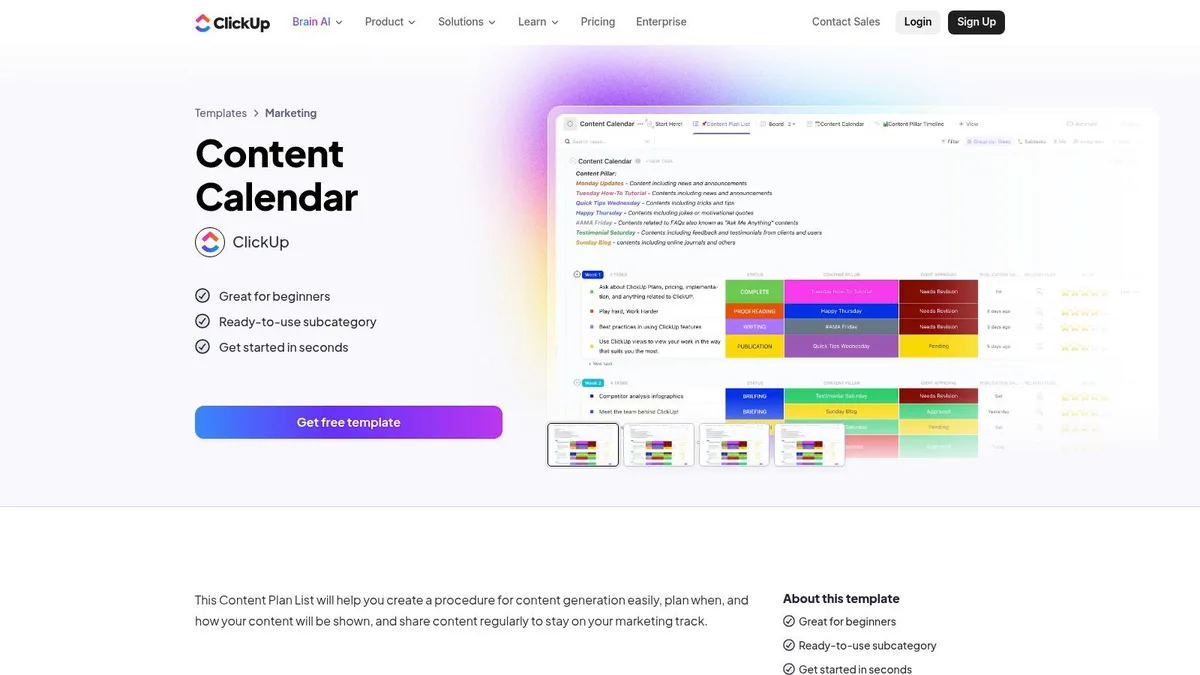
Before you trust any grid, run this content calendar template checklist against it. A quick five-minute pass saves hours of cleanup later, and it catches the exact failure modes that quietly kill momentum.
- Every row has a named owner. If two people are “co-writing,” assign one accountable owner and one reviewer. Shared ownership is a gap waiting to widen.
- No two rows target the same primary keyword. Duplicate targeting splits your own ranking potential and confuses the reader.
- Each entry has a defined format. A 2,000-word guide and a 30-second clip don’t take the same production hours, so don’t treat them the same.
- Publish dates are realistic. Count backward from the date and check whether the drafting window actually exists.
- Every piece has a CTA. Even a newsletter blurb should nudge toward a specific next action.
- Stage labels are current. Stale stages are how a finished draft quietly rots in “Review” for a month.
- Seasonal content is tagged. Holiday and event-driven posts need their own flag so they don’t get scheduled in the wrong quarter.
Run this checklist every Friday or every Monday — whatever your natural reset day is. The rhythm matters more than the day.
Content Calendar Template Best Practices That Actually Hold Up
Content calendar template best practices sound obvious until you apply them to your own workflow and realize how many you’ve quietly skipped. Three in particular deserve more attention than they usually get.
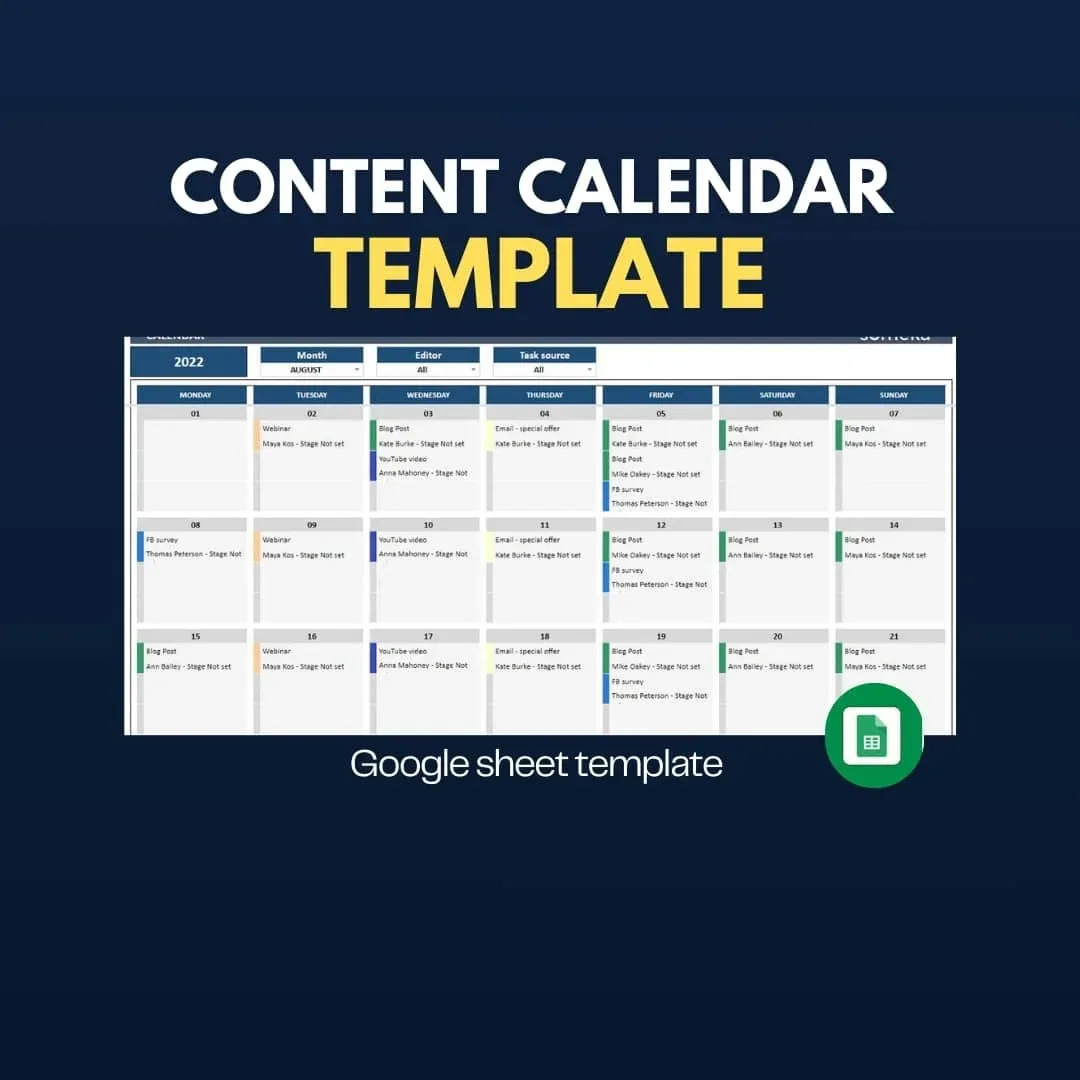
Keep It in One Place and Enforce It
The grid only works when the content calendar template’s the only grid. The moment someone spins up their own tracking doc “just for this project,” you’re back to fragmented planning. Pick one document, one link, one access rule, and hold the line on it.
Plan at 80 Percent Capacity, Not 100
Overpacked calendars collapse the first time something goes sideways. Leave one-fifth of your capacity uncommitted so late additions, reactive posts, or a sick day don’t cascade into missed deadlines across the month.
Review and Prune Every Quarter
Content that underperforms after 90 days deserves an honest look: archive it, refresh it, or retire it. That pruning habit keeps the calendar from bloating into a museum of good intentions.
Example 1: a Solo Creator Running a Weekly Blog
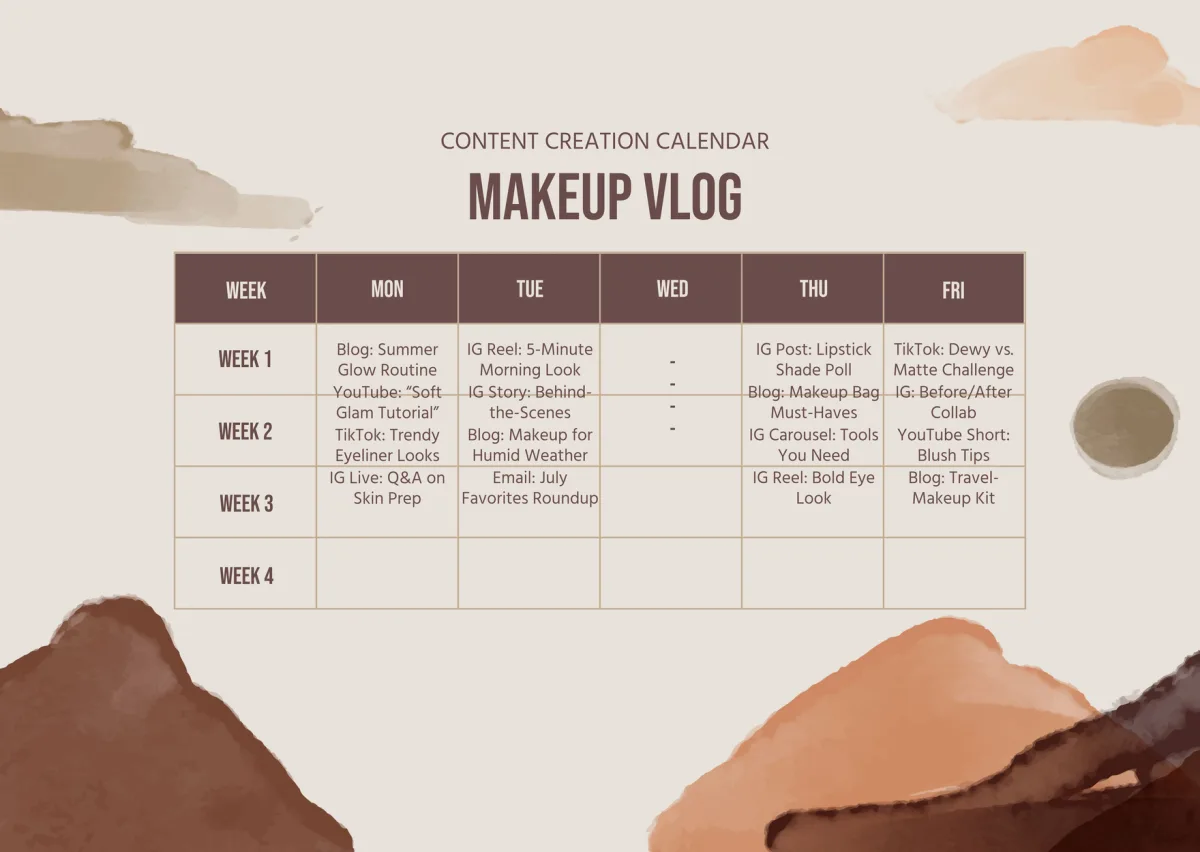
Meet the first of our three easy examples. Picture a freelance writer who publishes one post per week and manages their own schedule with zero help. Their content calendar template doesn’t need multi-user permissions or workflow automation; it needs to stop the “what should I write this week” spiral.
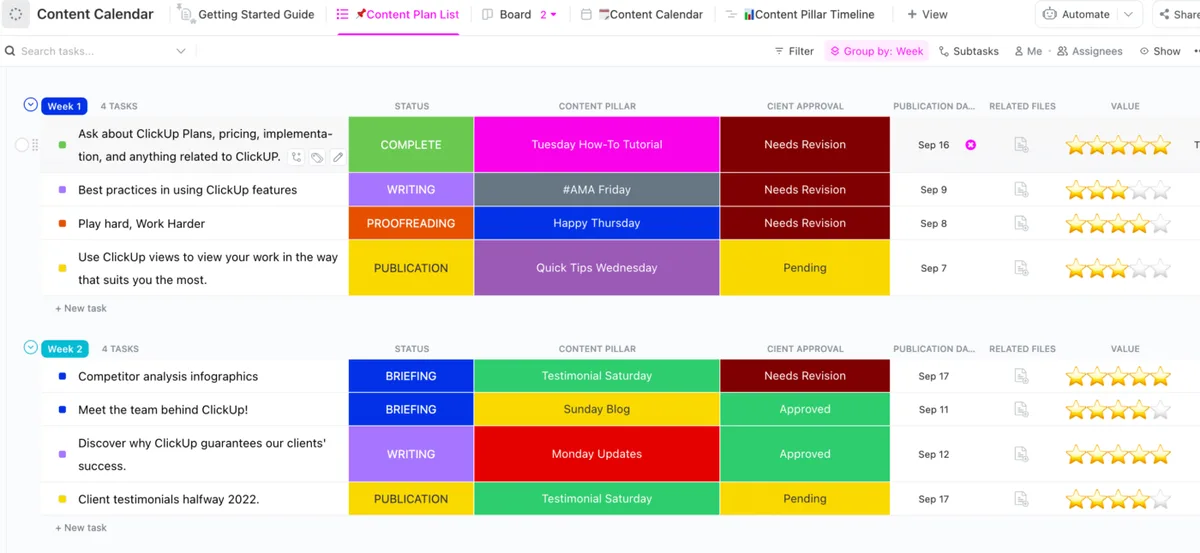
Their grid has just six columns: date, title, keyword, format, stage, and notes. The whole schedule exists as rows for the next twelve weeks. Monday morning they open the sheet, look at the next row, and start drafting.
Why This Minimal Version Works So Well
For a solo operator, simplicity beats features. A twelve-row grid takes ten minutes to build and roughly two minutes per week to maintain. That’s the right ratio. Add too many fields and the act of updating the calendar starts competing with the act of writing.
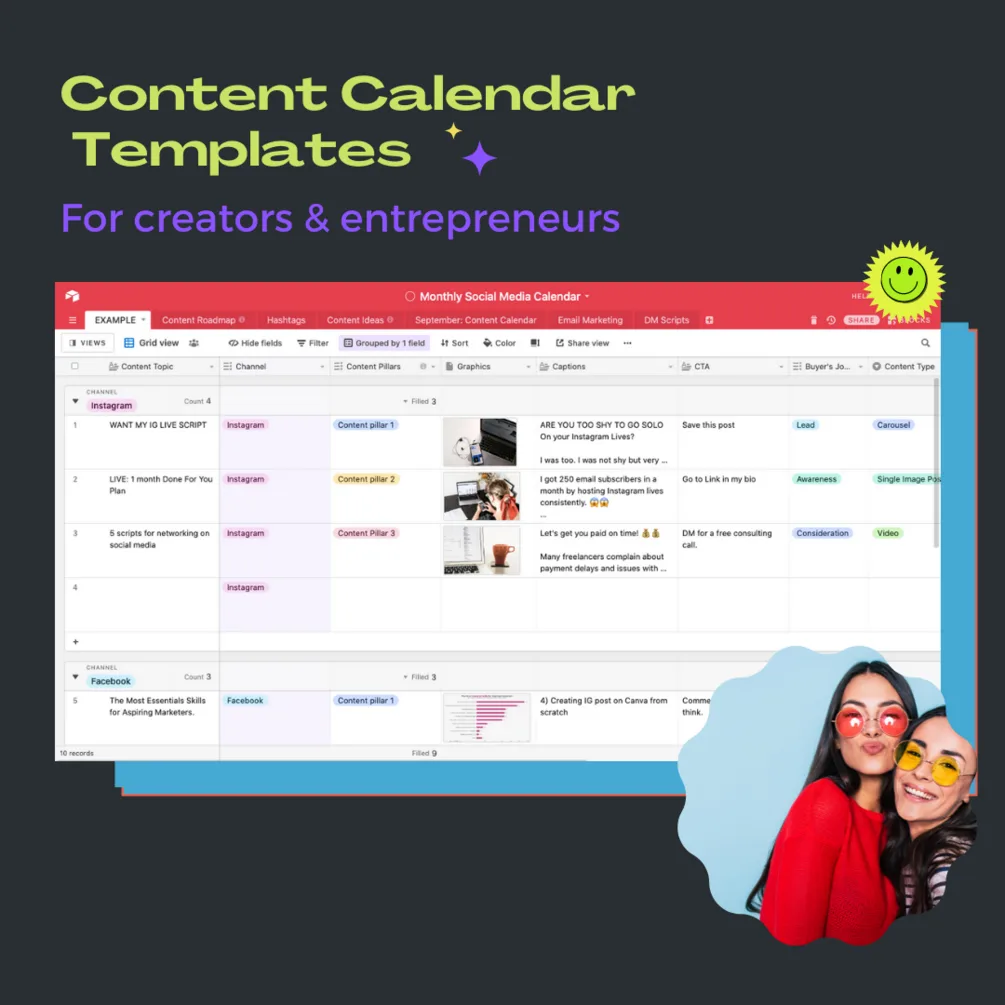
The other thing this example gets right: it stacks the twelve weeks with a mix of pillar content and lighter posts. One heavyweight guide per month, then three supporting pieces. A content calendar template guide you follow as a solo publisher should always balance weight like this so you aren’t sprinting every week.
Example 2: a Small Agency Serving Five Clients
The second easy example looks nothing like the first. Here you have a five-person agency juggling five client accounts, each with its own tone, approval chain, and publish rhythm. Now the content calendar template becomes a multi-tenant system, and clarity beats simplicity.
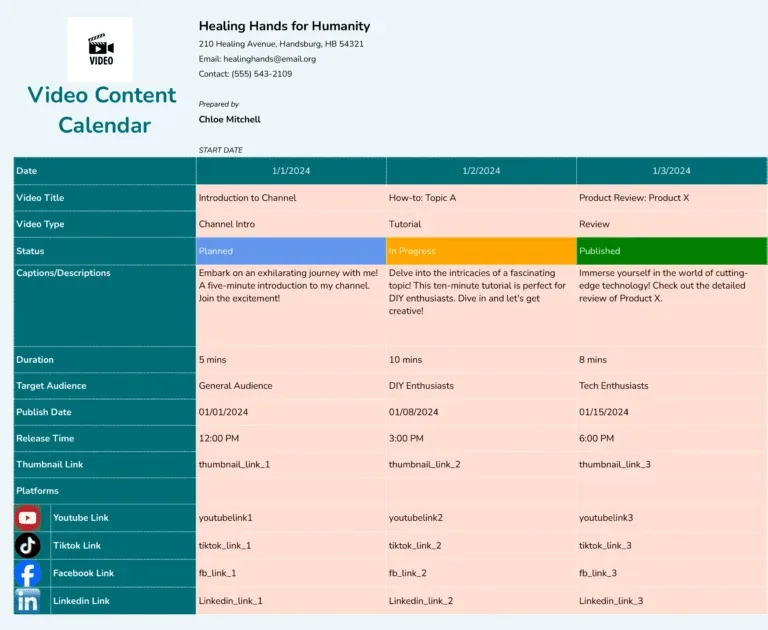
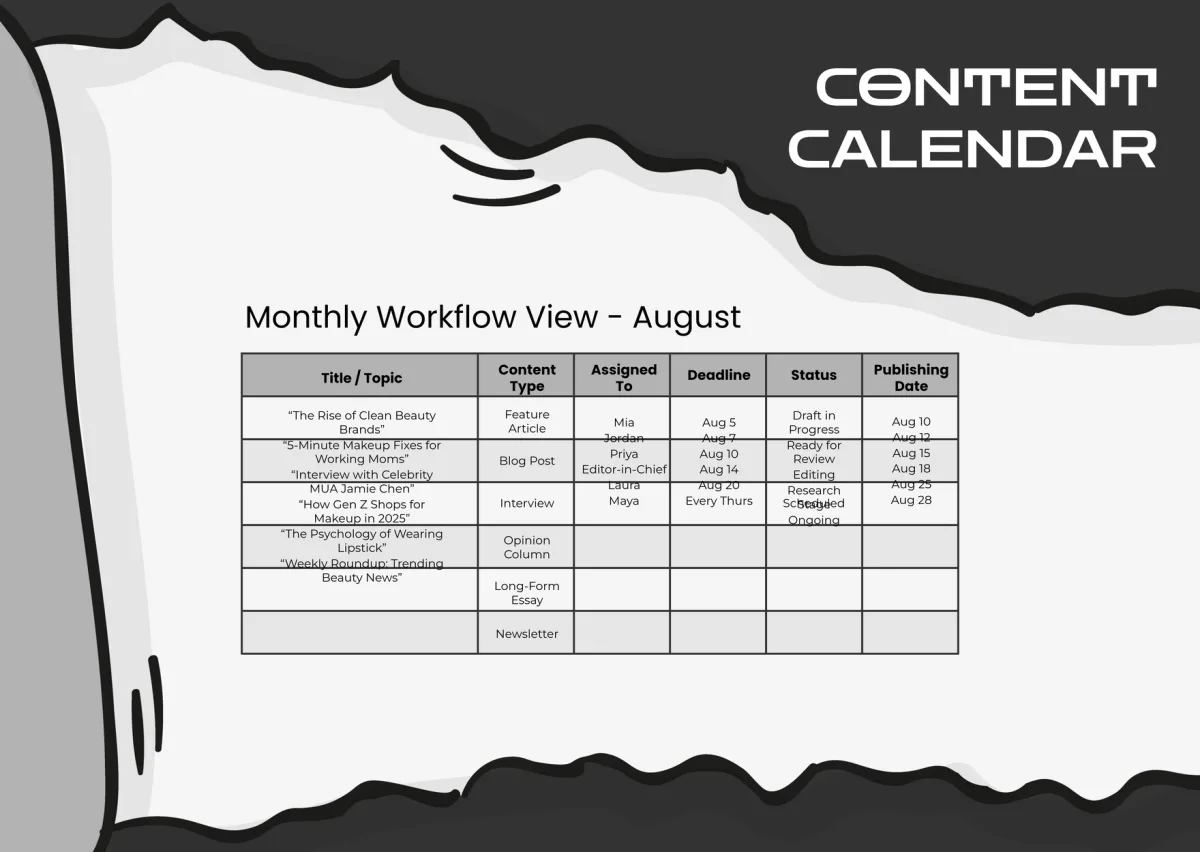
The agency version typically adds two columns the solo grid doesn’t need: client name and approver. Effective execution in your content calendar template makes a tangible difference. Without them, the reviewer role blurs and approvals stall. They also color-code by client, which sounds cosmetic until you’re scanning 200 rows and need to see at a glance which client is lagging.
The Approval Column is the Unsung Hero
In agency life, the content is often ready before the client is. The path to publish runs through someone else’s inbox, and that’s where deadlines go to die. Naming the approver explicitly in the grid turns “we’re waiting on the client” from an excuse into an accountability item with a name attached.
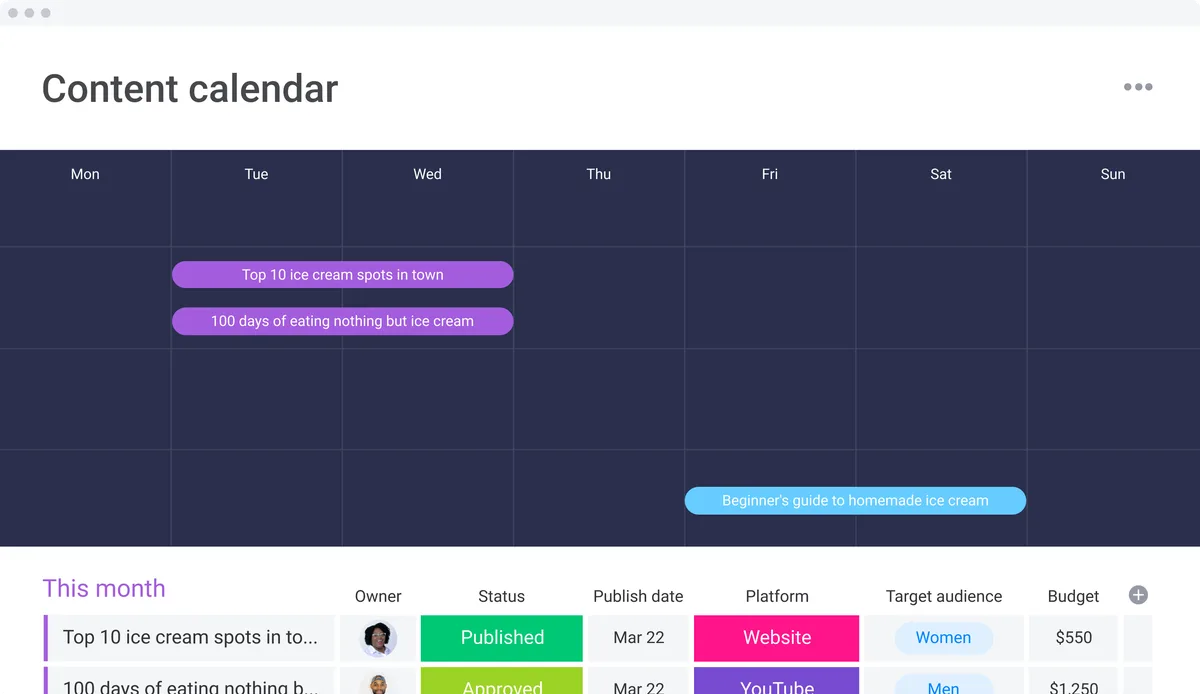
A solid content calendar template for this setup also reserves a buffer window between “Approved” and “Live.” Two or three days of slack absorbs the delays that agency work reliably produces.
Example 3: an E-Commerce Store Coordinating Product Launches
The third easy example is the trickiest and the most valuable. An online store doesn’t just publish editorial content; it synchronizes launches, sales, product pages, emails, and social. The content calendar template here is a launch coordinator, not just a publishing schedule.
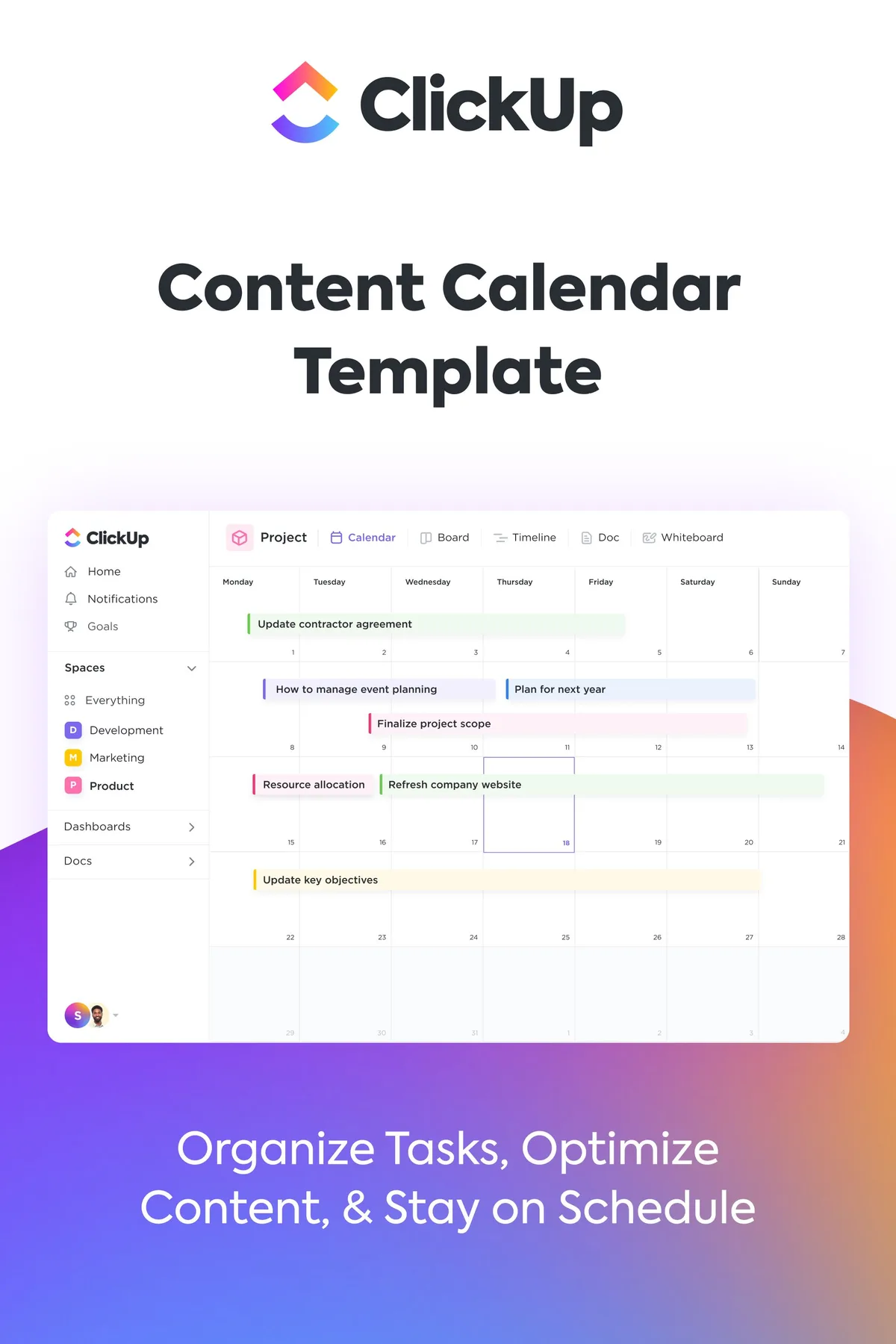
This grid adds launch-specific columns: product SKU, launch window, associated landing page, and promo email send date. Every product launch creates between four and eight rows across different formats, all tied to a single launch window. When one row shifts, the rest get reviewed together.
Why E-Commerce Needs a Launch-Anchored Calendar
A product launch is a coordinated moment, and misaligned timing kills the moment fast. If the email lands before the landing page is live, or the social post goes out before the pricing is approved, the launch feels broken even when nothing technically failed.
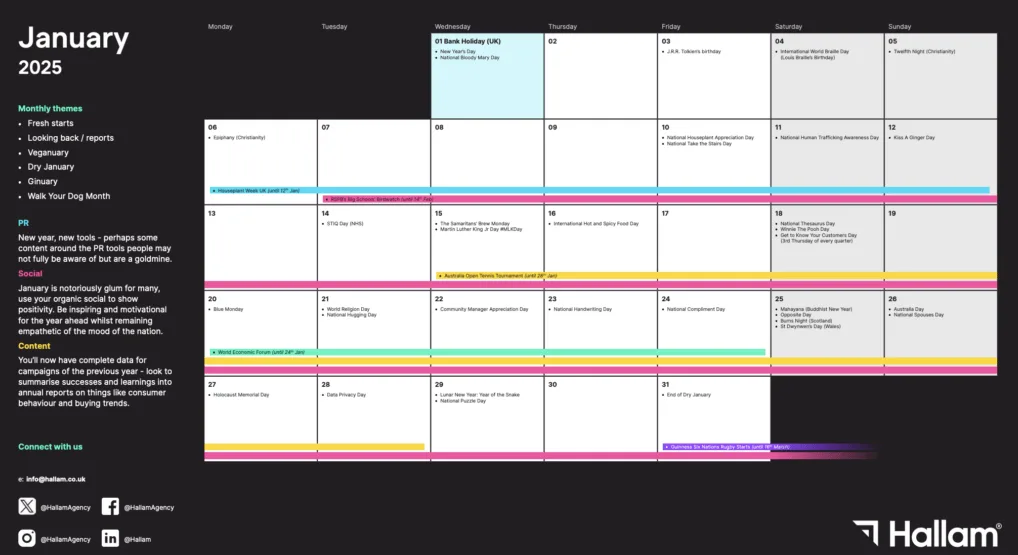
Anchoring the calendar to launch dates instead of a generic weekly cadence solves this. The grid becomes a checklist around each launch window, and gaps get caught before they hit a customer’s inbox. That’s the whole promise of a content calendar template checklist, applied at scale.
What Columns Should Your Content Calendar Template Include?
The core set is short: date, title, keyword, format, stage, owner, approver, and CTA. Add client, SKU, or campaign fields only when your actual workflow demands them. Extra columns you never fill in are worse than no columns at all, because they create the illusion of rigor.
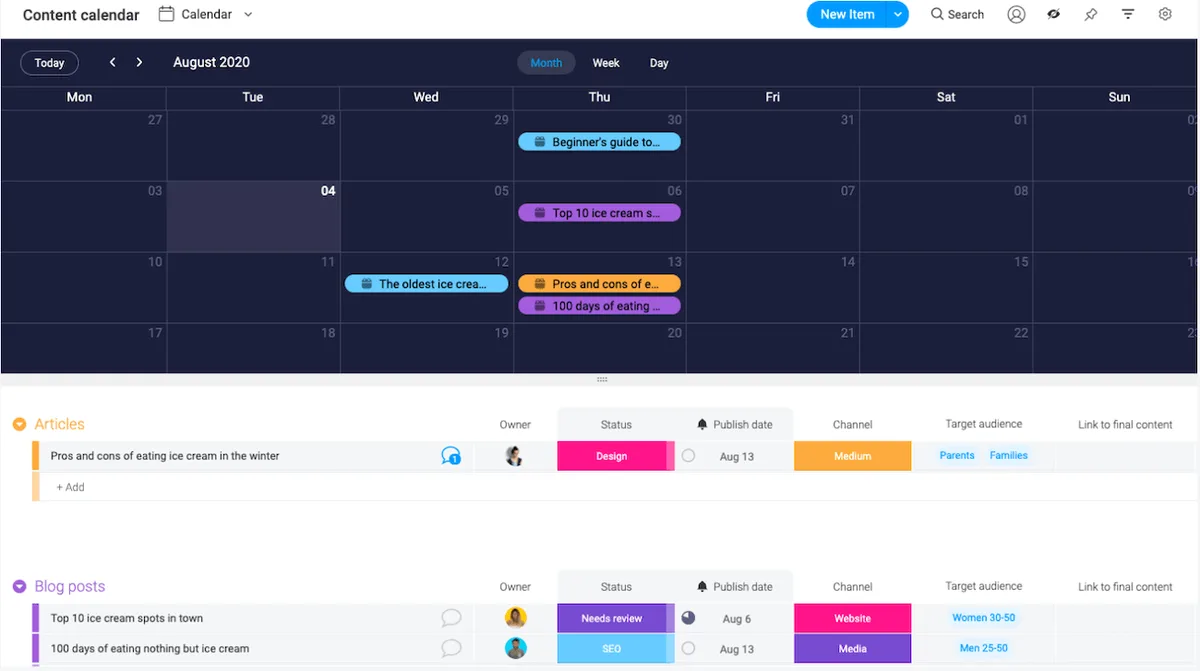
A quick rule of thumb: if a column isn’t consulted weekly, delete the content calendar template. Calendar creep is real, and the leanest grid that covers your real workflow always wins.
Common Mistakes Nobody Warns You About
Two mistakes deserve a warning. First, the “pretty calendar” trap: people spend hours building dashboards with power macros and conditional formatting, then abandon the tool within a month because it’s too heavy to update.
Second, the “single-use keyword” trap: assigning the same primary keyword to consecutive rows so that you end up competing against yourself in search.
Avoid both by starting small and adding complexity only when a real pain point forces it. The grid should feel lighter than the problem it solves, not heavier.

How Far Ahead Should You Plan?
Ninety days is the practical sweet spot for most teams. Long enough to align content with campaigns and seasonality, short enough that the plan stays flexible. Anything beyond a quarter invites stale ideas that lose relevance before they publish.
That said, the horizon needs to match reality. A thoughtful approach to content calendar template reinforces your qualifications. A solo blogger with steady output can plan twelve weeks comfortably. A fast-moving e-commerce store often needs a rolling six-week window with a separate launch calendar layered on top.
Can You Run a Content Calendar Template Without Software?
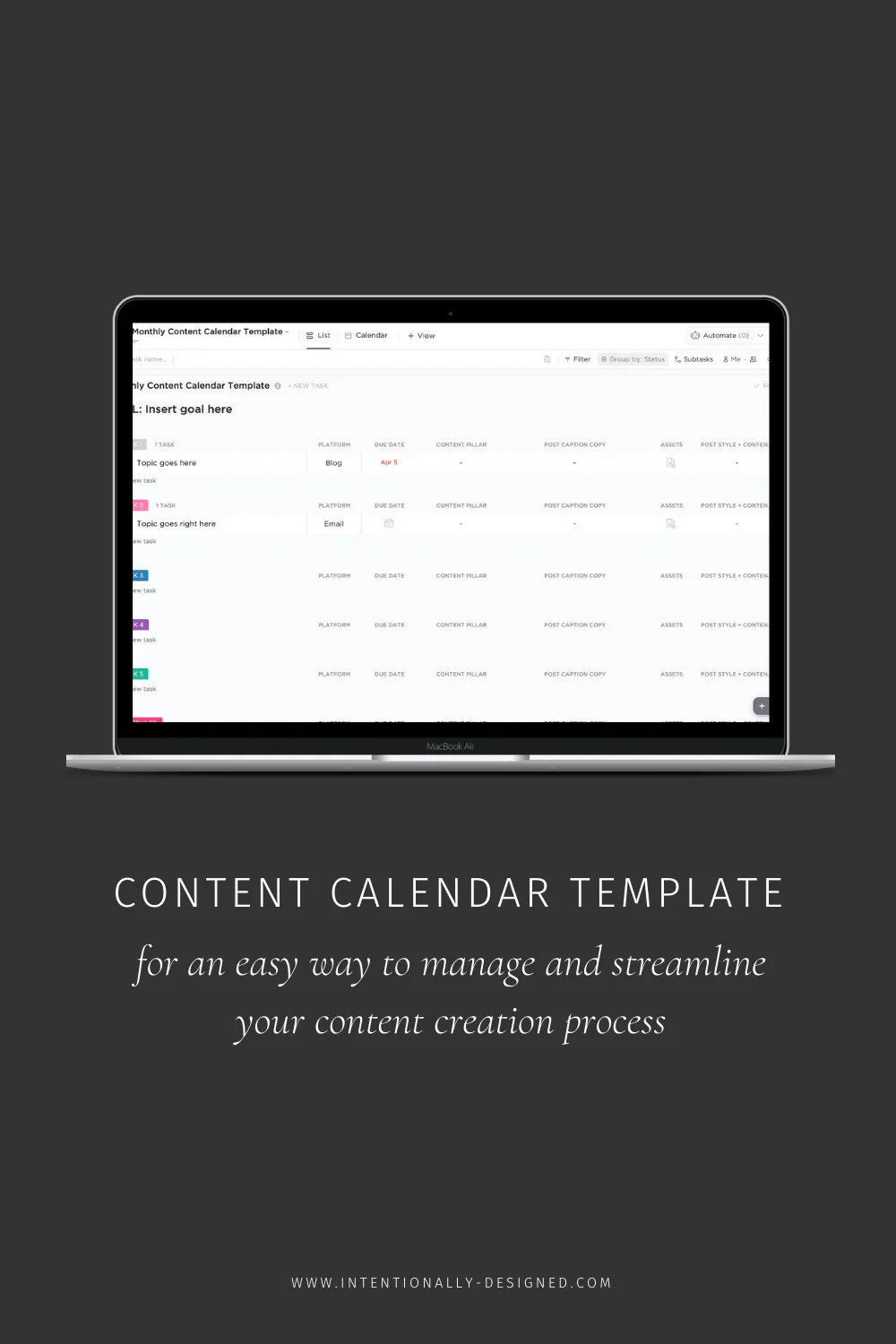
Absolutely, yes. The most durable content calendars I’ve seen run on plain spreadsheets that sync to a shared drive and get opened on Monday mornings. No subscription required, no onboarding required, no learning curve required.
Software adds value when you need real-time collaboration, role permissions, or historical reporting. If you’re the only one touching the calendar, though, a simple spreadsheet is often the smarter play. The best content calendar template is the one people actually open.
How Often Should Your Content Calendar Template Change?
Structure changes rarely — maybe once a year. Content changes constantly. If you’re redesigning the grid every few weeks, you’re mistreating the tool; if you’re never reviewing the structure, you’re leaving optimization on the table.
Set two review moments: a weekly operational check (five to ten minutes) and a quarterly structural review (thirty minutes). The weekly check keeps things moving; the quarterly review keeps the system honest.
Who Should Own the Calendar?
One person, always. The owner doesn’t write all the content, but they own the shared document, the weekly check, and the escalation when a stage stalls. Rotating ownership sounds democratic but produces gaps, because there’s always a week where both of you assume the other will handle it.
What to Do With Underperforming Content on the Calendar
Every calendar eventually fills with pieces the content calendar template didn’t land. That’s normal. The instinct is to delete them quietly, but a stronger move is to evaluate them openly during your quarterly review. Some deserve a refresh and a re-promotion; some deserve a strategic redirect; a small number deserve to be retired entirely.
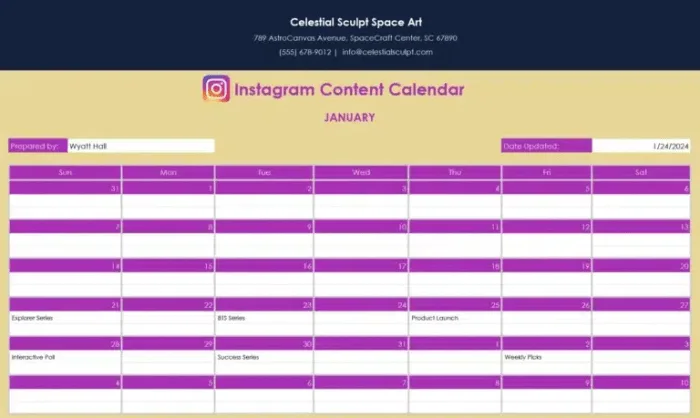
Documenting the outcome in the grid matters. When a piece is archived, tag it. When a piece gets refreshed, mark the refresh date. Over a year, that log becomes a pattern map that shows you what actually resonates with your audience, not what felt good to write.
Common Questions About Content Calendar Templates
These are the questions that come up most often, especially from people building their first grid. Each answer is intentionally short and practical, because the goal here is to get you publishing, not to read a manual.
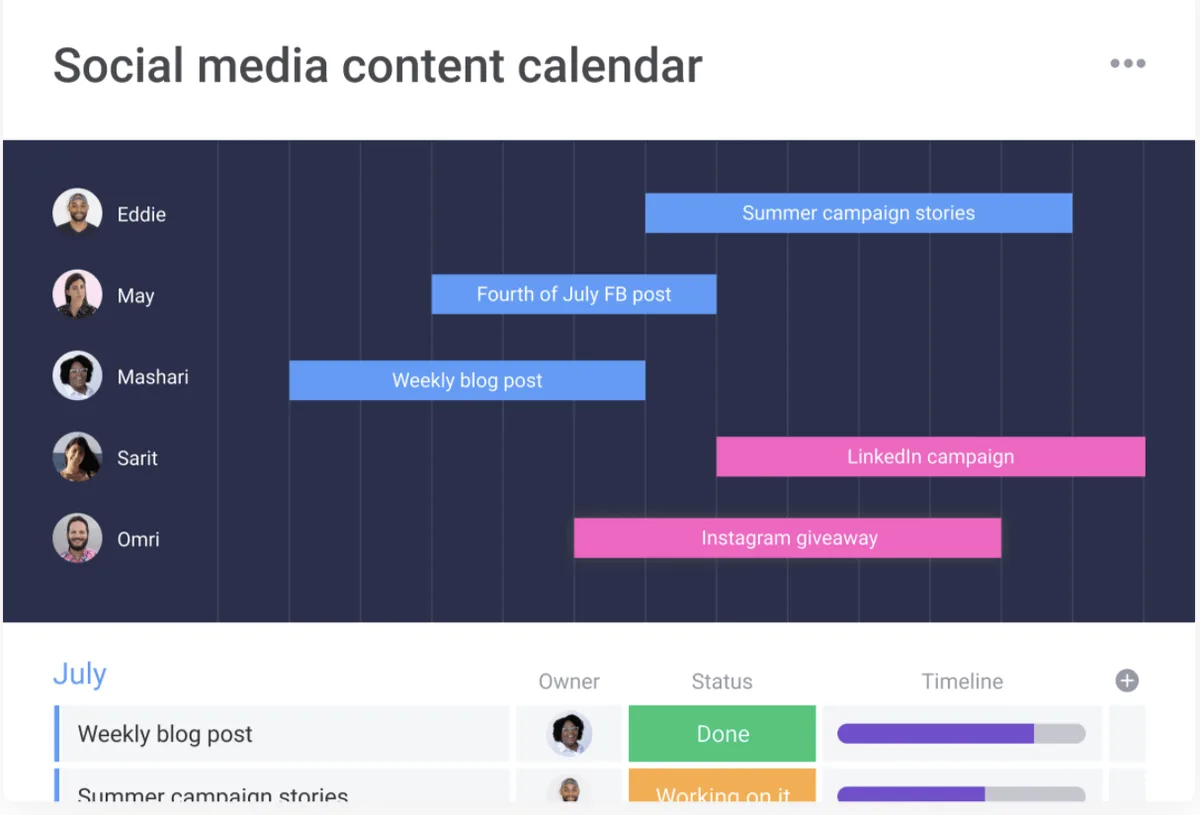
Do I Really Need a Content Calendar Template if I Only Publish Occasionally?
You need one sooner if you publish less, not later. Inconsistent publishing loses search and audience momentum fast, and a simple grid is the cheapest way to restore rhythm. Even a biweekly cadence benefits from being pinned to dates you can see.
What is the Difference Between a Content Calendar Template and an Editorial Calendar?
They’re closely related. An editorial calendar typically focuses on the story and the editorial angle, while a content calendar template focuses on operational details like owner, format, and stage. In practice most teams merge them into a single grid with both editorial and operational columns.
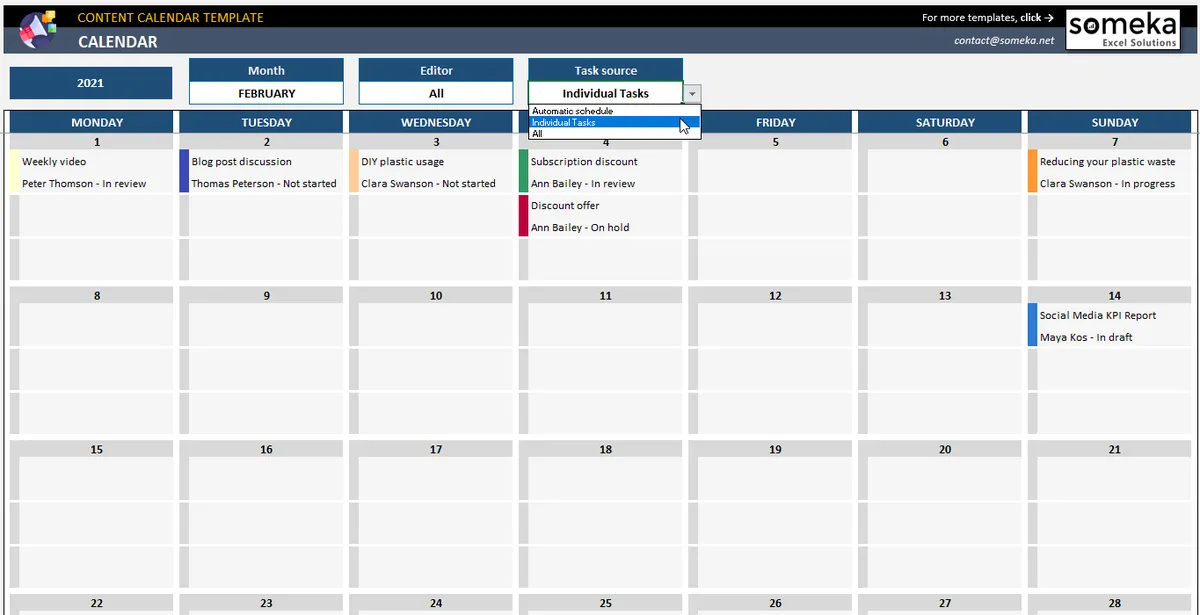
How Do I Keep the Calendar from Becoming Stale?
Build a light weekly ritual into your workflow, and once a month, prune rows that aren’t moving. Staleness usually comes from inattention, not from a broken structure. A five-minute check prevents most of it.
Can I Use a Content Calendar Template for Social and Email Only?
Yes, and it’s a smart starting point if that’s where most of your output lives. Strip the SEO columns and keep the cadence, stage, and approver fields. The underlying logic works just as well for social and email as it does for long-form blog posts.
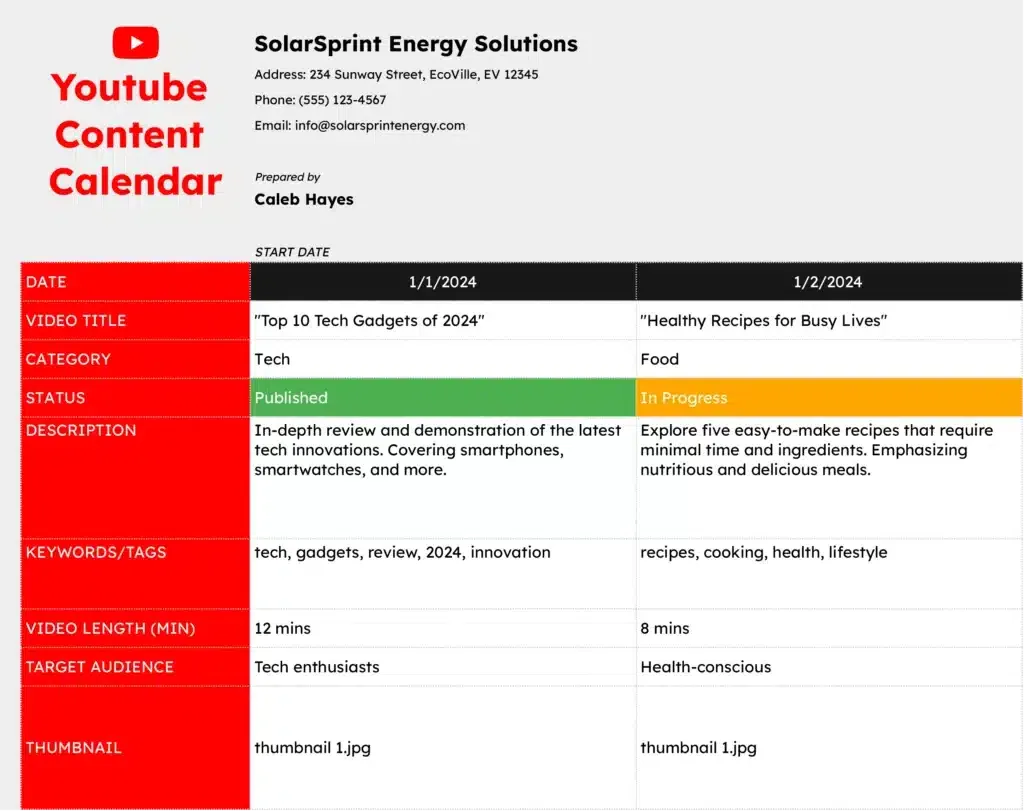
Which Tool Should I Use for My Content Calendar Template?
Whatever you’ll open every Monday. Spreadsheets are the default for good reason. Project management tools work when you need collaboration or client visibility. The right tool is the one you’ll stick with, not the one with the longest feature list.
How Do I Handle Last-Minute Requests Without Breaking the Calendar?
Reserve capacity. That 80-percent rule from the best practices section exists for exactly this reason. Urgent requests land in the reserved slot, and your core plan stays intact.
Wrapping It Up: Pick One Grid and Commit to It
The point of this whole walkthrough isn’t to hand you the perfect plan. It’s to hand you the smallest viable system — one free template, one set of columns, one weekly check — and let consistency do the rest.
Adopt the content calendar template you’ve seen above, tune it for your own workflow, and run your first Friday checklist this week.
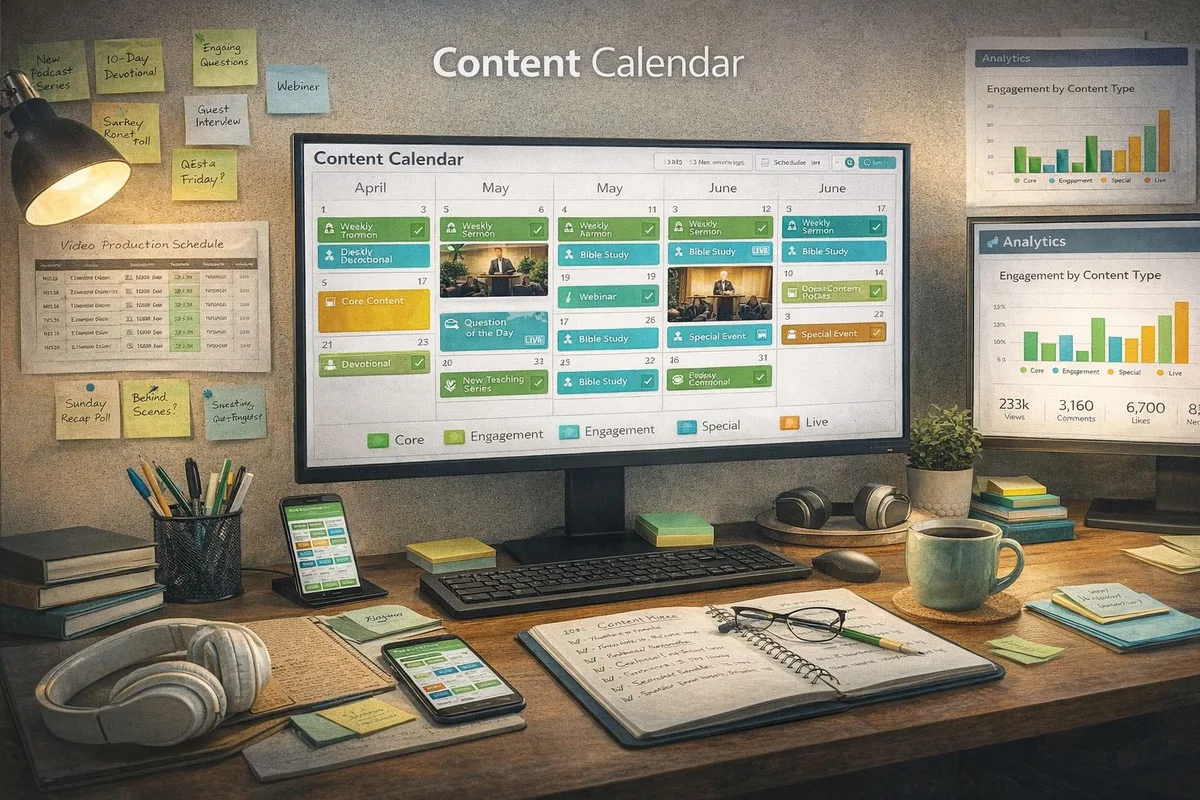
Because the real differentiator isn’t the tool or the grid. It’s whether you open it on schedule. A simple content calendar template that you actually maintain will outperform a sophisticated one you abandon.
Start small, keep it visible, and let the calendar absorb the planning load so your brain can get back to the actual work: writing something worth publishing.
For verified reference and background research, consult the authoritative informational resource on this topic.