Content Brief Template: 5 Free Templates You Can Copy Today
This content brief template collection gives you five copy-ready formats built for real projects, not theory. Each one solves a specific briefing problem, from the fast single-page version to the compliance-heavy enterprise layout. Copy what fits, delete what doesn’t, and start writing sooner.
Here’s the thing about briefs: most writers don’t hate them. Focusing on Content brief template provides clear direction here. They hate bad ones. A brief that’s three pages of vague adjectives (“engaging,” “authoritative,” “thought leadership”) helps nobody.
A brief that says “target 1,400 words, answer these six questions, cite two primary sources, keep sentences under 25 words on average” — that’s a working document.
So I’ve pulled together five templates the content brief template actually function. Some come from free tools you can sign into right now. Others are structures I’ve rebuilt from scratch after watching them fail in real editorial workflows. All of them are free to copy.
What Makes a Content Brief Template Actually Usable?
Before you copy anything, you need to know what separates a useful content brief template from a formatted wish list. The difference usually comes down to three things: it names a reader, it names a decision, and it names the sources.
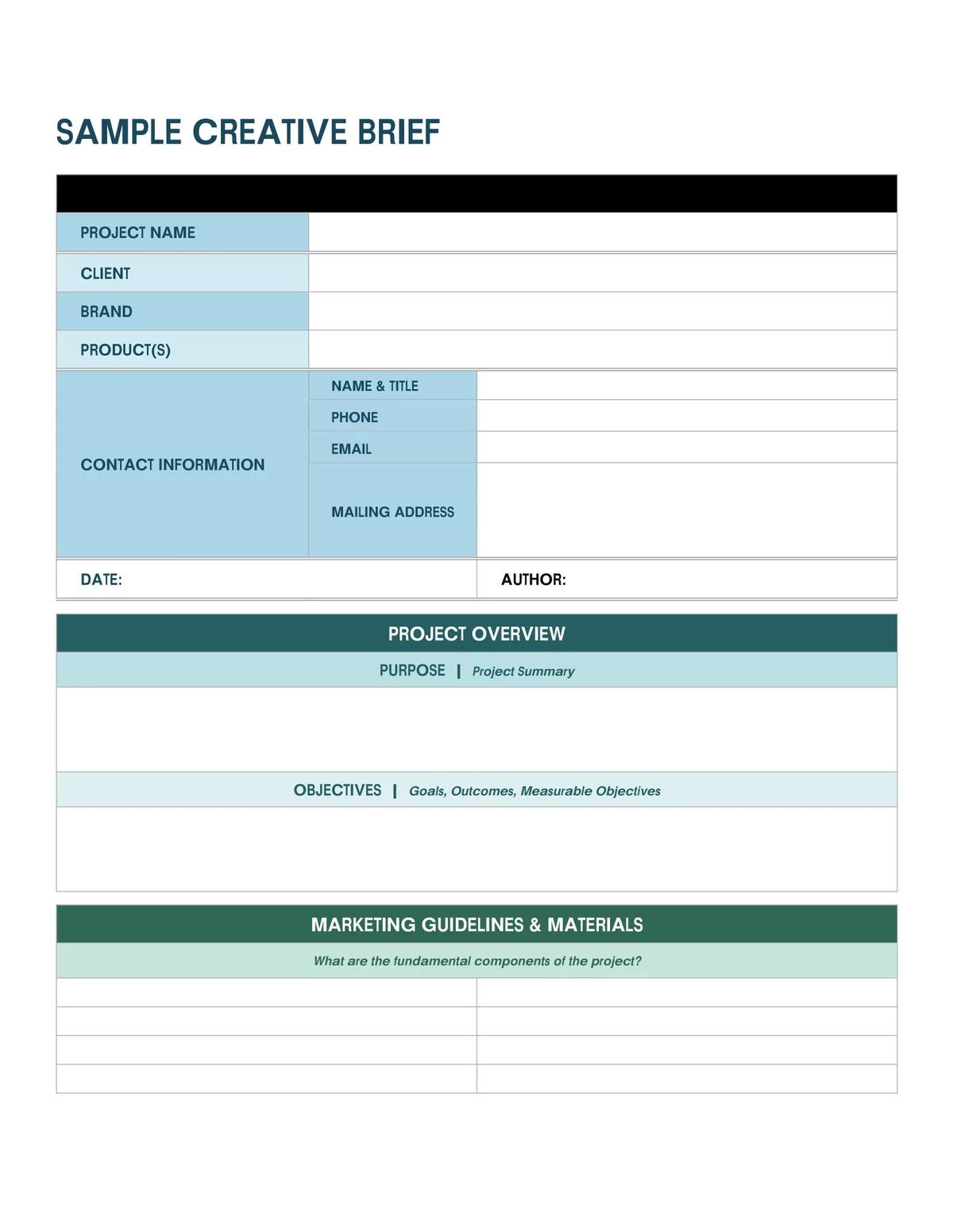
A reader, first. Refining each detail of your Content brief template strengthens this section. “Small business owners” is too broad. “Bookkeepers at firms with 3–10 employees who are evaluating their first payroll software migration” is a reader.
When the brief lacks that precision, writers default to generic advice, and editors spend three revision rounds fixing a problem that started in the brief.
A decision, second. Every piece of content should push the reader toward some action or understanding. A brief that doesn’t name the desired outcome produces articles that inform without landing. State it plainly: “Reader should be able to calculate whether they qualify for the tax credit after reading.”
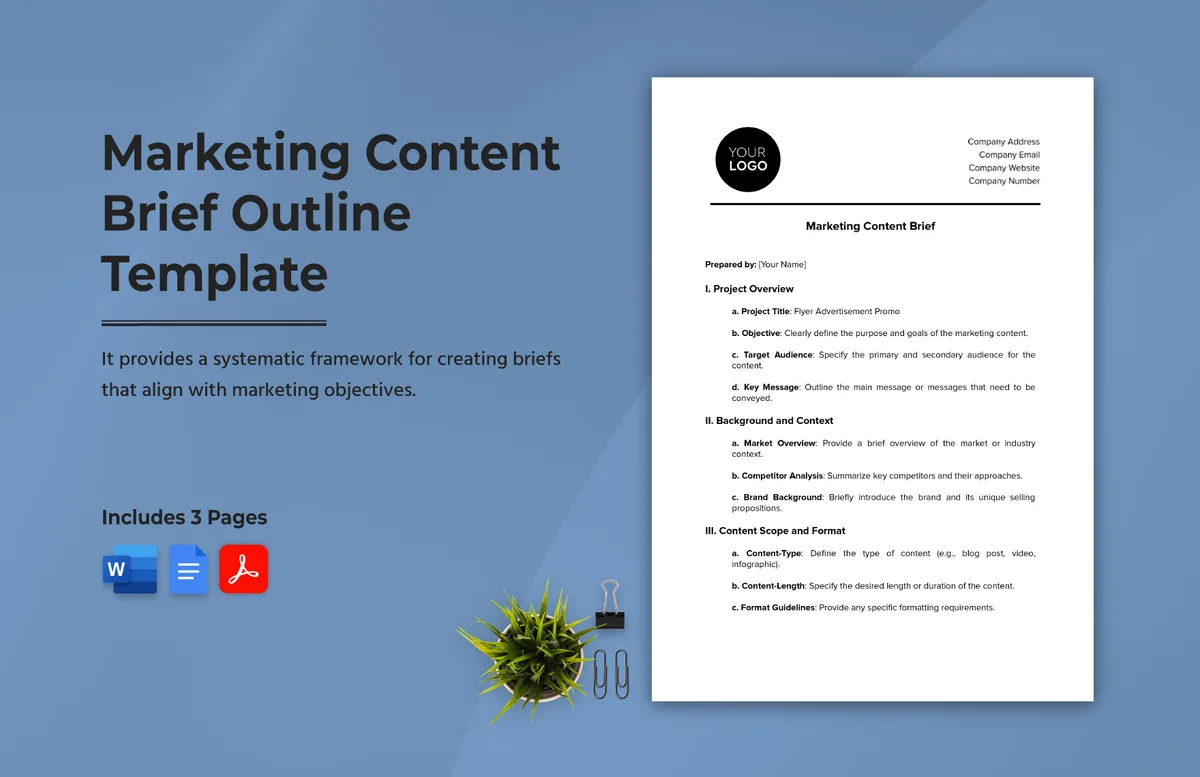
Sources, third. Effective execution in your Content brief template makes a tangible difference. This is the one most templates skip and the one that saves the most time. List two to five primary sources — original research, official documentation, regulatory pages — and one or two competing articles you want to outperform. Writers stop guessing what “authoritative” means and start citing.
The Three-Question Test for Any Brief
Run any content brief template through this filter before you hand it off. If it can’t answer all three, it’s not finished.
- Who is this for, specifically enough that the writer can picture one person? Include their role, their context, and their current level of knowledge. A brief that says “intermediate” is nearly useless; a brief that says “has used spreadsheets for years but never a CRM” is a plan.
- What must the reader be able to do after reading? Frame it as a capability, not a topic. “Understand content briefs” is a topic. “Draft a brief in under 30 minutes using the checklist section” is a capability.
- What sources anchor the claims? Name them. Link them. Note which claims need citation and which can stand on experience. This single field prevents more fact-checking headaches than any other.
Run those three questions against your current content brief template and you’ll usually find one of them missing. Fix that gap first — it matters more than word count targets or keyword density guidelines.
Why Writers Ignore Briefs (And How a Better Template Fixes It)
The recurring complaint I hear from freelance writers is the content brief template briefs feel like homework that gets in the way of the actual writing. Fair.
When a brief reads like a compliance form, writers skim it, write from instinct, and hand back something that’s 70% right and 100% off-brief in ways nobody flagged early enough.
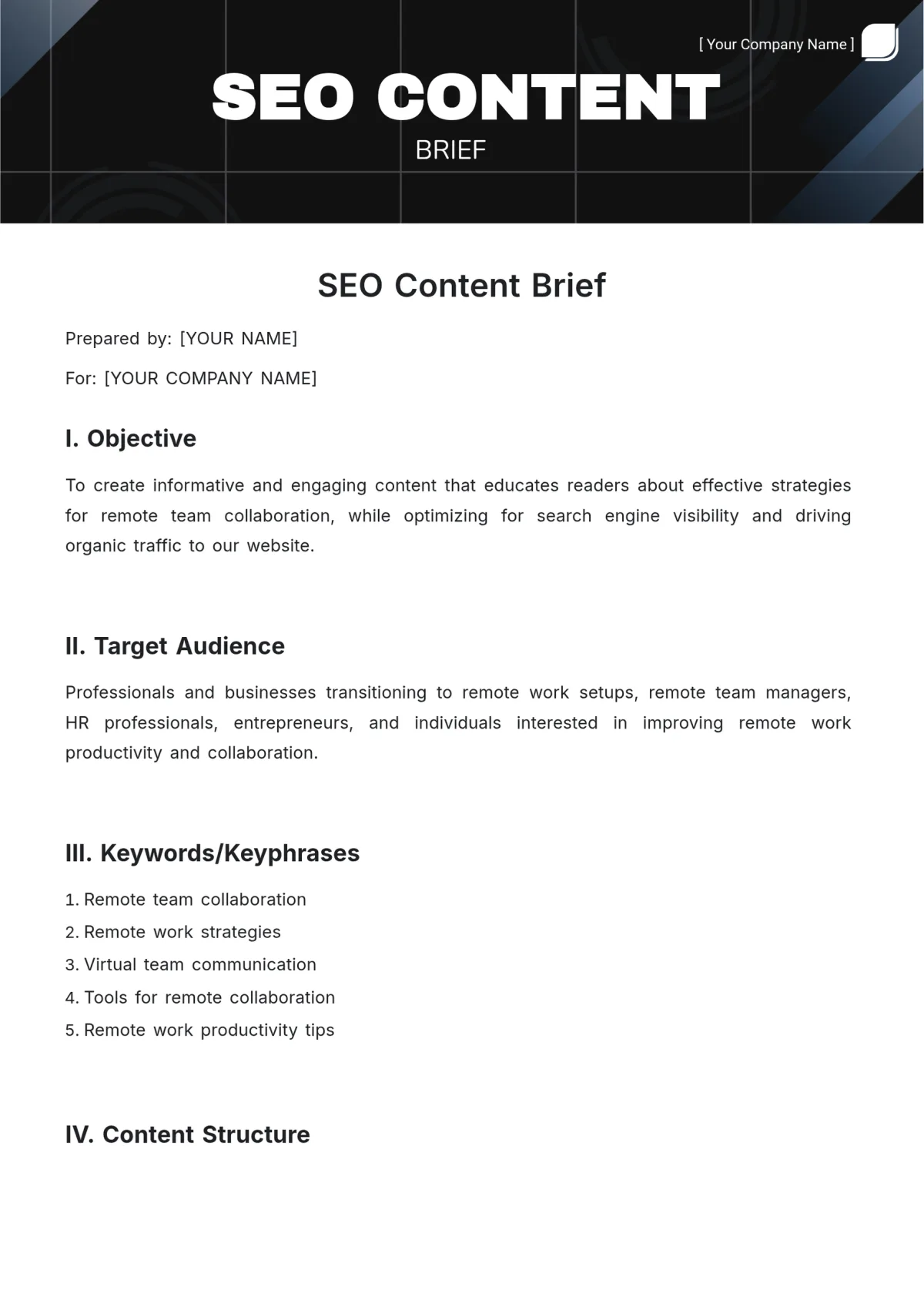
What wins writers over is brevity plus specificity. A one-page content brief template that names the reader, the angle, the sources, and the must-answer questions will get read. A four-page document with fourteen sections — audience persona, tone spectrum, creative territories, brand voice matrix — will get skimmed in ninety seconds.
The other fix is collaboration. Maintaining clarity across your Content brief template remains essential. Templates that treat the writer as a pair of hands getting instructions produce worse work than templates that ask “what would you need to know to write this confidently?” When writers contribute to the brief, they own the brief.
The Sections That Actually Get Used Vs. the Ones That Get Skipped
After watching hundreds of briefs pass through editorial teams, a pattern shows up. Focusing on content brief template provides clear direction here. Some sections get referenced constantly. Others get filled in once and never reopened.
| Brief Section | Usage Pattern | Recommendation |
|---|---|---|
| Target reader + context | Referenced on every draft | Keep, make specific |
| Must-answer questions | Highest-value section | Keep, limit to 6–8 |
| Primary sources | Used heavily by careful writers | Keep, link directly |
| Competitor URLs to beat | Used for structure reference | Keep, annotate why |
| Brand voice matrix (12 dimensions) | Almost never reopened | Replace with 3 voice rules |
| Creative territory mood board | Rarely applied to prose | Cut entirely |
| Keyword density hard targets | Produces robotic writing | Replace with term list |
That middle column is where most brief-based frustration lives. The high-usage sections carry the actual editorial weight. The low-usage sections exist mostly to make the brief feel thorough.
Trim the fat, beef up the questions and sources, and you’ve already improved your content brief template more than any additional field ever will.
The Free Content Brief Template Landscape: What’s Out There
Free templates exist in several flavors, and the content brief template’re not interchangeable. Knowing the categories helps you pick the right starting point instead of downloading five and then building your own anyway.
First flavor: template libraries inside SEO and content tools. These tend to be the most structured and the most opinionated, because they’re built around a specific methodology. Often excellent for SEO-driven content, sometimes overkill for a podcast summary or a newsletter.
Second flavor: template galleries from content marketing agencies and blogs. Structuring your content brief template around proven patterns ensures impact. These tend to be cleaner, more editable, and lighter on jargon. The trade-off is less built-in rigor — they’ll give you headers and prompts but rarely force you to name sources.
Third flavor: spreadsheet-based briefs. These shine for teams that publish at volume because they support sortable fields, cross-content calendars, and status tracking. Less pleasant for a single long-form piece.
Each of the five templates below lands in one of the content brief template camps. The best picks for most people are the ones that give you structure without forcing you into one tool’s workflow.
What to Check Before You Commit to a Free Template
Before the content brief template download anything, run a five-minute audit on the template itself. Most free templates fail one of these checks, and finding that out before you build a workflow around it saves hours.
- Is it editable in a tool you already use? Google Docs, Notion, and Airtable all work. A PDF that requires a paid account to edit is a dead end.
- Does it force you to name sources? If not, add that field yourself. It’s the single highest-leverage section you can include.
- Does it cap the number of must-answer questions? More than eight and the writer will triage, which means the questions you care about most get answered last.
- Does it have a checklist at the end? Not a score, not a grade — a plain yes/no list the writer can run before submitting.
- Does it separate SEO from editorial? Keep them in the same document but distinct sections. Mixing keyword reminders into prose guidelines produces unnatural writing.
Good templates are honest about what the content brief template don’t cover. If a template claims to fit every content type — blog post, whitepaper, video script, email sequence — it probably does none of them well. Pick narrower and edit for your format.
The five templates below each pass most of these checks. Where they don’t, I’ve noted it.
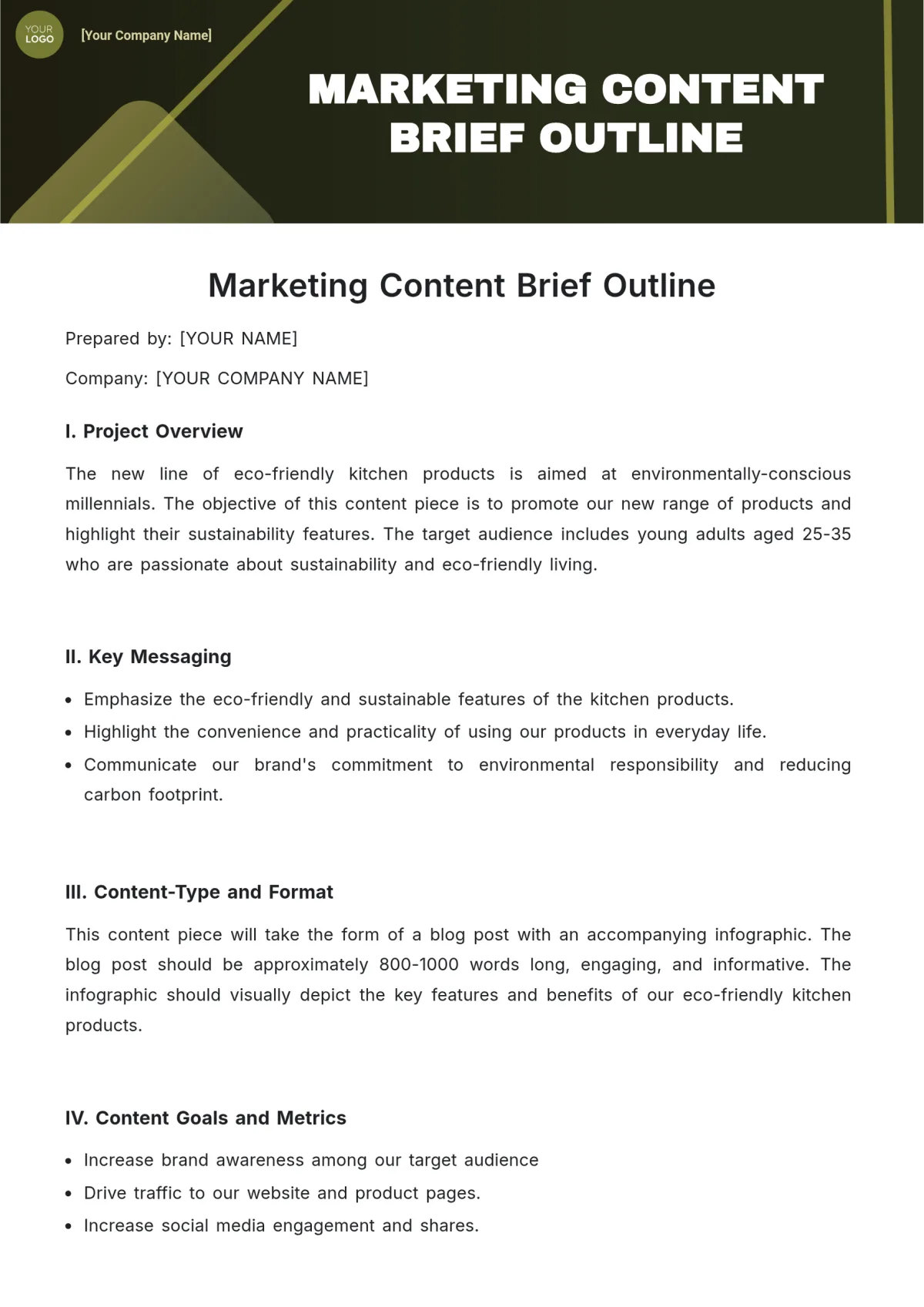
Template 1: the SEO Content Brief Template (Free in Three Popular Tools)
This is the workhorse. If you’re producing blog content meant to rank, a content brief template built around search intent is your fastest starting point, and three major SEO platforms offer usable free versions.
Surfer SEO’s free brief workflow. Surfer’s free tier lets you generate limited outlines, and the paid “Content Editor” produces a document with target terms, word count guidance, and SERP comparison data baked in.
The brief it produces is heavy on term coverage and light on reader analysis — great for SEO, not enough on its own.
Frase’s outline builder. Frase pulls questions from People Also Ask and competing pages to build a question-first outline. Developing your content brief template with precision highlights key strengths. This is arguably the most useful free feature in the SEO content space because it forces you to answer what searchers actually ask. The free plan caps usage, but the underlying structure is worth copying even without a subscription.
Clearscope’s free grader. Clearscope doesn’t give away full briefs for free, but the platform’s public content grader can score an existing draft against target terms, which tells the content brief template what’s missing. Useful as a validation step after drafting, less useful as a starting point.
How to Build a Search-Intent Brief Without Paid Tools
If the content brief template’d rather not sign up for anything, you can reconstruct the same brief structure manually in about twenty minutes. It’s essentially the same math the tools do, just by hand.
- Pull the top five ranking pages for your target query. Search your keyword in a private browsing window, note the top results, and open each.
- Extract their H2 and H3 subheadings into a single document. You’ll see a pattern emerge within three or four pages — this is your topic skeleton.
- Collect every question from “People Also Ask” for the query. These become your must-answer questions, capped at eight.
- Note recurring terms and named entities. First-use definitions, tool names, metrics, and related concepts. Group them into a semantic terms list.
- Identify what the top pages miss. This is your differentiator section in the brief. One or two paragraphs explaining what angle will make your piece worth reading.
The resulting document fits on one page and beats most paid briefs on specificity. That’s not a knock on the tools — it’s a reminder that a content brief template is a thinking aid, not a replacement for thinking.
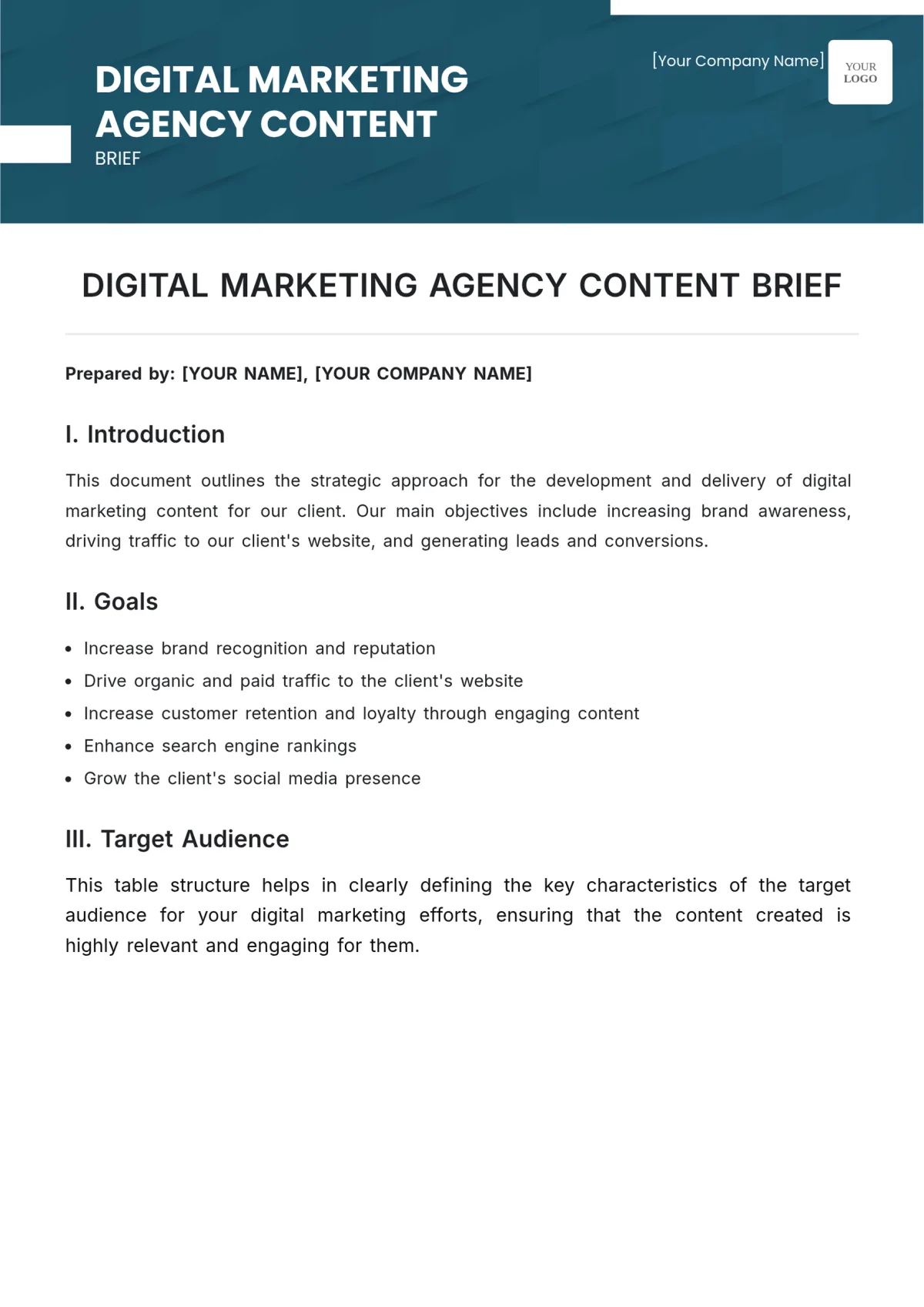
Template 2: the Blog Post Content Brief Template (Single-Page, Writer-First)
This is the leanest format that still does the job. It’s designed for teams publishing 4–20 posts monthly where the same writer often writes several pieces in a week and needs a brief he or she can absorb in under two minutes.
The structure is six fields. That’s it. Anything more and the writer starts skimming.
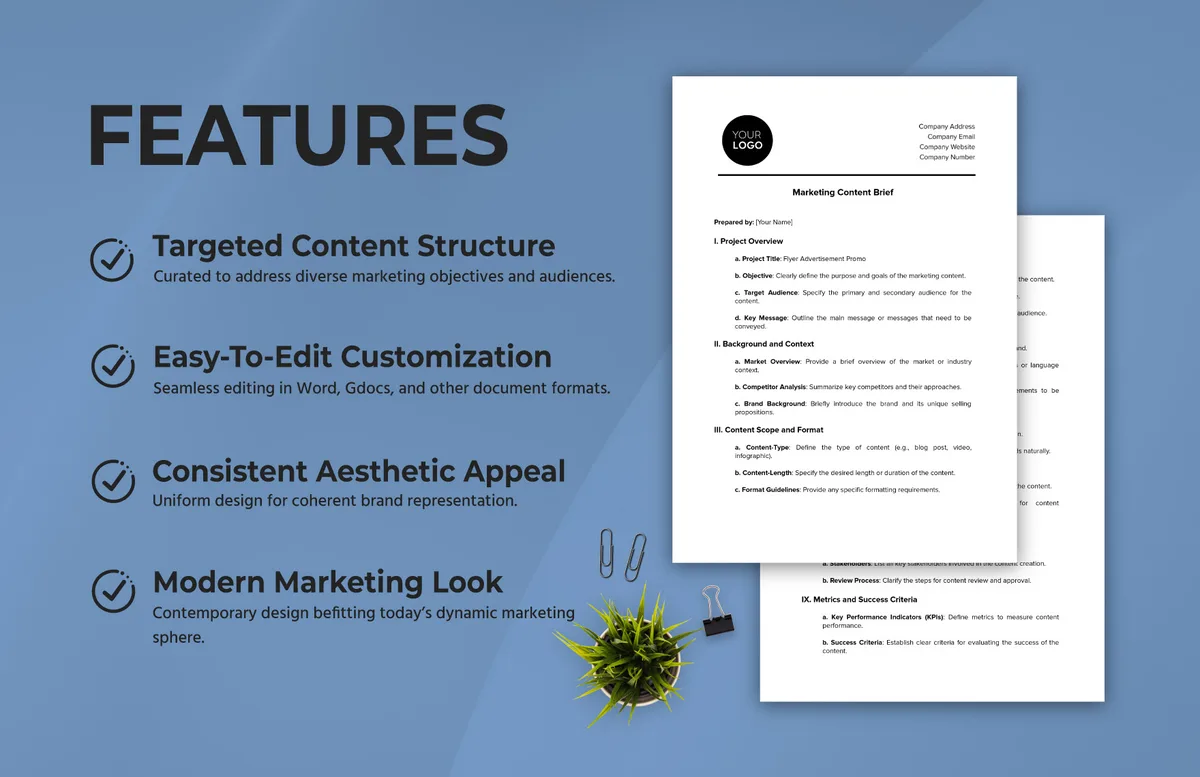
The Six-Field Single-Page Brief
Here’s the complete structure, formatted so you can copy it directly into Google Docs and replace with your own project details.
- Working title and one-sentence promise. The title in the head-of-document, plus a single sentence completing “After reading this, the reader will be able to…” That sentence is your North Star — cut anything in the draft that doesn’t serve it.
- The reader, in one line. Job title, context, and current level of knowledge. One line. Not a persona.
- Angle and differentiator. What makes this piece different from the top three ranking pages. Two sentences maximum. If you can’t articulate it, don’t write the piece.
- Must-answer questions. Six to eight questions. Numbered. The writer answers them in order or explains why not.
- Sources and references. Three to five links, each with a note about which section it supports.
- Submission checklist. Yes/no list — did you answer the questions, cite the sources, hit the length, check the spelling of every proper noun? Do not grade. Check.
This content brief template tips the balance toward brevity over completeness. That’s intentional. Briefs that get read and used outperform briefs that get filed and forgotten, every time.
For teams producing highly technical content — developer documentation, regulatory explainers — you’ll need to expand the sources field with more annotation. For most blog content, six fields is plenty.
Template 3: the Landing Page & Sales Copy Brief (The Conversion-First Structure)
Blog briefs optimize for information. Integrating content brief template into your workflow produces consistent quality. Landing page briefs optimize for decisions, and the thinking that goes into them is genuinely different. You’re not answering a question — you’re guiding someone from idle interest to action.
The critical section the content brief template blog briefs don’t need: an objection map. Before writing anything, list every reason the reader might not convert. Price, timing, trust, integration concerns, “I’ve been burned by this before” resistance. Then map each objection to a section of the page.
Second critical section: proof inventory. Targeted refinements to your content brief template streamline the entire review. Testimonials, customer counts, case study results, certifications, third-party reviews. If the brief doesn’t list available proof, the writer either invents some (bad) or writes vague copy (worse).
What a Conversion Brief Must Name (That Blog Briefs Can Skip)
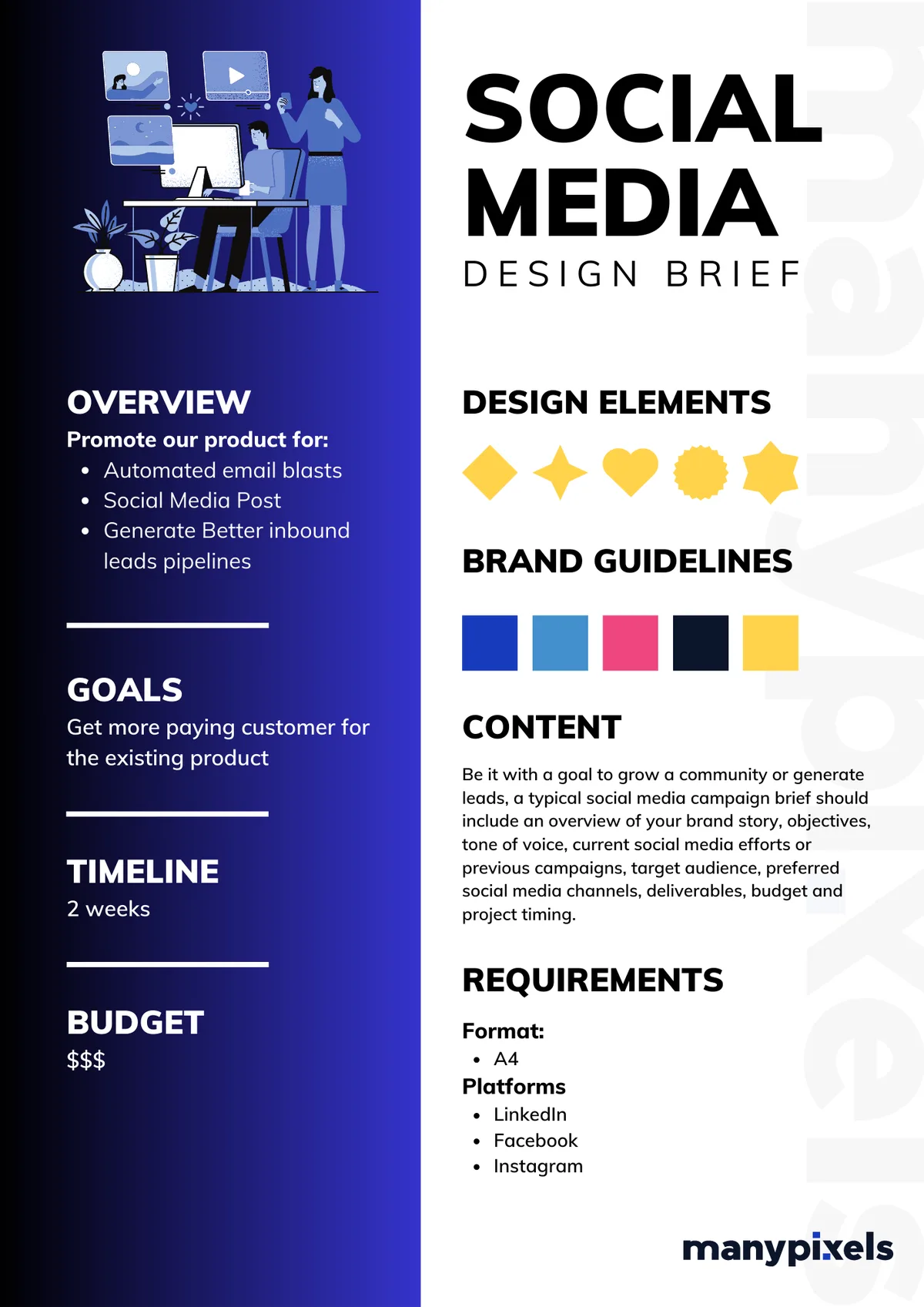
Beyond the standard reader and angle fields, a conversion-focused content brief template needs a handful of conversion-specific sections to work.
- The primary action. One primary action, not three. “Book a demo” or “start a free trial” — not both, and not a menu of options scattered across the page.
- The objection map. Every objection the reader brings, with the section of the page that addresses it. If an objection has no home, the page has a gap.
- The proof inventory. Named source for each claim — which customer, which case study, which third-party review. “Strong social proof” isn’t proof; a specific quote with a specific result is.
- The compliance constraints. Legal review requirements, regulated industry rules, required disclaimers. Briefs that skip this force a round-trip with legal after the copy is written.
- The measurement plan. What metric determines success — conversion rate, qualified lead volume, demo bookings — and how it’ll be tracked.
For landing pages, the conversion map is often more valuable than the copy itself. The writer’s job shifts from “explain” to “anticipate,” and the brief makes that shift explicit.
If you’re using one content brief template to cover both blog and landing pages, the moment you need to split, do it. Conversion briefs fail when compressed into editorial formats.
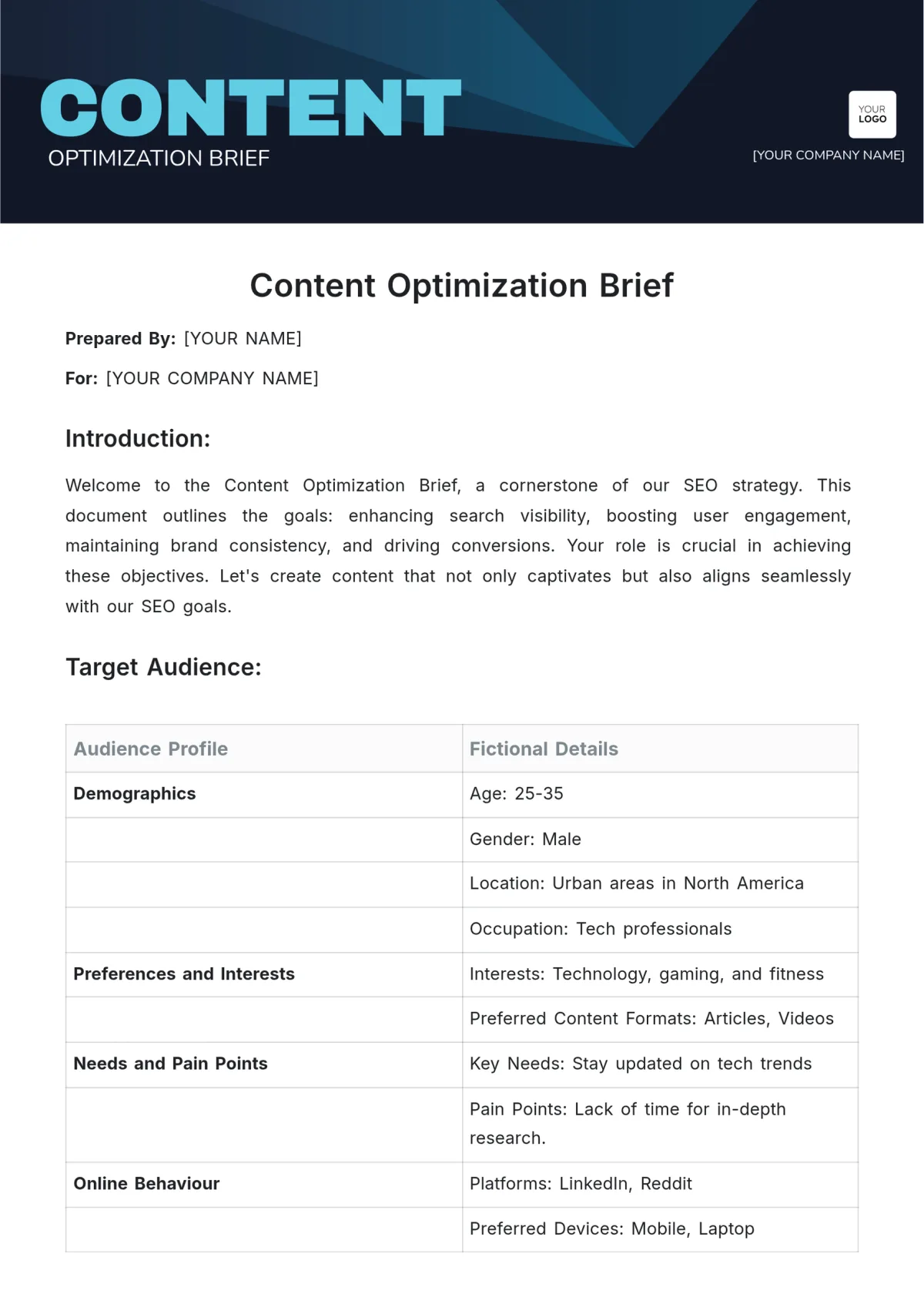
Template 4: the Enterprise Content Brief Template (Compliance & Multi-Stakeholder)
Enterprise content has requirements the content brief template small-team briefs can ignore without consequence. Legal review, brand approval, regulatory disclosure, multi-stakeholder sign-off — these aren’t optional, and a brief that doesn’t plan for them causes delays mid-draft.
The core difference is process transparency. A good enterprise content brief template shows the reader, at a glance, every gate the piece must pass. Authors know when legal will see it, brand will approve it, and whether the subject matter expert needs to fact-check the section on pricing rules or tax treatment.
This becomes critical in regulated industries. Financial services, healthcare, insurance, and anything touching securities law requires the brief to include disclosure language, review requirements, and often a signature chain. Drafting without that in the brief guarantees rework.
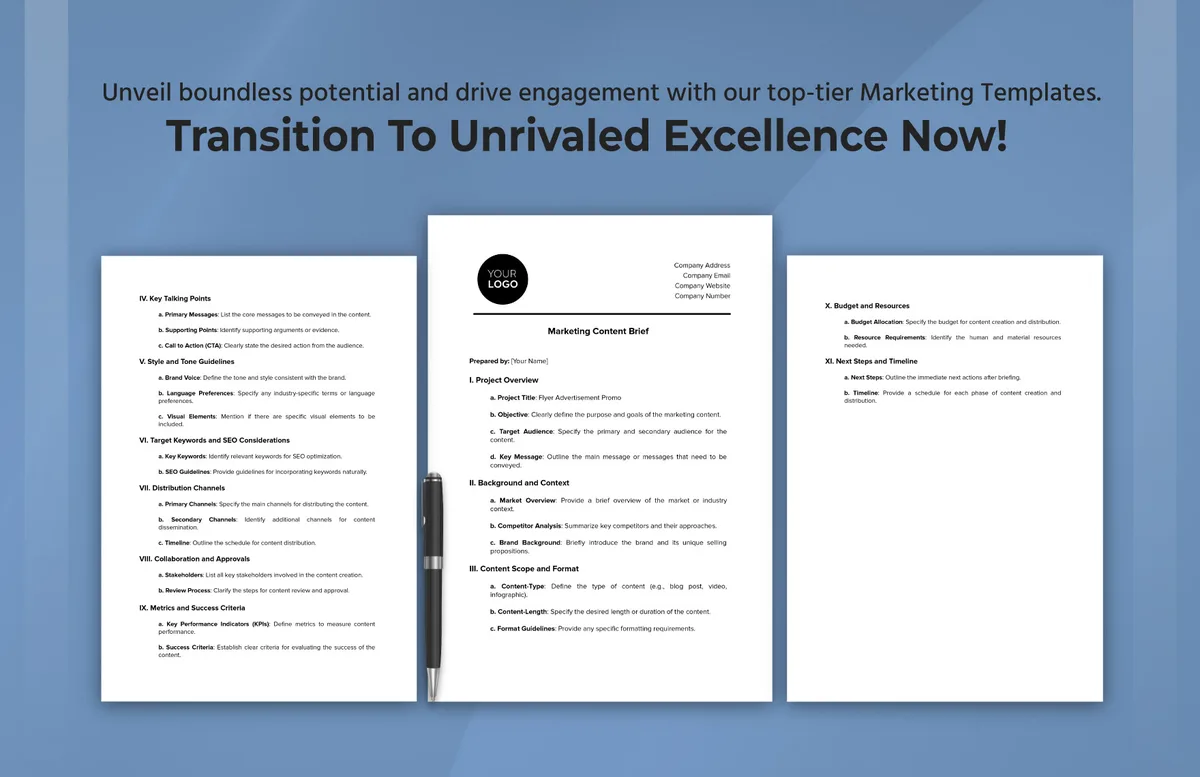
Minimum Fields for a Compliance-Ready Brief
A “brief” in enterprise settings is a different animal. Here are the non-negotiable fields that should be in any enterprise-grade content brief template.
- Stakeholder map. Author, editor, subject matter expert, legal reviewer, brand approver, and the final publishing owner. Each named, not just roles.
- Review gates and order. Who sees the draft first, second, third. Some organizations require SME review before legal, others the reverse — the brief should specify.
- Required disclaimers. Verbatim text, not paraphrased. Legal-approved language pasted into the brief, not left for the writer to reconstruct.
- Compliance constraints. Regional rules, prohibited claims, required cross-references. If the piece runs in multiple markets, note where the requirements diverge.
- Source approval status. Not every quote is cleared, not every statistic is publishable. The brief should flag which sources are cleared and which need sign-off.
- Version and retention notes. Version number, review date, retention period — required in many industries and often forgotten until audit.
Enterprise briefs are longer, heavier, and slower to fill out. They are also the format that most reliably prevents legal and brand catastrophe on the fourth draft. For teams of any size publishing in regulated environments, that trade-off is worth it.
If you don’t currently have this format, start by drafting it yourself using the fields above. It’s the content brief template that saves the most hair-loss when your industry demands documentation.
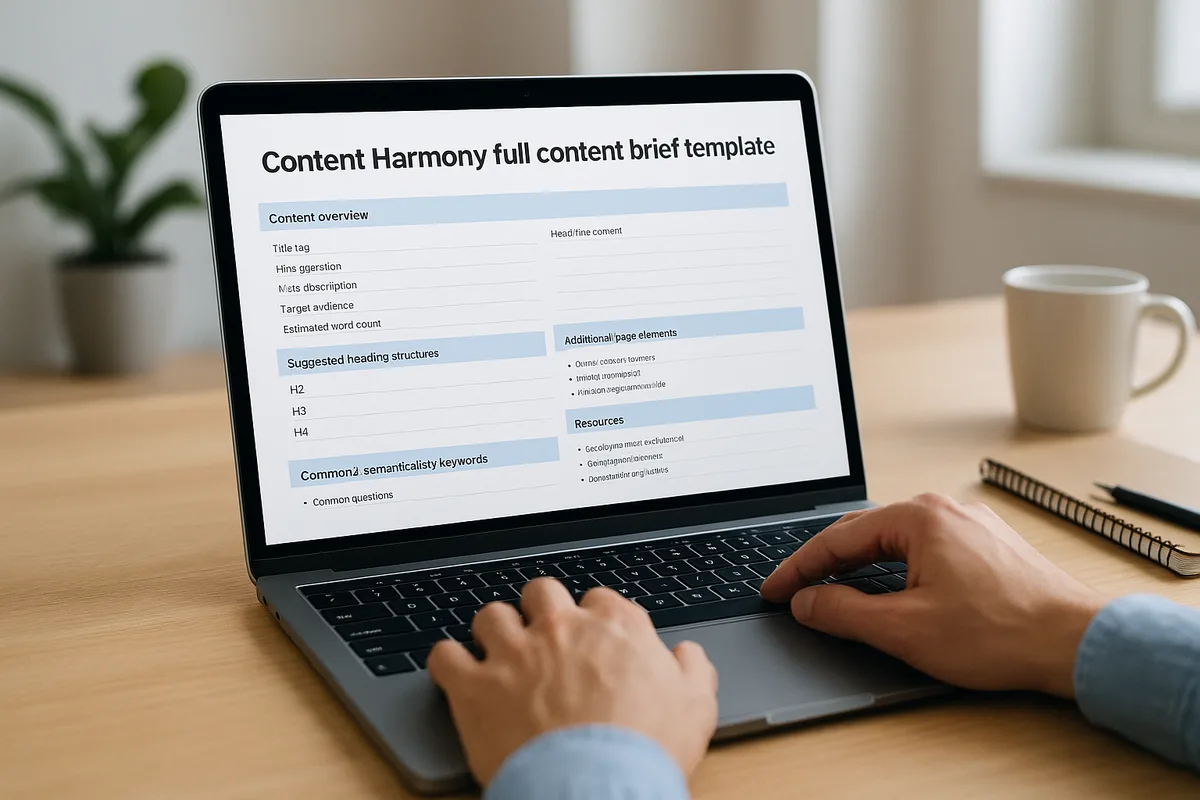
Template 5: the Lightweight Notion/Google Docs Brief (For Solo Creators and Small Teams)
If the content brief template’re a solo operator or a small editorial team — say, one writer plus one editor — a bespoke brief may be overkill. This fifth template is a stripped-down version of the single-page approach, tuned for speed and built to live in the same document as the draft.
The format is one document per piece. Top of the doc: the brief (working title, one-sentence promise, must-answer questions, sources, checklist). Below that: the draft itself. The writer scrolls up to check the brief, then writes, then scrolls down to the checklist before marking the piece done.
No separate content brief template document to maintain. No switching between tools. The brief and the draft live together, so the brief actually gets consulted because it’s right there.

The Four-Part Solo Brief That Ships Fast
Here’s the exact structure. It fits in about ten minutes and never needs a separate file.
- One sentence of intent. Why this piece exists and what the reader should do or understand after it. If you can’t write one clear sentence, don’t start drafting.
- Three to five must-answer questions. Fewer than a large team brief, because whoever is writing this brief is also going to write the draft. Don’t front-load decisions you can make while drafting.
- Two to three source links, with one line each. Primary sources only. No secondary commentary. If you can’t name three, you don’t know the space well enough yet.
- Submission checklist, five items or fewer. Read it once before marking the piece done. Check it, don’t grade it.
That structure scales down gracefully. A solo writer can use it for a single blog post. Two-person teams can use it for an entire month of content. Editors who hop between formats can reuse it for email copy, newsletter issues, and landing pages with only minor tweaks.
The content brief template’s not the right format for enterprise compliance or heavily regulated industries. It’s also not the right format for large SEO content programs that need tool-based briefs. But for the volume most small operations actually produce, this is the format that gets used because it doesn’t feel like a chore.
Content Brief Template Best Practices: the Rules That Survive Every Format
Regardless of which of the five templates above you adopt, certain rules apply across every one of them. These are the practices that hold up when a content brief template is tested against real-world usage rather than a marketing screenshot.
Rule one: cap the must-answer questions at eight. Nine becomes triage. When the writer runs out of time, questions one through six get answered and seven through nine get skimmed. If your subject requires more than eight questions, you probably need two articles.
Rule two: name sources, not source categories. “Cite industry research” produces zero useful results. “Cite the BLS occupational handbook page on this role” produces useful results. Every time.
Rule three: separate SEO from editorial. Both belong in the brief, in clearly labeled sections. Mixing keyword reminders into prose instructions produces writing that reads like it’s trying to satisfy an algorithm.
Rule four: replace “tone” with “three voice rules.” Twelve-dimension brand voice matrices exist mostly to make brand teams feel thorough. In practice, when refining a content brief template, writers use three rules at most. “No jargon, active verbs, short paragraphs” beats any matrix.
Rule five: use a checklist, not a score. A checklist gets used. A score gets gamed. Writers who see “must hit 95+” on a scoring rubric will focus on the scorecard, not the reader.
The Content Brief Template Checklist for Editorial Teams
Before you commit a content brief template to your workflow, run this content brief template checklist against it. Each item is a yes/no question, and any “no” means a field needs to be added.
- Does it name a reader specifically enough that the writer can picture one person?
- Does it name a decision or capability the reader should have after finishing?
- Does it cap the number of must-answer questions at eight or fewer?
- Does it link to 3–5 primary sources with notes on which sections they support?
- Does it name the top 2–3 competing URLs to outperform?
- Does it separate SEO terms from editorial guidelines in distinct sections?
- Does it include a submission checklist (yes/no, not a grade)?
- Does it name the format — blog, landing page, email, or other?
- Does it specify expected length in a range, not a hard number?
- Does it include a “differentiator” field explaining why this piece needs to exist?
Any template that passes all ten of these is ready for editorial use. Any template that fails one of these fails specifically. Fix the failing field, keep the rest, and you’ll have a working content brief template rather than a document that gets filed after first use.
Content Brief Template Tips: Common Mistakes and How to Fix Them
The most common briefing mistake is over-specification. New brief-writers tend to stuff the document with fields and directives, then wonder why the draft still misses. Here are the specific errors I see most often, with the fix for each.
Mistake: writing the brief in the same tone the content brief template want the piece to have. Briefs are instructions, not performances. A brief that reads like a finished article produces drafts that read like a brief. Write plainly, direct, in bullet-level instructions.
Mistake: treating the brief as final. Briefs evolve. When the writer discovers that a critical section doesn’t have any primary sources, the brief should be updated, not the draft’s claim fabricated. Build in one round of revision on the brief after the writer’s first research pass.
Mistake: forcing every piece into the same template. A first-quarter product launch and a quiet how-to blog post do not deserve the same brief weight. Proper attention to your content brief template sets a strong baseline. Have a light version and a heavy version, and know which things need which.
Mistake: making the writer guess at the “so what.” The differentiator field is the most skipped and most important brief section. If you can’t articulate why the reader should choose your piece over the top three results, don’t assign the article. The writer will produce something generic, and you’ll blame the writer.
Mistake: skipping the source section because “the writer knows the space.” Even a writer with subject matter expertise benefits from three named sources. Without them, the writer either invents claims or pads sections with safe generalities that competitors beat by being specific.
Content Brief Template Tips for Better Writer Output
A few smaller tips that produce measurable improvements in editing time and first-draft quality.
- Start the brief with the reader, not the keyword. Readers create readers. Keywords create keyword-stuffed drafts.
- Include one sample paragraph. Not a model answer — a tone sample. Two sentences that show the voice. Writers calibrate faster from examples than descriptors.
- List “we will not cover” topics. Scope creep on drafts usually originates in scope creep in the brief. Explicit exclusions save time.
- Name the editor who will read the first draft. Accountability becomes concrete. The writer knows who to ask.
- Put the checklist at the top, not the bottom. Front-loaded checklists get used more than back-loaded ones, for the same reason that highway signs appear before the exit.
None of this is complicated. The mistake is treating a brief like paperwork when it’s actually the first draft of the writing process. Get the brief right and the writing nearly writes itself.
Frequently Asked Questions About Content Brief Templates
Here is an in-depth breakdown of key considerations regarding Frequently Asked Questions About Content Brief Templates:
What is a Content Brief Template?
A content brief template is a reusable structure that captures the instructions a writer needs before drafting a piece — target reader, angle, must-answer questions, sources, and submission checklist. Rather than writing this from scratch for every assignment, you keep a template and fill in the specifics each time.
The best templates are short. Most teams overbuild them early, then trim down over the first year as they notice which fields get ignored. If you’re starting from scratch, begin with the six-field single-page version and add only what your specific workflow actually uses.
Do I Need a Paid Tool to Use a Content Brief Template?
No. Search-optimized briefs are easier to build with tools like Surfer, Frase, or Clearscope, but a manual brief works fine for most content. The manual approach takes about 20 minutes and produces a leaner brief that fits on a single page.
If the content brief template’re producing high volumes of SEO-driven content, tools save time at the margin. For anything under ten pieces a month, the manual approach usually wins on quality because it forces you to think rather than accept a generated outline.
Which Template Should I Start With?
Most teams should start with Template 2 (the single-page blog brief) or Template 5 (the solo/small team Notion or Google Docs brief). Both are lean enough to actually get used, and both are simple enough to expand later if you need to.
Move to Template 1 (SEO) when your primary channel is organic search. A thoughtful approach to content brief template reinforces your qualifications. Move to Template 3 (landing page) when your work is conversion-focused. Move to Template 4 (enterprise compliance) when legal review is mandatory. Nobody needs to start with Template 4.
How Long Should a Content Brief Template Be?
One page for solo teams, three to five pages for large editorial operations, five to ten for regulated industries. Any longer and the writer will skim. Any shorter and you’ll miss critical fields.
The length of a content brief template should scale with the amount of risk the piece carries. A 1,200-word blog post carries low risk — a brief that’s two pages is generous. A regulated financial landing page carries significant legal risk — a brief that’s two pages doesn’t contain the compliance constraints.
What is the Difference Between a Content Brief and a Content Outline?
An outline lists the sections of a piece in order. A brief contains the outline plus every other instruction the writer needs — reader, angle, sources, compliance constraints, submission checklist. Briefs and outlines overlap, but the brief is the superset.
Some teams skip the outline and work only from the must-answer questions, letting the writer structure the piece. This works with experienced writers. With newer writers, the outline in the brief saves a revision round.
How Do I Get Writers to Actually Use the Brief?
Keep the brief short. Make the differentiator field mandatory — writers engage with briefs that answer “why this piece needs to exist.” And make the checklist front-loaded, so the writer encounters it before the draft, not after.
The most reliable fix is collaboration. If writers help draft the brief, they use the brief. If the brief arrives as a fully formed fact, they skim. The template is the structure, but buy-in comes from content brief template guide is the part that matters here, and the process, not the format.
Where to Go Next
Pick one of the five templates above — the single-page version if the content brief template’re unsure — and use it for your next three pieces. Then edit it after the third. Most teams end up with a hybrid that borrows from the single-page and SEO formats, and that’s exactly right.
The real measure of any content brief template isn’t how complete it looks in the folder. It’s whether the writer opens it, consults it, and returns to it during revision. Templates that earn that return visit are the ones that survive an editorial team’s growth.
Start there, build the discipline, and let the template evolve with your content program. The template isn’t this content brief template strategy — it’s the tool that lets you practice the strategy consistently.
Templates will keep evolving, tools will keep changing, and team structures will keep shifting. What stays constant is the job of a good content brief template: to make sure the writer knows who they’re writing for, what the reader needs to walk away understanding, and where the writer can find the sources to prove it.
Nail those three things and the rest is editing. Miss them and no amount of formatting rescues the draft. Pick your template, put it to work this week, and let it earn its place in your workflow.
For verified reference and background research, consult the authoritative informational resource on this topic.