Cloudflare SEO Settings: 7 Easy Tips to Rank
Cloudflare SEO settings are the single most overlooked lever in technical optimization, and honestly, most site owners never touch them. I have spent years auditing sites that stalled on page two, and a shocking number of them had a misconfigured Cloudflare zone quietly sabotaging their crawl budget.
Here is the thing nobody tells you: Cloudflare sits between your server and every visitor, including Googlebot. Every toggle you flip in that dashboard ripples through caching behavior, response headers, redirects, and bot verification. Get it right and your Core Web Vitals improve almost for free. Get it wrong and your best pages vanish from the index.
This cloudflare SEO settings guide walks through seven concrete moves I use on real client properties, from the SSL mode that trips up beginners to the crawl-related rules most people leave dangerously default. No fluff, no theoretical hand-waving. Just the toggles, what they do, and how to verify the change actually helped.
Why Cloudflare SEO Settings Matter More Than Most People Think
Cloudflare started life as a CDN and DDoS shield. Focusing on cloudflare SEO settings provides clear direction here. Somewhere along the way it became a full edge platform, and with that growth came a pile of settings that touch search performance directly.

If you only think of it as “the thing that makes my site faster,” you are leaving a lot of upside on the table.
The proxy layer rewrites headers, compresses assets, terminates TLS, and caches HTML. Each of those behaviors changes what crawlers and browsers actually receive. A caching rule that serves stale HTML to a bot, for example, can freeze your content updates in Google’s view for days.
Fast sites rank better. There is no debate left on that. Cloudflare is one of the cheapest ways to shave hundreds of milliseconds off TTFB worldwide, which is precisely why the cloudflare SEO settings best practices in this article are worth the twenty minutes it takes to apply them.
What Cloudflare Actually Touches in Your Stack
Think of Cloudflare as a smart mail sorter. Refining each detail of your cloudflare SEO settings strengthens this section. Your origin server mails out a page, and the sorter decides whether to stash a copy, hand it to the next visitor, or ask for a fresh one.
Routes, cache rules, and page rules are the instructions you give that sorter. Headers are the labels on each package.
Once that metaphor clicks, the rest is mechanical. You are tuning cache lifetimes, controlling which requests get the local copy, and making sure the labels Googlebot reads are accurate. That is the whole game in a sentence.
The Goal: Faster Delivery and Cleaner Crawling
Two outcomes matter for search. First, pages should arrive fast from every region. Second, crawlers should see exactly the canonical version you intend, with correct status codes and headers. Everything else in this cloudflare SEO settings checklist serves those two goals.
- Speed: lower TTFB and better Largest Contentful Paint through edge caching.
- Clarity: accurate redirects, one canonical host, honest bot responses.
Keep both in view and you will spot the settings that actually earn their keep.
1. Fix Your SSL/TLS Mode So Your Site Never Breaks
This is the classic mess. A site owner turns on Cloudflare, sees the orange cloud proxy everything, then notices mixed-content warnings or a redirect loop. Nine times out of ten the culprit is SSL/TLS mode set to Flexible while the origin still serves HTTP.
Flexible mode means browsers reach Cloudflare over HTTPS, but Cloudflare talks to your server over plain HTTP. That creates loops, exposes you to downgrade issues, and confuses crawlers. Set it to Full (Strict), install a valid certificate on the origin (Let’s Encrypt works fine), and the noise disappears.

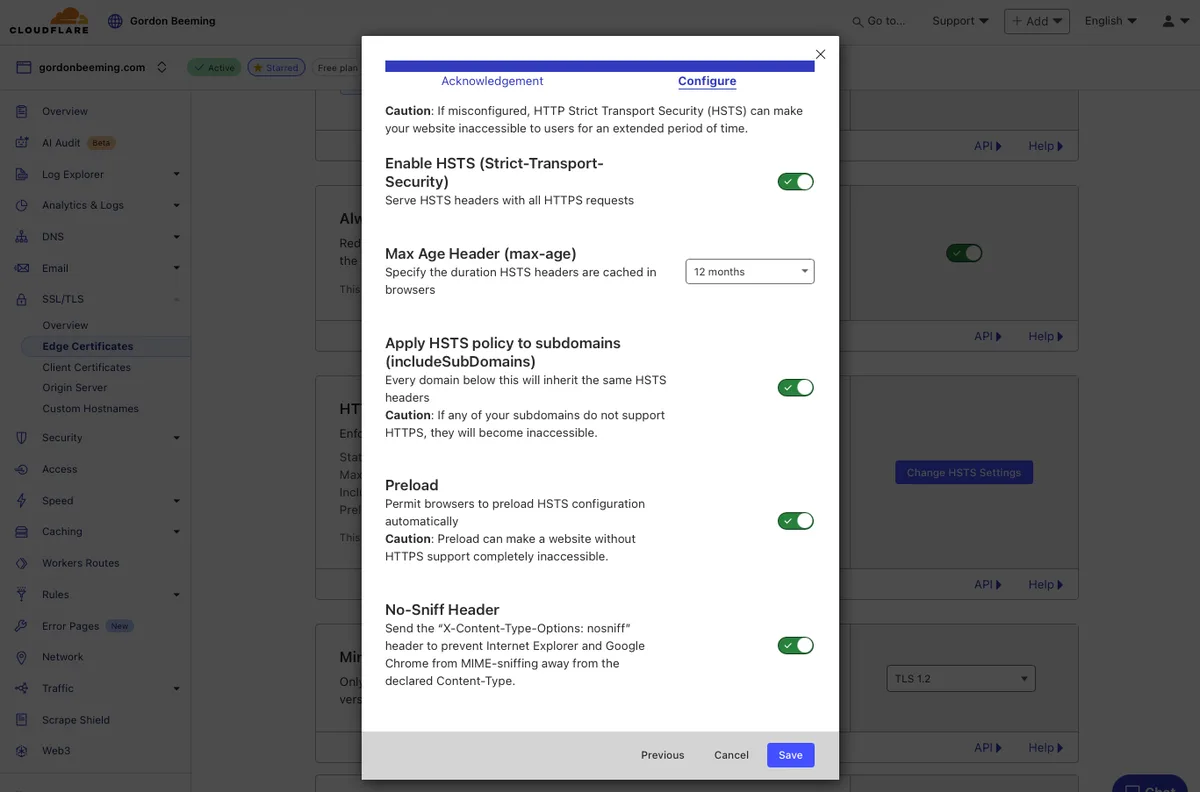
Once locked in, enable Always Use HTTPS and Automatic HTTPS Rewrites. These two toggles collapse mixed content warnings and enforce a single protocol. That single-protocol consistency is one of those unglamorous cloudflare SEO settings that quietly prevents duplicate indexing.
Why Flexible SSL Silently Hurts Rankings
Beyond the redirect loops, Flexible mode can serve content over two protocols, and Google may crawl both. Effective execution in your cloudflare SEO settings makes a tangible difference. Duplicate URLs split whatever authority a page earns. Fixing SSL mode alone has pulled clients out of canonicalization purgatory more than once.
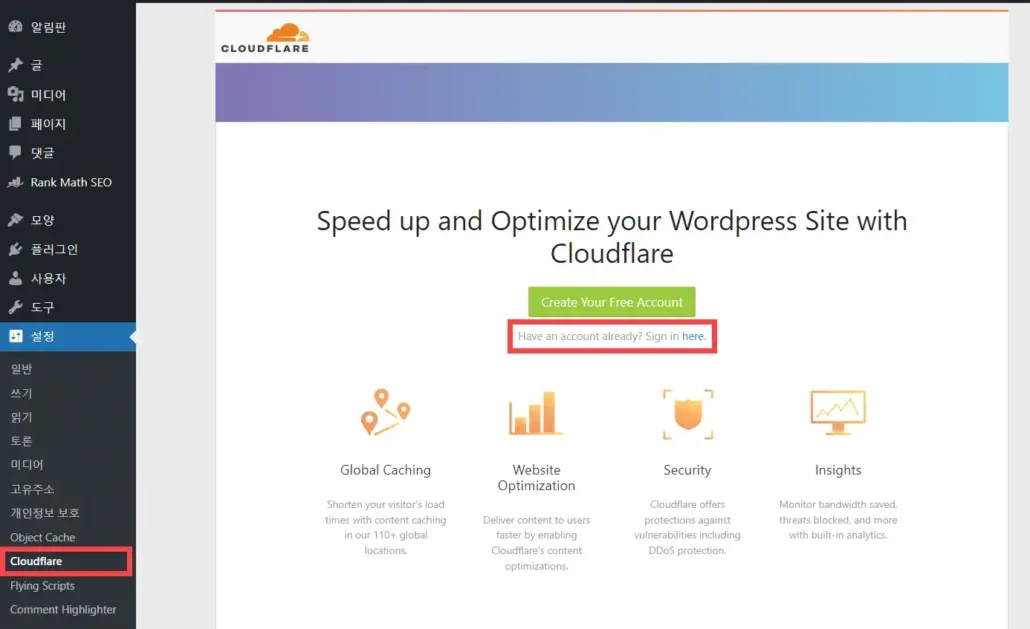
To confirm you are clean, run a quick header check with curl and look for a single 301 to HTTPS. If you see a 302 chain, something upstream is still teasing the crawler. Fix it before you touch anything else in this cloudflare SEO settings guide.
2. Tune Caching Rules Without Freezing Your Content
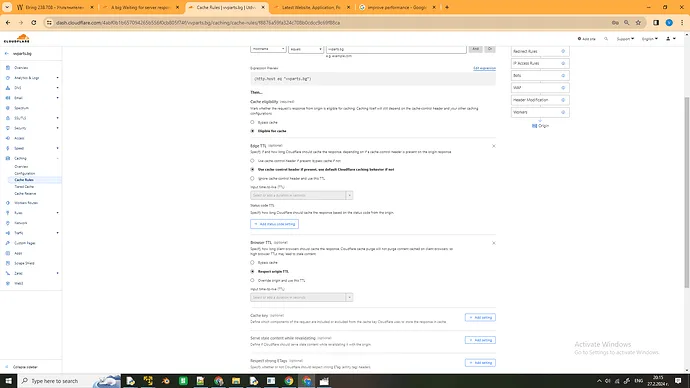
Caching is where cloudflare SEO settings tips get interesting. Default caching is smart but conservative: static assets get cached, HTML usually does not. That is safe, but it leaves performance on the floor, especially for content sites with heavy editorial updates.

The right move is a tailored cache rule scoped to specific paths and content types. Cache images, fonts, and stylesheets aggressively. Leave HTML at the edge only when you have a clear invalidation plan, like purging on publish via an API hook or a plugin integration.
If you cannot guarantee timely purges, do not cache HTML. A stale homepage is a worse ranking problem than a slightly slower origin response. That trade-off is the most important judgement call in the entire cloudflare SEO settings checklist.

Choosing Browser Cache TTL and Edge TTL
Browser Cache TTL controls how long a visitor’s own browser keeps assets. Focusing on cloudflare seo settings provides clear direction here. Edge TTL controls how long Cloudflare keeps them. For versioned assets, set Edge and Browser TTL high and use hashed filenames. For unversioned CSS, keep TTL moderate so changes propagate without a manual purge.
A useful pattern: hash-busted JS and fonts at one year, images at six months, and unversioned stylesheets at a few hours. Maintaining clarity across your cloudflare SEO settings remains essential. That mix balances performance with the ability to push fixes fast.

| Asset Type | Edge TTL | Browser TTL | Purge Strategy |
|---|---|---|---|
| Hashed JS/CSS | 1 year | 1 year | None (hash changes filename) |
| Images (versioned) | 6 months | 1 month | Manual on replacement |
| Unversioned CSS | 4 hours | 1 hour | Purge on deploy |
| HTML | Off (or minutes) | Off | Purge on publish |
3. Enable Brotli, Early Hints, and Smart Compression
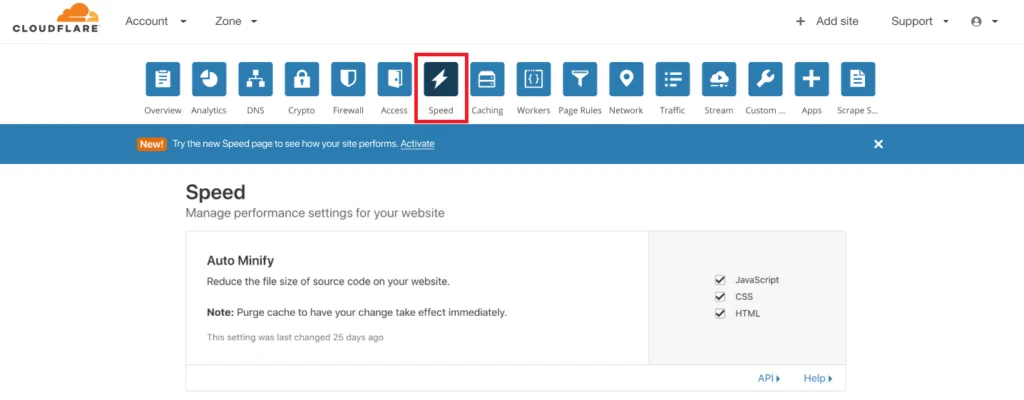
Compression is the cheapest speed win in the building. Cloudflare supports Brotli, which typically beats gzip by 15-25% on text assets. It is on by default for most zones, but verify it, because some setups disable it to avoid conflicts with origin compression.
Early Hints is the more interesting modern trick. It lets Cloudflare push preload hints to the browser before the origin even responds. For sites with heavy CSS and font stacks, this can measurably cut First Contentful Paint. Flip it on and watch your lab data.

One caution: if your origin already compresses and the edge compresses again, you can end up with double-encoding issues. Confirm with a response header check, then decide where compression lives. Clean compression is a core part of a modern cloudflare SEO settings best practices routine.
Reading Response Headers to Confirm Compression
Open your browser devtools, hit any page, and inspect the Content-Encoding header. A thoughtful approach to cloudflare SEO settings reinforces your qualifications. You want to see either br or gzip, not both, and not a stale value from a caching layer. Cross-check against the CF-Cache-Status header to see whether the edge or origin served the response.
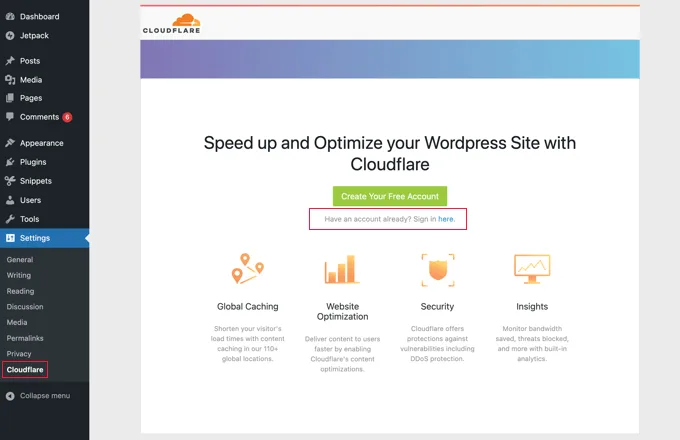
Those two headers tell you almost everything about your delivery path. Get in the habit of reading them weekly during launch phases.
4. Get Your Bot Verification and Security Rules Right
Here is a real hazard: aggressive security settings block Googlebot and tank rankings. Refining each detail of your cloudflare seo settings strengthens this section. Every challenge page, JS challenge, or managed rule that trips on a crawler adds friction. Google will retry, but crawl rate drops, and freshness suffers.
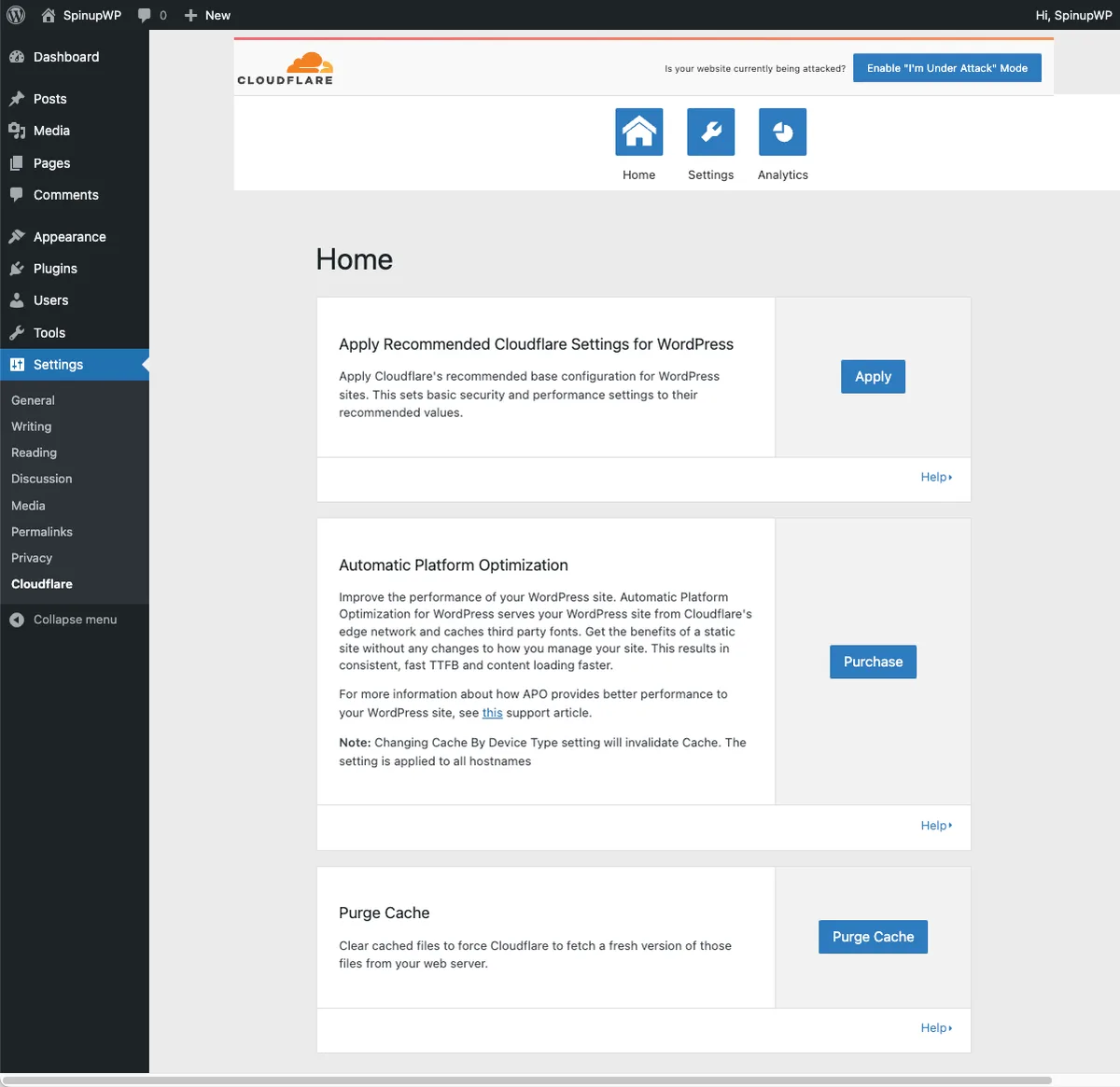
The safest pattern is a managed rule the cloudflare SEO settings lets verified search engine bots through without a challenge, while still protecting against actual abuse. Use the Cloudflare verified bot list and create a bypass rule scoped to known crawler user agents that also pass verification.
Watch the Security Events log for a week. If you see Googlebot or Bingbot triggering challenges, adjust the rule. Getting this wrong is one of the most damaging cloudflare SEO settings mistakes I see on enterprise setups.
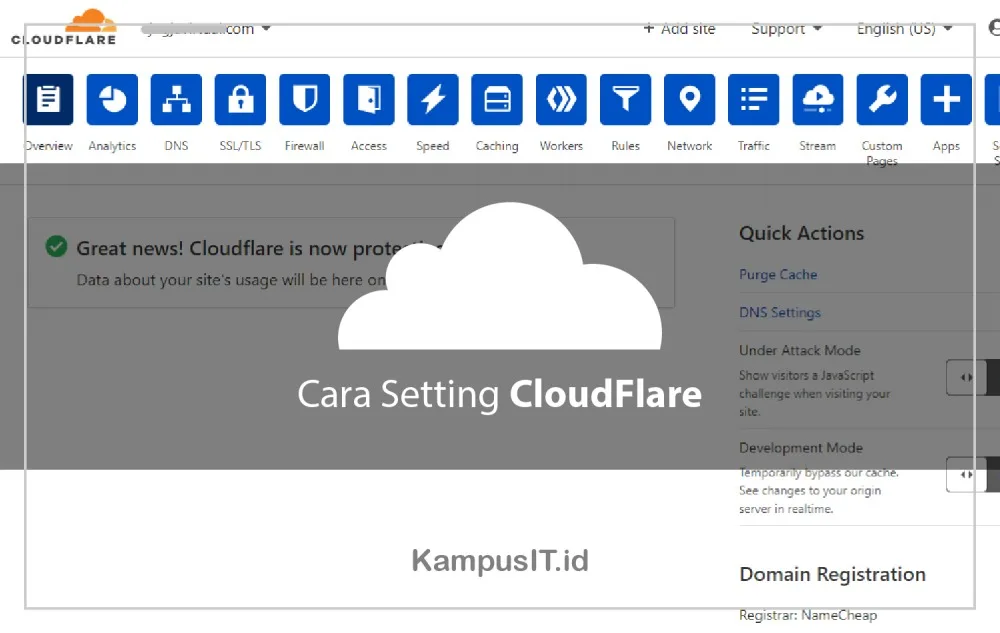
Balancing Bot Protection With Crawl Access
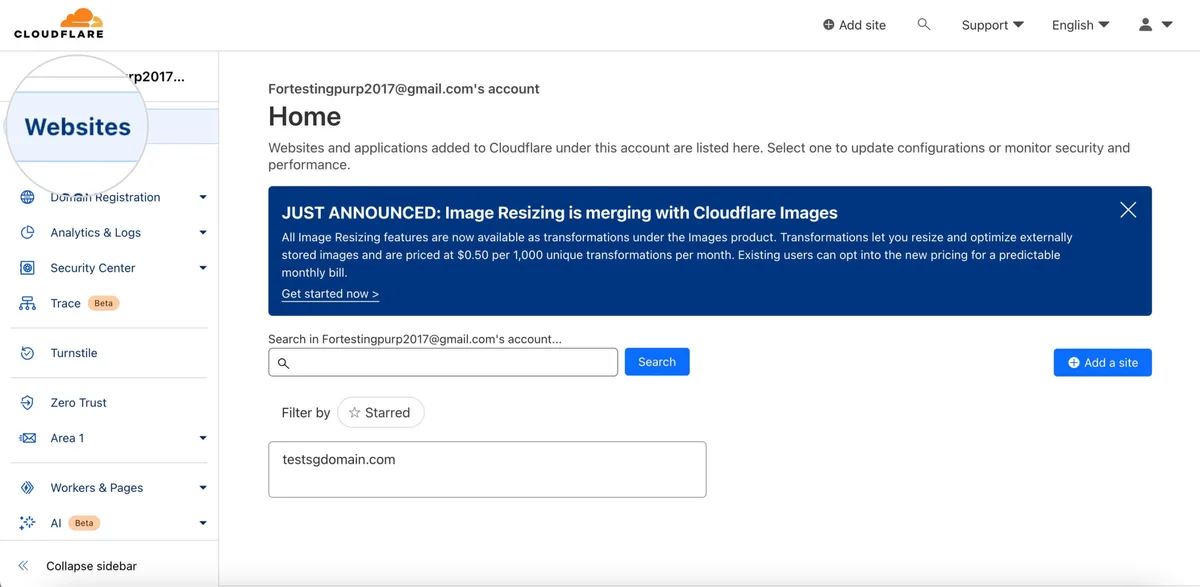
You want to block scrapers, not search engines. A good middle ground is rate limiting on suspicious patterns, plus a bypass for verified crawlers. Avoid the “I’m Under Attack” mode entirely during peacetime, because it is effectively a door slam for everyone.
If you must use a JS challenge, keep it off for URL paths Google is actively indexing. Sign up for Search Console alerts and treat any sudden crawl drop as a signal to inspect your Cloudflare firewall rules first.
5. Configure Redirects and Host Handling Cleanly
Host-level redirects are where duplicate content usually enters. Applying these principles to your cloudflare SEO settings yields measurable results. If www and apex both resolve, if HTTP and HTTPS coexist, if a trailing slash behaves inconsistently, you are inviting split authority. Cloudflare gives you clean tools to fix this at the edge.
Use Redirect Rules (the modern replacement for many Page Rules) to enforce a single canonical host and protocol in one 301 hop. One hop matters more than people realize; chains dilute signal and hurt speed. Set a rule for the apex-to-www (or reverse) redirect, and another for protocol enforcement.
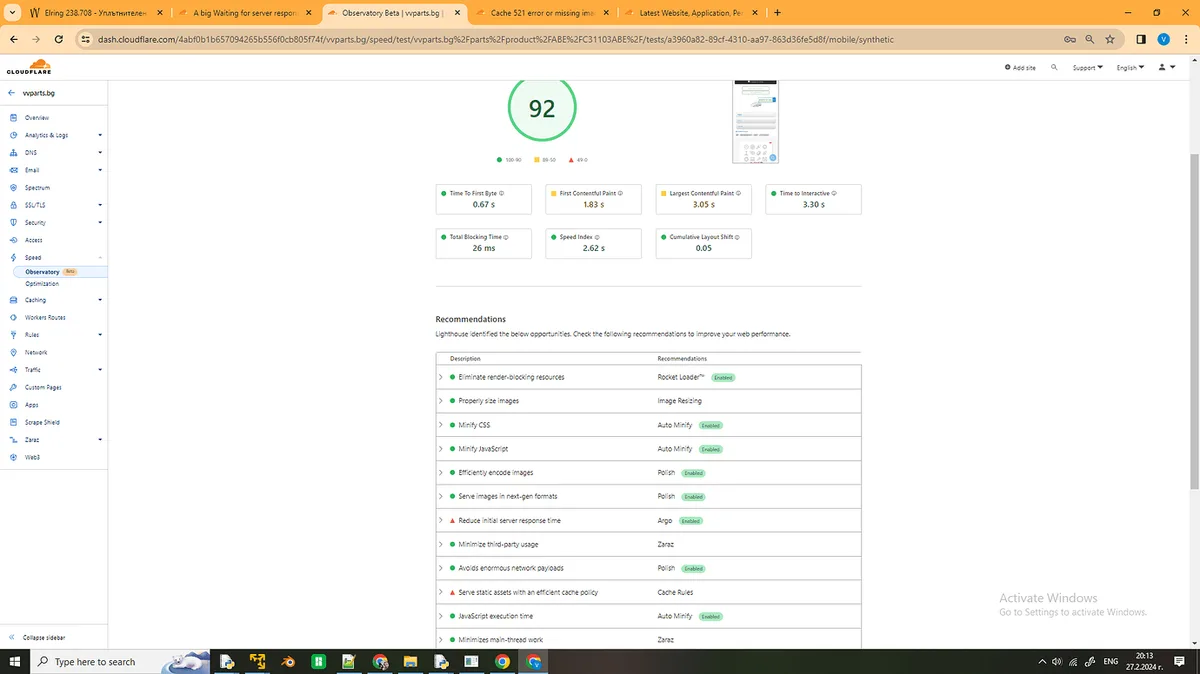
Then audit for stray 302s. A 302 signals temporary intent and may keep the old URL floating in the index longer than you’d like. That kind of detail is exactly what separates a proper cloudflare SEO settings checklist from a casual dashboard cleanup.
Building Clean 301 Chains
Test your redirects with curl -I and count the hops. Effective execution in your cloudflare seo settings makes a tangible difference. Anything past one hop should be collapsed into a direct edge rule. If you have legacy path patterns, use regex-based Redirect Rules to map old paths to new ones in a single response.

- List every host/protocol combination that resolves.
- Write a single 301 rule to the canonical version for each.
- Verify with curl that only one hop occurs.
- Update sitemap URLs so they match exactly.
6. Clean Up Your Robots.txt and Crawl-Related Headers
Cloudflare does not manage robots.txt directly, but its settings interact with crawl behavior in subtle ways. Proper attention to your cloudflare SEO settings sets a strong baseline. Cache rules, bot protection, and header modifications can all change what a crawler perceives. So treat robots.txt and edge configuration as one conversation.
First, confirm robots.txt is not accidentally blocking assets that render your page. Second, ensure your sitemap is reachable and fast, ideally cached at the edge. Third, check that X-Robots-Tag headers are not injected by a misconfigured transform rule.
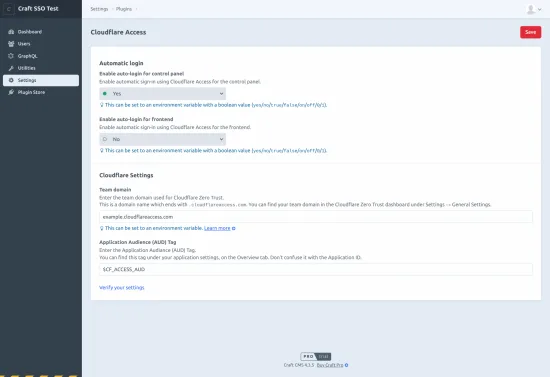
A common bug: a Transform Rule adds a noindex header globally, then the site owner wonders why pages drop out. Audit your Transform Rules carefully; they can quietly override meta robots. This is the least obvious item in the cloudflare SEO settings tips list, and the one that bites hardest.
Using Sitemap and Indexing Signals Well
Keep the sitemap lean and current. Cache it at the edge, but make sure purges happen on publish so it reflects fresh URLs. Submit it once and update the lastmod timestamps honestly; fake freshness signals backfire.

Pair the sitemap with IndexNow or Search Console URL inspection for priority pages. Developing your cloudflare SEO settings with precision highlights key strengths. Those signals, combined with clean edge behavior, create a strong crawl environment.
7. Monitor Cache Hit Ratio, Core Web Vitals, and Logs
Settings mean nothing without measurement. Cloudflare’s analytics give you cache hit ratio, origin response time, and bandwidth savings. If your hit ratio sits under 70% for static assets, you have room to improve. Push toward 85-95% with smarter cache rules.
Then watch Core Web Vitals in Search Console. Maintaining clarity across your cloudflare seo settings remains essential. There is a lag between edge changes and Google’s field data, so give it two to four weeks. Compare before and after snapshots, and only then judge whether a toggle helped.
Finally, keep an eye on your Security Events and Health Check logs. A sudden spike in blocked requests from crawlers is an early warning. Reliable monitoring is the backbone of any cloudflare SEO settings guide worth reading, because every setting you flip should leave a trace you can audit.
Logging and A/B Testing a Setting Change
Use Cloudflare Logpush to ship edge logs to storage the cloudflare SEO settings control, then query for bot user agents and cache status. That gives you ground truth when Search Console looks ambiguous. Turn it on before a big change so you have a baseline.
A simple A/B test works too: apply a change to a subdomain, compare crawl and performance over two weeks, and require a clear delta before rolling out. Small, controlled experiments beat mass toggling every single time.
Frequently Asked Questions About Cloudflare SEO Settings
Here is an in-depth breakdown of key considerations regarding Frequently Asked Questions About Cloudflare SEO Settings:
Does Cloudflare Slow Down SEO?
No, not when configured correctly. In fact it usually speeds up delivery through edge caching and compression. Problems only arise when caching serves stale content, or security rules block crawlers. Fix those two and Cloudflare is a performance ally.
Does the Cloudflare Proxy Hide My Site from Anthropic?
Not at all. Integrating cloudflare SEO settings into your workflow produces consistent quality. The proxy simply puts an edge layer in front of your origin. Google crawls the final served HTML, so as long as responses are clean and not blocked, indexing proceeds normally. The orange cloud is not a visibility risk.
Should I Use Cloudflare’s Flexible SSL Mode?
No. Flexible terminates TLS at the edge but talks to your origin over plain HTTP, which opens redirect loops and mixed content issues. Use Full (Strict) with a valid origin certificate. That single setting prevents a lot of technical SEO headaches.
How Do I Stop Cloudflare from Caching Pages I Need Refreshed?
Either exclude HTML from your cache rules, or pair caching with a reliable purge on publish. A thoughtful approach to cloudflare seo settings reinforces your qualifications. Purging by tag or URL through the API works well; most decent CMS plugins do this automatically. If in doubt, don’t cache the HTML.
Can Cloudflare Block Googlebot by Mistake?
Yes, this happens when security rules or challenge modes are enabled without exceptions. Add a verified bot bypass rule and monitor the Security Events log. Any sudden crawl drop should trigger an immediate review of firewall rules.
What Should My Cache Hit Ratio Be?
For static assets, aim above 85%. For HTML, it depends on your purge strategy; even a low but accurate hit ratio beats stale delivery. The number matters less than the outcome: fast pages and fresh content.
Putting These Cloudflare SEO Settings Into Practice
Work through this cloudflare SEO settings checklist in order: SSL mode, caching rules, compression, bot verification, redirects, robots.txt interaction, and finally monitoring. Each step builds on the last, and none is a one-and-done task. Revisit the settings quarterly and after any major CMS upgrade.
Parent-topic context worth keeping in mind: everything here slots under the broader discipline of technical SEO and site performance engineering. Downstream, it feeds into Core Web Vitals optimization, crawl budget management, and ultimately conversion rate. The edge layer is a foundation, not a decoration.
If the cloudflare seo settings are running a serious content operation, treat Cloudflare as part of your publishing workflow rather than a one-time setup. Wire purges into deployments, watch the logs, and test small changes before broad rollouts. Honest advice from hard-won experience: the boring settings are the ones that move rankings.
Start with SSL mode and the bot bypass rule if you do nothing else. Those two prevent the most catastrophic failure modes, and they take fifteen minutes. Then layer in caching and compression for the speed dividend. You will notice the difference in both lab data and the field reports.
That’s the whole cloudflare SEO settings toolkit, packaged as seven simple moves you can apply this week. Tune deliberately, measure honestly, and let the edge do the heavy lifting while you focus on content.
For verified reference and background research, consult the authoritative informational resource on this topic.