Website Security SEO: Why Secure Sites Win the Ranking Race
Website security SEO is the practice of hardening your site so it ranks faster, loads safely, and earns lasting trust from both Google and real visitors. Most guides treat security as a boring compliance chore. That is a mistake, and a costly one.
Here is the uncomfortable truth I have seen play out on dozens of audits: a site with a compromised plugin or an expired certificate will lose rankings long before anyone notices the drop. Google flags it, browsers warn users, bounce rates spike, and the traffic you spent months building evaporates. Security and search visibility are not separate tracks. They feed each other.
This website security SEO guide breaks the work down into 10 concrete best practices you can start applying immediately. Each one connects a specific security measure to a measurable ranking outcome. Think of it as your working checklist, not a theoretical overview.
What “Security SEO” Actually Means in Practice
Strip away the jargon and the website security SEO comes down to a simple loop. Secure sites get indexed more reliably, rank with fewer interruptions, and convert better because users feel safe. That is the whole game.

The parent topic here is technical SEO and site trustworthiness, and security is one of its most underrated pillars. Focusing on website security seo provides clear direction here. Sub-topics like HTTPS migration, Core Web Vitals, crawl budget management, and malware recovery all branch from this trunk.
If you want a ranked map of where this fits, treat site security as a first-class citizen of your technical SEO strategy, not an afterthought bolted on at renewal time.

Over the sections that follow, we will walk through ten website security SEO best practices. Some are quick wins you can finish this afternoon. Others are ongoing habits that separate resilient sites from fragile ones.
1. Deploy HTTPS Everywhere
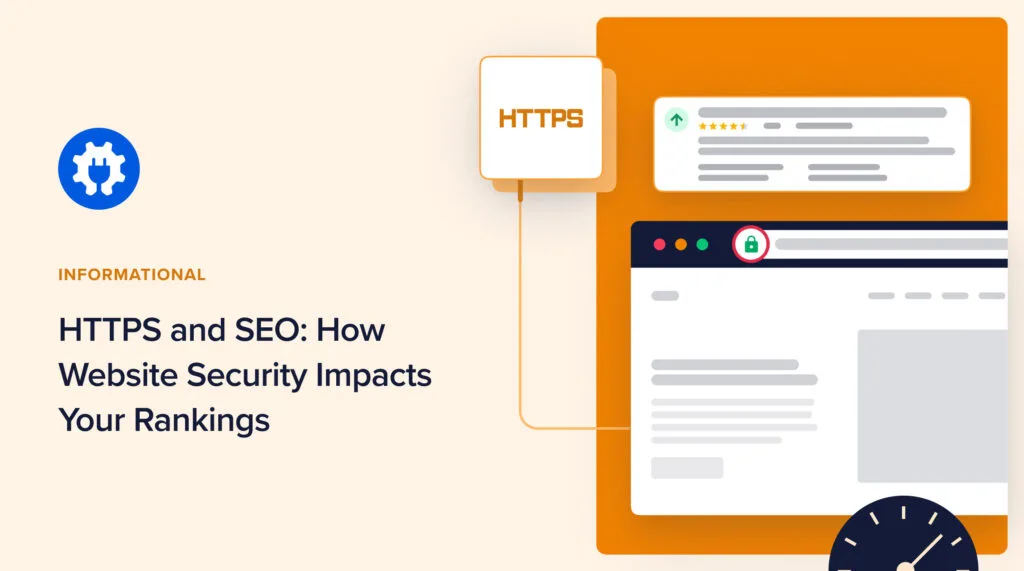
This is the foundation, and skipping it makes everything else pointless. HTTPS encrypts the connection between your visitor and your server, and Google confirmed years ago that it is a ranking signal.
More importantly, when refining a website security SEO, browsers slap a “Not Secure” warning on any HTTP page that collects data, and that warning kills trust instantly.
In practice, moving to HTTPS means installing a TLS certificate, redirecting every HTTP URL to its HTTPS twin with a 301, and updating internal links so nothing points to the old protocol. I have watched sites lose rankings for months simply because their redirects were half-finished, a classic website security SEO mistake.
A concrete example: an e-commerce client had 60 percent of product pages still serving on HTTP because a hardcoded canonical tag kept pointing there. Fixing the canonicals and completing the redirect map recovered lost impressions within three weeks. The security fix was the SEO fix.

2. Kill Mixed Content Once and for All
Mixed content is the silent killer of otherwise solid HTTPS setups. It happens when an HTTPS page loads images, scripts, or stylesheets over insecure HTTP. Browsers treat it as a threat and either block the resource or downgrade the padlock.
Why does this matter for rankings? Because blocked resources break your page rendering, which tanks Core Web Vitals, and your trust indicators get flagged. A single insecure script can undermine an entire website security SEO effort.
The fix is straightforward but tedious: crawl the site, find every HTTP reference in your code, and swap it to HTTPS or a protocol-relative URL.
Tools like Screaming Frog or your browser console will surface the website security seo fast. Run the crawl after every theme or plugin update, because new updates love to reintroduce old references.

3. Force a Proper 301 Redirect Map
Redirects are where good intentions meet messy reality. Every time you change a URL, consolidate content, or migrate a site, you need clean 301 redirects pointing to the closest relevant page. Broken chains and 302 loops leak link equity and confuse crawlers.
Here is the part most people miss: redirect hygiene is a genuine website security SEO tip because chaos in your redirect layer is often the first sign of an exploited site. Hackers inject redirects to spam pages, and the damage shows up in Search Console as sudden soft 404s or unexpected URL patterns.

Audit your redirects quarterly. Effective execution in your website security SEO makes a tangible difference. Remove chains, consolidate hops, and make sure every redirect lands on a live 200 page. When a redirect points to a dead end, you lose the ranking juice and the user in one move.
4. Harden Your Login and Admin Layer
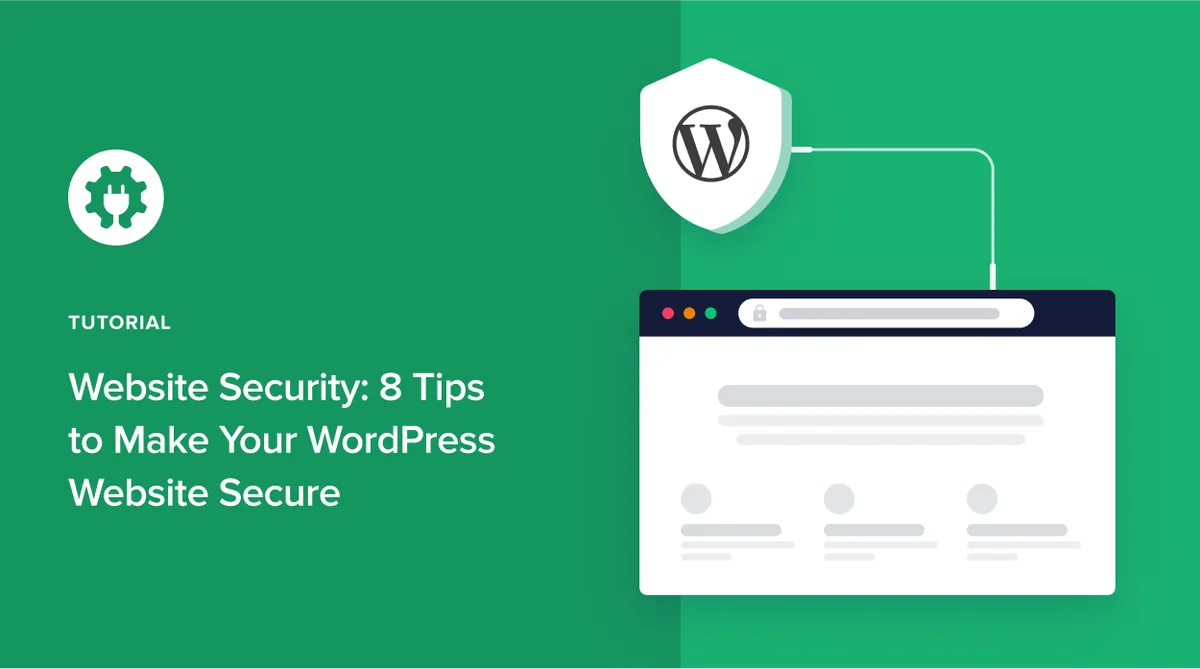
The login screen is the busiest doorway on any website, and it is where brute force attacks concentrate. Weak admin protection leads to defacement, spam injections, and malware, all of which Google detects and penalizes.
Start with the basics that many site owners still skip: enforce strong passwords, enable two-factor authentication, and restrict admin access by IP where practical. Change the default admin URL so bots hammering the standard login path meet a wall. Lock accounts after repeated failed attempts.
From a ranking angle, the website security SEO is pure insurance. I have seen an unpatched admin login turn a healthy site into a malware warning page in under a week. Recovery took six weeks of cleanup, reconsideration requests, and slow trust rebuilding.

Two-factor authentication would have prevented the whole mess. That is the most underrated website security SEO best practice in the book.
5. Patch and Update on a Schedule
Outdated software is the number one entry point for attacks, full stop. Every plugin, theme, and core file is a potential opening if it runs an old version with a known vulnerability. The fix is not glamorous, but it works.

Set a recurring update window and actually honor it. Review changelogs before pushing major version jumps, and keep a staging copy where you test updates before they hit production. Automated backups run before every update so a bad patch cannot take the site down.
A practical example from my own workflow: I keep a spreadsheet mapping every plugin to its update frequency and vendor. A thoughtful approach to website security SEO reinforces your qualifications. Once a month, I reconcile it, remove anything abandoned, and patch the rest. Abandoned plugins are the quiet killers here, since nobody covers their security gaps.
6. Defend Against Malware and Spam Injection
Google actively scans for malware and hacked content, and when the website security seo finds them, your site gets pulled from search results or flagged with a warning. That is the most brutal penalty in the game, and it hits overnight.
Guardrails matter here. Install a reputable security scanner, run daily malware checks, and monitor for unexpected file changes. Keep a clean backup from a known-good state so you can restore fast. Prevent spam comment floods with moderation and anti-bot protection.
When cleaning up, do not just delete the visible spam. Track down the injection point, otherwise the problem returns within days. This step is a must on any website security SEO checklist because a clean bill of health from Google is worth more than any keyword strategy.
7. Tighten File Permissions and Access Controls
File permissions are invisible to visitors, which is exactly why the website security SEO get neglected. Yet the wrong permission settings let attackers read sensitive configuration files or rewrite core files. The principle of least privilege is your ally here.

As a general rule, folders sit at 755 and files at 644, with config files locked down tighter. No file needs global write access. Review who has access to your hosting panel and revoke credentials for anyone who has moved on. Shared logins are a quiet liability.
A real-world illustration: a client’s site was repeatedly compromised because a former contractor still had FTP credentials and a weak password on file. Revoking access and rotating every key ended a problem that had dragged on for months. Access control is a website security SEO habit, not an IT chore.

8. Keep a Backups and Recovery Plan
Backups are the seatbelt of the web. You hope never to use them, but when something goes wrong, they decide whether you recover in an hour or lose everything. Search engines reward sites that stay online and stable.
Follow the 3-2-1 rule: three copies, two different media, one offsite. Applying these principles to your website security SEO yields measurable results. Store backups where an attack on your server cannot reach them. Test a restore every few months, because an untested backup is just a hopeful file.
When malware strikes, a clean restore lets you get back online with a 200 status fast, which limits the crawl damage. An extended outage, by contrast, can tank your rankings for weeks. Continuity is a website security SEO best practice that rarely gets the spotlight it deserves.
9. Master the Security Headers and Content Policy
Security headers are the unsung heroes of a resilient site. A Content Security Policy (CSP), HSTS, X-Frame-Options, and Referrer-Policy all reduce the attack surface without touching your content. They also signal technical competence that correlates with trustworthy sites.

Implementing HSTS forces browsers to always connect over HTTPS, closing the downgrade loophole. A strong CSP blocks malicious script injection at the browser level, a direct website security SEO tips-grade defense against cross-site scripting attacks.
Start with HSTS, then add CSP in report-only mode before enforcing it, so you catch breakage before it hits users. Check your headers with freely available online scanners, fix what they flag, and repeat after major changes. Small settings, large payoff.

10. Monitor, Audit, and Reverify
Security is not a one-time project; the website security SEO is a loop. The final practice is ongoing monitoring and verification, tying everything together. Check Search Console for security issues, watch your uptime, review server logs for odd traffic, and set alerts for changes in your security posture.
Run a website security SEO checklist quarterly, covering certificates, redirects, patches, permissions, and malware scans. Keep a written record so gaps do not slip through. This discipline is what separates sites that stay ranked from sites that keep resetting.

When the website security seo get a clean report from a monitoring tool, save it. That record is your evidence if a false flag ever surfaces, and it makes recovery faster when one does. Prevention plus verification beats frantic troubleshooting every time.
Comparison: the 10 Best Practices at a Glance
Here is the whole checklist boiled down to a scannable table. Use it as a quick-reference scorecard when auditing a site or briefing a client.

| # | Best Practice | Primary SEO Benefit | Effort |
|---|---|---|---|
| 1 | Deploy HTTPS everywhere | Secure signal, trust, no warning interstitial | Medium |
| 2 | Eliminate mixed content | Clean rendering, better Core Web Vitals | Low |
| 3 | Build a clean 301 redirect map | Preserves link equity, avoids soft 404s | Medium |
| 4 | Harden login and admin layer | Prevents defacement and spam injections | Low |
| 5 | Patch and update on schedule | Closes attack vectors, keeps indexing stable | Low ongoing |
| 6 | Defend against malware | Avoids de-indexing and warning labels | Medium |
| 7 | Tighten file permissions | Reduces compromise risk, protects config | Low |
| 8 | Keep backups and recovery plan | Faster recovery, less crawl damage | Medium |
| 9 | Master security headers | Blocks script injection, signals trust | Medium |
| 10 | Monitor and reverify | Early detection, faster correction | Ongoing |
Notice how many of the website security SEO are low-effort versus high-impact. Most site owners can knock out items 1, 2, and 4 in a single afternoon. The build-up from there compounds quickly.
Common Website Security SEO Mistakes to Avoid
Here is an in-depth breakdown of key considerations regarding Common Website Security SEO Mistakes to Avoid:
Skipping the Post-Migration Audit
Too many teams celebrate the HTTPS launch and never check that redirects, canonicals, and internal links actually updated. A half-migrated site ranks worse than the insecure version did.

Always run a full crawl after any security-related migration and compare it to your baseline indexation. Discrepancies reveal what broke before the rankings do.
Treating a Clean Backup as a Substitute for Prevention
A backup gets you back online, but repeated compromises mean repeated outages and repeated trust erosion. The recovery plan should reinforce prevention, not replace it. Fix the root cause every time.

Ignoring Security Warnings in Search Console
Search Console warns you before consequences snowball. Site owners who ignore those banners discover the penalty only after traffic vanishes. Check the messages the same day they arrive. This single habit has saved clients from the worst kind of website security SEO disaster.
FAQ: Website Security SEO Questions Answered
Here is an in-depth breakdown of key considerations regarding FAQ: Website Security SEO Questions Answered:
Does Website Security Actually Affect Rankings?
Yes. Google uses HTTPS as a ranking signal and actively flags malware and hacked content, which can remove pages from results entirely. A secure, stable site earns better crawl treatment and user trust, both of which correlate with rankings.

How Often Should I Run a Security SEO Checklist?
Quarterly is a good baseline for most sites, with daily automated scanning and patching in between. High-traffic or e-commerce sites benefit from monthly manual reviews of certificates, redirects, and access controls.
Will Fixing Security Hurt My Existing Rankings?
Not if done correctly. A clean HTTPS migration with proper 301 redirects preserves your rankings. The danger is a sloppy half-migration, which is why testing on staging before production matters so much.
What is the Single Highest-impact Security Step?
For most sites, moving fully to HTTPS with two-factor authentication on admin accounts comes first. Together they close the two biggest doors attackers use and satisfy the core trust requirements Google looks for.
Your Path to Faster Rankings Starts With Trust
Website security SEO is not a technical footnote; it is the quiet engine behind durable rankings. A site that loads safely, renders cleanly, and recovers fast keeps its place in search results while careless competitors cycle in and out.

Start with the low-effort wins, HTTPS and login hardening, then build the ongoing habits of patching, monitoring, and auditing. Treat the ten best practices above as a living checklist you revisit regularly.
If you want to go deeper, follow this website security SEO guide into related clusters like Core Web Vitals optimization, crawl budget management, and structured data, because trustworthy sites are built from interconnected good habits, not one-off fixes.
Do the boring work consistently, and the rankings follow. That is the honest deal security offers every site owner willing to take it seriously.
For verified reference and background research, consult the authoritative informational resource on this topic.