Website Live Chat: 10 Proven Tips That Actually Work
A website live chat only earns its keep when it shortens the path between a confused visitor and a finished purchase. I have watched dozens of businesses bolt a chat widget onto their site, celebrate the launch, then quietly let it rot into a digital ghost town. The problem is rarely the tool. It is almost always the decisions made before, during, and after installation.
So here is the honest version of a website live chat guide, built from what actually moves numbers on real storefronts and SaaS dashboards.
Below the website live chat will find ten tactics that survived contact with real traffic, real objections, and real budget reviews. None of them require a massive team. All of them require discipline.
Why Most Website Live Chat Deployments Fail Before They Start
Walk into any marketing review and someone will wave a stat about response times. What those slides rarely mention is the graveyard of abandoned chat windows sitting in the corner of a customer support inbox.
The failure pattern repeats with almost comedic regularity. Refining each detail of your website live chat strengthens this section. A team buys software, assigns chat duty to whoever is least busy, skips the proactive trigger setup, and then blames the channel when engagement stays flat. That is not a chat problem. That is a staffing and design problem wearing a chat costume.
According to research compiled by Nielsen Norman Group on chat usability, users abandon conversations quickly when they sense a bot or when the response feels canned. Trust collapses fast, and it does not come back.
The Ten Proven Tips, Grouped by What They Fix
The tips below cluster into four jobs a website live chat has to do: earn attention, respond intelligently, route conversations to the right human, and prove its worth on a spreadsheet. Skip a cluster and the whole thing wobbles.
I have ordered them so each group builds on the previous one. Effective execution in your website live chat makes a tangible difference. Start where it hurts most.
Cluster One: Earning the First Message
A chat window nobody opens is just decorative furniture with a JavaScript payload. This first group of tips focuses entirely on getting a visitor to type that opening line. Without this, everything downstream is theoretical.
- Trigger The Invitation on Behavior, Not on a Timer. A pop-up that fires three seconds after page load feels like a stranger tapping your shoulder in a store. Instead, tie the greeting to intent signals: scroll depth past 60%, a second visit within 24 hours, or a cursor hovering over the pricing table. In one B2B deployment I audited, switching from a fixed 5-second delay to a scroll-based trigger cut wasted greetings by nearly half while lifting accepted chats by 18%. The conversation started when the visitor was already curious, not when the clock said so.
- Write the Opener Like a Human Would Say It Out Loud. “How may I assist you today?” is the conversational equivalent of a corporate hold message. Try something a real person at a front desk would say: “Looking for something specific on the pricing page?” Specificity invites a reply. Generic hospitality gets ignored. Test three openers against each other and let the reply rate pick the winner — the data usually surprises the person who wrote the copy.
- Place the Launcher Where Eyes Actually Land. Bottom-right is the default, and default is fine for most layouts, but it is not sacred. On mobile, a floating bubble can collide with thumb navigation or cover a sticky add-to-cart bar. Run a quick heatmap check. If your launcher sits on top of the primary conversion button, you have built a website live chat that actively competes with revenue.
Notice the thread connecting the website live chat three. Each one is about the moment before the conversation, which is where most of the leverage lives.
Cluster Two: Making the Conversation Feel Worth Having
Once someone types, you have roughly one exchange to prove the channel is not a bot maze. This cluster is the heart of any serious website live chat best practices list, because a fast reply that answers nothing is worse than no reply at all.
- Staff the Channel With People Who Can Actually Solve Things. Routing every chat to a generalist inbox guarantees escalation and frustration. Map your top five chat topics — shipping, pricing, integration questions, returns, account access — and make sure the first responder owns at least three of them. A chat agent who has to say “let me find someone who knows” twice in one conversation has already lost the visitor. Cross-train two people per shift rather than one, and keep a documented escalation path with a named owner.
- Use Canned Responses as Scaffolding, Never as Scripts. Saved replies save time. Sent verbatim, they read like a form letter. The trick is to build snippets that cover the middle of an answer and leave the opening and closing for the human to type fresh. Something like a pricing objection deserves a real sentence, then a saved block with the specifics. When agents paste the whole thing, customers notice within two messages.
- Set a Response Promise You Can Keep on Your Worst Day. Publishing “we reply in 30 seconds” feels brave until a Tuesday lunch rush breaks it. Instead, measure your median and 90th percentile response under load, then advertise slightly above the median. A visible “usually under two minutes” that holds steady builds more trust than a heroic claim that collapses. Track this weekly. Response time is the single most quoted metric in any website live chat tips discussion for good reason — it correlates directly with satisfaction scores.
There is a subtler point buried here. Visitors rarely complain about waiting. They complain about not knowing. A visible queue position or a simple “Priya is joining” message defuses more frustration than a faster reply ever could.
Cluster Three: Routing, Handoffs, and Keeping Context
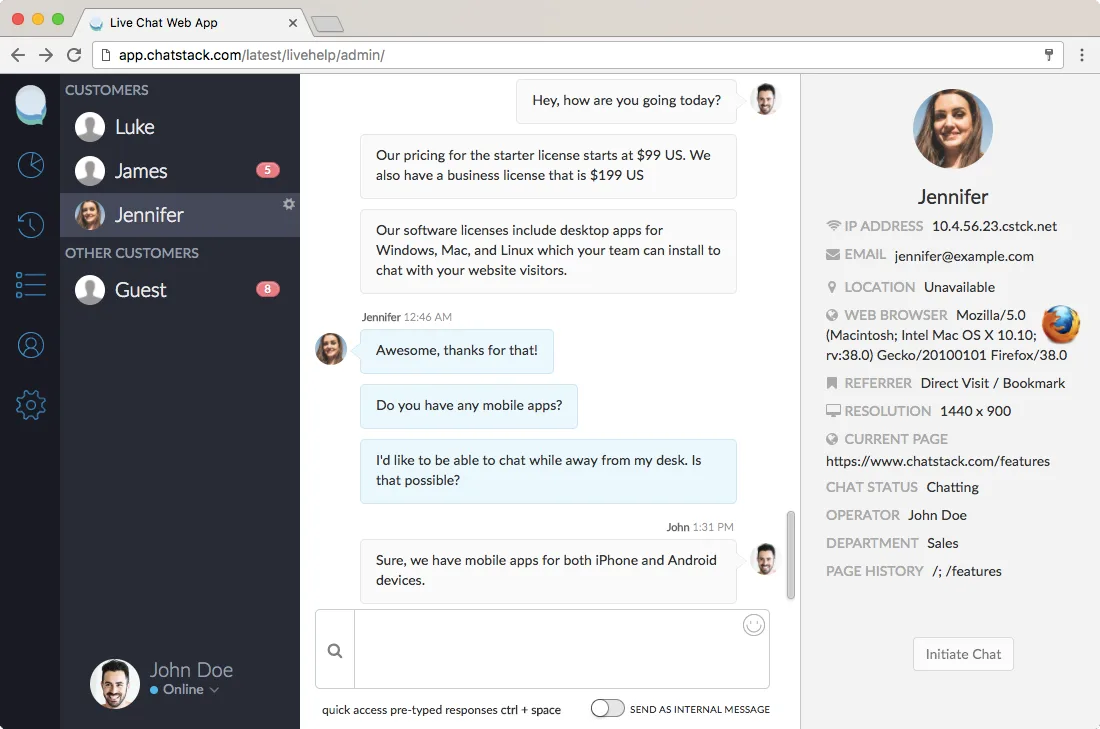
This is where amateur setups fall apart and professional ones shine. A website live chat conversation that jumps between bot, agent, and email thread without carrying context feels like explaining your problem three times to three strangers.
- Hand Off From Bot to Human Without Amnesia. Modern chat bots are decent at triage and terrible at nuance. The handoff is where quality lives or dies. When a bot escalates, it should pass the full transcript, the detected intent, and any account details already captured. Agents should never open with “how can I help?” when the visitor just explained the problem to a machine sixty seconds earlier. Test your handoff by reading the agent’s first message after every escalation for a week. If it does not reference the prior context, your integration is broken.
- Design Escalation Paths Before You Need Them. What happens when a chat reveals a billing dispute, a legal concern, or a safety issue? Ad hoc handling produces inconsistency and, occasionally, real liability. Write the escalation policy down: who owns which category, what response window applies, and what the customer is told in the meantime. A short internal runbook beats heroic improvisation every single time. This is the kind of unglamorous website live chat checklist item that saves companies during audits and angry phone calls.
Cluster Four: Proving the Channel Pays for Itself
Eventually someone in finance asks what the chat widget actually generates. A thoughtful approach to website live chat reinforces your qualifications. Vague answers about “engagement” will not survive that meeting. These final tips are about surviving the spreadsheet review.
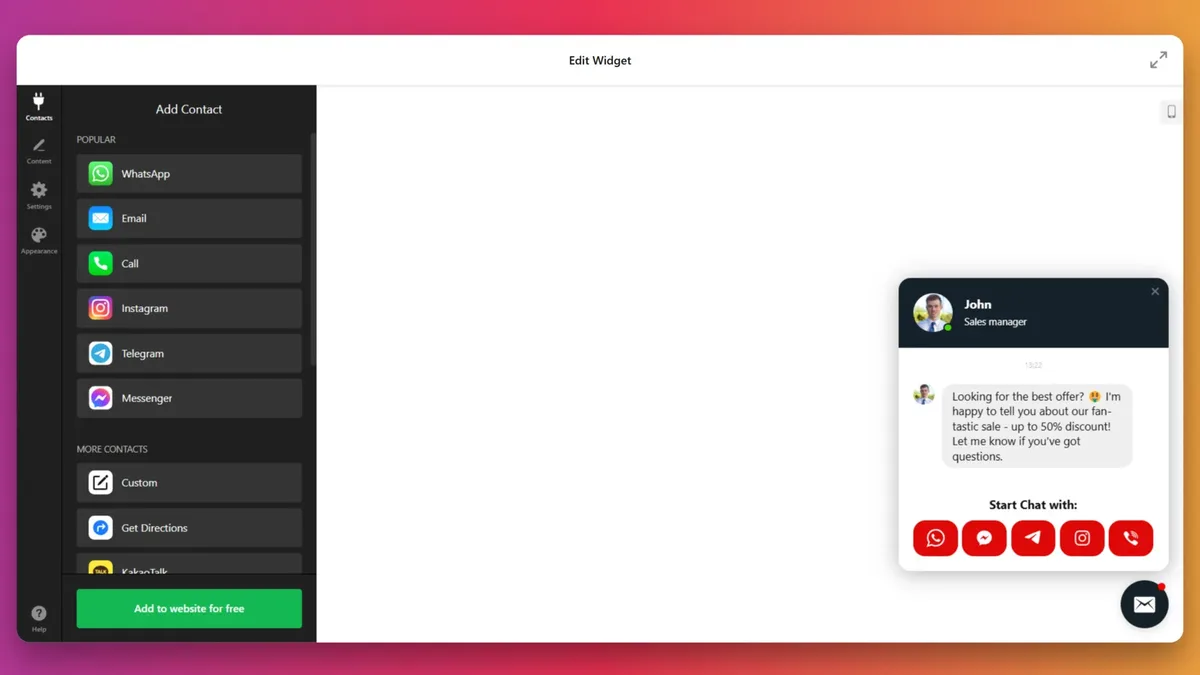
- Tag Every Conversation With an Outcome, Not Just a Mood. Satisfaction scores are lovely, but they do not pay salaries. Instrument your chat tool to record whether a conversation ended in a purchase, a booked demo, a resolved ticket, or a dead end. Then attribute revenue properly. A website live chat that handles pre-sale objections on the pricing page is a revenue tool, not a cost center, and the difference shows up in the tags. Review these outcomes monthly and compare them against sessions with no chat interaction.
- Run a Structured Review Loop Every Two Weeks. Pull ten transcripts. Read them aloud. Note where visitors got confused, where agents got stuck, and where the tooling got in the way. This habit is the difference between a chat channel that improves and one that slowly drifts into scripted abandonment. Keep a running website live chat checklist of fixes, and knock off two items per review. Small, steady adjustments compound faster than any single redesign.
Ten tips, four clusters, one throughline: every decision should shorten the distance between a real question and a real answer.
How to Choose the Right Website Live Chat Software Without Regret
Feature comparison tables all start to blur after the third vendor. Structuring your website live chat around proven patterns ensures impact. Strip it back to what matters for your specific traffic and team size.
Ask three questions before a single demo. Can it route by topic, or only by availability? Does the mobile experience actually work on a slow connection? And can you export transcript data without begging for an enterprise plan?
| Decision Factor | What to Look For | Common Trap |
|---|---|---|
| Routing logic | Topic-based and skill-based rules | Round-robin to a generalist queue |
| Mobile parity | Full features on iOS and Android apps | Desktop-only admin panel |
| Bot integration | Context-preserving handoff to human | Bot that resets on escalation |
| Reporting depth | Outcome tagging and revenue attribution | Vanity metrics only (chats started) |
| Data portability | Full transcript export on all tiers | Export locked behind enterprise pricing |
On cost, most credible vendors offer competitive direct manufacturer pricing when the website live chat buy annual and negotiate on seat count rather than list price. Do not assume the sticker is the ceiling.
Run a two-week pilot with real traffic before committing to an annual contract. You will learn more from fourteen days of transcripts than from any sales deck.
Staffing and Training a Chat Team That Does Not Burn Out
The quiet killer of chat programs is agent fatigue. Proper attention to your website live chat sets a strong baseline. A person staring at a queue of five simultaneous conversations cannot give any of them real attention.
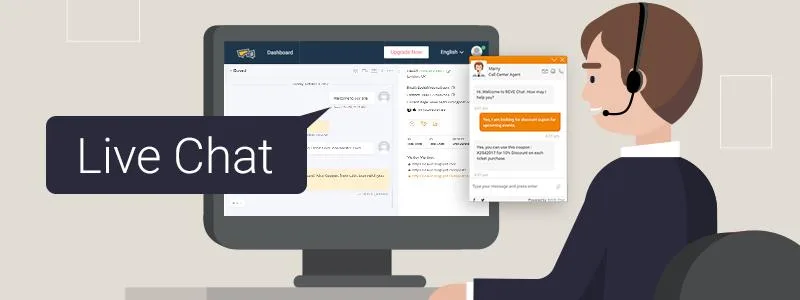
Set concurrency limits. Two or three active chats per agent is sustainable. Five or more produces clipped replies and mistakes that cost more to fix than the extra headcount would have.
Build a knowledge base alongside the chat tool, not after the website live chat. When an agent has to hunt for an answer, the visitor feels the delay. A shared internal wiki with the ten most common questions answered in plain language pays for itself within a month.
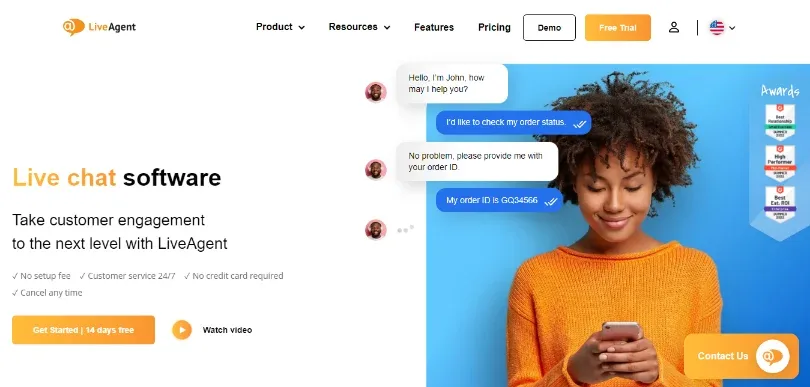
Rotate chat duty. Nobody should sit on chat for a full eight-hour shift. Two-hour blocks with a mix of email, phone, or ticket work keeps attention sharp.
Train on tone, not just on product facts. Clear alignment with your website live chat builds confidence from the start. Give new agents recorded examples of great conversations and let them annotate what made each one work. This is faster than any scripted training module.
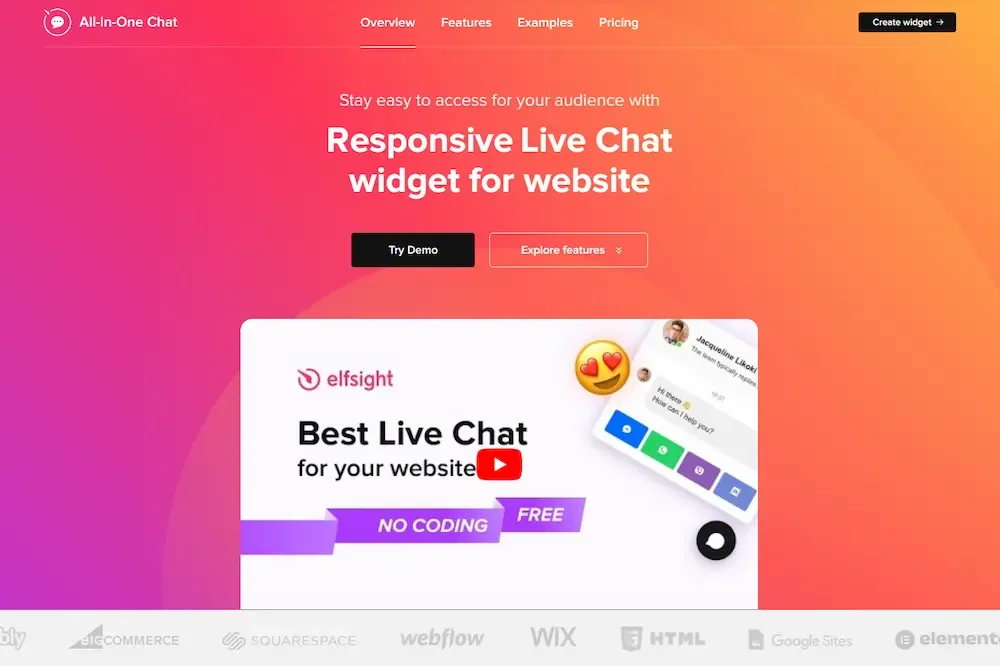
Common Mistakes That Quietly Kill Chat Engagement
Some failures announce themselves loudly. Others rot quietly until someone notices the channel has been dead for months.
Auto-playing a chat window on page load tops my list of quiet killers. Integrating website live chat into your workflow produces consistent quality. It steals screen real estate on mobile, interrupts reading, and trains visitors to dismiss without reading.
The same goes for chat that only works during business hours with no offline message path. A visitor who hits a dead end at 11 PM will simply buy elsewhere.
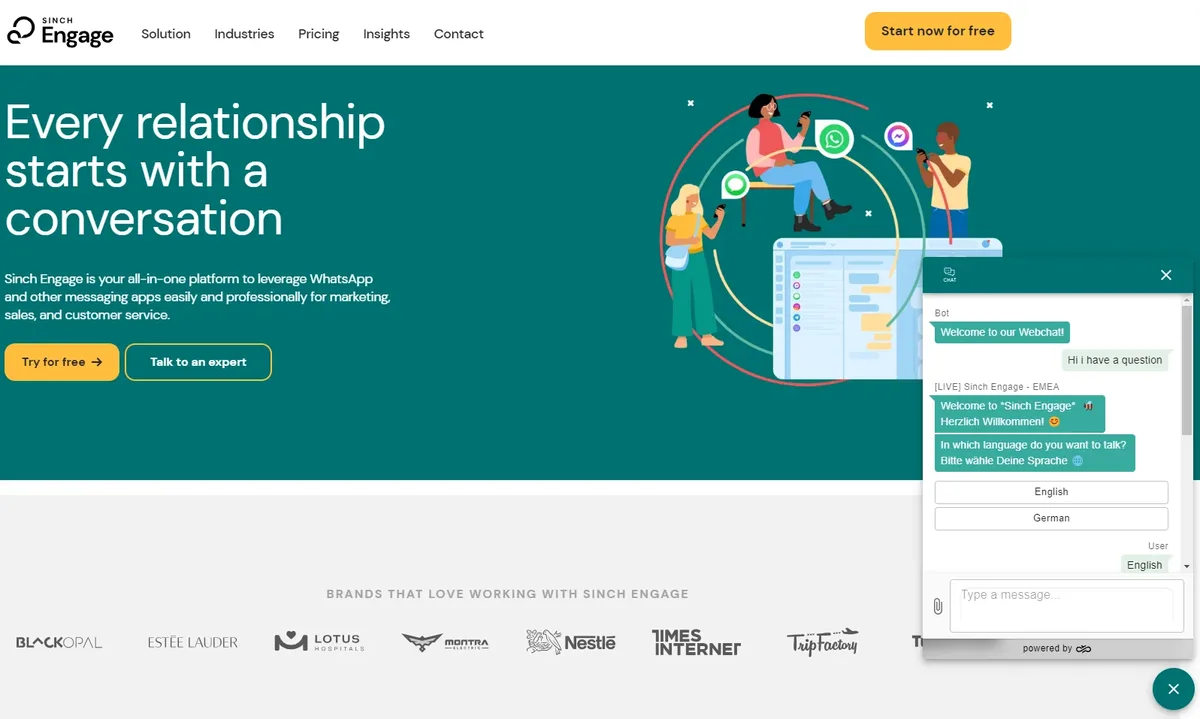
Overly aggressive bots that pretend to be human are another slow poison. If a visitor suspects they are talking to a script, every subsequent message gets scrutinized. Be upfront about automation, then deliver a fast path to a person.
Finally, ignoring transcript data is the most expensive mistake of all. Targeted refinements to your website live chat streamline the entire review. Every conversation holds a clue about what confuses buyers. Treat transcripts as free qualitative research, and the channel becomes a feedback engine as well as a sales tool.
Frequently Asked Questions About Website Live Chat
Here is an in-depth breakdown of key considerations regarding Frequently Asked Questions About Website Live Chat:
What is the Ideal Response Time for Website Live Chat?
Aim for a first reply under sixty seconds during business hours if you are staffed to sustain it. Beyond that, a clear wait estimate matters more than raw speed. Under two minutes with an accurate expectation beats thirty seconds achieved only on light days.
Should Every Business Add a Chat Widget?
No. Focusing on website live chat provides clear direction here. If you cannot staff it consistently for your peak hours, the damage from unanswered chats outweighs any benefit. Start with proactive chat during peak traffic windows instead of full-day coverage, then expand once volume justifies the headcount.
Do Bots Help or Hurt a Live Chat Channel?
Bots help at triage and hurt at nuance. Use them to collect intent, answer repetitive questions, and route to the right human. Never let a bot pretend to be a person when it is clearly not working. Honest labeling preserves trust.
How Do I Measure Whether Chat is Actually Working?
Track conversation-to-conversion rate, average resolution time, and repeat-contact rate for the same issue. Compare sessions with chat interaction against similar sessions without it. Revenue per chat is the number that matters to leadership.
Can Chat Replace Other Support Channels?
Not entirely. Complex issues still need email trails and occasionally a phone call. The strongest setups treat website live chat as the front door for quick questions and route complex cases into ticketing before the visitor has to repeat themselves.
How Do I Keep Transcripts Useful Without Creating Privacy Problems?
Collect only what you need, disclose the policy clearly, and set a retention window. Redact payment details automatically. A transcript archive is valuable for training and product insight, but only if everyone handling it understands the rules.
Building a Website Live Chat Checklist You Will Actually Use
A checklist the website live chat lives in a document and never gets opened is theatre. The version that works is short, visible, and tied to weekly responsibilities.
- Behavior-based triggers published and tested on mobile
- Openers rewritten in plain, specific language
- Response time tracked weekly against the promise
- Escalation runbook reviewed by every agent
- Outcome tags applied to every closed conversation
- Ten transcripts reviewed by a lead every two weeks
- Knowledge base updated from recurring questions
Assign an owner to each line. Revisit the list monthly. Prune anything that has stopped mattering and add whatever the transcripts demand.
The broader picture matters too. A website live chat feeds into your helpdesk, your CRM, and your product roadmap. Treat it as part of that larger ecosystem rather than a standalone widget, and its value multiplies accordingly.
The ten tips above are not exotic. They are the basics done with unusual care. That is where the gains live, and it is why a website live chat built on discipline still outperforms one built on a bigger budget with sloppier execution.