An llms txt file is the simplest piece of SEO infrastructure you will ever build, yet most sites still don’t have one. Picture a plain text document sitting at the root of your domain. No JavaScript, no stylesheet, no cookies.
Just a short, clean list that tells large language models what your site contains and which pages deserve their attention.
The llms txt file tiny file matters more than most people realize. When ChatGPT, Perplexity, Claude, or Gemini assembles an answer that touches your niche, the systems behind them look for tidy, machine-readable signals. An llms.txt gives them exactly that, in the least ambiguous way possible.
This llms txt file guide walks through nine tactics that separate a lazy placeholder from a genuinely useful machine-readable map.
I have watched teams spend weeks on schema markup while ignoring the llms txt file file entirely, then wonder why their best explainer pages never surface inside AI answers. The fix usually takes an afternoon. Here are the tactics I recommend, ordered from foundational setup to the finer edges of maintenance.
Why the Llms Txt File Belongs in Your AI Search Stack
Search behavior shifted. A growing share of research now happens inside chat interfaces, where users ask a full question and expect a synthesized answer rather than ten blue links. For publishers, that means visibility is no longer only about ranking. It is about being quotable, citable, and easy to parse.
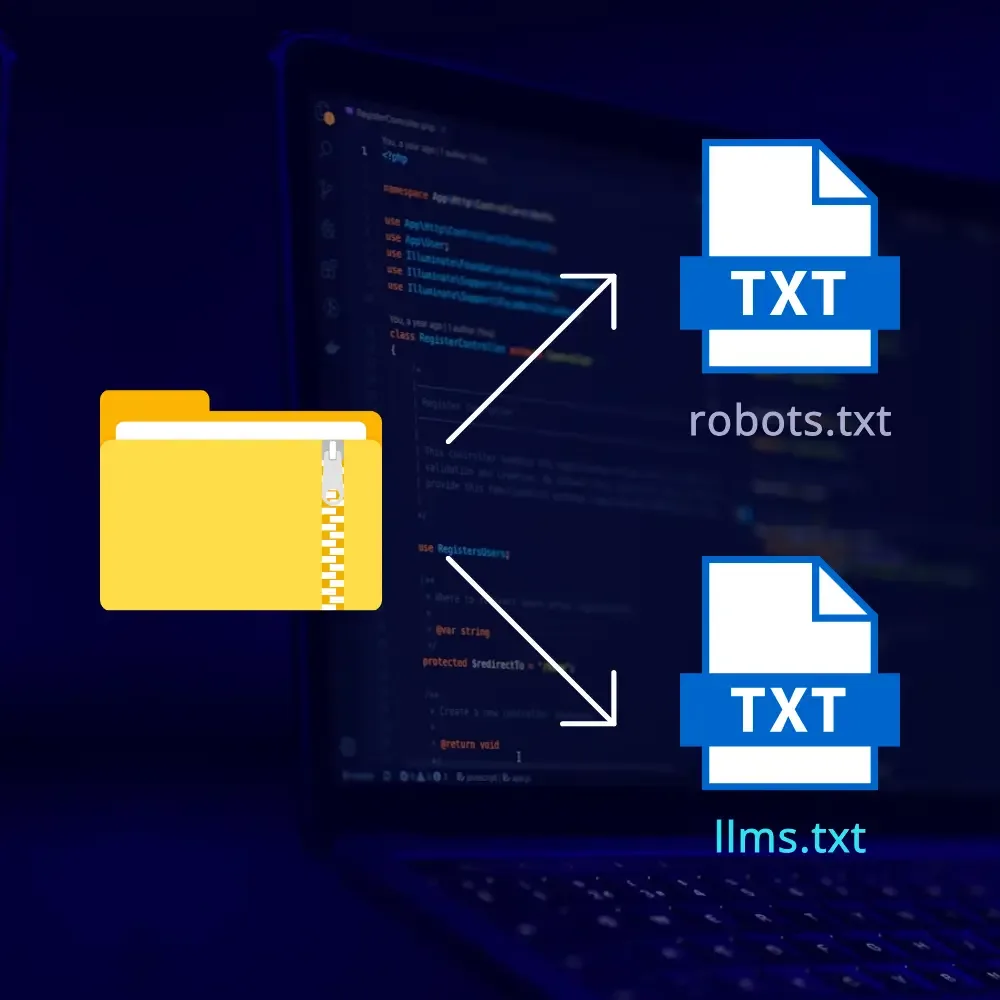
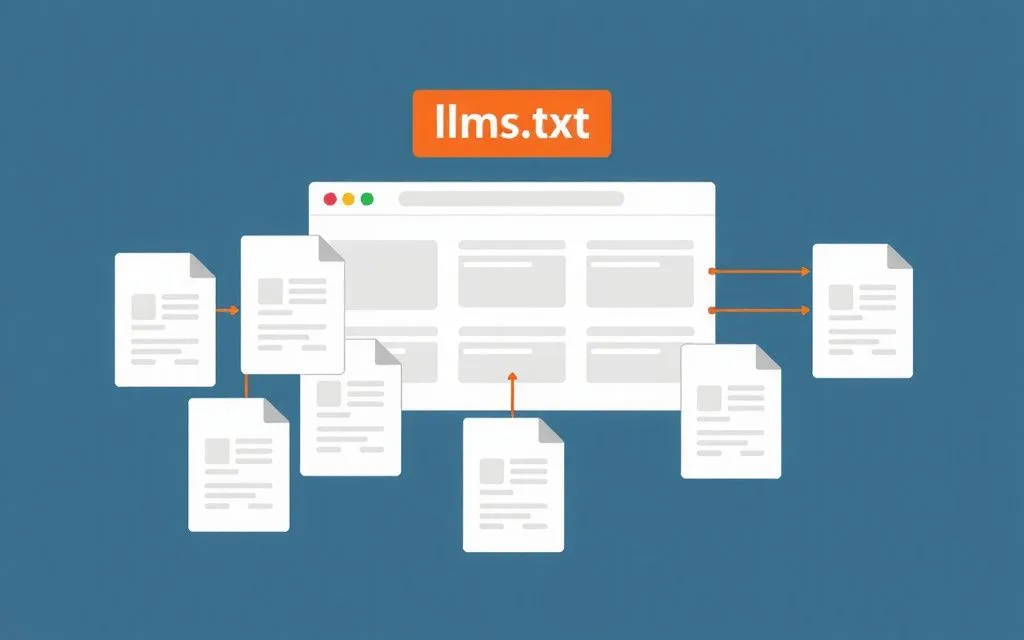
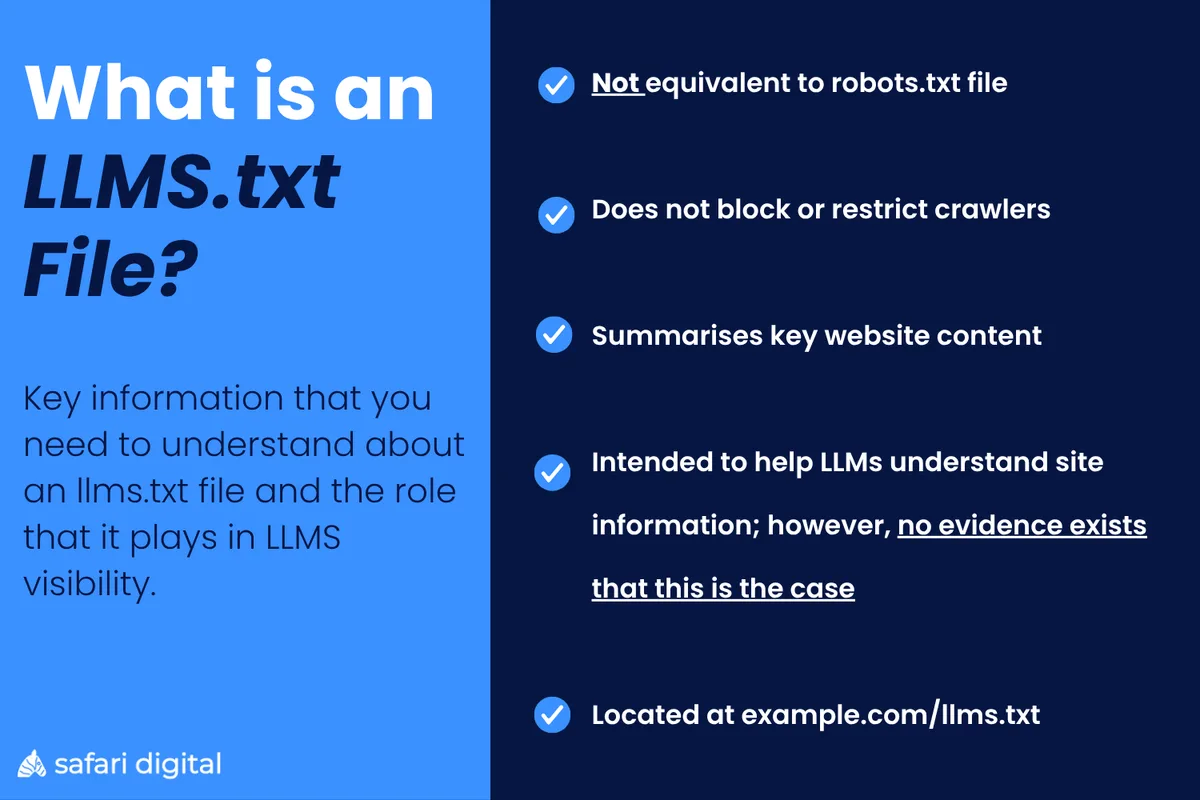
The llms txt file was proposed as a lightweight convention for exactly this. It sits at your domain root, much like robots.txt, but its job is different. Instead of restricting crawlers, it invites them in and points them toward your highest-value material.
Think of robots.txt as the bouncer and the llms txt file as the concierge who knows which rooms are worth visiting.
The llms txt file is an important caveat, and I would rather say it plainly than oversell the format. Adoption is not universal, and no major model provider has promised to obey every directive inside the file. It works as a helpful signal, not a guarantee.
Still, the cost of publishing one is trivial, and the upside compounds as AI crawlers mature. If a system chooses to respect your guidance, you want the guidance to already be there.
This article lives inside the broader conversation about generative engine optimization, sometimes shortened to GEO. If you are mapping that territory, treat this file as one component of a larger cluster that also covers schema design, entity consistency, and content structure. For now, let’s build the file and make it count.
LLMs Txt File: 9 Powerful Tactics for AI Search
Nine tactics, grouped in the order the llms txt file would realistically apply them. Some are structural, some are editorial, and a couple are pure hygiene that most people skip. Work through them sequentially and you will end up with a file that is genuinely useful rather than decorative.
Tactic 1: Start With a Clean Structural Skeleton
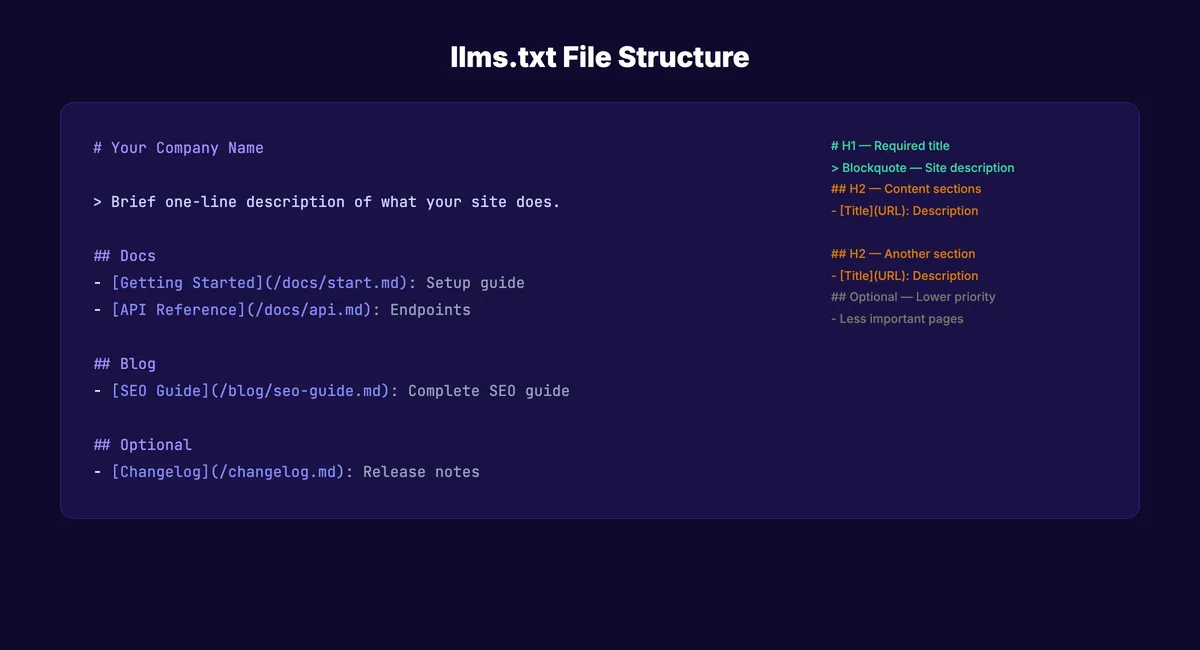
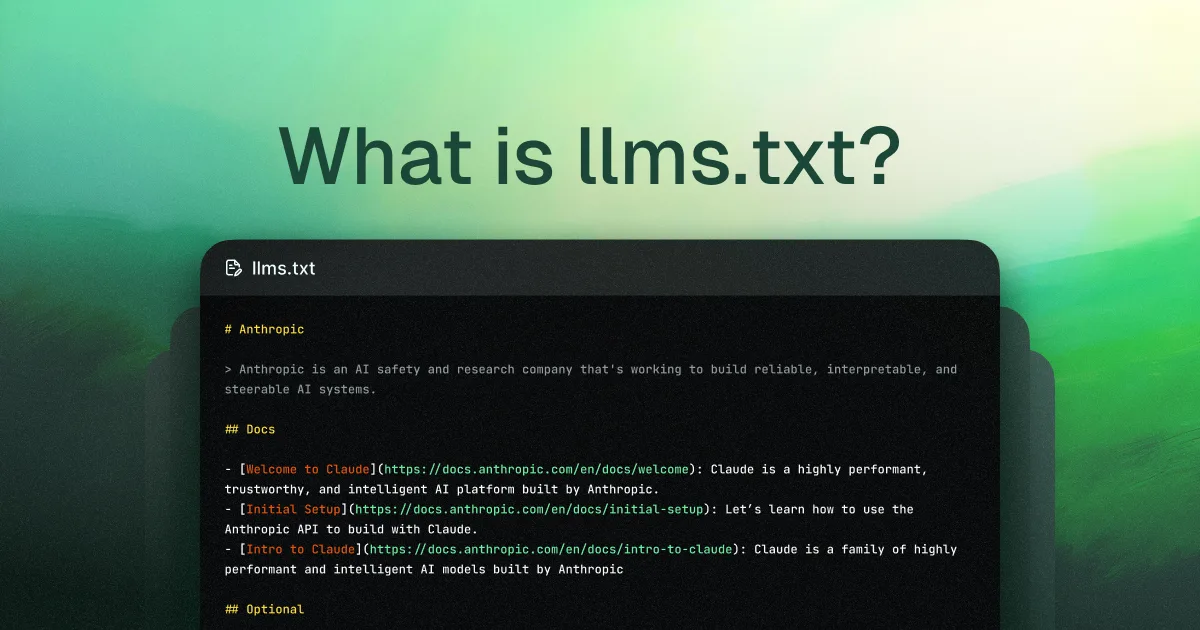
Before you write a single link, get the shape right. The de facto convention uses a top-level heading as the site or project name, a short blockquote summary, and then H2 sections grouping your links.
A single line explaining what the site does gives a model instant context without forcing it to infer your business from a URL list.
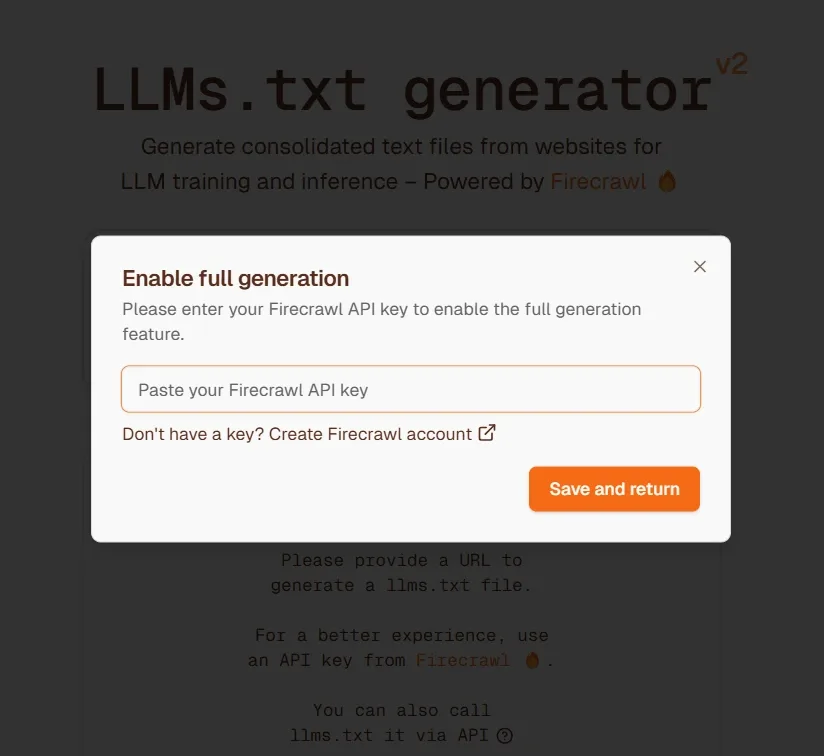
Here is a minimal skeleton I use as a starting point. Maintaining clarity across your llms txt file remains essential. It is deliberately boring, which is the point.
- H1: the project or site name.
- Blockquote: one or two sentences describing what the site covers and who it serves.
- H2 sections: logical groupings such as “Documentation,” “Case Studies,” or “Pricing.”
- List items: a link, a colon, then a short factual note about the destination.
Resist the urge to get clever with formatting. Markdown inside a.txt file is already a slightly odd pairing, so keep the prose short and the structure obvious. A parser reading your llms txt file should never have to guess what a line means.
One practical tip: write the summary for a reader who has never heard of your company. “We sell software” tells a model nothing. “We publish independent benchmarks for warehouse robotics hardware” tells it everything it needs to decide whether your pages are relevant to a query about automated forklifts.
Tactic 2: Curate Ruthlessly and Skip the Noise
This is where most first attempts fall apart. People export their sitemap, paste every URL into the file, and call it done. That defeats the purpose entirely. The whole value of an llms txt file lies in selection.
Ask yourself a blunt question about each link: if an AI assistant cited the llms txt file page as a source, would I be proud of the answer? If the honest answer is no, leave it out. Login screens, tag archives, paginated category pages, and thin product variants have no business in a curated index.
I typically aim for somewhere between fifteen and sixty links in a primary file. A thoughtful approach to llms txt file reinforces your qualifications. Large documentation sites may justify more, but the list should still feel intentional.
When a page earns a spot, write the annotation with care. A useful annotation names the topic, the format, and the specific question the page answers.
Compare these two annotations. “Pricing page” is useless. “Transparent tier comparison for teams of 10 to 500, with a breakdown of what triggers overage charges” gives a model something concrete to match against a user question. The second version is what separates a working llms txt file from a pile of URLs.
Tactic 3: Group Content Into Logical Sections
Structure is a form of editorial judgment. When you arrange links under clear headings, you are telling the model how your knowledge is organized, not just that it exists. That organizes the way an answer gets assembled around your brand.
The groupings you choose should reflect how real people search. For a software company, “Getting Started,” “Advanced Configuration,” and “Troubleshooting” map cleanly to user intent. For a publisher, “Research,” “Opinion,” and “Reference” do similar work. For an e-commerce site, “Product Categories,” “Buying Guides,” and “Support” usually cover the range.
Here is the thing many teams miss. Section headings in your llms txt file should echo the vocabulary your audience actually uses, not internal jargon. If your customers say “shipping thresholds” and your docs call them “logistics triggers,” write the customer term. The model reads what is there, and users ask questions in their own language.
You can also signal priority through ordering. Place your most authoritative, most evergreen pages at the top of each section. Documented llms txt file best practices across published examples consistently favor putting the strongest material first, on the theory that position implies importance.
Tactic 4: Write Annotations That Answer Real Questions
Annotations are the underrated heart of the format. Structuring your llms txt file around proven patterns ensures impact. A one-line note next to a link can mean the difference between a citation and a shrug.
The trick is writing each note as though it were the answer to a question you know your audience asks.
Take a page explaining return policies. A weak annotation says “Return policy.” A strong one says “Return window of 45 days, free return shipping on orders over a set threshold, and exclusions for custom-configured items.” The second version contains specific facts that a model can lift and attribute.
Watch out for hype. Words like “industry-leading” and “best-in-class” carry no information and burn space. Numbers, time frames, standards, and named methodologies do carry information. Insert those wherever they are accurate.
If you want a working llms txt file checklist for annotations, keep it short. Does the note state what the page covers? Does it include at least one verifiable detail? Could a reader decide from the note alone whether the page is relevant to their question? Three yeses, and you are done.
Tactic 5: Keep Facts Consistent Across the Whole Site
Here is a mistake I see repeatedly. A company publishes a beautifully annotated llms txt file, then contradicts itself three lines down. The annotation says “free shipping on all orders,” while the linked page mentions a surcharge for remote regions. Inconsistency like that confuses both models and humans.
Treat the file as a contract. Applying these principles to your llms txt file yields measurable results. Everything you assert inside it should match what the destination page actually says. That means auditing your annotations against page content before publishing, and revisiting them whenever policy changes.
Consistency also applies to naming. Effective execution in your llms txt file makes a tangible difference. If your product is called “FieldSync” in the file, do not call it “FS Cloud” on the linked page. Every alternate name is a small crack in the entity signal. A quarterly pass through the file, checking names, prices (or their absence), and feature claims, prevents quiet decay.
Llms txt file tips is the part that matters here, and this habit sits comfortably beside a broader llms txt file best practices routine. The best files are not written once and forgotten. They are pruned, audited, and refreshed like a garden, and the discipline pays off in cleaner machine understanding.
Tactic 6: Layer in Schema and Technical Signals Around the File
The file does not work in isolation. Pair it with strong structured data and you send two aligned signals instead of one. FAQ schema, Article schema, and Organization markup all give models additional ways to verify what your text file claims.
The llms txt file is also a mechanical detail worth attention. Serve the file with a plain text content type at the correct root path, and make sure redirects do not interfere. A trailing-slash mismatch or an enforced HTTPS jump can quietly break access.
Test it with a direct fetch and confirm the response is 200, not a 301, 403, or a soft 404.
Performance matters here too. If the file is huge and unindexed, fetches slow down and crawlers move on. Keep it lean. Strip out anything that does not earn its place, just as you would with a sitemap.
One more consideration: your robots.txt should not block AI crawlers if you actually want your llms txt file to be read. I have seen sites publish the file while simultaneously disallowing GPTBot and similar agents in robots.txt. That combination is self-defeating, and it happens more often than you would expect.
Tactic 7: Test How Models Actually Respond
Publishing without testing is guesswork. Developing your llms txt file with precision highlights key strengths. The productive approach is to run small experiments and watch what happens. Ask an AI assistant a question your content should answer, then inspect the citations and framing closely.
Here is how I structure those tests. Pick five to ten high-intent questions, submit them to two or three different models, and record whether your brand appears, how your pages are described, and which sources are favored instead. Re-run the same questions after a few weeks and compare.
You are looking for patterns, not one-off wins. If your llms txt file points models toward a specific explainer page and models start quoting that page, the tactic is working. If they cite a competitor’s older page instead, that tells you something about the file’s usefulness and also about the quality of your page.
I also test the file itself. Fetch it fresh, feed the text into a model, and ask a simple question: “Given this file, which pages should I read about X?” The response reveals whether your annotations are clear to a machine or merely clear to a human.
Tactic 8: Prune, Refresh, and Retire Old Links
Decay is inevitable. Clear alignment with your llms txt file builds confidence from the start. Pages get rewritten, products get discontinued, and URLs get retired. A file that still points to dead pages or outdated claims becomes a liability fast. Regular pruning is not busywork. It is the difference between a live index and a historical artifact.
My routine looks roughly like this. Once a month, run every URL in the file through a link checker. Remove anything returning a 404 or a 301 that no longer resolves cleanly. Once a quarter, read through each annotation and confirm it still reflects the page’s reality. Once a year, review section groupings against how your content has evolved.
Anything you retire should be replaced or simply dropped, never left pointing at a redirect chain. Keep the file honest. A model reading a stale llms txt file draws wrong conclusions, and a human auditing it will trust your site a little less.
Seasoned practitioners often pair this routine with a lightweight llms txt file checklist that names the five checks I just described. Write your own, pin it somewhere visible, and treat it as a standing task rather than an emergency clean-up.
Tactic 9: Measure Downstream Outcomes, Not Just Submissions
The final tactic is the one most teams skip. Publishing the file is not the finish line. What matters is whether it moves the needle on citation frequency, referral traffic, and brand mention volume inside AI-generated answers.
Set up a simple scoreboard. Integrating llms txt file into your workflow produces consistent quality. Track AI referral traffic where your analytics tool can identify it, monitor mentions of your brand name inside AI answers for a fixed set of prompts, and note which pages get cited most often. Even a coarse record beats no record at all.
Comparison is useful here. Split your strongest pages from your weakest and see which get picked up by models over a defined window. If your curated picks perform better than the uncured pages, the file is doing its job.
If not, the likely culprit is thin annotation or a mismatch between what the file promises and what the pages deliver.
This is also where the economics become clear. Building an llms txt file takes effort, but ongoing maintenance is cheap. The measurement habit turns that effort into a defensible feedback loop rather than a one-time gesture.
Anatomy of a Well-Built Llms Txt File
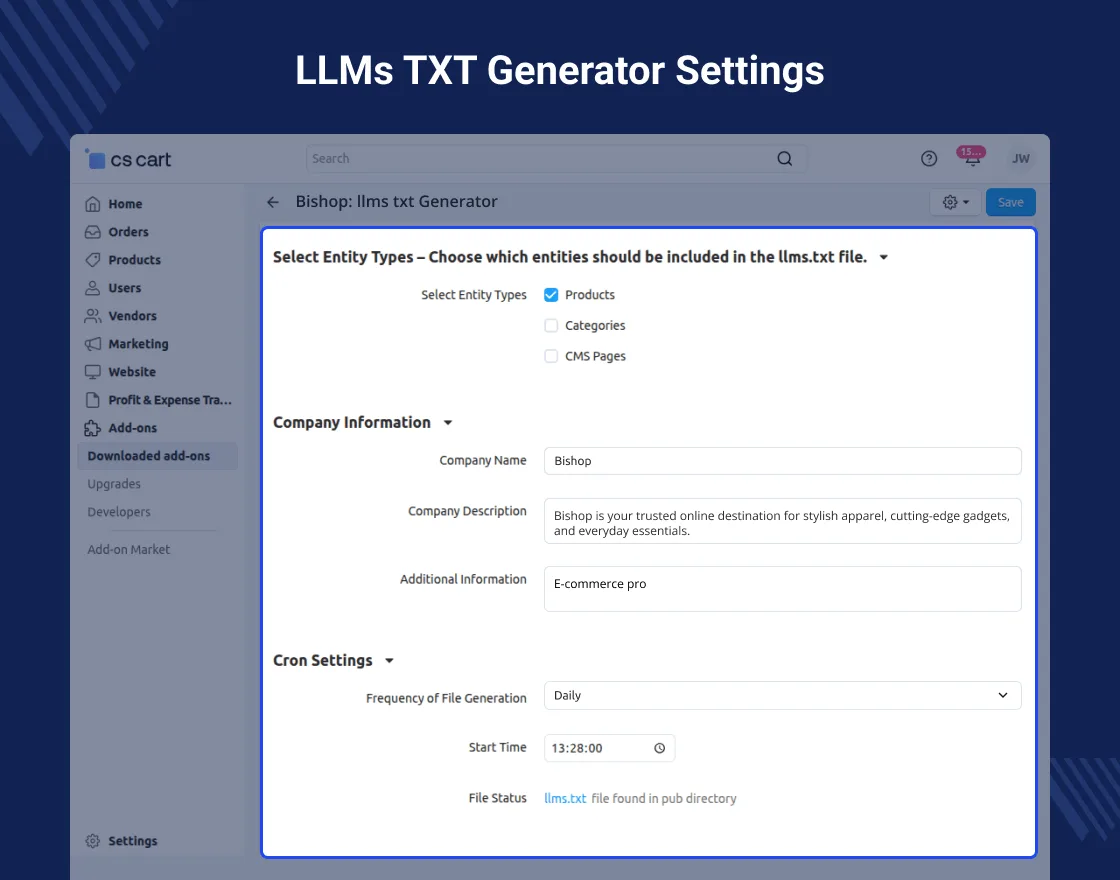
An example makes the abstract concrete. Targeted refinements to your llms txt file streamline the entire review. Below is a template you can adapt to almost any site, followed by a quick walk through its components.
| Element | Purpose | Example |
|---|---|---|
| H1 heading | Names the site or project | # Northwind Analytics |
| Blockquote summary | Describes what the site covers and for whom | > Independent benchmarks and tooling guides for supply chain analysts. |
| H2 section | Groups related links by topic or intent | ## Product Documentation |
| Linked list item | Points to a specific page with a short factual note | – [API Reference](HTTPS://example.com/API): Endpoint list, authentication flow, and rate limits for the public API. |
| Optional section | Separates optional reading from core material | ## Optional |
The linked list item is doing the heavy lifting. Notice how the note packs three verifiable facts into a single line. The model reads it, understands the page, and has concrete material to align against a user question. That is the whole point.
One more observation from working with these files. The best versions feel written, not generated. Someone made a judgment call about which twenty pages matter most and why. That editorial voice, even in a plain text document, is what makes an llms txt file useful to machines and reassuring to humans.
Common Mistakes That Undermine Your AI Search Setup
Errors in this space are easy to spot once you know what to look for. Several show up again and again, usually because someone copied a template without reading it.
First, the dump-everything approach. Focusing on llms txt file provides clear direction here. Files filled with hundreds of auto-generated lines look comprehensive but communicate nothing. Second, marketing language in annotations. A note that says “revolutionary insights” tells a model less than one that says “analysis of 1,200 shipping delays across three continents.”
Third, and this one hurts most, structural inconsistency. Someone publishes a solid llms txt file but leaves the site’s navigation and schema pointing in different directions. Models then face conflicting signals and settle on whichever version appeared most often. The fix is alignment, not more content.
Fourth, ignoring robots.txt conflicts. If your crawler rules block AI agents, the file is unreadable no matter how good it is. Audit both files together. Fifth, treating publication as a one-time project. Files decay, pages move, and claims get stale. Maintenance is not optional if you want the format to keep delivering value.
How to Choose the Right Prompts for Testing an Llms Txt File
Testing only yields useful signal if you ask questions your content can actually answer. Broad, generic prompts like “tell me about supply chain software” tell you almost nothing because the answer space is too wide.
Instead, build prompts the llms txt file mirror your ideal buyer’s real language. A question like “how do I calculate reorder points for a product with a seasonal demand curve?” is specific, practical, and testable.
If your explainer page is linked in the file with a good annotation, it has a fair chance of appearing in the synthesized answer.
Build a question set covering the range of intent. Include a few definitional queries, a few comparison queries, and a couple of troubleshooting prompts. Then rotate through multiple models, because their retrieval behavior differs noticeably. A page might get cited by one assistant and ignored by another, and that divergence is worth knowing about.
Record the results in a spreadsheet with dates, model names, and a simple yes or no for brand inclusion. Over a few months, the pattern becomes clear. If prompt coverage improves after you strengthen annotations in your llms txt file, you have evidence the tactic works. If it doesn’t, you can adjust without guessing.

What an Llms Txt File Can and Cannot Do for You
Realistic expectations matter. The file is a signal, not a switch. It cannot force a model to cite you, and it will not rescue pages that answer questions poorly. What it can do is remove friction from discovery and reduce the chance that a model misunderstands what your site is about.
That said, its real payoff arrives through consistent use. A site that maintains a clean llms txt file, keeps annotations accurate, aligns schema, and tests model behavior is playing a longer and generally more productive game than one that simply publishes the file and moves on.
It also helps to remember that this whole system is still evolving. Conventions will shift, and crawler behavior will change. The teams that benefit most will be the ones with a documented routine, a working file, and a habit of checking whether the thing they built is actually helping.
If you take one thing from this llms txt file guide, let it be this. Build the file as an editorial act, not a technical checkbox. Curate, annotate, verify, prune, and measure.
Nine tactics, applied in sequence, turn a plain text document into a genuine asset in the way modern search engines and AI assistants discover your best work.
Frequently Asked Questions About the Llms Txt File
Here is an in-depth breakdown of key considerations regarding Frequently Asked Questions About the Llms Txt File:
Does Every Site Need an Llms Txt File?
No. Sites with very little public content, or with no interest in being cited by AI assistants, gain little. For anyone publishing reference material, documentation, or buying guides, the file is worth the small effort it takes to build.
Where Exactly Should the File Live?
At the root of your domain, typically at /llms.txt. Confirm it loads without redirects and returns a 200 status code. A trailing-slash mismatch is the most common reason a correctly written file still fails to be found.
Is the Format Officially Supported by Major AI Companies?
Not uniformly. Some projects and crawlers treat it as a helpful hint, and adoption continues to grow. Treat the file as a useful signal that improves the odds of being discovered and quoted, without relying on it as a guarantee.
How Long Should the File Be?
Short enough to read in one sitting, long enough to cover your core content. Most sites land between fifty and two hundred lines total. If it balloons into thousands of lines, you have stopped curating.
Can I Include Promotional Language in the Annotations?
You can, but it rarely helps. Specific, factual descriptions give models something concrete to match against queries. Adjectives add noise. Opt for measurable detail over enthusiasm.
Does the File Complement Existing SEO Work?
Yes. It sits alongside sitemaps, schema markup, and content strategy rather than replacing them. The most reliable AI visibility programs keep all of those signals aligned and consistent with each other.
Descendant Topics Worth Exploring Next
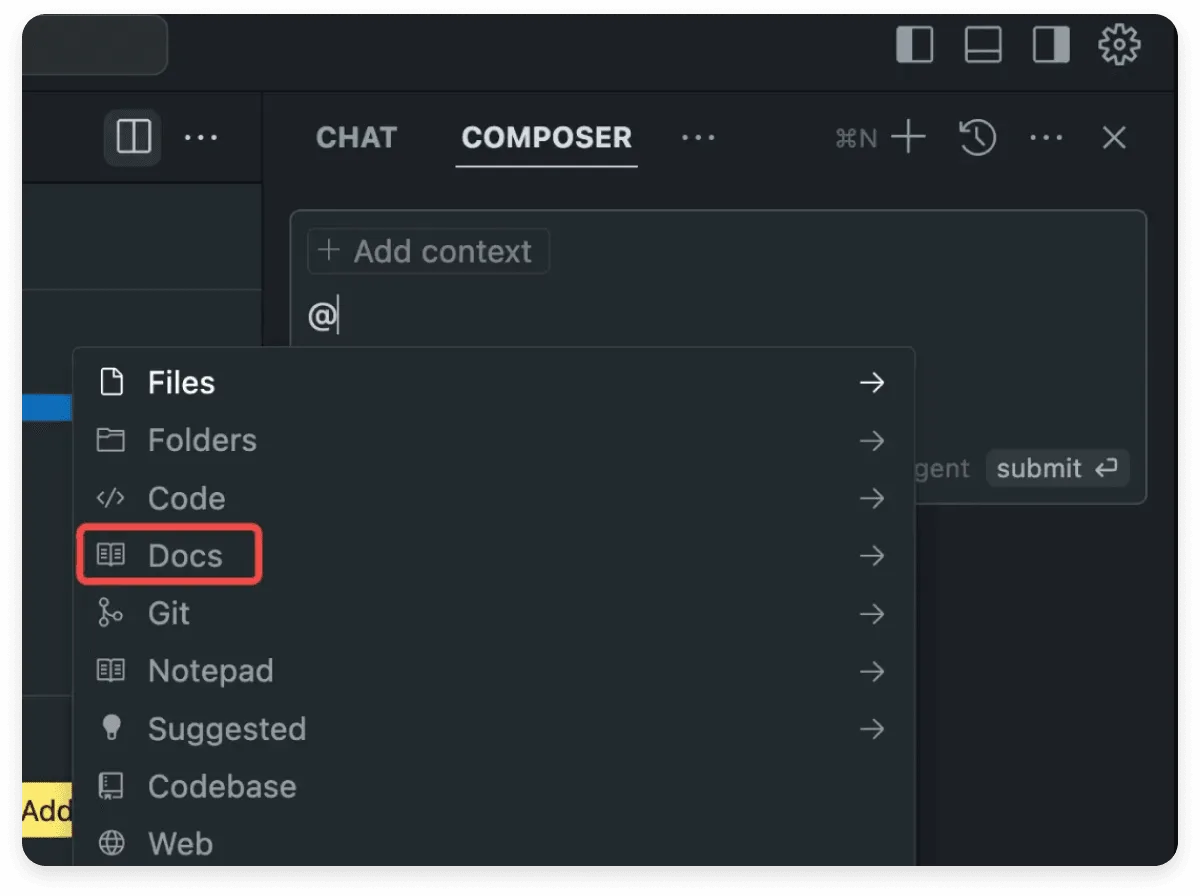
If you are building out your generative engine optimization practice, the file is one part of a larger cluster. Two natural next reads are structured data for AI crawlers and entity consistency across your site. Both deepen the signals this file creates.
The first topic covers how Article, FAQ, and Organization schema communicate meaning in ways models can parse reliably. The second covers naming consistency, which is the subtle art of making sure every mention of your brand, products, and categories matches across pages, metadata, and external references.
The llms txt file is also a practical angle worth pursuing. Once your file and schema are settled, you can start building measurement dashboards that track AI referral traffic and brand mention volume over time. That turns an abstract concept into numbers you can report.
Each of those tasks strengthens the others. A clean llms txt file gives models clear direction. Consistent entities give them confidence in what they find. Measurement tells you whether either is working. Run them together and you end up with a coherent approach rather than a scattering of tactics.
Keep the file alive. Review it when pages change. Retire links that have lost their purpose. Revisit annotations that no longer match their destinations. And keep asking whether the document still tells the truth about your site. When it does, it earns its keep in the quiet, cumulative way that good infrastructure always does.
For verified reference and background research, consult the authoritative informational resource on this topic.