Why Google Business Profile Insights Matter More Than Most Owners Realize
Google Business Profile insights are the closest thing a local business has to a candid conversation with its own customers. This easy guide walks you through what those numbers actually mean, which ones deserve your attention, and how to turn them into decisions that grow calls, visits, and revenue.
Here is the uncomfortable truth I have watched play out across dozens of small businesses: the dashboard sits the Google business profile insights, fully loaded with data, and almost nobody opens it. Owners log in once, glance at the views counter, feel a small dopamine hit, and close the tab. That is a wasted opportunity of the highest order.
Because the google business profile insights numbers are not vanity metrics. They are behavioral evidence. Every time someone taps “Call,” requests directions, or clicks through to your site, the platform records a micro-decision.
Stack enough of those micro-decisions together and you have a map of what is working, what is invisible, and what is quietly bleeding customers to the competitor two blocks over.
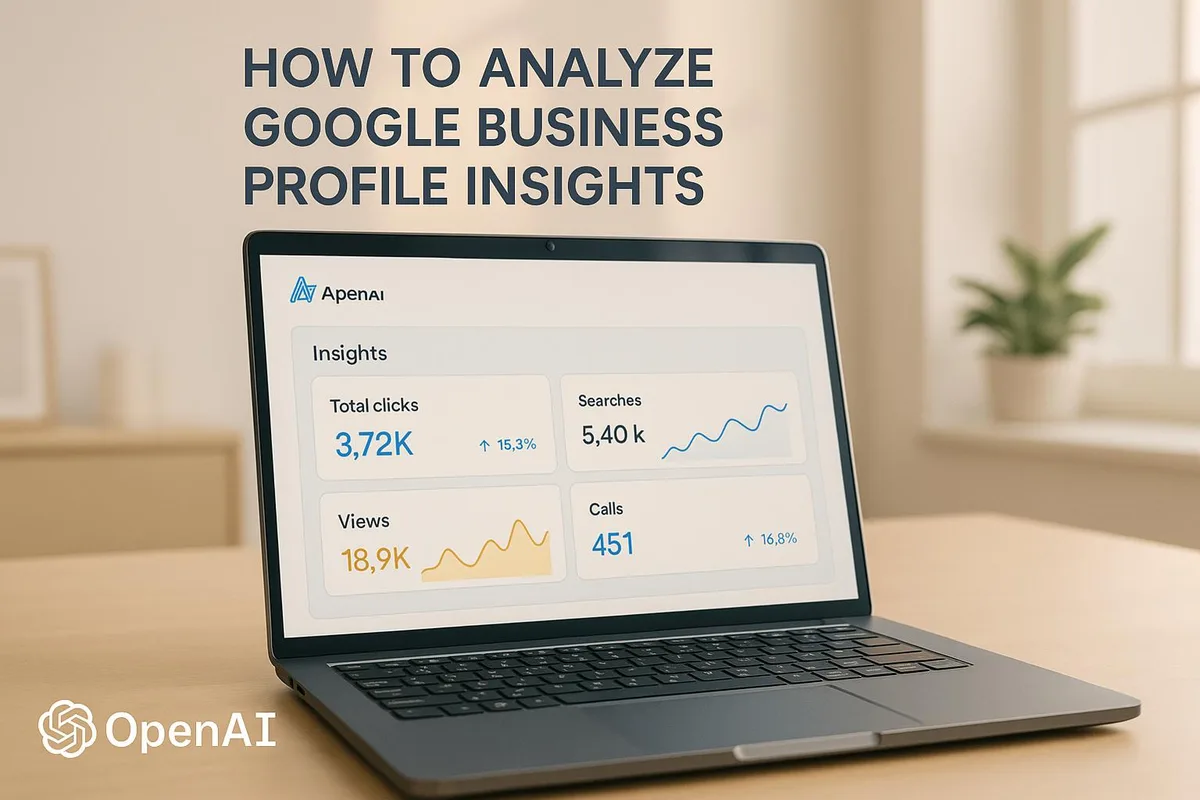
Think of the google business profile insights as the parent topic in a larger cluster. Once you understand the reporting layer, natural next steps include review management, local citation cleanup, and on-page service page optimization. But you cannot sequence any of that intelligently without first reading the data correctly. So let us start there.
What are Google Business Profile Insights, Exactly?
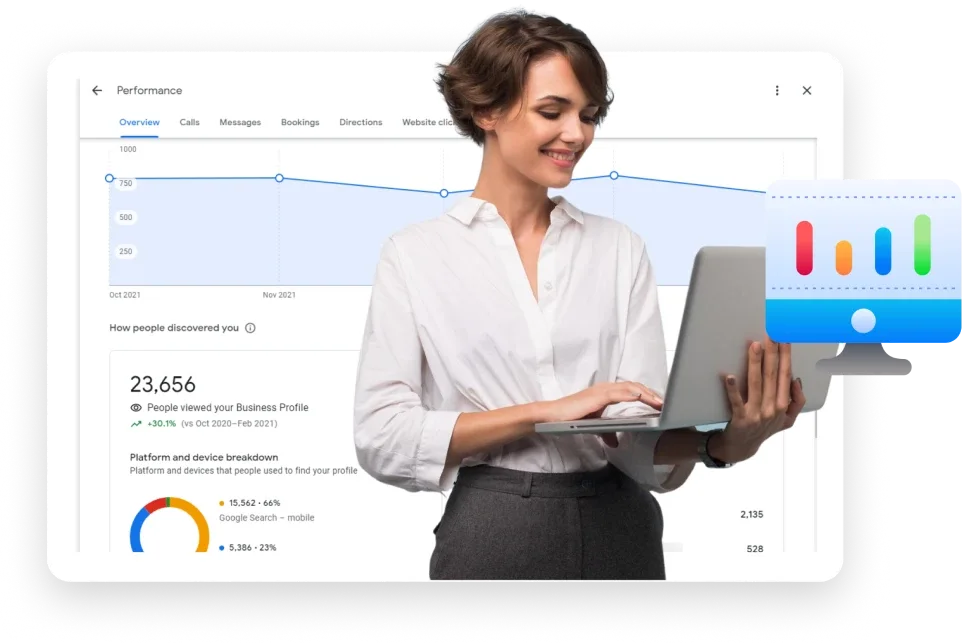
In plain terms, the insights section is a reporting panel inside your business listing dashboard. Refining each detail of your Google business profile insights strengthens this section. It tracks how people find your profile, what they do once they land on it, and how those interactions compare to the previous period.
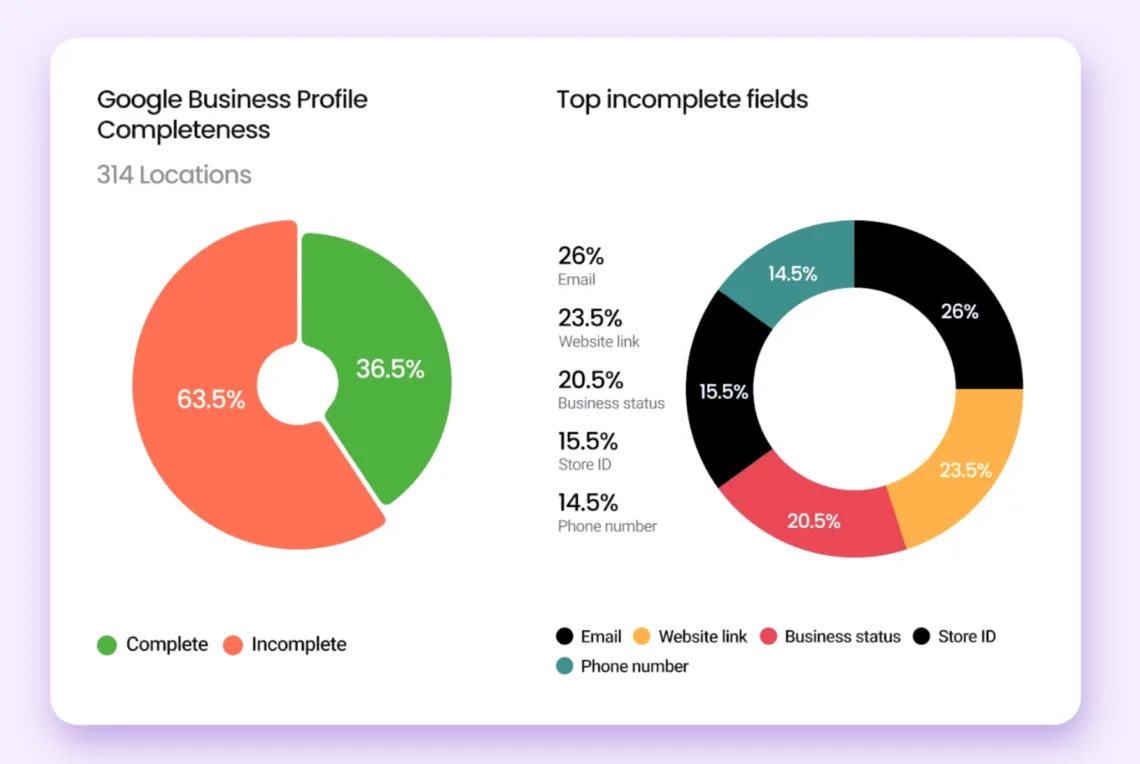
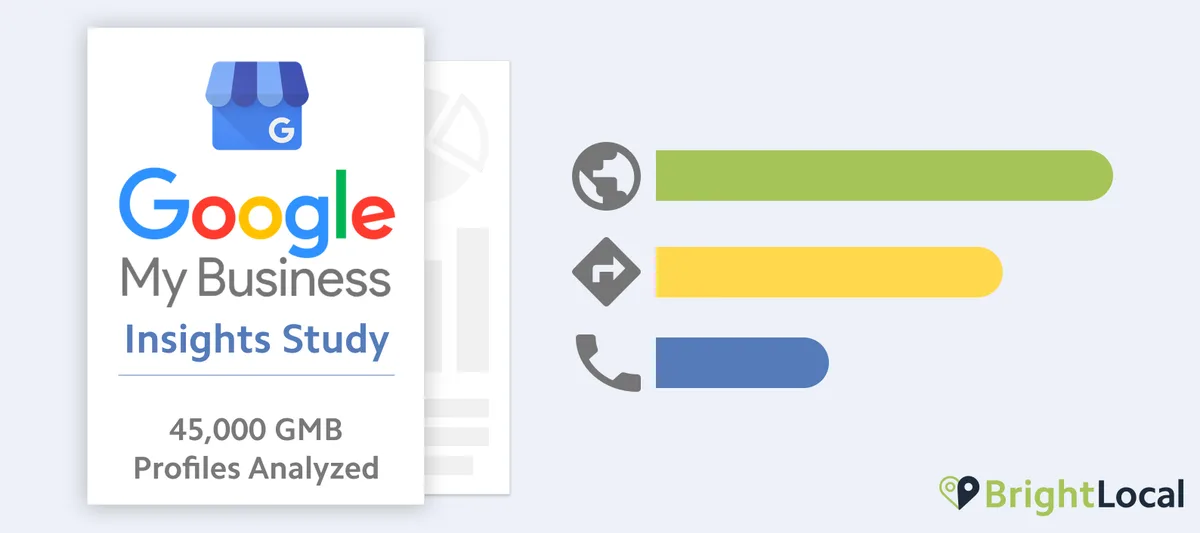
The platform groups the data into a few core buckets: searches that surfaced your listing, interactions with your google business profile insights profile itself, calls, messages, bookings, and direction requests. Each bucket answers a different question, and mixing them up is where most analysis goes wrong.
Here is the distinction the Google business profile insights matters. A “search” is someone typing a query and seeing your listing in the results. An “interaction” is what happens after they see it. High searches with low interactions is a visibility win paired with a conversion problem. Low searches with high interactions means you convert beautifully but nobody is finding you. Different diagnoses, different prescriptions.
How the Reporting Layer Actually Collects Data
The system does not sample. Maintaining clarity across your google business profile insights remains essential. It aggregates real user behavior tied to your listing across Search and Maps surfaces. That means the numbers reflect genuine intent signals rather than modeled estimates.
One caveat worth flagging from field experience: the platform has shifted how it labels and segments certain metrics over time, and some historic categories have been consolidated or renamed. If you are comparing a fresh export against a report you saved two years ago, expect mismatches. Always document the metric definitions you are using so future comparisons stay honest.
Another practical note. A thoughtful approach to google business profile insights reinforces your qualifications. Data can lag by a day or more, and very low-traffic listings may show suppressed or rounded figures to protect user privacy.
Do not panic when a tiny business sees a dash instead of a number. That is a threshold artifact, not a data failure.
The Core Metrics Inside Google Business Profile Insights
Before you can build a google business profile insights checklist, you need to know what each column is telling you. Let us break the dashboard into its working parts with concrete interpretation for each.
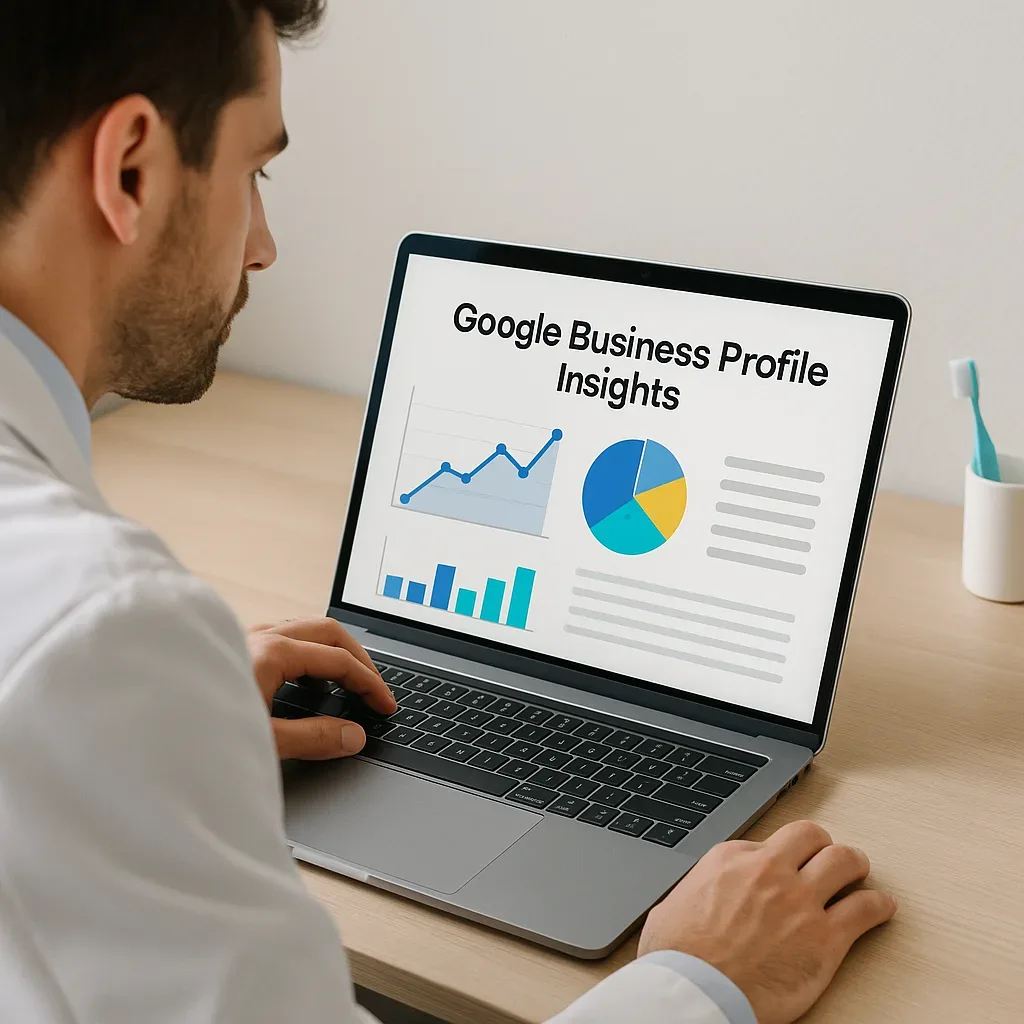
I will use a running example throughout: a family-owned HVAC company in a mid-size metro with roughly 40 monthly calls and 120 direction requests. Adjust the absolute numbers to your own scale, but the logic holds.
Searches: Discovery versus Direct
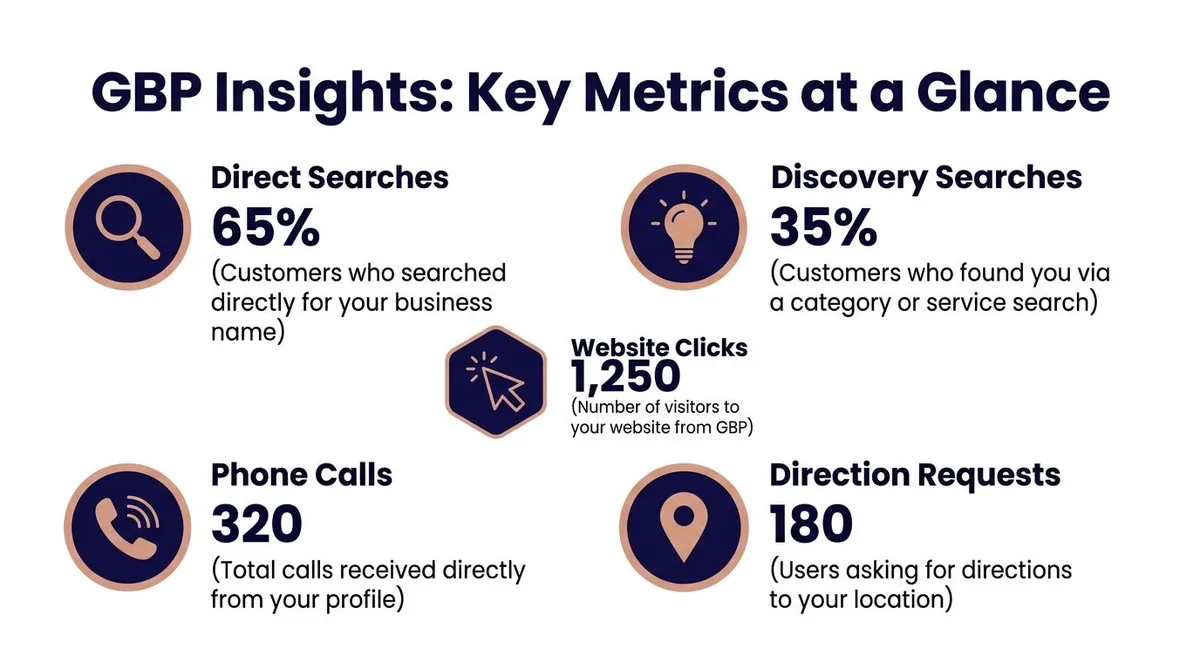
The searches panel splits into two very different audiences. Structuring your google business profile insights around proven patterns ensures impact. Discovery searches are people who found you while looking for a category or service generally — “emergency AC repair near me,” for instance. Direct searches are people who typed your brand name or a close variant.
Direct searches are a brand health signal. If that number climbs month over month, your reputation and word of mouth are compounding. Discovery searches are a category visibility signal. If that number is flat while your competitors grow, you have a relevance or proximity gap to investigate.
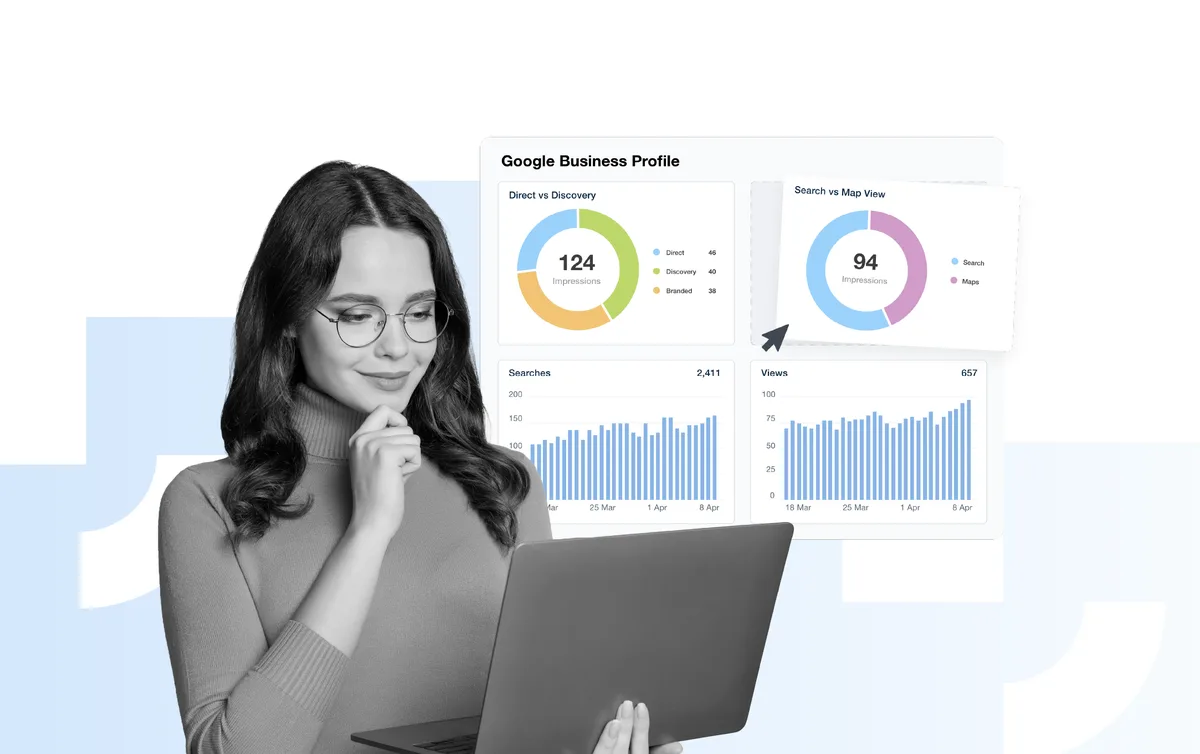
For the HVAC company, 70% discovery and 30% direct is a healthy balance for a business still building local awareness. Applying these principles to your google business profile insights yields measurable results. A mature brand might see closer to 50/50. Neither ratio is inherently good or bad — the trend line is what you read.
Calls, Messages, and Direction Requests
These are the money metrics. A call is usually the highest-intent action a local searcher can take, especially in service categories where people want a human on the line before committing.
Direction requests matter enormously for retail, dining, and any walk-in business. Proper attention to your google business profile insights sets a strong baseline. They are the digital bridge to a physical visit. If your direction requests are strong but foot traffic is soft, the gap is almost always in-store experience or hours accuracy, not marketing.
Messages deserve their own attention because response time directly affects whether that lead converts. Set an auto-reply if you cannot monitor the inbox during service hours. Silence reads as disinterest.
Bookings and Website Clicks
Bookings only appear if the google business profile insights have enabled a booking provider, and they are a clean conversion signal because the intent is unambiguous. Website clicks are messier — someone clicking through might be researching, not buying — but they still represent engagement worth tracking.
Here is a subtle insight from practice: a high website click count paired with a low on-site conversion rate usually means your listing promises something your landing page does not deliver. Mismatched expectations kill momentum. Audit the handoff, not just the listing.
A Practical Google Business Profile Insights Checklist for Monthly Reviews
Reading data once is tourism. Reading it on a rhythm is management. This google business profile insights checklist gives you a repeatable routine you can run in under thirty minutes each month.
Print the google business profile insights, save it as a note, or drop it into your project tool. The format matters less than the consistency.
- Export The Current Period And The Prior Period. Pull both datasets side by side so every comparison is apples to apples. Doing this manually prevents the classic mistake of comparing a full month against a partial one.
- Log Total Searches And Split Discovery Versus Direct. Write both numbers down with a one-line note on direction of travel. A rising discovery figure with a stable direct figure usually means your category visibility is improving.
- Record Call Volume And Call-From-Mobile Share. Most local callers are on phones, so a sudden drop in mobile calls often traces back to a broken click-to-call link or a listing edit gone wrong.
- Count Direction Requests And Cross-Check Your Hours. Wrong hours are the single most common cause of a direction-request collapse. Verify holiday hours and seasonal changes before blaming the algorithm.
- Audit Message Response Times. Note the median time to first reply. Anything beyond a few hours during business hours is leaving money on the table.
- Review Booking Completions If Enabled. If bookings are flat while calls rise, your audience prefers the phone. Consider whether your booking flow adds friction rather than removing it.
- Compare Website Clicks Against On-Site Behavior. Pull your analytics and check bounce rate on the landing page the listing points to. A mismatch here is a conversion leak, not a visibility problem.
- Flag Any Metric That Moved More Than Twenty Percent. Big swings demand explanation. Investigate before you celebrate or panic.
- Note Listing Edits Made During The Period. Tie any change in performance to a specific edit, a new photo upload, or a category adjustment. Correlation is not causation, but it narrows the search.
- Set One Test For Next Month. Change exactly one variable — a new primary photo, a refreshed description, an added service attribute — so you can attribute the result cleanly.
Run the google business profile insights loop for three consecutive months and patterns emerge that a single snapshot can never reveal. That is the whole point of a checklist: it converts scattered observation into a comparable series.
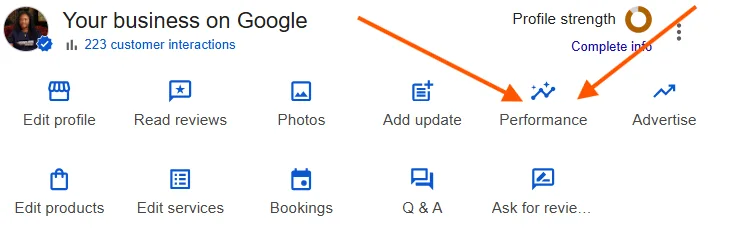
How to Read Search Queries Without Overreacting
The queries panel shows the actual terms people typed before your listing appeared. Integrating google business profile insights into your workflow produces consistent quality. It is the most human part of the entire reporting layer, and also the easiest to misread.
For starters, the list is not exhaustive. The platform shows a sample of queries, often weighted toward higher-volume terms. Absence of a query does not mean nobody searched it. It means the sample did not surface it prominently.
Second, query data is a directional hint, not a keyword research substitute. Targeted refinements to your google business profile insights streamline the entire review. If you see “furnace tune up near me” showing up repeatedly, that is a strong nudge to make sure your services list and description reflect that phrasing. But do not rewrite your entire site based on three rows of a sample table.
What you should do is look for mismatches. Suppose the HVAC company sees a cluster of queries about “heat pump installation” while its services section only mentions “HVAC repair.” That gap is a relevance opportunity, and it is sitting right there in the data.
Turning Query Patterns Into Content and Service Updates
Query data pairs beautifully with your website content strategy. Focusing on google business profile insights provides clear direction here. When a phrase appears consistently in the queries panel and your site has no page addressing it, you have found a topic worth building out.
Do not stop at a blog post. For local service businesses, a dedicated service page with clear pricing context, service area details, and a strong call to action usually outperforms a generic article. The query tells you what people want; the page should answer it directly.
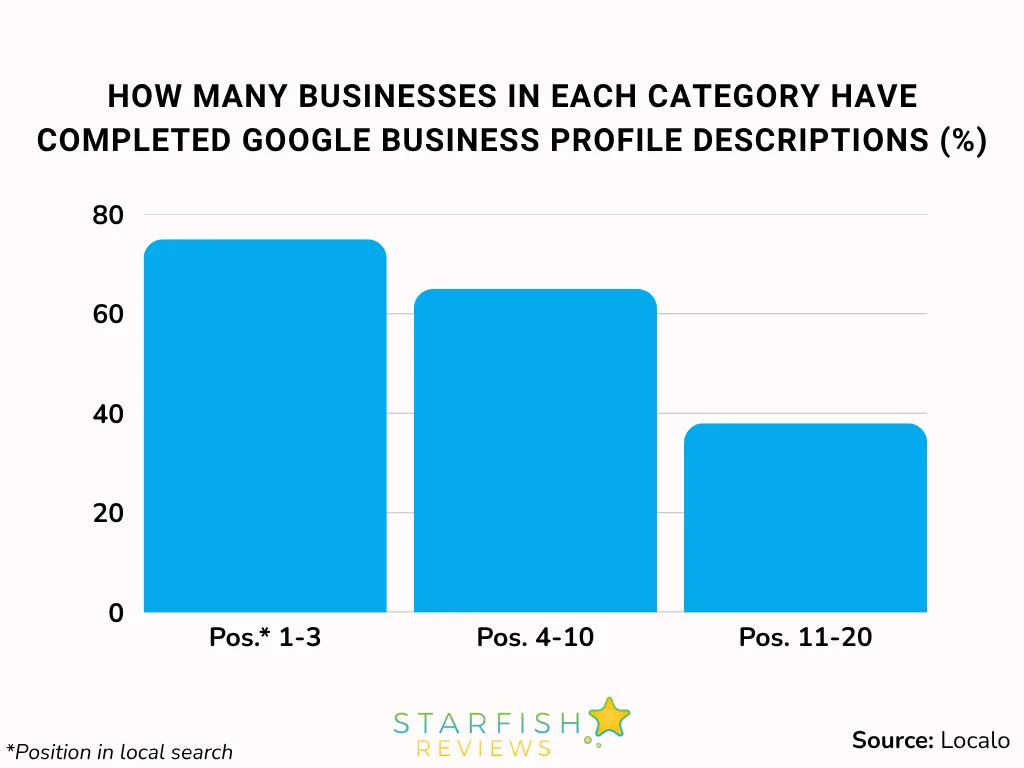
Keep a simple log. Refining each detail of your google business profile insights strengthens this section. Date, query observed, action taken, and result three months later. Over a year, that log becomes one of the most valuable marketing documents your business owns.
Google Business Profile Insights Best Practices That Actually Move the Needle
Plenty of advice floats around about local listings. The google business profile insights best practices below are the ones I have seen produce measurable shifts, not just theoretical improvements.
Each one is grounded in a specific behavior the reporting layer can actually verify. That is the filter: if you cannot observe the effect in the data, it is probably not worth prioritizing.
Post Consistently and Watch the Interaction Bump
Regular posts — offers, updates, event announcements — correlate with higher profile engagement in most accounts I have reviewed. Effective execution in your google business profile insights makes a tangible difference. The mechanism is straightforward: fresh content gives the listing more surface area to appear in and more reasons for a searcher to tap through.
You do not need daily posts. A steady weekly cadence beats a burst of activity followed by silence. Consistency signals an active business, and active businesses earn more trust from searchers.
Upload Photos on a Schedule, Not Just at Setup
Photo views are tracked in the reporting layer, and they tend to climb when you add fresh images. More importantly, when refining a google business profile insights, real photos of your team, storefront, and work in progress build the kind of confidence that generic stock imagery cannot.
For the HVAC company, a photo of an actual technician at a job site outperforms a polished studio shot every time. Authenticity converts in local search because proximity already establishes relevance — trust is the remaining hurdle.
Keep Categories and Attributes Accurate
Your primary category is one of the strongest relevance signals available. Changing it should be a deliberate decision, not a casual experiment. If you serve multiple distinct service lines, use secondary categories rather than swapping the primary one back and forth.
Attributes — accessibility features, payment options, service offerings — are quietly powerful. They feed into filtered searches where competition is thinner. Fill them out completely; there is no downside.
Respond to Every Review, Especially the Bad Ones
Review response rate influences how prospective customers perceive your business, and the reporting layer reflects the downstream effect through interactions and calls. A thoughtful reply to a critical review often does more persuasive work than five generic thank-yous.
Keep responses short, specific, and free of defensiveness. Acknowledge the issue, state what you did about it, and invite a direct conversation. That pattern reads as competence.
Common Mistakes That Distort Your Google Business Profile Insights
Data does not lie, but the google business profile insights does mislead when read carelessly. These are the traps I see most often, and each one has a simple fix.
The first is comparing unequal time windows. A 28-day period against a 31-day period will show a fake decline. Always match the window length before drawing conclusions.
The second is treating suppressed data as zero. When a metric shows a dash, it means the volume was too low to report, not that the activity vanished. Small businesses hit this constantly and misread it as a catastrophe.
The third is over-attributing. A jump in calls the week you changed your cover photo might have nothing to do with the photo. Seasonality, a local event, or a competitor closing could all explain it. Change one variable at a time and you keep your attributions honest.
Why Editing Your Listing Mid-Period Confuses the Story
Every edit resets part of the learning curve. If you change your category, description, and photos in the same week, you have no way to know which change drove the result — or whether the result was noise.
Space edits out. Give each change a full reporting cycle before layering on the next one. It slows you down slightly and makes your conclusions dramatically more reliable.
Connecting Insights to Your Website and Review Strategy
The reporting layer does not exist in isolation. It sits at the intersection of your website, your reviews, and your offline operations. Reading it well means reading across all three.
Start with the handoff. Every website click from your listing lands somewhere. If that page is slow, cluttered, or missing the service the searcher wanted, the click was wasted. Pull your analytics and check the landing page experience for traffic arriving from local search specifically.
Then look at reviews. A steady stream of recent reviews signals an active business, and recency matters as much as volume. A profile with two hundred reviews and none in the past six months reads as dormant. A profile with forty reviews and fresh activity reads as alive.
Finally, connect to operations. If direction requests are strong but phone calls are weak, your staff may be answering slowly or your hours may be wrong. The data flags the symptom; the fix usually lives in the business, not the dashboard.
Building a Simple Weekly Ritual
The google business profile insights do not need a monthly deep dive alone. A five-minute weekly glance keeps you from being surprised at month end.
Check new reviews, respond to any messages, confirm your hours are accurate for the coming week, and note anything unusual in the call or direction numbers. That is it. Small, frequent attention beats sporadic heroics.
How to Turn Google Business Profile Insights Into Revenue Decisions
Here is where most guides stop short. They explain the metrics and leave you to figure out what to do with them. Let us close that gap with a decision framework.
Every metric points to one of three levers: visibility, conversion, or retention. Visibility problems show up as flat discovery searches. Conversion problems show up as strong searches with weak interactions. Retention problems show up as declining direct searches and review volume.
Diagnose the lever first, then choose the tactic. Applying a visibility fix to a conversion problem wastes budget and time. The framework keeps you honest.
A Worked Example: Diagnosing a Slump
Suppose the HVAC company sees searches hold steady, interactions drop fifteen percent, and calls fall by a similar margin. Visibility is fine. Something between seeing the listing and acting on it has broken.
First suspect: a listing edit. Did someone change the primary category or remove a service attribute? Second suspect: a competitor entered with aggressive pricing and a stronger review profile. Third suspect: seasonal demand shift.
Check the edit log first because it is the fastest to verify. If nothing changed, pull query data to see whether the searches shifted toward terms you do not serve well. If queries are stable, look outward at the competitive set. The sequence matters — cheapest explanation first.
That is the practical value of google business profile insights tips like this one: they give you an ordered investigation instead of a panicked guess.
Frequently Asked Questions About Google Business Profile Insights
Here is an in-depth breakdown of key considerations regarding this section:
How Often Should I Check My Insights?
A quick weekly glance and a thorough monthly review is the sweet spot. Weekly checks catch problems early; monthly reviews reveal trends. Quarterly, step back and compare against the same period a year prior to separate seasonality from real change.
Why Do Some Metrics Show a Dash Instead of a Number?
Low-volume data gets suppressed to protect user privacy. A dash means the sample was too small to report reliably, not that activity disappeared. Small or new listings see this often and should not read it as a failure.
Can I See Insights for a Listing I Manage but Do Not Own?
Yes, if the google business profile insights have been granted manager access through the listing’s user management settings. Owners can add managers who then see the same reporting layer. Access can be revoked at any time, so keep the owner relationship documented.
Do Calls Through the Listing Get Recorded Anywhere?
The reporting layer counts call clicks, but it does not record call content or duration. If you need call-level detail, use a tracked phone number on the listing and route it through your own call analytics. Just keep the number consistent so you do not fragment your data.
What is a Good Interaction Rate?
The google business profile insights is no universal benchmark because categories and markets vary wildly. The honest answer is to compare against your own history. A rising interaction rate over three months is a good sign regardless of the absolute number. Chasing someone else’s benchmark in a different market is a distraction.
Does Responding to Reviews Affect My Insights?
Indirectly, yes. Responsive businesses tend to earn more reviews and higher ratings over time, which feeds back into discovery searches and interactions. The reporting layer will not show a direct “review response” metric, but the downstream effects are visible in the trend lines.
Putting It All Together Without Overcomplicating It
The most common failure mode in local marketing is not missing data — the google business profile insights is drowning in it. You do not need to master every panel. You need a short list of metrics you trust, a rhythm for reviewing them, and the discipline to change one thing at a time.
Start with searches, calls, and direction requests. Add messages and bookings once those three feel familiar. Build the monthly checklist habit before you add any new tools or dashboards.
And remember the bigger picture. Clear alignment with your google business profile insights builds confidence from the start. These reports are one node in a broader local presence strategy that includes your website, your reviews, and your offline service quality.
When all four move together, the numbers stop being abstract and start reading like a customer story — one that tells you exactly where to invest next.
That is the real promise of a google business profile insights guide worth its salt: not more data, but better decisions. Open the dashboard this week, run the checklist, and change exactly one thing. Then let the next reporting cycle tell you whether you were right.
For verified reference and background research, consult the authoritative informational resource on this topic.