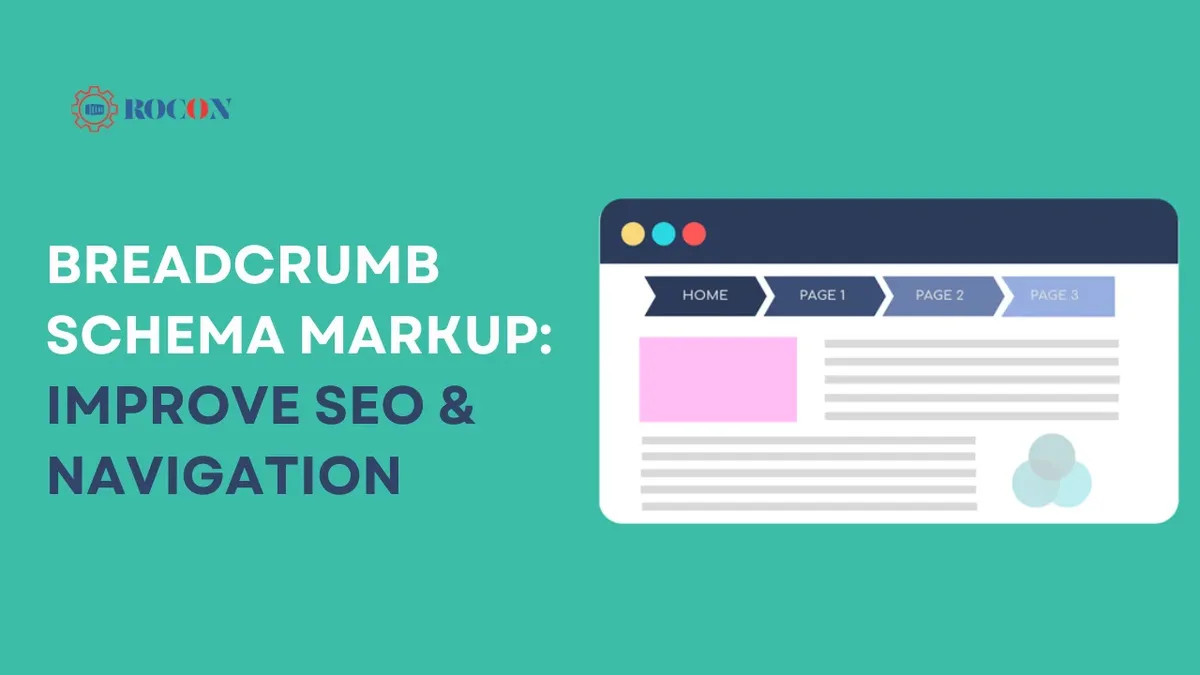
A breadcrumb schema is one of those quiet pieces of markup that either saves your search appearance or quietly sinks it. Get it right, and Google swaps your ugly raw URL in the results for a clean trail of labeled links.
Get it wrong, and you get warnings in Search Console, no breadcrumb rich results, and a navigation path that confuses both crawlers and humans.
I’ve audited breadcrumb markup on everything from tiny recipe blogs to multi-million-page ecommerce catalogs, and the failure patterns are almost embarrassingly predictable. Wrong property nesting, missing item URLs, breadcrumbs that don’t match what’s on the page. This breadcrumb schema guide walks through the ten fixes that consistently move the needle.
Consider this your working breadcrumb schema checklist. Every tip below is something you can implement, test, and verify—not theory. We’ll cover the JSON-LD structure itself, how breadcrumbs interact with your site hierarchy, and where most implementations quietly break.
Why Breadcrumb Schema Deserves Real Attention
Here’s the thing most site owners miss: breadcrumbs exist twice. Focusing on breadcrumb schema provides clear direction here. Once as visible navigation on the page, and once as structured data that tells search engines how your pages relate.
Those two things must agree. When they don’t, you’ve created a signal conflict, and search engines resolve conflicts by ignoring you.
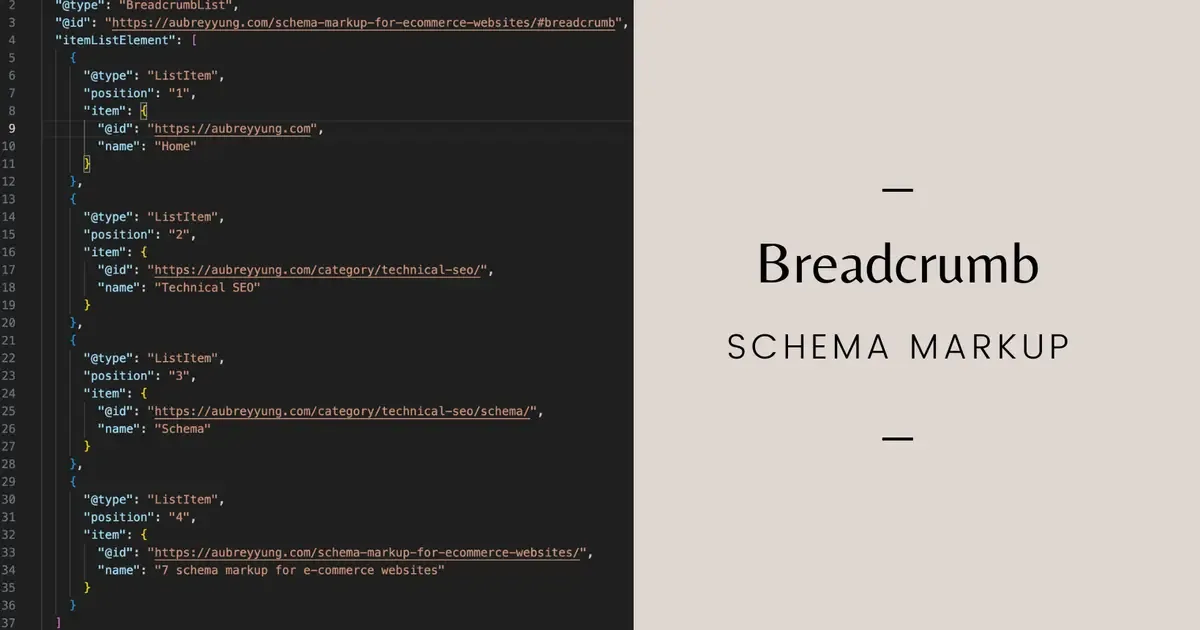
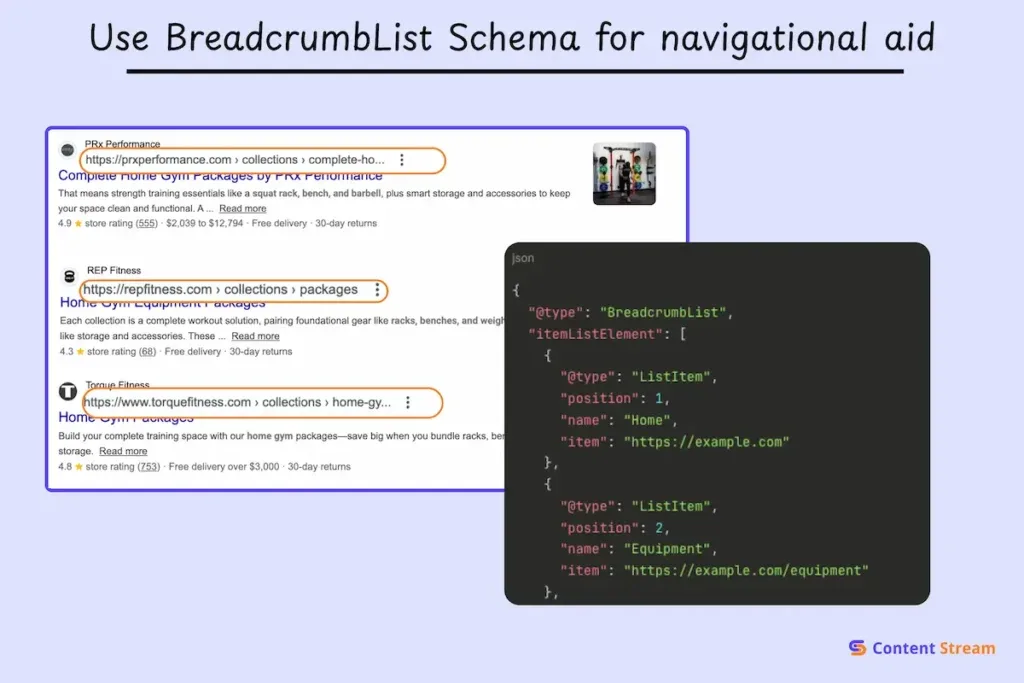
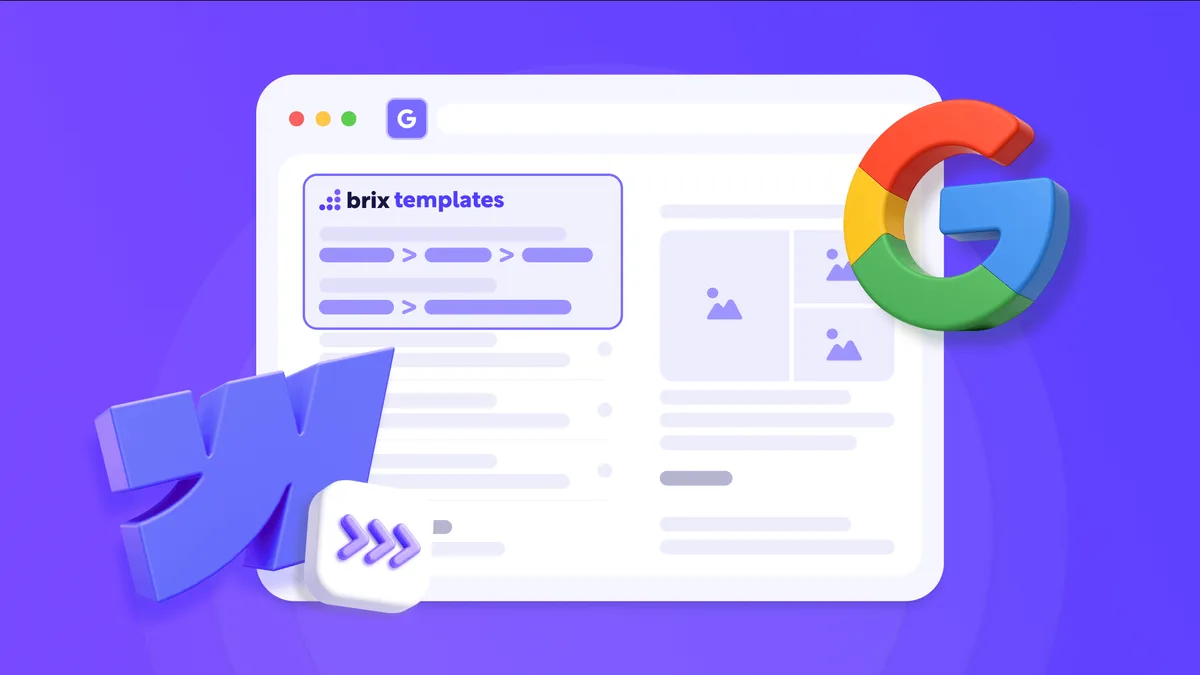
The payoff for doing it properly is real. Google uses breadcrumb markup in search results to replace the long URL line with a readable path—something like Home › Guides › Technical SEO instead of a string of slashes and parameters. That shift measurably changes how a result feels to a searcher scanning a page of blue links.
There’s a second benefit that rarely gets mentioned. Building a valid breadcrumb schema forces you to articulate your site’s hierarchy in machine-readable form. That structure then feeds sitelinks, internal linking logic, and—if you’re running an online store—product grouping in search. It’s an architectural exercise disguised as a technical task.
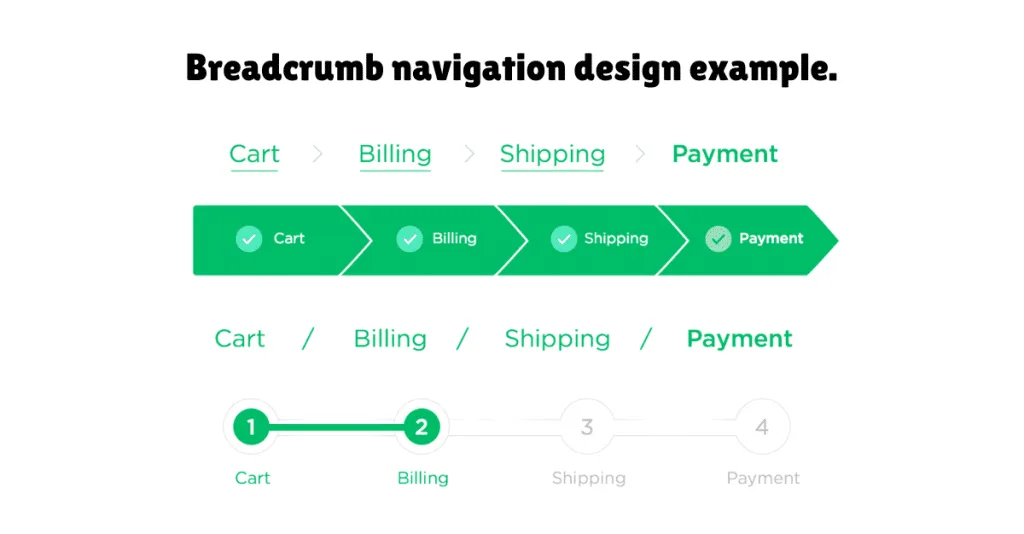
If you want the authoritative source on how Google treats this markup, the Google Search Central documentation on breadcrumb structured data is required reading. It’s dry, but it settles arguments.
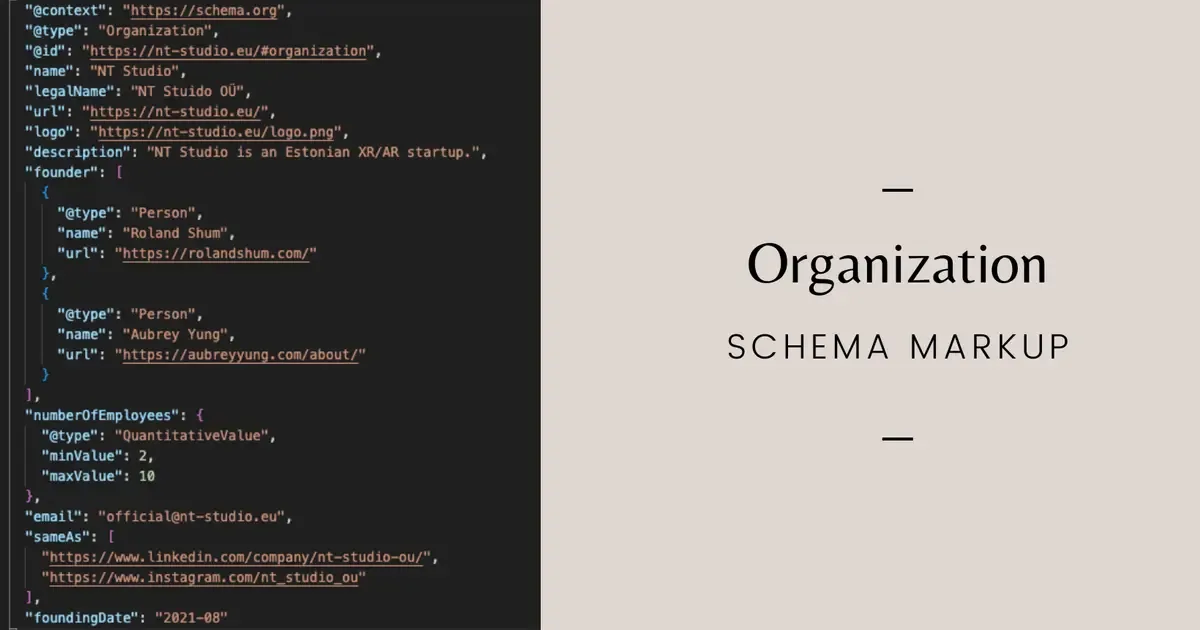
Think of breadcrumbs as your site’s table of contents rendered per-page. The parent topic here is technical SEO and structured data, and breadcrumb markup is one branch of a larger cluster that includes product schema, article schema, and organization markup. Once you understand breadcrumbs, the rest of the cluster suddenly makes more sense.
Tip 1: Start With the Right JSON-LD Structure
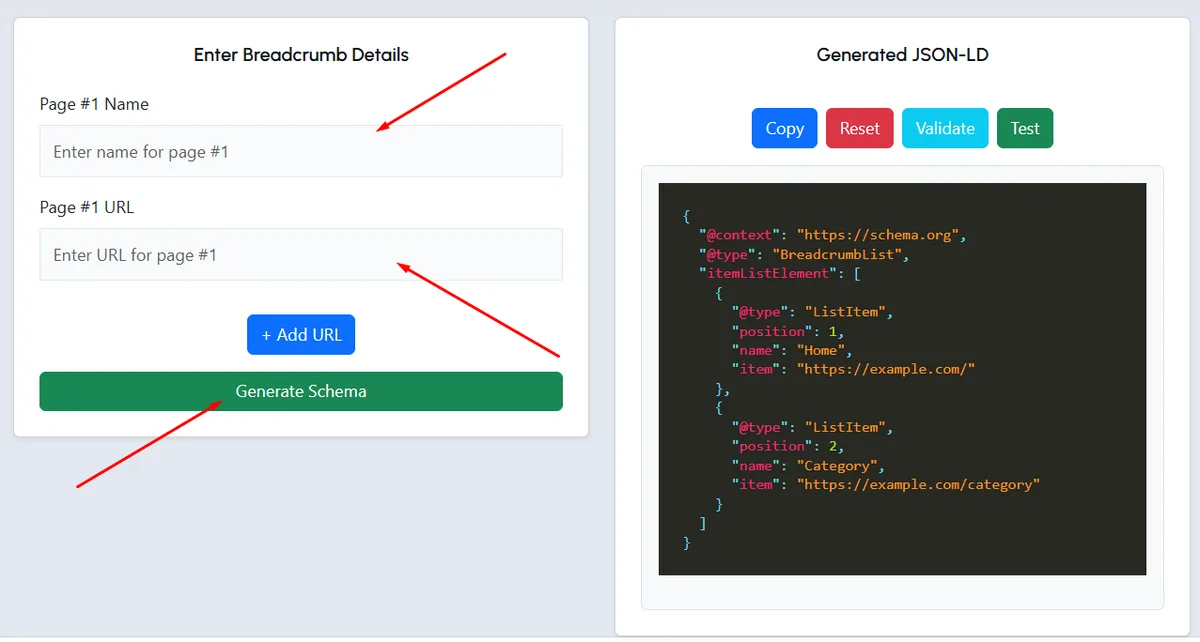
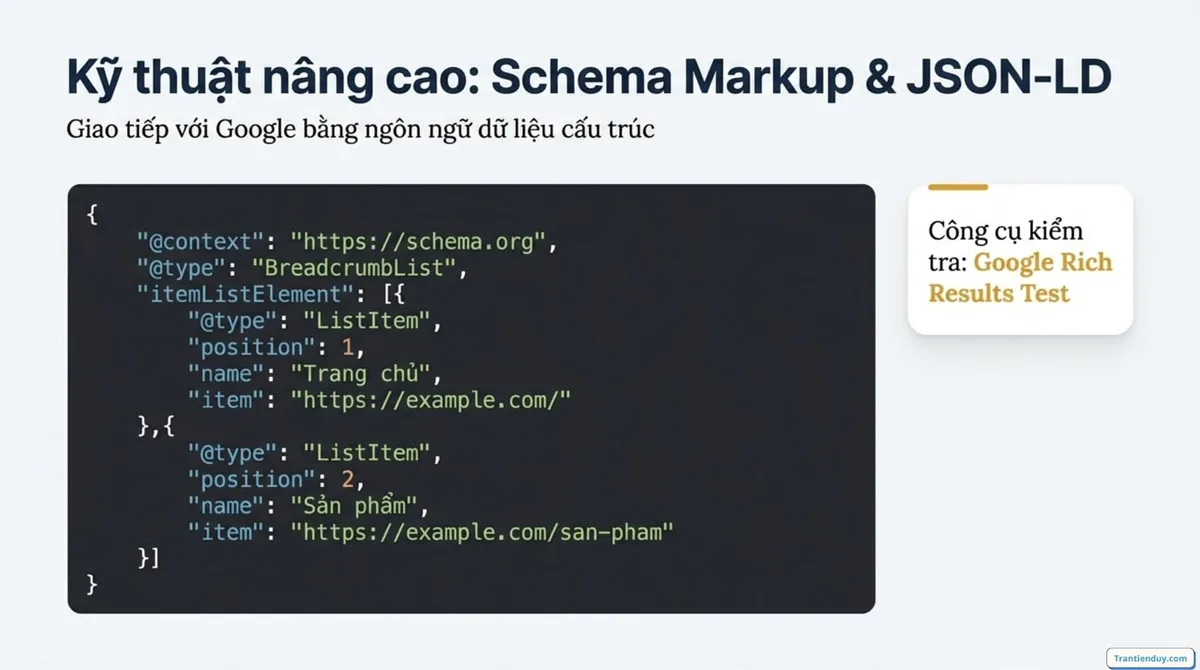
Everything else in this breadcrumb schema guide depends on getting the base structure correct. Breadcrumb markup is expressed as a BreadcrumbList type containing a series of ListItem objects, each with a position, a name, and a URL.
The syntax most developers use is JSON-LD, injected into the page head or body. Refining each detail of your breadcrumb schema strengthens this section. It’s cleaner than microdata, survives template changes better, and Google reads it reliably. Here’s what a valid three-level breadcrumb looks like in practice:
| Property | Purpose | Example Value |
|---|---|---|
| @context | Declares the vocabulary | HTTPS://schema.org |
| @type | Declares the entity | BreadcrumbList |
| itemListElement | Container for the trail | Array of ListItem objects |
| position | Order in the trail (starts at 1) | 1, 2, 3 |
| name | Visible label of the crumb | Technical SEO |
| item | Absolute URL of the crumb | HTTPS://example.com/technical-SEO/ |
Two details trip people up constantly. First, position must start at 1, not 0—zero-indexed arrays are a programmer reflex that violates the specification. Second, the item property must be an absolute, canonical URL, not a relative path.
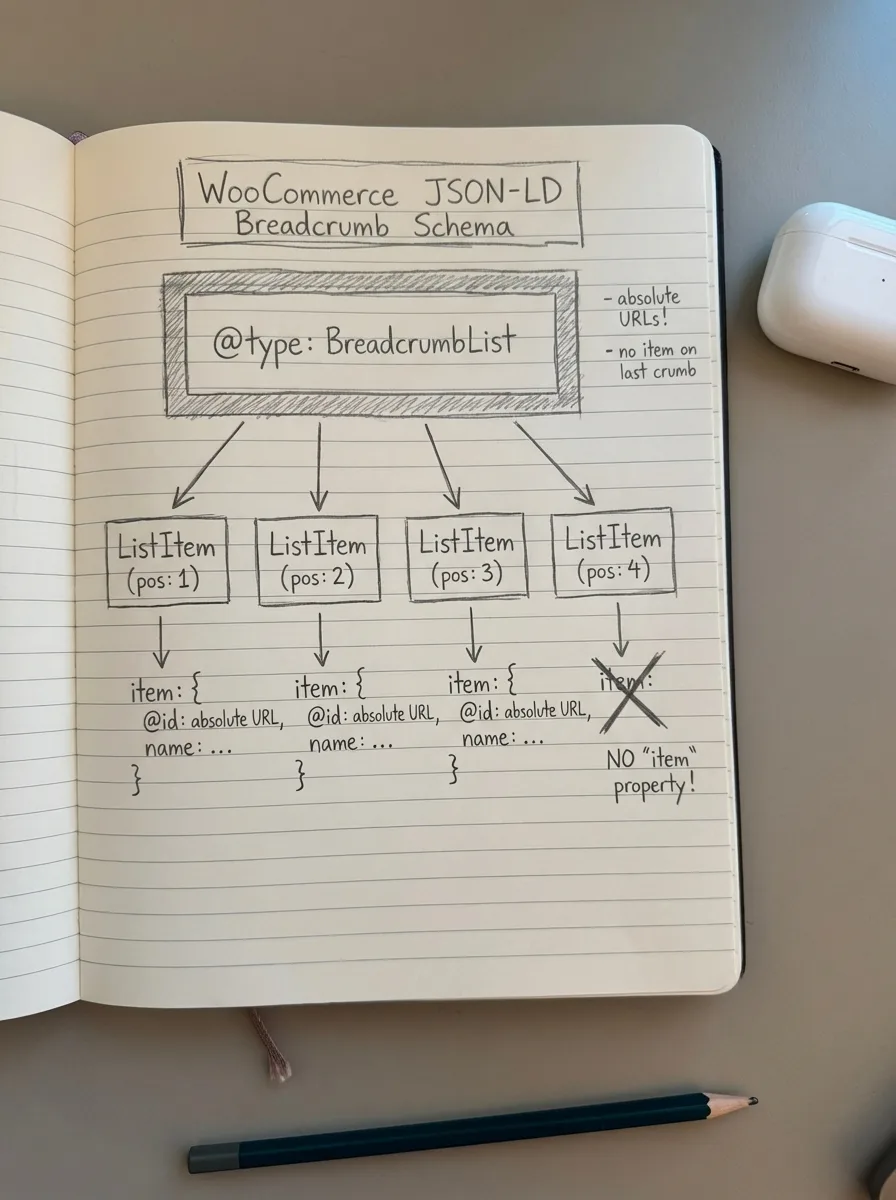
Also worth noting: you don’t have to include the current page as the final crumb’s URL. Many implementations legitimately omit the item property on the last ListItem since the page itself is the destination. Both patterns validate, but consistency across your site matters more than which one you pick.
Tip 2: Mirror What Users Actually See on the Page
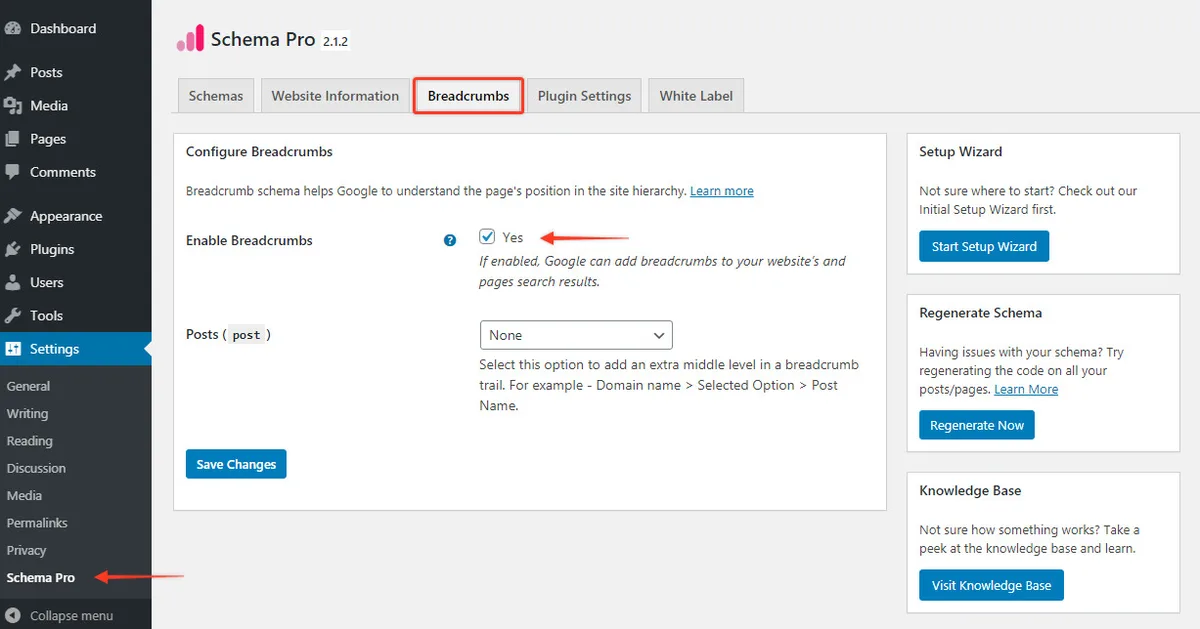
This is the tip I repeat loudest, and it’s the one that generates the most Search Console warnings. Your breadcrumb schema must reflect the visible breadcrumb navigation on the page. Full stop.
I’ve seen sites where the visible breadcrumb says “Home > Shop > Running Shoes” but the JSON-LD declares “Home > Products > Category 42 > SKU-8841.” The developer built the markup from the database hierarchy; the designer built the visible nav from the customer-facing taxonomy. Both are reasonable on their own. Together, they’re a mismatch that gets flagged.
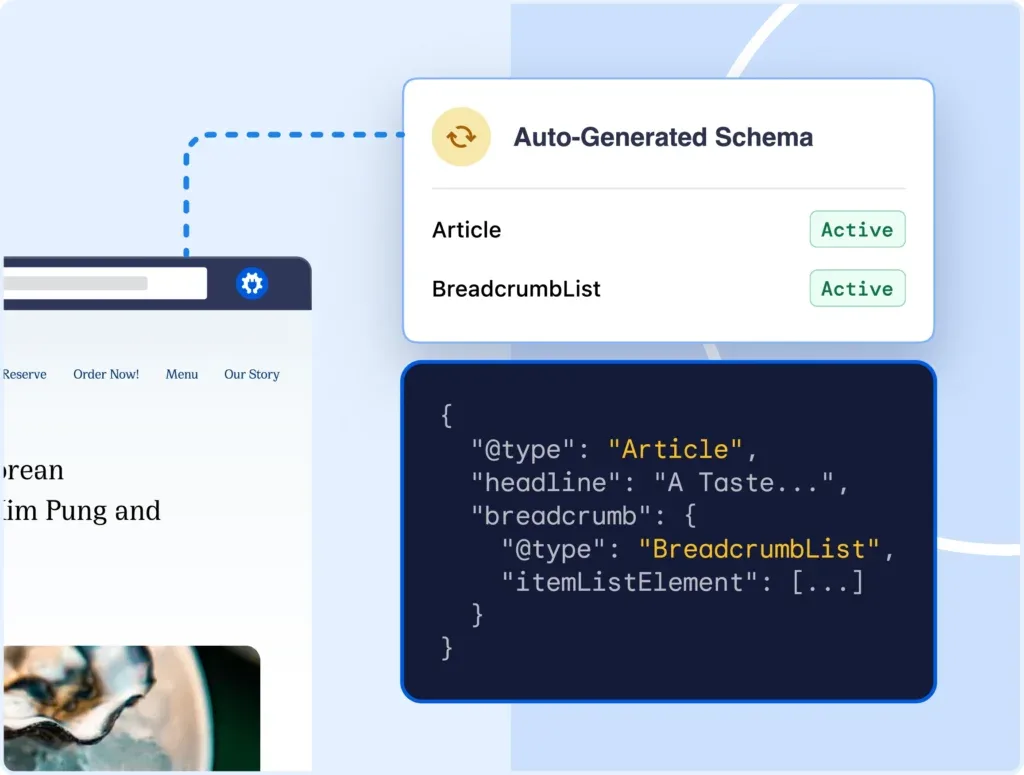
The fix is boring but effective: build a single source of truth for the breadcrumb trail, then render both the visible HTML and the JSON-LD from the breadcrumb schema same data. If your CMS can’t do that natively, generate the markup server-side from the same function that builds the nav component.
When the two align, you get something quietly satisfying—the trail in search results matches the trail a visitor sees after clicking. That consistency is a trust signal, both for users and for crawlers evaluating your breadcrumb schema best practices.
Tip 3: Never Skip Intermediate Levels
A breadcrumb with gaps is like a staircase with missing steps. It technically describes a path, but the path is unnavigable. Google’s guidance is explicit here: do not skip levels in the trail.
The common violation looks like this. A page sits at Home › Electronics › Audio › Headphones › Wireless Earbuds › Product X. Someone decides the trail is too long for the visible UI, so the schema declares Home › Product X. It validates as JSON. It fails as a description of the site.
Long trails are fine. In fact, deep trails communicate real structure. If your visible breadcrumb is getting unwieldy, the answer is CSS truncation with a “show more” expansion—not deleting the middle links from your structured data.
I’ll go further. Maintaining clarity across your breadcrumb schema remains essential. Deep trails are often a competitive advantage for large catalogs. A six-level trail signals a well-organized taxonomy. It tells search engines you have genuine topical depth in that area, which feeds into how your site is understood as an authority.
Tip 4: Use Absolute, Canonical URLs for Every Crumb
Relative URLs break. Not always visibly, but they break in ways that matter. A crumb pointing to /category/running/ leaves the search engine to resolve the domain and protocol, and if your site serves both HTTP and HTTPS or both www and non-www, that resolution can go sideways.

Always use the canonical, absolute form. That means the protocol, the domain, and the exact path that matches your canonical tag.
While the breadcrumb schema ‘re on the subject, breadcrumb URLs should point to pages that actually exist and return a 200 status. I’ve audited sites where breadcrumb links pointed to pages that 301-redirected, or worse, 404’d because a category had been deleted.
Every crumb URL is an internal link promise. A thoughtful approach to breadcrumb schema reinforces your qualifications. Break it enough times and crawl budget gets wasted on dead ends.
Run a periodic check. Crawl your site, extract every URL from your breadcrumb schema, and verify status codes. Ten minutes of automation catches problems that otherwise stay invisible for months. If you’re building a breadcrumb schema checklist for a QA process, this is item one.
A quick practical trick: if your URLs contain tracking parameters or session IDs, strip them before they reach the markup. A breadcrumb crumb should always point to the clean, indexable version of a page.
Tip 5: Respect the Five-Level Limit in Practice
Technically, the schema allows a long list. Practically, Google truncates breadcrumb trails in search results, and that truncation can make your three most meaningful crumbs invisible.
What actually happens? Search results display a limited number of crumbs. If you’re pushing eight levels in a small mobile viewport, the display logic may collapse the middle and show only the first and last items. Your carefully authored trail becomes “Home › Wireless Earbuds.”
The practical rule I work with is keeping breadcrumb depth to five levels or fewer for any page the breadcrumb schema matters. If your taxonomy runs deeper than that, consider whether the extra levels reflect genuine hierarchy or database noise.

When depth is unavoidable—think a retailer with a genuinely deep category system—prioritize the crumb labels that carry the most search value. The words in your breadcrumb schema show up in the SERP. Choose them the way you’d choose a page title.
Tip 6: Don’t Let Breadcrumbs Fight Your Canonical Tags
Here’s where it gets interesting, and where a good breadcrumb schema guide earns its keep. Breadcrumbs and canonical tags can contradict each other without either appearing broken.

Consider a product that’s available in two categories. It might be canonicalized to one URL, but the breadcrumb trail on that URL declares a category path. If the canonical points to a URL whose breadcrumb trail says something different, you’ve created a mild but real inconsistency in how the page identifies itself.
The resolution: every canonical URL should have its own self-consistent breadcrumb trail. Variant URLs that canonicalize elsewhere should either omit breadcrumb markup entirely or mirror the canonical page’s trail exactly. Don’t let a non-canonical variant declare a different path.
This matters most for ecommerce and marketplace sites, where variant URLs multiply quickly. Filter combinations, sorting parameters, and pagination all generate URLs. Each one carrying its own breadcrumb schema is a recipe for conflicting signals.
For a broader grounding in structured data fundamentals, the Wikipedia entry on breadcrumb navigation remains a decent primer on the human-facing concept, and the structured data vocabulary itself lives at schema.org’s BreadcrumbList definition. Both are worth a skim before you rebuild a template.

Tip 7: Test With the Rich Results Tool, Not Just Your Eyes
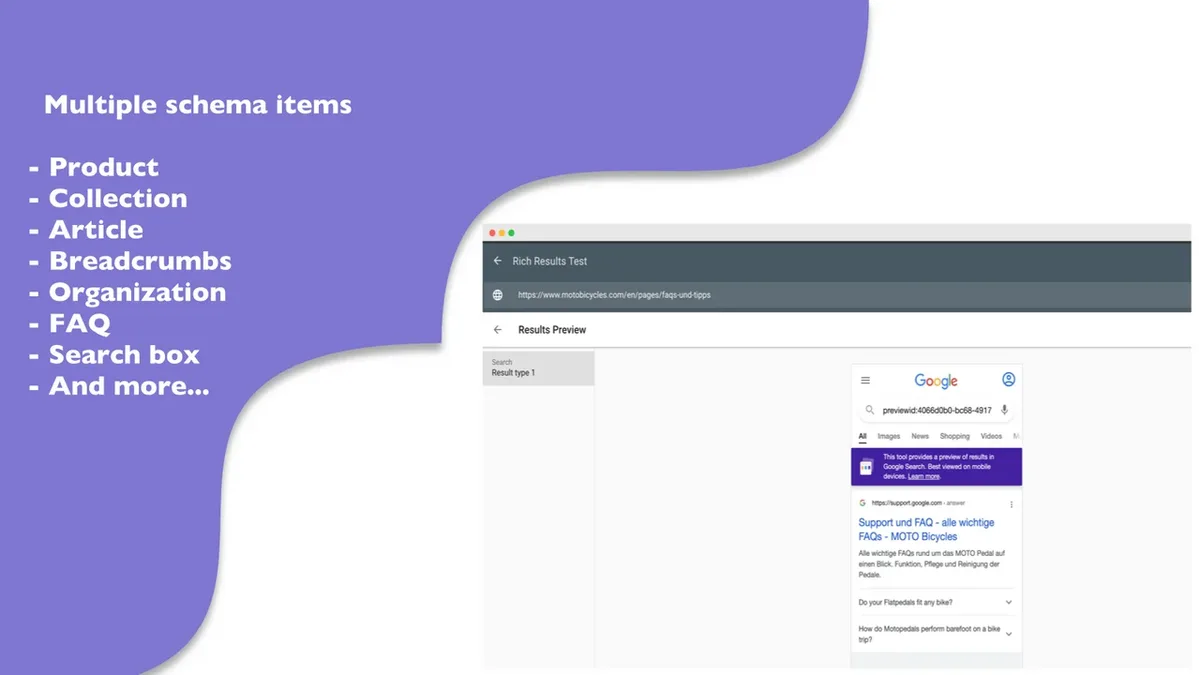
Markup the breadcrumb schema looks right to a developer and markup that validates against Google’s parser are two different things. The Rich Results Test parses your live page or a code snippet and tells you exactly how Google reads it.
What you’re checking for:
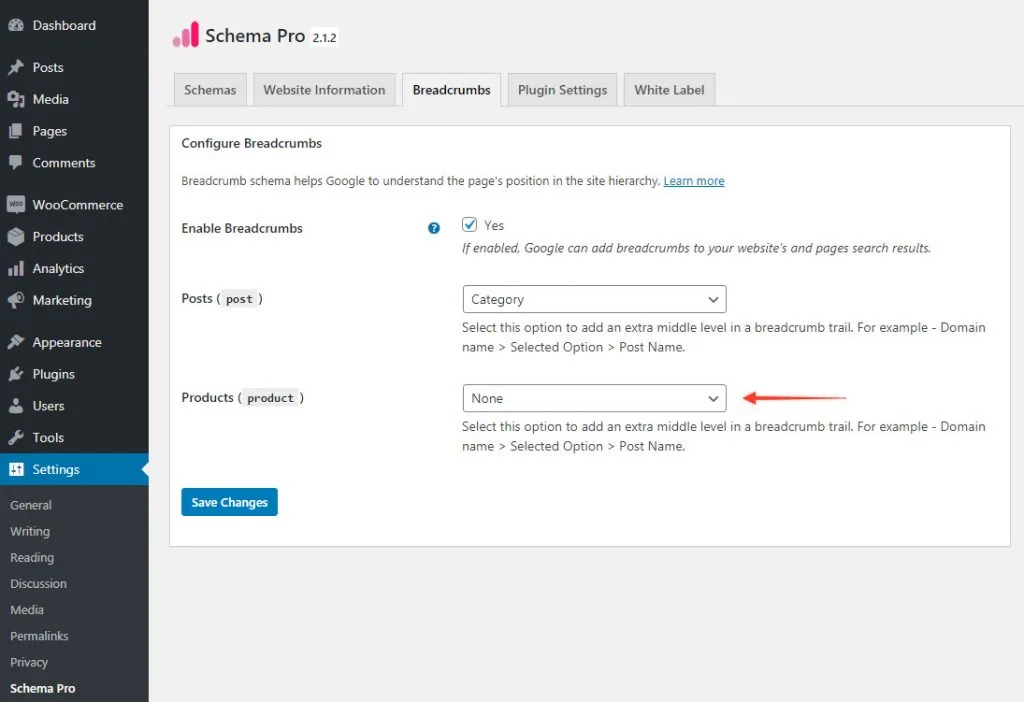
- Breadcrumb detection — the tool should identify a “Breadcrumbs” result type. If it finds nothing, your type name or nesting is off.
- Valid row count — every crumb you authored should appear with its position, name, and URL. Missing crumbs mean a malformed array.
- Eligibility for rich results — the tool reports whether the markup qualifies to display. “Valid” and “eligible” are not the same state.
- Error vs. Warning classification — warnings often don’t block rich results, but they usually indicate sloppiness worth fixing. A clean breadcrumb schema best practices run treats warnings as errors.
Run the test on a representative sample, not just your homepage. Breadcrumb markup is generated per-page, and template logic frequently produces different output on category pages, product pages, and blog posts. A homepage passing means almost nothing.
I also recommend running the same page through two testers. The Rich Results Test and the Schema Markup Validator occasionally disagree, and the discrepancies reveal interesting edge cases—usually around optional properties.
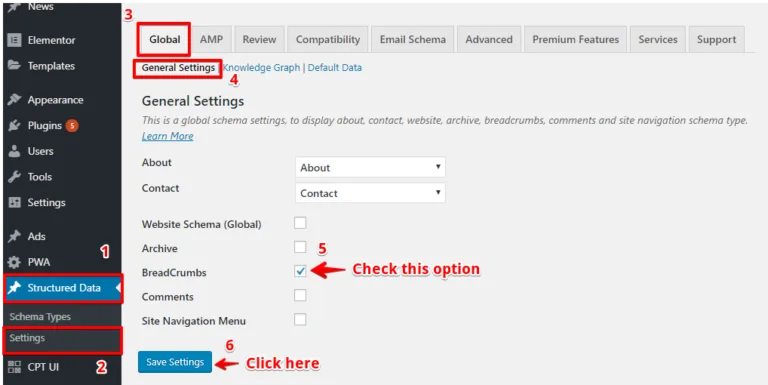
Tip 8: Keep Breadcrumbs in Sync Across Template Variants
Most sites don’t have one breadcrumb template. They have five. The homepage has one, static pages have another, category pages get a third, product pages a fourth, and blog posts a fifth. Each was built by someone at a different time.
That fragmentation is where breadcrumb schema problems breed. A product page template might generate valid JSON-LD with four crumbs. A blog template built two years earlier might generate microdata with a different type name. Both pass individually. Neither team knows the other exists.
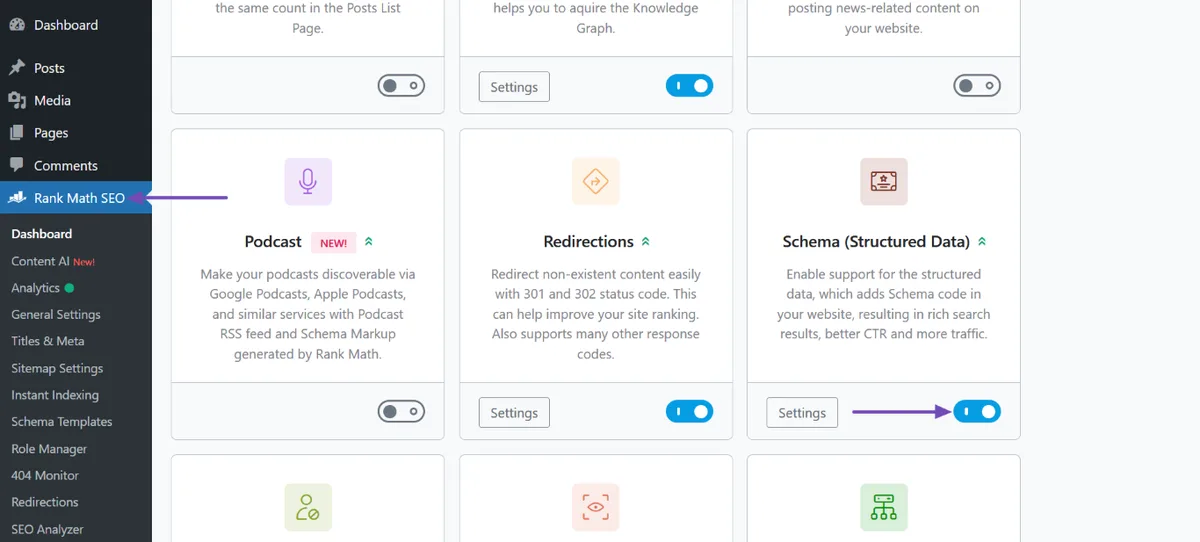
Consolidation is the answer, and the breadcrumb schema’s unglamorous work. Build one shared breadcrumb-rendering function that outputs both the visible trail and the structured data, then refactor every template to call it. The refactor takes a sprint. The reduction in Search Console warnings is permanent.
While you’re refactoring, add the same function to your sitemap-generation logic so you can audit breadcrumb coverage alongside indexability. Sites that do this discover pages with no breadcrumb markup at all—orphaned templates that nobody remembered building.
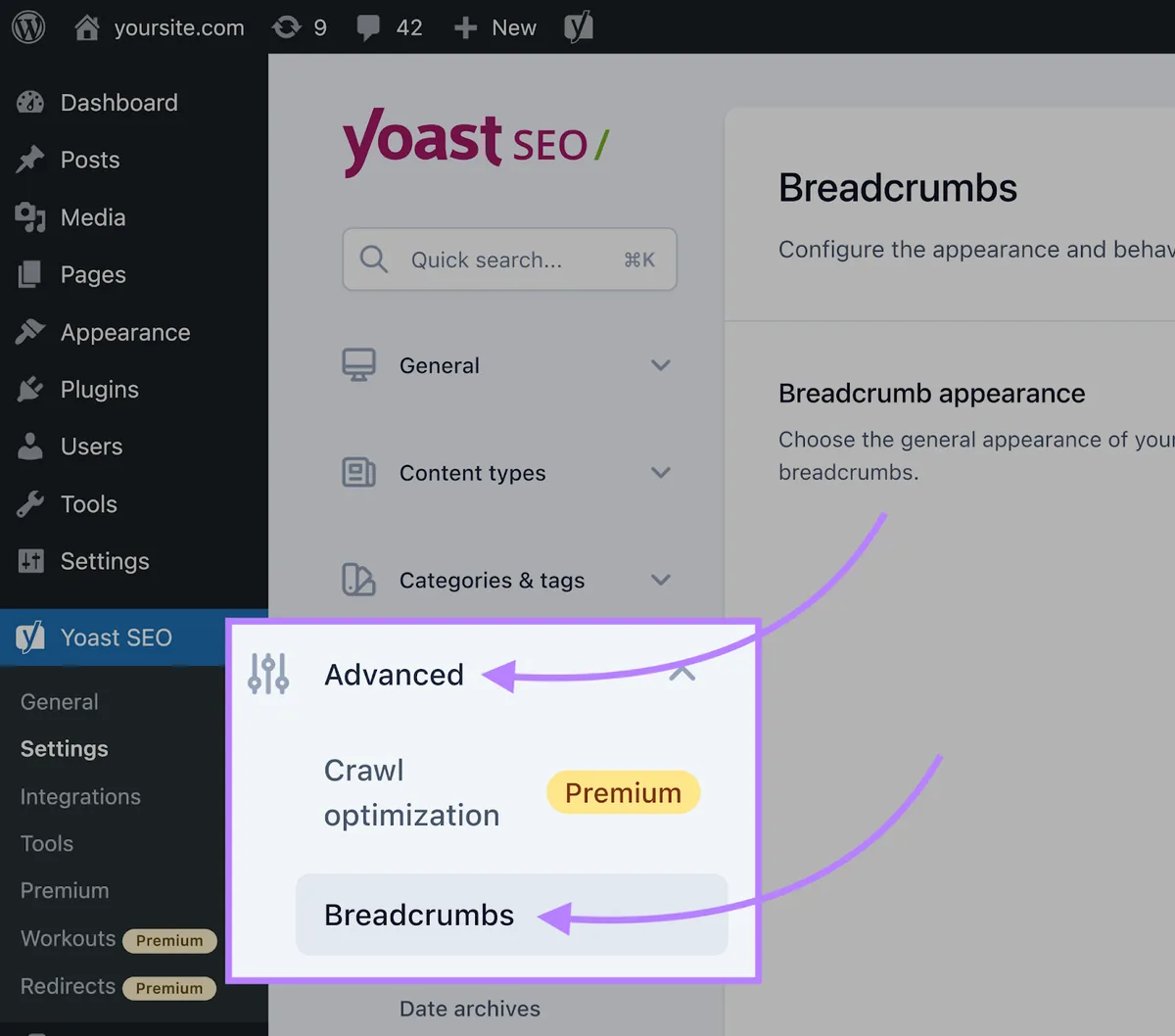
This is the tip nobody wants to hear, because it involves touching code other people wrote. Do it anyway. Fragmented breadcrumb implementations produce inconsistent signals, and inconsistency is what a good breadcrumb schema checklist is designed to root out.
Tip 9: Handle Special Page Types Deliberately
Not every page fits the standard trail. Search pages, paginated archives, tag pages, and logged-in dashboards all raise questions about whether breadcrumbs belong and what they should say.

Authenticated pages should never expose breadcrumb markup. They’re not meant to be indexed. Paginated content should generally carry breadcrumbs that reflect the archive hierarchy; tag pages are more complicated, and I usually recommend consolidating or noindexing them entirely rather than building them their own breadcrumb trail.
Search result pages of your own—the internal queries users run—need breadcrumbs handled carefully or not at all. Developing your breadcrumb schema with precision highlights key strengths. These pages often earn noindex directives, and adding rich markup to noindex pages is wasted work that sometimes generates warnings.
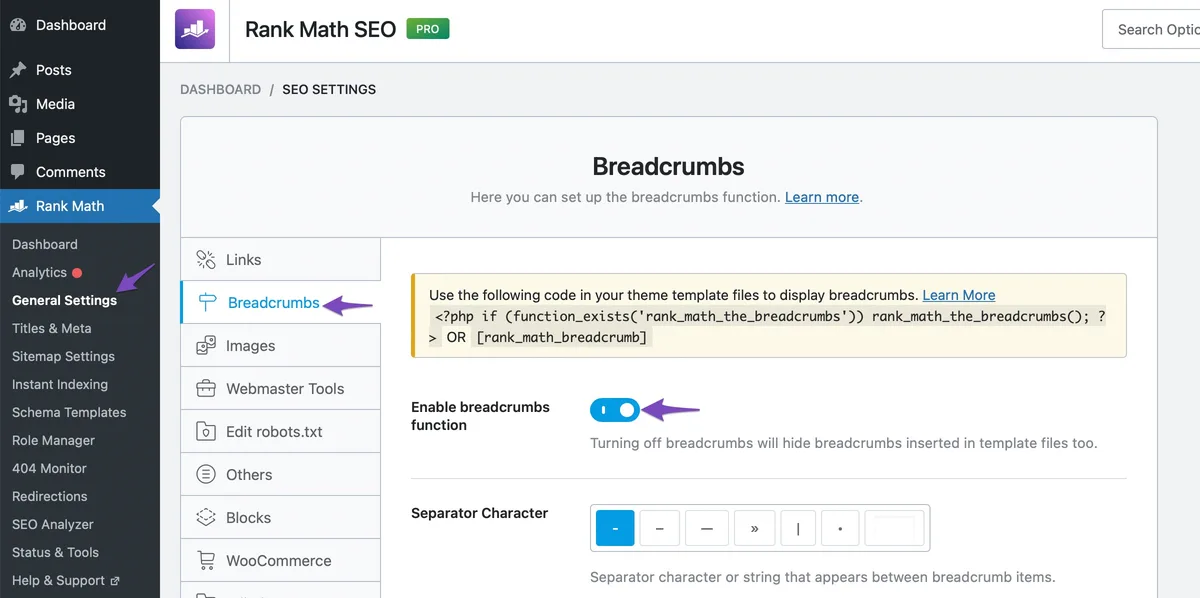
Think of special page types as the edge cases that separate a template that works from a template that scales. A breadcrumb schema tips list without them is incomplete, because your catalog almost certainly has pages that don’t fit the happy path.
Tip 10: Monitor Search Console and Fix What You Find
Implementation is not a checkbox you tick once and forget. Breadcrumb markup drifts as sites evolve. Categories get renamed, redirects accumulate, templates are upgraded by people who didn’t read this article.
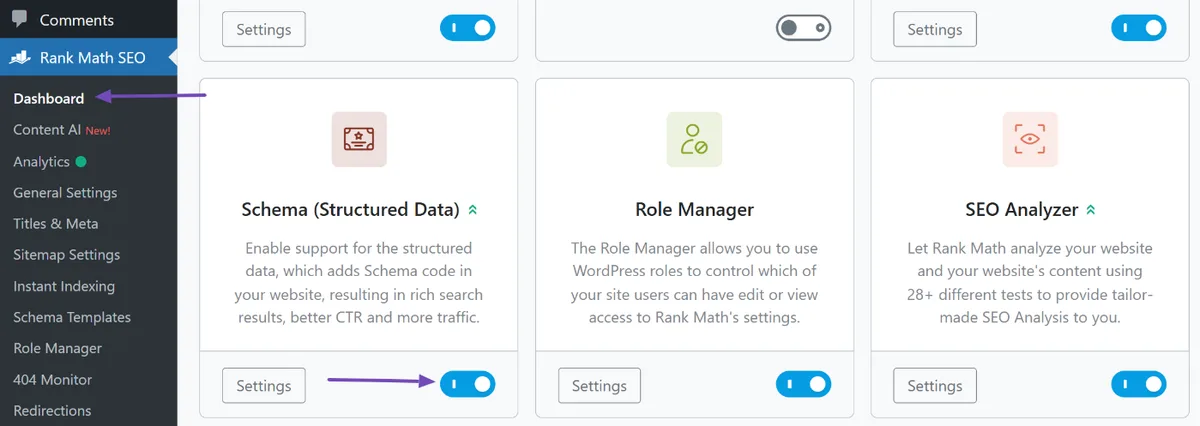
Set up a recurring audit. Search Console’s breadcrumb report flags invalid items and provides examples. Treat it as a living dashboard, not a one-time launch check.
The most useful signals to monitor:
| Signal | What It Usually Indicates | First Action |
|---|---|---|
| Declining valid items count | Template regression or pages removed | Sample invalid examples and trace to template |
| New invalid item warnings | Field newly required or property typo introduced | Compare against last known-good markup |
| Mismatch warnings | Visible trail and markup diverged | Rebuild both from shared data source |
| Missing item URL errors | Relative paths or deleted destination pages | Crawl and verify status codes |
If you’re maintaining a breadcrumb schema checklist inside your QA process, make the Search Console review a recurring item—monthly for small sites, weekly for large catalogs. Drift is inevitable. Catch it early and the fixes stay small.
Common Breadcrumb Schema Mistakes to Avoid
Even a careful implementation runs into the same handful of problems. Knowing them ahead of time saves a debug session.
- Position 0 — starting the list at zero. Invalid. Start at 1.
- Missing item URL on intermediate crumbs — only the final crumb can omit it, and only if you’ve chosen that pattern.
- Relative URLs — always emit absolute URLs.
- Type name typo — “BreadcrumbList” vs. “BreadCrumbList” vs. “Breadcrumbs.” Only the first is valid.
- Nesting errors —
itemListElementat the wrong level produces no detected result. - Multiple conflicting blocks — two JSON-LD blocks declaring different breadcrumb trails on the same page.
- Skipped levels — trail jumps from Home to a deep page with no intermediates.
Notice how many of these are structural rather than semantic. Breadcrumb schema is mostly a coding problem with an SEO consequence. When something validates but doesn’t display, check the JSON structure first.
When Breadcrumb Schema Should be Skipped
Not every page deserves breadcrumb markup. Clear alignment with your breadcrumb schema builds confidence from the start. Homepages are the obvious one—there’s no trail to describe. Landing pages that sit deliberately outside the main hierarchy often shouldn’t advertise a path either.
The subtler instances are worth thinking through. A campaign landing page at /spring-promo/ might technically sit under your root. If it’s meant to feel like a standalone destination, declaring it as a breadcrumb crumb implies a navigation trail that your users won’t experience.
There are also pages where the schema adds no value: password-protected content, legal boilerplate, and utility pages. These rarely appear in SERPs in a context where breadcrumbs improve the result, so the markup is dead weight.
The guiding question is simple. If a real user landed on this page and wanted to navigate upward, does a breadcrumb trail exist? If yes, encode it. If not, skip it and keep your markup consistent.
The final decision-maker is your site map’s conceptual hierarchy. Integrating breadcrumb schema into your workflow produces consistent quality. Encode what exists. Skip what doesn’t. Consistency across the site matters more than completeness of any single page.
Breadcrumb Schema Best Practices for Larger Sites
Small sites can hand-check five templates. Large sites with thousands of URLs can’t. Breadcrumb schema best practices at scale require automation.
Start by treating the markup like any other generated artifact. It should be built from the same data layer that powers navigation, then validated like a unit test. If you have a deploy pipeline, add a check that fails builds when breadcrumb validation throws errors.
For sites with complex taxonomies, generate a breadcrumb coverage report quarterly. Count pages by template, count those with valid markup, count those with warnings, and count those with no markup at all. Anything with unexpected counts warrants a look.
Also consider whether your CMS exposes breadcrumb data in a queryable form. If not, extract it via API or crawl. Machine-readable breadcrumb data is nearly impossible to audit at scale, so building that capability is the real investment.
One final practice: document your breadcrumb conventions. Targeted refinements to your breadcrumb schema streamline the entire review. A short wiki entry explaining that you use canonical URLs, skip trailing slashes or don’t, use JSON-LD, and start positions at 1 protects against the next developer undoing your work.
Breadcrumb Schema Frequently Asked Questions
Here is an in-depth breakdown of key considerations regarding this section:
Does Breadcrumb Schema Actually Affect Rankings?
Directly? It’s not a ranking factor the way content quality is. Indirectly, breadcrumb schema changes how your SERP result renders, which affects click-through rate. Higher CTR, in turn, does correlate with stronger positions over time. So the honest answer is: it doesn’t rank you, but it changes the terms on which you compete.
There’s also a crawl-side benefit. Clear hierarchical signals help search engines understand where pages sit in your site’s structure, and that understanding informs how your site is treated as a whole.
Can I Use Breadcrumbs if My Site Has No Hierarchical Structure?
You can, but be honest about what you’re declaring. Breadcrumb markup implies a parent-child relationship. Sites with flat URL structures—a page at /running-shoes/ with no category path—can still create a valid trail by mapping to logical sections, but the trail should reflect something a user would understand.
The most common workable approach is mapping pages to your primary navigation sections. A flat URL doesn’t have to mean a flat site; your logical hierarchy can exist as navigation even when URLs don’t reflect it.
What’s the Difference Between Breadcrumbs and Your URL Structure?
URL structure is the technical path visitors see in the address bar; breadcrumbs are the navigational path shown on the page. They often align—great. They don’t have to. Breadcrumb schema describes navigation, not URLs.
This distinction matters because many implementations try to derive breadcrumbs from URL segments. That works on well-architected sites and fails quietly everywhere else. Deriving the breadcrumb trail from your taxonomy or navigation data is more reliable.
Will Breadcrumb Schema Improve My CTR?
It can, yes. Results showing a clean trail of labeled links tend to feel more credible and easier to scan, which nudges users toward clicking. The improvement varies by query and category, but the mechanism is real and measurable via search analytics.
Fewer clicks on breadcrumbs themselves and more on the result—that’s the outcome you want. Monitor CTR by page over time after implementation to see whether it holds.
How Deep Should Breadcrumb Trails Go?
Practical answer: five levels or fewer for anything that matters. Beyond that, results display truncation starts hiding content. If your taxonomy genuinely runs six deep, pick which crumbs carry the most search value and make sure they survive the display cut.
Do Breadcrumbs Help Mobile Navigation?
Yes, and sometimes more than on desktop. Mobile viewports are tight, and a well-designed breadcrumb—truncated to “Home › … › Category”—gives users a fast way back up the tree without opening a menu. The schema side doesn’t change for mobile, but the display reasoning does.
Quick Breadcrumb Schema Checklist Before You Ship
Run through the breadcrumb schema list before pushing changes to production. It’s the same list I use, and it catches the vast majority of problems in minutes.
- Validate structure — correct @type, itemListElement, and position starting at 1.
- Confirm URLs are absolute and canonical — no relative paths, no tracking parameters.
- Check the visible trail — the on-page breadcrumbs and the JSON-LD describe the same path.
- Verify no skipped levels — every intermediate crumb is present.
- Run the Rich Results Test — on a sample of each page template, not just one.
- Confirm eligibility — the tool reports the result type as eligible for rich display.
- Review canonical alignment — non-canonical variants don’t declare conflicting trails.
- Audit destination status codes — every crumb URL returns 200, or redirects to a valid page.
- Check for duplicate blocks — only one breadcrumb declaration per page.
- Watch Search Console — monitor the breadcrumb report for drift after deploy.
Ten steps. Each takes seconds to verify once automated. If you’re building a breadcrumb schema checklist for a team, this is the version to paste into your wiki.
The broader picture is that breadcrumb schema is one piece of a larger structured data practice. The same principles—absolute canonical URLs, honest alignment with visible content, validation before ship—apply to product schema, article markup, and organization data.
Get good at breadcrumbs and the rest of the cluster falls into place faster. For anyone building a deeper technical SEO program, treats breadcrumb markup as the first structured data exercise: low risk, high visibility, and it teaches the discipline you’ll use everywhere else.