Apple Business Connect: Proven Playbook (7 Steps)
Apple Business Connect is the control panel that decides how your business shows up across Apple Maps, Siri, Spotlight, Safari, and Messages, and this proven playbook walks you through seven steps that actually move the needle.
If you have ever searched for your own shop on an iPhone and cringed at a stale photo or a wrong pin, you already understand why this matters. Let’s fix it, properly and permanently.
Here’s the honest truth: most owners claim their listing, upload a logo, and never touch the apple business connect again. Then they wonder why foot traffic stays flat while a competitor two blocks away gets every “coffee near me” tap. The difference is rarely luck. It’s method.
I’ve spent years watching small brands, franchises, and multi-location operations wrestle with local discovery on Apple devices. Focusing on apple business connect provides clear direction here. The ones who win treat their listing like a living storefront, not a one-time form.
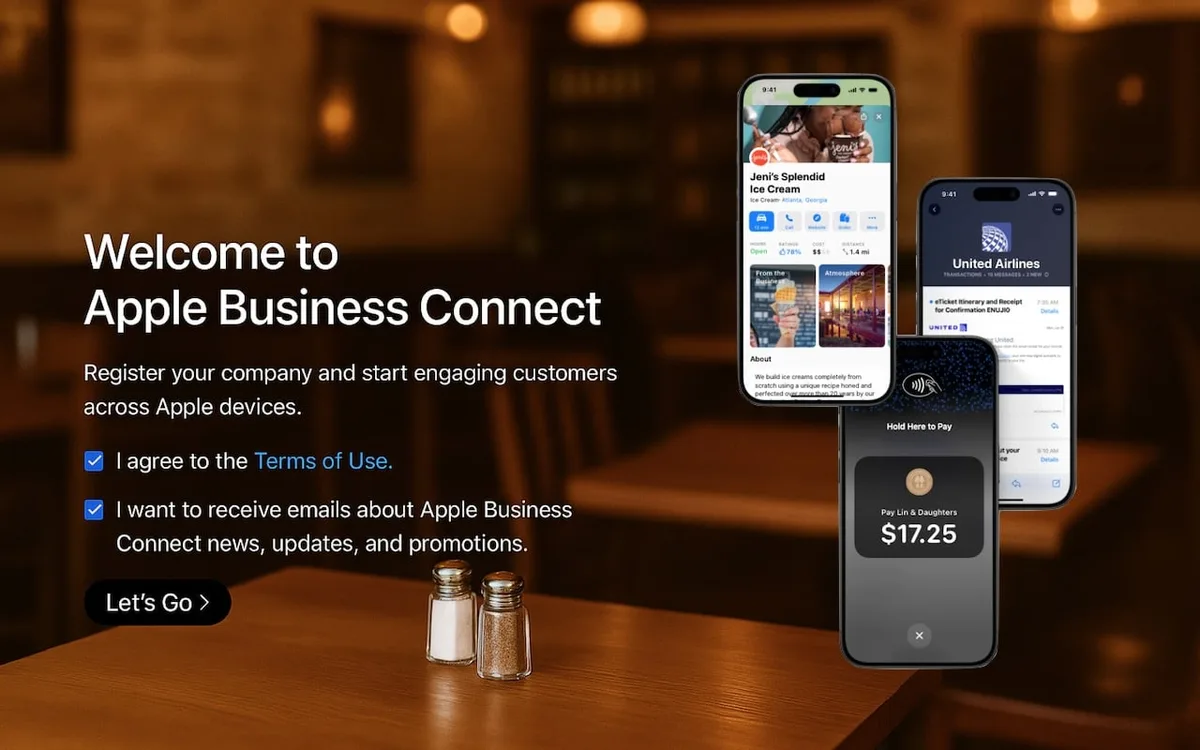
This apple business connect guide distills that experience into seven repeatable steps you can execute whether you run a single bakery or a fifty-location service network.
We’ll cover verification, brand assets, category strategy, Showcases, action links, review flow, and measurement. Along the way you’ll pick up apple business connect tips that save hours, apple business connect best practices borrowed from high-performing brands, and a practical apple business connect checklist you can hand to a junior marketer. No fluff. Just the workflow.
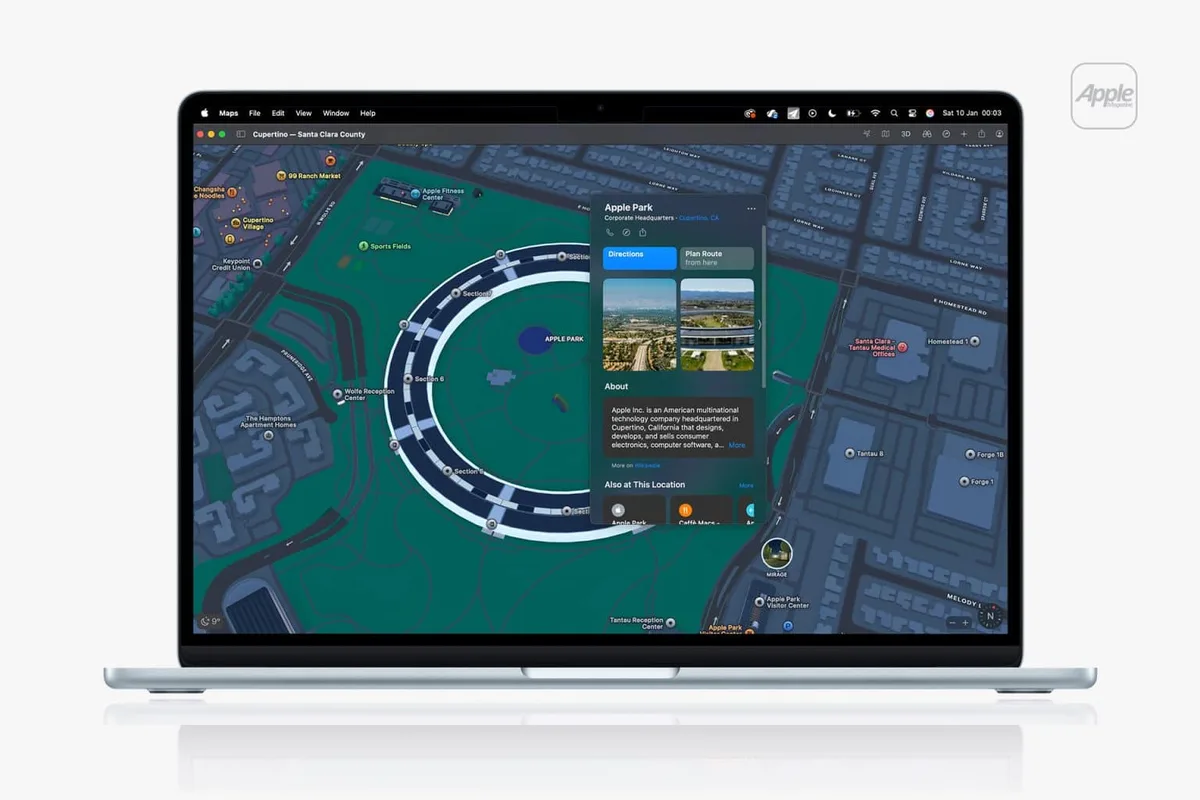
Why Apple Business Connect Deserves a Real Strategy
Think about how people actually use their iPhones. They ask Siri for directions. They tap a map pin to check hours before driving over. They look up a business in Messages when a friend shares a location.
Every one of those touchpoints pulls from the same data source, and that source is your Apple Business Connect profile.
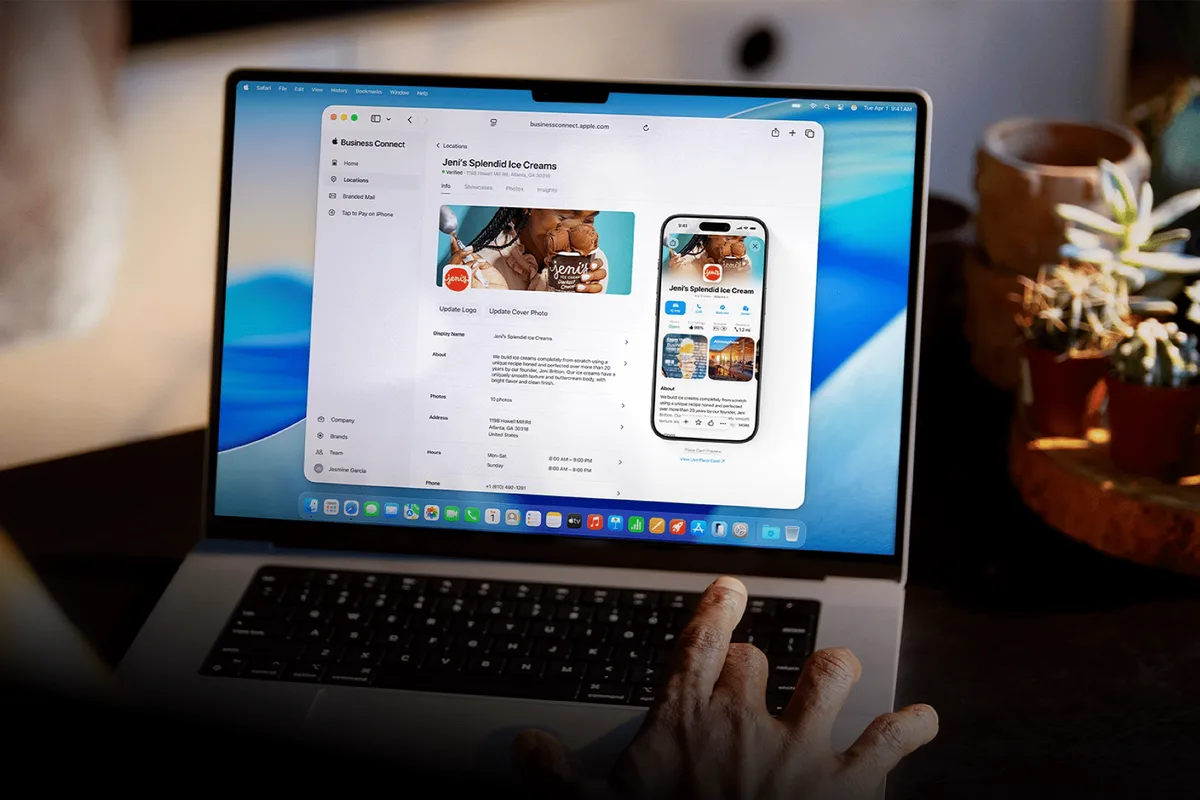
That’s a lot of influence sitting in one dashboard. Yet Apple’s ecosystem rewards completeness in ways Google doesn’t always telegraph. A missing logo, an unverified address, or a category mismatch can quietly suppress how often your business surfaces. Nobody sends you an error report. The silence is the signal.
Consider a real pattern I see constantly. Refining each detail of your apple business connect strengthens this section. A dental clinic in a mid-sized city had great reviews on Google but a bare-bones Apple listing.
After a full rebuild with proper categories and a Showcase promoting their new patient offer, their direction requests on Apple Maps climbed noticeably within a quarter. Same clinic. Same neighborhood. Different profile quality.
How Apple’s Local Ecosystem Differs from Google
Google Business Profile is a search-first product. Apple Business Connect is device-first. That distinction shapes everything from how photos render to how Siri phrases a recommendation. On Apple, the map pin, the Siri answer, and the Messages card all inherit from one brand record, so consistency is non-negotiable.
There’s also a trust layer baked in. Apple leans on verification and structured data, which means sloppy entries get penalized more quietly than on other platforms. You won’t get a warning email. You’ll just get fewer impressions.

Practically speaking, this means your apple business connect best practices should emphasize accuracy over volume. Three correct, well-lit photos beat twenty random ones. One precise category beats five vague ones. The platform rewards discipline.
Step 1: Claim and Verify Your Business the Right Way
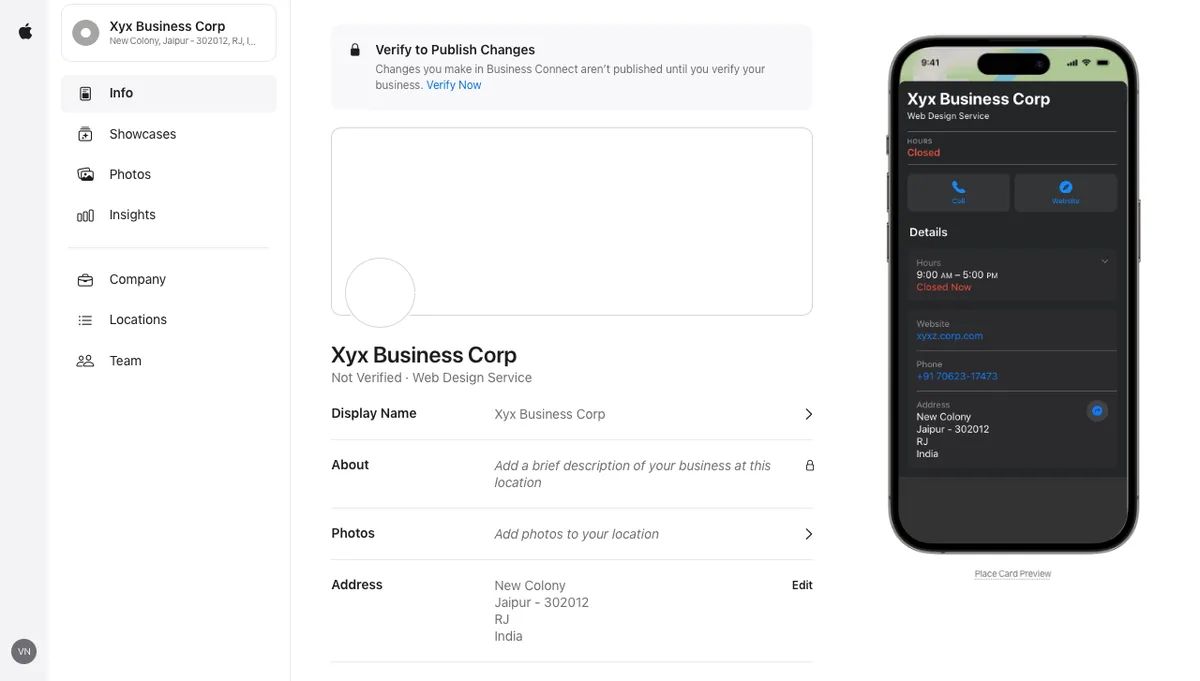
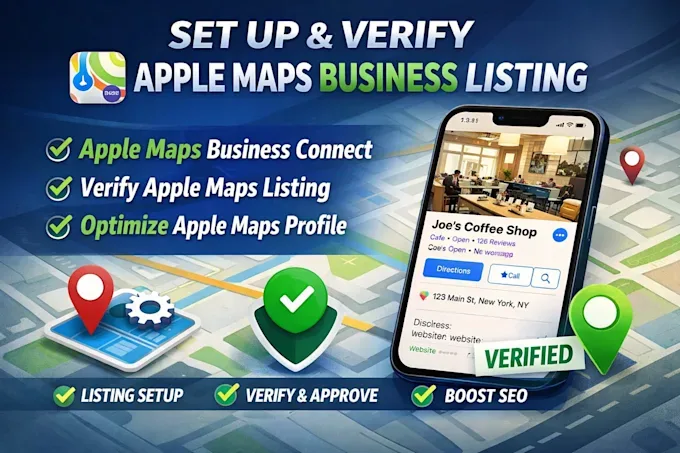
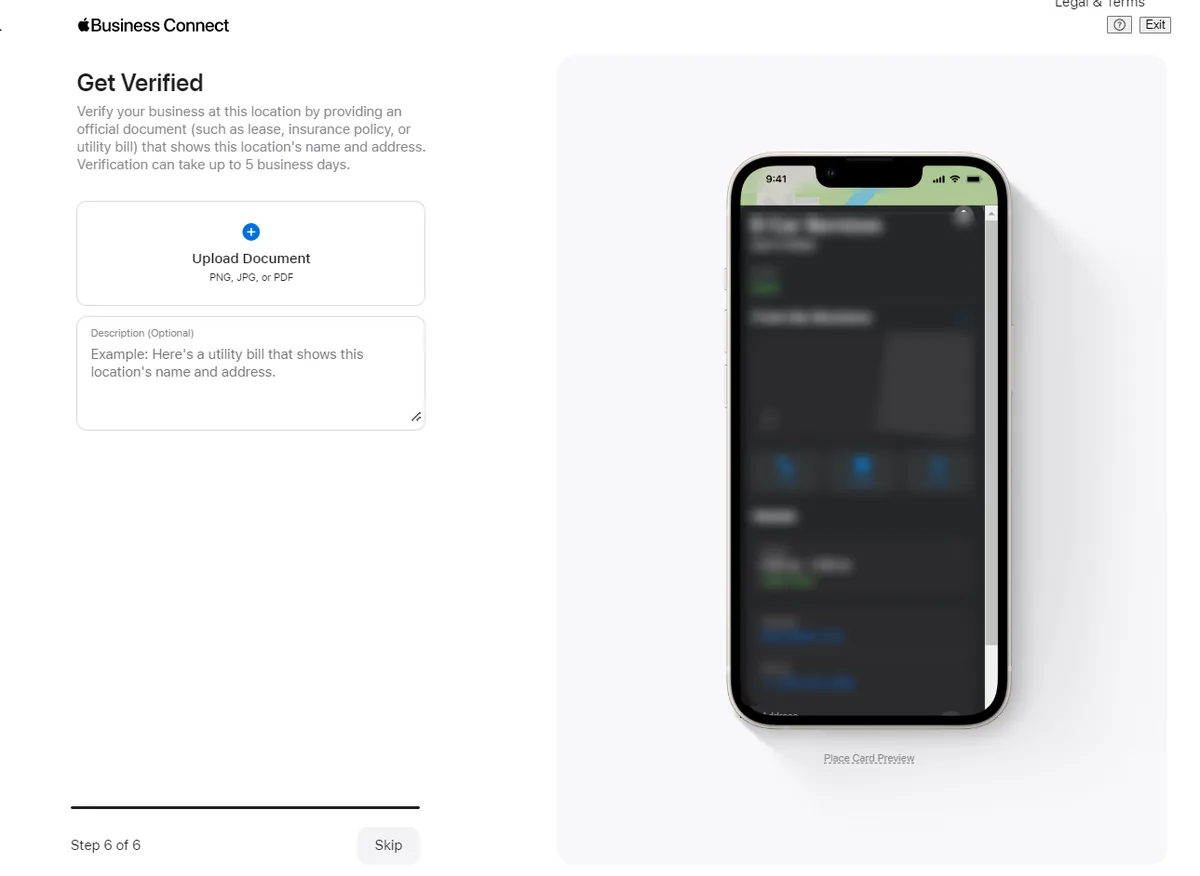
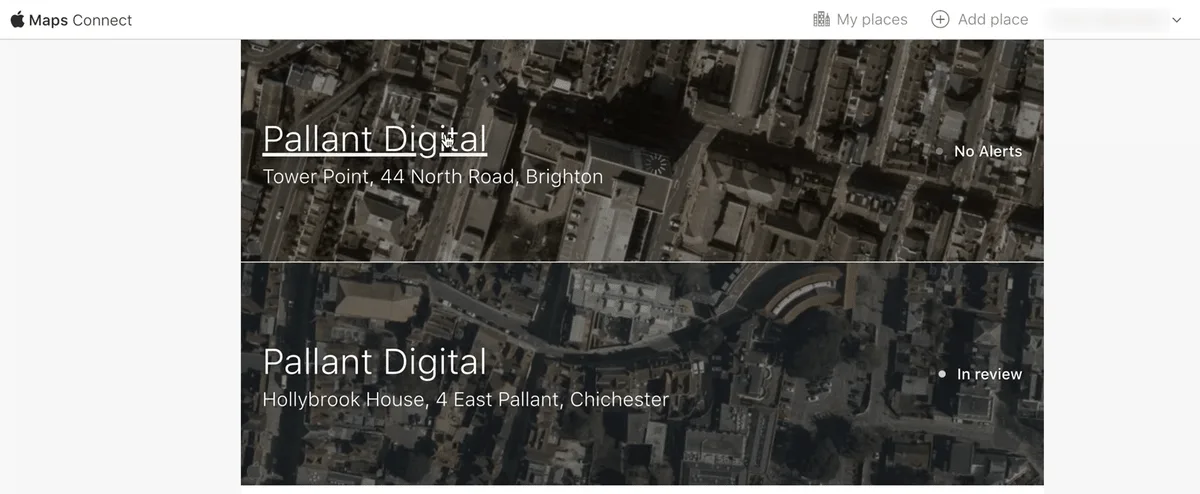
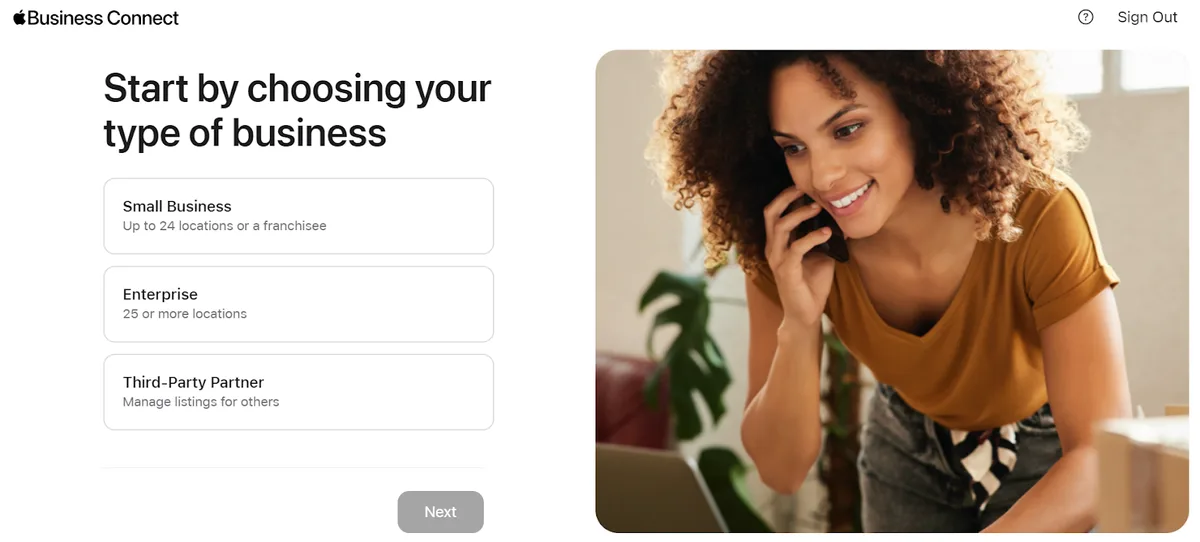
Everything downstream depends on this step, so don’t rush it. Head to the Apple Business Connect portal, sign in with an Apple Account, and search for your business. If a listing already exists, claim it. If not, create one from scratch.
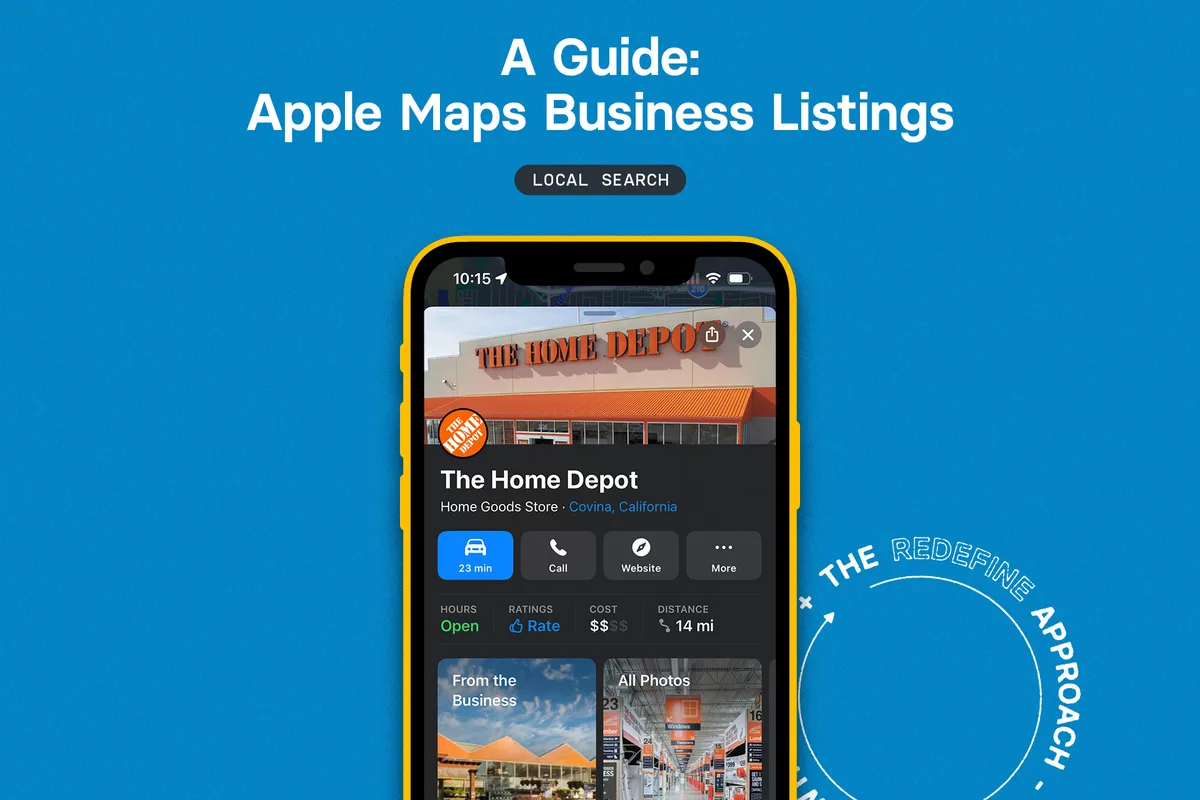
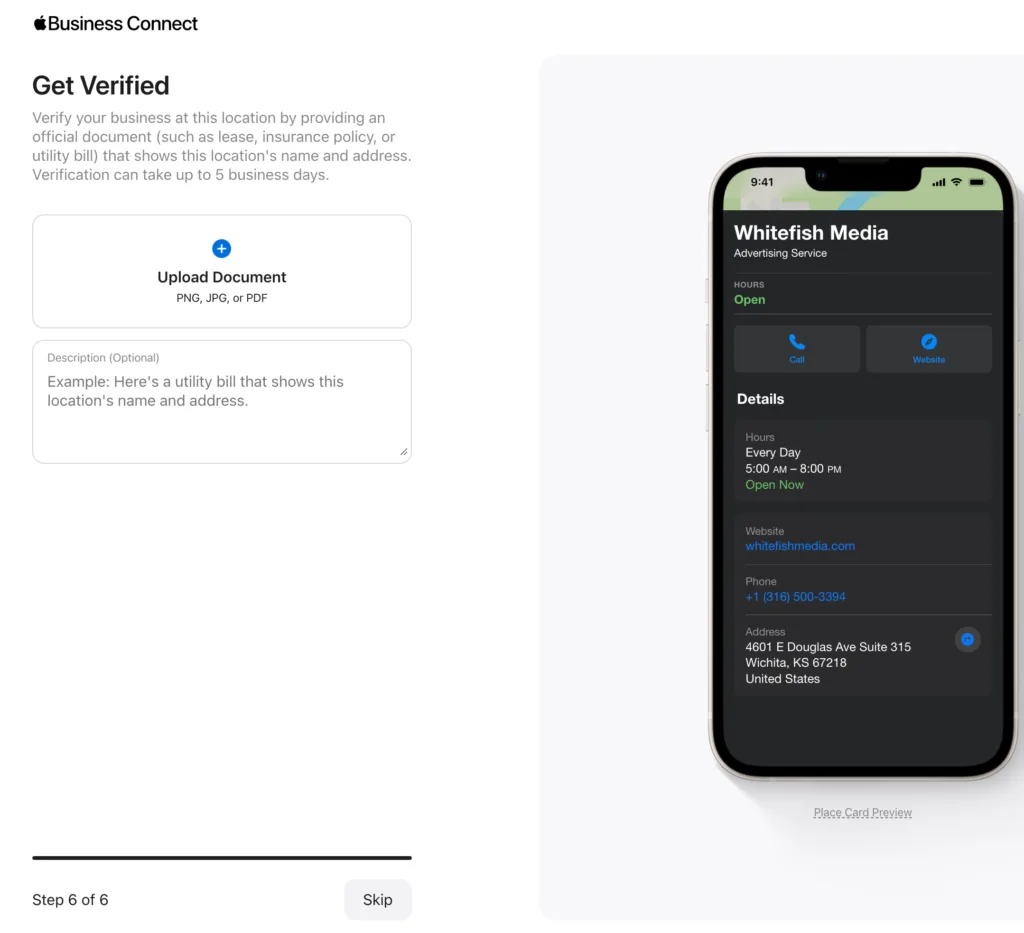
Verification is where most people stumble. Apple may ask for a phone call, a document, or a postcard depending on your business type and region. Answer promptly and keep your contact details consistent with what’s on your website and other directories. Mismatches trigger manual review, and manual review takes time.
One apple business connect tip that saves headaches: verify the primary location first, then add additional locations one at a time. Bulk uploads exist, but they’re far easier once your template is proven on a single verified record.
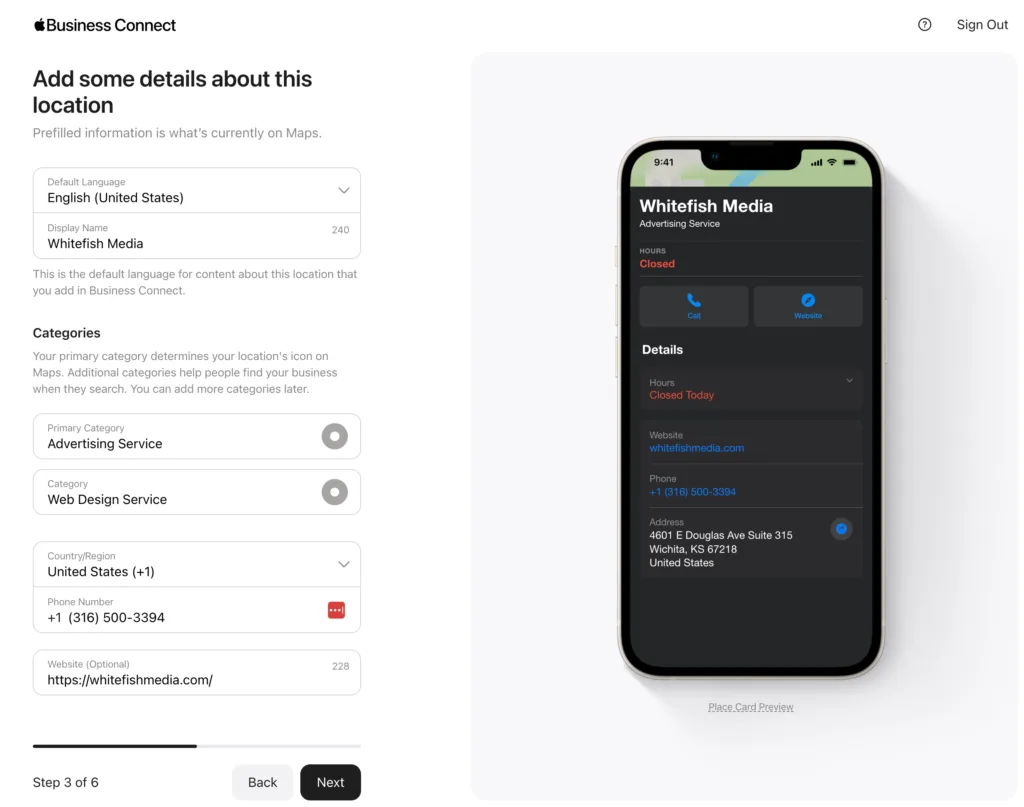
Documents and Details That Speed Up Approval
Have your business license, utility bill, or lease agreement ready in a clean digital format. Apple wants proof that you operate where you say you operate. Blurry scans and mismatched addresses are the two most common reasons verification drags on.
Also double-check your legal business name versus your display name. Effective execution in your apple business connect makes a tangible difference. They can differ, but the legal name must match your documents. This small detail prevents a surprising number of rejections.
Once verified, log in weekly for the first month. New accounts sometimes flag minor issues that need a quick confirmation. Staying on top of it beats discovering a problem months later when your listing has gone quiet.
Step 2: Build Brand Assets That Render Beautifully
Your logo and cover image do more work than any text field on the platform. Apple renders them across Maps, Siri cards, and search results, and the crops vary. Upload assets that survive every aspect ratio without awkward clipping.
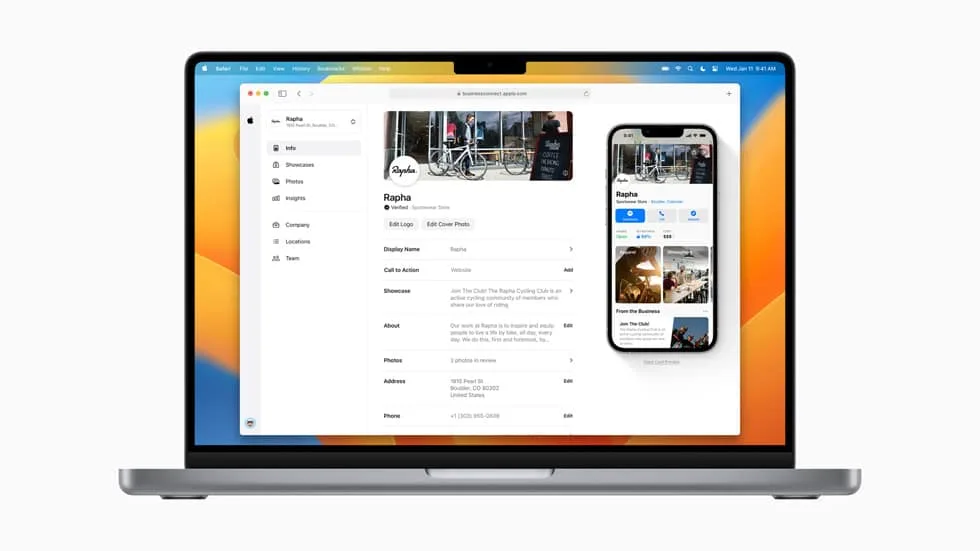
Use a square logo with generous padding and a transparent or clean background. For the cover image, choose something that reads well at small sizes: a storefront, a signature product, or a clean brand pattern. Avoid text-heavy graphics because they become illegible on a phone screen.
This is where an apple business connect checklist earns its keep. Logo, cover, category, hours, phone, website, and at least five quality photos form the minimum viable profile. Anything less and you’re leaving impressions on the table.
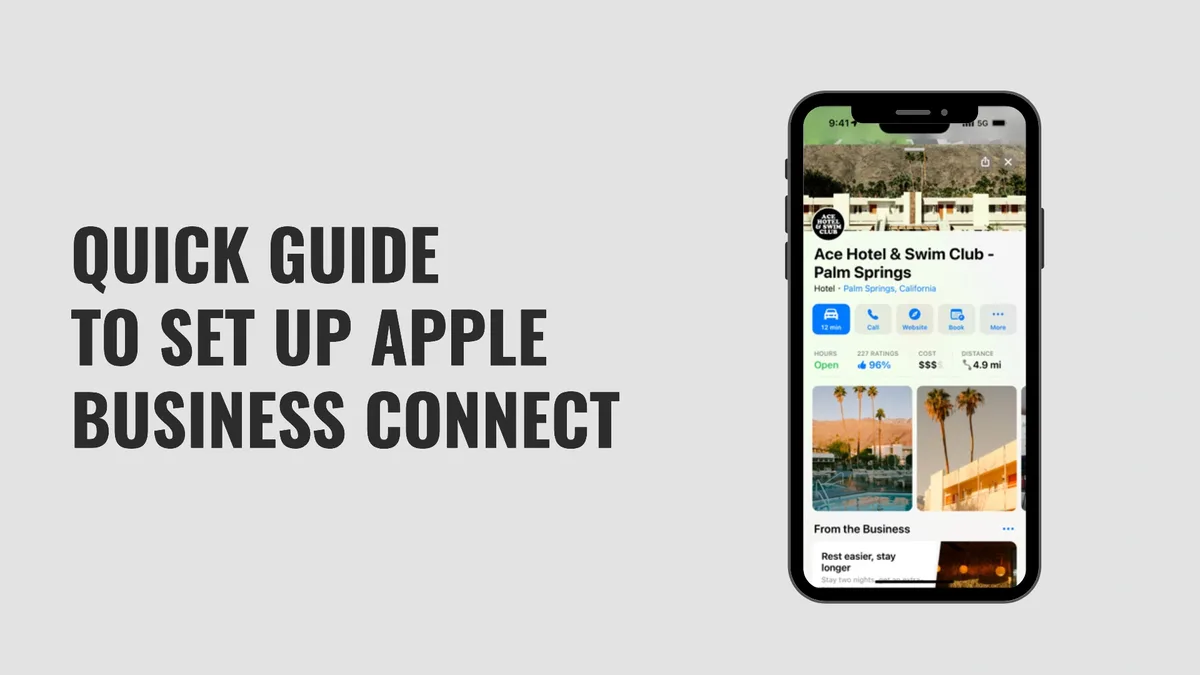
Photo Standards That Actually Convert
Apple favors high-resolution, well-lit images with no watermarks or promotional text. Maintaining clarity across your apple business connect remains essential. Think editorial, not advertisement. A bright interior shot with real customers (with permission) outperforms a sterile stock photo every time.
Refresh photos seasonally. Holiday displays, new menu items, renovated spaces, all give people a reason to tap through. A listing that looks frozen in time signals a business that might be, too.
Keep file sizes reasonable and formats standard. HEIC files sometimes cause upload hiccups, so convert to JPG or PNG before you drag and drop. Small technical habits prevent big publishing delays.
Step 3: Choose Categories and Attributes With Precision
Categories are the engine of local discovery. Pick the single most accurate primary category, then add secondary categories only where they genuinely apply. A “pizza restaurant” that also lists “catering service” makes sense. One that lists “travel agency” does not.
Attributes matter just as much. A thoughtful approach to apple business connect reinforces your qualifications. Wheelchair accessibility, outdoor seating, accepts reservations, pet-friendly: each toggle helps Apple match your business to specific queries. Siri uses these signals when someone asks for a dog-friendly café with Wi-Fi.
Here’s a pattern worth internalizing. Businesses that fill out every relevant attribute see stronger engagement on action taps, because the listing answers questions before the customer has to ask. That’s the quiet power of structured data.
Matching Categories to Real Search Behavior
Ask yourself what phrase a customer would use. “Emergency plumber near me” implies a specific category and urgency. “Boutique hotel with parking” implies attributes. Map your categories to those phrases, not to your internal org chart.
Review your categories quarterly. Businesses evolve. A café that starts roasting and selling beans might benefit from a retail category. A studio that adds classes might need an education category. Small shifts compound.
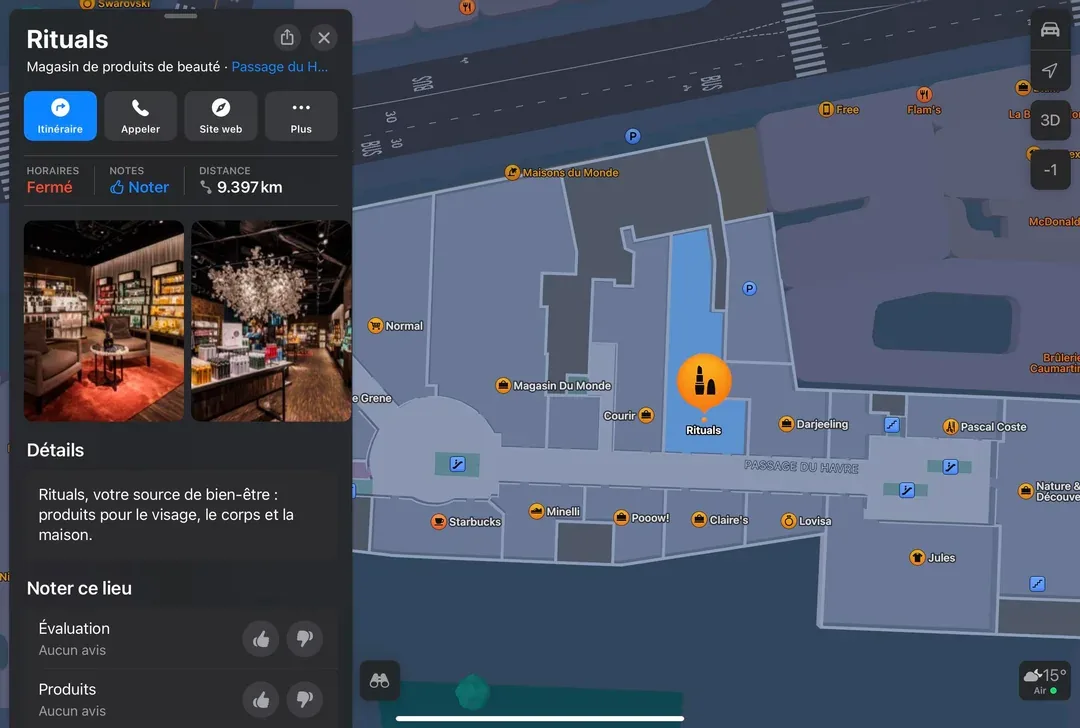
If the apple business connect’re unsure, study competitors who rank well in your area. Their category choices are visible on their listings. Use them as a benchmark, not a copy-paste template.
Step 4: Publish Showcases That Tell a Story
Showcases are Apple’s way of letting you promote offers, events, and seasonal highlights directly inside your listing. They appear as visual cards and give people a reason to engage beyond hours and directions. Used well, they’re the most underrated feature on the platform.

Think of a Showcase as a mini landing page. A headline, a short description, a strong image, and a clear call to action. Keep the copy tight. “Fall tasting menu now booking” beats “We are pleased to announce our seasonal offerings” every single time.
Rotate Showcases regularly. An expired promotion sitting on your apple business connect profile looks worse than no promotion at all. Set a calendar reminder to refresh them monthly, or whenever your offer changes.
Showcase Ideas by Business Type
Restaurants can promote new menus, happy hours, or reservation windows. Applying these principles to your apple business connect yields measurable results. Retailers can highlight new arrivals or in-store events. Service businesses can feature seasonal maintenance packages or limited consultations.
Healthcare and professional services should lean conservative. A “new patient welcome” Showcase works. A flashy discount graphic may undermine credibility. Match the tone to the trust level your category demands.
Track which Showcases drive action taps. Apple’s dashboard gives you enough signal to see what resonates. Double down on formats that convert and retire the ones that don’t.
Step 5: Wire Up Action Links and Integrations
Action links turn a passive listing into a functioning funnel. Depending on your business type, you can connect reservations, ordering, appointments, or ticket purchases directly to your profile. Every removed tap is a conversion saved.
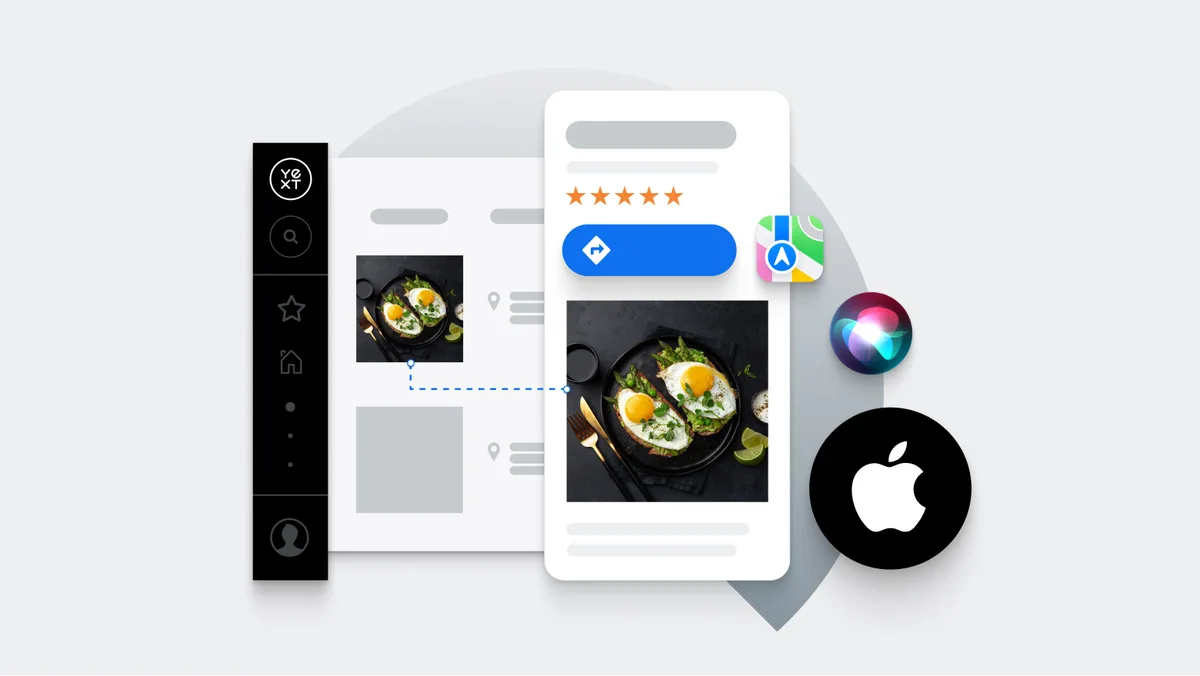
Start with the actions that matter most. A restaurant needs reservations and ordering. A salon needs booking. A retailer needs a “buy online” path if e-commerce exists. Don’t clutter your apple business connect profile with every possible link; prioritize the two or three that drive revenue.
Test each link on an actual iPhone before you publish. Broken links are invisible to you and infuriating to customers. A five-minute test on a real device catches what a desktop preview never will.
Connecting Booking and Ordering Partners
Many reservation and ordering platforms integrate directly with Apple Business Connect. If yours does, connect it. Native integrations render more cleanly than generic URL links and tend to perform better on tap-through.
If your provider doesn’t integrate yet, use a clean deep link to your booking page. Keep the URL short and mobile-optimized. Anything that requires pinch-zooming loses customers instantly.
Review your integrations after any platform change. Switching reservation vendors without updating your Apple profile creates a dead end. Add “audit action links” to your apple business connect checklist and run it quarterly.
Step 6: Build a Review and Reputation Loop
Ratings and reviews influence how people interpret your listing, even though Apple surfaces them differently than other platforms. A strong rating builds confidence at the exact moment someone is deciding whether to tap “directions” or scroll past.
The loop is simple: ask at the right moment, make the apple business connect easy, and respond thoughtfully. The right moment is usually right after a positive experience, not weeks later in a generic email. A QR code at the counter or a link in a receipt works better than most campaigns.
Responding to reviews matters more than most owners realize. A calm, specific reply to criticism signals professionalism to every future reader, not just the reviewer. Keep responses short, human, and free of corporate jargon.
Handling Negative Feedback Without Panic
Not every review deserves a public essay. Acknowledge the issue, offer a path to resolution, and move the detailed conversation offline. Future customers are watching how you handle friction, and grace under pressure is persuasive.
Watch for patterns. If three reviews mention slow service on weekends, that’s operational intelligence, not a PR problem. Fix the root cause and the reviews tend to follow.
Never argue. Clear alignment with your apple business connect builds confidence from the start. Never get sarcastic. The internet has a long memory, and screenshots travel. A measured reply protects your brand far better than a clever comeback.
Step 7: Measure, Iterate, and Keep the Profile Alive
The final step is the one most people skip. Apple Business Connect includes insights that show impressions, action taps, and how people find you. Check them monthly, not obsessively, and look for trends rather than daily noise.
Set a simple rhythm. Monthly: review insights and refresh Showcases. Quarterly: audit categories, attributes, photos, and action links. Annually: full profile review against your current offerings. That cadence keeps the listing accurate without becoming a burden.
Compare Apple insights against your other channels. If Apple Maps direction requests rise while website visits stay flat, you’re capturing local intent you weren’t before. That’s the payoff of a disciplined profile.
Building a Repeatable Maintenance Routine
Assign ownership. Even a solo owner should block thirty minutes a month on the calendar. Multi-location brands should designate a coordinator who audits each listing against a shared standard.
Keep a living document with your brand assets, approved categories, and Showcase templates. Integrating apple business connect into your workflow produces consistent quality. When staff change, the knowledge stays. This is the unglamorous backbone of a durable local presence.
Revisit this apple business connect guide whenever you launch a new location, rebrand, or change your service mix. The platform evolves, and so should your profile.
The Complete Apple Business Connect Checklist
Here’s the condensed version you can print, share, or paste into your project tool. Run through it before launch and again each quarter. It’s intentionally short because the goal is execution, not paperwork.
| Area | Task | Frequency |
|---|---|---|
| Verification | Claim listing, verify address, confirm legal name | Once, then on relocation |
| Brand Assets | Upload square logo, cover image, five-plus photos | Seasonally |
| Categories | Set primary category, add relevant secondary categories | Quarterly |
| Attributes | Complete accessibility, amenities, and service toggles | Quarterly |
| Showcases | Publish active offer or event, retire expired ones | Monthly |
| Action Links | Test booking, ordering, and reservation links on device | Quarterly |
| Reviews | Request reviews, respond to all feedback | Ongoing |
| Insights | Review impressions and action taps, adjust strategy | Monthly |
Treat this table as your operating rhythm. The businesses that win on Apple’s platform aren’t doing anything exotic. They’re just consistent.
Common Apple Business Connect Mistakes to Avoid
Even careful teams trip on the same handful of issues. Here’s what I see most often, and how to sidestep each one without drama.
Mismatched NAP data. Your name, address, and phone must match your website, invoices, and other directories exactly. Targeted refinements to your apple business connect streamline the entire review. “Suite 200” versus “Ste 200” can trigger review delays. Standardize the format everywhere.
Category sprawl. Adding categories you don’t truly serve dilutes relevance. Apple’s matching is precise, and vague entries underperform. Pick accuracy over ambition.
Stale Showcases. An expired promotion signals neglect. Set reminders and retire content on schedule.
Broken action links. A dead reservation link quietly kills conversions. Test on a real iPhone, not a desktop browser.
Ignoring insights. The dashboard tells the apple business connect what’s working. Skipping it is like driving with the windshield painted over.
Set-and-forget mentality. Listings decay. Hours change, menus rotate, staff turnover. Schedule the maintenance or it won’t happen.
Signs Your Profile Needs Immediate Attention
If your photos are older than your current menu, that’s a red flag. If your hours haven’t been touched since you opened, verify them. If your last Showcase promoted a holiday that’s long gone, refresh it today.
Another warning sign: no reviews in months. That usually means no ask, not no happy customers. Rebuild the request habit and the ratings will follow.
Finally, if you can’t remember the last time you logged in, that’s the clearest signal of all. Block time this week. The platform rewards attention, and neglect compounds quietly.
Frequently Asked Questions
Here is an in-depth breakdown of key considerations regarding this section:
Is Apple Business Connect Free to Use?
Yes. Creating and managing a listing is free for businesses. You’ll need an Apple Account, and some features may require verification, but there’s no subscription fee to appear on Apple Maps and related surfaces.
How Long Does Verification Take?
The apple business connect varies by method and region. Phone verification can be immediate, while document or postcard methods may take several business days. Keeping your details consistent across the web speeds things up considerably.
Can I Manage Multiple Locations from One Account?
Yes. Multi-location businesses can manage several listings under one account, and bulk tools exist for larger portfolios. Verify one location fully first, then replicate the proven setup across the rest.
Do Apple Reviews Affect My Ranking?
Reviews influence customer confidence and engagement, which indirectly supports visibility. Apple doesn’t publish a ranking formula, but complete, accurate, well-reviewed profiles consistently perform better than neglected ones.
What’s the Difference Between a Showcase and a Regular Post?
Showcases are Apple’s native promotional cards inside your listing. They’re visual, time-bound, and designed to highlight offers or events. Think of them as a lightweight campaign unit rather than a social post.
How Often Should I Update Photos?
Seasonally is a solid baseline. Refresh whenever your space, menu, or offerings change. Fresh imagery signals an active business and gives returning customers a reason to re-engage.
Can I Link My Online Store?
Yes, where supported. Action links can point to ordering, booking, or e-commerce pages. Keep the destination mobile-friendly and test the link on a real device before publishing.
What if My Business Moves Locations?
Update the address in your apple business connect profile and reverify if prompted. Also update your website, invoices, and other directories at the same time. Consistency prevents the kind of mismatch that triggers manual review.
Where to Go from Here
Start with verification and a clean set of brand assets. That alone puts you ahead of most competitors. Then layer in categories, Showcases, action links, and a review habit. Within a quarter, you’ll have a profile that works as hard as your best employee.
The broader topic here is local discovery across devices, and Apple Business Connect is one pillar of that cluster. Related areas worth exploring next include map listing optimization for voice assistants, cross-platform NAP consistency, and reputation management workflows that scale across locations.
If you take one thing from this apple business connect guide, let it be this: the platform rewards the businesses that show up consistently. Not the ones with the biggest budgets. The ones who treat their listing as a living asset and tend to it on a schedule.
Run the checklist. Set the reminders. Refresh the Showcases. Answer the reviews. Do that, and your apple business connect profile becomes a quiet, reliable engine for local growth, one tap at a time.
For verified reference and background research, consult the authoritative informational resource on this topic.